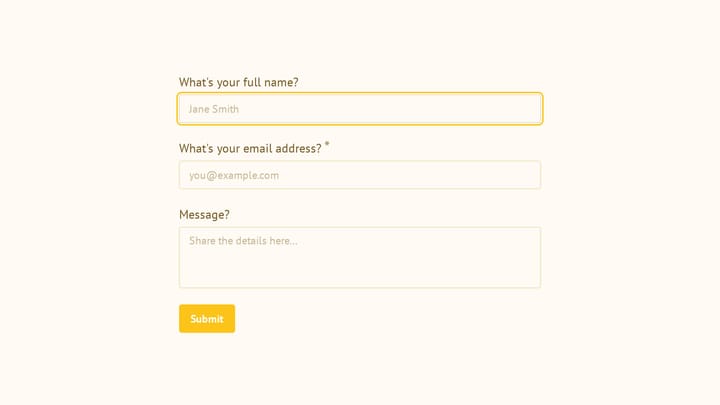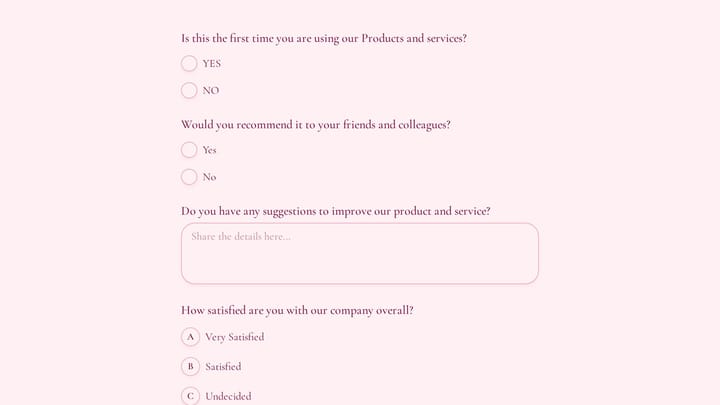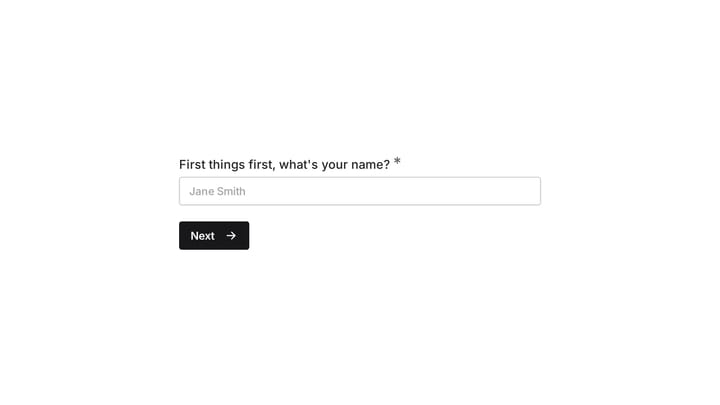
Most form builders give you a color picker and call it “customization.” You can change the accent color, maybe swap a font, and that’s about it. Your form still looks like every other form built on that platform.
We wanted something different. Today we’re launching custom form design and themes in Fomr — a set of tools that give you real control over how your forms look and feel.
1,700+ fonts, not 12
The first thing you’ll notice is the font library. We’ve integrated over 1,700 Google Fonts, and you can use any of them in your forms. Headings, body text, buttons — each element can use a different font if that’s what your brand calls for.
This matters because fonts carry personality. A law firm’s intake form should feel different from a yoga studio’s class registration. With 1,700+ options, you can match the tone exactly instead of picking the least-bad option from a short list.
Custom backgrounds that set the mood
Forms don’t have to sit on a white background. The new background library gives you access to millions of high-quality images, or you can upload your own.
A real estate agent can use a property photo as the form background. An event organizer can use event branding. A SaaS company can use their marketing site’s gradient. The form becomes an extension of the brand, not a generic widget.
Backgrounds automatically adjust readability. Text overlay contrast is handled so your form fields remain legible regardless of the background image.
Smart color schemes
Here’s the feature that saves the most time. Pick a single brand color, and Fomr generates a complete color scheme that works across your entire form — backgrounds, buttons, field borders, text, error states, everything.
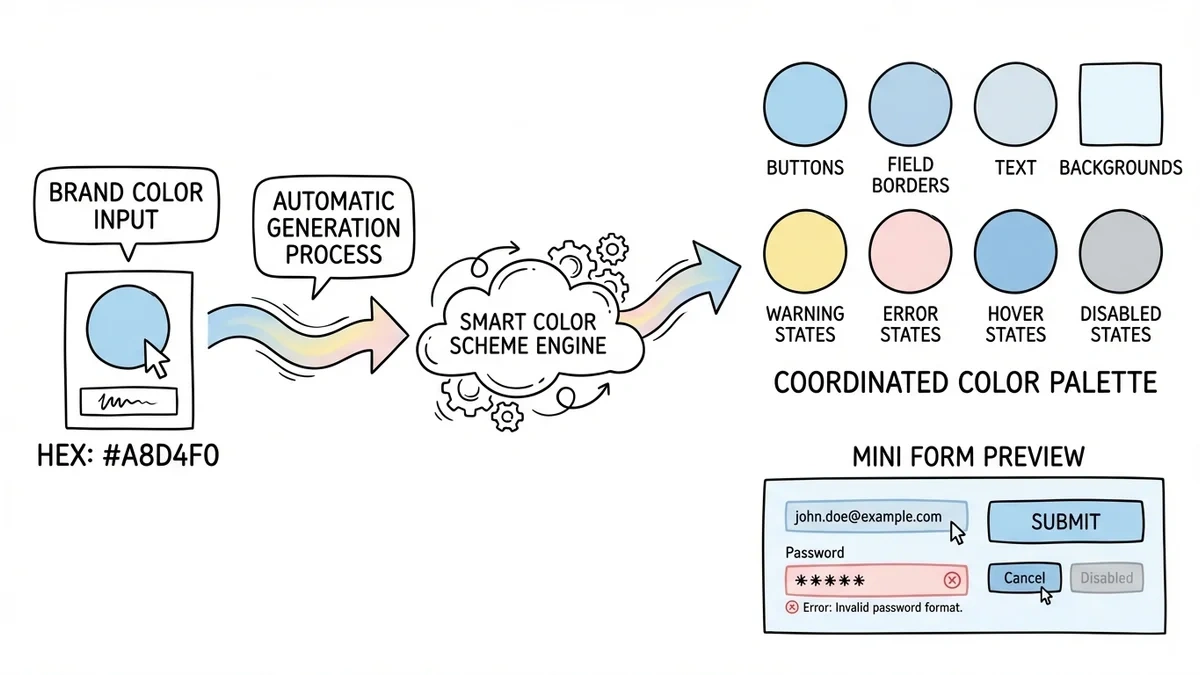
You can fine-tune individual colors after the scheme generates, but the starting point is already coherent. No more forms where the button color clashes with the heading color because you picked them independently.
Logo placement and alignment
Upload your logo and position it exactly where it belongs. Top-left, centered, right-aligned — you control the placement and sizing. The logo persists across all pages of multi-page forms, keeping your branding consistent throughout.
For agencies and businesses running forms on custom domains, this is the detail that makes the difference between “a form” and “our form.”
Advanced styling controls
Beyond the headline features, there’s a layer of fine-tuning available:
- Border styles: adjust border radius, width, and color for fields and containers
- Shadow controls: add or remove drop shadows with customizable depth
- Spacing: control padding and margins between form elements
- Layout options: adjust field widths, alignment, and grouping
These controls are optional. You don’t have to touch them — the defaults look good. But when you need pixel-level control for a specific design vision, they’re there.
Custom domains tie it all together
Design customization pairs naturally with custom domains (Pro plan). When your form lives on forms.yourbrand.com, uses your fonts, your colors, your logo, and your background — it’s indistinguishable from a page on your own website.
That level of brand consistency used to require a developer building a custom form from scratch. Now it takes a few clicks in the editor.
Available now
Custom form design and themes are available on all plans. Free plan users get the full font library, background library, smart color schemes, and all design controls. Custom domains and branding removal are available on the Pro plan ($34/month or $24/month billed yearly).
Open the editor and try the new design tools on your next form.