Finding quality form templates free of charge shouldn’t mean settling for ugly designs or limited functionality. You need a contact form for your website, a feedback form for customers, or a registration form for events — the right template can save you hours of design work while ensuring your forms actually convert.
We tested dozens of platforms to find the best free form templates available in 2026. Our criteria focused on design quality, customization options, ease of use, and what you actually get without paying. Some platforms offer genuinely useful free templates, while others use “free” as bait for expensive upgrades.
What makes a great free form template
Before diving into specific platforms, here’s what separates the good from the mediocre in free form templates:
Design flexibility — You should be able to change colors, fonts, and layout without hitting upgrade walls. Templates that lock basic customization behind paywalls aren’t truly free.
Mobile responsiveness — Your forms need to work perfectly on phones and tablets. Many free templates look great on desktop but break on mobile devices.
No response limits — Some platforms give you beautiful templates but cap your submissions at 10-50 responses per month. That’s not sustainable for real use cases.
Easy customization — Drag and drop form builders beat code-heavy editors every time. If you need a developer to modify a “free” template, it’s not actually accessible.
Fomr: Best overall for design-first templates
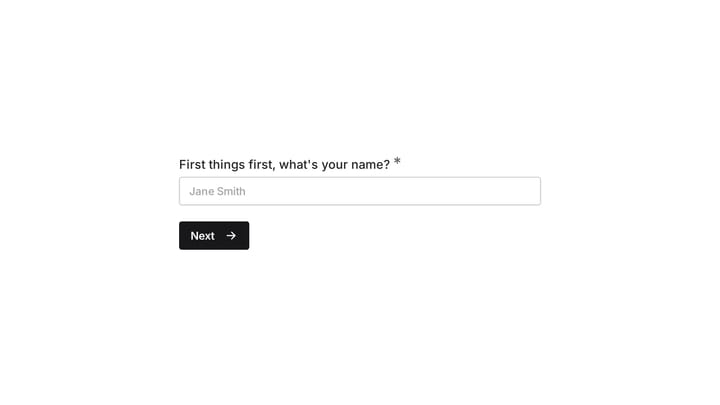
Fomr takes a design-first approach to form templates free. You can start from a ready-made form template, then reshape the design with an intuitive drag and drop form builder. You get access to 1,700+ fonts, custom colors, backgrounds, and logos without any upgrade requirements.
What works well: The visual editor shows exactly how your form will look as you build it. No surprises when you publish. You can create forms that match your brand perfectly, whether you want minimalist contact forms or detailed survey forms with multiple pages. The free plan includes unlimited forms, responses, and team members — no artificial limits.
Current limitations: Our template library is still newer than the huge catalogs from older platforms. If you need thousands of niche templates, JotForm or similar tools may be faster for that first draft. Conditional logic is coming soon.
Pricing: Completely free for unlimited everything. Pro plan at $34/month or $24/month billed yearly adds custom domains and white-label branding.
The design flexibility here is unmatched among free options. You’re not picking from 20 cookie-cutter templates — you’re building exactly what you need.
Give it a try
Try this Fomr birthday party form
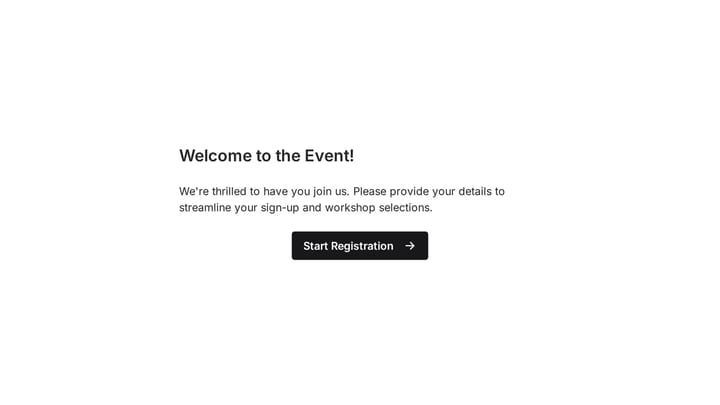
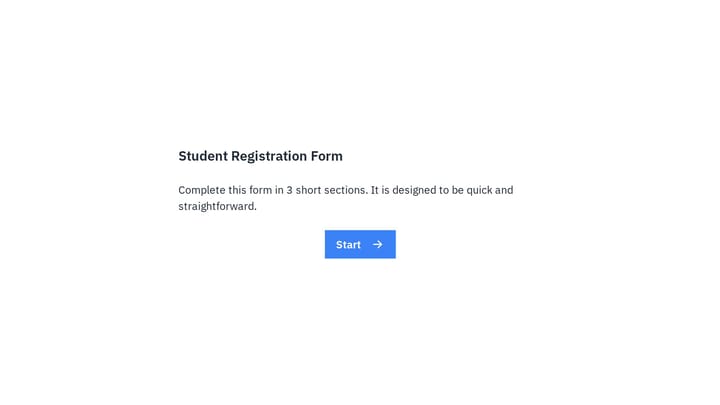
Try entering a party date, location, and guest notes in this Fomr example. It shows a template you can adapt instead of arranging every field from scratch.

Google Forms: Most accessible free form templates
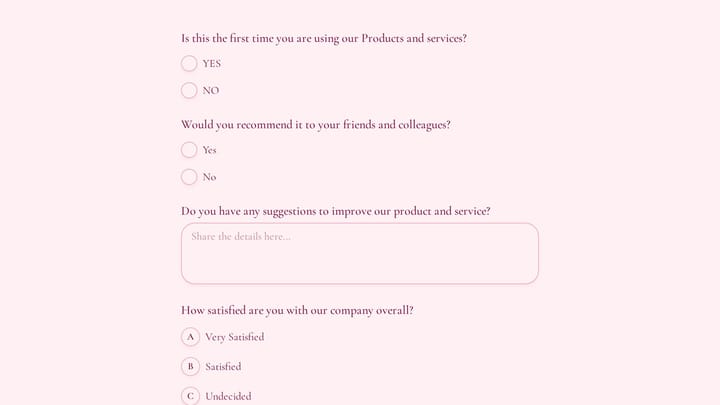
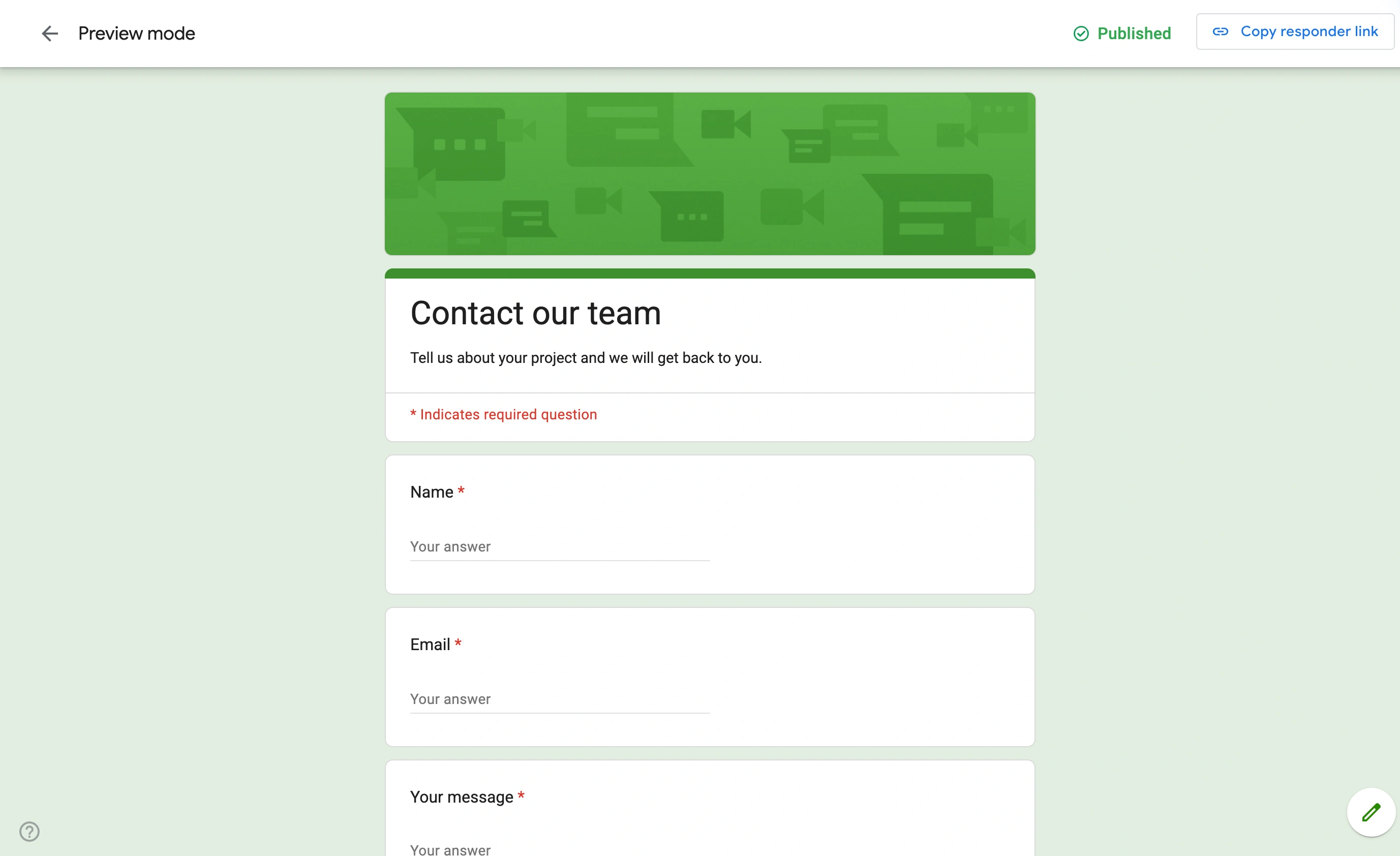
Google Forms offers the most straightforward approach to form templates free. Their template gallery covers common use cases like event registration forms, feedback forms, and basic surveys with clean, functional designs.
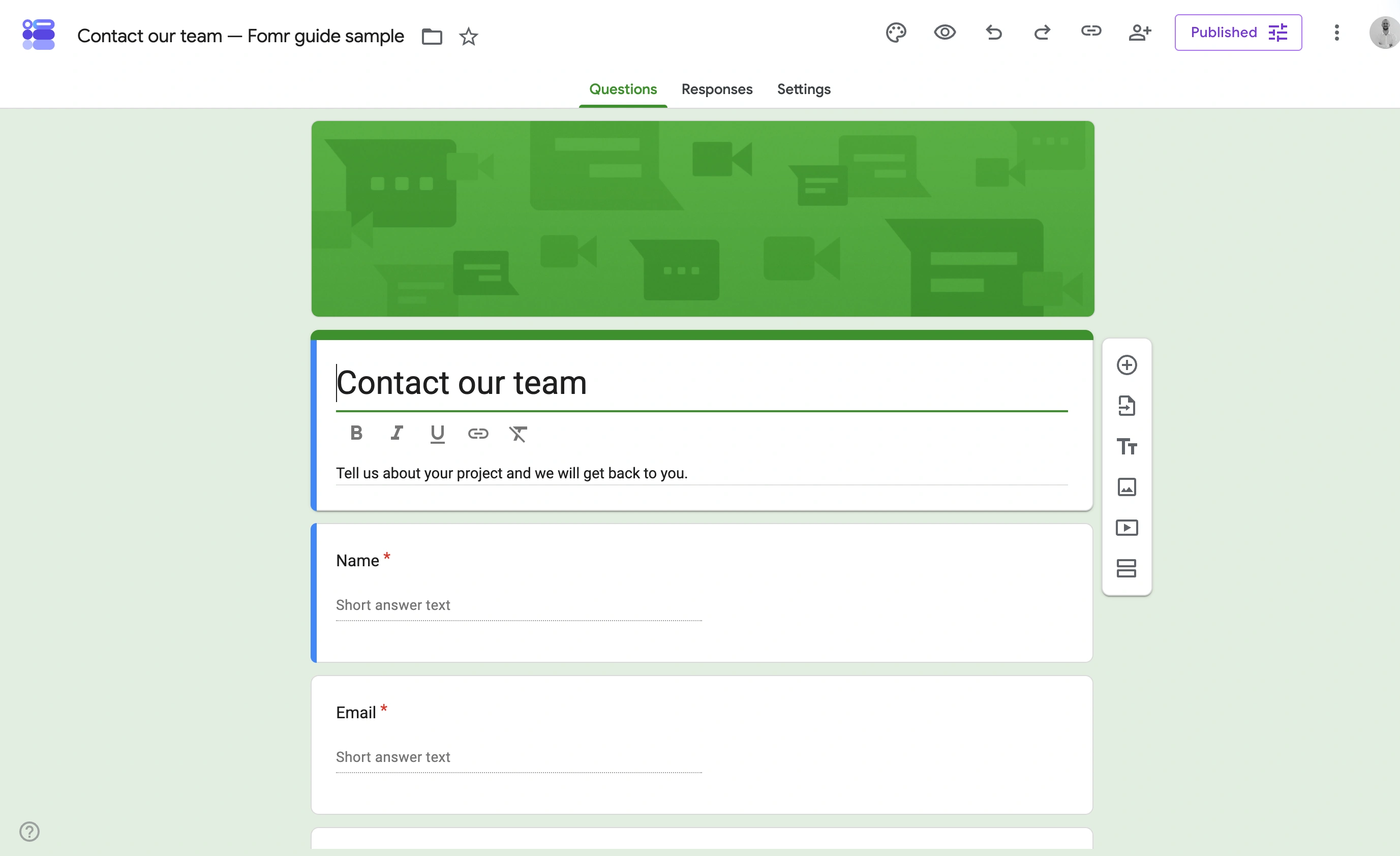
What works well: Zero learning curve if you’ve used any Google product. Templates load instantly and work perfectly across all devices. The collaboration features are excellent — multiple team members can edit forms simultaneously. Integration with Google Sheets means your responses automatically populate spreadsheets.
Limitations: Design customization is extremely limited. You can change header images and colors, but the overall layout stays the same. Forms look distinctly like Google Forms, which might not match your brand. Section branching is available for multiple-choice and dropdown answers, but native payment collection is not.
Pricing: Completely free with your Google account.
Google Forms templates work best for internal use or when you need something functional quickly. They’re not winning any design awards, but they get the job done.
Microsoft Forms: Best for Office 365 users
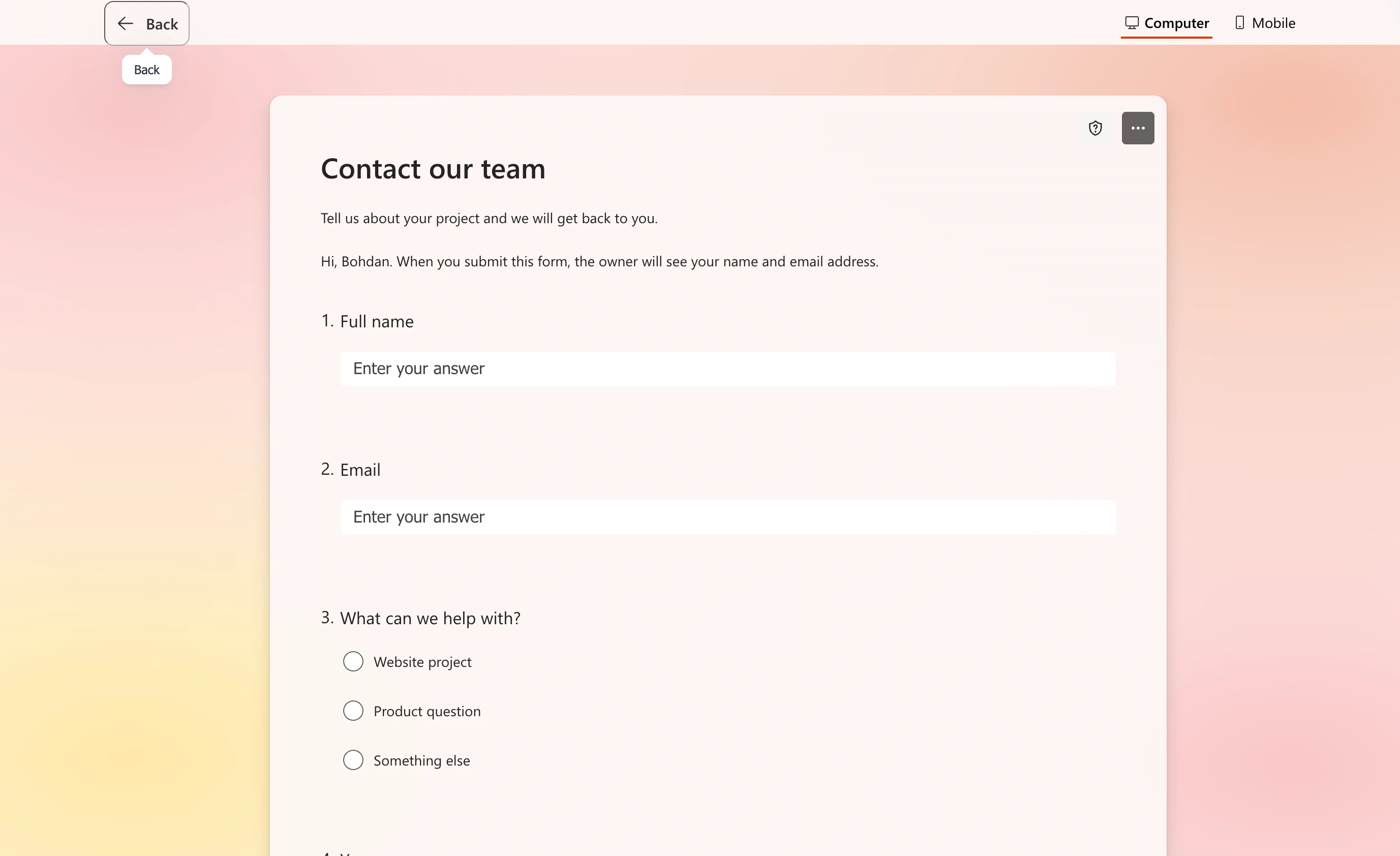
Microsoft Forms provides solid form templates free for anyone with a Microsoft account. Their templates focus on business use cases — employee feedback, event planning, quiz creation, and customer satisfaction surveys.
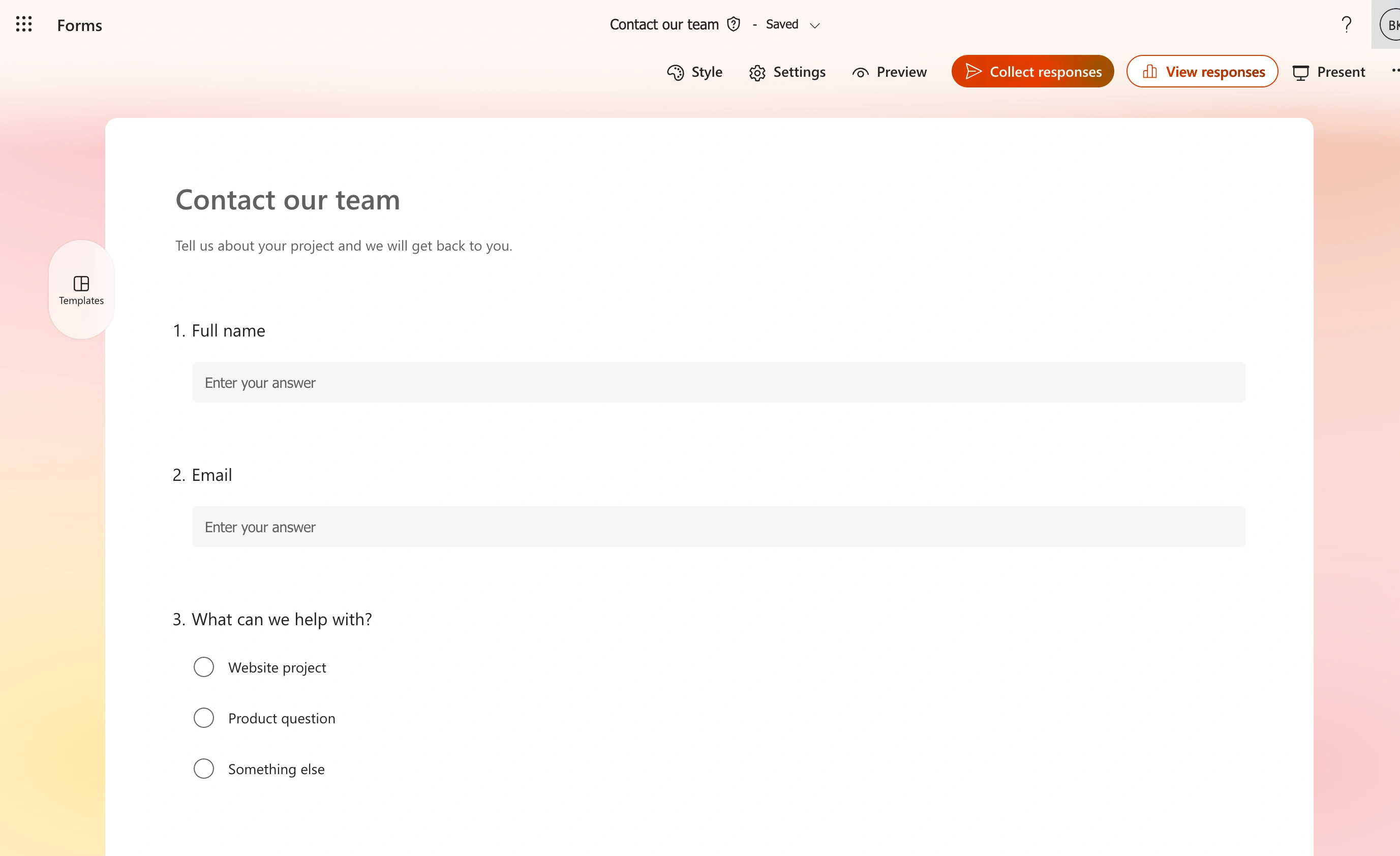
What works well: Excellent integration with the Office 365 ecosystem. If your team already uses Teams, SharePoint, or Excel, the workflow is seamless. Templates include smart features like branching logic and quiz scoring. The design options are better than Google Forms, with more theme choices and customization.
Limitations: Templates feel corporate and sterile. Limited to 200 responses per form on free accounts. The form builder can be clunky — it’s clearly designed by committee rather than UX experts. Mobile experience isn’t as smooth as competitors.
Pricing: Free with Microsoft account (200 responses per form). Office 365 subscribers get unlimited responses.
If you’re already in the Microsoft ecosystem, these templates integrate well. Otherwise, the limitations make it hard to recommend over other options.
Typeform: Most interactive free templates
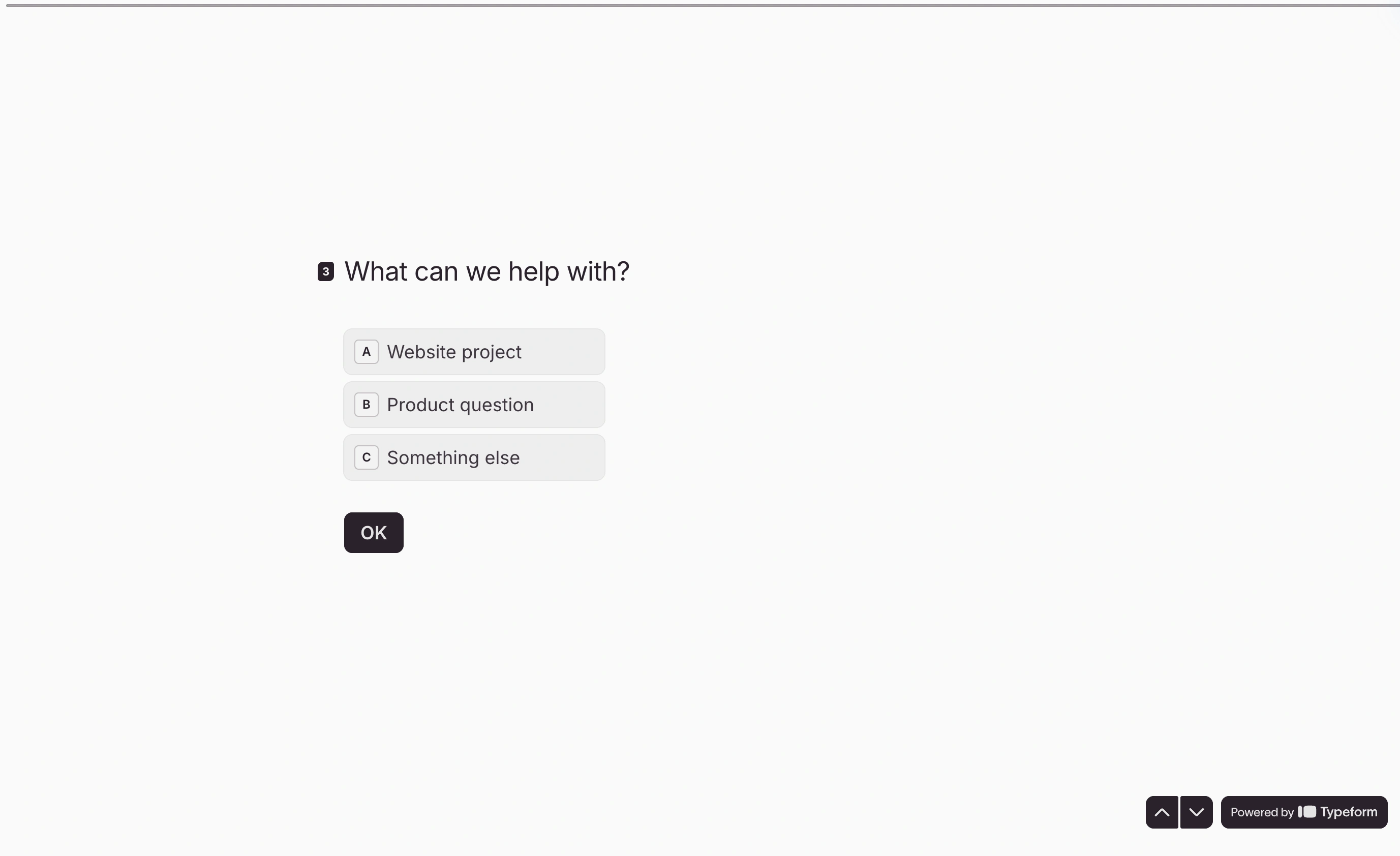
Typeform pioneered the one-question-at-a-time approach that makes forms feel more like conversations. Their free form templates focus on engagement and completion rates over traditional form layouts.
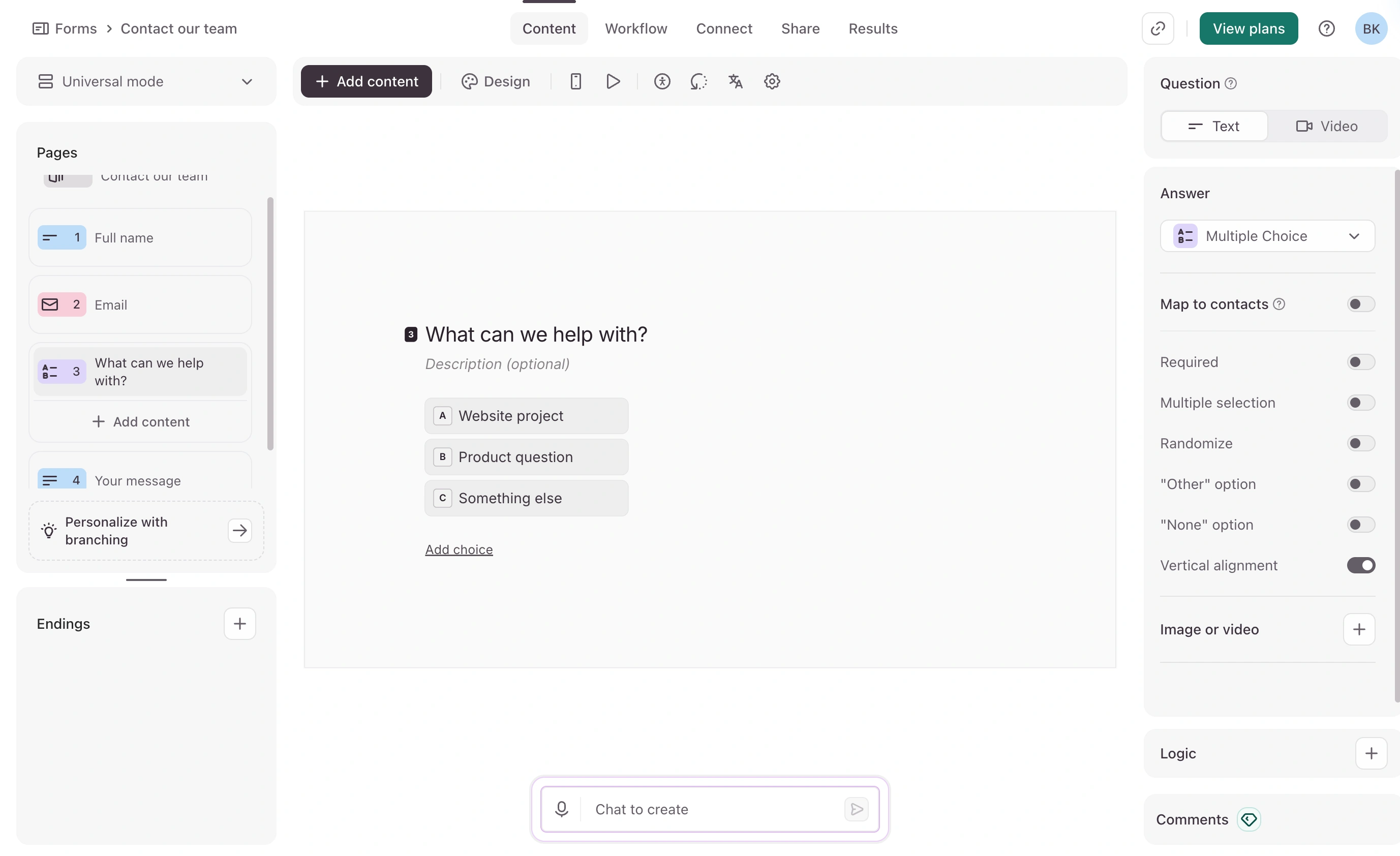
What works well: The user experience is genuinely different and often better than standard forms. Templates include personality and micro-interactions that keep respondents engaged. Good variety of question types, including rating scales, multiple choice, and open-ended responses. Mobile experience is excellent.
Limitations: Free plan caps you at 10 responses per month, which is restrictive for most real use cases. Limited customization options on free templates — you can’t change much beyond basic colors. The conversational format doesn’t work for all use cases, especially longer forms with many fields.
Pricing: Free plan (10 responses/month). Paid plans start at $39/month.
Typeform’s templates work well for surveys and feedback collection, but the response limit makes them impractical for high-traffic contact forms.
JotForm: Largest selection of free form templates
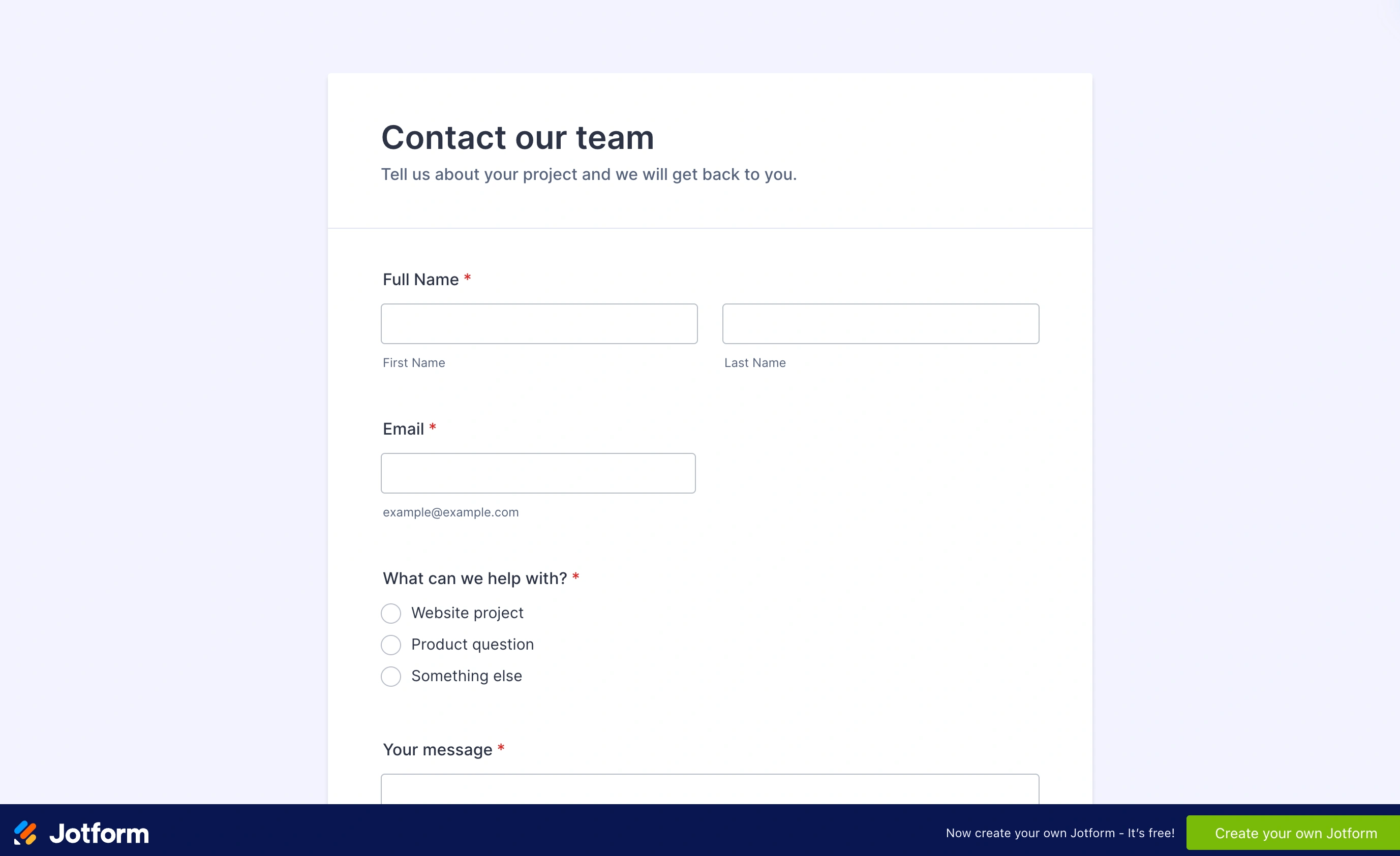
JotForm offers the most extensive library of form templates free — over 10,000 options covering every conceivable use case. From simple contact forms to complex registration forms, they have templates for everything.
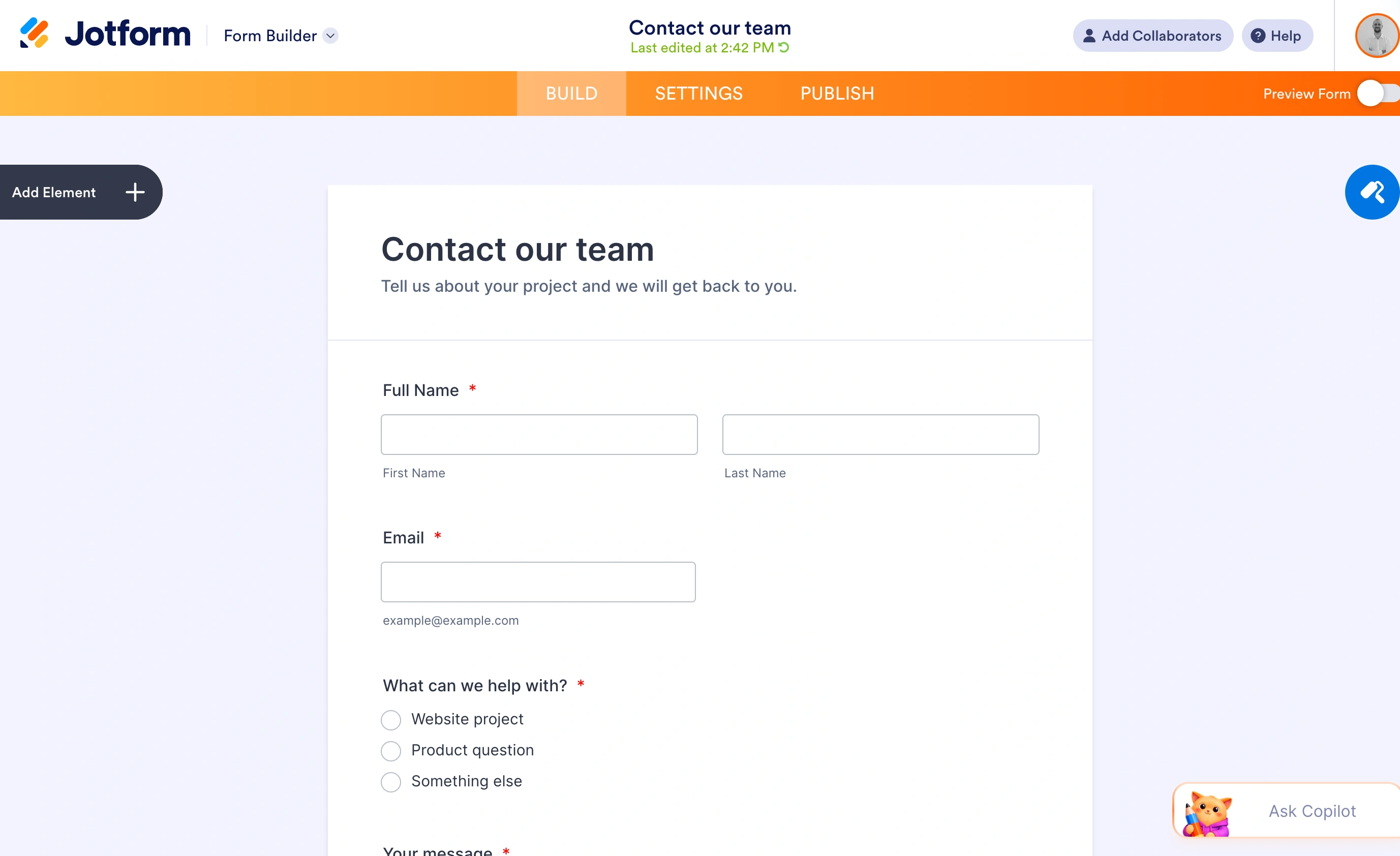
What works well: Massive template variety means you’ll find something close to what you need. Templates are well-organized by category and industry. Good customization options in the drag and drop form builder. Integrations with popular tools like Google Sheets, Mailchimp, and Slack.
Limitations: Free plan limits you to 100 submissions per month across all forms. Many templates look dated or overly complex. The sheer volume of options can be overwhelming — finding the right template takes time. Some “free” templates require paid features to work properly.
Pricing: Free plan (100 submissions/month). Bronze plan at $39/month, or $408 a year billed annually, raises those limits.
JotForm templates are comprehensive but the submission limits make them unsuitable for most business use cases unless you upgrade.
Paperform: Most beautiful free templates
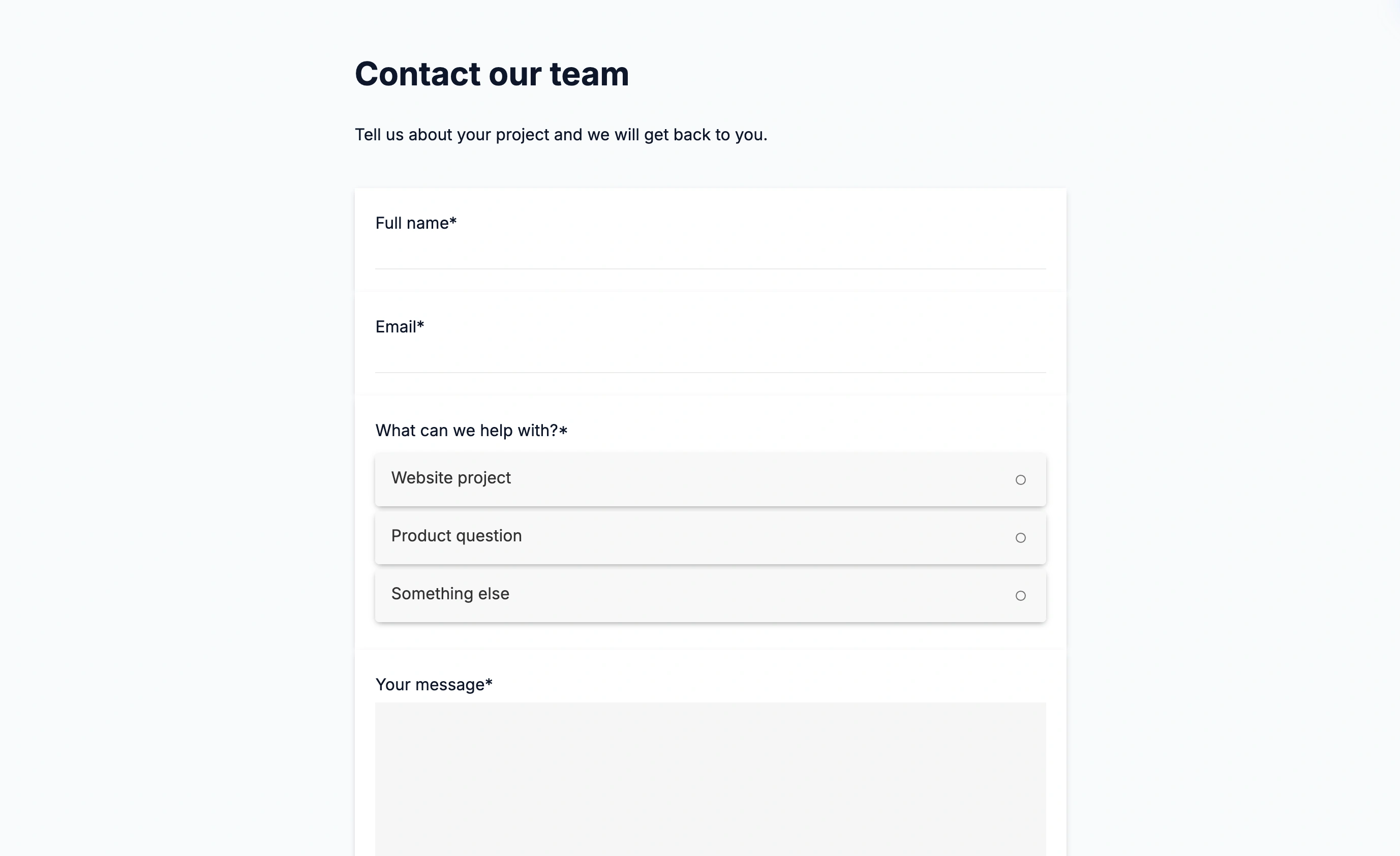
Paperform focuses on creating forms that look more like web pages than traditional forms. Their free form templates focus on visual design and storytelling, making them ideal for creative businesses and personal brands.
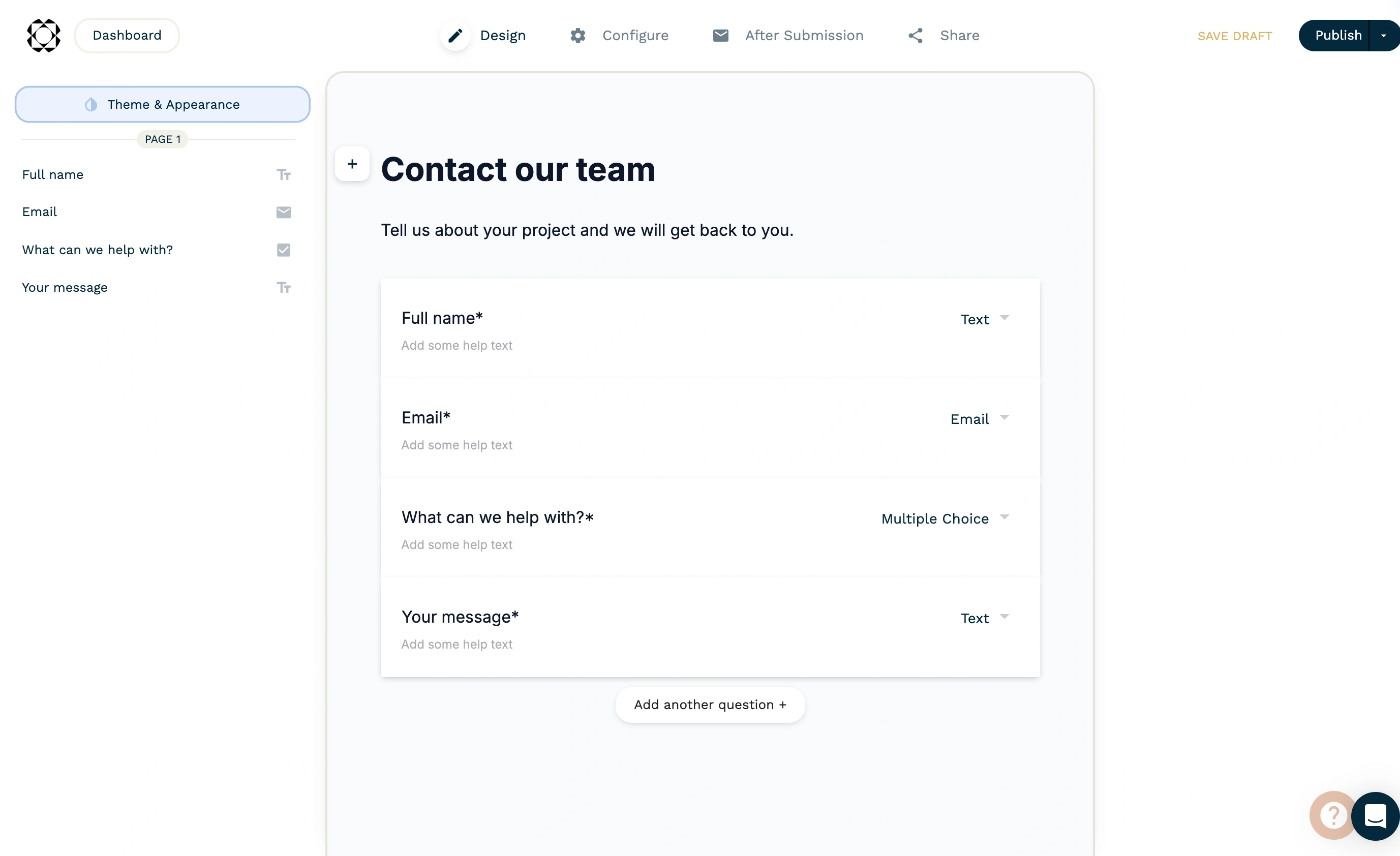
What works well: Templates are genuinely beautiful and unique. The page-like format works well for longer forms that need to tell a story. Good selection of field types and layout options. Forms feel more engaging than standard grid-based layouts.
Limitations: Free allows unlimited forms but only 30 submissions per month. Templates can be overwhelming for simple use cases — sometimes you just need a basic contact form. The visual approach doesn’t suit all industries or professional contexts.
Pricing: Free includes 30 submissions/month. Pro costs $59/month monthly or $49/month billed annually, with unlimited submissions subject to fair use.
Paperform templates suit content-rich forms; budget for Pro if you need more than 30 submissions per month.
Wufoo: Classic free form templates
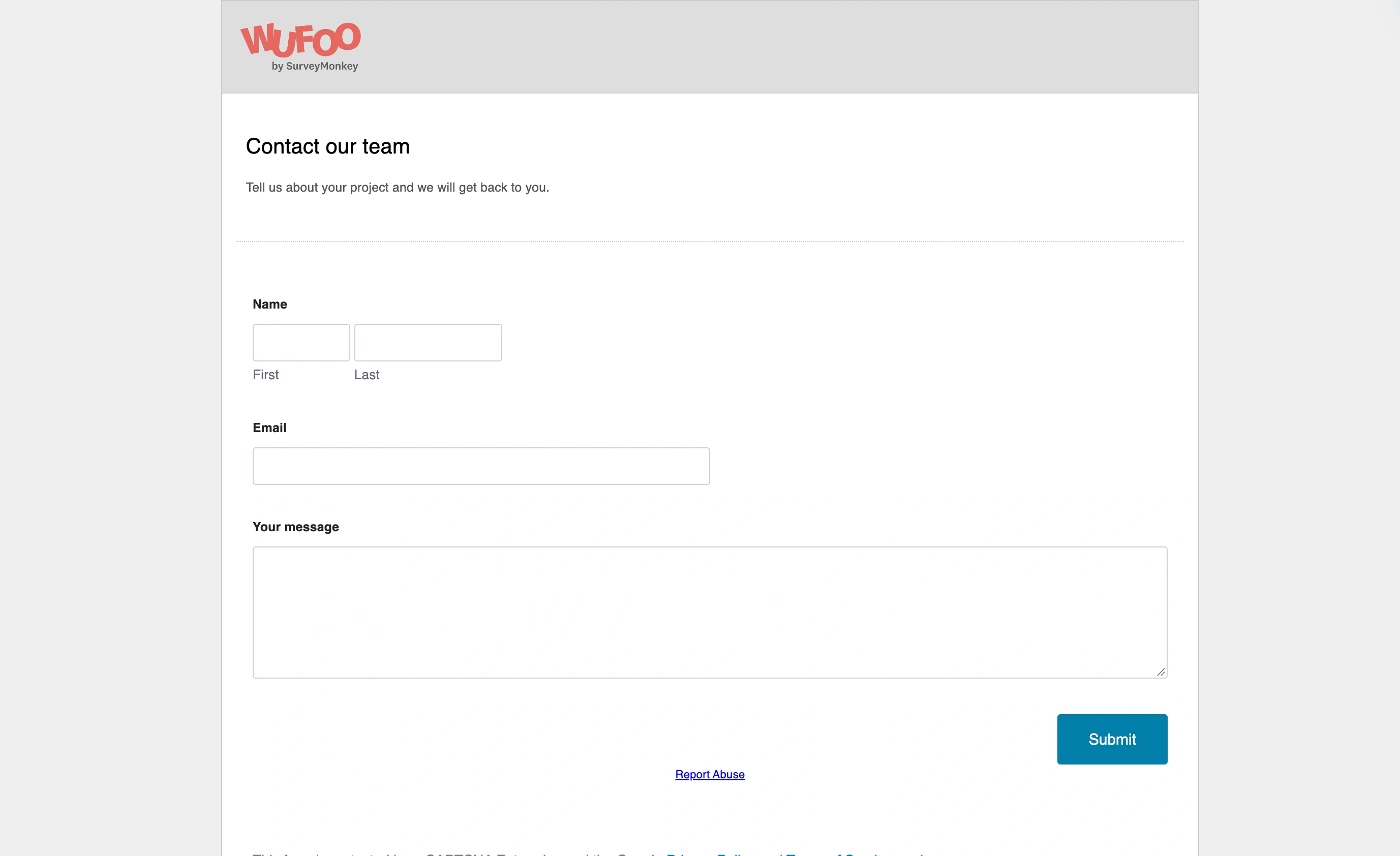
Wufoo has been providing form templates free since 2006, and their library reflects years of refinement. Templates focus on practical business needs with clean, professional designs that work across industries.
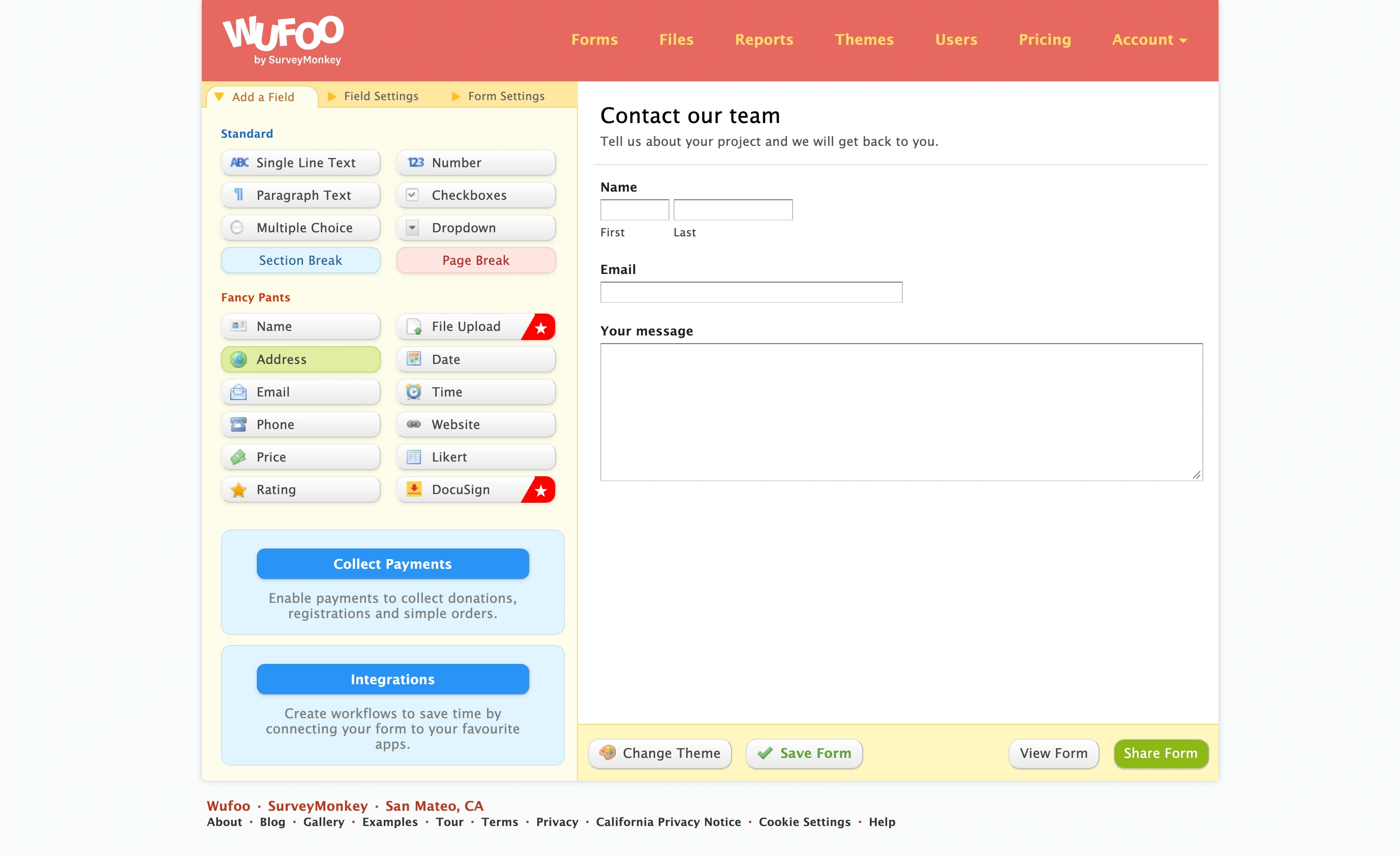
What works well: Templates are time-tested and reliable. Good balance between design and functionality. Reasonable customization options for colors, fonts, and layouts. Solid reporting and analytics features. Templates work consistently across different browsers and devices.
Limitations: Free plan caps you at 100 entries per month. Design options feel dated compared to newer competitors. Limited integration options on free accounts. The form builder interface hasn’t evolved much in recent years.
Pricing: Free plan (100 entries/month). Ad-Free plan at $14.08/month.
Wufoo templates are dependable but not exciting. They work well for straightforward business forms but lack the polish of newer platforms.
How to choose the right free form template platform
Your choice depends on what matters most for your specific use case:
Choose Fomr if you want complete design control and unlimited responses. Best for businesses that need forms matching their brand exactly, without artificial limits on usage.
Choose Google Forms if you need something simple that works immediately. Perfect for internal surveys, event planning, or any situation where function matters more than form.
Choose Microsoft Forms if your team already uses Office 365. The integration benefits outweigh the design limitations if you’re in that ecosystem.
Choose Typeform if you’re creating surveys or feedback forms and don’t mind the response limits. The engagement benefits can improve completion rates significantly.
Choose JotForm if you need very specific functionality and can work within the submission limits. Their template variety is unmatched.
Choose Paperform if you only need one form and want it to be visually stunning. Great for personal brands or creative businesses.
Choose Wufoo if you prefer established, reliable platforms over cutting-edge features. Good for conservative business environments.
Beyond templates: Building forms that actually work
The best form template is worthless if people don’t complete it. Here are practical tips that work regardless of which platform you choose:
Keep it short — Every additional field reduces completion rates. Ask only for information you actually need.
Use clear labels — “Email” is better than “Email Address” which is better than “Please enter your email address below.”
Group related fields — Contact information together, preferences together, demographic questions together.
Test on mobile — Over 60% of form submissions happen on phones. If it’s hard to complete on mobile, you’re losing responses.
Add progress indicators — For longer forms, show people how much is left. “Step 2 of 4” reduces abandonment.
The platform matters, but good form design principles matter more.
Start building better forms today
Form templates free can save time, but they’re just the starting point. The best forms combine good templates with thoughtful customization for your specific audience and goals.
Ready to build forms that actually convert? Try our drag and drop form builder with complete design control and unlimited responses — no signup required. Start building your form now and see why businesses choose design-first forms that cost nothing to use.