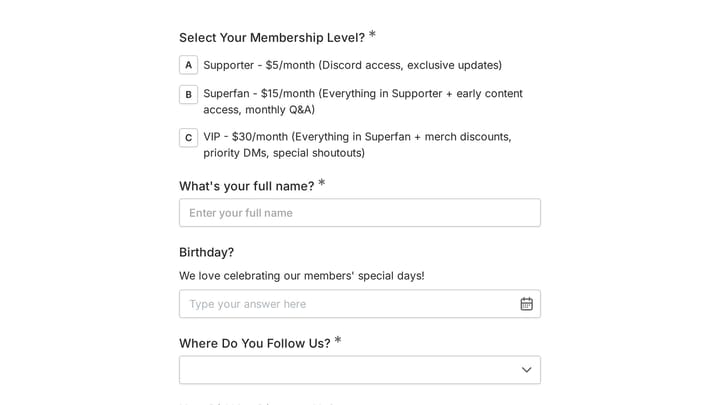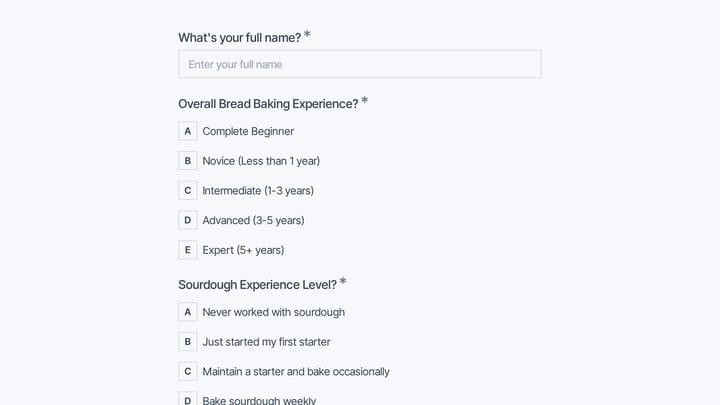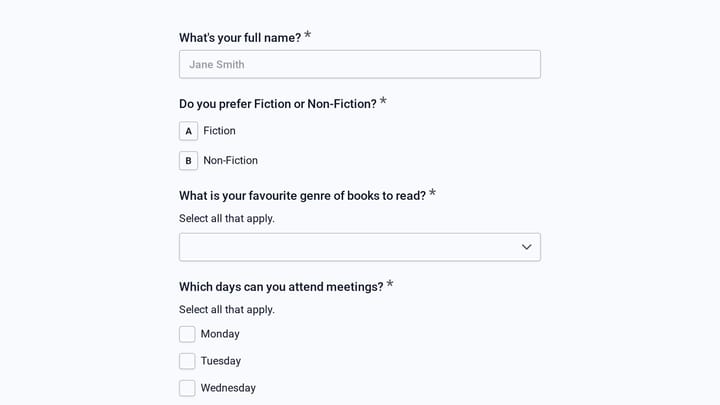
A well-designed membership application form is your organization’s first impression on potential members. It determines who joins, how much information you collect, and whether applicants complete the process or abandon it halfway through.
If you’re running a professional association, fitness club, nonprofit, or exclusive community, your membership application form needs to strike the right balance between gathering essential information and keeping the process smooth. Get it wrong, and you’ll lose qualified applicants to friction. Get it right, and you’ll streamline your membership process while collecting the data you need to serve members better.
Why your membership application form matters
Most organizations treat their membership application form as an afterthought — a basic contact form with a few extra fields thrown in. That’s a mistake. Your application form serves three critical functions:
First, it’s a filtering mechanism. The questions you ask and how you ask them determine which applicants complete the process. A poorly designed form will drive away your ideal members while letting through applicants who aren’t a good fit.
Second, it’s a data collection tool. The information you gather during application becomes the foundation for member communications, event planning, and service delivery. Miss key details here, and you’ll be playing catch-up for months.
Third, it’s a brand experience. Your application form tells potential members what to expect from your organization. A professional, thoughtful form signals that you value their time and run things well. A confusing or outdated form suggests the opposite.
Step 1: Define your membership requirements
Before you build anything, get clear on what you actually need from applicants. Too many organizations start with their old paper form and digitize it field by field without questioning whether each piece of information is necessary.
Start by listing your must-have information. This typically includes basic contact details, relevant experience or qualifications, and any legal requirements specific to your industry. For a professional association, you might need licensing information. For a fitness club, you need emergency contacts and health disclosures.
Next, identify your nice-to-have information. This might include demographic data for reporting, interests for event planning, or referral sources for marketing analysis. These fields can improve your member experience, but they shouldn’t be required if they might create friction.
Finally, consider your approval process. If you manually review every application, you’ll need different information than if you offer instant approval for applicants who meet basic criteria. Design your form to support your actual workflow, not an idealized version of it.
Step 2: Choose the right form structure
Your membership application form structure depends on how much information you need and how complex your approval process is. Here are the most effective approaches:
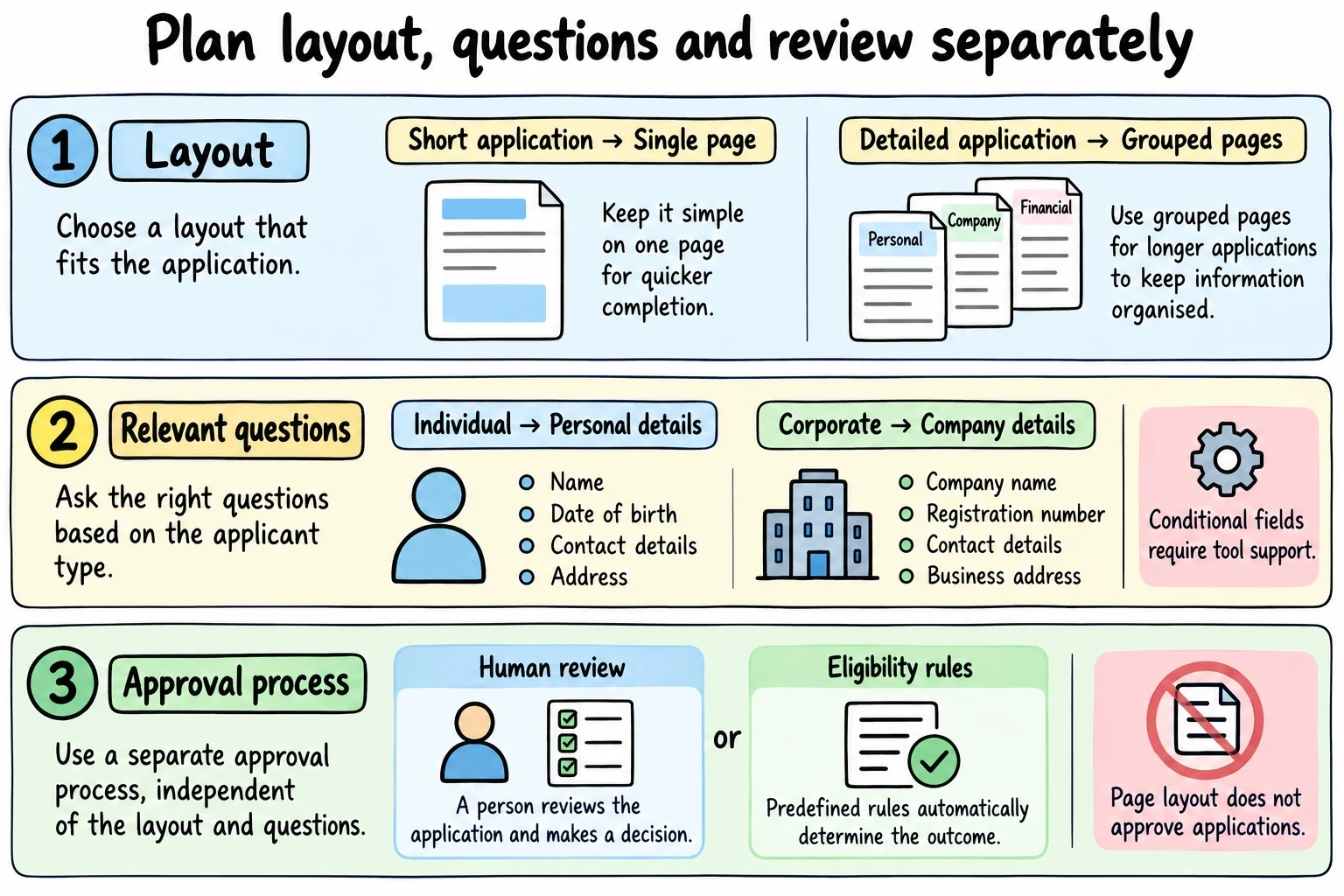
Example planning choices, not a Fomr automation diagram. Ask for dates of birth, registration numbers or addresses only when needed; automatic decisions and conditional fields require separate tool support.
Single-page forms work best for short, straightforward applications. They keep the questions in one place, but can overwhelm applicants if you ask too much at once. Page layout does not determine approval: decide separately who reviews applications and how decisions are recorded.
Multi-page forms let you break complex applications into logical sections: personal information, professional background, membership preferences, and payment details. This approach works well for professional organizations or exclusive clubs where you need detailed information.
Progressive disclosure starts with basic information and reveals additional fields based on previous answers. If someone selects “corporate membership,” you might ask for company details that individual members don’t need to provide.
Most membership applications benefit from a multi-page approach. It feels less overwhelming than a long single page while giving you space to explain requirements and build trust as applicants progress through the process.
Step 3: Design your membership application form fields
The specific fields you include depend on your organization, but here’s how to handle the most common categories:
Personal information section
Start with standard contact fields: full name, email address, phone number, and mailing address. Use separate fields for first and last name rather than a single “full name” field — it makes your member database more useful for personalized communications.
For address fields, consider whether you need full addresses or just city/state information. International organizations should use flexible address formats that work for members worldwide, not just US-style fields.
Professional information section
If membership is tied to professional qualifications, ask for relevant details early in the form. This might include job title, company name, industry, years of experience, or professional certifications.
Be specific about what you need. Instead of a generic “tell us about your background” text box, ask targeted questions: “What’s your current job title?” and “How many years of experience do you have in [specific field]?”
Membership preferences section
Give applicants control over their membership experience by asking about communication preferences, event interests, and volunteer opportunities. This information helps you serve members better while making them feel heard from day one.
Use checkboxes for multiple interests rather than dropdown menus. It’s easier to scan options and select multiple items when they’re all visible at once.
Payment and agreement section
If you collect payment during application, clearly explain your pricing structure and refund policy before asking for payment details. For organizations with different membership tiers, use radio buttons to make the options clear.
Include any required legal agreements or terms of service as checkboxes that applicants must actively select. Don’t hide important terms in fine print — make them easy to find and understand.
Step 4: Set up conditional logic and validation
Smart forms adapt to each applicant’s situation using conditional logic (coming soon). This means showing relevant questions based on previous answers while hiding fields that don’t apply.
For example, if someone selects “student membership,” you might ask for their school and expected graduation date. Corporate members might see fields for company size and industry that individual members never encounter.
Set up proper validation for each field type. Email addresses should be validated for proper format. Phone numbers should accept different formats rather than requiring a specific pattern. Required fields should be clearly marked, and error messages should be helpful rather than generic.
Consider adding real-time validation that checks information as applicants type. This catches errors early rather than surprising people with a list of problems when they try to submit.
Step 5: Write clear instructions and help text
Your membership application form should guide applicants through the process without confusion. Use clear field labels that explain exactly what information you need.
Instead of “Name,” use “Full name as you’d like it to appear on your membership card.” Instead of “Experience,” try “Years of professional experience in [your field].”
Add help text for fields that might confuse applicants. If you ask for a “member number” during renewal applications, explain where to find it. If certain fields are optional, say so explicitly.
Use section headers to break up long forms and explain what’s coming next. “Professional Background” is clearer than “Section 2,” and it helps applicants understand why you need this information.
Step 6: Test your membership application form
Before launching your form, test it thoroughly with real people who match your target membership profile. Watch them complete the application while thinking out loud about their experience.
Pay attention to where they pause, what questions they ask, and which fields cause confusion. These friction points will drive away real applicants, so fix them before going live.
Test your form on different devices and browsers. Mobile users might struggle with fields that work fine on desktop, and certain browsers might handle validation differently.
Check your form’s performance under realistic conditions. If you expect 50 applications per day, make sure your system can handle that volume without slowing down or crashing.
Common membership application form mistakes to avoid
The biggest mistake is asking for too much information upfront. Every additional field reduces completion rates, so be ruthless about what you actually need during the application process. You can always collect more details later through member surveys or profile updates.
Don’t use industry jargon or internal terminology that applicants might not understand. Your form should be accessible to people who are new to your field or organization.
Avoid making optional fields look required. Use clear visual cues to distinguish between must-have and nice-to-have information. When in doubt, make fields optional rather than required.
Don’t forget to explain what happens after submission. Tell applicants when they’ll hear back, what the approval process looks like, and how to contact you with questions.
Make your membership application form mobile-friendly
Over 60% of form submissions now happen on mobile devices, so your membership application form must work well on phones and tablets. This means more than just responsive design — it requires rethinking the entire user experience.
Use large, tappable form fields that work with touchscreens. Avoid dropdown menus when possible, since they’re harder to use on mobile. Radio buttons and checkboxes are more mobile-friendly for multiple choice questions.
Consider the mobile keyboard experience. Use appropriate input types so phones show the right keyboard for each field. Email fields should trigger the email keyboard with the @ symbol easily accessible.
Test your form on actual mobile devices, not just browser developer tools. Real phones reveal usability issues that desktop testing misses.
Measure and improve your form performance
Track key metrics to understand how your membership application form performs over time. The most important metric is completion rate — what percentage of people who start your form actually finish it?
Monitor where people abandon the form. If lots of applicants drop off at a specific field or section, that’s a sign you need to simplify or better explain what you’re asking for.
Pay attention to the quality of applications you receive. If you’re getting lots of incomplete or irrelevant submissions, your form might not be filtering effectively enough.
Set up analytics to track form performance across different traffic sources. Applications from your website might convert differently than those from social media or email campaigns.
Ready to build your membership application form?
Creating an effective membership application form takes planning, but the payoff is worth it. A well-designed form streamlines your membership process, improves applicant experience, and gives you the data you need to serve members better.
With Fomr’s drag-and-drop form builder, you can create a professional membership application form in minutes. Our platform includes all the field types you need — plus it’s free for unlimited forms and responses. Try building your membership application form without even creating an account.
Give it a try
Try this Fomr join our fan club
Try the membership-level, interests, and contact questions in this Fomr fan-club example. Adapt it to your organization; the preview does not process membership fees.