Creating a scholarship application form that attracts qualified candidates while filtering out unserious applicants is trickier than it looks. You need enough fields to evaluate merit without overwhelming potential scholars. You want a process that feels professional but not intimidating.
We’ve helped hundreds of organizations build scholarship application forms that work. Here’s exactly how to create one that gets you the right applicants and makes your selection process smoother.
Why your scholarship application form matters more than you think
A poorly designed form costs you qualified candidates. Research from the Nielsen Norman Group shows that users abandon forms at a 67% rate when they encounter confusing layouts or excessive fields. For scholarship applications, that means talented students give up before you even see their qualifications.
Your form is often the first impression applicants have of your organization. A clunky, outdated form suggests a disorganized selection process. A clean, thoughtful form signals that you value applicants’ time and take the scholarship seriously.
The stakes are higher than typical contact forms or survey forms. Students invest hours crafting essays and gathering documents. If your form fails halfway through, you’ve wasted their effort and lost a potential recipient.
Step 1: Define your scholarship criteria first
Before you touch any form builder, write down exactly what you’re looking for in recipients. This determines which fields you’ll need and how you’ll structure the application flow.
Start with your non-negotiables. GPA requirements, enrollment status, field of study, geographic restrictions — these become your qualifying questions. Place them early in the form to save everyone time.
Next, list your evaluation criteria. Academic achievement, financial need, community involvement, career goals, personal challenges overcome — each criterion needs corresponding form fields. If leadership experience matters, you need space for applicants to describe it. If financial need is a factor, you need income documentation.
Finally, consider your review process. Will multiple people evaluate applications? You might need rating fields for reviewers. Are you comparing applicants across categories? You’ll want consistent data formats for fair comparison.
Common mistake: Adding fields because they “might be useful” later. Every extra field reduces completion rates. Stick to what you’ll actually use in selection.
Step 2: Choose the right form structure
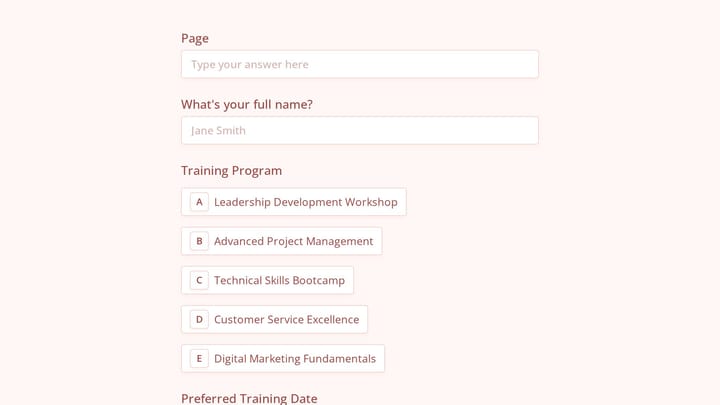
Most scholarship application forms work best as multi-page forms rather than single long pages. Breaking the application into logical sections reduces cognitive load and lets applicants save progress.
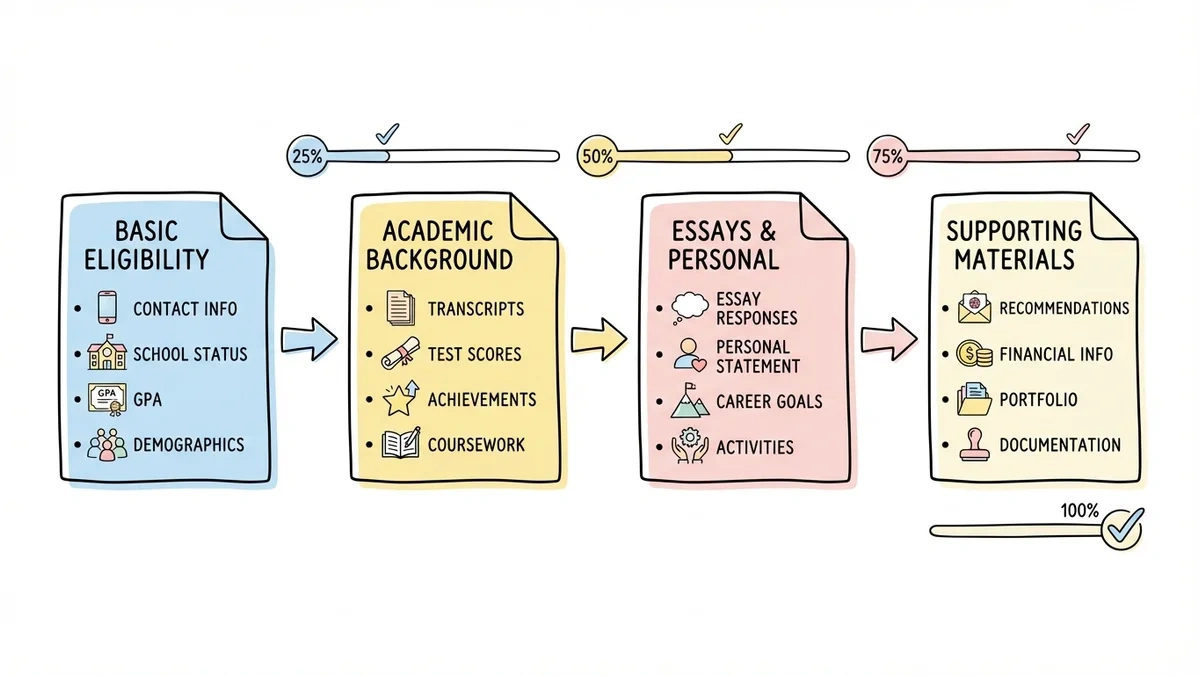
Here’s a structure that works well:
Page 1: Basic eligibility
- Contact information
- Current school and enrollment status
- GPA and academic standing
- Qualifying demographics (if applicable)
Page 2: Academic background
- Transcripts upload
- Test scores
- Academic achievements and honors
- Relevant coursework
Page 3: Essays and personal information
- Required essay responses
- Personal statement
- Career goals
- Extracurricular activities
Page 4: Supporting materials
- Letters of recommendation
- Financial information (if need-based)
- Portfolio items (if applicable)
- Additional documentation
This flow lets you screen for basic eligibility early while giving qualified candidates space to showcase their strengths later.
Step 3: Design clear, accessible form fields
Your field choices directly impact completion rates and data quality. Here’s what works for scholarship application forms:
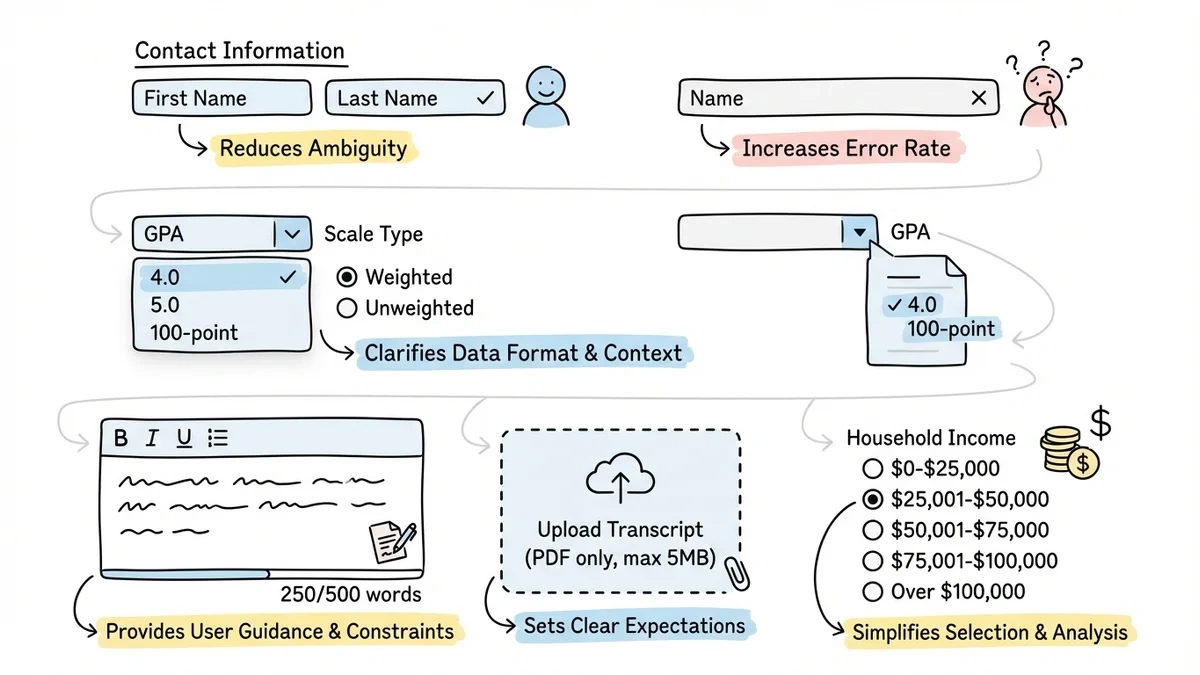
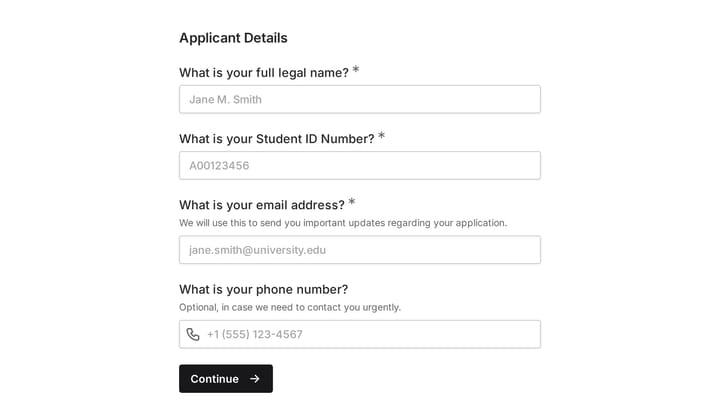
Contact information Use separate fields for first name, last name, email, and phone. Avoid generic “name” fields that create formatting inconsistencies. Include a preferred contact method question — some students check email more than phone.
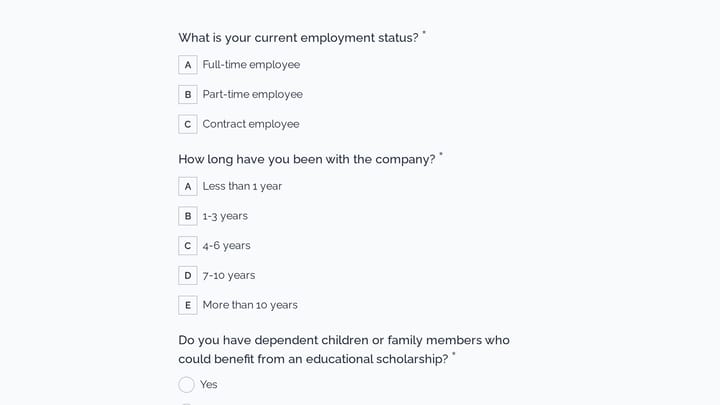
Academic information Create dropdown menus for standardized data like school names, degree programs, and class years. This prevents spelling variations and makes applications easier to compare. For GPA, specify the scale (4.0, 5.0, 100-point) and whether it’s weighted or unweighted.
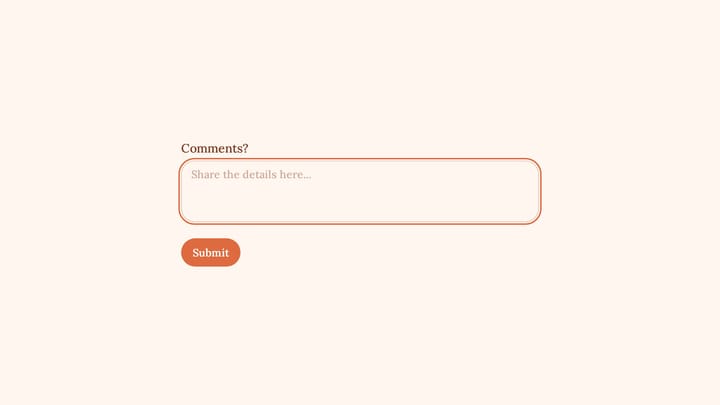
Essay questions Use rich text fields that support formatting. Students often draft essays elsewhere and paste them in — plain text boxes strip formatting and create messy submissions. Set reasonable character limits and display the count as they type.
File uploads Clearly specify file requirements: formats accepted, size limits, naming conventions. “Upload your transcript (PDF only, max 5MB)” prevents confusion and technical issues. Consider making transcripts optional initially — you can request them from finalists later.
Financial information If you’re evaluating need, use specific income ranges rather than open text fields. “$0-$25,000”, “$25,001-$50,000” creates consistent data while maintaining privacy. Avoid requiring exact dollar amounts unless absolutely necessary.
Step 4: Write questions that reveal what you need to know
Generic questions produce generic answers. Instead of “Why do you deserve this scholarship?”, try “Describe a specific challenge you’ve overcome and how it shaped your academic or career goals.”
For academic merit:
- “What’s the most interesting project or research you’ve worked on? What did you learn?”
- “Describe a time when you struggled with coursework. How did you address it?”
For leadership potential:
- “Tell us about a time you influenced positive change in your school or community.”
- “Describe a project you led. What was challenging about managing it?”
For career alignment:
- “How does this scholarship connect to your career plans? Be specific about your goals.”
- “What skills or experiences do you still need to develop for your chosen field?”
Keep questions focused and specific. Vague prompts like “Tell us about yourself” waste word counts and review time.
Step 5: Optimize for mobile completion
Over 60% of students access forms on mobile devices, but scholarship applications are rarely optimized for small screens. This creates unnecessary barriers for applicants.
Use single-column layouts that stack cleanly on phones. Side-by-side fields might look elegant on desktop but become cramped and hard to tap on mobile.
Make touch targets large enough for thumbs. Small radio buttons and checkboxes frustrate mobile users. Ensure dropdown menus expand properly on different devices.
Test essay fields on phones. Long-form writing on mobile is challenging, but students often have no choice. Consider allowing draft saving so they can switch between devices.
Most online form builders handle responsive design automatically, but always preview your form on actual mobile devices before launching.
Step 6: Set up application tracking and management
A great registration form means nothing if you can’t manage the responses effectively. Plan your review workflow before applications start coming in.
Organize responses for review Export applications to spreadsheets or databases where multiple reviewers can access them. Tag applications by status: “under review”, “finalist”, “declined”, “awarded”. This prevents applications from falling through cracks.
Create evaluation rubrics Standardize how reviewers score applications. If leadership matters, define what constitutes strong vs. weak leadership examples. Consistent scoring makes final decisions easier and more fair.
Plan your communication timeline Applicants expect updates. Send confirmation emails immediately after submission. Set clear expectations about review timeline and decision notifications. Radio silence creates anxiety and reflects poorly on your organization.
Step 7: Test and refine before launch
Never launch a scholarship application form without testing it thoroughly. Unlike a simple contact form or feedback form, scholarship applications are complex and high-stakes.
Have colleagues complete the entire form from start to finish. Time how long it takes — anything over 45 minutes will deter applicants. Note where they hesitate or get confused.
Test file uploads with different devices and browsers. Upload failures are devastating when they happen after students spend hours on essays.
Check your confirmation messages and email notifications. Applicants should receive immediate confirmation with next steps and timeline expectations.
Pro tip: Create a test application yourself using realistic but fake data. This reveals workflow issues you might miss otherwise.
Common scholarship application form mistakes to avoid
Making the form too long We’ve seen scholarship applications with 50+ fields. Unless you’re awarding $50,000+, this is overkill. Most scholarships can be evaluated with 15-20 thoughtful questions.
Requiring information you won’t use Don’t ask for social media profiles unless you’ll actually review them. Don’t request references unless you’ll contact them. Every field should serve your selection process.
Poor mobile experience Forms that work perfectly on desktop but break on phones eliminate qualified applicants. Always test on multiple devices.
Vague essay prompts “Why do you want this scholarship?” produces boring, predictable responses. Specific scenarios and examples create much better essays for evaluation.
No progress saving Scholarship applications take time. Students should be able to save drafts and return later. Losing progress after 30 minutes of work guarantees they won’t restart.
Confusing file upload requirements Be explicit about formats, sizes, and naming. “Upload transcript” isn’t enough — specify PDF, max 5MB, and whether unofficial copies are acceptable initially.
Making your scholarship application form stand out
The best scholarship application forms feel different from the dozens of others students complete. Here’s how to create that experience:
Personalize the introduction Instead of generic “Please complete this application”, try “We’re excited you’re interested in the [Name] Scholarship. This application should take about 30 minutes to complete.”
Show your values If community service matters to your organization, mention it in field descriptions. “We love seeing how students give back to their communities” sets expectations and attracts aligned applicants.
Provide helpful guidance Add brief tips under essay questions. “Strong responses often include specific examples and measurable outcomes” helps applicants craft better submissions.
Use your organization’s branding A form that matches your website and materials feels professional and trustworthy. Custom colors, fonts, and logos make the application feel cohesive with your other communications.
Ready to build your scholarship application form?
Creating an effective scholarship application form takes planning, but the right tools make the process straightforward. We designed Fomr specifically for complex forms like scholarship applications — with multi-page layouts, file uploads, and the design flexibility to match your organization’s brand.
You can start building your scholarship application form right now without creating an account. Try our guest editor to see how quickly you can create a professional application that attracts the right candidates and makes your review process smoother.