You’ve got questions that need answers. Whether you’re measuring customer satisfaction, planning an event, or gathering feedback on a new product, knowing how to create a survey properly can mean the difference between actionable insights and crickets.
The problem isn’t lack of tools — it’s that most surveys are poorly designed. They’re too long, confusing, or boring. People start them but don’t finish. You end up with incomplete data and frustrated respondents.
This guide walks through creating surveys that people actually want to complete, from planning your questions to analyzing responses.
Step 1: Define your survey goals and audience
Before you write a single question, get crystal clear on what you’re trying to learn and who you’re asking.
Start with your main objective. “I want feedback” isn’t specific enough. Better: “I need to understand why 30% of trial users don’t convert to paid plans” or “I want to measure satisfaction with our new checkout process.”
Write down 2-3 specific questions you need answered. If you have more than that, you probably need multiple surveys. Focus beats comprehensiveness every time.
Next, think about your audience. A satisfaction survey for enterprise clients looks different from an NPS survey for app users. Consider their time constraints, technical comfort level, and relationship with your brand.
Common mistake to avoid: Trying to answer every possible question in one survey. This leads to survey fatigue and poor completion rates.
Step 2: Choose the right survey type
Different goals need different survey formats. Here are the main types and when to use them:
| Survey type | Decision it supports | A focused question set |
|---|---|---|
| Customer satisfaction | Which interaction needs improvement? | A satisfaction rating and a targeted follow-up; aim for 3–5 questions at most |
| NPS | How likely are customers to recommend you? | A 0–10 recommendation question, followed by why they chose that score |
| Feedback | What should change about a feature or experience? | A mix of ratings or choices and a small number of open-ended follow-ups |
| Research | Which option or assumption should guide a decision? | Questions tied to the research goal, using both structured choices and open text where useful |
| Event | What do attendees need, or what should improve next time? | Keep pre-event logistics separate from post-event experience feedback |
Customer satisfaction surveys measure how happy people are with your product or service. Keep them short (3-5 questions max) and send them right after key interactions.
NPS surveys ask one core question: “How likely are you to recommend us to a friend?” Follow up with an open-ended question asking why. Simple but powerful.
Feedback surveys gather specific input on features, processes, or experiences. These can be longer but should still respect people’s time.
Research surveys collect data for decision-making. Structure these carefully with a mix of multiple choice and open-ended questions.
Event surveys work for registration, planning, or post-event feedback. Registration forms should be quick. Post-event surveys can dig deeper since attendees are more invested.
Pick one type and stick to it. Mixing survey types in one form confuses respondents and dilutes your data.
Step 3: Plan your questions strategically
Good survey questions feel natural and easy to answer. Start with broader questions and get more specific as you go.
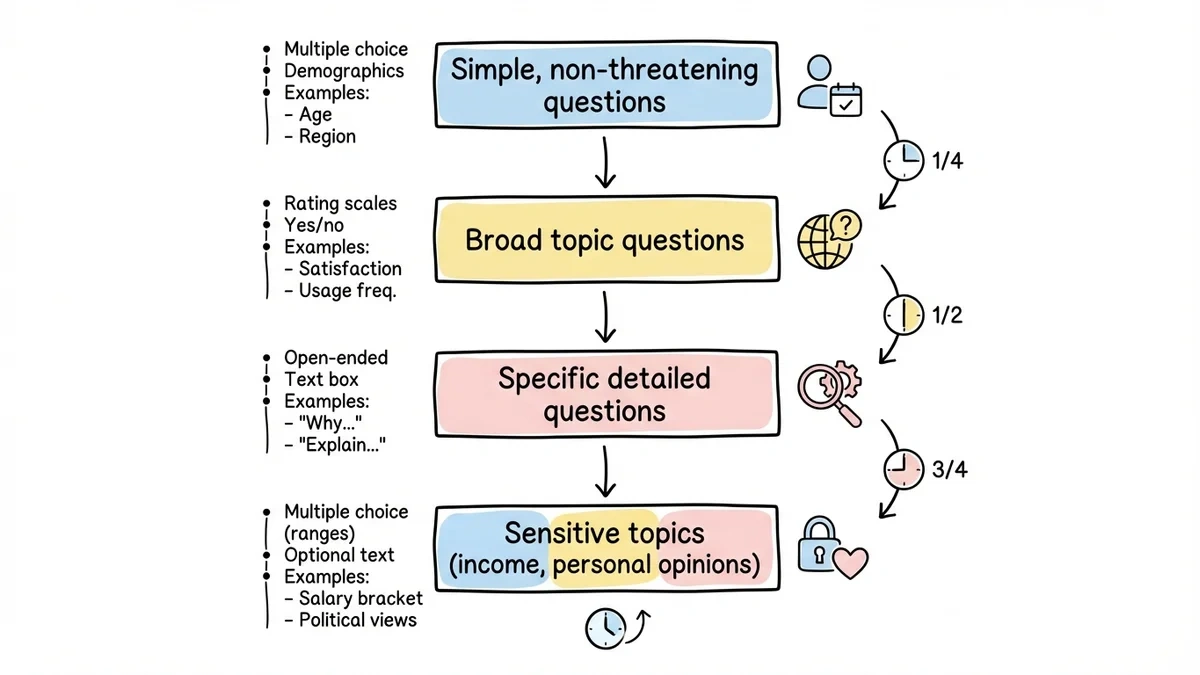
Question order matters. Open with simple, non-threatening questions that anyone can answer quickly. Save sensitive topics (like income or personal opinions) for later when people are already engaged.
Use the right question types:
- Multiple choice for specific options
- Rating scales for measuring intensity or satisfaction
- Open-ended questions for detailed feedback (but use sparingly)
- Yes/no questions for clear binary choices
If you’re not sure where to start, our free survey question generator drafts a balanced set of questions for any topic — and our sample size calculator tells you how many responses you’ll need to trust the results.
Write clear, specific questions. Instead of “How was your experience?” try “How satisfied were you with the checkout process?” Be concrete about what you’re asking.
Avoid leading questions. “Don’t you think our new feature is amazing?” pushes people toward a specific answer. Better: “What’s your opinion of our new feature?”
Keep questions short. If you need more than one sentence to ask something, break it into multiple questions or simplify your language.
Step 4: Design your survey form
Visual design affects completion rates more than most people realize. A clean, professional-looking survey form builds trust and keeps people engaged.
Keep it visually simple. Use plenty of white space, clear fonts, and consistent styling. Avoid busy backgrounds or distracting colors that make text hard to read.
Show progress. People want to know how much time they’re committing. Add a progress bar or page numbers for multi-page surveys.
Make it mobile-friendly. Over 60% of survey responses come from mobile devices. Test your survey on a phone before sending it out.
Use logical grouping. Put related questions together and use section headers to break up longer surveys. This makes the form feel organized rather than overwhelming.
Brand it appropriately. Include your logo and use colors that match your brand, but don’t overdo it. The focus should be on the questions, not your branding.
Try a survey in Fomr
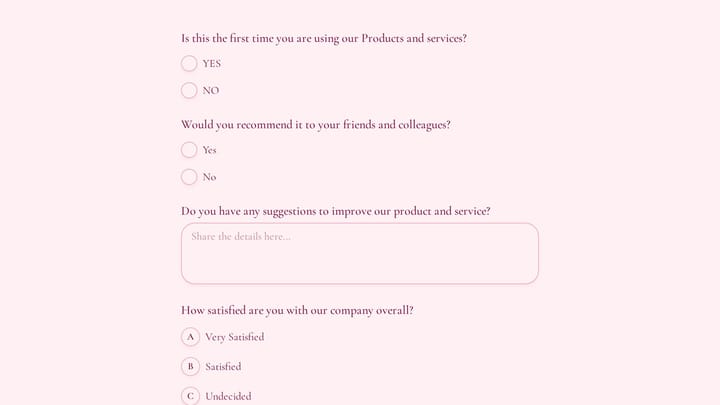
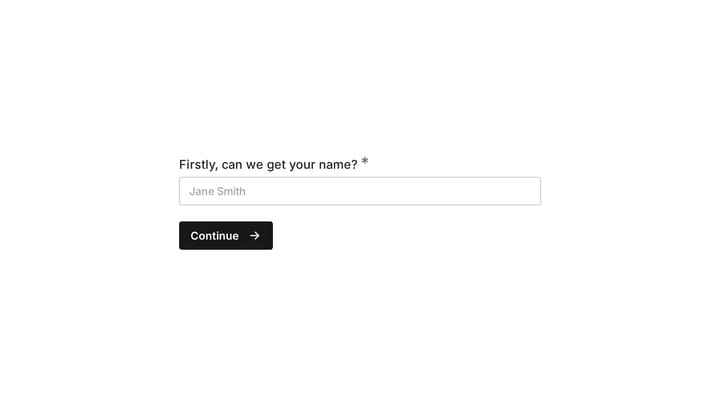
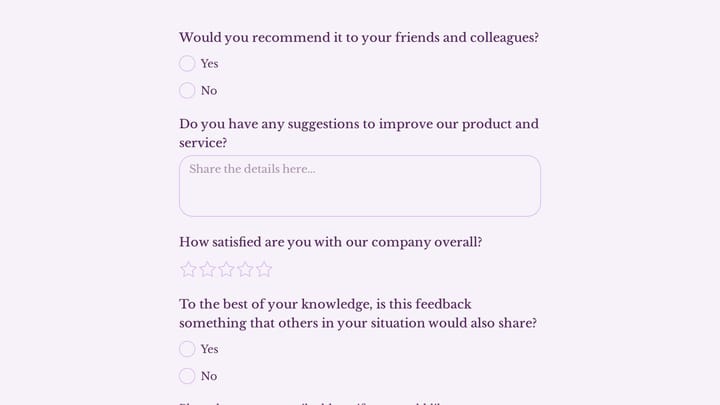
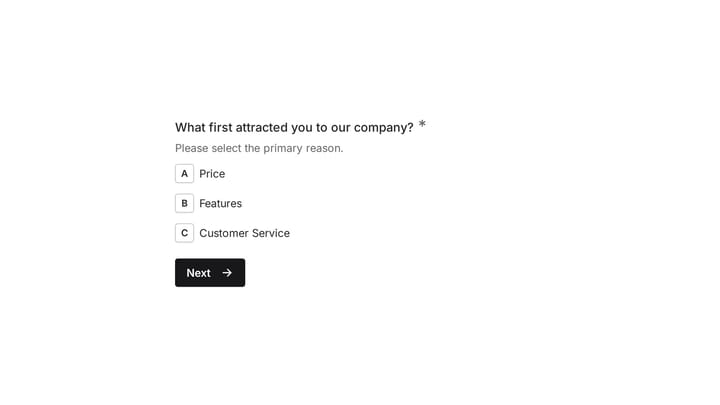
Fomr lets you arrange survey questions across pages and customize their appearance. Try this customer feedback example before building your own question sequence.
Give it a try
Try this Fomr customer feedback survey form
Try the recommendation, improvement, and satisfaction questions in this Fomr feedback survey. It shows how to collect responses, without automated research analysis or scoring.

Step 5: Write compelling survey invitations
Your survey invitation determines whether people click through or delete your message. Make it count.
Subject lines should be specific and benefit-focused. “Quick feedback request” is vague. “Help improve your checkout experience (2 minutes)” tells people exactly what you want and how long it takes.
Explain why their input matters. People are more likely to participate when they understand the impact. “Your feedback helps us prioritize new features” is better than “We value your opinion.”
Be upfront about time commitment. If it takes 3 minutes, say so. If you estimate wrong, people feel deceived and may not complete future surveys.
Think carefully about incentives. Small rewards can boost response rates, but they shouldn’t be the main reason people participate. Focus on making the survey valuable to complete.
Send from a real person when possible. “Sarah from the product team” feels more personal than “[email protected].”
Step 6: Test before launching
Never send a survey without testing it first. What seems clear to you might confuse your respondents.
Test the technical functionality. Click through every option, try different devices, and make sure responses save properly. Broken surveys destroy trust.
Check question clarity. Ask a colleague to take your survey and explain their thought process. If they hesitate or misunderstand questions, revise them.
Time the completion. Take the survey yourself and add 50% to your time. If you can complete it in 2 minutes, tell people it takes 3 minutes.
Review the data flow. Make sure responses export cleanly and you can analyze them easily. There’s nothing worse than collecting great data you can’t use.
Test your distribution method. Send the survey to yourself and a few team members first. Check that links work and the invitation displays properly across email clients.
Step 7: Launch and monitor responses
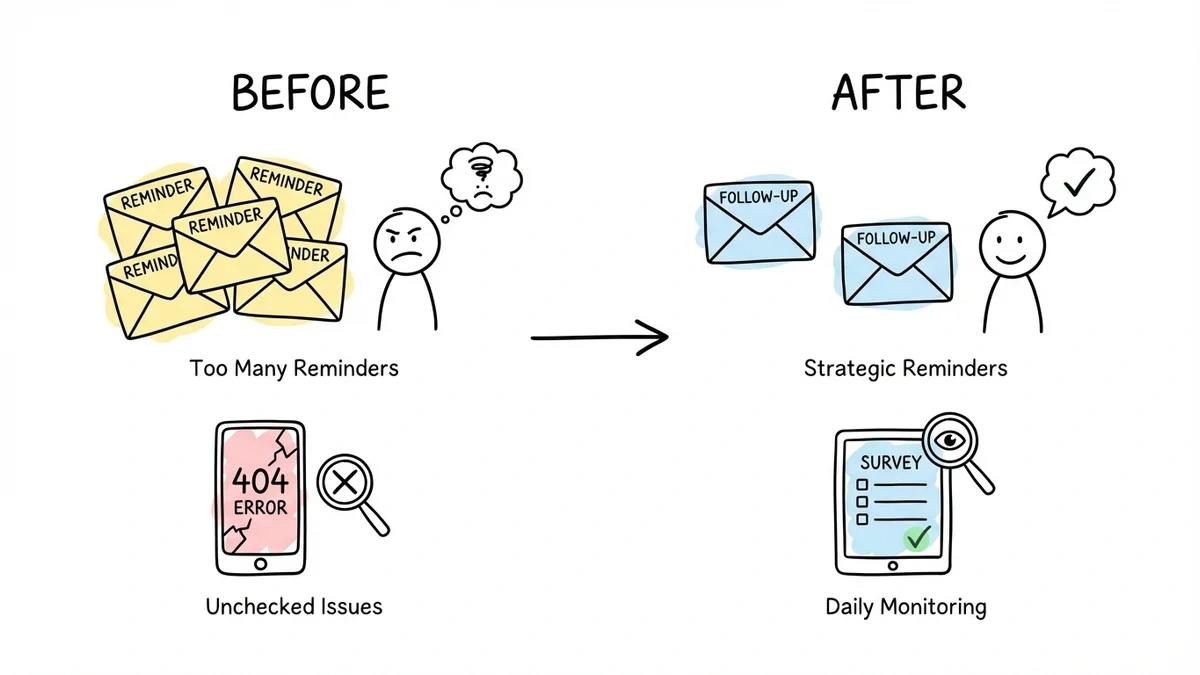
Once your survey is live, keep an eye on completion rates and adjust if needed.
Track key metrics: completion rate, time to complete, and drop-off points. If people consistently abandon at a specific question, that question probably needs work.
Send reminders strategically. One follow-up email typically doubles your response rate. More than two reminders usually annoys people without significant benefit.
Monitor for technical issues. Check your survey daily for the first few days to catch any problems early.
Be responsive to feedback. If multiple people mention the same issue with your survey, fix it quickly and let them know you’ve made improvements.
Common survey mistakes that kill response rates
Making surveys too long. Every question reduces completion rates. If you must ask more than 10 questions, break them across multiple surveys.
Using unclear language. Industry jargon, double negatives, and complex sentences confuse respondents. Write like you’re talking to a smart friend who doesn’t work in your industry.
Asking for information you already have. If someone is logged in or you have their purchase history, don’t make them re-enter basic details.
Providing too many answer options. More than 7 choices in a multiple choice question overwhelms people. Group similar options or use “Other” with a text field.
Ignoring mobile experience. Surveys that don’t work well on phones get abandoned quickly.
Not following up. People want to know their input mattered. Share results or explain how you’re using their feedback.
Analyzing and acting on survey results
Collecting responses is only half the battle. Good analysis turns raw data into actionable insights.
Start with completion rates. Industry benchmarks vary, but aim for at least 20% completion for customer surveys and 10% for general market research.
Look for patterns in open-ended responses. Group similar comments together to identify common themes. Tools like word clouds can help visualize frequent mentions.
Cross-reference quantitative and qualitative data. If satisfaction scores are low, what are people saying in the comment fields? The combination tells the full story.
Share results with stakeholders. Create a simple summary with key findings and recommended actions. Raw data dumps don’t drive decisions.
Close the loop with respondents. Send a brief follow-up explaining what you learned and how you’re responding. This builds trust for future surveys.
Ready to create your first survey?
Creating effective surveys takes practice, but following these steps gets you started on the right track. Focus on clear goals, thoughtful questions, and clean design. Your respondents will thank you with higher completion rates and better data.
Ready to put this into practice? Try building your first survey form without even creating an account. You’ll have a professional-looking survey ready to share in minutes.