At some point, everyone who builds forms regularly hits the same wall. You need a new contact form, so you open an old one, try to remember which version had the right fields, rebuild half of it from memory, and publish something that’s close but not quite what you wanted. Then you do it again next month.
We just shipped form templates to fix that. Here’s what’s in it.
A curated library to start from
When you create a new form in Fomr, you can now pick from a library of pre-built templates organized by category — contact forms, feedback surveys, event registration, job applications, order forms, and more.
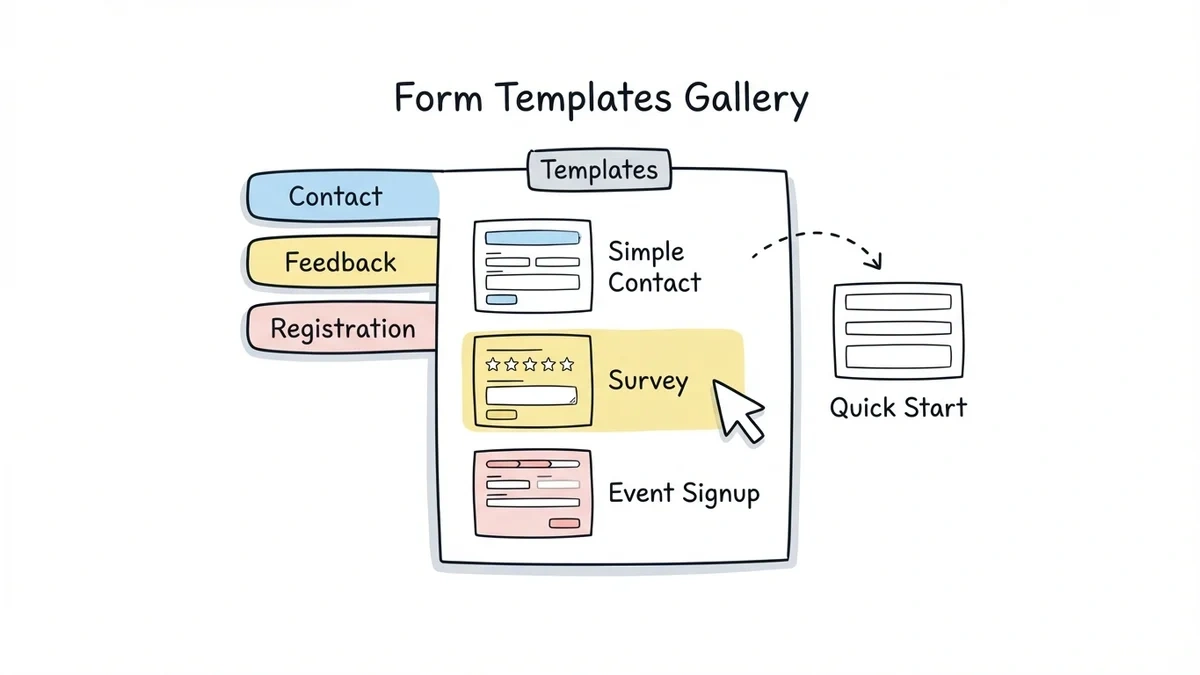
Every template ships with the right fields already in place, a layout that makes sense, and design settings you can adjust from there. You’re not starting from zero — you’re starting from something that already works. Customize what you need, publish, done.
We’re adding new templates regularly, so the library will keep growing.
Give it a try
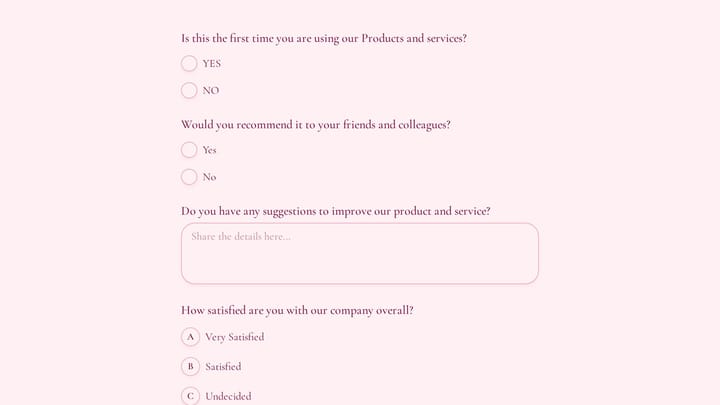
Try this Fomr cocktail event rsvp form
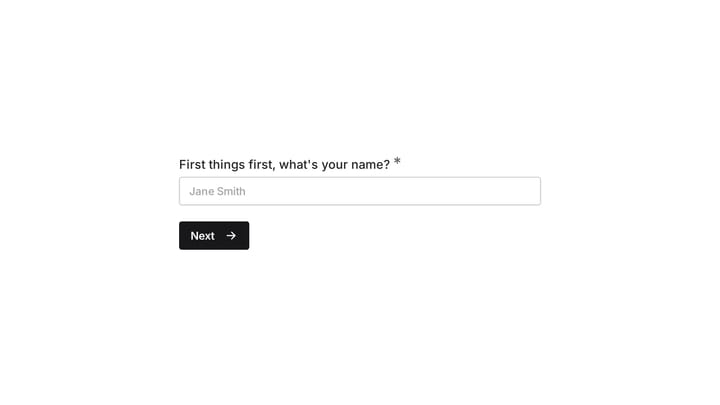
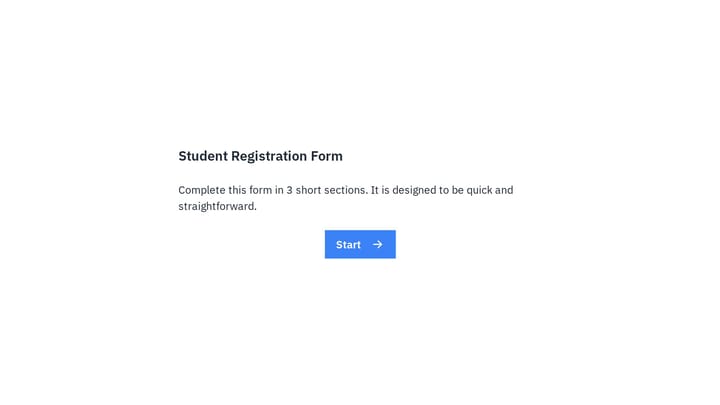
Try the attendance and guest questions in this Fomr RSVP template. It shows how an existing template gives you a starting field set to customize.

Save your own forms as templates
The curated library is useful, but this is the part most teams will get more mileage from.
Any form you’ve built in Fomr can be saved as a reusable template. It captures everything: all your fields, multi-page structure, design settings, colors, fonts, logo — the whole thing. Next time you need a similar form, you start from your template instead of a blank canvas.
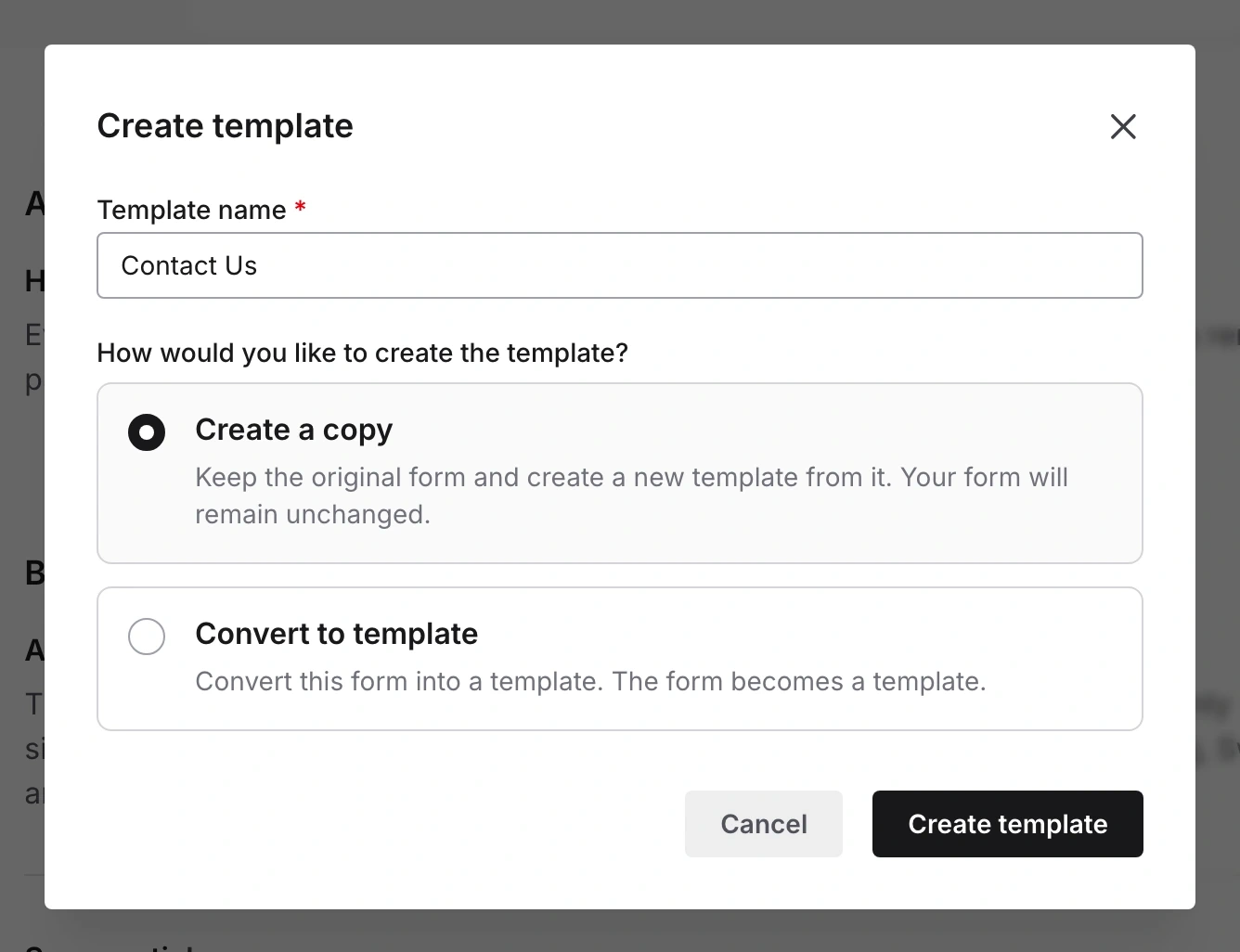
Name the template, then choose whether to create a copy or convert the existing form. Creating a copy keeps the original form available.
For solo users, it’s a time saver. For teams, it’s consistency. Your client intake form, your onboarding survey, your feedback form — save each one once, and everyone on the team starts from the same place. No more hunting through old forms trying to find the “good” version of something.
Tags keep templates organized
Templates accumulate quickly. Once your team starts saving them, you’ll want a way to find things without scrolling through a long list.
Tags let you organize by whatever system makes sense for how you work — department, client, project type, whatever. Filter by “hr” to see HR templates. Filter by “client-onboarding” to see those. It’s simple, but it makes a real difference once you have more than a handful of templates saved.
Who this actually helps
A few patterns we’ve seen since shipping this:
Agencies save a branded template for each client. When a new campaign needs a form, they start from the client template that already has the right colors, fonts, and logo baked in. No manual re-theming every time.
HR teams keep a set of templates for recurring processes — onboarding forms, exit interviews, time-off requests, performance feedback. The forms go out consistently every cycle instead of being rebuilt by whoever happens to be handling it that quarter.
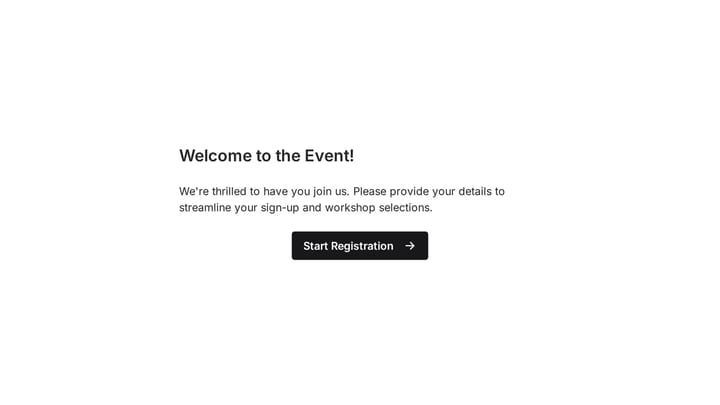
Event organizers build a solid base registration template and customize it per event. The core structure stays the same. The event-specific details change. It’s a much faster loop than starting fresh for every event.
Freelancers save their best-performing forms. A project intake form that clients actually fill out completely? Template it. A contact form with a good response rate? Template it. You did the work to get it right once — you shouldn’t have to redo it.
Available on all plans
Templates are available now, including on the free plan. There’s no paywall here — browse the curated library, use any template, and save as many of your own as you need.
If you’re already using Fomr, open your dashboard and look for the templates section when creating a new form. If you haven’t tried Fomr yet, give it a go at fomr.io — no account required to start building.