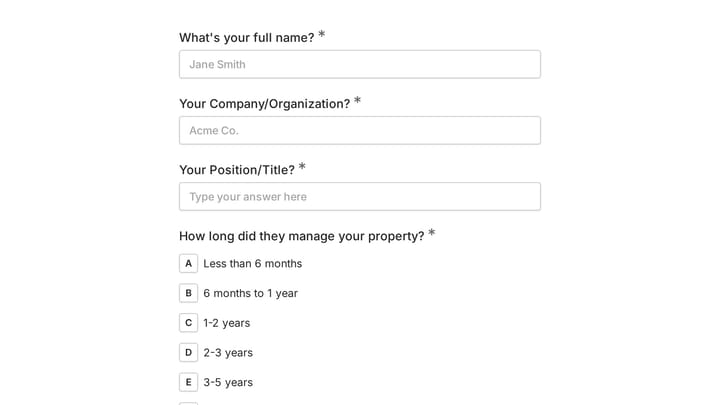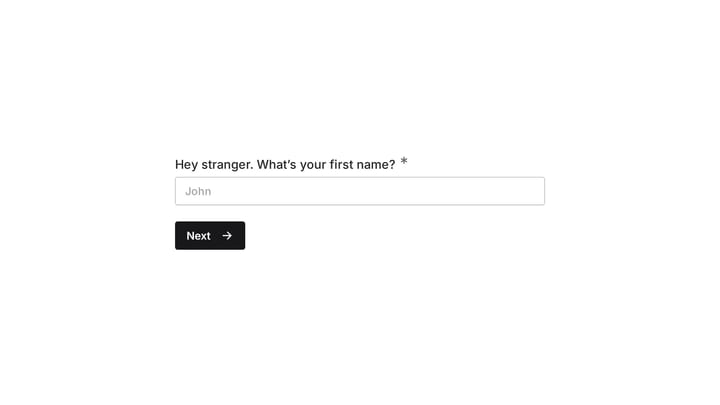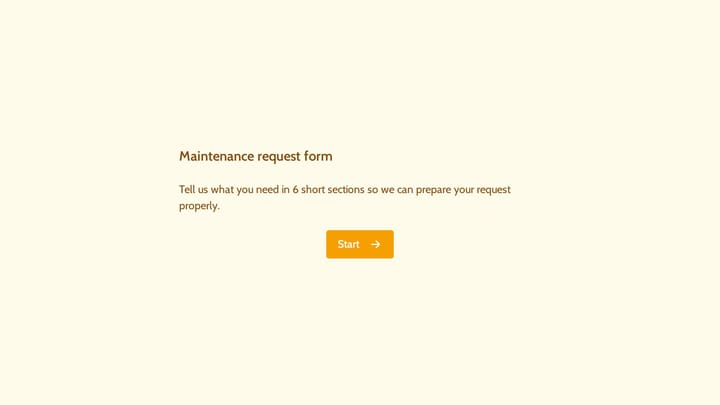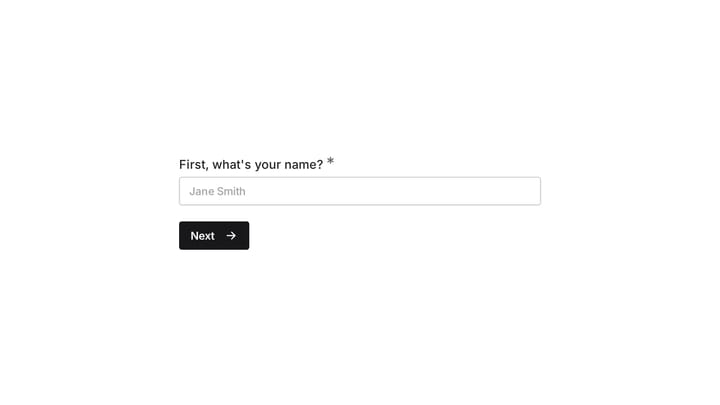
Creating a rental application form shouldn’t feel like solving a legal puzzle. You need tenant information, they need to provide it, and everyone wants the process to be painless. Yet most rental forms are either missing crucial details or so overwhelming that good tenants give up halfway through.
A well-designed rental application form protects you legally while making a positive first impression on potential tenants. It’s often their first real interaction with you as a landlord — and first impressions matter when you’re competing for quality renters.
What makes a good rental application form
Your rental application form needs to walk a fine line. Collect too little information and you’ll struggle to make informed decisions. Ask for too much and you’ll scare away qualified applicants or run into legal issues.
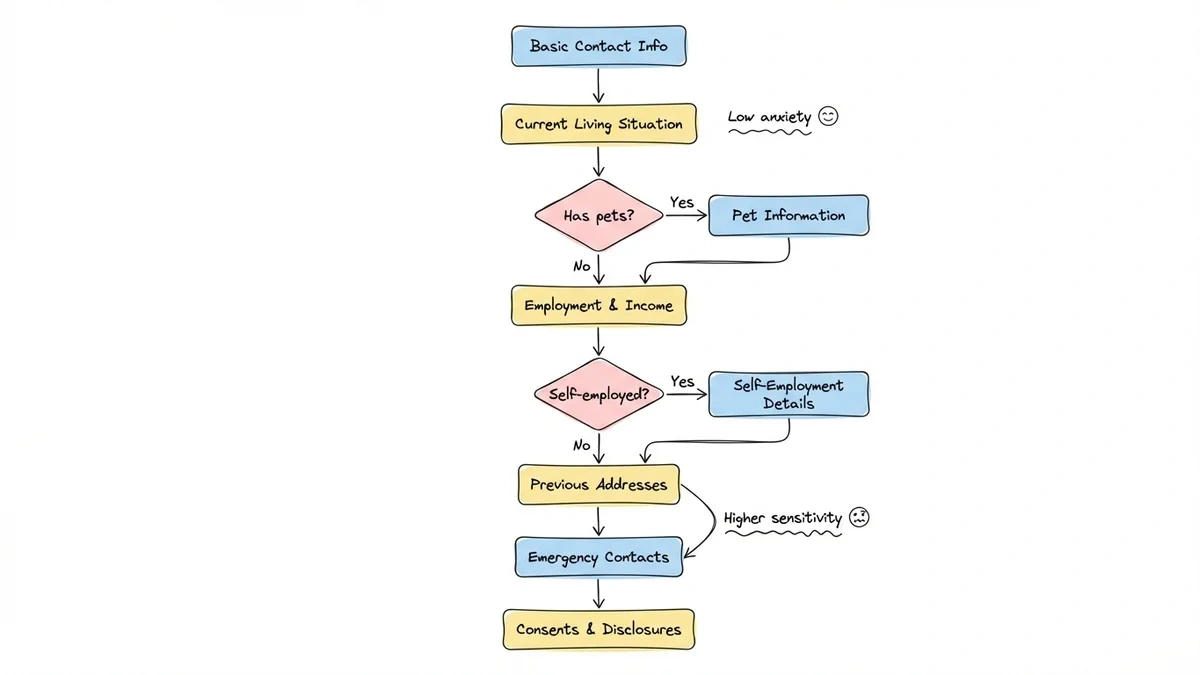
The best rental forms feel conversational rather than interrogational. They explain why you’re asking for each piece of information and make the process feel collaborative rather than adversarial.
Essential information every rental application should capture:
- Full legal name and contact details
- Current and previous addresses with landlord references
- Employment history and income verification
- Emergency contacts
- Pet information (if applicable)
- Criminal background consent
- Credit check authorization
The key is presenting these requirements in a logical flow that doesn’t overwhelm applicants upfront.
Step 1: Start with basic contact information
Begin your rental application form with straightforward contact details. This section should feel familiar and non-threatening — like filling out any standard contact form.
Include these fields:
- Full legal name (as it appears on ID)
- Phone number (primary and alternate)
- Email address
- Date of birth
- Social Security number (for background checks)
Keep Social Security number collection near the end of this section, not the very first field. Some applicants get nervous seeing it immediately and might abandon the form.
Pro tip: Add a brief explanation like “We use this information to process your application and conduct required background checks” near sensitive fields. Transparency reduces anxiety.
Step 2: Gather current living situation details
This section helps you understand why they’re moving and whether they’re a reliable tenant. Structure it as a story rather than an interrogation.
Key fields to include:
- Current address and move-in date
- Monthly rent amount
- Reason for moving
- Current landlord name and contact information
- Permission to contact current landlord (yes/no)
- Notice given to current landlord (if applicable)
The “reason for moving” field is crucial but sensitive. Provide common options in a dropdown (job relocation, need more space, lease ending, etc.) with an “other” option for custom responses. This feels less invasive than an open text field.
Common mistake to avoid: Don’t ask for current landlord contact information without explaining when and why you’ll reach out. Many tenants worry about jeopardizing their current housing situation.
Step 3: Collect employment and income information
Income verification is legally important but can feel intrusive. Frame it around helping tenants comfortably afford the rent rather than judging their financial worth.
Essential employment fields:
- Current employer name and address
- Job title and department
- Supervisor name and contact information
- Employment start date
- Gross monthly income
- Other income sources (if any)
For self-employed applicants, adjust the fields to capture business name, type of work, and average monthly income. Consider adding a checkbox for “self-employed” that reveals different fields.
Income verification approach: Instead of asking for exact salary figures upfront, consider ranges (under $3,000, $3,000-$5,000, etc.) with a note that documentation will be required if approved. This feels less invasive during the initial application.
Step 4: Request previous address history
Most landlords want 2-3 years of rental history, but presenting this as one massive section overwhelms applicants. Break it into current address (covered above) and previous addresses.
For each previous address, collect:
- Full address and dates of residence
- Monthly rent amount
- Landlord or property manager contact information
- Reason for leaving
Limit this to the most recent 2-3 addresses unless your local laws require more. Consider making the third previous address optional — many applicants won’t remember details from 4+ years ago.
Smart design choice: Use conditional logic if your form builder supports it. Start with “How many previous addresses should we collect?” and only show the relevant number of address sections.
Step 5: Handle pet information tactfully
Pet policies vary widely, and this section can make or break applications. Be clear about your policy upfront rather than surprising applicants later.
If you allow pets:
- Number and type of pets
- Pet names, ages, and weights
- Vaccination records (required/optional)
- Pet deposit amount (state this clearly)
- Previous rental history with pets
If you don’t allow pets: Include a simple “Do you have pets?” yes/no question with a note about your no-pet policy. This saves everyone time.
Many landlords struggle with emotional support animals and service animals, which have different legal requirements than pets. Include a separate section acknowledging these distinctions if relevant.
Step 6: Add emergency contacts and references
Emergency contacts serve dual purposes — safety and character references. Present this section as a standard safety measure rather than a trust issue.
Collect for each emergency contact:
- Full name and relationship to applicant
- Phone number and email address
- Address (optional but helpful)
Request 2-3 emergency contacts. One should ideally be a family member, others can be close friends or colleagues. Avoid requiring professional references unless you’re in a high-end market where it’s expected.
Step 7: Include required disclosures and consents
This is the least exciting but most legally important section. Group all consents and disclosures together rather than scattering them throughout the form.
Essential consents typically include:
- Credit check authorization
- Background check consent
- Previous landlord contact permission
- Income verification consent
- Fair housing acknowledgment
Present these as checkboxes with clear, plain-language explanations. Avoid dense legal text that nobody reads. Something like “I authorize a credit check to process this application” works better than paragraphs of legal jargon.
Legal note: Check your local and state requirements. Some jurisdictions have specific language requirements for rental application disclosures.
Step 8: Design for mobile and accessibility
Over 60% of rental applications are started on mobile devices. Your rental application form needs to work perfectly on phones, not just desktop computers.
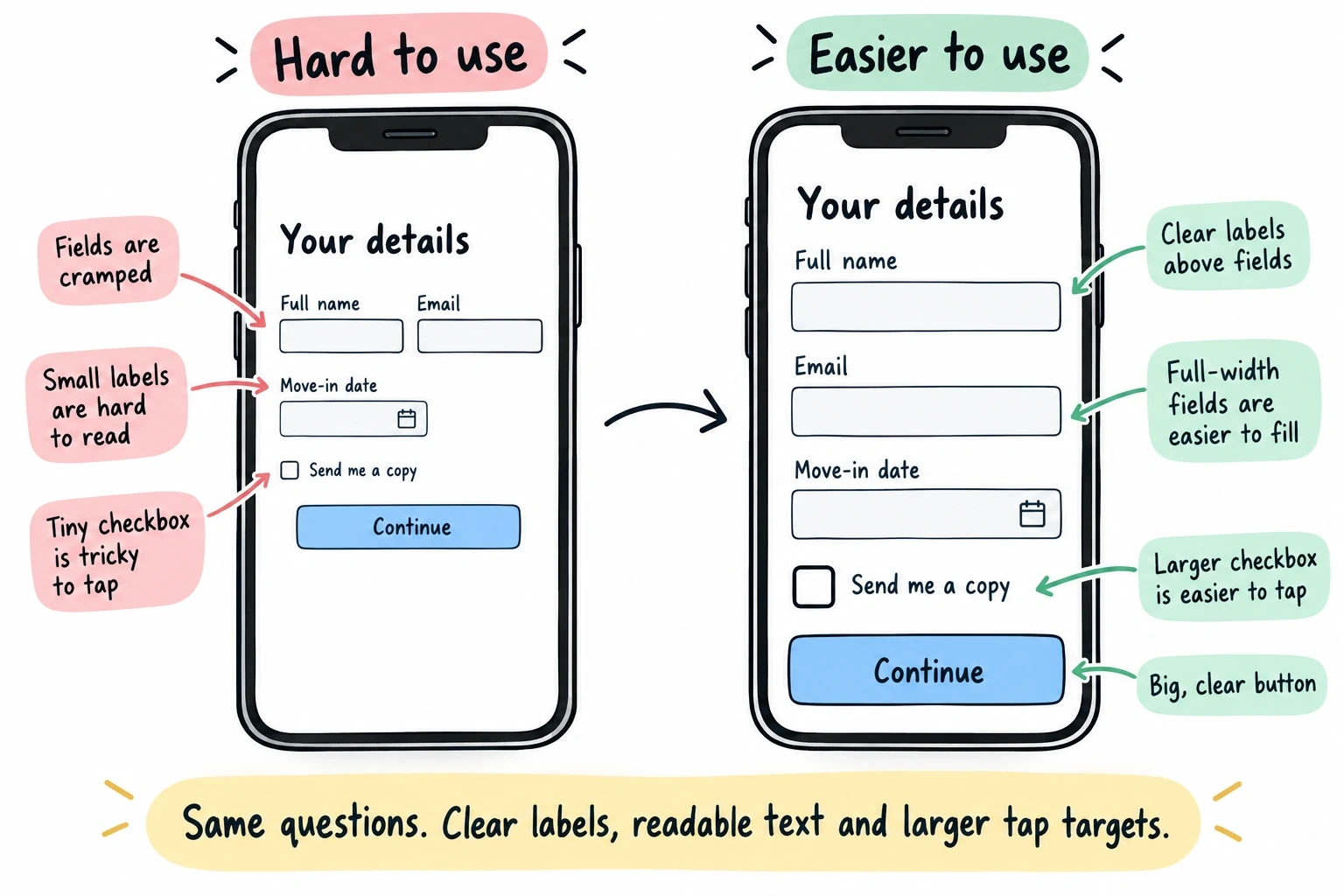
Mobile optimization checklist:
- Single-column layout that doesn’t require horizontal scrolling
- Large, tappable buttons and form fields
- Readable font sizes (16px minimum)
- Logical tab order for keyboard navigation
- Clear section breaks with progress indicators
Test your form on actual mobile devices, not just desktop browser resize. The experience is different, and small usability issues become major barriers on phones.
Accessibility considerations: Use proper form labels, provide error messages that screen readers can access, and make sure you have sufficient color contrast. These practices help everyone, not just users with disabilities.
Common rental application form mistakes to avoid
Asking for information you legally cannot use: Familiarize yourself with fair housing laws. You cannot ask about race, religion, national origin, familial status, or disability status. Even seemingly innocent questions can create legal issues.
Making the form too long: If your application takes more than 10-15 minutes to complete, you’re losing good applicants. Focus on essential information and consider collecting details after initial screening.
Poor mobile experience: A form that’s impossible to complete on mobile eliminates a huge portion of potential applicants, especially younger renters who do everything on their phones.
Unclear next steps: Always end your rental application form with clear information about what happens next. When will they hear back? What documentation might be needed? How do they check application status?
No save-and-continue option: Long forms should allow applicants to save progress and return later. Life happens, and forcing people to complete everything in one session creates unnecessary barriers.
Choosing the right form builder for your rental application
Not all online form builders handle rental applications equally well. You need specific features that generic survey forms don’t require.
Essential features for rental application forms:
- Conditional logic to show/hide relevant sections (coming soon)
- File upload capabilities for supporting documents
- Mobile-responsive design that actually works
- Data security and encryption (you’re handling sensitive information)
- Integration options for your property management workflow (coming soon)
Free vs. paid considerations: Free form builders work fine for basic rental applications, but paid options often provide better security, custom branding, and integration capabilities that matter for professional property management.
We built Fomr specifically to handle forms like rental applications that need to look professional while remaining easy to complete. Our drag-and-drop editor lets you create multi-page forms, and everything works perfectly on mobile devices.
Testing and improving your rental application form
Launch your rental application form with a small test group first. Ask friends or family to complete it and provide honest feedback about confusing sections or technical issues.
Key metrics to track:
- Completion rate (what percentage start vs. finish)
- Time to complete (aim for under 15 minutes)
- Mobile vs. desktop usage
- Most common drop-off points
Pay attention to where people abandon the form. If you see consistent drop-offs at specific sections, that’s usually a sign of confusing questions, technical problems, or information overload.
Continuous improvement approach: Treat your rental application form as a living document. Update it based on applicant feedback, legal changes, and your evolving screening needs. What works in today’s rental market might need adjustment next year.
Ready to create your rental application form?
A well-designed rental application form protects your investment while creating a positive experience for potential tenants. The key is balancing thorough information collection with user-friendly design that works on any device.
Start building your rental application form today with Fomr’s free drag-and-drop editor. You can create and test your form without even creating an account, then share it via link or embed it on your property website. Try it now and see how easy professional form building can be.