You need a contact form for your website. You open a form builder, stare at a settings panel full of dropdowns and text inputs, and spend 20 minutes hunting through menus before you even add your first field. Sound familiar?
Traditional form builders were designed by developers who assumed everyone thinks in terms of configuration panels and field validation rules. Most people don’t. Most people think visually: they picture what the form should look like and want to just… build it that way.
That’s why drag and drop form builders keep winning. They match how humans actually think about layout and design.
The problem with settings-panel form builders
Most older form tools follow the same pattern: you pick a field type from a menu, fill out a settings panel, save, then switch to a preview tab to see what happened. Repeat for every field.
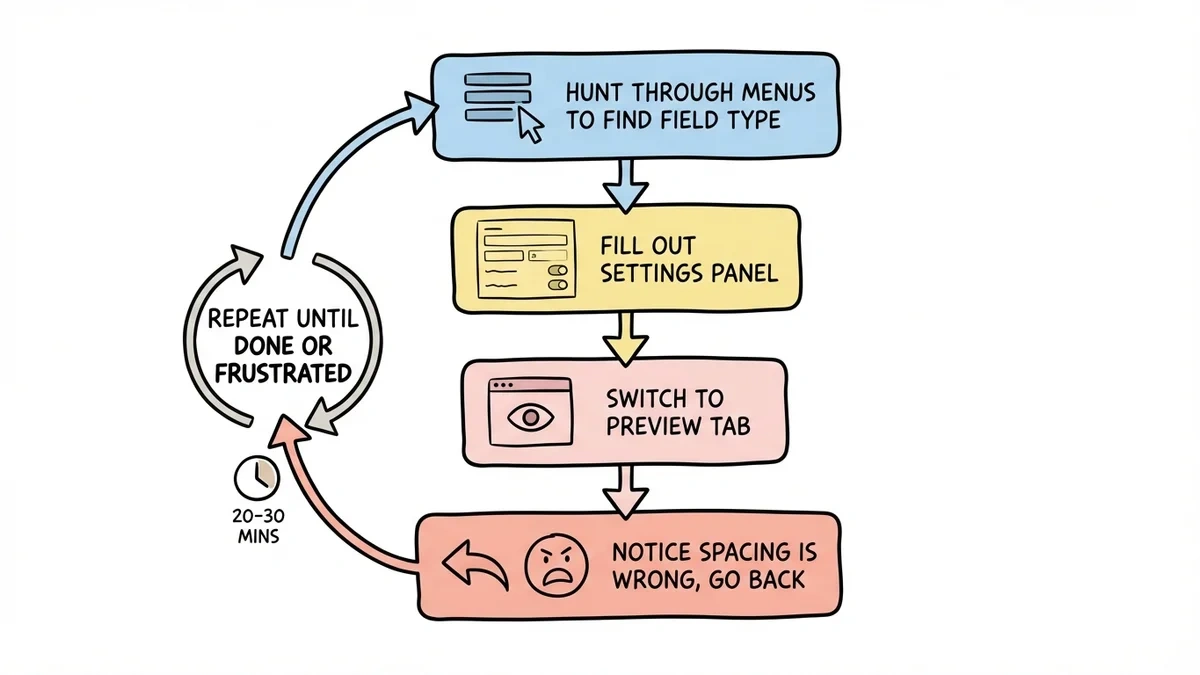
Here’s what that experience looks like in practice:
- Hunt through menus to find the right field type
- Fill out a settings panel wondering what “field validation regex” means
- Switch to a preview tab to see how it looks
- Realize the spacing is wrong, go back to settings
- Repeat until you’re frustrated or done (often both)
A simple 5-field contact form takes 20-30 minutes. A multi-page registration form can eat an entire afternoon. At the end, the form still looks generic because you had almost no control over the visual design.
What changes when you can drag and drop
A drag and drop form builder replaces that entire workflow with something intuitive: grab a component, drop it where you want it, and see exactly what your users will see.
You see the result instantly
The biggest practical difference is immediate visual feedback. When you drop a text field onto your form, it appears exactly as it will look to respondents. No switching between edit and preview modes. No surprises after publishing.
This speeds up design by a lot. You can try different layouts, swap question types, and adjust styling while watching the form take shape in real time.
It matches how you think
When you picture a form in your head, you see fields arranged on a page, maybe grouped into sections, maybe with a header at the top and a button at the bottom. You think spatially.
Traditional builders force you to translate that spatial picture into abstract menu selections. It’s like trying to describe a room layout by filling out a spreadsheet. You can do it, but it’s painfully indirect.
Drag and drop skips the translation step. You arrange things where you want them, and that’s where they go.
Changes take seconds, not minutes
Want to reorder questions? Drag them. Need to add a rating scale between two existing fields? Drop it in place. Want to see how the form looks with the email field moved to the top? Try it and decide in five seconds.
This low cost of change encourages experimentation. You’re more likely to test different question orders or try new field types when each change is a quick drag rather than a trip through settings panels.
Design freedom without design skills
Here’s where drag and drop really pulls ahead: it makes good design accessible to everyone. You don’t need to know CSS or have a graphic design background to build a form that looks professional.
Visual hierarchy becomes intuitive
Good forms guide users through a logical flow. Important fields come first. Related questions are grouped together. The submit button stands out visually.
With a settings-panel builder, you have to imagine this hierarchy in your head and hope the tool produces something close. With drag and drop, you see the hierarchy as you build it. If something feels cluttered or out of order, you notice immediately and fix it.
Brand consistency without code
Most businesses want their forms to match their website. Traditional builders make this harder than it should be: you get a handful of color presets, two or three fonts, and rigid layouts.
Modern drag and drop builders give you real customization that stays visual. Pick your brand colors from a palette instead of typing hex codes. Choose from a large font library with live preview. Adjust spacing and layout by dragging, not by entering pixel values.
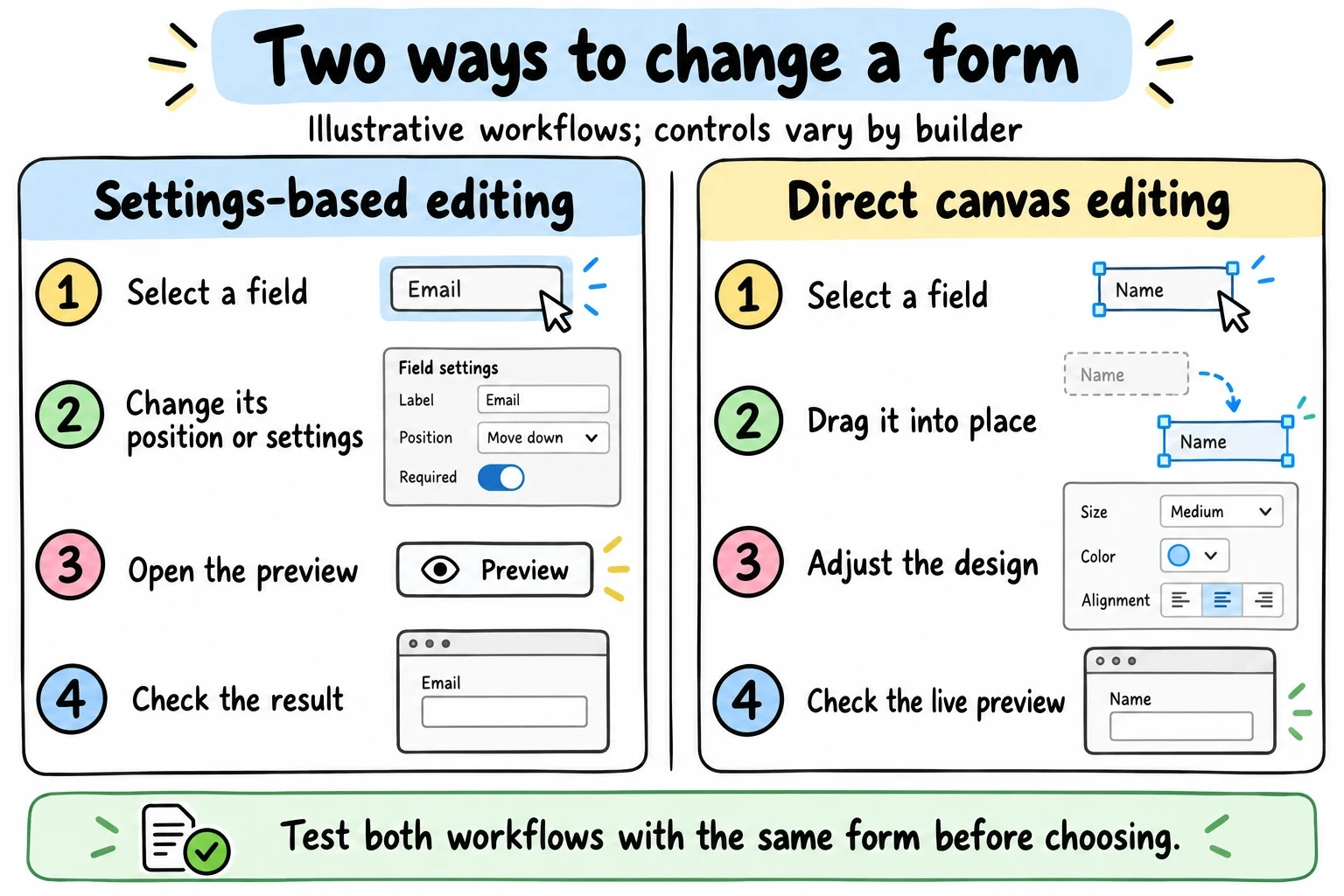
The workflows below are examples. Many builders combine settings panels, drag controls and live preview, so evaluate the specific editor rather than assuming its category determines its capabilities.
| Task | Example settings-led workflow | Example direct-manipulation workflow |
|---|---|---|
| Reorder a field | Select the field and change its position with a control | Drag the field to a new position |
| Change appearance | Open design settings, then check the preview | Adjust design controls beside the live form |
| Verify the result | Preview the published layout and test on mobile | Preview the published layout and test on mobile |
Neither workflow guarantees a particular font library, layout flexibility or build time.
Speed gains that add up
The time difference between building forms visually vs. through settings panels compounds across every form you create.
Fast first drafts
Need a registration form for an event next week? With drag and drop, you can have a working version in under five minutes: name, email, phone, a few checkboxes for session preferences, styled to match your event branding.
That speed changes how you approach form design. Instead of planning every detail before you start building, you prototype quickly, share it with a colleague for feedback, and refine from there.
Templates as starting points
Most drag and drop builders include templates for common forms: contact, feedback, registration, lead capture. The difference from older tools is that these templates are genuinely customizable. Need an extra field? Drop it in. Want to rearrange the layout? Drag sections around. Change the color scheme? Click and pick.
With settings-panel builders, customizing a template often means recreating half of it from scratch.
Honest trade-offs
Drag and drop isn’t perfect for every situation, and I’d rather be upfront about that.
Where settings panels still win
Complex conditional logic (showing or hiding fields based on previous answers) is sometimes easier to configure through a settings panel or rule builder than through a visual interface. Custom validation rules, like “this field must match a specific format,” can be the same way.
That said, most forms don’t need this complexity. The vast majority of contact forms, feedback forms, surveys, and registration forms can be built entirely through drag and drop. For the smaller set that needs advanced logic, the better drag and drop builders are adding these capabilities steadily. Fomr, for instance, has conditional logic coming soon.
The “real developers don’t drag and drop” myth
Some developers see visual builders as amateur tools. This misses the point entirely.
The goal isn’t to replace developers. It’s to free them from routine work. When your marketing team can build their own lead gen forms and your ops team can create their own internal surveys, developers can spend time on problems that actually require code. Everyone wins.
What separates good drag and drop builders from bad ones
Not all drag and drop form builders are equal. Here’s what to look for:
Real-time preview accuracy. When you drop a field, you should see exactly what respondents will see, correct fonts, spacing, colors, everything. Some builders show a simplified editor view that doesn’t match the final output. That defeats the purpose.
Comprehensive field types. Text inputs, dropdowns, checkboxes, radio buttons, date pickers, rating scales, signature fields: the builder should cover your needs without workarounds. If you have to hack together a field type the tool doesn’t support, it’s not saving you time.
Genuine design flexibility. Drag and drop is the interaction model, but it shouldn’t limit your design options. Custom fonts, colors, backgrounds, spacing controls, and layout options matter. A drag and drop builder with three color choices isn’t much better than a settings panel.
Performance under load. Some visual editors slow down once you add 15-20 fields or customize heavily. The builder should stay responsive even for longer forms. This is an annoyingly common problem, so test it before committing.
Mobile matters more than you think
Over 60% of web traffic is mobile. A form that looks great on desktop but falls apart on a phone loses the majority of its potential responses.
Drag and drop builders have a natural advantage here. Because you’re designing visually, you can preview how the form looks at different screen sizes and make adjustments on the spot. Settings-panel builders often treat mobile responsiveness as an afterthought: they auto-generate a mobile layout and hope for the best.
When evaluating any form builder, test the mobile experience yourself. Open the published form on your phone. Try to fill it out with your thumbs. If it’s frustrating, your respondents will feel the same way.
The practical takeaway
Drag and drop form builders win because they match how people naturally think about design. They’re faster, more intuitive, and produce better-looking results for the vast majority of forms.
If you’re still using a builder that makes you hop between settings panels and preview tabs, you’re spending time on the tool instead of on the form.
Want to see the difference yourself? Fomr’s guest editor lets you build a form right now, no account needed. Drag, drop, design, and share. The free plan has no limits on forms, responses, or team members.
Give it a try
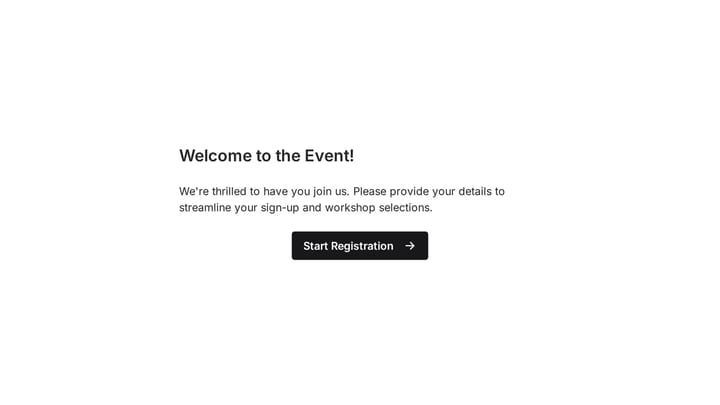
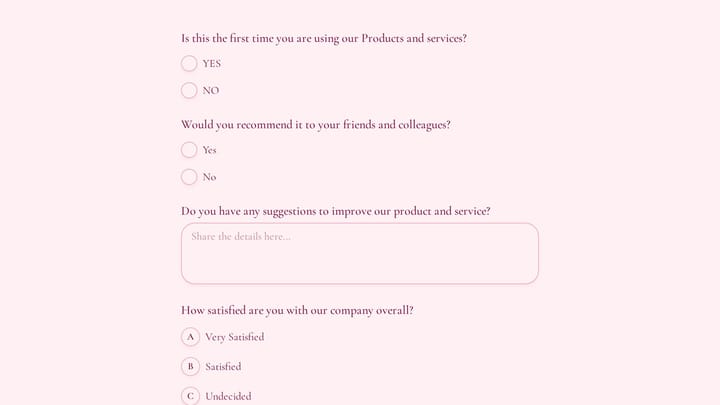
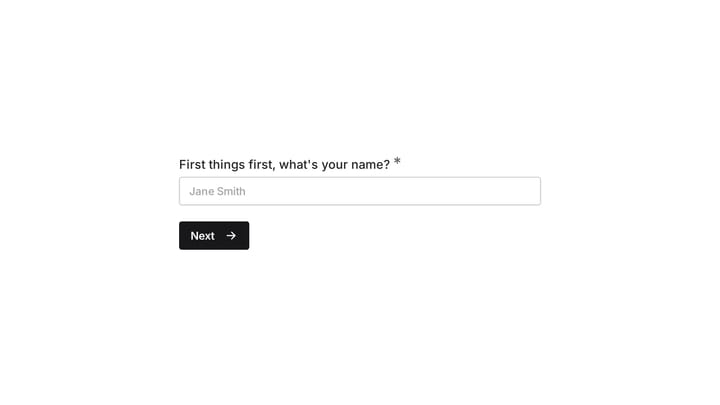
Try this Fomr event questionnaire
Try the event-preference questions in this Fomr questionnaire. This is the finished respondent view; use the guest editor to experiment with moving and styling the fields.