Your small team needs to collect feedback, but the survey tool market is a mess. Half the platforms charge per response, which means your costs spike the moment a survey actually succeeds. The other half look like they were designed in 2012 and never updated. Most of the “best of” lists online are written by the tools themselves, so the recommendations aren’t exactly unbiased.
We tested dozens of online survey tools with small teams specifically in mind. Our criteria: easy to learn without a training session, flexible enough to match your brand, transparent pricing that won’t surprise you at scale, and enough versatility to handle customer feedback, NPS, employee surveys, and everything in between.
What small teams actually need in a survey tool
Enterprise survey platforms come loaded with features your 5-person team will never touch — advanced statistical modeling, panel management, multi-language deployment engines. You don’t need any of that. You need four things:
Fast setup. You should go from “I need a survey” to “Here’s the link” in under 15 minutes. If the tool requires a training session, it’s not built for small teams.
Design control. Generic-looking surveys get lower response rates. When a survey looks like it was thrown together, respondents treat it that way. Your tool should let you match brand colors, add your logo, and create something that looks intentional.
Predictable pricing. Per-response pricing is a trap for growing teams. You either cap your data collection or face a surprise bill. The best tools for small teams offer unlimited responses or make their tiers crystal clear.
Multi-purpose flexibility. Small teams can’t afford separate subscriptions for customer surveys, employee feedback, event registration, and contact forms. One tool should cover all of it.
Quick comparison
| Tool | Free Plan | Response Limits | Design Control | Conditional Logic | Starting Paid Price |
|---|---|---|---|---|---|
| Fomr | Unlimited forms, responses, fields, team members | None | Full (1,700+ fonts, complete visual editor) | Coming soon | $34/mo monthly or $24/mo yearly |
| Typeform | 100 responses/mo | Yes | Moderate (within their templates) | Yes | $25/mo |
| Google Forms | Unlimited | None | Minimal | Basic | Free |
| SurveyMonkey | 10 questions, 100 responses | Yes | Moderate | Yes | $25/mo per user |
| Jotform | 100 submissions/mo | Yes | Good (CSS access) | Yes | $24/mo |
| Airtable Forms | Included with Airtable | Varies by plan | Basic | No | $10/mo per user |
Now let’s dig into what each one actually does well, and where it falls short.
Fomr — best for design-focused teams
Fomr gives you more visual control over your surveys than any other tool in this price range (or any price range, frankly). If how your survey looks matters to your team, and it should because design directly affects response rates, this is where the comparison gets interesting.
What stands out: The visual editor gives you complete control over typography, colors, spacing, and layout. You get 1,700+ fonts, background images, precise logo positioning, and multi-page forms with progress indicators. Sharing options include links, embeds, QR codes, and popups. All of it works offline too.
Where it’s limited right now: Fomr doesn’t have conditional logic, payment collection, or a Zapier integration yet — all are coming soon. If your survey needs complex branching (“If answer is X, skip to question 7”), you’ll need to wait or use a different tool for that specific case.
Pricing: The free plan is genuinely unlimited — forms, responses, fields, team members, all of it. No catch. Pro at $34/month or $24/month billed yearly adds custom domains, removes Fomr branding, and gives you SEO controls.
Best for: Teams that want surveys respondents actually enjoy filling out. Customer satisfaction surveys, NPS, feedback forms, and any scenario where visual quality affects the response you get.
Give it a try
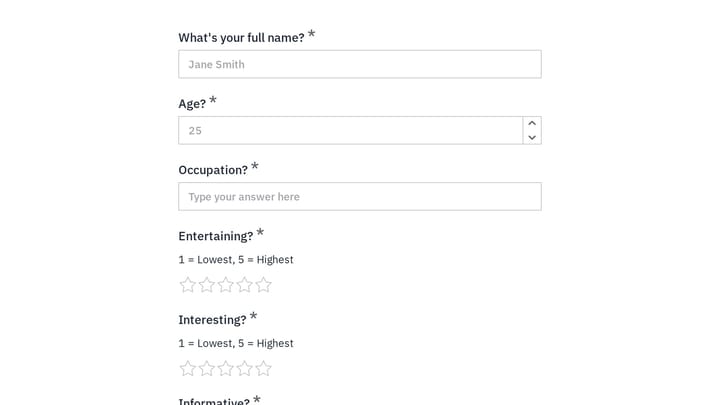
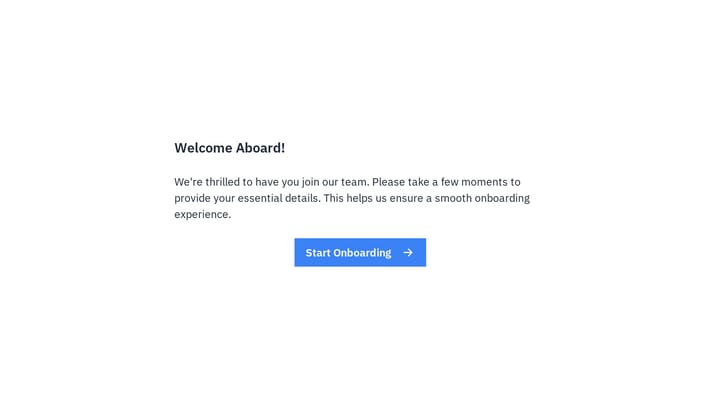
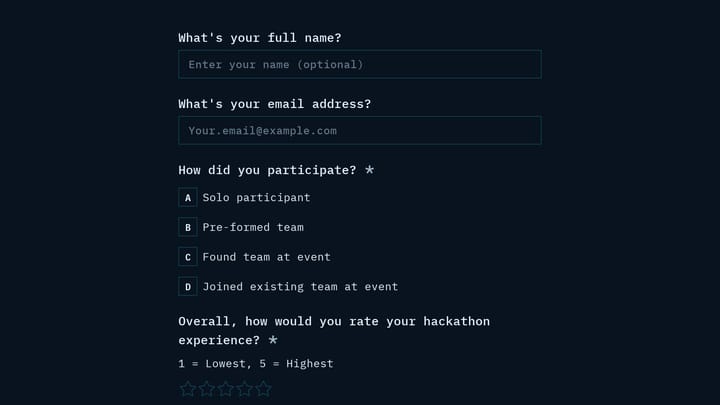
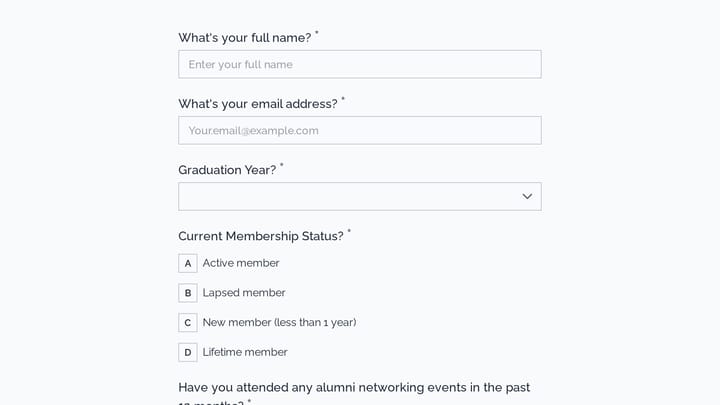
Explore this business culture survey right here
This is a real, working template from our gallery. Fill it out like a respondent would, then make it your own.

Typeform — best for conversational-style surveys
Typeform pioneered the one-question-at-a-time format, and it’s still the best at it. If you’re running longer surveys where abandonment is a concern, the conversational approach genuinely helps.
What stands out: The step-by-step interface keeps respondents engaged through longer surveys. Logic jumps work smoothly, question types are well-designed, and it connects to most tools your team is probably already using.
Where it’s limited: You’re working within Typeform’s visual framework. You can adjust colors and add a logo, but you can’t fundamentally change how the form looks. The free plan caps you at 10 responses per month across every form, down from 100 in early 2026 — a limit small teams hit almost immediately. That’s the frustrating part: you can’t predict whether a given month will cost you nothing or force an upgrade.
Pricing: Free with 100 responses/month. Basic plan starts at $25/month for 1,000 responses.
Best for: Longer surveys (10+ questions) where the conversational format reduces drop-off. Less ideal if you want full design control or need to keep costs low at higher volumes.
Google Forms — best for quick internal surveys
Google Forms is the tool you already know how to use. It’s free, it’s fast, and it feeds directly into Google Sheets. For internal surveys and quick feedback collection, it’s hard to beat on pure convenience.
What stands out: Zero learning curve. Unlimited responses at no cost. Real-time collaboration. Automatic Google Sheets integration for analysis. If your team lives in Google Workspace, everything just connects.
Where it’s limited: Your surveys will look like Google Forms. There’s no meaningful design customization — no custom fonts, limited color options, no background images. Advanced question types and logic are basic at best. I’d skip it for anything customer-facing where brand impression matters.
Pricing: Free. Completely.
Best for: Internal employee surveys, quick polls, and any situation where speed and simplicity matter more than appearance. Not suitable when you need surveys that represent your brand externally.
SurveyMonkey — best for research-heavy teams
SurveyMonkey has been around longer than most of these tools combined, and it shows in the analytics. If your team needs statistical significance testing, trend analysis, or advanced reporting, this is the strongest option here.
What stands out: Strong question types including matrix questions, rating scales, and demographic profiling. Built-in templates for standard surveys like NPS and CSAT. Analytics go beyond basic charts — you get cross-tabulation, statistical testing, and trend tracking.
Where it’s limited: The interface feels dated. The free plan is severely restricted (10 questions, 100 responses). Pricing is per user, which adds up fast. A 5-person team on the basic plan pays $125/month, and that’s annoying for a small team budget.
Pricing: Free plan with major limitations. Team plans start at $25/month per user.
Best for: Teams that run complex surveys regularly and need strong analytics built in. Not ideal for budget-conscious small teams that just need clean feedback collection.
Jotform — best for all-purpose form needs
Jotform tries to be everything for everyone — surveys, order forms, registration forms, payment collection, document generation. If you need one platform that handles a wide variety of form types beyond surveys, it’s worth a look.
What stands out: Massive template library. Good customization with CSS access for advanced users. Handles payment collection well. The form builder is mature and covers edge cases most competitors don’t.
Where it’s limited: The interface is overwhelming. There are so many options and settings that simple tasks take longer than they should. Design flexibility is decent but not as intuitive as newer tools. The free plan limits you to 100 submissions per month. Honestly, I find the UI cluttered — it feels like it could use a fresh pass.
Pricing: Free with 100 submissions/month. Bronze plan at $24/month increases limits.
Best for: Teams that need surveys alongside order forms, registration forms, and payment collection in a single platform. Less ideal if surveys are your primary need.
Airtable Forms — best for Airtable-first teams
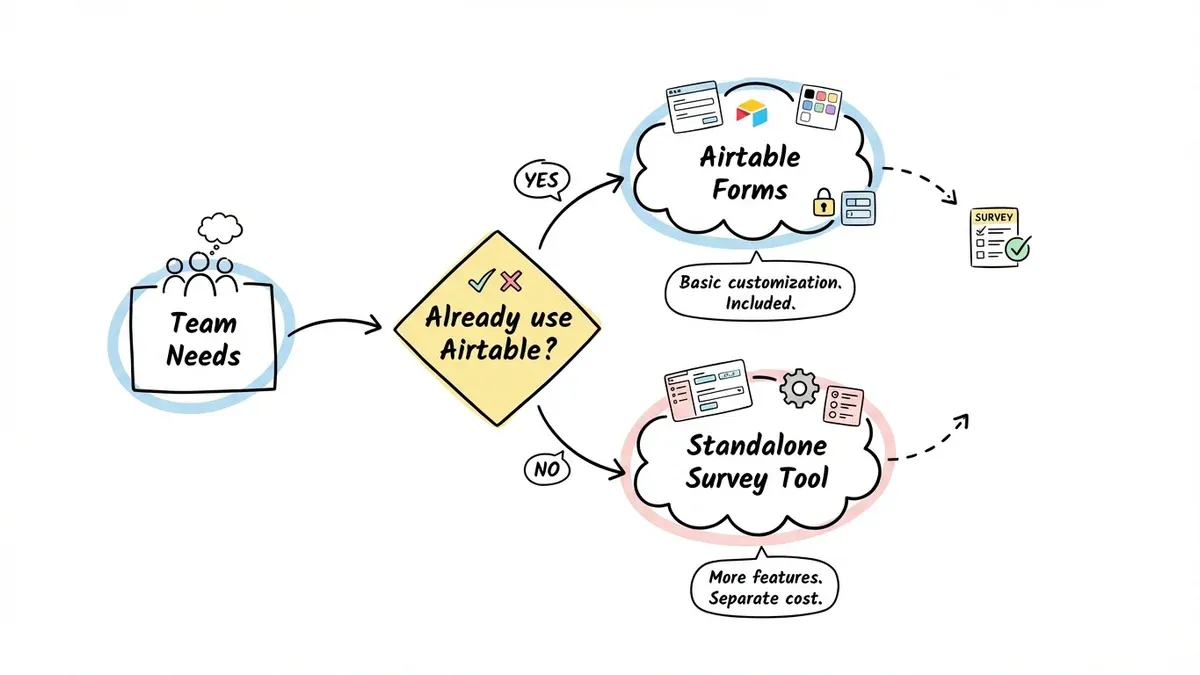
If your team already runs on Airtable, their built-in forms might be all you need. Survey responses populate directly into your existing bases, which means no CSV exports, no data transfer steps, no manual entry.
What stands out: Direct integration with Airtable’s database and automation features. Responses flow directly into bases where they can trigger workflows. The form interface itself is clean and simple.
Where it’s limited: Form design customization is basic — you can’t do much beyond adding a logo and changing colors. Question types are limited to what Airtable fields support. Not practical as a standalone survey tool if you don’t already use Airtable.
Pricing: Included with Airtable plans starting at $10/month per user.
Best for: Teams already invested in Airtable who want survey data feeding directly into their existing workflows. Not a fit for anyone else.
How to pick the right one
Budget is tight and design matters: Fomr gives you the most capable free plan with full design control. Google Forms is free too, but with almost no customization.
You run long, complex surveys: Typeform’s conversational format or SurveyMonkey’s advanced question types are your best options. Both support conditional logic today.
You need more than just surveys: Jotform handles the widest variety of form types in a single platform.
You live in a specific ecosystem: Google Forms for Google Workspace teams. Airtable Forms for Airtable teams. Pick the tool that fits where your data already lives.
You need advanced analytics: SurveyMonkey is the clear winner for built-in research and reporting.
Tips that work regardless of tool
Keep surveys to 5-7 questions for customer feedback. Completion rates drop sharply after that, especially on mobile.
Start with easy questions. Multiple choice first, open-ended text last. Building momentum through the first few questions increases the odds someone finishes.
Test on a real phone. Over 60% of survey responses come from mobile. Resizing your browser is not the same as testing on an actual device.
Be specific with rating scales. “How easy was it to find what you were looking for?” generates more actionable feedback than “How satisfied are you overall?”
Close the loop. Acknowledge feedback. Tell people what changed because of their responses. This is what turns one-time respondents into people who fill out your next survey too.
Start collecting better feedback
The right online survey tool doesn’t need to be expensive or complicated. It needs to be easy to set up, look professional enough that people take it seriously, and give you clear data to act on.
If you want to see what a design-first survey builder feels like, try Fomr’s guest editor — no account required. Build your first survey in a few minutes and see how much design control actually changes the experience.