SurveyMonkey’s $25/month starting price and outdated interface have many teams looking elsewhere. You need a tool that creates professional surveys without breaking the budget — or forcing you to settle for clunky templates that look like they’re from 2015.
We’ve tested dozens of surveymonkey alternatives to find the ones that actually deliver on design, functionality, and fair pricing. Some excel at visual customization, others at advanced logic, and a few manage to do both without the enterprise price tag.
Here are 10 alternatives that outperform SurveyMonkey in key areas, ranked by what they do best.
Best overall SurveyMonkey alternative: Fomr
What makes it stand out: Unlimited everything on the free plan, plus design control that puts SurveyMonkey’s templates to shame.
Fomr gives you what SurveyMonkey charges $25/month for — unlimited forms, responses, and team members — completely free. The visual editor lets you customize colors, fonts (1,700+ options), backgrounds, and layouts without touching code. Multi-page forms, 30+ field types, and offline functionality come standard.
The catch? Some power features are still on the roadmap. Conditional logic and payment collection are coming soon. If you need those features today, you’ll want to look elsewhere.
Pricing: Free forever (unlimited forms, responses, fields). Pro at $34/month or $24/month billed yearly adds custom domains and white-label branding.
Best for: Teams that want beautiful forms without the SurveyMonkey price tag, especially if you can work around missing conditional logic for now.
Give it a try
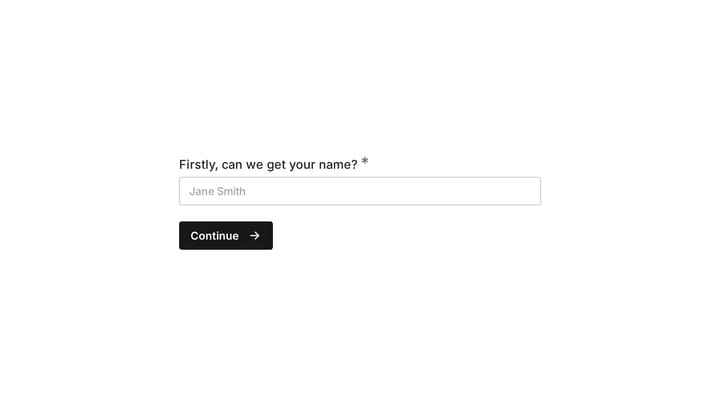
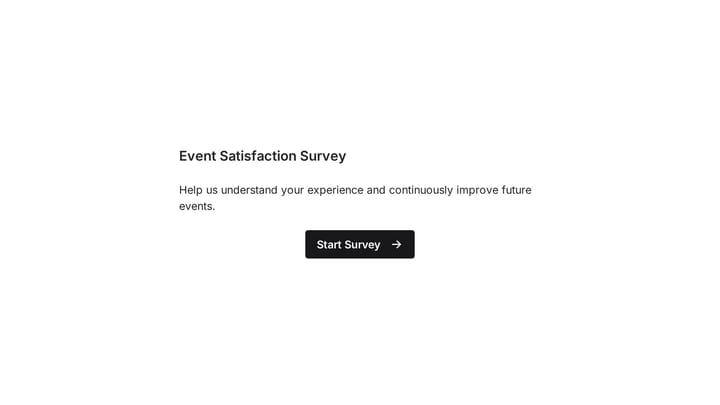
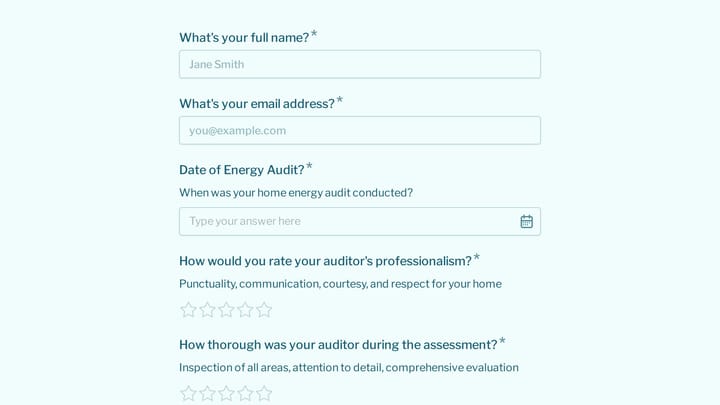
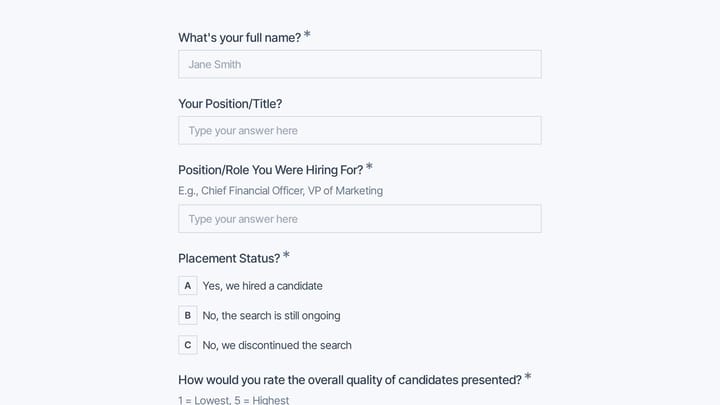
Run this customer feedback survey without response caps
This is a real, working template from our gallery. Fill it out like a respondent would, then make it your own.

Most design-forward: Typeform
What makes it stand out: Conversational forms that feel like chat interfaces rather than traditional surveys.
Typeform pioneered the one-question-per-screen approach that makes long surveys feel engaging. The interface is polished, animations are smooth, and response rates tend to be higher than traditional forms. Logic jumps and custom thank-you pages add sophistication.
The downside is aggressive upselling and limited customization on lower tiers. The free plan caps you at 10 responses per month, and removing Typeform branding costs $25/month. Design options, while sleek, follow Typeform’s specific aesthetic — you can’t stray far from their template style.
Pricing: Free (10 responses/month), Basic $25/month, Plus $50/month.
Best for: Marketing teams prioritizing response rates and willing to pay premium pricing for Typeform’s signature conversational style.
Best Google Forms alternative: Tally
What makes it stand out: Notion-style block editor that’s more powerful than Google Forms but simpler than complex form builders.
Tally uses a block-based approach where you build forms by adding text, questions, and media blocks. It’s intuitive if you’ve used Notion, and the free plan is genuinely generous — unlimited forms and responses. The forms look clean and modern without much customization effort.
However, design control is limited compared to other alternatives. You can adjust colors and add your logo, but you can’t achieve the pixel-perfect customization that tools like Fomr or Typeform offer. Advanced features like payment collection require paid plans.
Pricing: Free (unlimited), Pro $29/month for advanced features and integrations.
Best for: Teams familiar with Notion who want something more powerful than Google Forms without complexity.
Best for AI feedback analysis: Zonka Feedback
What makes it stand out: AI reads every open-text response and turns it into themes, sentiment, and the drivers behind your scores.
Zonka Feedback builds NPS, CSAT, CES, and custom surveys with 25+ question types. You can distribute them through email, SMS, WhatsApp, web, in-app channels, and offline kiosks. Its AI clusters themes, scores sentiment, and flags what’s driving your results, while responses land in a shared inbox with case management for follow-up.
The tradeoff is scope. Zonka Feedback is built for teams running an ongoing feedback program across channels and locations, not for a one-off branded survey. Pricing isn’t published, so you’ll need to talk to sales for a quote based on your setup.
Pricing: Custom, based on your requirements. Free trial available; contact Zonka Feedback for a quote.
Best for: CX, product, and operations teams that want AI-analyzed feedback and automated follow-up, not just response counts.
Most feature-rich: Jotform
What makes it stand out: 10,000+ templates and widgets for almost any use case imaginable.
Jotform has been around since 2006, and it shows — in both good and bad ways. The platform offers extensive functionality: conditional logic, payment processing, approvals workflows, and integrations with 150+ apps. If you need a specific feature, Jotform probably has it.
The interface feels dated, though, and the learning curve is steep. Templates are plentiful but often look generic. The free Starter plan limits you to 5 forms and 100 submissions per month, pushing most users to Bronze at $39/month, or $408 a year billed annually.
Pricing: Starter is free (5 forms, 100 submissions/mo), then Bronze $39/month, Silver $49/month, Gold $129/month. Annual billing cuts roughly 13%.
Best for: Enterprises needing advanced workflows and willing to sacrifice modern design for comprehensive functionality.
Best value: Fillout
What makes it stand out: Clean interface with powerful features at reasonable prices, especially for startups.
Fillout offers conditional logic, payment collection, and file uploads on affordable plans. The interface is modern and intuitive — more polished than Jotform, less opinionated than Typeform. Form creation is straightforward, and the mobile experience is solid.
Customization options are somewhat limited, though. You can adjust colors and fonts, but you won’t achieve the visual flexibility of design-focused alternatives. The free plan caps you at 1,000 responses per month, which is reasonable for most small teams.
Pricing: Free (1,000 responses/month), Basic $20/month, Pro $40/month.
Best for: Growing startups that need reliable functionality without premium pricing or extensive design requirements.
Most user-friendly: Paperform
What makes it stand out: Forms that look like landing pages, with a writing-first approach to form building.
Paperform lets you create forms by writing in a document-style editor. Type “What’s your name?” and it becomes a text field. Add “Choose your favorite color” followed by options, and you get multiple choice. It’s intuitive and produces forms that look more like web pages than traditional surveys.
The approach works well for simple forms but becomes limiting for complex surveys with advanced logic. Pricing is on the higher side, and some users find the document-style editor confusing initially.
Pricing: Essentials $20/month, Pro $40/month, Agency $135/month.
Best for: Content creators and small businesses that want forms to match their website’s look and feel.
Best for advanced logic: Cognito Forms
What makes it stand out: Sophisticated conditional logic and calculations without enterprise pricing.
Cognito Forms excels at complex forms with branching logic, calculations, and data validation. You can build multi-step workflows, calculate totals based on user inputs, and create approval processes. The free plan is generous at 500 entries per month.
The interface feels dated compared to newer alternatives, and design customization is limited. Forms look functional but not particularly modern. It’s a tool built by developers for functionality over aesthetics.
Pricing: Free (500 entries/month), Pro $15/month, Team $35/month.
Best for: Organizations needing complex logic and calculations but operating on tight budgets.
Most affordable: Wufoo
What makes it stand out: Simple form building with basic customization at low prices.
Wufoo offers straightforward form creation with drag-and-drop simplicity. The interface is clean, if not particularly modern, and pricing is reasonable. Basic conditional logic and payment processing are included on paid plans.
However, Wufoo hasn’t evolved much in recent years. Design options are limited, and advanced features lag behind newer competitors. It’s reliable but not innovative.
Pricing: Free (100 entries/month), Starter $14.08/month, Professional $29.08/month.
Best for: Small businesses needing basic forms without bells and whistles.
Best integration options: Microsoft Forms
What makes it stand out: Deep integration with Microsoft 365 and SharePoint ecosystems.
Microsoft Forms integrates seamlessly with Teams, SharePoint, and other Microsoft tools. Data flows directly into Excel, and you can embed forms in SharePoint sites. For organizations already using Microsoft 365, the workflow benefits are significant.
Design options are extremely limited, though. Forms look distinctly corporate and offer minimal customization. Advanced features like payment collection aren’t available.
Pricing: Free with Microsoft account, included in Microsoft 365 subscriptions.
Best for: Organizations heavily invested in Microsoft 365 who prioritize integration over design flexibility.
How to choose the right SurveyMonkey alternative
Your choice depends on three key factors: budget, design requirements, and feature needs.
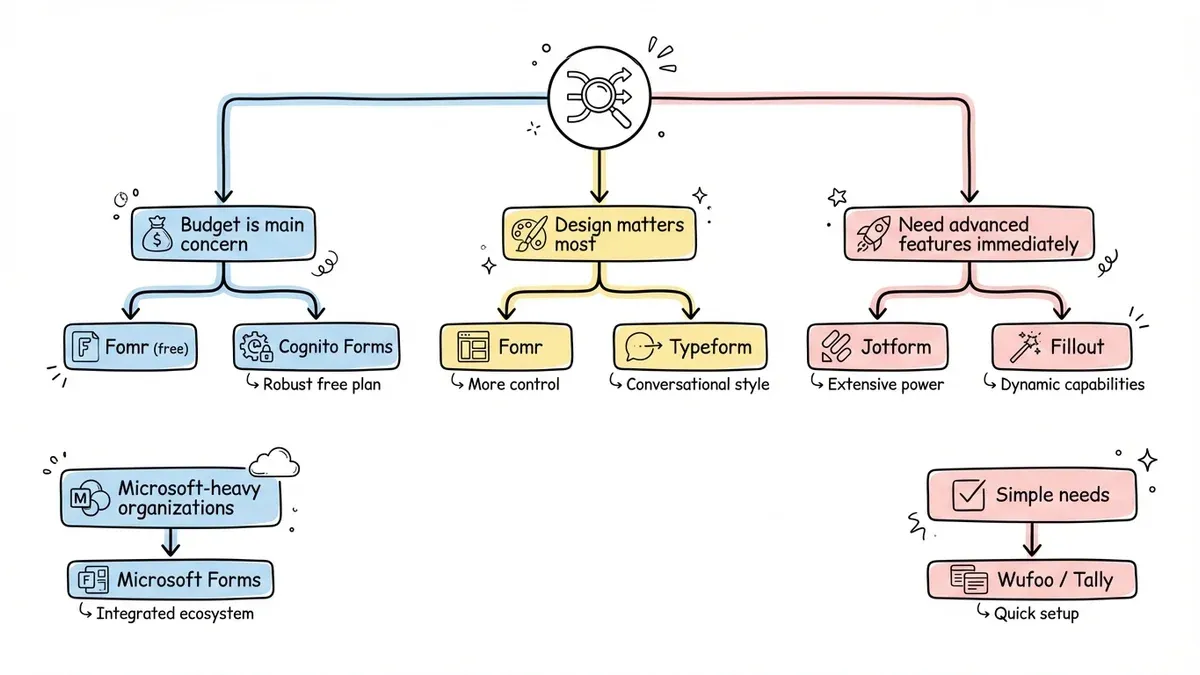
If budget is your main concern, start with Fomr’s free plan or consider Cognito Forms for advanced logic on a budget. Both offer significantly more value than SurveyMonkey’s entry-level pricing.
If design matters most, compare Fomr’s visual customization options with Typeform’s conversational style. Fomr gives you more control over colors, fonts, and layouts, while Typeform offers polished templates with less flexibility.
If AI feedback analysis is the priority, Zonka Feedback is the most purpose-built option here, especially for recurring CX programs across multiple channels.
If you need advanced features immediately, Jotform and Fillout offer the most comprehensive functionality. Jotform has more features but feels dated; Fillout balances modern design with solid functionality.
For Microsoft-heavy organizations, Microsoft Forms makes sense despite limited customization. For simple needs, Wufoo or Tally provide straightforward solutions without complexity.
The biggest differentiator isn’t features — it’s pricing philosophy. SurveyMonkey charges $25/month for basic functionality that many alternatives provide free. Unless you specifically need SurveyMonkey’s brand recognition or enterprise features, you’ll find better value elsewhere.
Start building better forms today
SurveyMonkey’s high prices and outdated interface don’t match what’s possible in 2026. Whether you prioritize design flexibility, advanced features, or simply getting unlimited responses without paying $300/year, there’s a better option available.
Ready to try a SurveyMonkey alternative that won’t limit your creativity or budget? Start building with Fomr’s guest editor — no signup required, unlimited everything on the free plan, and design control that makes every form look professional.