Lost Item Report

Use this lost item report form to collect attendee contact details, event context, and identifying information about missing belongings after a conference or event. It helps organizers review reports faster and follow up with the right per…

Use Template
Used 0 times
Created by Fomr Team
Last updated

About

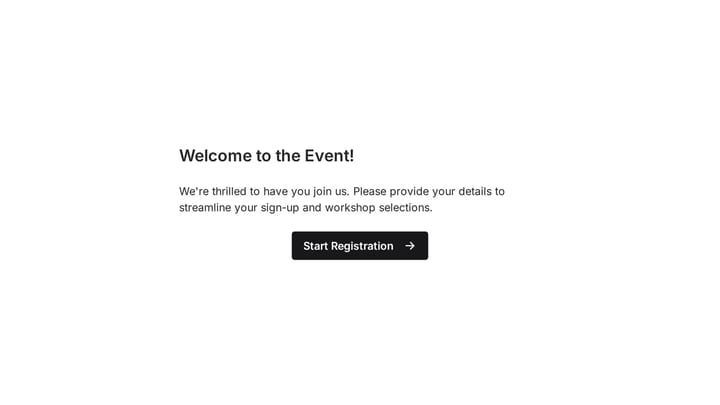
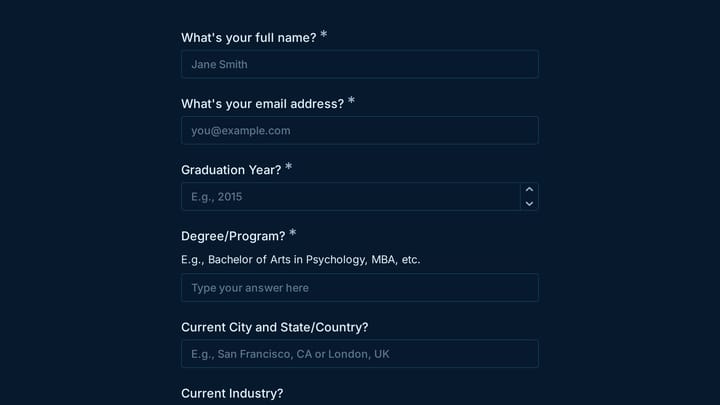
This lost item report form is designed for conferences, expos, trade shows, and other live events where attendees may misplace personal belongings during a busy schedule. It gathers the key details organizers need in one submission, including the attendee's name, contact information, event name, date attended, and the type of item that went missing.

The template also captures the context that makes lost-and-found follow-up more effective. Attendees can note their badge number, the sessions or areas they visited, any exhibitor booths they stopped at, and the last place they remember having the item. That extra event-specific detail helps staff narrow down where to look and match reports to recovered items more confidently.

To improve identification, the form includes a detailed item description field and an optional photo upload. This makes the lost item report form especially useful for high-value or easily confused belongings such as phones, chargers, wallets, badges, bags, notebooks, and jackets. Teams can use it as a clear starting point for a professional lost-and-found process at any event venue.
Related Templates

View all →
Event Volunteer Form preview

Event Volunteer Form

Streamline your event planning by effortlessly collecting all the crucial details from your potential volunteers. This customizable form simplifies sign-ups, helping you build a supportive and well-organized team.

Body Measurement Form preview

Body Measurement Form

This body measurement form provides a straightforward way to record essential physical dimensions. It's an ideal tool for custom clothing design, fitness tracking, or monitoring personal progress with precision.

Address form preview

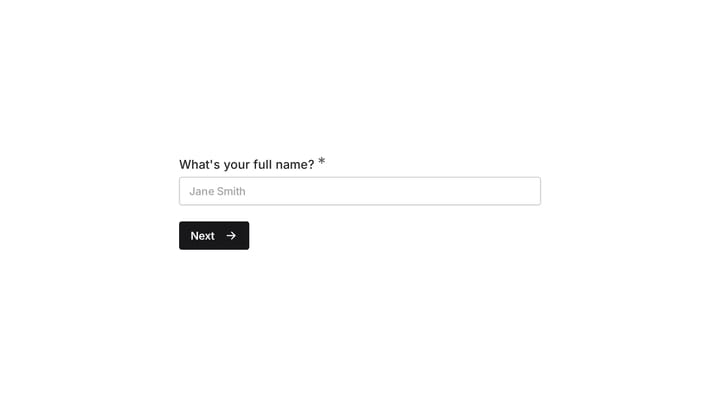
Address form

Quickly and accurately collect full shipping and billing addresses with this versatile template. It's designed for businesses that need reliable customer location details for deliveries, invoicing, or organized record-keeping.

Birthday Party Invitation preview

Birthday Party Invitation

Effortlessly plan your next birthday bash with this digital invitation form. It simplifies sending invites, tracking RSVPs, and managing guest details, ensuring a smooth and memorable celebration.

Frequently asked questions

What is this lost item report used for?

This template is used to collect structured responses for a lost item report workflow. It gives teams a consistent format for gathering the information they need and reviewing submissions more efficiently.

What information should I collect first?

Start with the most important details people can answer quickly, then move into the more specific questions. In this template, that can include items such as Full Name, Email Address, Phone Number depending on how you customize it.

Can I customize this template for my own workflow?

Yes. You can adapt the questions, required fields, and structure to fit your process while keeping the overall flow clear and easy to complete. That makes it useful as both a starting point and a publish-ready template.

How many questions should a form like this include?

Keep only the questions that directly support the purpose of the form. Shorter forms usually get better completion rates, so it is often better to collect the essentials first and ask for extra details later if needed.

Why use a structured template instead of building from scratch?

A structured template helps you move faster and keeps your submissions more consistent. It also reduces the chance of missing important details because the form already follows a logical order.

Can this template be used for events or attendance tracking?

Yes. This kind of template works well for registrations, RSVPs, attendance tracking, and other response collection workflows tied to a scheduled event or session. It helps organizers keep participant details in one place.

Ready to create your first Fomr?

Your next form deserves better than a white page with dropdowns. Build something people actually want to fill out.