Registration Forms Templates

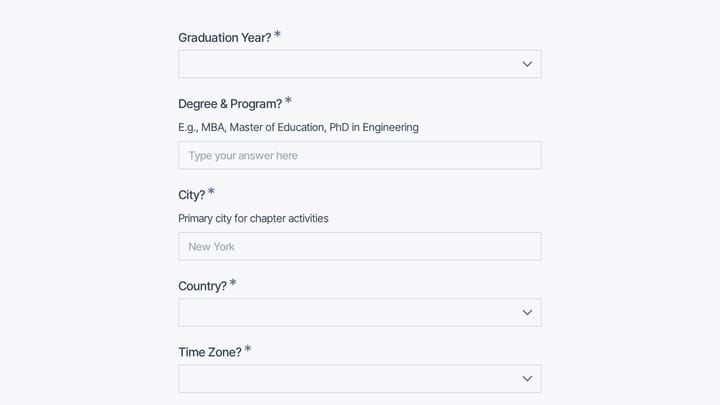
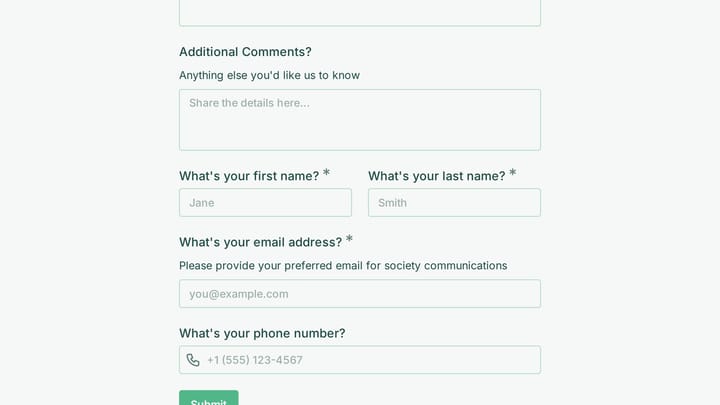
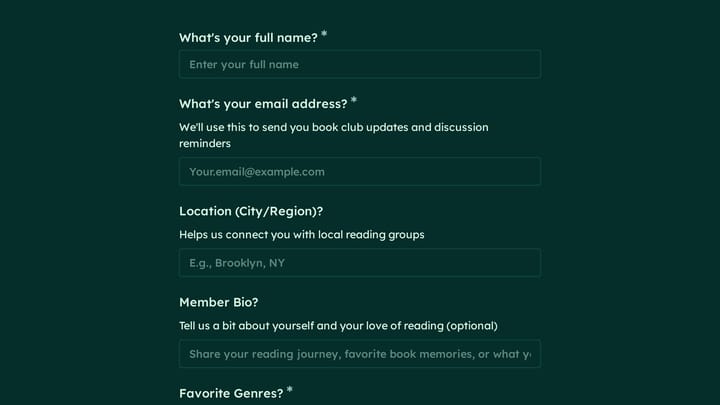
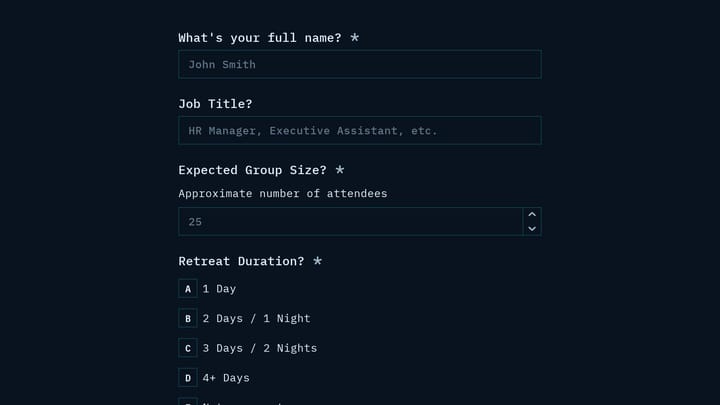
Free registration form templates for events and programs. Create professional signup experiences that convert.

0

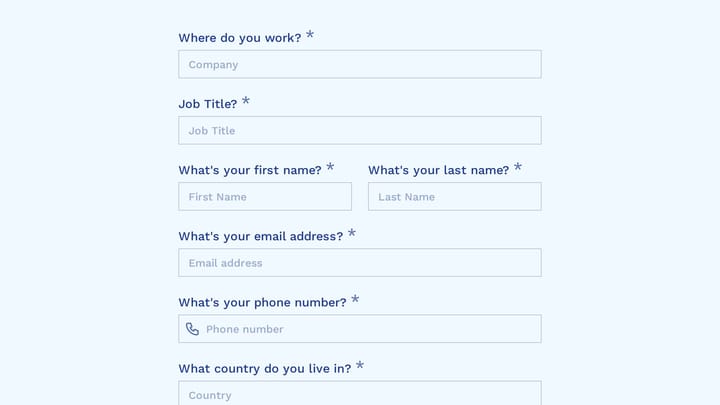
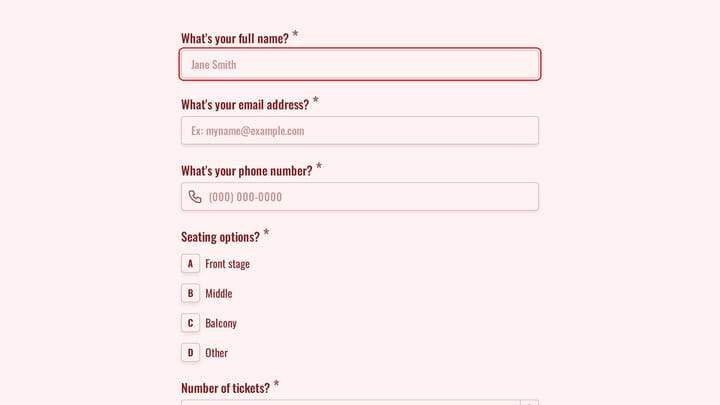
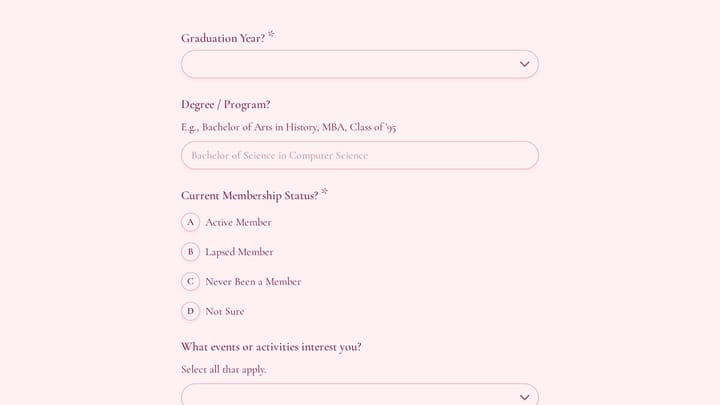
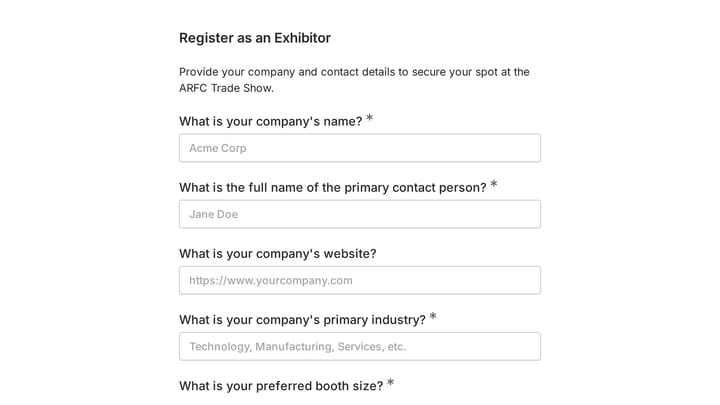
Trade Show Exhibitor Registration Form

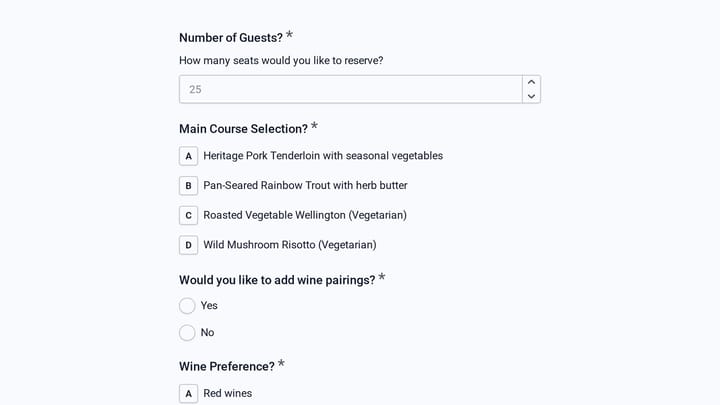
Quickly register exhibitors for trade shows and events with this easy-to-use form. It gathers all essential details like contact information, company profiles, and specific booth requirements.

Application Consents Contacts Events Event Planner
0

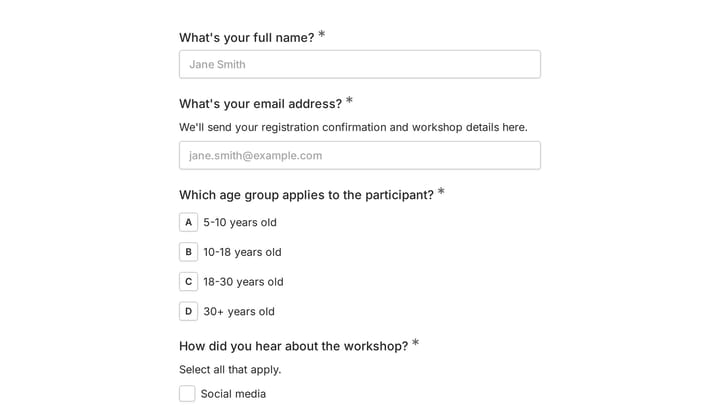
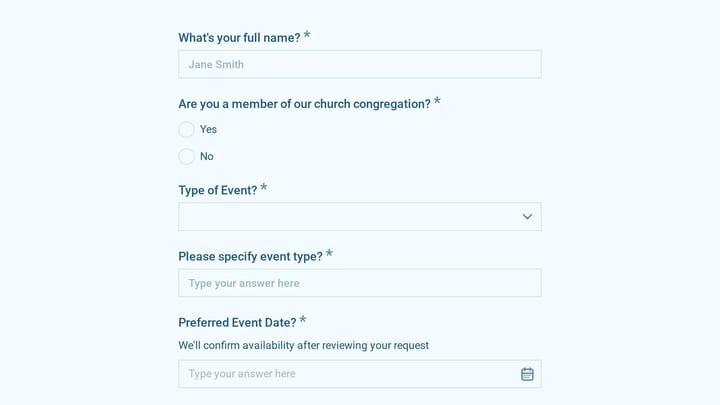
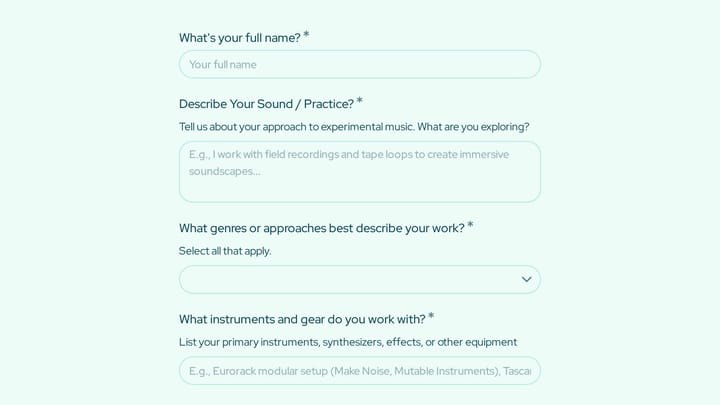
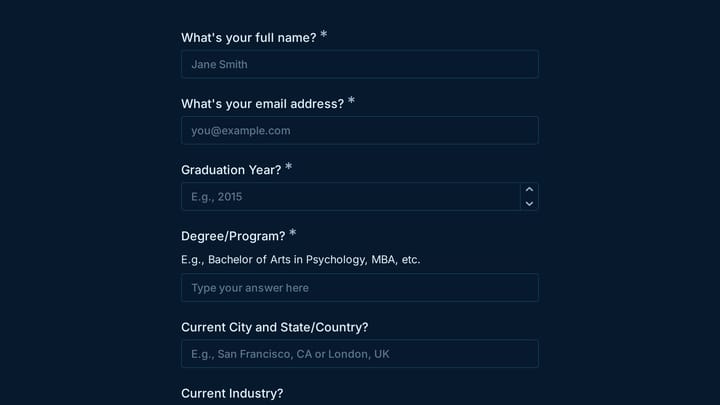
Art Workshop Registration Form

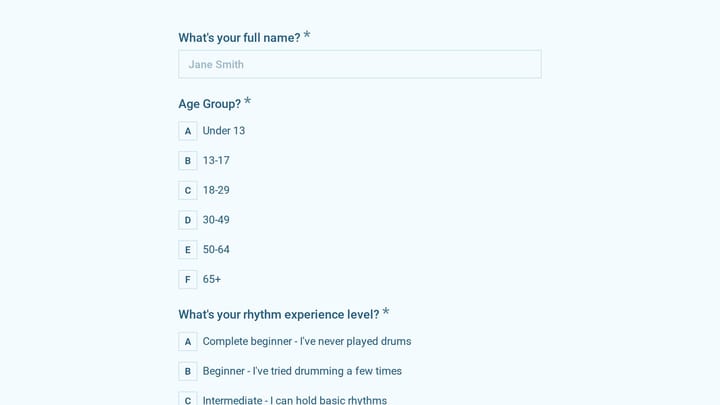
Streamline the sign-up process for your creative courses and workshops with this intuitive Art Workshop Registration Form Template. It efficiently gathers essential participant information like contact details, age group, and preferred workshop dates.

Event Registration RSVPs Appointments Events Event Planner
0

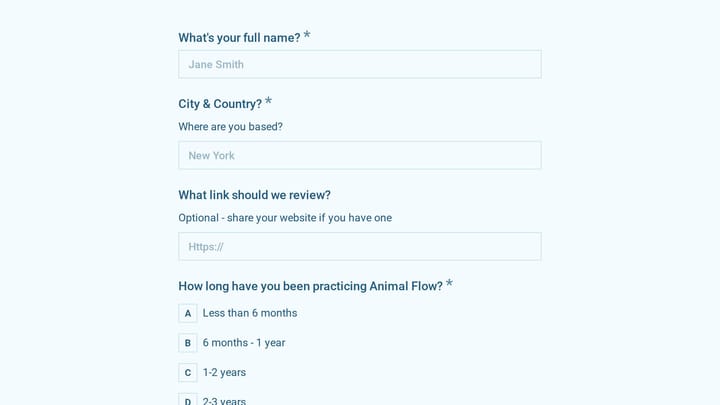
Dance Registration Form

Put together a beautiful, mobile-friendly dance registration form for your students and watch their registrations roll in. You’ll have them dancing in no time.

Registrations Feedback Event Registration Education Small Business Owner
0

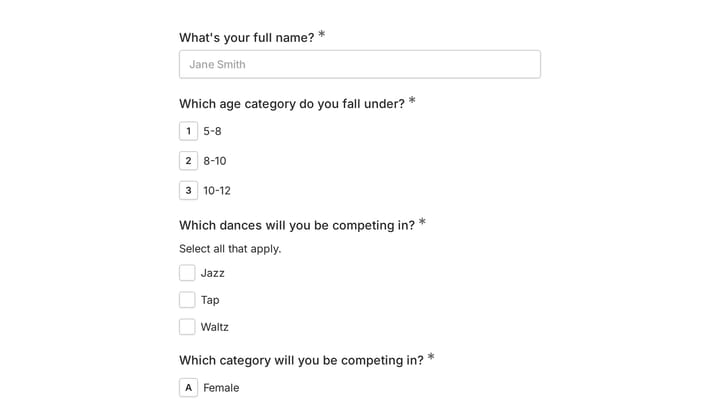
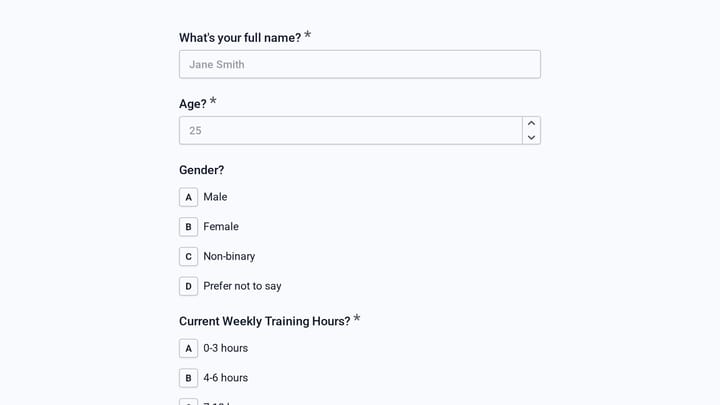
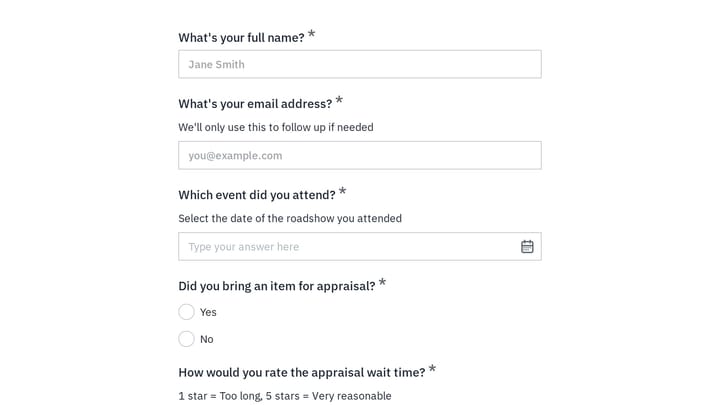
Dance Competition Registration Form

Effortlessly collect and manage participant registrations for any dance competition with this template. It streamlines the entire sign-up process, benefiting both organizers and dancers.

Event Registration Feedback RSVPs Events Event Planner
0

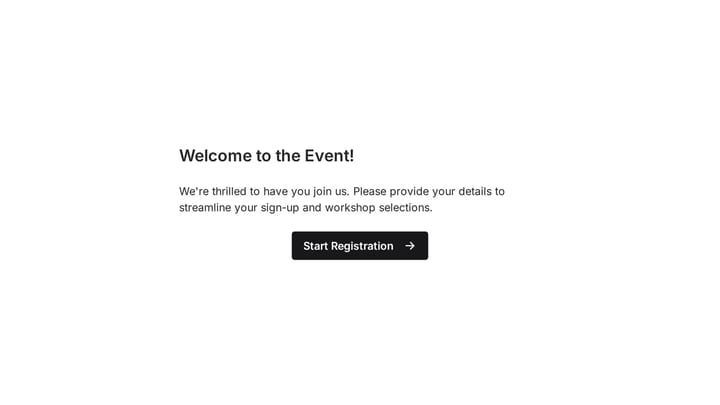
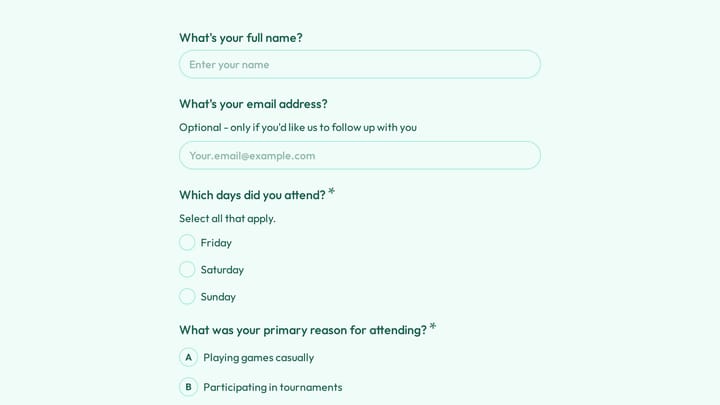
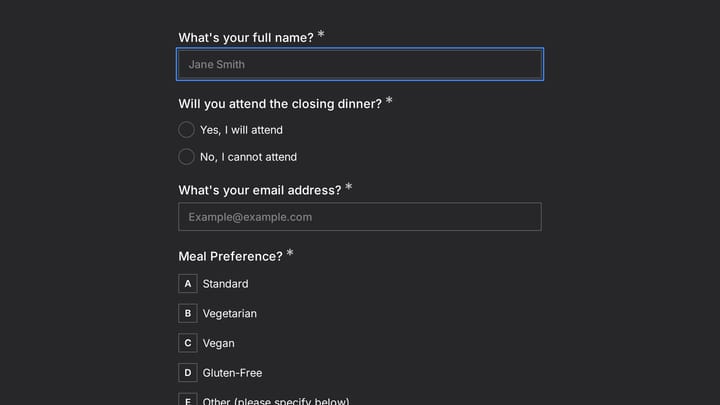
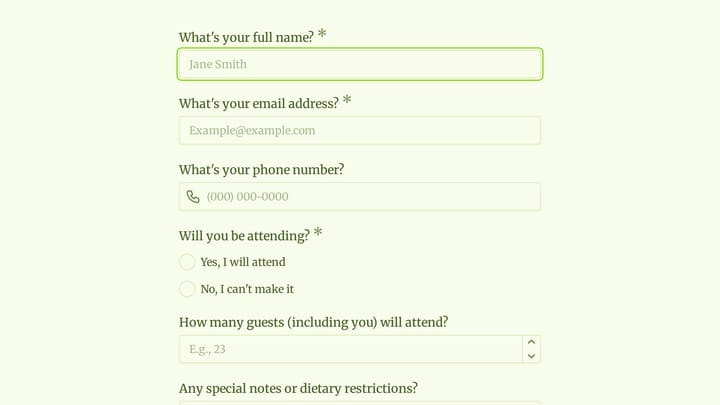
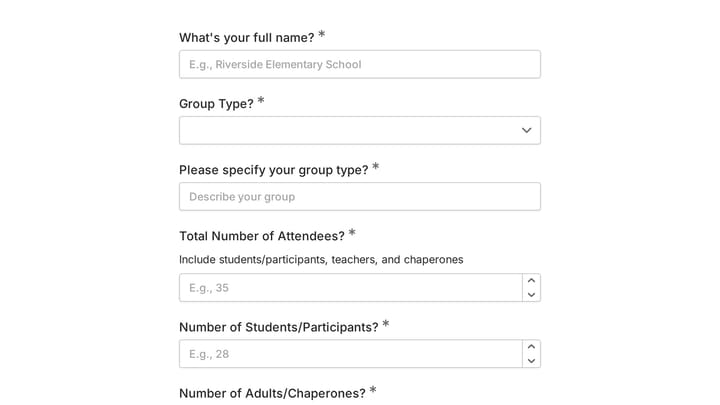
Event Registration Form

Effortlessly gather attendee information for any event with this registration form template. It streamlines sign-ups, manages workshop selections, and collects vital details like dietary needs, ensuring smooth planning.

Event Registration Job Applications Registrations Events Event Planner
0

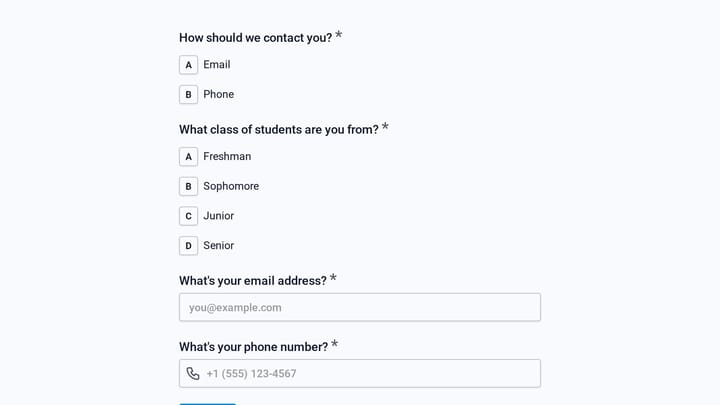
exam registration form

Simplify exam sign-ups for students and educators with this user-friendly digital form. It efficiently collects essential registration details, making data organization for any testing period straightforward and seamless.

Registrations Event Registration Education Education Teacher & Educator

About Registration Forms

Registration forms are the gateway to your events, programs, and services. They collect participant information, capture preferences, and set expectations—all before the first interaction. A smooth registration process increases completion rates and starts the attendee experience on the right foot.

Event organizers register conference attendees. Educational institutions enroll students in courses. Fitness studios sign up new members. Healthcare providers register new patients.

Common Use Cases

  • Event registration for conferences, workshops, and webinars
  • Course enrollment for classes, training, and certifications
  • Program signups for camps, activities, and community programs
  • Membership registration for clubs and organizations
  • Patient registration for medical practices
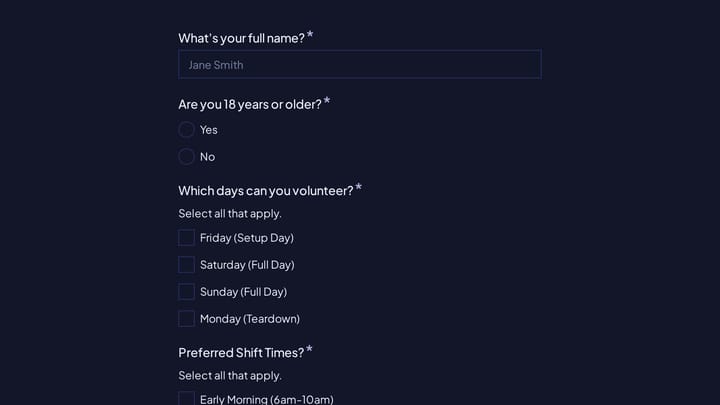
  • Volunteer registration for non-profit activities
  • Tournament and league registration for sports

Who Uses Registration Forms?

Any organization welcoming new participants needs registration forms. Non-profits register volunteers and program participants. Sports leagues sign up players and teams. Churches register for events and programs. Travel agencies collect trip participant details. Photography studios book client sessions.

Building Effective Registration Forms

Match form complexity to your needs—simple events need simple forms. Collect only essential information upfront and gather additional details later if needed. Use conditional logic to show relevant questions based on registration type. Confirm successful registration immediately with a thank-you message and follow-up email containing important details.

Frequently asked questions

What is a form template?

A form template is a pre-designed form structure that you can use as a starting point for creating your own forms. Templates include pre-configured fields, layouts, and styling that are tailored for specific use cases, saving you time and ensuring best practices are followed. Simply select a template, customize it to match your needs, and publish it to start collecting responses.

How do I customize this template?

Customizing a template is easy with our drag-and-drop editor. Click "Use Template" to open the form in the editor where you can add, remove, or rearrange fields, change colors and fonts to match your brand, update question text and descriptions, configure validation rules, and set up email notifications. All changes are saved automatically, and you can preview your form at any time before publishing.

Is this template free to use?

Yes, all our form templates are completely free to use. You can create unlimited forms from any template on our free plan. Some advanced features like file uploads, custom domains, and removing branding require a paid plan, but the core form functionality and templates are available to everyone at no cost.

Can I use this template for my business?

Absolutely! Our templates are designed for both personal and business use. Whether you're a freelancer, small business, or enterprise, you can use any template to collect leads, gather feedback, process applications, or handle any other form-based workflow. For business use, we recommend our Pro plan which includes features like custom branding, advanced analytics, and priority support.

How do I share my form after creating it?

Once you've customized and published your form, you have several sharing options. You can copy the direct link to share via email, social media, or messaging apps. You can also embed the form on your website using our embed code, or use a QR code for offline materials. All sharing options are available from your form's settings page after publishing.

Ready to create your first Fomr?

Your next form deserves better than a white page with dropdowns. Build something people actually want to fill out.