Employee Benefits Inquiry

Use this employee benefits inquiry form to collect the company, workforce, and plan details needed to start a productive benefits conversation. It helps brokers and HR teams gather consistent information before discussing coverage options,…

Use Template
Used 0 times
Created by Fomr Team
Last updated

About

This employee benefits inquiry form is built for early-stage benefits consultations where clear background information matters. It helps you collect the essentials up front, including company name, contact details, industry, employee count, and where employees are located, so conversations can start with real context instead of back-and-forth follow-up.

The template is especially useful when you need to understand workforce size and eligibility before discussing plan options. Fields for total employees, benefits-eligible employees, primary state, and average employee age range help surface the details that often shape recommendations around medical, dental, vision, and other employee benefits.

Because the form is structured around practical underwriting and renewal questions, it also supports a smoother intake process for brokers, consultants, and HR teams. You can use it as an employee benefits inquiry form on your website, tailor the questions for your market, and capture more qualified submissions in a format that is easy to review and respond to.
Related Templates

View all →
Body Measurement Form preview

Body Measurement Form

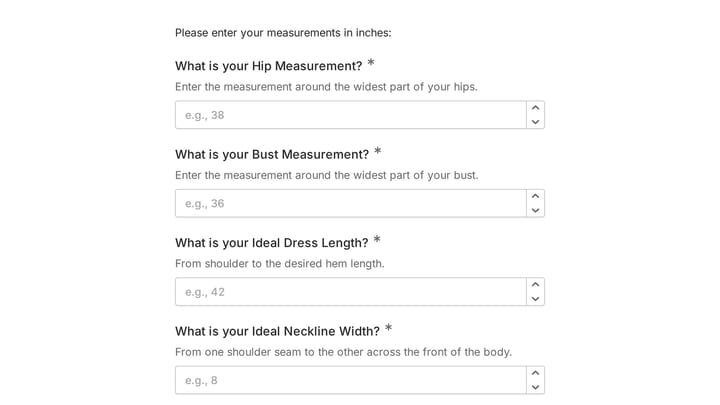
This body measurement form provides a straightforward way to record essential physical dimensions. It's an ideal tool for custom clothing design, fitness tracking, or monitoring personal progress with precision.

Branding Project Intake Form preview

Branding Project Intake Form

Empower your branding projects from the start with this essential intake form template. It guides creative professionals in capturing crucial client details like project goals, target audience, style preferences, and necessary assets for a perfectly aligned kickoff.

Birthday Party Invitation preview

Birthday Party Invitation

Effortlessly plan your next birthday bash with this digital invitation form. It simplifies sending invites, tracking RSVPs, and managing guest details, ensuring a smooth and memorable celebration.

Event Registration Form preview

Event Registration Form

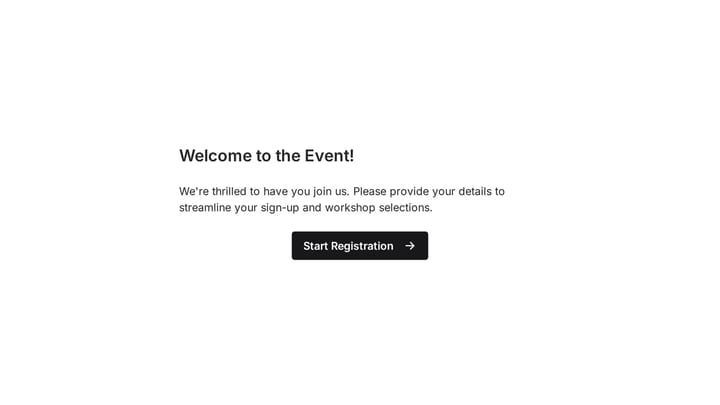
Effortlessly gather attendee information for any event with this registration form template. It streamlines sign-ups, manages workshop selections, and collects vital details like dietary needs, ensuring smooth planning.

Frequently asked questions

What is this employee benefits inquiry used for?

This template is used to collect structured responses for a employee benefits inquiry workflow. It gives teams a consistent format for gathering the information they need and reviewing submissions more efficiently.

What information should I collect first?

Start with the most important details people can answer quickly, then move into the more specific questions. In this template, that can include items such as Company Name, Contact Name, Job Title depending on how you customize it.

Can I customize this template for my own workflow?

Yes. You can adapt the questions, required fields, and structure to fit your process while keeping the overall flow clear and easy to complete. That makes it useful as both a starting point and a publish-ready template.

How many questions should a form like this include?

Keep only the questions that directly support the purpose of the form. Shorter forms usually get better completion rates, so it is often better to collect the essentials first and ask for extra details later if needed.

Why use a structured template instead of building from scratch?

A structured template helps you move faster and keeps your submissions more consistent. It also reduces the chance of missing important details because the form already follows a logical order.

What makes an application form easier to review?

Clear questions and a predictable structure make application forms easier to review because every respondent submits information in the same format. That helps teams compare answers fairly and move through evaluations more quickly.

Ready to create your first Fomr?

Your next form deserves better than a white page with dropdowns. Build something people actually want to fill out.