Consulting Form Templates

Free consulting form templates for professional services. Create client intake, discovery, and project scoping forms.

0

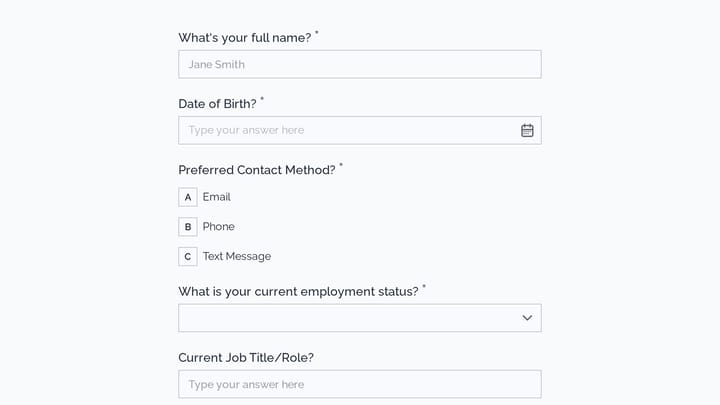
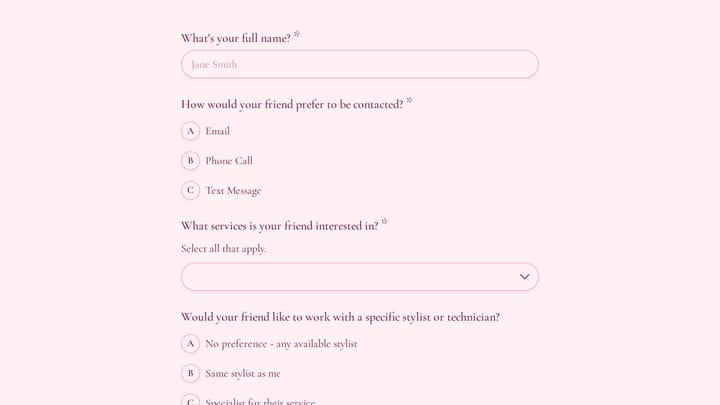
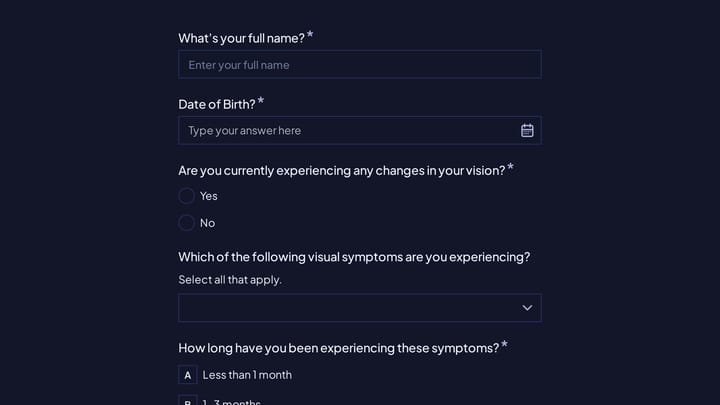
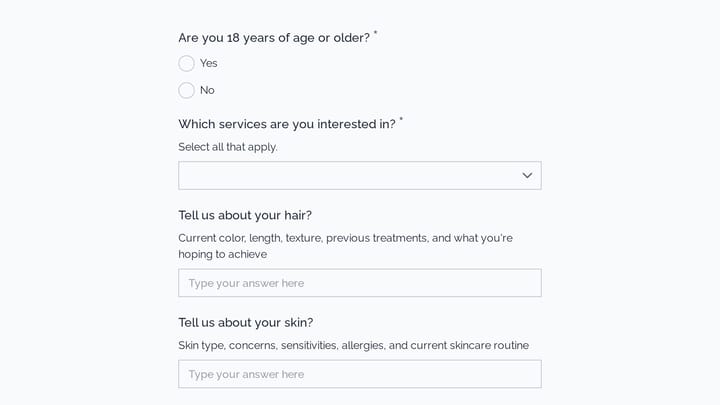
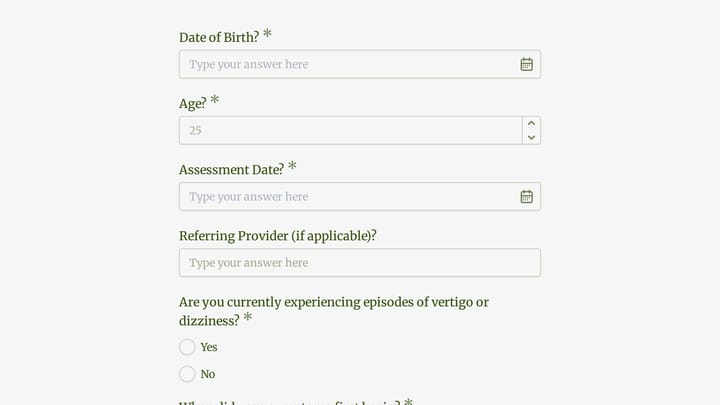
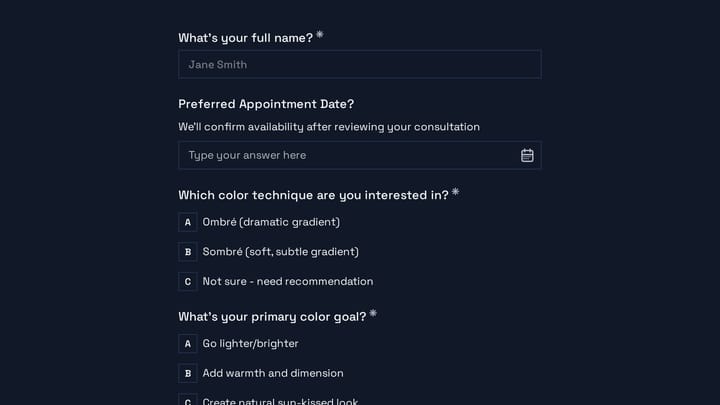
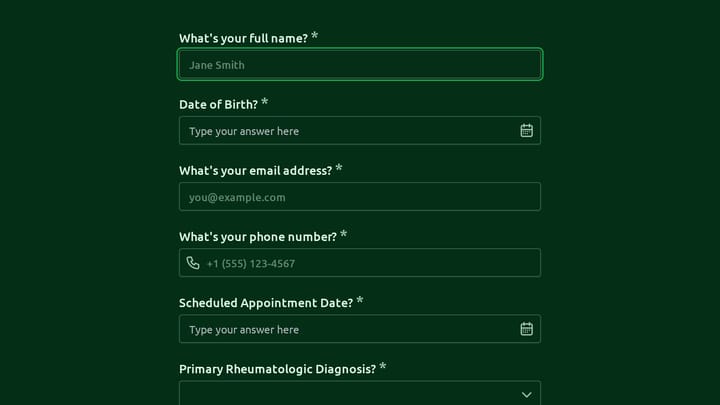
Appointment Form

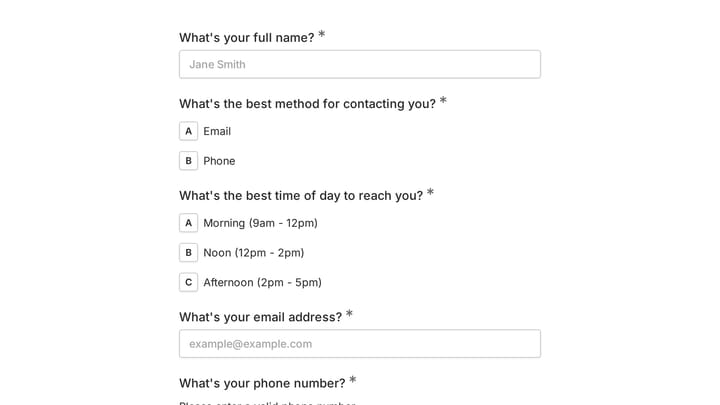
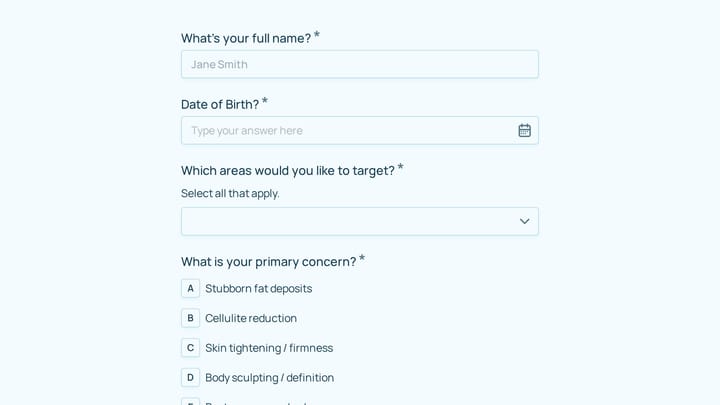
This versatile form template helps streamline the process of scheduling appointments or collecting registrations for various events. It simplifies gathering client and participant details efficiently.

Event Registration Healthcare Appointments Beauty & Wellness Small Business Owner
0

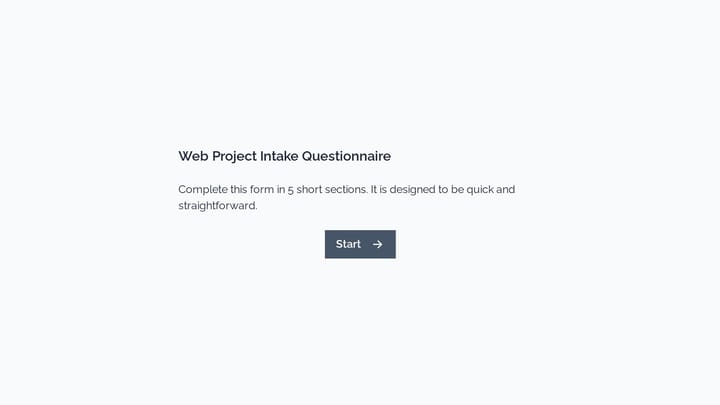
Branding Project Intake Form

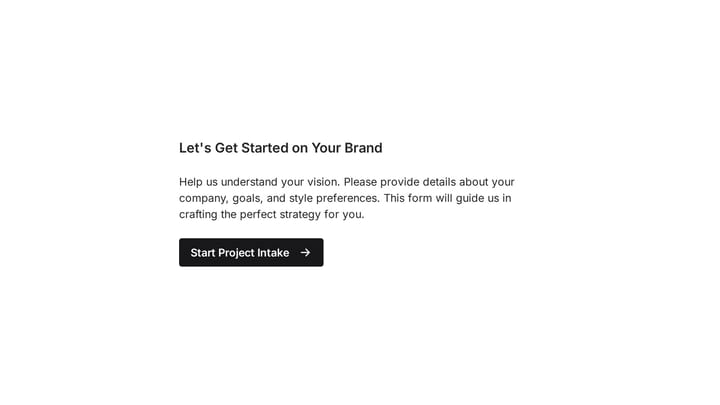
Empower your branding projects from the start with this essential intake form template. It guides creative professionals in capturing crucial client details like project goals, target audience, style preferences, and necessary assets for a perfectly aligned kickoff.

Intakes Orders Quote Requests Marketing Small Business Owner
0

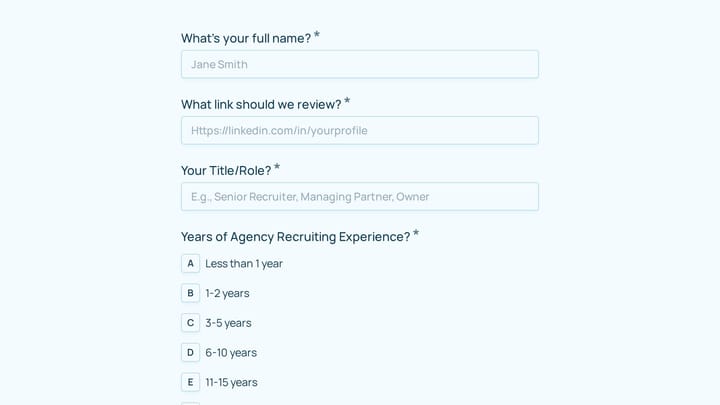
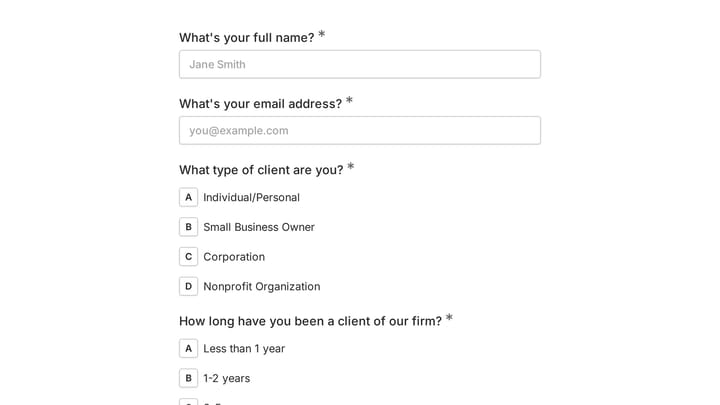
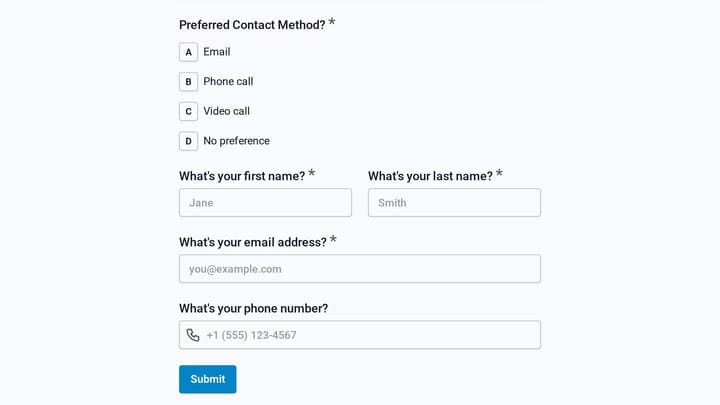
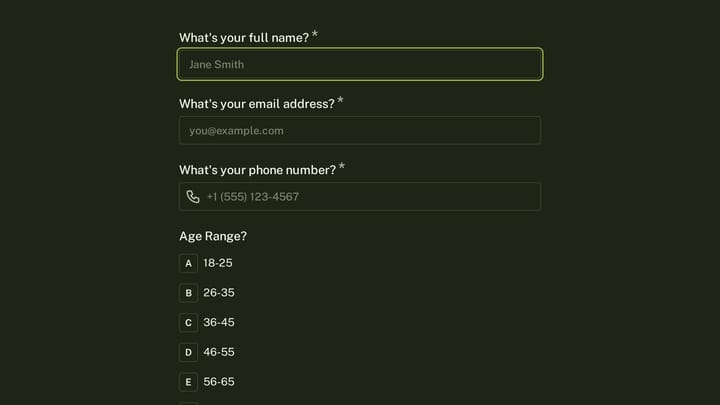
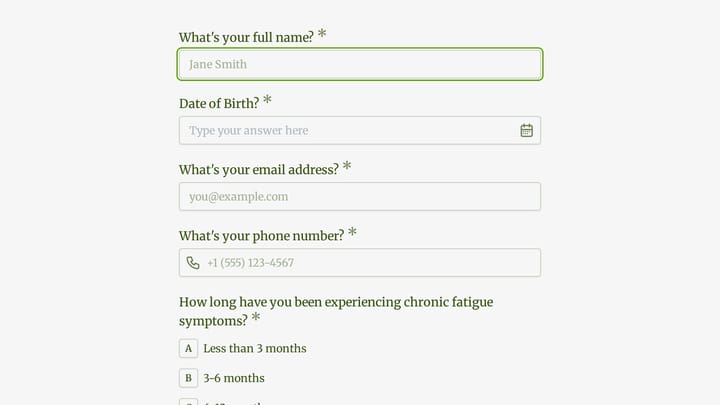
Client Questionnaire for Brand designers

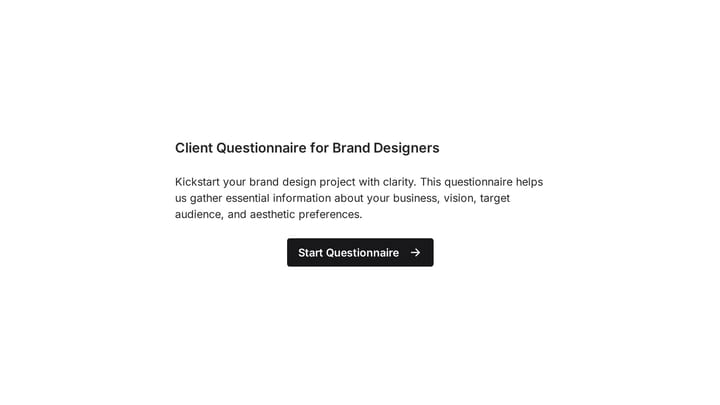
Kickstart your brand design projects with clarity using this comprehensive client questionnaire. It helps you gather essential information about your client's business, vision, target audience, and aesthetic preferences, ensuring clear communication and successful design outcomes.

Intakes Feedback Consulting Small Business Owner
0

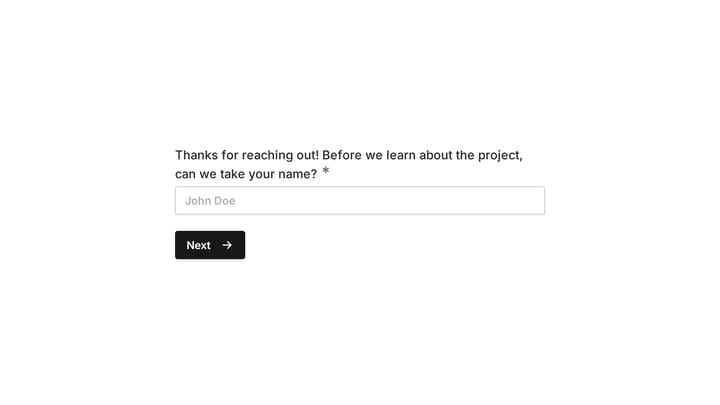
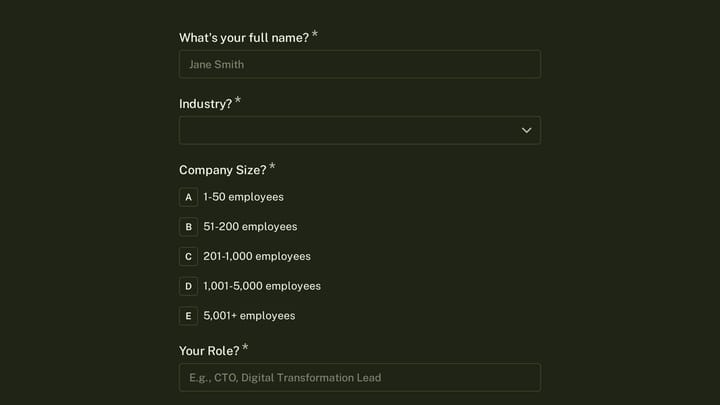
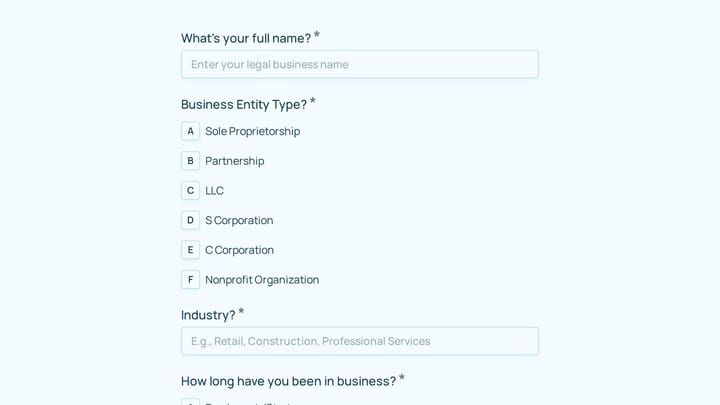
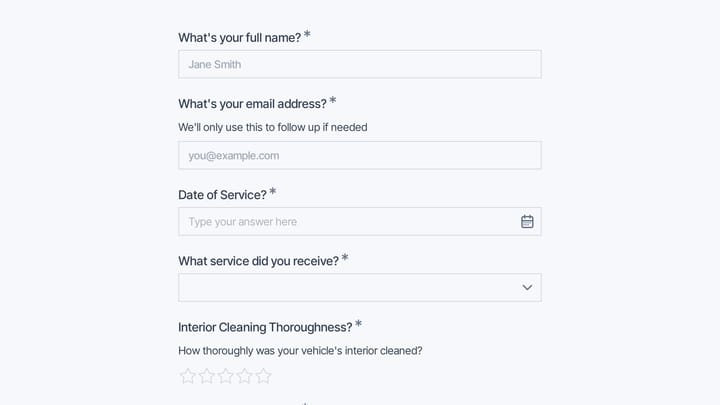
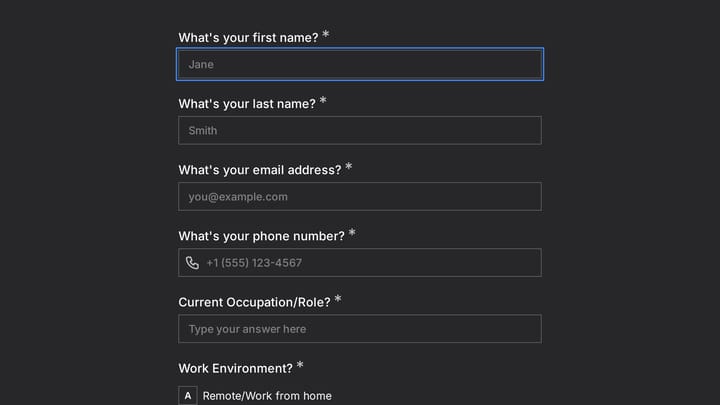
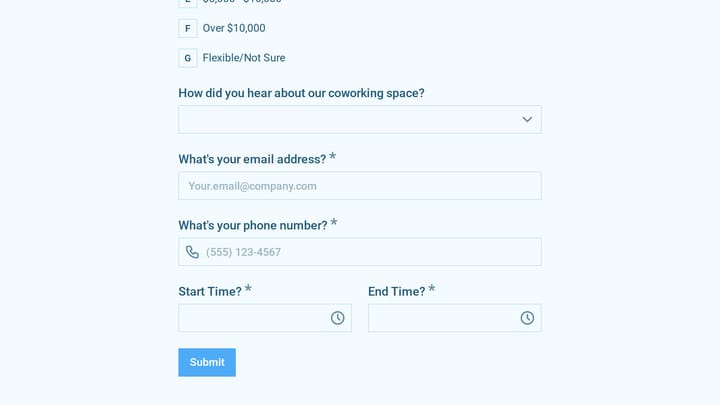
Cyber Security Consultant Estimate Form

Effortlessly capture leads and provide instant quotes for your cybersecurity consulting services using this customizable estimate form.

Quote Requests Feedback Polls Consulting Small Business Owner
0

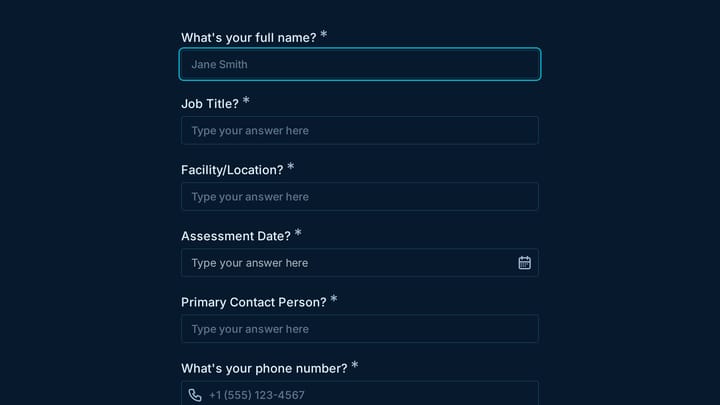
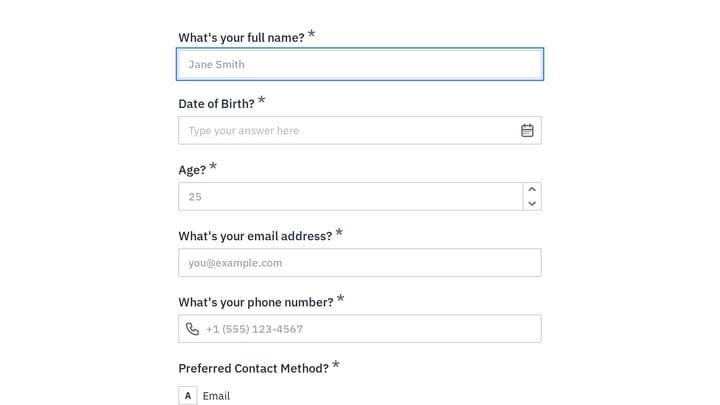
Electrical Quote Form

Streamline your electrician business's quoting process and attract new clients with this efficient online form. It helps you quickly gather essential project details and customer contact information.

Quote Requests Job Applications Feedback Consulting Small Business Owner
0

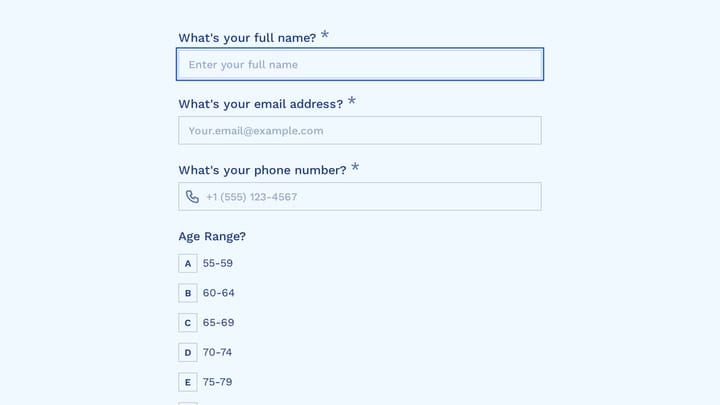
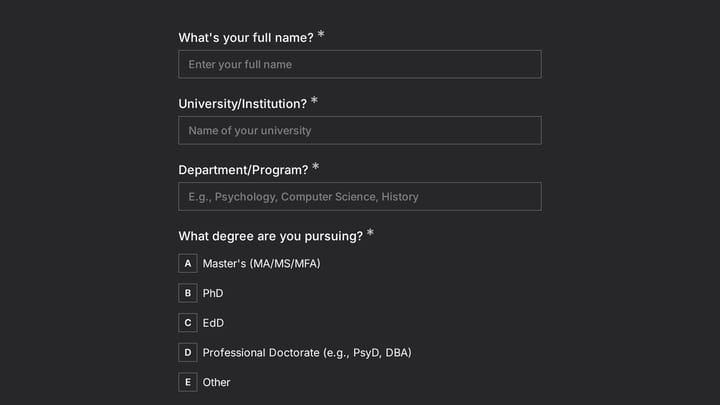
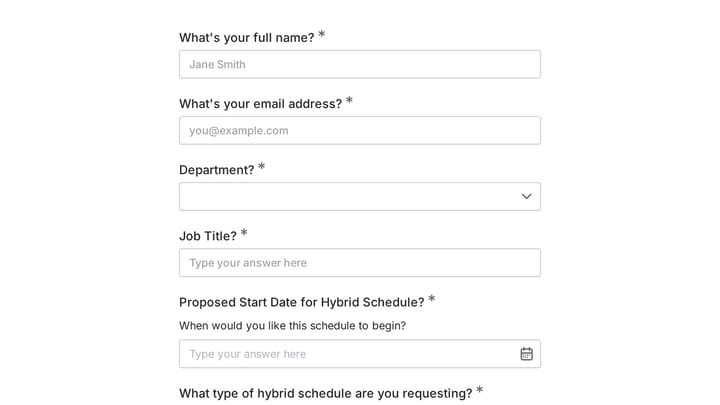
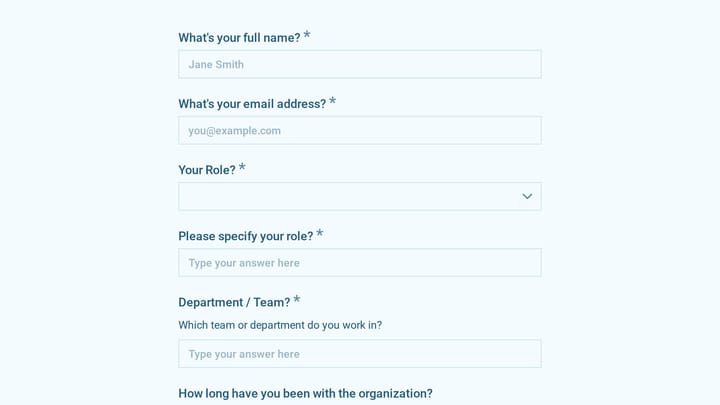
employee coaching form

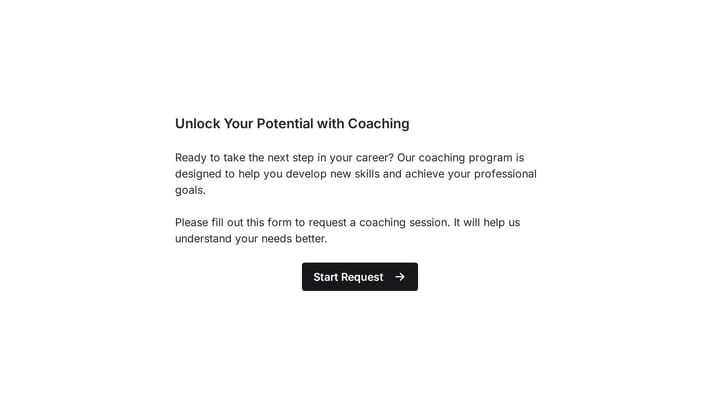
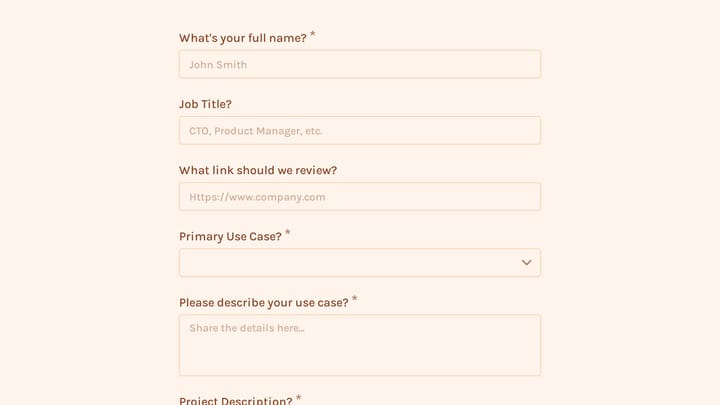
Cultivating a culture of continuous learning and development is vital for any organization. This employee coaching form template simplifies the process, making it easy for team members to proactively request guidance and define their career aspirations.

Feedback Onboarding Surveys Consulting HR Manager

About Consulting Forms

Consulting forms help professional service providers qualify prospects, scope projects, and deliver structured engagements. From initial discovery questionnaires to project kickoff forms, they create professional touchpoints that demonstrate your expertise while gathering the information needed to serve clients well.

Consultants sell their time and expertise—forms should reflect the quality and professionalism clients expect from an advisory relationship. They're often the first substantive interaction potential clients have with your practice.

Common Form Types for Consulting

  • Discovery questionnaires to understand client challenges
  • Project scoping forms with requirements and constraints
  • Consultation booking and scheduling
  • Proposal request forms
  • Client onboarding and kickoff questionnaires
  • Engagement feedback and satisfaction surveys
  • Referral request forms
  • Workshop registration forms

Who Uses Consulting Forms?

Consultants across specialties benefit from these forms. Management consultants scope organizational projects. IT consultants assess technology needs. Marketing consultants gather campaign briefs. HR consultants understand workforce challenges. Business coaches qualify coaching candidates.

Building Forms for Consulting

Your forms reflect your practice's professionalism. Use clean design that matches your brand. Ask thoughtful questions that demonstrate your expertise and understanding of client challenges. Collect enough information to prepare meaningfully for initial conversations. Respect clients' time—busy executives won't complete lengthy forms. Include scheduling integration to reduce back-and-forth when booking consultations.

Frequently asked questions

What is a form template?

A form template is a pre-designed form structure that you can use as a starting point for creating your own forms. Templates include pre-configured fields, layouts, and styling that are tailored for specific use cases, saving you time and ensuring best practices are followed. Simply select a template, customize it to match your needs, and publish it to start collecting responses.

How do I customize this template?

Customizing a template is easy with our drag-and-drop editor. Click "Use Template" to open the form in the editor where you can add, remove, or rearrange fields, change colors and fonts to match your brand, update question text and descriptions, configure validation rules, and set up email notifications. All changes are saved automatically, and you can preview your form at any time before publishing.

Is this template free to use?

Yes, all our form templates are completely free to use. You can create unlimited forms from any template on our free plan. Some advanced features like file uploads, custom domains, and removing branding require a paid plan, but the core form functionality and templates are available to everyone at no cost.

Can I use this template for my business?

Absolutely! Our templates are designed for both personal and business use. Whether you're a freelancer, small business, or enterprise, you can use any template to collect leads, gather feedback, process applications, or handle any other form-based workflow. For business use, we recommend our Pro plan which includes features like custom branding, advanced analytics, and priority support.

How do I share my form after creating it?

Once you've customized and published your form, you have several sharing options. You can copy the direct link to share via email, social media, or messaging apps. You can also embed the form on your website using our embed code, or use a QR code for offline materials. All sharing options are available from your form's settings page after publishing.

Ready to create your first Fomr?

Your next form deserves better than a white page with dropdowns. Build something people actually want to fill out.