Most “free” form builders aren’t really free. You sign up, build your form, and then discover the catch: 100 responses per month, a watermark plastered on every page, or the one feature you actually need locked behind a $30/month plan.
Finding the best free online form builder means knowing which tools genuinely deliver on their free tier and which ones use “free” as bait. We tested six popular builders to compare what you actually get without paying.
What we compared
Every builder was evaluated on five criteria:
- Free tier limits — responses, forms, and storage caps
- Drag-and-drop editor quality — how intuitive it actually is to build
- Design flexibility — fonts, colors, layouts, branding control
- Features included free, like conditional logic, integrations, and question types
- Who it’s best for, because no single tool fits everyone
Quick comparison
| Builder | Free Response Limit | Remove Branding (Free) | Design Customization | Conditional Logic | Best For |
|---|---|---|---|---|---|
| Fomr | Unlimited | No | Full (1,700+ fonts) | Coming soon | Design-focused teams |
| Google Forms | Unlimited | N/A (minimal branding) | Very limited | No | Quick internal forms |
| Typeform | 100/month | No | Moderate | Yes | Engaging surveys |
| Jotform | 100/month | No | Moderate | Yes | Complex forms with payments |
| Microsoft Forms | Unlimited | N/A (minimal branding) | Very limited | Basic | Office 365 organizations |
| Formspree | 1,000/month | No | Full (you write HTML) | No | Developers |
Now for the details on each.
Fomr — unlimited everything, design control
Fomr’s free form builder has no caps on forms, responses, fields, or team members. That’s the short version.
The longer version: the editor is built around visual design. You get 1,700+ fonts, full color control, custom backgrounds, and 30+ components including ratings, rankings, date pickers, and multi-page layouts. Every form renders responsively, and you can preview exactly how it looks on mobile as you build.
There’s also a guest editor that lets you build a complete form without creating an account. Useful if you want to test the editor before committing.
Where it falls short today: Conditional logic, payment collection, and integrations with tools like Zapier are coming soon. If you need any of those right now, you’ll need to look elsewhere.
Paid plan: $34/month or $24/month billed yearly for custom domains, removed branding, and SEO controls.
Best for anyone who wants forms that match their brand and needs unlimited responses without paying.
Give it a try
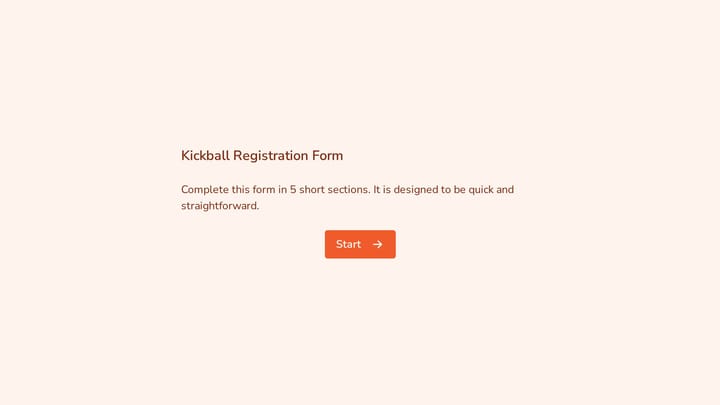
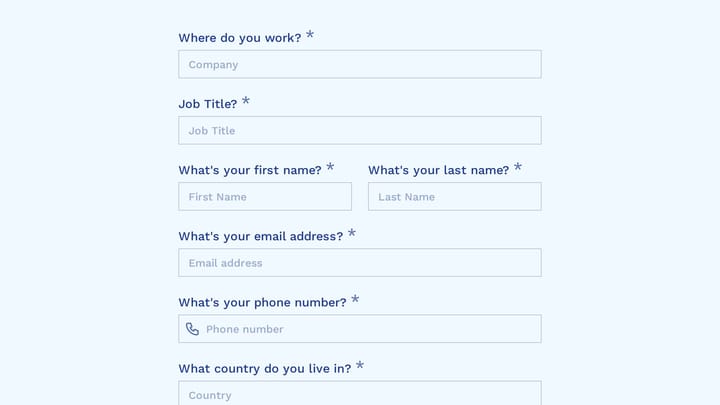
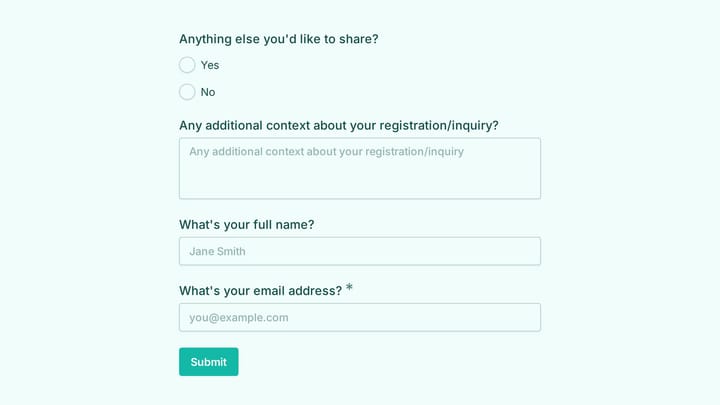
Poke around this live event registration form
This is a real, working template from our gallery. Fill it out like a respondent would, then make it your own.

Google Forms — simple, reliable, no surprises
Google Forms is genuinely free with no response limits, and it works exactly how you’d expect a Google product to work: clean, minimal, functional.
You get automatic Google Sheets integration, real-time collaboration, quiz features with auto-grading, and offline access through Google Drive. For a quick internal survey or classroom quiz, it’s hard to beat.
The tradeoff is design. You get a handful of header images and color themes. No custom fonts, no layout control, no background images. Every Google Form looks like a Google Form, which is fine for internal use but awkward when you’re sending a form to clients or embedding it on a polished website.
There’s no conditional logic on the free tier, and advanced question types are limited. But if all you need is a straightforward survey that pipes data into a spreadsheet, Google Forms does that reliably.
Best for internal forms, educational quizzes, and quick surveys where function matters more than aesthetics.
Typeform — conversational, engaging, capped
Typeform popularized the one-question-at-a-time format, and it still does it better than anyone else. The experience feels less like a form and more like a conversation, which genuinely improves completion rates for longer surveys.
The free plan includes just 10 responses per month across all your forms, logic jumps for personalized paths, and templates that look polished out of the box. The mobile experience is excellent — Typeform was designed thumb-first.
The 100-response ceiling is the real problem. If you’re running an active contact form or survey on a page with decent traffic, you’ll hit that limit within the first week. Upgrading to remove the cap starts at $25/month (Basic plan). Removing Typeform branding costs even more.
Design customization is moderate. You can adjust colors and add your logo, but you’re working within Typeform’s aesthetic framework. You can’t break out of it the way you can with a more flexible editor.
Best for marketing surveys, lead qualification forms, and any scenario where engagement per response matters more than volume.
Jotform — feature-dense, submission-capped
Jotform packs more features into its free tier than most builders put in their paid plans. You get conditional logic, payment integrations (PayPal, Stripe, Square), 10,000+ templates, HIPAA compliance options, and approval workflows.
The catch is 100 submissions per month and 100MB storage on the free plan. Jotform branding is included on all free forms.
The editor is powerful but busy. There are so many widgets, settings panels, and configuration options that building a simple contact form feels more complex than it needs to be. If you’re building something sophisticated (a registration form with payment processing and conditional sections) that complexity pays off. For a 3-field contact form, it’s overkill.
Best for complex forms that need payments, calculations, or approval workflows where 100 monthly submissions is enough.
Microsoft Forms — the corporate default
If your organization runs on Office 365, Microsoft Forms is already in your toolkit. It has unlimited responses, automatic Excel integration, real-time collaboration, quiz functionality, and enterprise-grade security.
The form builder is functional and clean. It won’t inspire anyone, but it works. You can create surveys, quizzes, and polls that integrate with the rest of the Microsoft ecosystem without adding another subscription.
Design is the weak point. Like Google Forms, customization is limited to basic color themes. Forms look distinctly corporate, which is fine for internal feedback but less ideal for customer-facing surveys. Conditional logic exists but is basic compared to dedicated form builders.
Best for organizations already on Office 365 that need forms for internal surveys, employee feedback, or educational assessments.
Formspree — for developers who want full control
Formspree isn’t a form builder in the traditional sense. There’s no drag-and-drop editor. Instead, you write your own HTML form, point its action attribute to a Formspree endpoint, and they handle submission processing, spam filtering, and email delivery.
The free plan includes 1,000 submissions per month, the most generous cap on this list besides the unlimited tiers. You get reCAPTCHA integration, webhook support, and custom redirect URLs.
You need to know HTML and CSS. That’s the obvious barrier. But if you’re a developer who wants pixel-perfect control over form design without building a backend, Formspree is a solid choice. Your form lives in your codebase, styled with your own CSS, versioned in Git.
Formspree branding appears in email notifications on the free plan, and file uploads require a paid tier.
Best for developers building static sites or custom applications who want form handling without server infrastructure.
How to pick the right one
The best free online form builder depends on what you’re optimizing for.
You need unlimited responses and care about design. Fomr gives you both without paying, plus the most design flexibility of any builder on this list. The gap is in advanced logic and integrations, which are coming but aren’t here yet.
You need something fast and functional. Google Forms or Microsoft Forms (depending on your ecosystem) get the job done with zero learning curve. Accept the design limitations and move on.
You need high engagement on surveys. Typeform’s conversational format genuinely performs better for longer surveys and lead-gen forms. Budget for the response limit or a paid plan.
You need complex forms with payments. Jotform is the only free option that includes payment processing and advanced conditional logic. Work within the 100-submission ceiling or upgrade.
You’re a developer. Formspree gives you full design control with no frontend opinions. Write your form, point it at their API, done.
What actually makes forms convert
Regardless of which builder you choose, the same principles apply:
Fewer fields means more submissions. A 3-field contact form will almost always outperform a 7-field one. Only ask for information you’ll actually use.
Mobile matters most. Test on a real phone, not just a browser resize. Tap targets, keyboard behavior, and scroll position all affect completion rates in ways desktop testing can’t catch.
Labels should be obvious. “Email Address” beats “Email.” “Your Message” beats “Comments.” Small clarity improvements compound.
The submit button matters. “Send Message” outperforms “Submit” because it describes what happens. Match the button to the action.
Build something
You’ve got the comparison. You know the tradeoffs. The fastest way to decide is to try a couple of these tools with an actual form you need to build.
If design flexibility and unlimited responses matter to you, start with Fomr’s guest editor — no account required, and you can build a complete form in a few minutes to see if it fits your workflow.