Cognito Forms is a capable tool. If you need calculated fields, repeating sections, or payment processing baked into your forms, it handles those things well. For data-heavy workflows like order forms with line-item totals or registration forms with conditional pricing, it’s one of the more powerful options out there.
But power comes with trade-offs. The editor feels like it was designed for someone who already knows what they’re doing. The interface hasn’t had a meaningful visual refresh in years. And the forms themselves, unless you spend real time tweaking CSS, tend to look functional rather than polished. That’s fine for internal use. It’s less fine when the form is the first thing a potential customer sees.
If you’re searching for a Cognito Forms alternative, you probably fall into one of a few camps: the learning curve is slowing you down, the design options feel limiting, the free plan’s 500-entry cap is too tight, or you simply don’t need all that calculation power and want something lighter. Whatever brought you here, we’ve tested each of the tools below and can give you an honest read on what they actually deliver.
Why people switch from Cognito Forms
Cognito Forms has a loyal user base, and for good reason. The calculation engine is genuinely impressive. You can build forms that do math, reference other fields, and adjust pricing dynamically. For accountants, event organizers, and anyone dealing with complex data entry, that’s a real differentiator.
But a few friction points keep coming up in conversations about Cognito Forms competitors.
The free plan caps you at 500 entries per month. That sounds like enough until you’re running a registration form for a mid-size event or collecting leads from a landing page. You hit that ceiling faster than you’d expect.
The editor has a steep learning curve. Building a basic contact form is straightforward, but the moment you want conditional logic or calculations, you’re reading documentation and learning formula syntax. Compare that to tools where you just drag, drop, and configure visually.
The design output looks dated. Cognito Forms gives you some control over colors and fonts, but the resulting forms have a distinctly utilitarian look. There’s no way to add background images, use custom typography from a large font library, or create forms that genuinely match a modern brand identity without custom CSS.
And the pricing jumps are steep. The free tier is limited. The Individual plan is $15/month. The Pro plan is $35/month. The Team plan is $99/month. Each tier unlocks features that feel like they should be standard, like file storage limits and entry caps.

None of this makes Cognito Forms bad. It makes it a specialized tool. And if your needs don’t match that specialization, you’re paying for complexity you won’t use.
7 Cognito Forms alternatives worth considering
1. Fomr — best for design control and unlimited free forms
We built Fomr, so take this with the appropriate grain of salt. But we built it because we kept running into the same problem: form builders that were either powerful but ugly, or pretty but expensive. We wanted both, without the paywall.
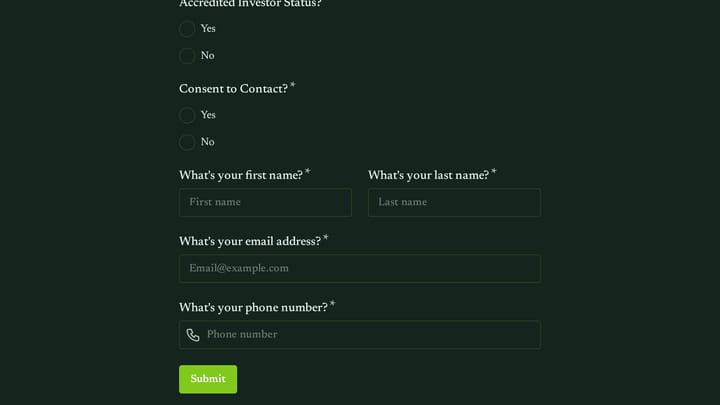
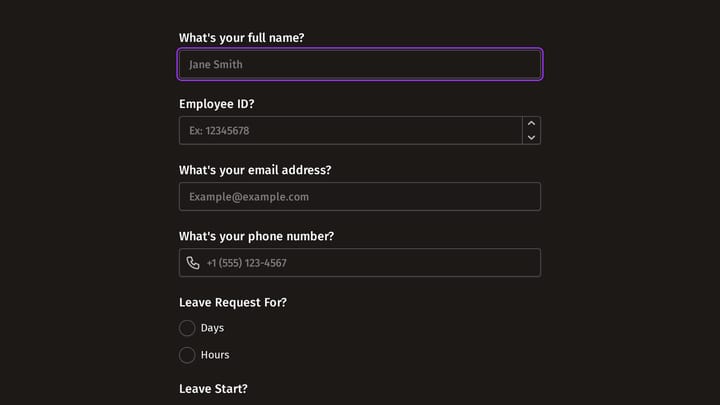
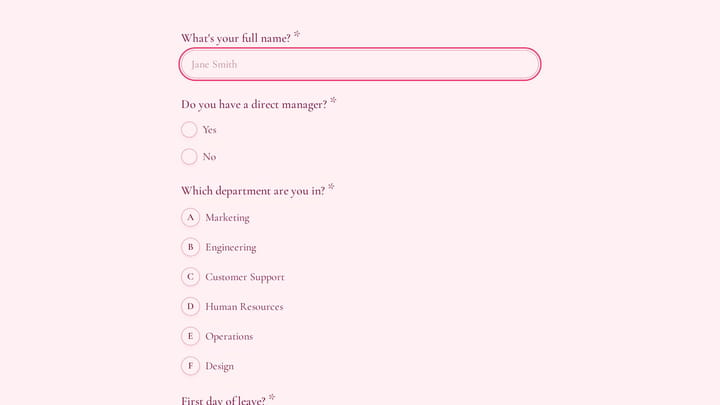
Fomr is a visual drag-and-drop form builder where design is the starting point, not an afterthought. You get 1,700+ fonts, custom colors, background images, logo uploads, and multi-page layouts with instant preview. Forms built in Fomr look like someone designed them on purpose, not like they were generated by a tool.
The free plan has no entry limits. No response caps. Unlimited forms, unlimited fields, unlimited team members. We don’t gate core features behind paid tiers. The Pro plan ($17/month) adds custom domains, white-label branding, and SEO controls for teams that need that level of polish.
You can share forms via direct link, embed them on your website using our JavaScript widget, trigger them as popups, or generate QR codes. There’s also a guest editor that lets you build a form without creating an account, which is useful if you want to test the editor before committing.
Where Fomr falls short: We don’t have conditional logic, payment collection, or integrations with tools like Zapier yet. All of these are on our roadmap and coming soon, but if you need them today, Fomr isn’t the right pick. If you’re coming from Cognito Forms specifically for the calculation features, we can’t replace that functionality right now.
Pricing:
- Free: Unlimited forms, responses, fields, and team members
- Pro: $17/month for custom domains and white-label branding
Best for: Teams that want good-looking forms without response limits or surprise bills. If your forms are customer-facing and brand consistency matters, Fomr handles that well. If you need Cognito’s calculation engine or payment processing, wait until we ship those features or look at the options below.
Give it a try
Walk through this training application form yourself
This is a real, working template from our gallery. Fill it out like a respondent would, then make it your own.

2. JotForm — best feature set for the price
JotForm has been around since 2006 and it shows, in both good and bad ways. The feature list is enormous: conditional logic, payment integrations, e-signatures, PDF generation, approval workflows, and over 10,000 templates. If a feature exists in the form-building world, JotForm probably has it.
The editor is functional. It’s not going to win design awards, but it gets the job done. You drag fields onto a canvas, configure them, and publish. The learning curve is lower than Cognito Forms because most features are accessible through visual menus rather than formula syntax.
Where JotForm falls short: The interface feels cluttered. There are so many options that finding the one you need takes longer than it should. Design customization exists but the forms still tend to look like JotForm forms. And the pricing is confusing: the free Starter plan gives you 100 monthly submissions, then it jumps to Bronze at $39/month, or $408 a year (about $34/month) billed annually, for 1,000 submissions. The gap between free and paid is wide.
Pricing:
- Free: 5 forms, 100 monthly submissions
- Bronze: $39/month, or $408/year (about $34/month) billed annually (25 forms, 1,000 submissions)
- Silver: $39/month (50 forms, 2,500 submissions)
- Gold: $99/month (100 forms, 10,000 submissions)
Best for: People who need a direct Cognito Forms replacement with comparable features but a more visual editor. JotForm can do most of what Cognito does, just with a different (arguably easier) interface. Check our JotForm alternatives roundup for a deeper look at how it compares to other tools.
3. Typeform — best for surveys and lead capture
Typeform made the one-question-at-a-time format popular, and it’s still the best at it. The experience is smooth: clean animations, thoughtful typography, and a flow that feels more like a conversation than a questionnaire. For surveys, quizzes, and lead generation forms, that format genuinely improves completion rates.
Their conditional logic is solid, and the analytics dashboard shows you where people drop off and how they move through your form. If understanding respondent behavior matters to you, Typeform gives you better data than most competitors.
Where Typeform falls short: It’s expensive for what you get. The Basic plan is $25/month for just 100 responses. That’s a hard limit to work with. The conversational format also doesn’t suit every use case. Multi-section applications, order forms, anything where users need to see multiple fields at once — these work better in a traditional layout. And despite the polished look, you’re working within Typeform’s aesthetic. You can’t break out of it the way you can with more flexible builders.
Pricing:
- Basic: $25/month (100 responses)
- Plus: $50/month (1,000 responses)
- Business: $83/month (10,000 responses)
Best for: Marketing teams running lead gen or customer research where the conversational format adds real value. Not a great Cognito Forms replacement if you need calculations or traditional form layouts.
4. Google Forms — best for zero-friction internal forms
Google Forms is free, fast, and requires zero learning curve. If you’re already in Google Workspace, responses flow directly into Google Sheets, and you can collaborate on forms the same way you collaborate on Docs. For internal surveys, quick polls, and team feedback, it’s hard to beat.
There are no response limits, no form limits, and no hidden costs. It just works.
Where Google Forms falls short: Design customization is almost nonexistent. You pick a color theme and a header image, and that’s about it. The forms look like Google Forms, which is fine internally but unprofessional for customer-facing use. There’s no conditional logic beyond basic section routing, no payment collection, and no way to embed forms with any real design control. If you’re leaving Cognito Forms because of its limitations, Google Forms has even more of them — it just compensates by being free and frictionless.
Pricing:
- Free with a Google account (no limits)
Best for: Internal forms, quick surveys, and teams that prioritize speed over everything else. Not a serious Cognito Forms alternative for external-facing or data-heavy use cases.
5. Tally — best free alternative with a modern feel
Tally takes a Notion-inspired approach to form building. You type questions in a document-like interface, and Tally converts them into form fields. It’s fast, intuitive, and the forms look clean by default. The free plan offers unlimited forms and unlimited responses, which puts it in rare company.
Conditional logic is available, and the overall experience feels modern without being overwhelming. If you liked the idea of Cognito Forms but found the execution too complex, Tally is a good reset.
Where Tally falls short: The design options are limited compared to dedicated design-first tools. You can change colors and fonts, but you won’t get background images, extensive typography choices, or pixel-level layout control. The Pro plan at $29/month is also on the expensive side for what it adds — mainly custom domains, file uploads, and some integrations.
Pricing:
- Free: Unlimited forms and responses
- Pro: $29/month (custom domains, file uploads, integrations)
Best for: People who want a clean, modern form builder with a generous free plan and don’t need deep design customization. A good middle ground between Google Forms and something more full-featured.
6. Paperform — best for content-rich forms
Paperform blurs the line between forms and landing pages. You build forms inside a document-style editor where you can add images, videos, and formatted text between questions. The result feels less like a form and more like a branded experience.
It has solid conditional logic, payment processing via Stripe, and decent integrations. The design flexibility is real — you can create forms that look nothing like traditional form builders produce.
Where Paperform falls short: The document-based approach takes getting used to. If you’re coming from a drag-and-drop builder, the mental model is different and the first few forms feel awkward. Pricing starts at $20/month with no free plan (just a 14-day trial), which means you’re paying from day one. And while the forms can look great, achieving that takes more effort than tools with stronger defaults.
Pricing:
- Essentials: $20/month (unlimited forms, 1,000 submissions)
- Pro: $40/month (3,000 submissions, priority support)
- Business: $135/month (10,000 submissions, custom branding)
Best for: Marketers and content creators who want forms that feel like branded content. Good for lead gen pages where the form is the page. Less suited for quick utility forms.
7. Formstack — best for enterprise workflows
Formstack isn’t really competing with Cognito Forms on the form-building front. It’s competing on what happens after the form is submitted. Automated routing, approval chains, document generation, e-signatures, and deep integrations with Salesforce and other enterprise tools. The forms themselves are functional but unremarkable.
If your problem is “I need a form that kicks off a business process,” Formstack is purpose-built for that.
Where Formstack falls short: It’s expensive. The cheapest plan is $50/month for just 5 forms. The interface feels corporate. Design customization is minimal. For anyone who just needs to collect responses and make them look good, Formstack is massive overkill.
Pricing:
- Bronze: $50/month (5 forms, 1,000 submissions)
- Silver: $83/month (20 forms, 5,000 submissions)
- Gold: $208/month (unlimited forms, 25,000 submissions)
Best for: Mid-size and enterprise teams that need forms integrated into business workflows. If you’re leaving Cognito Forms for something simpler, Formstack is the opposite direction.
How to pick the right Cognito Forms alternative
The right tool depends on why you’re leaving Cognito Forms. Here’s a quick way to think about it:
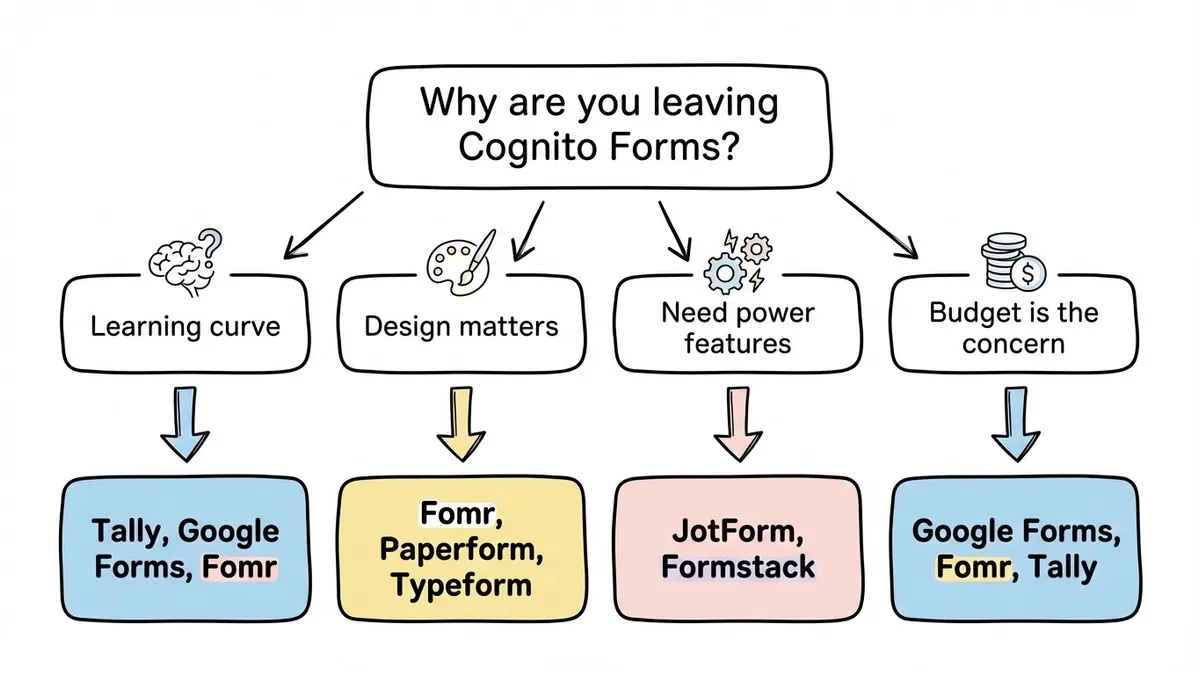
If the learning curve is the problem: Tally, Google Forms, or Fomr all have simpler editors. Tally’s document-style approach is the most intuitive. Fomr’s drag-and-drop editor gives you more design control without added complexity.
If design matters: Fomr gives you the deepest visual customization. Paperform lets you build content-rich form pages. Typeform gives you a polished conversational look with minimal effort.
If you need Cognito’s power features: JotForm is the closest match in terms of feature breadth. Formstack goes further on workflow automation. Neither is as strong on calculations specifically, but both cover conditional logic, payments, and integrations.
If budget is the main concern: Google Forms, Fomr, and Tally all offer unlimited responses for free. Google Forms has the least friction. Fomr has the best design. Tally sits in between.
For a broader look at the category, our comparison of the top form builders covers more options, and our guide to free form builders focuses specifically on tools that won’t cost you anything.
The bottom line
Cognito Forms is a solid tool for a specific kind of user. If you need calculations, repeating sections, and data-heavy form logic, it earns its place. But if you’re paying for power you don’t use, fighting an editor that feels outdated, or just want forms that look better without the effort, the alternatives above each solve a different version of that problem.
If you want to see what a design-first form builder feels like, try Fomr’s guest editor. No account required, no credit card, no commitment. Build a form and see if it fits how you work.