Microsoft Forms is fine. That’s the most generous thing most people say about it. If your organization already pays for Microsoft 365, it’s sitting right there in the app launcher, and it works well enough for a quick poll or a basic survey. But “fine” has a ceiling, and most teams hit it fast.
The design options are minimal. Sharing outside the Microsoft ecosystem is awkward. The editor feels like it hasn’t changed much since launch. And if you’re not on a Microsoft 365 subscription, you don’t get full access at all. So when you start looking for a Microsoft Forms alternative, you’re usually looking for one of three things: better-looking forms, more flexibility in how you share and embed them, or a tool that doesn’t require your entire organization to be locked into Microsoft’s ecosystem.
We tested seven form builders that solve the specific problems Microsoft Forms creates. Each one does something Microsoft Forms can’t, and a few of them do almost everything better.
Where Microsoft Forms falls short
Before jumping into alternatives, it helps to understand exactly what you’re replacing. Microsoft Forms has real strengths: it’s included with M365, it syncs natively with Excel and Teams, and it handles basic surveys without any learning curve. For internal polls within an organization that already runs on Microsoft, it’s a reasonable default.
But the gaps are significant:
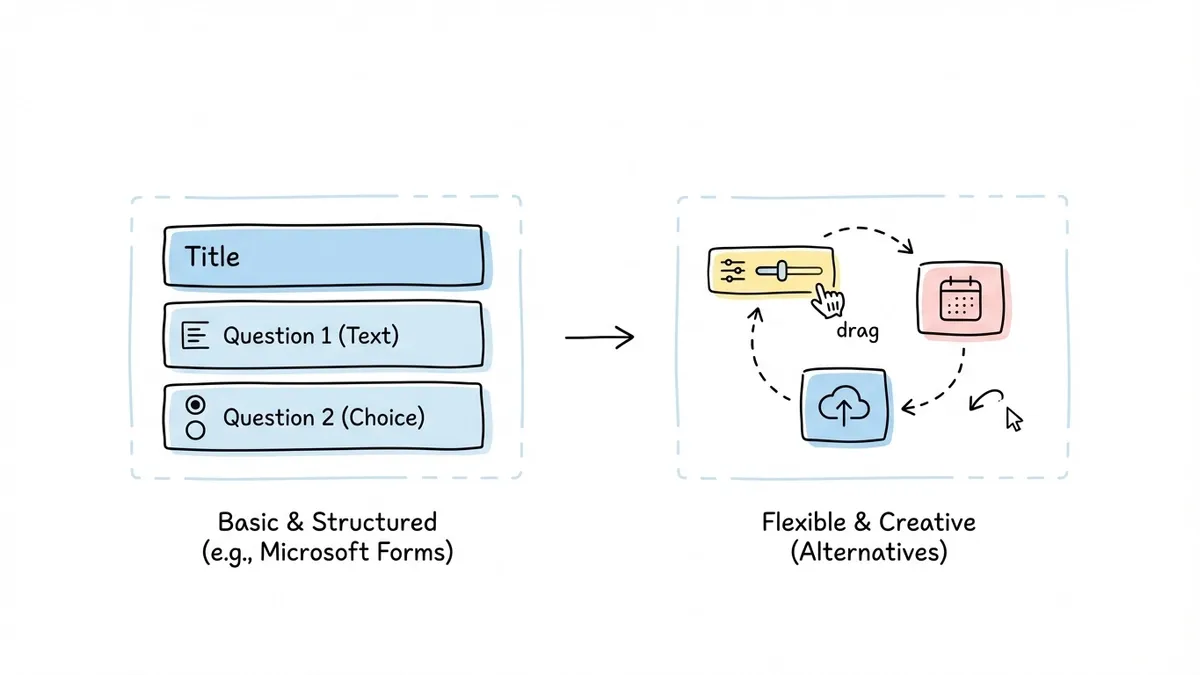
- Design control is almost nonexistent. You get a handful of color themes and the option to add a header image. That’s it. No custom fonts, no layout control, no background images, no way to match your brand guidelines beyond picking a color.
- Sharing is limited. You can generate a link or embed a basic iframe, but there’s no popup embed, no QR code generation, no custom domain support. Sharing with people outside your organization sometimes requires fiddling with tenant settings.
- Question types are basic. You get text, choice, rating, date, ranking, Likert, and Net Promoter Score. No payment fields, no file uploads with previews, no signature fields.
- No real free tier. Microsoft Forms is “free” only if you already pay for Microsoft 365. The standalone version through a personal Microsoft account has reduced functionality. Compare that to form builders that offer genuinely free plans with no subscription prerequisite.
If any of those limitations are blocking you, the tools below are worth your time. For a broader look at the form builder market, our comparison of the top form builders covers even more options.
1. Fomr — best for design control and truly free forms
We built Fomr because we kept running into the same problem: form builders either looked good and cost a fortune, or they were free and looked terrible. Microsoft Forms sits firmly in the second camp.
Fomr gives you full design control. We’re talking 1,700+ Google Fonts, custom color palettes, background images, logo uploads, and flexible page layouts. You can build multi-page forms with a drag-and-drop editor that shows a live preview as you work. The forms look polished on desktop and mobile without any extra effort.
What makes it a strong Microsoft Forms replacement:
- Unlimited forms, responses, fields, and team members on the free plan. No caps, no gotchas.
- Share forms via link, embed them on your website with our JavaScript widget, open them as popups, or generate QR codes.
- A guest editor that lets you build a complete form without creating an account. Try it before you commit to anything.
- Custom domains and white-label branding on the Pro plan ($34/month).
- Auto-jump mode that turns any form into a conversational, one-question-at-a-time experience.
Where Fomr falls short right now:
Conditional logic, payment collection, and integrations with tools like Zapier, Notion, Excel, Outlook Calendar, and popular CRMs are coming soon (Google Sheets sync already ships). If you need any of those workflows right now, you’ll need to look at other options on this list.
Pricing: Free for unlimited everything. Pro is $34/month or $24/month billed yearly for custom domains, removed branding, and SEO controls.
Fomr is the best fit if you care about how your forms look and you don’t want to pay for a Microsoft 365 subscription just to collect responses. If you need conditional logic or integrations today, keep reading.
Give it a try
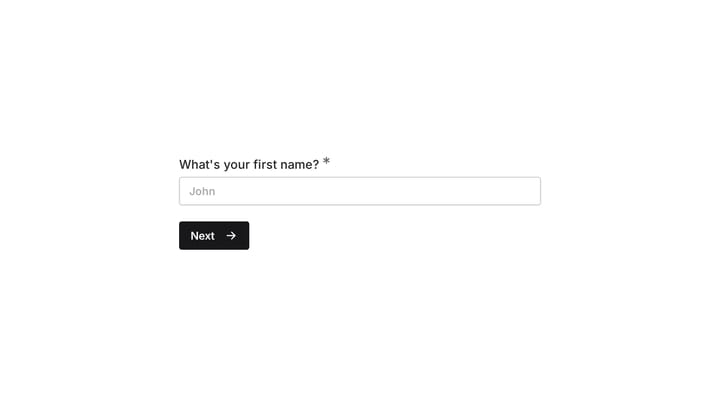
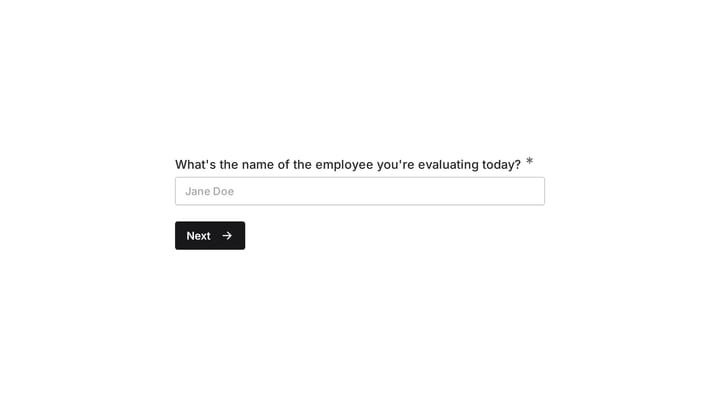
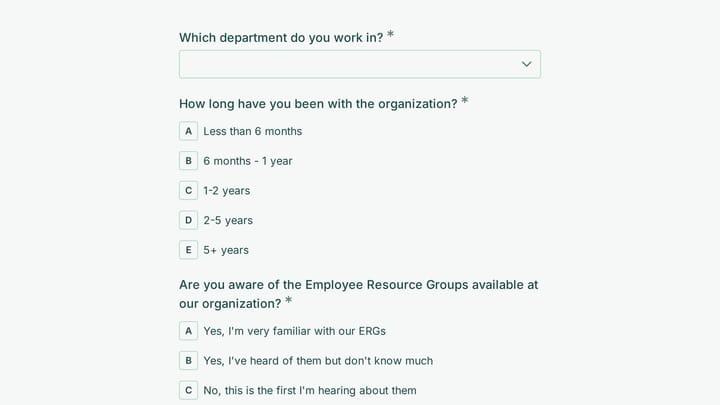
Preview this employee empowerment survey — no Microsoft 365 required
This is a real, working template from our gallery. Fill it out like a respondent would, then make it your own.

2. Google Forms — best free alternative if you just need basics
This might seem like a strange recommendation in a Microsoft Forms alternatives list, but Google Forms solves the same core problem in a slightly different ecosystem. If you’re leaving Microsoft Forms because of the M365 requirement, Google Forms is free for anyone with a Google account.
It handles simple surveys, quizzes, and feedback forms without any friction. The editor is straightforward, responses flow into Google Sheets automatically, and sharing is painless.
The catch: Google Forms has the same design limitations as Microsoft Forms. Maybe worse. You get a few color themes and a header image, and that’s your customization. If you’re leaving Microsoft Forms because the forms look generic, Google Forms won’t fix that problem.
Pricing: Free with a Google account. Business features through Google Workspace start at $7/month per user.
Pick Google Forms if you’re switching ecosystems from Microsoft to Google and just need basic form functionality. For anything design-related, look elsewhere.
3. Typeform — best for surveys and lead generation
Typeform shows one question at a time, which makes forms feel more like a conversation than a chore. It’s a popular Microsoft Forms competitor for teams that care about response rates, especially for customer surveys and lead capture forms.
The interface is clean and the forms look modern out of the box. Typeform also has solid conditional logic, so you can branch questions based on previous answers. Their integrations library covers most major CRM and marketing tools.
The downsides: Typeform is expensive. The Basic plan starts at $25/month and only includes 100 responses. If you’re coming from Microsoft Forms where responses were unlimited (within your M365 plan), that’s a shock. The one-question-at-a-time format also doesn’t work for every use case. Registration forms, order forms, and anything where people want to see the full picture upfront can feel tedious in Typeform’s format.
Pricing: Basic at $25/month (100 responses), Plus at $50/month (1,000 responses), Business at $83/month (10,000 responses).
Choose Typeform if conversational forms are specifically what you need and you have the budget for per-response pricing.
4. JotForm — best for feature depth
JotForm has been around since 2006 and it shows, in both good and bad ways. On the good side, it has nearly every feature you could want: conditional logic, payment processing, e-signatures, HIPAA compliance, approval workflows, and over 10,000 templates. On the bad side, the interface feels cluttered and the learning curve is steeper than it should be.
As a Microsoft Forms alternative, JotForm’s biggest advantage is its feature set. Anything Microsoft Forms can’t do, JotForm probably can. The template library alone saves hours if you’re building forms for common use cases like job applications, event registrations, or customer feedback.
The downsides: The free plan limits you to 5 forms and 100 monthly submissions, which is tight. The editor has a lot going on, and building a simple contact form takes longer than it should. Design-wise, JotForm forms tend to look functional rather than beautiful unless you invest time in customization.
Pricing: Starter is free (5 forms, 100 submissions/mo). Paid tiers are Bronze $39/month, Silver $49/month, and Gold $129/month, each about 13% cheaper billed annually.
JotForm is the right pick if you need advanced features like payment processing or HIPAA compliance and you’re willing to trade design polish for functionality.
5. Tally — best for Notion-style simplicity
Tally takes a different approach. Instead of a drag-and-drop editor, you type your form like a document. It feels a lot like writing in Notion, which makes it fast to use once you get the hang of it. The free plan is generous: unlimited forms and responses with no branding.
For teams leaving Microsoft Forms because they want something simpler and less tied to a corporate ecosystem, Tally is refreshing. It strips away complexity and focuses on getting a form live quickly.
The downsides: Design customization is limited compared to dedicated form builders. You can change colors and fonts, but you won’t get the level of control that tools like Fomr or Paperform offer. The document-style editor can feel restrictive for complex, multi-page forms. And while Tally has basic conditional logic, it’s not as powerful as what you’d find in JotForm or Typeform.
Pricing: Free (unlimited forms and responses). Pro at $29/month for custom domains, file uploads, and team collaboration.
Tally works well for individuals and small teams who value speed and simplicity over design control.
6. Fillout — best budget option with solid features
Fillout is a newer form builder that punches above its weight on the free plan. You get unlimited forms, 1,000 monthly responses, and access to conditional logic and basic integrations without paying anything. The interface is clean and modern, and it connects well with tools like Notion, Airtable, and Google Sheets.
As a Microsoft Forms replacement, Fillout gives you more features at a lower price point than most competitors. It’s not the most customizable tool for design, but it covers the functional gaps that Microsoft Forms leaves open.
The downsides: Design options are decent but not exceptional. The template library is smaller than JotForm’s. Some advanced features feel like they’re still maturing. If you want forms that look distinctly branded, you might find the customization options limiting.
Pricing: Free (unlimited forms, 1,000 responses). Basic at $15/month, Pro at $35/month.
Fillout is a solid choice if you want more features than Microsoft Forms without spending Typeform money. For more options in this price range, check our list of the best free online form builders.
7. Paperform — best for content-rich forms
Paperform blends forms with content in a way that no other builder does. You can add images, videos, and text blocks between questions, making it feel more like a landing page than a traditional form. It also includes built-in payment processing through Stripe and Square.
For teams that used Microsoft Forms for things like event registrations or product orders, Paperform’s content-rich approach is a meaningful upgrade. You can build a form that explains what you’re collecting and why, right alongside the fields.
The downsides: Pricing starts at $20/month with no free plan, just a 14-day trial. The document-style editor takes getting used to, and complex multi-page forms can get unwieldy. The template library is smaller than what you’d find on JotForm.
Pricing: Essentials at $20/month (unlimited forms, 1,000 submissions). Pro at $40/month (10,000 submissions).
Paperform is worth considering if your forms need to tell a story or include rich media alongside data collection.
Quick comparison table
| Tool | Free plan | Design control | Conditional logic | Integrations | Best for |
|---|---|---|---|---|---|
| Fomr | Unlimited forms and responses | Full (1,700+ fonts, custom themes) | Coming soon | Coming soon | Design-focused teams |
| Google Forms | Unlimited | Very limited | No | Google ecosystem | Quick, basic forms |
| Typeform | 10 responses/month | Good (within their system) | Yes | 120+ apps | Conversational surveys |
| JotForm | 5 forms, 100 submissions | Moderate | Yes | 150+ apps | Feature-heavy use cases |
| Tally | Unlimited | Limited | Basic | 20+ apps | Simple, fast forms |
| Fillout | 1,000 responses/month | Moderate | Yes | 40+ apps | Budget-conscious teams |
| Paperform | No free plan | Good | Yes | 60+ apps | Content-rich forms |
How to pick the right Microsoft Forms alternative
The right tool depends on what’s actually frustrating you about Microsoft Forms. Here’s a quick way to think about it:
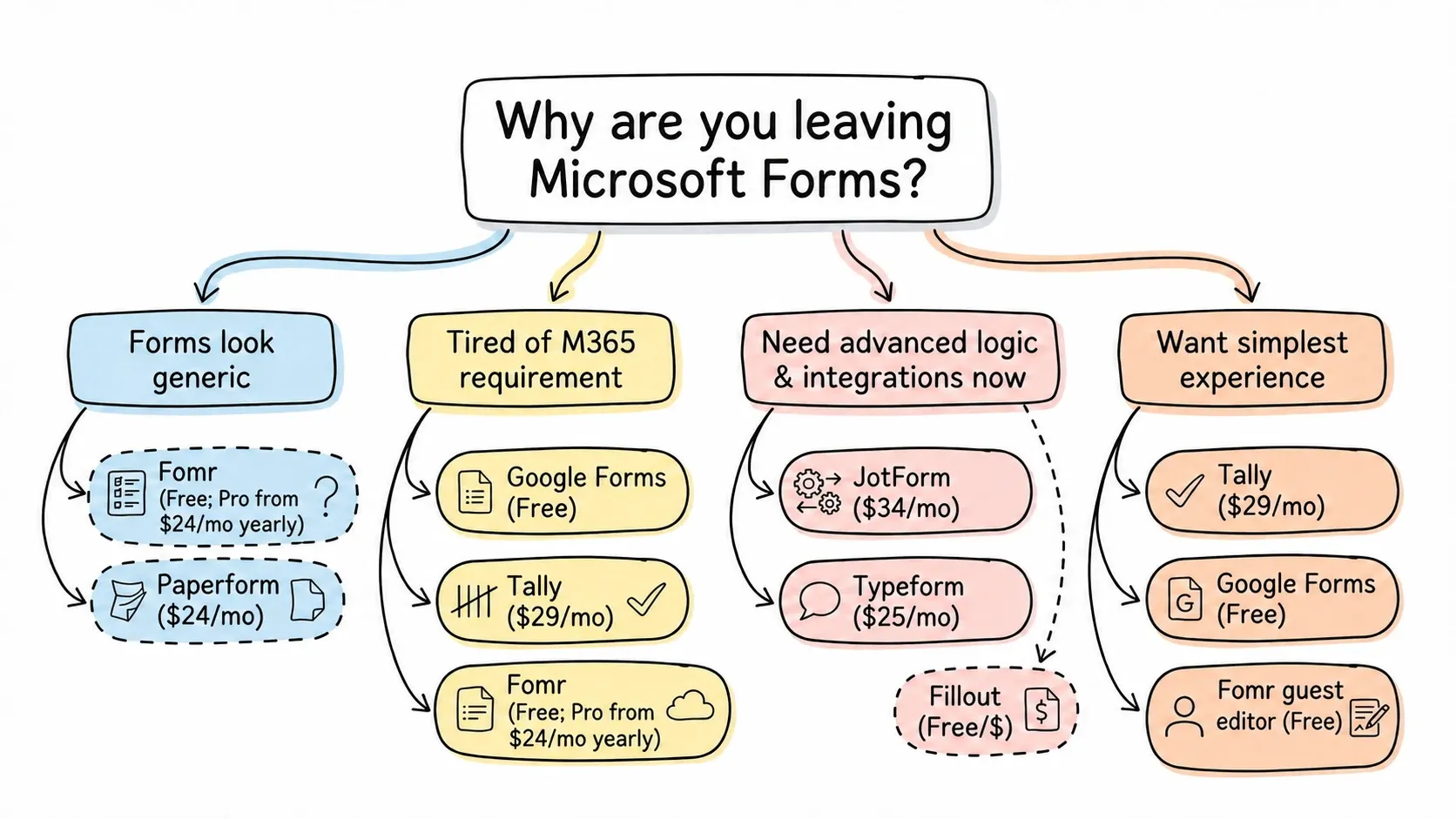
If your forms look generic and unprofessional, prioritize design control. Fomr and Paperform give you the most flexibility here. Typeform looks polished too, but within a more constrained design system.
If you’re tired of the M365 requirement, any tool on this list works independently. Google Forms, Tally, and Fomr all have genuinely free plans that don’t require a separate subscription.
If you need advanced logic and integrations right now, JotForm and Typeform are the most mature options. Fillout offers a good middle ground at a lower price.
If you want the simplest possible experience, Tally and Google Forms have the lowest learning curves. Fomr’s guest editor also lets you start building immediately without even creating an account.
For a deeper dive into how these tools compare on specific features, our best Google Forms alternatives post covers some of the same tools from a different angle.
Try building a form without Microsoft
Microsoft Forms works for organizations that live inside the Microsoft ecosystem and don’t care how their forms look. If that’s you, there’s no reason to switch. But if you’ve been frustrated by the design limitations, the sharing restrictions, or the fact that you need an M365 subscription to use it properly, any tool on this list is a real upgrade.
If you want to see what design-first form building feels like, try Fomr’s guest editor. You can build a complete form without signing up, and it takes about two minutes to see whether the design control is worth the switch. No credit card, no commitment, no Microsoft subscription required.