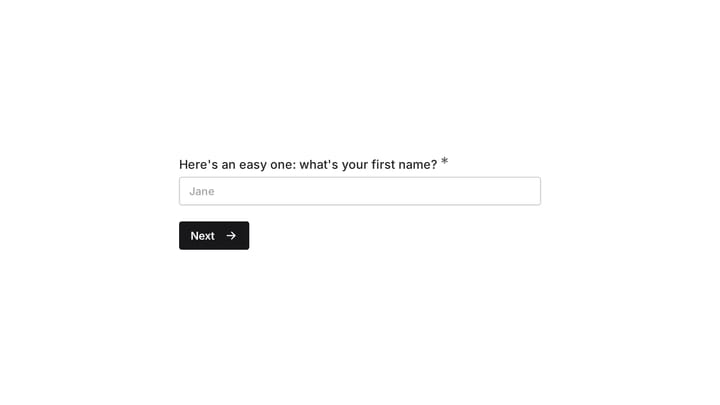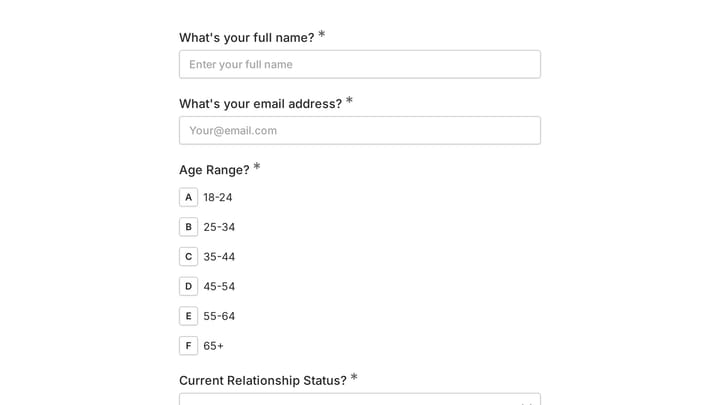
Google Forms gets the job done, but it’s not exactly winning any design awards. If you’ve ever built a form that looks like it’s stuck in 2010, you know what we mean. While Google’s form builder is free and functional, it falls short when you need forms that actually look professional, offer advanced features, or integrate with your brand.
We’ve tested dozens of form builders to find the best Google Forms alternative options that deliver on design, functionality, and value. Each tool on this list excels in different areas — whether you prioritize beautiful design, advanced logic, or comprehensive integrations.
What makes a great Google Forms alternative
Before we get into specific tools, here’s what we looked for in each Google Forms alternative:
- Design flexibility: Can you create forms that don’t scream “template”?
- Feature depth: Advanced question types, conditional logic, and customization options
- Ease of use: Simple enough for non-technical users but powerful for advanced needs
- Pricing value: Fair pricing that scales with your needs
- Integration options: Connects with the tools you already use
Now let’s explore the top alternatives, ranked by overall value and capability.
1. Fomr — best for design-first form building
We built Fomr because we were tired of choosing between beautiful forms and affordable pricing. Our form builder for Google Forms users offers unlimited everything on the free plan — unlimited forms, responses, fields, and team members.
What makes Fomr stand out:
- Complete design control with 1,700+ fonts, custom colors, backgrounds, and logo uploads
- Visual drag-and-drop editor with instant preview
- Multi-page forms with flexible layouts
- 30+ form components including ratings, rankings, and date/time fields
- Works offline with auto-save functionality
Current limitations: We’re honest about what we don’t have yet: conditional logic, payment collection, and integrations with tools like Zapier, Notion, Airtable, and popular CRMs are coming soon. Google Sheets sync is already built in, so your responses can keep landing in a spreadsheet.
Pricing:
- Free: Unlimited forms, responses, fields, and team members
- Pro: $34/month or $24/month billed yearly (custom domains, white-label branding, SEO controls)
Fomr works best for users who want beautiful, professional forms without the typical limitations of free plans. If design matters to your brand and you don’t need complex integrations right now, it’s the strongest Google Forms alternative available.
Give it a try
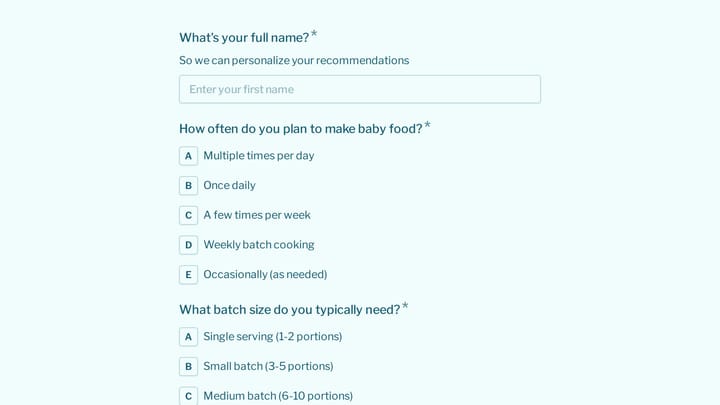
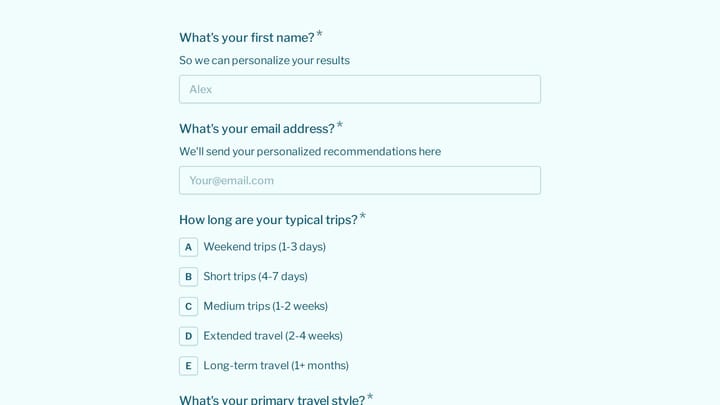
Try this student registration form — no Google account needed
This is a real, working template from our gallery. Fill it out like a respondent would, then make it your own.

2. Clappia — best for advanced forms and field operations
Clappia is an AI-powered no-code platform that helps businesses build advanced forms, automate workflows, and create custom business applications without coding. It goes beyond traditional form builders by combining offline data collection, approvals, dashboards, role-based access, and operational tools in a single platform.
Strengths: Clappia is designed for businesses that need more than form submissions. It supports offline mobile data collection, GPS location capture, QR and barcode scanning, advanced conditional logic, calculations, workflow automation, multi-level approvals, and role-based user access, making it ideal for field operations and business process automation.
Limitations: Clappia focuses on operational workflows rather than simple surveys or conversational forms. While it’s highly customizable, businesses with complex workflows may need some time to configure apps that match their processes.
Pricing:
- Free plan available
- Paid plans start at $6 per user per month
Choose Clappia if you need advanced forms with live location tracking, dynamic calculations, AI-powered data extraction, automated reporting, and enterprise workflow automation.
3. Typeform — best for conversational forms
Typeform pioneered the conversational form experience, showing one question at a time to reduce form abandonment. It’s particularly effective for surveys, lead generation, and customer feedback.
Strengths: Typeform’s question-by-question approach feels more like a conversation than a form. The interface is clean, modern, and mobile-optimized. They offer solid integrations with major marketing and CRM tools, plus built-in analytics to track completion rates and drop-off points.
Limitations: The conversational format isn’t ideal for all use cases — sometimes users want to see the full form upfront. Pricing gets expensive quickly, and customization options are more limited than they appear. You’re essentially working within Typeform’s design system rather than creating truly custom forms.
Pricing:
- Basic: $25/month (100 responses)
- Plus: $50/month (1,000 responses)
- Business: $83/month (10,000 responses)
Choose Typeform if you specifically want the conversational form experience and have budget for their pricing tiers.
4. JotForm — best for enterprise features
JotForm has been around since 2006 and offers one of the most comprehensive feature sets in the form building space. It’s the jotform alternative that actually competes with JotForm’s own capabilities.
Strengths: Extensive template library with over 10,000 pre-built forms. Advanced features like conditional logic, payment processing, e-signatures, and HIPAA compliance. Strong integration ecosystem with 150+ third-party apps. Solid reporting and analytics tools.
Limitations: The interface feels dated compared to newer tools. With so many features, it can be overwhelming for simple use cases. The free plan is quite limited (5 forms, 100 submissions per month). Design customization, while extensive, requires more technical knowledge.
Pricing:
- Bronze: $39/month, or $408/year billed annually (25 forms, 1,000 submissions)
- Bronze: $39/month (100 forms, 2,500 submissions)
- Silver: $99/month (unlimited forms, 10,000 submissions)
JotForm works best for organizations that need enterprise-grade features and have dedicated staff to manage form complexity.
5. Microsoft Forms — best Google Forms alternative for Office 365 users
If you’re already in the Microsoft ecosystem, Microsoft Forms integrates seamlessly with your existing workflow. It’s essentially Microsoft’s answer to Google Forms.
Strengths: Native integration with Office 365, SharePoint, and Teams. Real-time collaboration features. Automatic data sync with Excel. Better design options than Google Forms, though still limited. Free with Office 365 subscriptions.
Limitations: Design customization is minimal — you can change colors and add images, but that’s about it. Limited question types compared to dedicated form builders. No advanced features like conditional logic or payment processing. Requires Office 365 for full functionality.
Pricing: Free with Office 365 subscription, or $6/month for standalone use.
Choose Microsoft Forms if you’re heavily invested in the Office 365 ecosystem and need basic form functionality with seamless data integration.
6. Paperform — best for document-style forms
Paperform takes a unique approach by letting you create forms that look and feel like documents. You type your form like you’d write a document, and Paperform converts it into an interactive form.
Strengths: The document-style interface is intuitive and feels natural. Good design flexibility with custom CSS options. Built-in payment processing and e-commerce features. Solid integration options including Zapier, Mailchimp, and Salesforce.
Limitations: The document approach doesn’t work for all form types — complex surveys or multi-page forms can become unwieldy. Pricing is on the higher side for what you get. Limited template library compared to other tools.
Pricing:
- Essentials: $20/month (unlimited forms, 1,000 submissions)
- Pro: $40/month (unlimited forms, 10,000 submissions)
Paperform works well if you prefer the document-style approach and need e-commerce functionality built-in.
7. Formstack — best for workflow automation
Formstack focuses on turning form submissions into automated workflows. It’s designed for businesses that need forms to trigger specific actions and processes.
Strengths: Powerful workflow automation capabilities. Strong security features including HIPAA compliance. Advanced conditional logic and field calculations. Comprehensive integration options with business tools. White-label branding options.
Limitations: Expensive compared to other options. The interface can be complex for simple use cases. Limited design customization — forms tend to look corporate and generic. Steep learning curve for advanced features.
Pricing:
- Bronze: $50/month (5 forms, 1,000 submissions)
- Silver: $83/month (20 forms, 5,000 submissions)
- Gold: $208/month (unlimited forms, 25,000 submissions)
Choose Formstack if you need sophisticated workflow automation and have the budget for enterprise-level pricing.
8. Fillout — best free Google Forms alternative
Fillout offers a surprisingly solid free plan that rivals paid competitors. It’s a good form builder for forms that need more features than Google Forms provides.
Strengths: Generous free plan with unlimited forms and 1,000 monthly responses. Modern, clean interface. Good selection of question types and basic conditional logic. Reasonable pricing for paid tiers. Growing integration library.
Limitations: Still a newer platform with fewer advanced features than established competitors. Design customization is limited compared to tools like Fomr or Typeform. Smaller template library. Some features feel basic compared to premium alternatives.
Pricing:
- Free: Unlimited forms, 1,000 responses/month
- Basic: $15/month (5,000 responses)
- Pro: $35/month (15,000 responses)
Fillout is ideal if you want more features than Google Forms but don’t want to pay premium prices for advanced form builders.
How to choose the right Google Forms alternative
The best Google Forms alternative depends on your specific needs:

Choose Fomr if you prioritize beautiful design and want unlimited everything on a free plan. Perfect for businesses that need professional-looking forms without ongoing costs.
Choose Clappia if you want to turn existing Google Forms or spreadsheets into enterprise-ready business apps with workflow automation, custom processes, and operational intelligence.
Choose Typeform if you want the conversational form experience and have budget for premium pricing. Best for surveys and lead generation where user experience matters most.
Choose JotForm if you need enterprise features like HIPAA compliance, advanced integrations, and don’t mind paying for comprehensive functionality.
Choose Microsoft Forms if you’re already using Office 365 and need basic form functionality with seamless data integration.
Choose Paperform if you prefer the document-style approach and need built-in e-commerce features.
Choose Formstack if workflow automation is your priority and you have enterprise budget.
Choose Fillout if you want a modern interface with more features than Google Forms but don’t need advanced customization.
Start building better forms today
Google Forms served its purpose when simple, functional forms were enough. But today’s users expect forms that look professional, work seamlessly across devices, and reflect your brand’s quality.
Pick any alternative on this list and you’ll create forms that actually convert visitors into responses. Try building your first form with Fomr’s guest editor — no signup required, and you’ll see the difference design-first form building makes.