If you’re reading this, you probably already have a Wix site and the built-in Wix form builder just told you no. Maybe you hit the four-form cap on the Light plan. Maybe you tried to add a file upload field and found it locked behind a more expensive tier. Either way, you’re now doing the math on what forms actually cost on Wix, and the answer is more complicated than it should be.
Here’s the short version: Wix Forms doesn’t cap your monthly submissions. It caps how many forms you can have and how complex each one can be, and those caps are tied to your site plan. The app-market alternatives lift the caps but add their own subscription on top of what you already pay Wix. And there’s a third route most people miss: embedding an outside form builder, which works even on the free Wix plan.
We’ll walk through all three, with current prices.
What the Wix form builder actually allows on each plan
Wix Forms is included with every Wix site, but “included” does a lot of work in that sentence. According to Wix’s own support docs, here’s what each premium plan gets as of August 2026:

| Wix plan | Price (annual billing) | Forms | Fields per form | Steps | Conditions | Payments and uploads |
|---|---|---|---|---|---|---|
| Light | $17/mo | 4 | 10 | 3 | 3 | No |
| Core | $29/mo | 10 | 50 | 50 | 50 | Yes |
| Business | $39/mo | 25 | 75 | 75 | 75 | Yes |
| Business Elite | $159/mo | 75 | 100 | 100 | 100 | Yes |
Pay monthly instead of annually and those prices climb to $24, $36, $46, and $172 per Wix’s pricing.
Read that table again, because the Light row is the trap. Ten fields per form sounds fine until you build a real intake form: name, email, phone, company, three qualifying questions, a message box, and a consent checkbox is ten fields already. And no file uploads, no signature fields, no payment collection. A single upload field means jumping from $17 to $29 a month, a $144-per-year difference for one field type.
The good news is what’s missing from that table: there’s no monthly submission cap on Wix Forms. If a form fits within your plan’s field and form limits, it can collect as many responses as your site traffic sends it. Plenty of older articles claim Wix limits submissions per month; that’s not how the current plans work.
Where Wix Forms genuinely wins
We’re going to spend most of this article on alternatives, so let’s be fair first. Wix Forms writes every submission straight into the Wix CRM as a contact, triggers Wix Automations (send an email, add a label, notify your phone), and shows up in the same dashboard as everything else on your site. No other option in this article does that natively. If your workflow lives inside Wix contacts and automations, an embedded third-party form breaks that chain, and that’s a real loss, not a footnote.
If you have a Core plan or above, only need a handful of forms, and want submissions in your Wix CRM, the built-in form builder is honestly the right call. Stop reading and go build your form.
Still here? Then one of the caps is biting you. Here are your options.
4 Wix form builder alternatives compared (2026)
Two of these live in the Wix App Market and bolt onto your site as apps. Two are outside form builders you embed. The difference matters: app-market forms sit in your Wix dashboard but add a second subscription, while embedded forms keep their own dashboard but can be free.
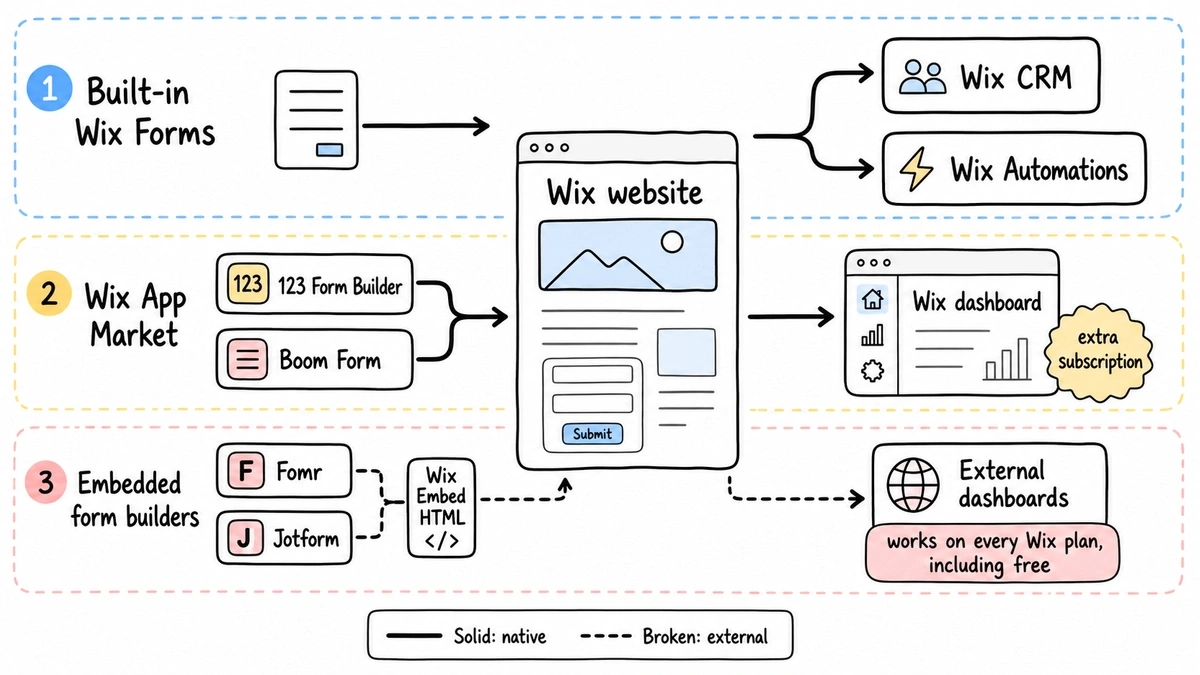
One thing to know before the list: Wix’s Embed HTML element works on every plan, including free. You paste an embed snippet into it and the form renders inside your page. Site-wide custom code (scripts injected into your site’s head) does require a premium plan with a connected domain, but you don’t need that for a single embedded form. So no, you don’t need to upgrade Wix to embed a form.
1. Fomr — best if you want uncapped forms without a second bill
We build Fomr, so weigh this section accordingly. But the fit with Wix is specific enough to explain.
Fomr’s free plan has no caps that matter here: unlimited forms, unlimited responses, unlimited fields, unlimited team members. The design side is the point. You pick from 1,700+ fonts, set your own colors and backgrounds, and add your logo, so the embedded form matches your Wix site instead of looking like a widget from somewhere else. Multi-page forms and 30+ field types are included, and you can try the editor without creating an account.
Embedding takes two lines pasted into Wix’s Embed HTML element. Our embed guide covers inline, popup, and QR code options, and we wrote a step-by-step walkthrough for adding a form to any website that includes Wix.
Where we lose: submissions land in the Fomr dashboard, not your Wix CRM, and there’s no automation bridge yet since our Zapier and webhook support is still coming. We also don’t have conditional logic or payment collection today; both are on the roadmap but not shipped. If you need any of those now, pick 123 Form Builder or Jotform below.
Cost on top of Wix: $0. Pro at $34/month or $24/month billed yearly exists for custom domains and removing our branding, but nothing about response volume ever costs money.
Give it a try
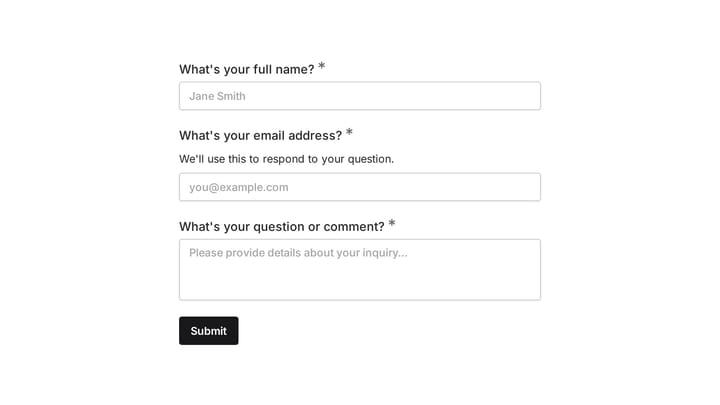
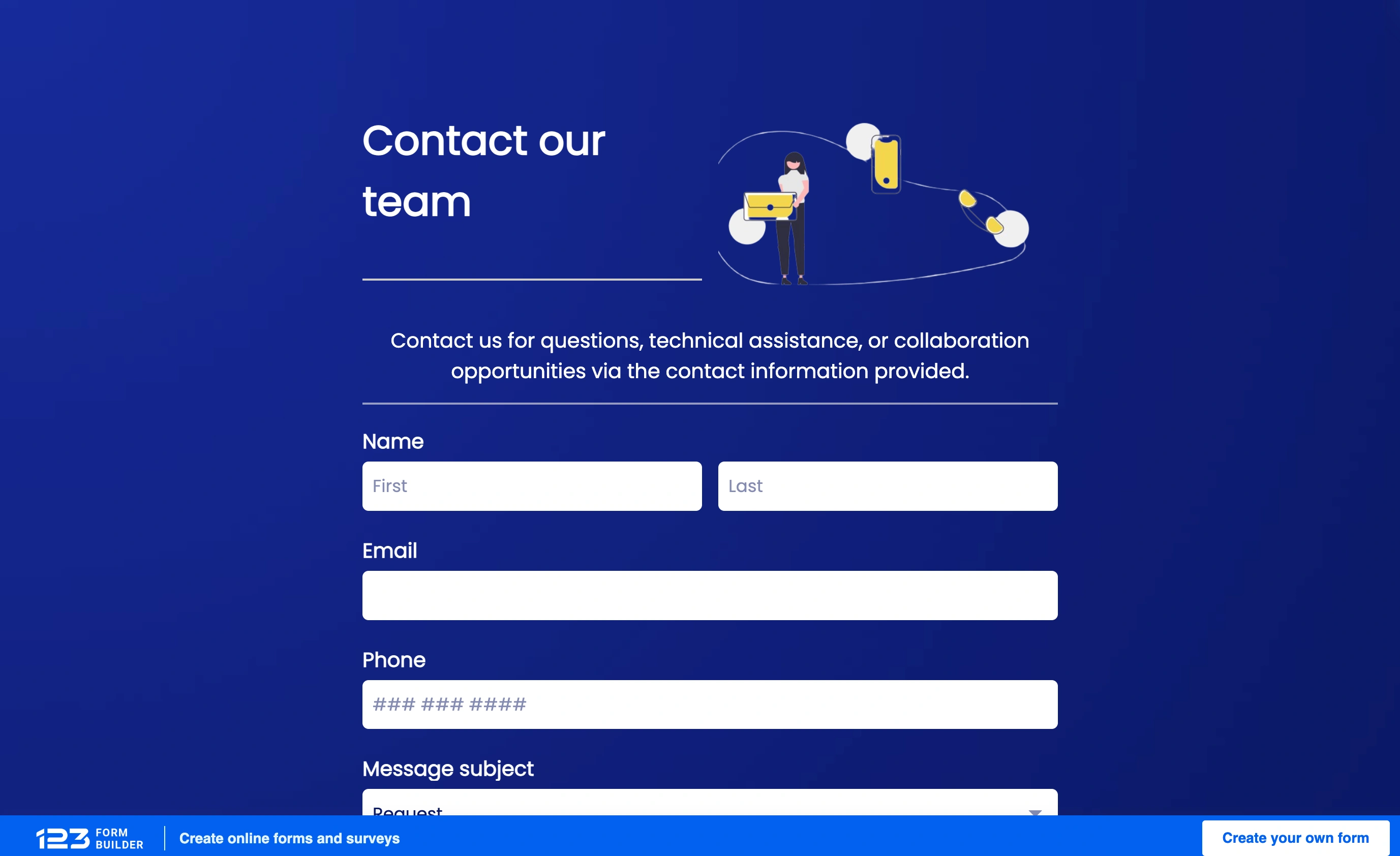
Try this Fomr contact form
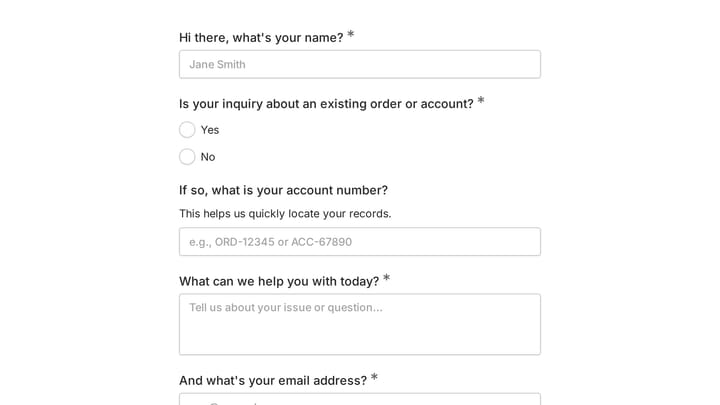
Try the name, email, and message fields in this Fomr contact form. It is a simple example of the visitor experience you can embed on your site.

2. 123 Form Builder — best app-market pick for staying in the Wix dashboard
123 Form Builder is the most established form app in the Wix App Market, and its Wix-specific pricing is unusually cheap compared to its standalone plans. The free tier gives you 5 forms, 10 fields per form, and 100 submissions a month. The Wix Starter plan is $3.99/mo for 8 forms, 30 fields per form, and 1,000 submissions a month, with conditional logic rules included and the 123 branding removed.
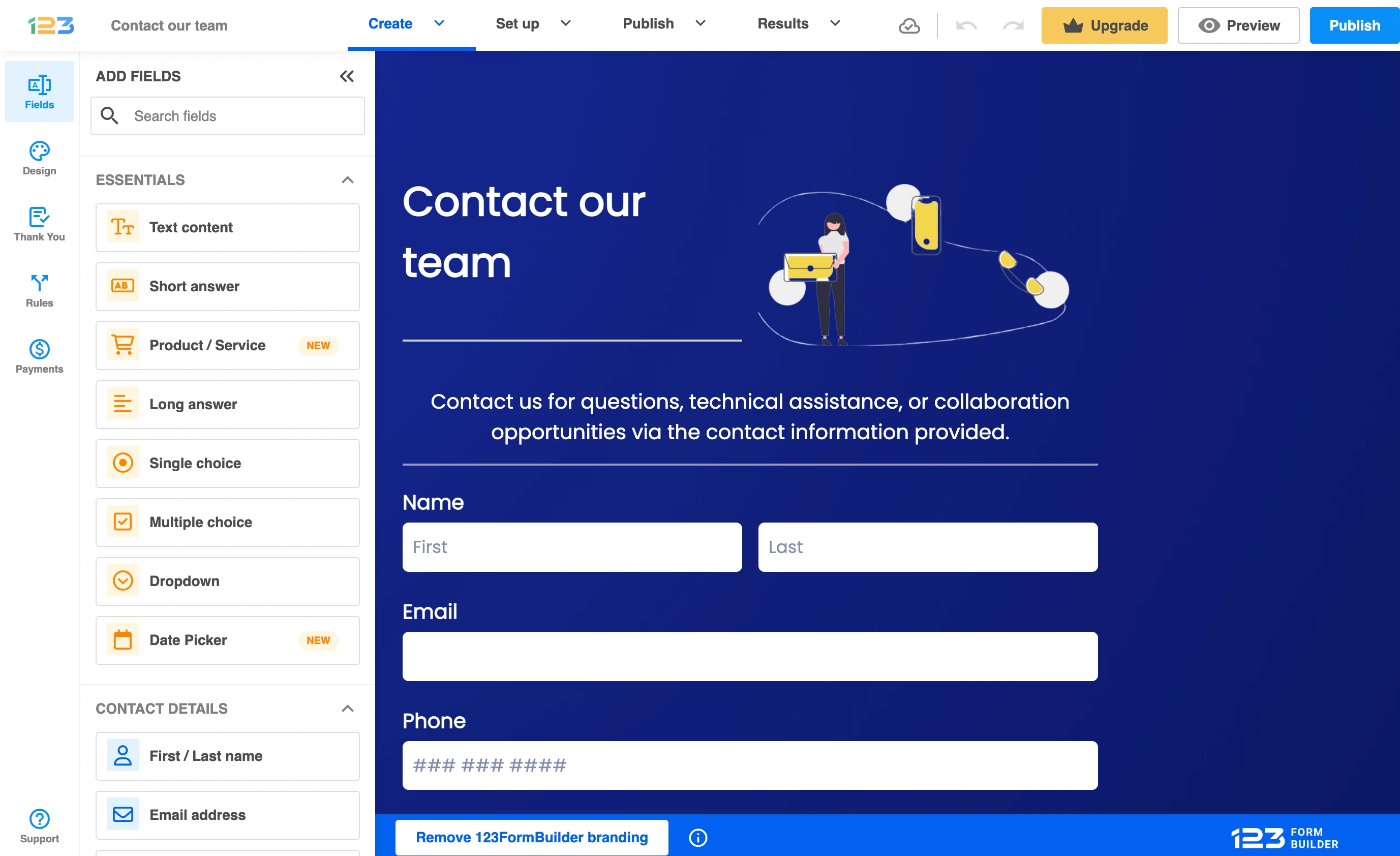
Notice what came back, though: submission caps. Wix Forms doesn’t meter submissions, but 123 Form Builder does, and the counter resets on the first of each month. A busy lead form can blow through 1,000 submissions, and then you’re looking at 123’s standalone plans, which cost considerably more. The Starter plan is also single-site, so a second Wix site means a second subscription.
The upside is real: it installs as a Wix app, supports payments and uploads on paid tiers, and you manage it from inside Wix. For a Light-plan site that needs one form with 20 fields and logic, $17 + $3.99 = $20.99/mo beats upgrading to Core at $29.
3. Boom Form — budget app-market pick
Boom Form is the scrappier App Market option. There’s a free plan for basic forms, and premium is $8.49/mo billed monthly or $6.99/mo billed annually, which adds payments, file uploads, and multi-step forms. It’s built specifically for Wix, so installation is one click and the forms inherit reasonable styling.
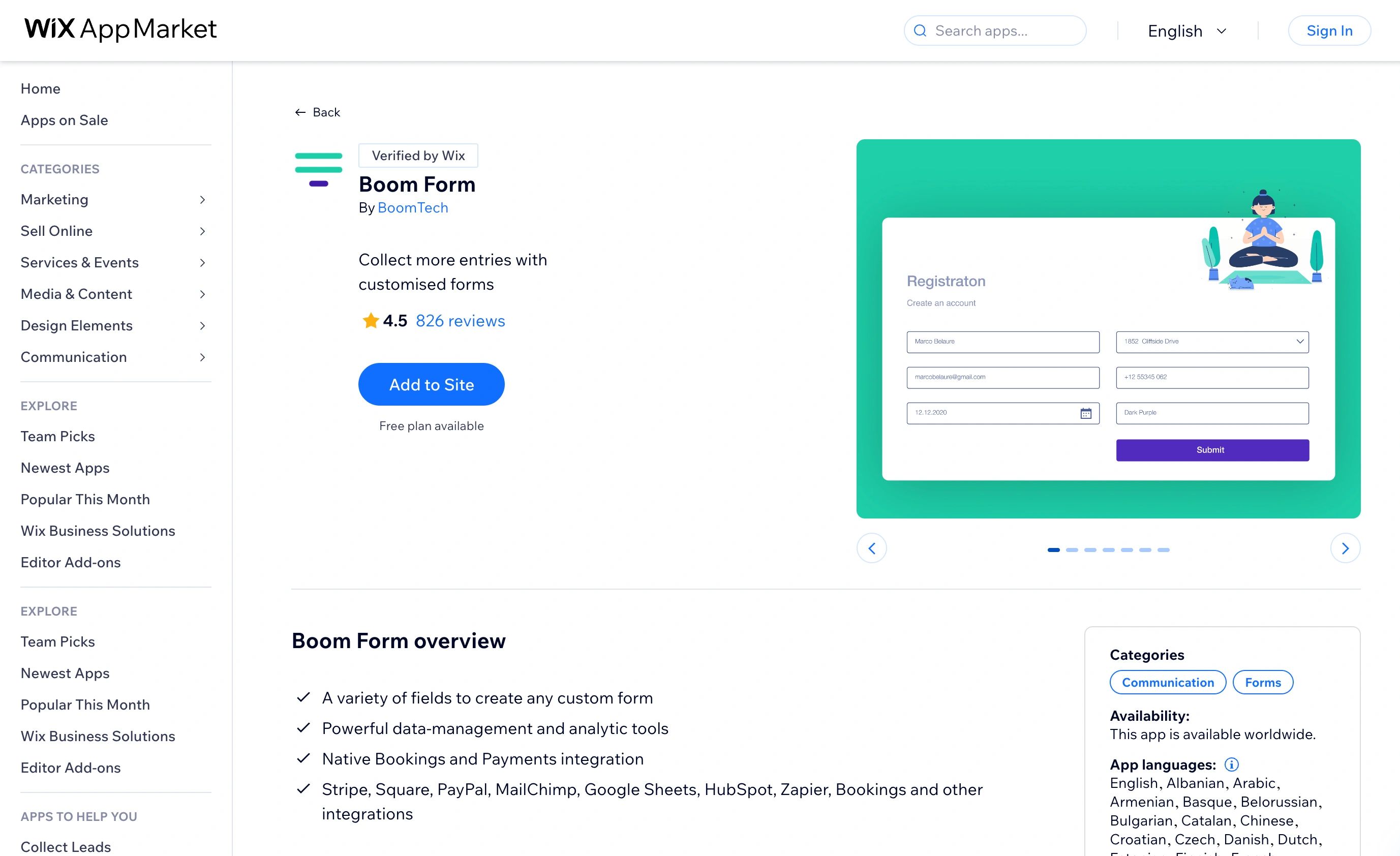
The honest read: Boom Form is a small team’s product. The template library is thin, the design controls are coarser than anything else on this list, and support response times reflect the price. We’d pick it when the budget is fixed, the form is simple, and you want payments without paying 123’s standalone rates. We wouldn’t run a 40-field application form on it.
4. Jotform — the heavyweight embed
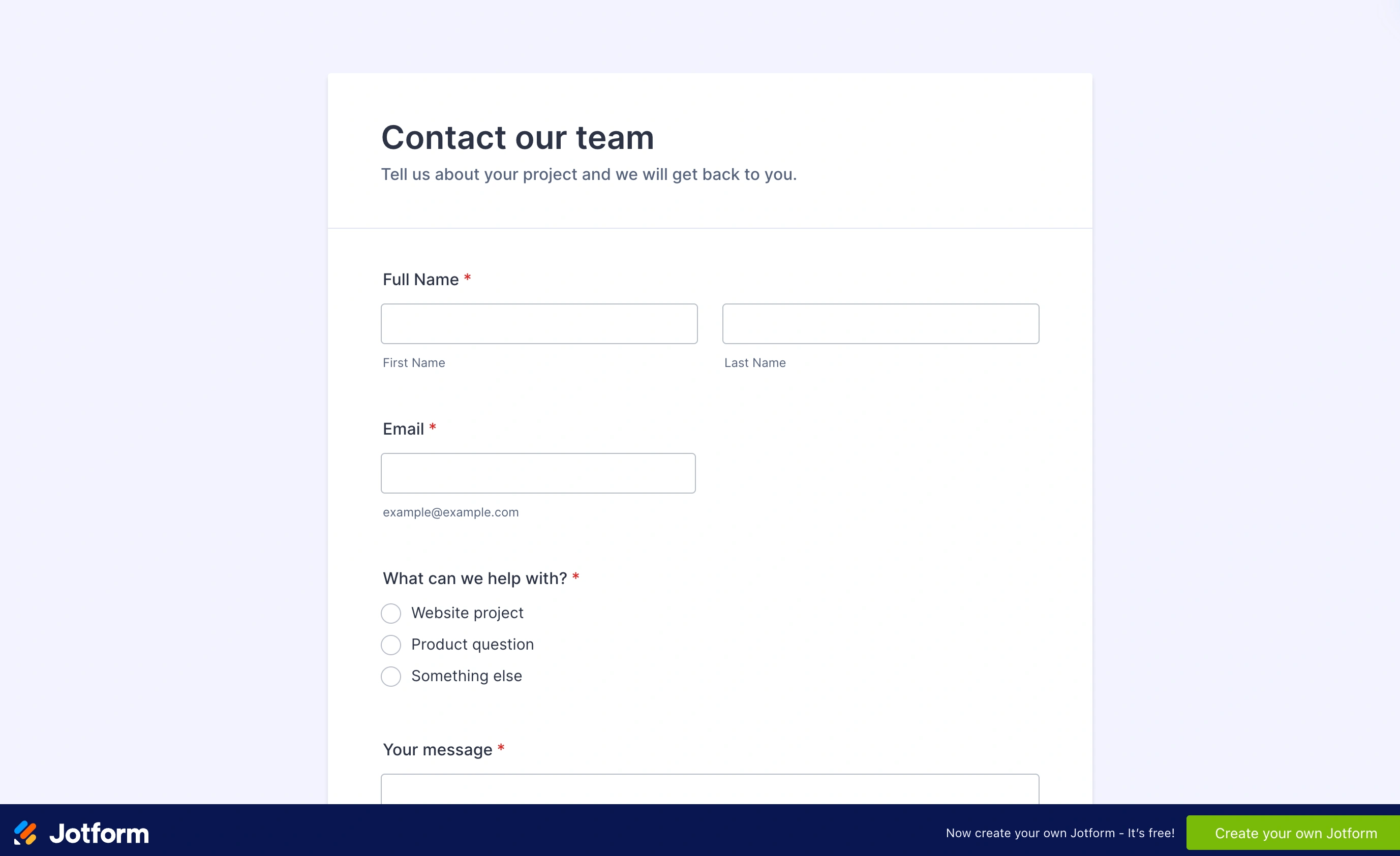
Jotform is what you embed when the form itself is the hard part: multi-page applications, payment collection through 30+ gateways, file uploads, approval workflows. The free Starter plan allows 5 forms and 100 submissions a month; the Bronze plan is $34/mo billed annually ($39 monthly) for 25 forms and 1,000 submissions.
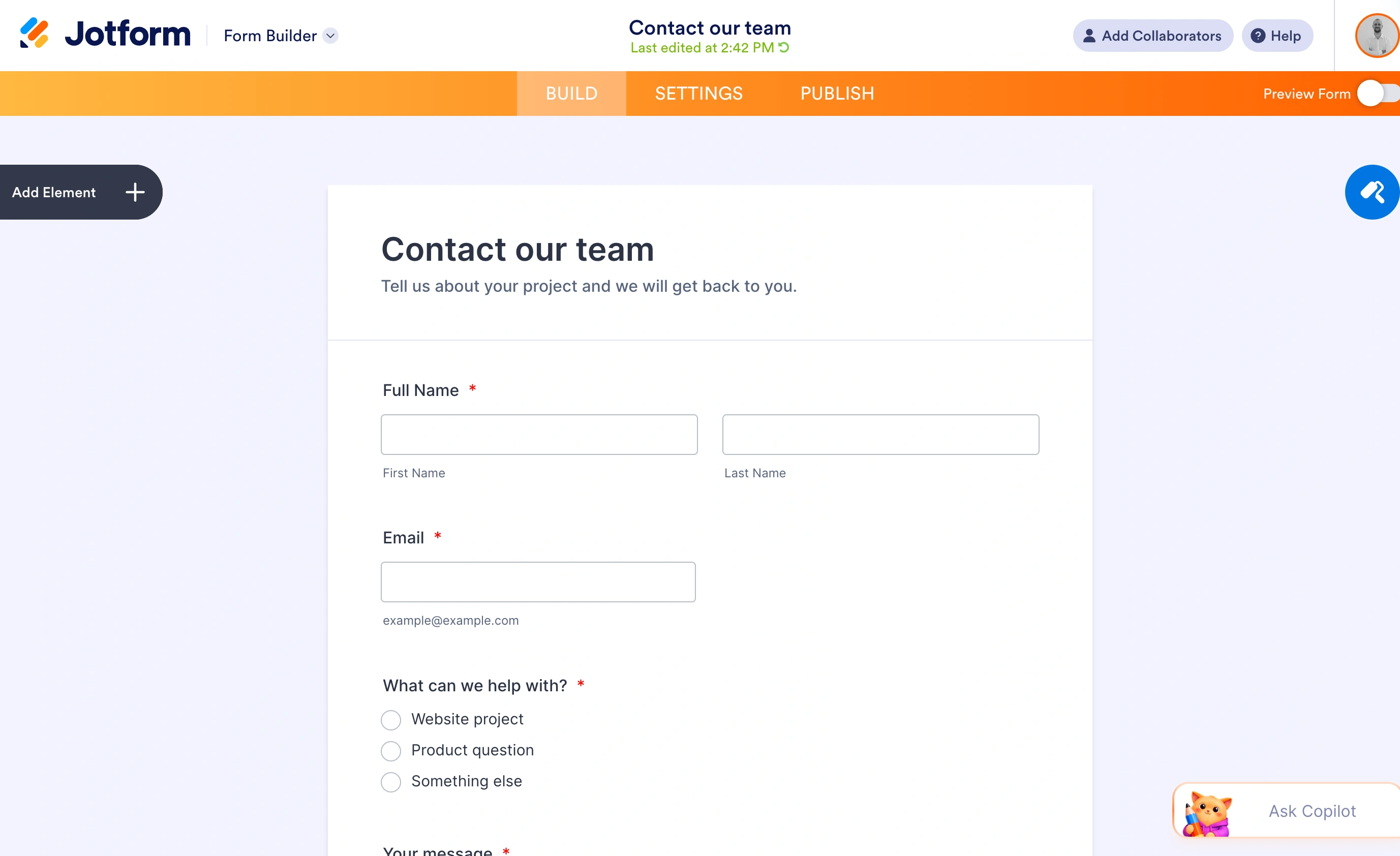
On a Wix site, Jotform is an embed like Fomr, so the same CRM caveat applies. And the pricing stack gets heavy fast: Wix Core at $29 plus Jotform Bronze at $34 is $63/mo before you’ve sold anything. You’re paying for capability you should only buy if you’ll use it. For a contact form, this is a forklift lifting a grocery bag.
The stacked-cost math
This is the comparison that actually matters, because every option except the built-in one is a second bill on top of your Wix plan. Take a common scenario: one site, a lead form with about 20 fields, conditional questions, roughly 500 submissions a month.
| Setup | Monthly equivalent used in this example | Submission ceiling | Meets the conditional-question scenario? |
|---|---|---|---|
| Wix Light + Fomr free | $17.00 | None | No: conditional logic is not available yet |
| Wix Light + 123 Form Builder Starter | $20.99 | 1,000/mo | Check the current Wix app plan’s field and rule allowance |
| Wix Light + Boom Form annual | $23.99 | Varies by plan | Not established here; confirm conditional logic before choosing |
| Wix Core + built-in Wix Forms | $29.00 | None | Yes, within the stated field and condition limits |
| Wix Light + Jotform Bronze | $51.00 | 1,000/mo | Yes, within the stated plan limits |
A 20-field form with conditions is impossible on Light’s built-in forms (10 fields, 3 conditions), which is why the native option requires Core. Fomr is a free option only if you can remove the conditional questions. Compare the eligible rows for this scenario, and confirm app-specific limits before paying. The figures use the annual Wix rates above; Jotform and Boom Form use annual rates, while the 123 app charge is the listed monthly amount. They are monthly equivalents, not a promise of month-to-month billing.
One warning on the app-market route generally: form apps price low to get installed, then the caps do the selling. Check the submission limit against your actual traffic before subscribing, not after the app emails you that responses are paused.
How to pick in 30 seconds
- Your workflow lives in Wix CRM and Automations, and you’re on Core or above: use the built-in Wix form builder. It’s already paid for.
- You’re on Light and hit the 10-field or 4-form wall: embed Fomr for free before paying anyone anything.
- You need payments or uploads today and want everything inside the Wix dashboard: 123 Form Builder at $3.99/mo is the best value in the App Market.
- You need payments on a strict budget and the form is simple: Boom Form.
- The form is genuinely complex, with approvals, many gateways, or heavy uploads: Jotform, and accept the $34+/mo.
Try the free route first
Our bias is obvious, but the reasoning stands on its own: when the free option has no submission cap and takes two pasted lines to test, trying it first costs you ten minutes. Build a form in the Fomr guest editor without signing up, drop the embed snippet into a Wix Embed HTML element on a draft page, and see whether it covers what you need. If it doesn’t, you’ll know exactly which paid feature you’re missing, and this list tells you who sells it cheapest.