
Share and embed
Build once, share everywhere
A Fomr form is not stuck on a fomr.io page. Put it inside your website, over it, behind a short link, or on your own domain — responses land in one place.

Inline embeds
One snippet shows the form on your page with the exact theme you designed. It resizes to fit and never clashes with your styles.
Popups
Open the form over any page from a button or link. Good for exit intent, announcements, and lead capture.
Links, QR, domains
Every form gets a share link and QR code out of the box; Pro plans can serve forms from a custom domain.
Trusted by


Embeds that respect your design
The embed loads in its own frame with a tiny script, so it doesn't slow your page down, and the theme, fonts, and colors you set in thedesign panel come with it. Works with any stack that can paste a snippet: WordPress, Webflow, Framer, Notion, or hand-written HTML.
Pick the style that fits the page: a standard inline embed that grows with the form, a popup in the center or bottom-right corner with an optional dimmed page, or a fullscreen form. When you publish changes, every embed updates on its own.
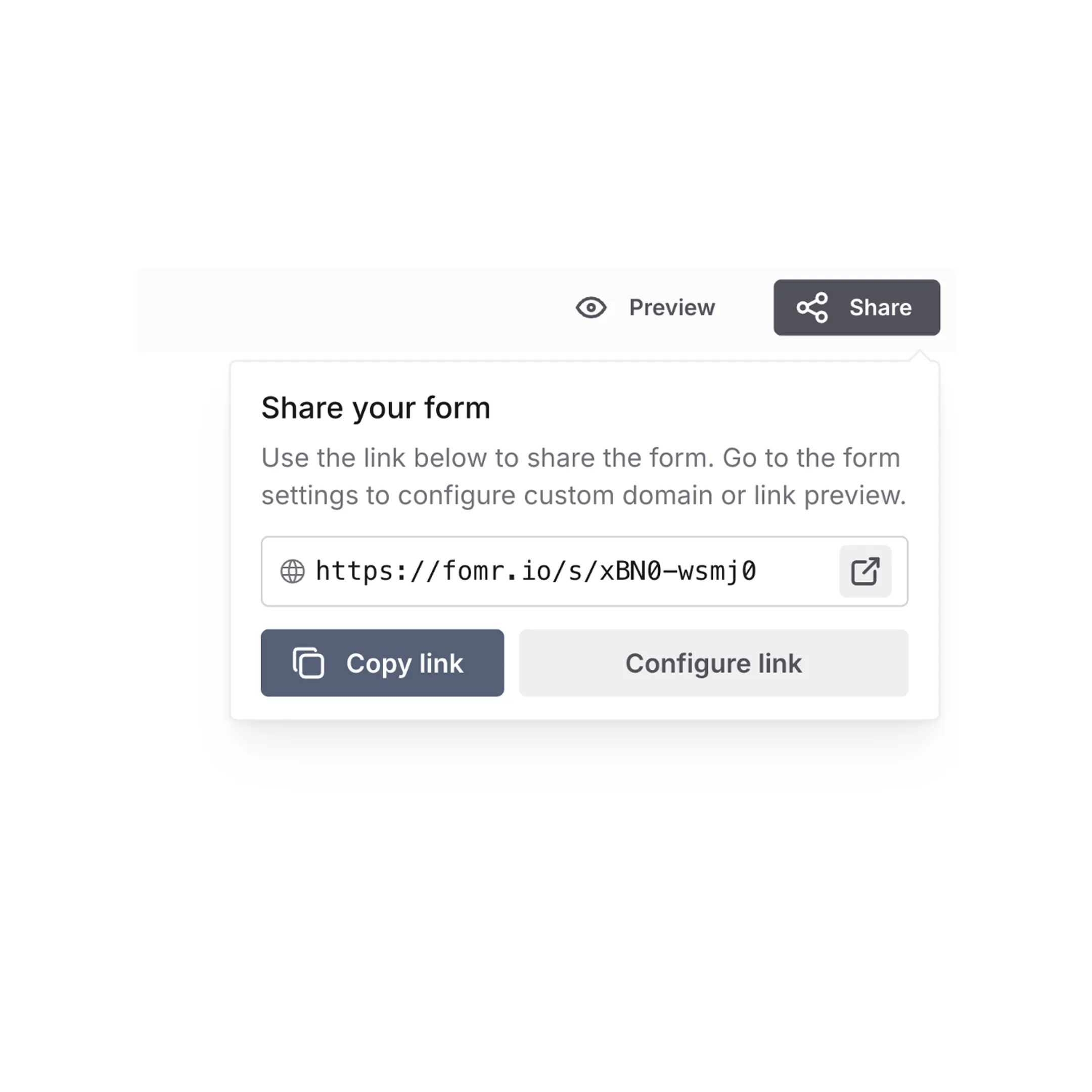
One form, every channel
Send the share link in email or chat, print the QR code on a flyer, embed the form on your site, and pop it up in your product — all at the same time. Every response flows into the same results view, so nothing needs reconciling later.
Download a QR code for print, and on the Pro plan serve forms from your own domain or a ready-made yourco.on.fomr.iosubdomain, so the address your audience sees is yours end to end.
Share link
https://fomr.io/s/your-form
Embed snippet
<iframe src="https://fomr.io/s/embed/your-form"></iframe>
Custom domain
https://forms.yourbrand.com
Know where every response came from
Add hidden values to your form, then pass them in the link, such as?source=newsletter, or as attributes on the embed. The value is saved with the response without the respondent ever seeing a field.
Use hidden values to track campaigns, pass a customer ID from your app, or personalize the form's text, and use them inlogic rules. They show up in CSV exports and Google Sheets too.
fomr.io/s/your-form?source=newsletter&plan=pro
Open, close, and keep responses clean
Close a form with one switch, or schedule the date and time it opens and closes, so a registration or application window runs itself.
Turn on duplicate prevention to accept one response per email, phone number, or other answer, or one per device or IP address. All of it is included on the Free plan.
Forms made to live on your site
Lead capture, newsletter signups, and contact forms that convert where your visitors already are.
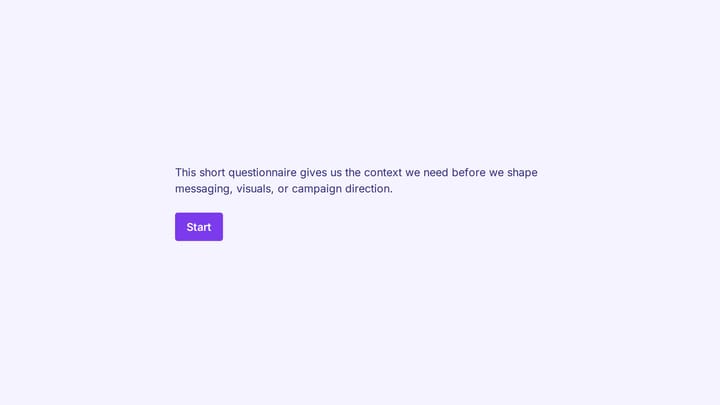
Brand discovery questionnaire form
Collect brand goals, audience insights, and creative direction before a strategy or design project.
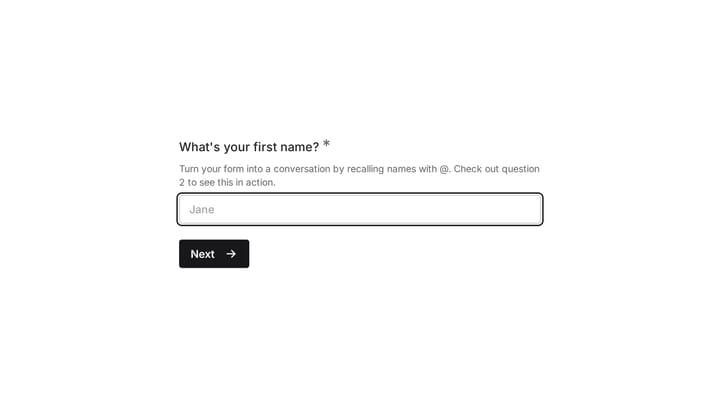
Equestrian Equipment Recommendation Quiz
Help riders narrow down equestrian equipment based on product preferences, feature priorities, and budget. This recommendation quiz also captures contact details for relevant follow-up.
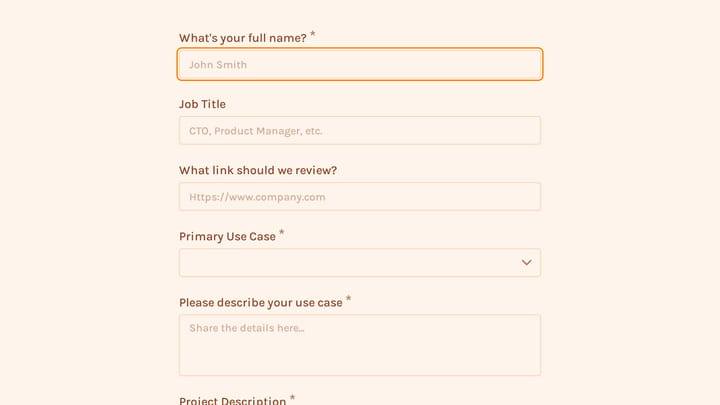
Request a Blockchain Integration Consultation
Use this request a blockchain integration consultation form to capture project goals, technical requirements, and consultation preferences in one clear intake flow. It helps teams qualify blockchain inquiries faster by collecting use case,…
Sharing and embedding: common questions
Yes. Every form comes with an embed snippet — paste it into any website builder or HTML page and the form renders inline, matching the theme you designed. You can also open forms as a popup over your page instead of embedding them inline.
Publishing gives you a share link you can send anywhere — email, chat, social, or a QR code. The same form can also be embedded on your website or shown as a popup, and responses from every channel land in one place.
Yes, Fomr has a free plan that includes unlimited forms, unlimited responses, unlimited team members, 25+ form components, conditional logic, calculated values, design customization, email notifications, and more. The Pro plan adds features like custom domains, removal of Fomr branding, SEO controls, multiple endings, and redirects on completion.