
The visual editor
Fomr's editor is what-you-see-is-what-you-get: type into the real form, drag components where you want them, and publish. Unlimited forms and responses on the free plan.

Drag, drop, done
Pull any of 30+ components onto the page and reorder them the same way. No field trees, no nesting puzzles.
What you see is what ships
You edit the actual form your users will fill out. There is no preview toggle to keep checking, because the canvas is the preview.
Settings where you need them
Select a component and its options appear right next to it — validation, defaults, and behavior without hunting through panels.
Most form builders make you configure fields in one panel and check the result in another. Fomr skips the round trip: click a question and type, drag a component and it lands where you dropped it. The form on your screen is the form your users get.
Multi-page forms work the same way — flip between pages in the header and edit each one directly.

Short and long answers, dropdowns, multi-selects, checkboxes, matrices, numbers, ratings, sliders, linear scales, NPS, rankings, dates, contact fields, file uploads, images, and layout blocks — all included on the free plan, none behind an upgrade wall.
When the structure is right, restyle everything in the design panel — 50+ themes and 1,700+ fonts, applied live.

Start from a template and make it yours in the editor — every template is fully editable.
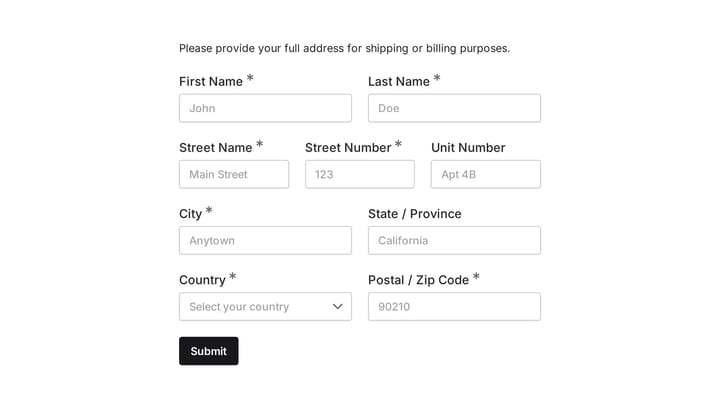
Quickly and accurately collect full shipping and billing addresses with this versatile template. It's designed for businesses that need reliable customer location details for deliveries, invoicing, or organized record-keeping.
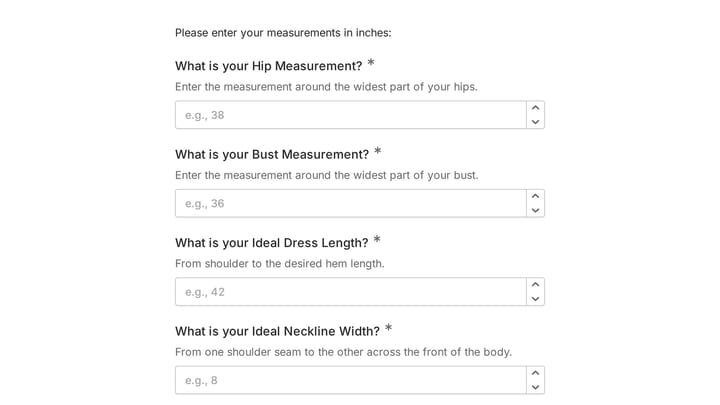
This body measurement form provides a straightforward way to record essential physical dimensions. It's an ideal tool for custom clothing design, fitness tracking, or monitoring personal progress with precision.
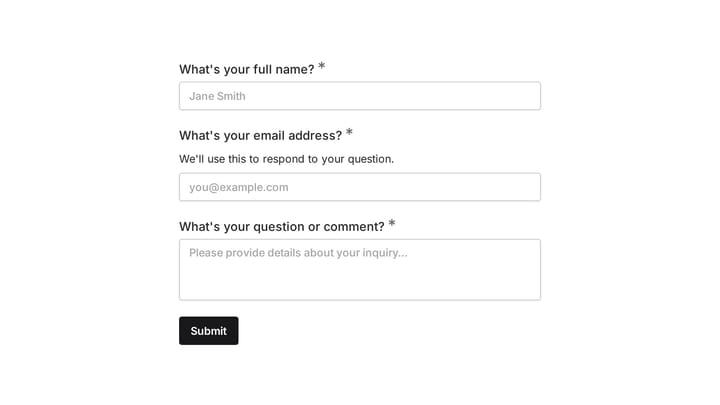
Easily add a customizable 'Ask a Question' form to your website with this template. It empowers visitors to submit inquiries and comments effortlessly, streamlining communication and improving engagement.
Create an account and you can start building forms right away using the drag-and-drop editor. You can also try the editor without signing up to see how it works first.
Fomr includes 25+ components: text inputs, email, phone, dropdowns, checkboxes, radio buttons, date pickers, time pickers, ratings, sliders, matrix grids, ranking, and more. See the full list in our component documentation.
Yes, you can create forms with multiple pages to organize longer forms into sections. Add navigation between pages and customize the flow based on your needs. Learn more about multi-page forms.
Free forever. Unlimited responses. No signup to start.
