
Design and themes
Colors, fonts, logos, backgrounds, spacing, corner radius — every visual detail is yours to change, and none of it costs anything.

50+ themes
Start from a designed theme — light, dark, playful, or strict — and the whole form restyles in one click.
1,700+ fonts
Every Google Font, searchable from the design panel. Typography is half of looking like your brand.
Your colors, everywhere
Pick a brand color once and buttons, accents, and focus states adapt to it across the form.
A Fomr theme is not a header color. It restyles everything at once: background, typography, inputs, buttons, borders, shadows, and spacing. Switch from a strict corporate look to a warm rounded one and the whole form follows.
Every theme is a starting point — override any part of it in the design panel and save the result as your own.
Add your logo and position it where you want. Set a background color, or pick from millions of high-quality photos and make the form feel like a landing page. Round the corners or square them off, tighten the spacing or let it breathe.
It all happens live in the visual editor — no CSS, no publish-and-check loop.

Pick a template, apply your theme, and it looks like you made it from scratch.
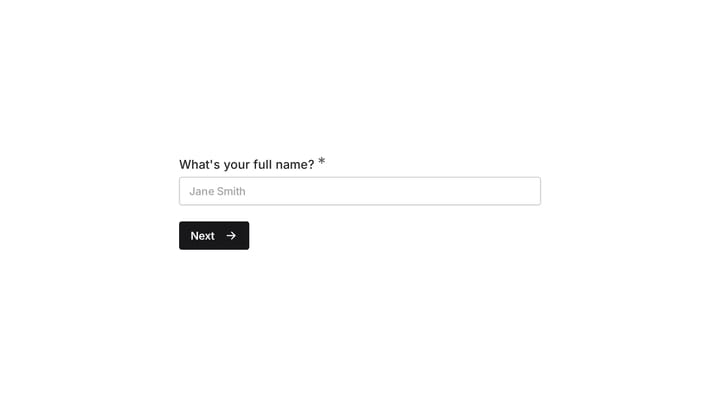
Streamline your event planning by effortlessly collecting all the crucial details from your potential volunteers. This customizable form simplifies sign-ups, helping you build a supportive and well-organized team.
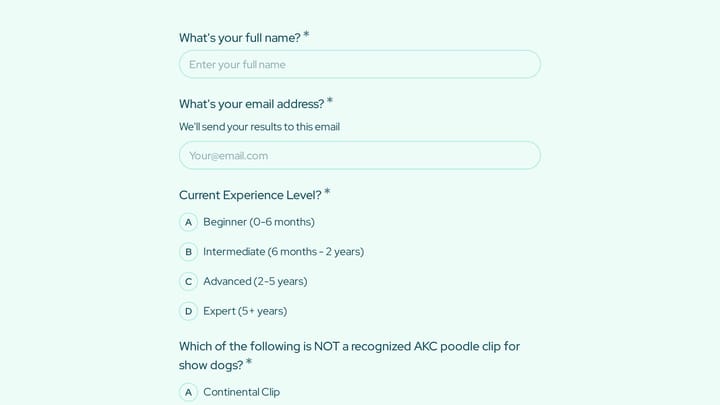
A dog grooming certification practice quiz form helps you assess grooming knowledge across breed-specific cuts, handling techniques, skin conditions, and salon safety. Use it to deliver a structured practice test for students, junior groom…
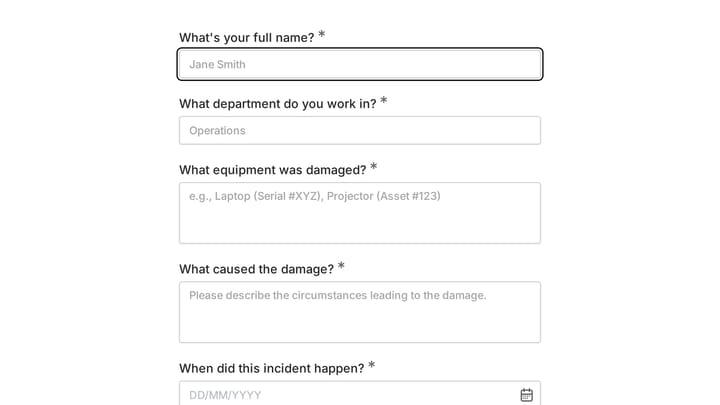
This template provides an easy way for staff to document incidents and damaged equipment online. It's fully customizable to efficiently capture essential details for internal record-keeping and prompt follow-up.
Yes, you can customize colors, fonts, backgrounds, spacing, layout, and logos. Upload background images or choose from Unsplash. Pro users can also remove Fomr branding. Learn more about design customization.
Create an account and you can start building forms right away using the drag-and-drop editor. You can also try the editor without signing up to see how it works first.
Free forever. Unlimited responses. No signup to start.
