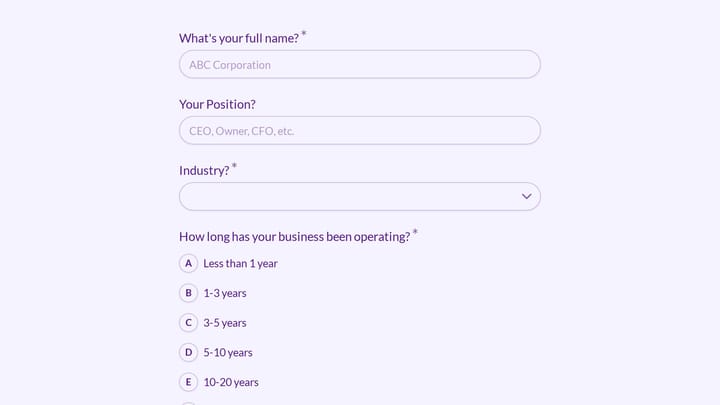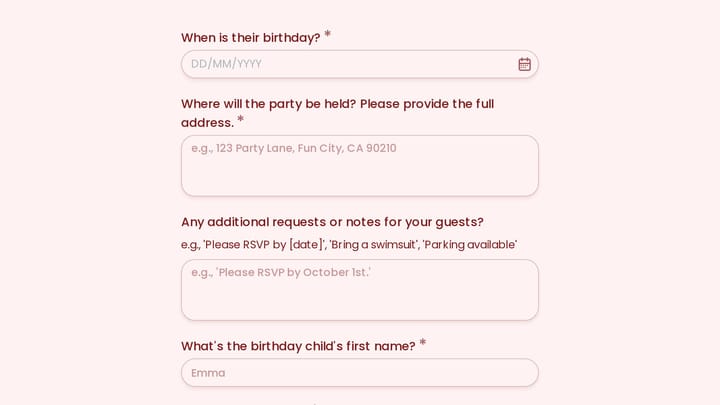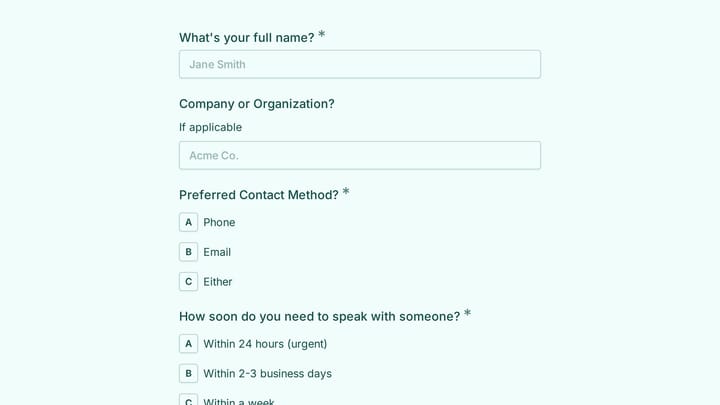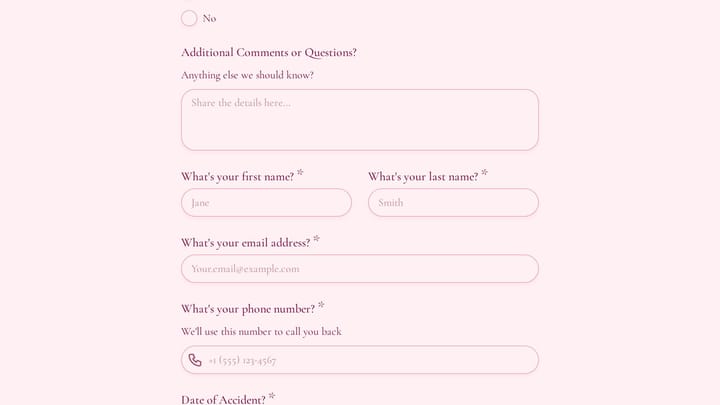
Visual form builders are great until they aren’t. You hit the wall the first time you need to create 200 forms from a spreadsheet, pre-fill fields from your user database, or pipe every submission into a custom backend. Clicking through a drag-and-drop editor to do any of that is either painfully slow or flat-out impossible.
That’s when a form builder API starts to matter. An API gives you programmatic access to the same things you’d normally do by hand in the editor: creating forms, reading submissions, updating fields, managing settings. Except now you can do it from your own code, on your own schedule, at whatever scale you need.
This post covers what form builder APIs actually let you do, which tools have good ones, and how to decide whether you need a full REST API, webhooks, or just a Zapier integration. If you’re a developer building something form-powered, or a technical founder evaluating tools, this is the breakdown you need.
What a form builder API lets you do
Most form builder APIs follow standard REST conventions. You authenticate with an API key, make HTTP requests, and get JSON back. The specifics vary by platform, but the core capabilities fall into a few buckets.
Create and manage forms programmatically
The most obvious use case: building forms from code instead of from a visual editor. This matters when you’re generating forms dynamically. Think of a SaaS platform that creates a unique intake form for each new customer, or an internal tool that spins up feedback forms for every sprint.
A typical create-form request looks something like this:
curl -X POST https://api.example.com/v1/forms \ -H "Authorization: Bearer YOUR_API_KEY" \ -H "Content-Type: application/json" \ -d '{ "title": "Customer Onboarding", "fields": [ { "type": "text", "label": "Company name", "required": true }, { "type": "email", "label": "Work email", "required": true }, { "type": "dropdown", "label": "Team size", "options": ["1-10", "11-50", "51-200", "200+"] } ] }'The response gives you back a form ID and a shareable URL. From there you can update fields, change settings, or delete the form entirely through the same API.
Fetch and export submissions
Pulling submission data out of a form builder is probably the single most common API use case. You want responses flowing into your own database, your CRM, your analytics pipeline, or a custom dashboard. Polling an API endpoint on a schedule is the simplest approach:
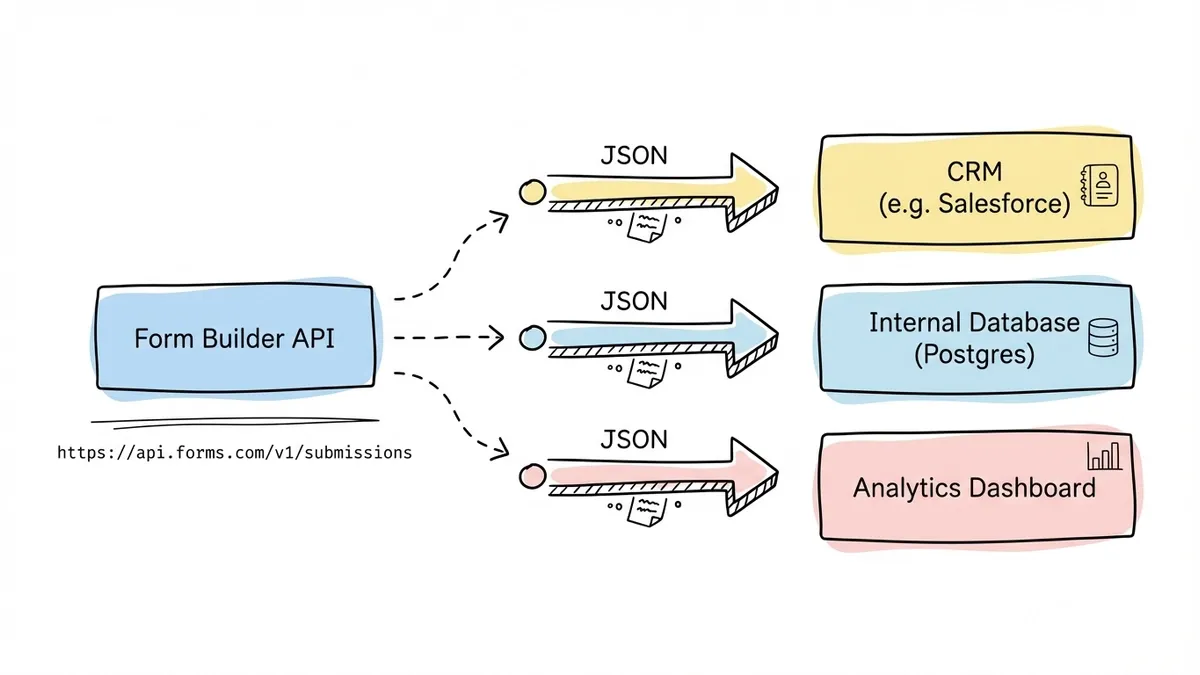
curl https://api.example.com/v1/forms/abc123/submissions \ -H "Authorization: Bearer YOUR_API_KEY"{ "items": [ { "id": "sub_001", "created_at": "2026-06-03T14:22:00Z", "fields": { "company_name": "Acme Corp", "team_size": "11-50" } } ], "total": 1, "has_more": false}Most APIs support pagination, date filtering, and sorting. Some let you filter by specific field values, which is useful when you only care about submissions that match certain criteria.
Pre-fill form fields
Pre-filling is underrated. If you already know a user’s name, email, or account ID, why make them type it again? A form builder API (or sometimes just URL parameters) lets you populate fields before the respondent even sees the form.
This is especially useful for:
- Customer satisfaction surveys where you embed the customer’s name and order number
- Internal forms where employee details come from your HR system
- Lead qualification forms that carry over data from a previous step in your funnel
The implementation varies. Some APIs accept pre-fill data as query parameters on the form URL. Others let you set default values through the API when creating or updating a form. Either way, the result is less friction for the person filling it out and cleaner data for you.
Webhooks for real-time events
Webhooks flip the model. Instead of you polling the API to check for new submissions, the form builder sends an HTTP POST to your server the moment something happens. New submission, form updated, response deleted. You register a URL, and the platform pushes events to it.
{ "event": "submission.created", "form_id": "abc123", "submission": { "id": "sub_002", "fields": { "company_name": "Globex Inc", "team_size": "51-200" } }}Webhooks are faster than polling and use fewer resources. The trade-off is that you need a publicly accessible endpoint to receive them, and you need to handle retries and failures gracefully. For most production use cases, webhooks are the better choice over repeated API calls.
Give it a try
Here's a working blockchain integration callback request form to try
This is a real, working template from our gallery. Fill it out like a respondent would, then make it your own.

Who actually needs a form builder API
Not everyone does. If you’re collecting contact form submissions and reading them in a dashboard, an API is overkill. But there are specific scenarios where it becomes essential.
Developers building form-powered products. If forms are a core part of your application, not just a side feature, you need programmatic control. Think survey platforms, onboarding flows, application portals, or any product where end users create or interact with forms as part of the main experience.
Teams with custom data pipelines. When submissions need to land in a specific database, trigger a specific workflow, or feed into a system that doesn’t have a pre-built integration, the API is your bridge. Zapier and native integrations cover common cases, but they can’t handle everything.
Agencies managing forms at scale. If you’re building and maintaining forms for dozens of clients, doing it manually through a GUI doesn’t scale. An API lets you template form creation, bulk-update settings, and pull reporting data across all client accounts.
Internal tools teams. Companies that build internal tooling often need forms that talk to internal systems: ticketing, inventory, HR platforms. An API makes it possible to wire forms into those systems without manual export-import cycles.
If none of these describe your situation, you probably don’t need an API. A no-code form builder with good integrations will handle most standard use cases without writing any code.
Which form builders have good APIs
Not all form builders treat their API as a first-class feature. Some have robust, well-documented REST APIs. Others offer a bare-minimum endpoint for fetching submissions and call it a day. Here’s an honest look at the options.
JotForm
JotForm has one of the most complete form builder APIs available. It covers form CRUD operations, submission management, user account details, folder organization, and report generation. The API follows REST conventions, returns JSON, and supports both API key and OAuth authentication.
What makes JotForm’s API stand out is its breadth. You can do almost everything through the API that you can do in the editor. Creating forms with complex field configurations, setting up email notifications, managing sub-accounts for team members. The documentation is thorough, with code examples in multiple languages.
The downside: JotForm’s free plan limits API calls, and the forms themselves aren’t the most visually refined. If design matters to you, the API won’t fix that. Check our form builder comparison for more on how JotForm stacks up overall.
Typeform
Typeform’s API is well-designed and developer-friendly. It lets you create forms (they call them “typeforms”), manage workspaces, retrieve responses, and configure webhooks. The Create API is particularly powerful because it gives you full control over the form structure, including logic jumps and branching.
A Typeform create request looks like this:
curl -X POST https://api.typeform.com/forms \ -H "Authorization: Bearer YOUR_TOKEN" \ -H "Content-Type: application/json" \ -d '{ "title": "Product Feedback", "fields": [ { "type": "rating", "title": "How would you rate your experience?", "properties": { "steps": 5 } }, { "type": "long_text", "title": "What could we improve?" } ] }'The catch is pricing. Typeform’s API is only available on their Business plan ($59/month as of writing), and response limits still apply. For high-volume use cases, costs add up fast.
Tally
Tally takes a different approach. They don’t have a full CRUD API for creating forms programmatically, but they do offer a solid webhook system and a submission retrieval API. For many developers, that’s enough. You build forms visually in Tally’s editor (which is genuinely good), and use the API to pull data out or react to submissions in real time.
Tally’s pricing is also more forgiving. Their free plan is generous, and the API access doesn’t require an enterprise tier.
Others worth mentioning
Google Forms has no official public API for form creation, but you can use Google Apps Script to manipulate forms programmatically. It’s clunky compared to a proper REST API, but it works if you’re already in the Google ecosystem.
Formstack offers an API on higher-tier plans. It covers forms, submissions, and some workflow features. Documentation is decent but not as polished as JotForm or Typeform.
Fillout is newer and has been building out API capabilities, though the feature set is still maturing.
API vs. webhooks vs. integrations: picking the right approach
These three options aren’t mutually exclusive, but they solve different problems. Picking the right one (or combination) depends on what you’re building.
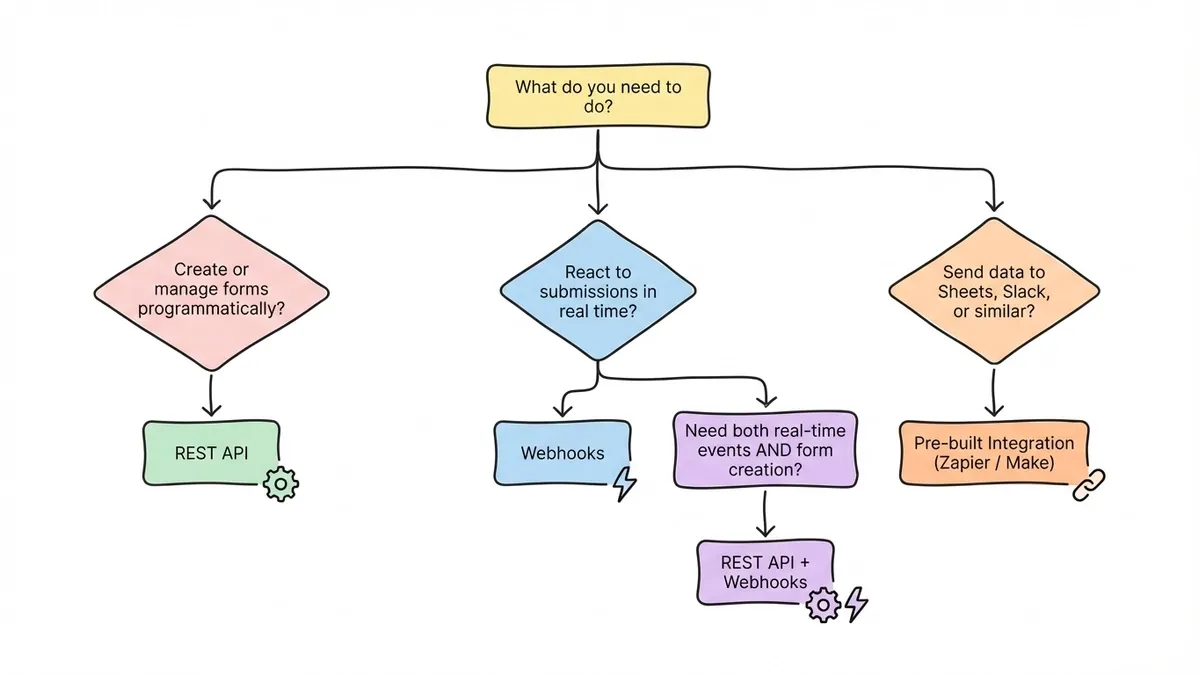
REST API gives you the most control. You can create, read, update, and delete forms and submissions. You decide when to call it and what to do with the data. The trade-off is that you’re writing and maintaining code. You handle authentication, error handling, rate limits, and data transformation yourself.
Webhooks are best for reacting to events in real time. A new submission comes in, your server gets notified immediately. You don’t need to poll. But webhooks are one-directional. The form builder pushes data to you. You can’t use a webhook to create a form or update a field.
Pre-built integrations (Zapier, Make, native connections to Google Sheets or Slack) require the least technical effort. They’re perfect for straightforward workflows: “when someone submits this form, add a row to this spreadsheet.” The limitation is flexibility. If your workflow doesn’t fit the integration’s template, you’re stuck.
Here’s a rough decision framework:
| You need to… | Best approach |
|---|---|
| Create forms from code | REST API |
| Sync submissions to your database in real time | Webhooks |
| Send submissions to Google Sheets or Slack | Pre-built integration |
| Pre-fill fields from your own data | REST API or URL parameters |
| Build forms into your own product | REST API |
| Trigger a Slack notification on submission | Webhook or integration |
| Bulk-export historical submissions | REST API |
Most developers end up using a combination. The API for form management, webhooks for real-time submission handling, and maybe an integration or two for simple notification workflows.
Common patterns when building with a form API
If you’ve decided you need an API, here are a few patterns that come up repeatedly.
Dynamic form generation
You have a template and you need to create variations of it. Maybe each client gets a slightly different intake form, or each product gets its own feedback survey. The pattern is: store your form template as a JSON structure, modify it based on context, and POST it to the API.
import requests
base_form = {    "title": "",    "fields": [        {"type": "text", "label": "Your name", "required": True},        {"type": "rating", "label": "Overall satisfaction", "properties": {"steps": 5}},        {"type": "long_text", "label": "Comments"}    ]}
clients = ["Acme Corp", "Globex Inc", "Initech"]
for client in clients:    form = base_form.copy()    form["title"] = f"{client} - Quarterly Feedback"    response = requests.post(        "https://api.example.com/v1/forms",        headers={"Authorization": "Bearer YOUR_API_KEY"},        json=form    )    print(f"Created form for {client}: {response.json()['url']}")
Submission pipeline
You want every submission to end up in your own Postgres database, enriched with data from other systems. The pattern: register a webhook, receive the payload, enrich it, and insert it.
app.post("/webhooks/form-submission", async (req, res) => {  const { form_id, submission } = req.body;
  // Look up internal customer record  const customer = await db.customers.findByEmail(    submission.fields.work_email  );
  // Store enriched submission  await db.formSubmissions.insert({    formId: form_id,    submissionId: submission.id,    customerId: customer?.id,    data: submission.fields,    receivedAt: new Date(),  });
  res.status(200).send("OK");});
Pre-fill for personalized experiences
Generate unique form URLs for each recipient with their data baked in. This works well for NPS surveys, review requests, and account update forms.
https://form.example.com/s/abc123?name=Jane+Doe&[email protected]&account_id=12345The respondent sees their information already filled in. They just answer the questions that matter and submit. Completion rates go up because you’ve removed the tedious parts.
Where Fomr stands on API access
We should be upfront here: Fomr doesn’t have public API access yet. REST API endpoints, webhooks, and integrations with tools like Zapier, Notion, and CRMs are on our roadmap and coming soon. The one native integration that already ships is Google Sheets sync.
What Fomr does well right now is the visual side. If you’ve looked at our comparison of the top form builders or our list of the best free form builders, you know the pitch: unlimited forms, unlimited responses, and real design control on a free plan. The editor gives you 1,700+ fonts, custom colors, background images, and multi-page layouts. You can share forms via link, embed them on websites, or use popup and QR code distribution.
For teams that need API access today, JotForm or Typeform are the honest recommendations. If your primary need is building beautiful forms without code and you can wait on the API, Fomr’s visual editor is worth trying. You don’t even need to create an account to start building.
We’ll update this post when our API and webhook support ship. If that’s something you’re waiting on, keep an eye on our changelog.
Choosing the right form builder for API-driven workflows
If programmatic access is a hard requirement for your project, here’s how to evaluate your options:
-
Check the API scope. Can you create forms, or only read submissions? Full CRUD matters if you’re generating forms dynamically. Submission-only access is fine if you just need a data pipeline.
-
Look at rate limits and pricing. Some platforms gate API access behind expensive plans or impose strict rate limits. Calculate your expected volume before committing.
-
Test the documentation. Try building something small with the API before you go all-in. Bad docs are a reliable predictor of a frustrating developer experience.
-
Consider the hybrid approach. Build forms visually (faster for one-offs), use the API for bulk operations and data retrieval. You don’t have to pick one or the other.
-
Think about what you actually need. A webhook that fires on submission might cover 80% of your use case. Don’t over-engineer with a full API integration if a simpler approach works.
The form builder market has matured enough that good API options exist. The right choice depends on whether you need full programmatic control, just a data pipeline, or something in between.