Fire Evacuation Check-In

A mobile-ready fire evacuation check-in template for apartment buildings and residential properties. Use it to quickly account for residents, pets, possible occupants still inside, and any accessibility or medical needs during an emergency.

Use Template
Used 0 times
Created by Fomr Team
Last updated

About

This fire evacuation check-in template helps property teams gather critical information fast during a building evacuation. Residents can report their unit number, contact details, how many people evacuated, and whether everyone from the unit is accounted for, giving staff and emergency responders a clearer picture of the situation.

The form also captures details that often matter in real incidents, including who may still be inside, whether pets were left behind, and any mobility or medical needs responders should know about. It is especially useful for apartment buildings, multifamily communities, and other residential properties that need a practical form builder for real estate emergencies.

Because the layout is mobile-friendly and focused on essential questions, residents can complete it quickly under pressure. You can also tailor the template to your property by adjusting fields, adding building-specific instructions, or including extra safety questions such as smoke alarm status and unit-level evacuation notes.
Related Templates

View all →
Body Measurement Form preview

Body Measurement Form

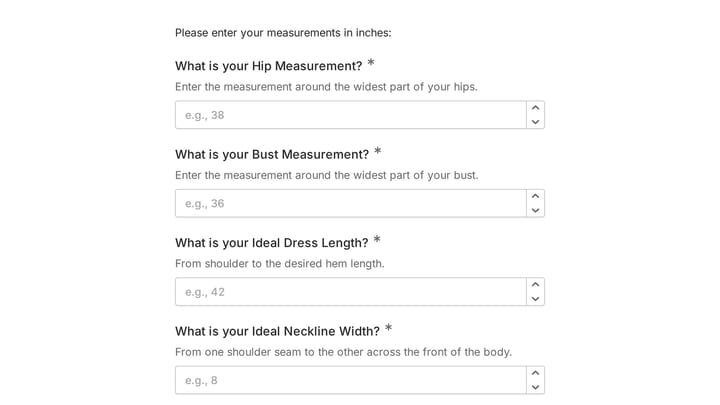
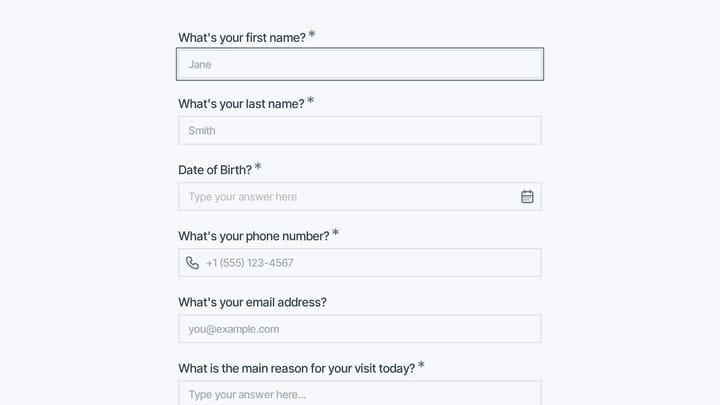
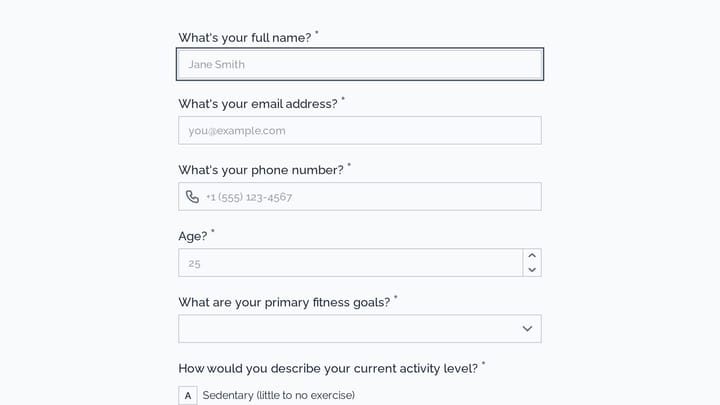
This body measurement form provides a straightforward way to record essential physical dimensions. It's an ideal tool for custom clothing design, fitness tracking, or monitoring personal progress with precision.

Address form preview

Address form

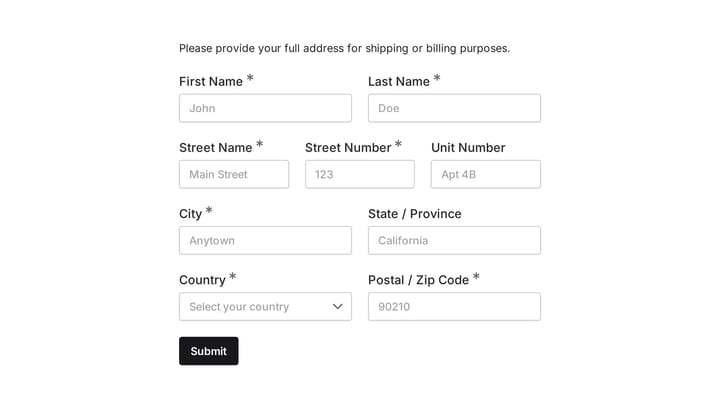
Quickly and accurately collect full shipping and billing addresses with this versatile template. It's designed for businesses that need reliable customer location details for deliveries, invoicing, or organized record-keeping.

Daily report form preview

Daily report form

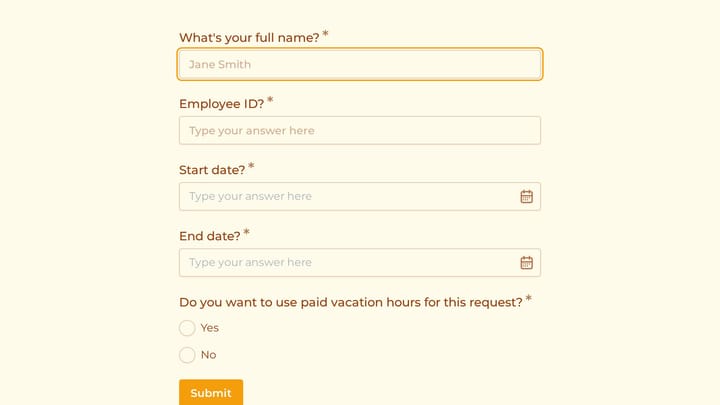
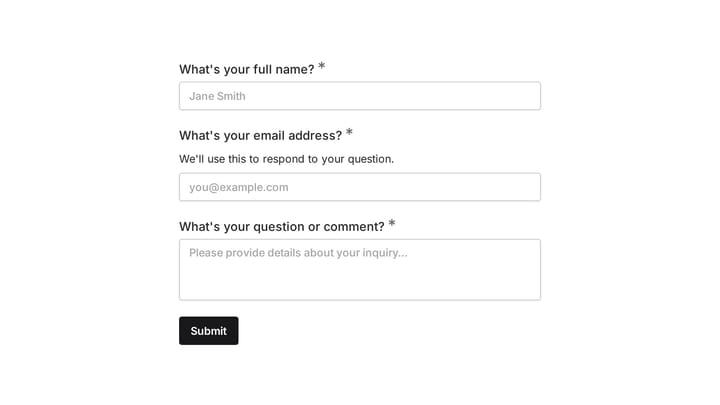
Give your staff a simple, consistent way to submit daily updates using this customizable report form template. Tailor it precisely to your needs, ensuring all crucial information is captured effortlessly.

Employee Coaching Form preview

Employee Coaching Form

Use this employee coaching form to document key takeaways from 1:1 coaching sessions, including goals, action steps, obstacles, confidence level, and the next meeting date. It gives managers, HR teams, and coaches a clear, repeatable way t…

Frequently asked questions

What is this fire evacuation check-in used for?

This template is used to collect structured responses for a fire evacuation check-in workflow. It gives teams a consistent format for gathering the information they need and reviewing submissions more efficiently.

What information should I collect first?

Start with the most important details people can answer quickly, then move into the more specific questions. In this template, that can include items such as Unit Number, Primary Resident Name, Contact Phone Number depending on how you customize it.

Can I customize this template for my own workflow?

Yes. You can adapt the questions, required fields, and structure to fit your process while keeping the overall flow clear and easy to complete. That makes it useful as both a starting point and a publish-ready template.

How many questions should a form like this include?

Keep only the questions that directly support the purpose of the form. Shorter forms usually get better completion rates, so it is often better to collect the essentials first and ask for extra details later if needed.

Why use a structured template instead of building from scratch?

A structured template helps you move faster and keeps your submissions more consistent. It also reduces the chance of missing important details because the form already follows a logical order.

Ready to create your first Fomr?

Your next form deserves better than a white page with dropdowns. Build something people actually want to fill out.