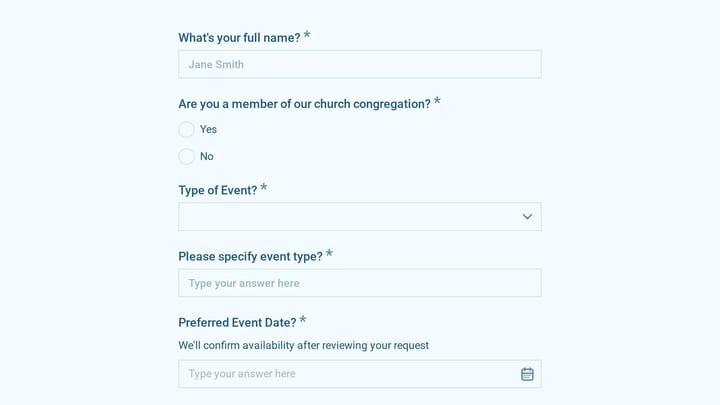
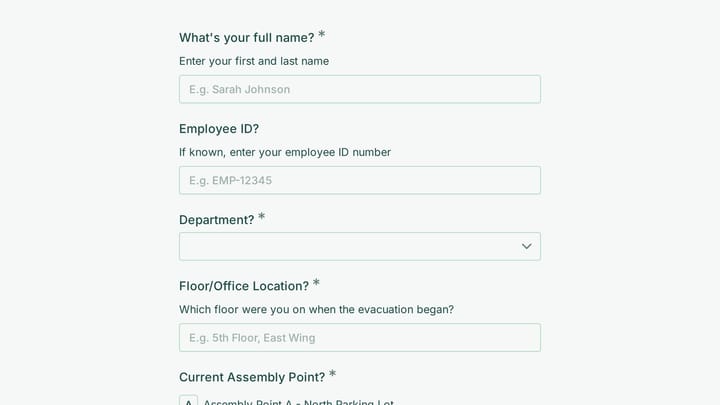
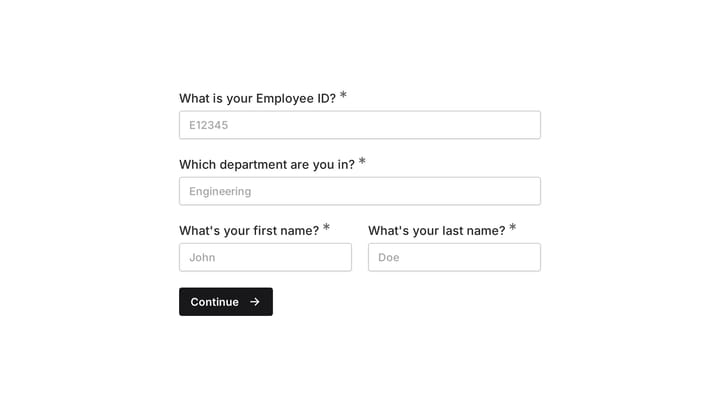
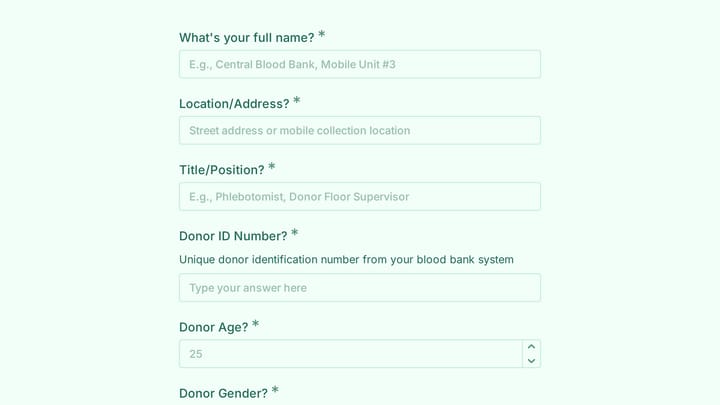
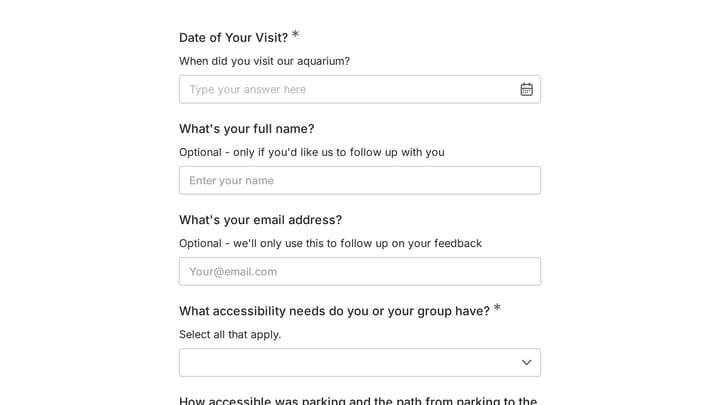
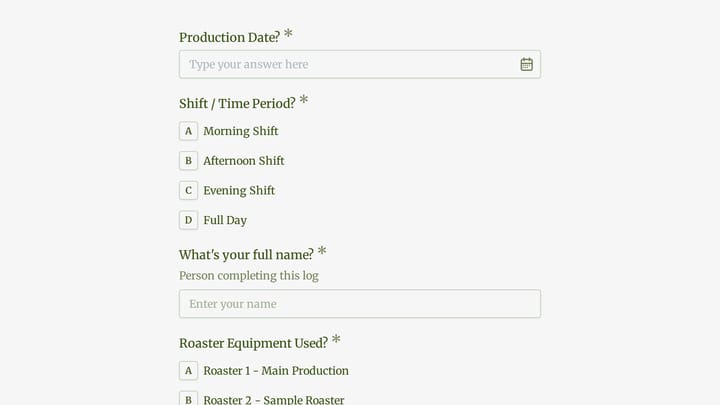
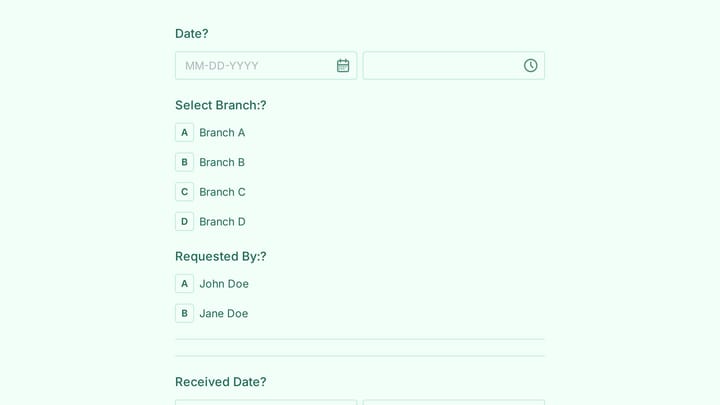
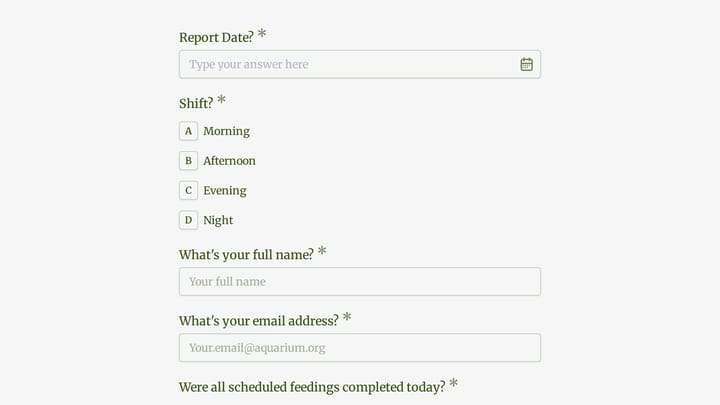
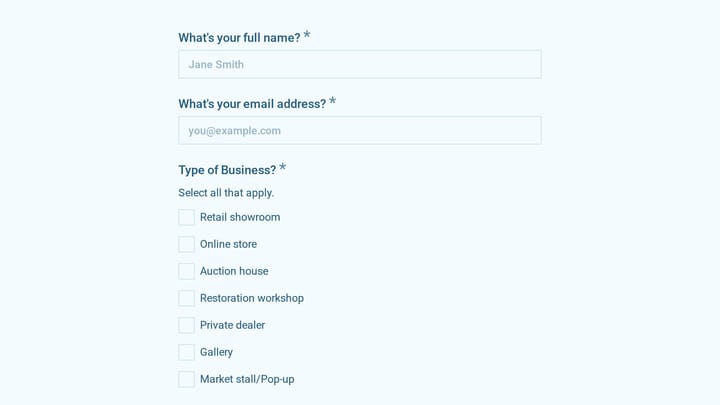
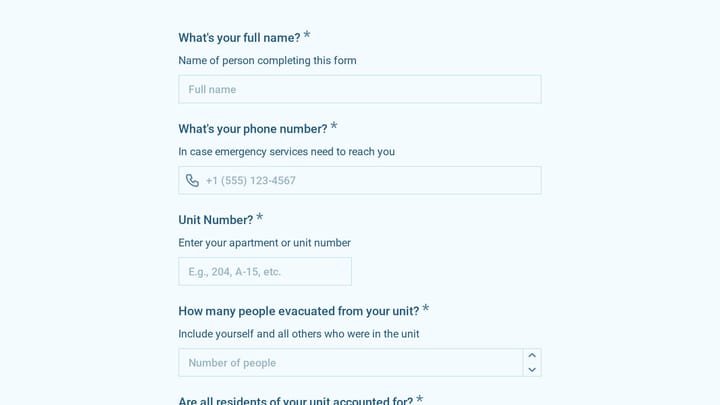
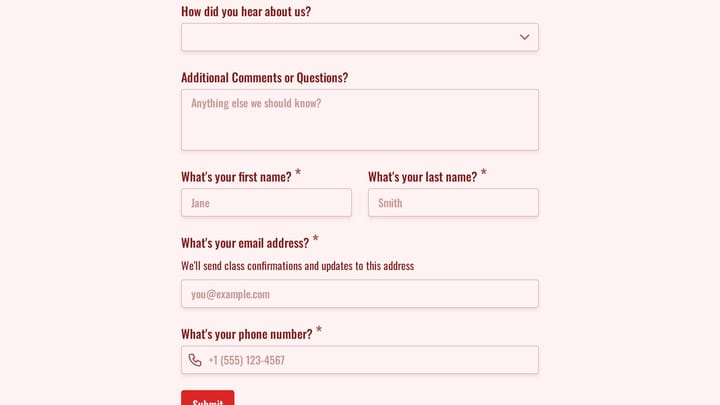
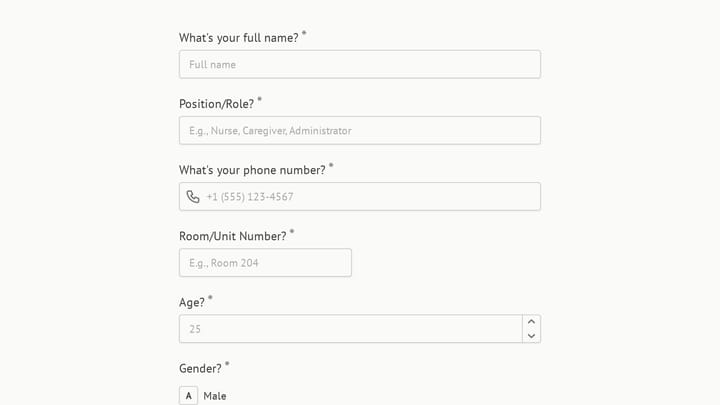
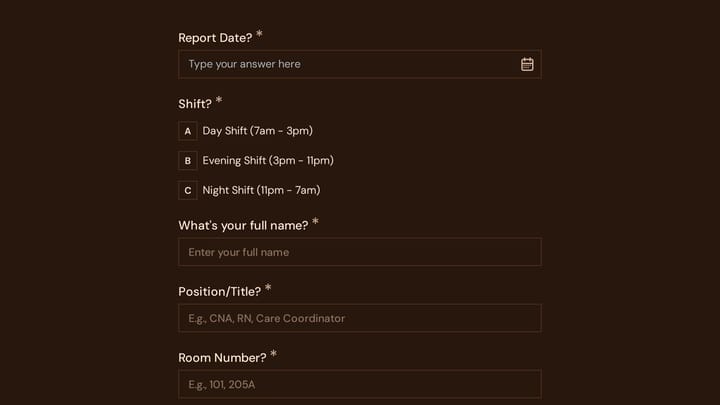
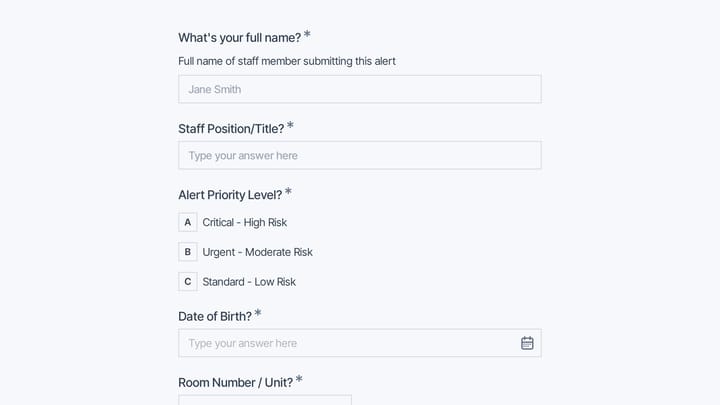
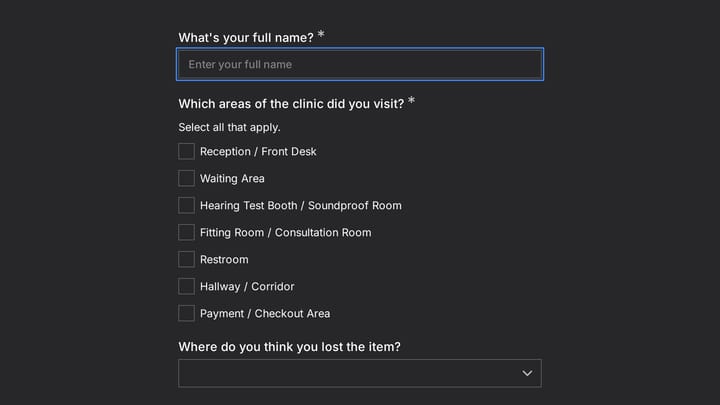
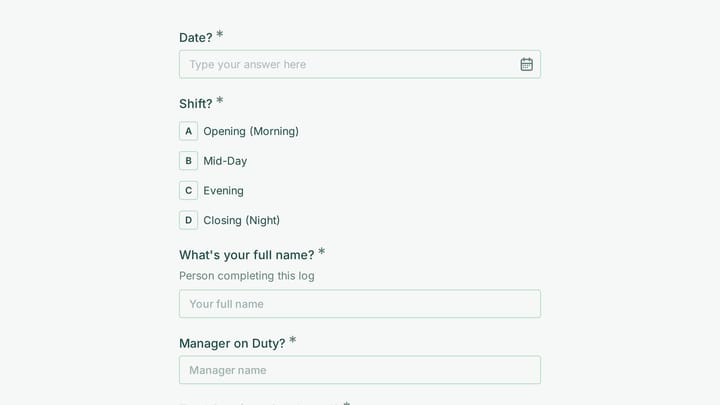
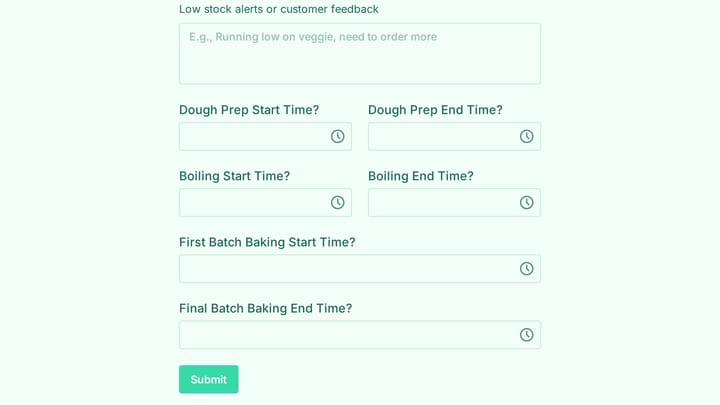
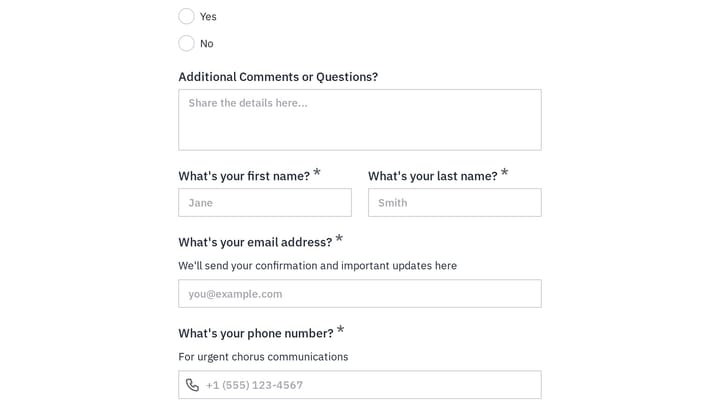
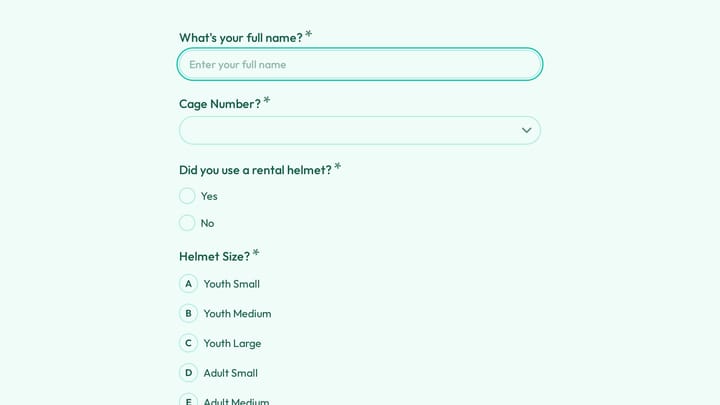
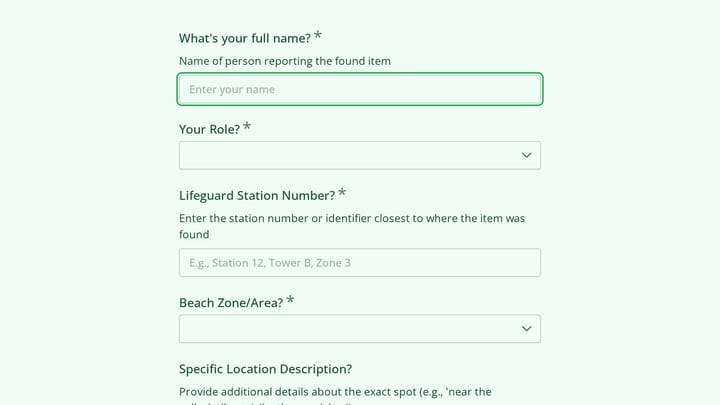
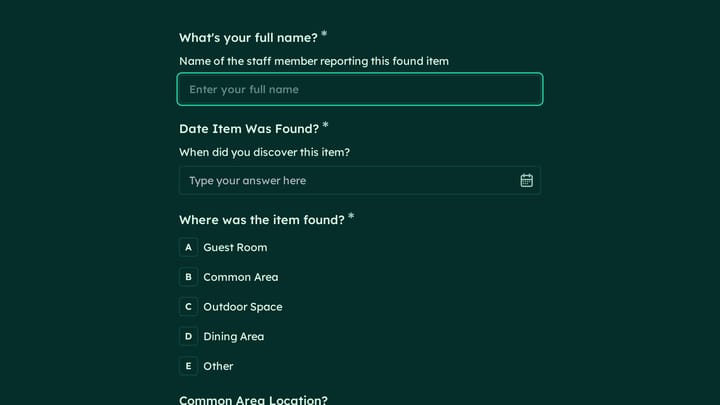
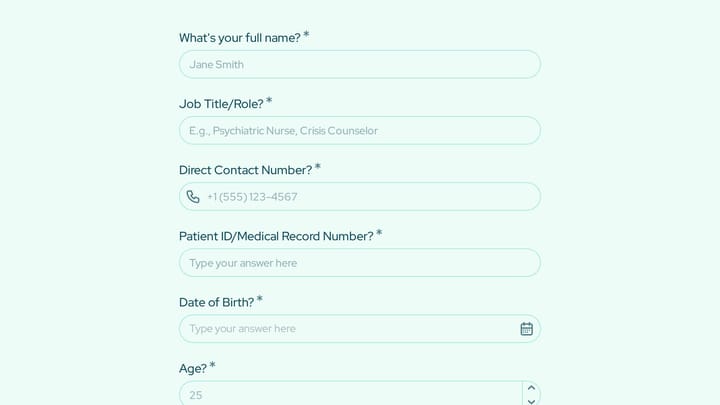
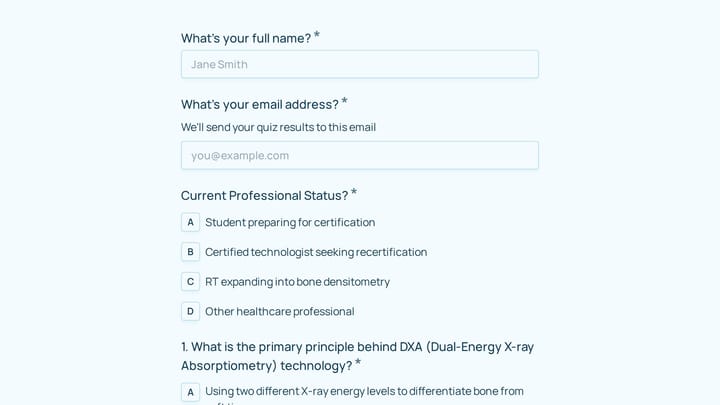
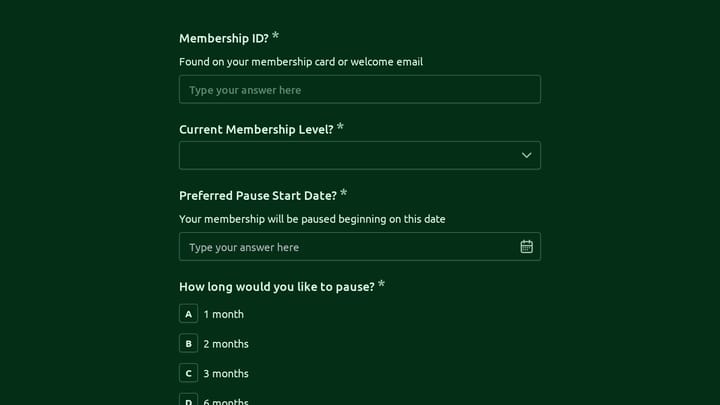
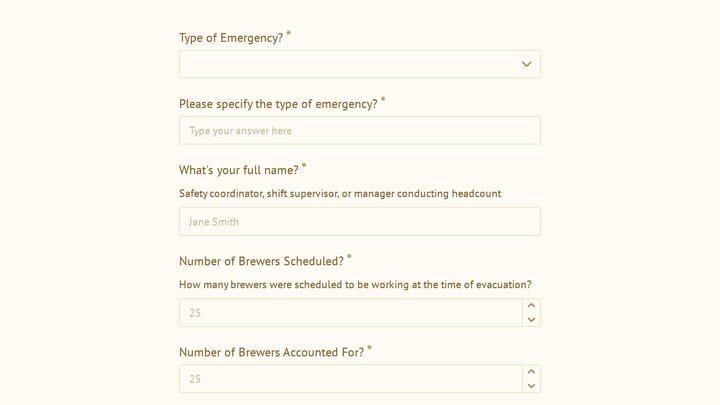
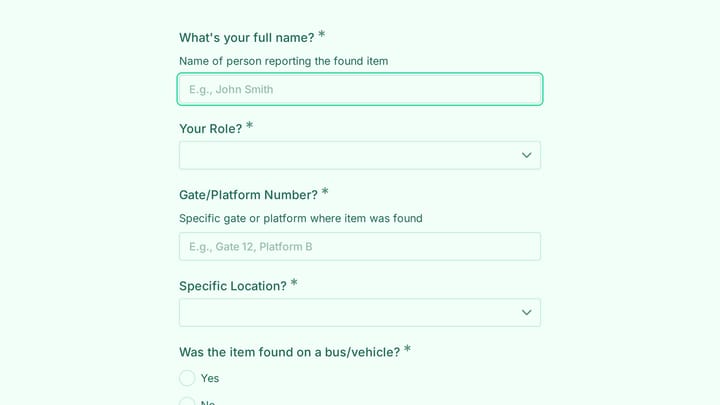
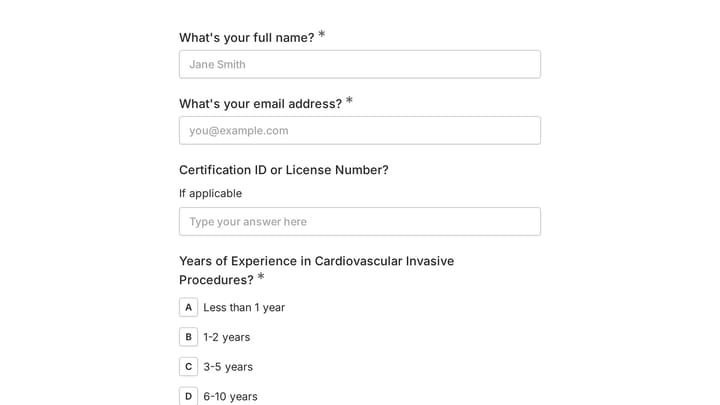
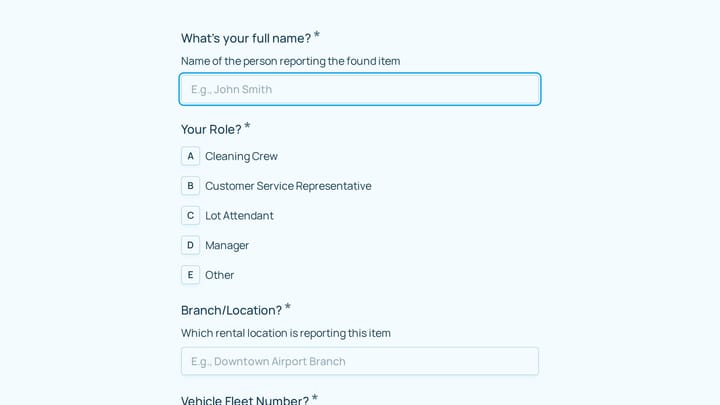
Office Administrator Form Templates

Free office administration form templates. Create facility requests, visitor logs, and supply order forms that streamline operations.

0

300+ Access Control Forms

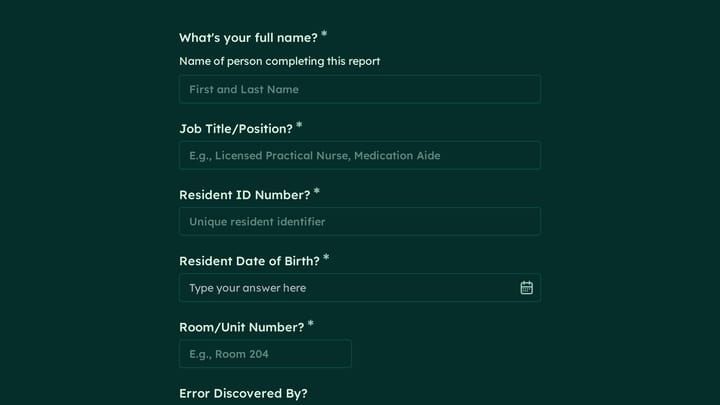
Take control of your organization's security with this adaptable form template. It simplifies the process of managing entry requests and permissions, ensuring robust accountability for both physical spaces and digital assets.

Requests Employees Event Registration Technology Office Administrator
0

Account Opening Form

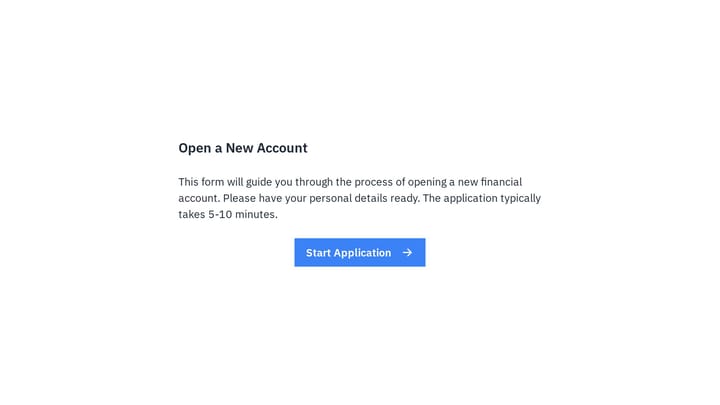
Easily open new financial accounts and gather all necessary customer information with this intuitive form template. It's perfect for banks, credit unions, and any financial institution looking to simplify their onboarding process.

Application Orders Appointments Finance Office Administrator
0

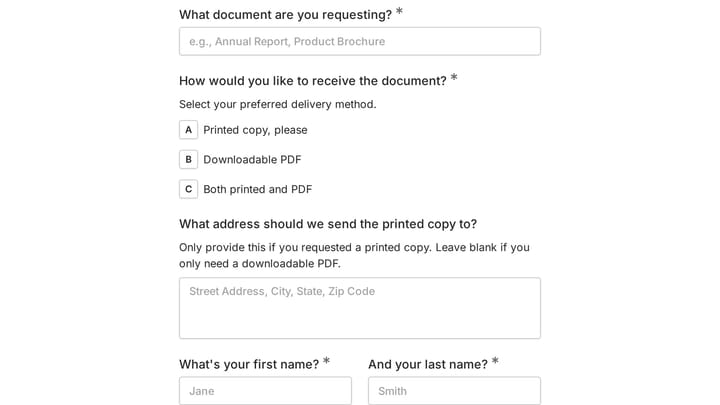
Document delivery form

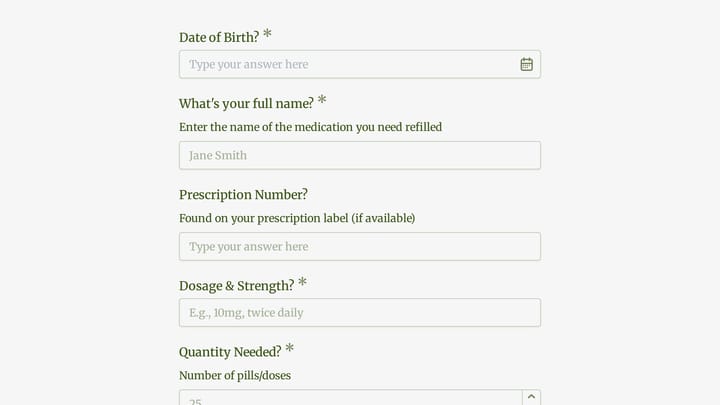
Effortlessly manage document requests with this no-code template. It allows users to easily ask for and receive both physical and digital documents, simplifying your distribution process.

Orders Feedback RSVPs Education Office Administrator

Forms for Office Administrators

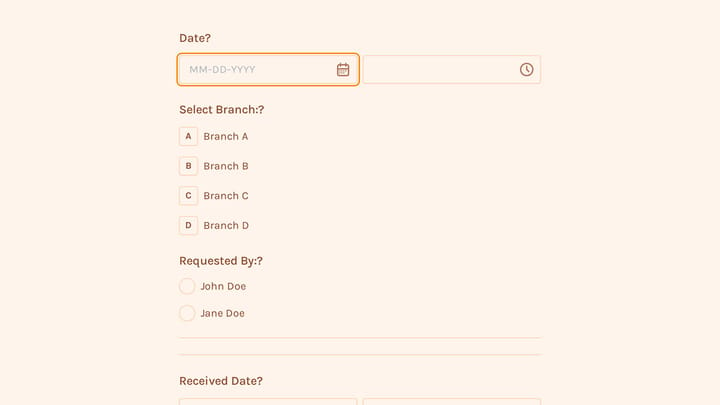
Office administrators manage the countless details that keep workplaces functioning—from visitor check-ins to supply orders to maintenance requests. Forms help systematize these processes, ensuring nothing falls through the cracks while creating records for budgeting and compliance.

Digital forms reduce interruptions by allowing employees to submit requests asynchronously. They provide clear workflows, capture approval chains, and create searchable logs of all office activities.

Common Form Types for Office Administration

  • Visitor registration and check-in forms
  • Meeting room and resource booking
  • Supply request and reorder forms
  • Maintenance and facility request forms
  • Equipment checkout and asset tracking
  • Travel request and expense pre-approval
  • Parking and access badge requests
  • Office feedback and suggestion forms

Industries Where Office Administrators Work

Office administration roles exist across sectors. Technology companies manage growing workspaces. Healthcare practices coordinate clinical facilities. Legal firms track document handling. Financial services maintain secure environments. Manufacturing companies oversee administrative offices. Non-profits maximize limited resources.

Building Effective Administrative Forms

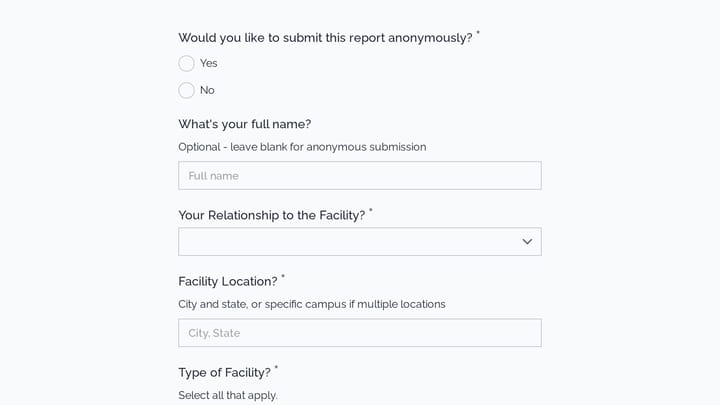
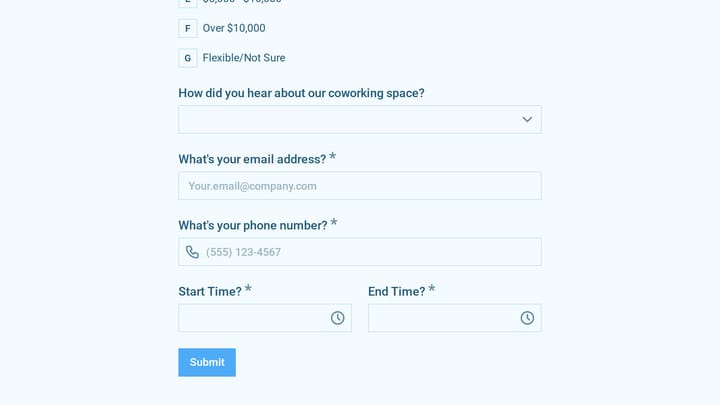
Administrative forms should capture the right details while minimizing back-and-forth. Include all fields needed to fulfill requests the first time. Use dropdown menus and checkboxes for common options to speed completion. Build in approval workflows where needed. Create mobile-friendly forms so employees can submit requests from anywhere in the facility.

Frequently asked questions

What is a form template?

A form template is a pre-designed form structure that you can use as a starting point for creating your own forms. Templates include pre-configured fields, layouts, and styling that are tailored for specific use cases, saving you time and ensuring best practices are followed. Simply select a template, customize it to match your needs, and publish it to start collecting responses.

How do I customize this template?

Customizing a template is easy with our drag-and-drop editor. Click "Use Template" to open the form in the editor where you can add, remove, or rearrange fields, change colors and fonts to match your brand, update question text and descriptions, configure validation rules, and set up email notifications. All changes are saved automatically, and you can preview your form at any time before publishing.

Is this template free to use?

Yes, all our form templates are completely free to use. You can create unlimited forms from any template on our free plan. Some advanced features like file uploads, custom domains, and removing branding require a paid plan, but the core form functionality and templates are available to everyone at no cost.

Can I use this template for my business?

Absolutely! Our templates are designed for both personal and business use. Whether you're a freelancer, small business, or enterprise, you can use any template to collect leads, gather feedback, process applications, or handle any other form-based workflow. For business use, we recommend our Pro plan which includes features like custom branding, advanced analytics, and priority support.

How do I share my form after creating it?

Once you've customized and published your form, you have several sharing options. You can copy the direct link to share via email, social media, or messaging apps. You can also embed the form on your website using our embed code, or use a QR code for offline materials. All sharing options are available from your form's settings page after publishing.

Ready to create your first Fomr?

Your next form deserves better than a white page with dropdowns. Build something people actually want to fill out.