For marketing teams
Lead Generation Form Builder
Build lead capture forms, newsletter signups, quizzes, and NPS surveys, then embed them on your site, open them as a popup, or share a link. Free, with no response limits.
The form is the last step of every campaign
You can spend weeks on the ad, the landing page, and the email sequence, and still lose the lead at the form. A generic embed that doesn't match the page, a field nobody wanted to fill in, or a submit button below the fold on mobile is often all it takes for a visitor to close the tab.
The forms that convert are short and sit right where the visitor decides. They ask one more question than a newsletter box and far fewer than a sales call. They also record the campaign source, so you can tell which channel brought the lead in. Fomr doesn't cap responses, so a campaign that takes off doesn't hit a paywall.
In Fomr you style forms with 50+ themes and 1,700+ fonts, then embed them inline or open them as a popup. Responses from every placement end up in one results view.
Lead capture and inquiry forms
Contact, inquiry, and consultation forms that turn visitors into qualified conversations.
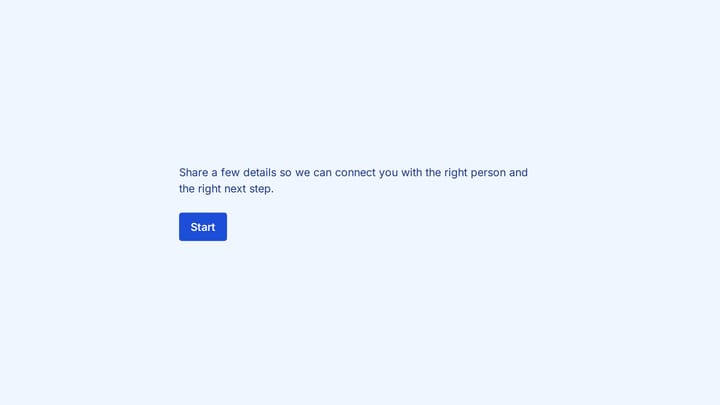
Lead capture information form
Capture essential lead details with a polished multi-step intake flow.
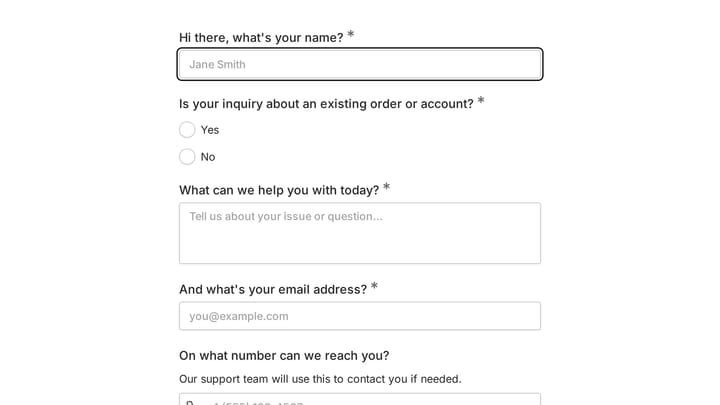
Customer Contact Form
Improve your customer interactions and streamline communication with this contact form template. It helps businesses efficiently collect and manage inquiries, enhancing the overall customer experience.
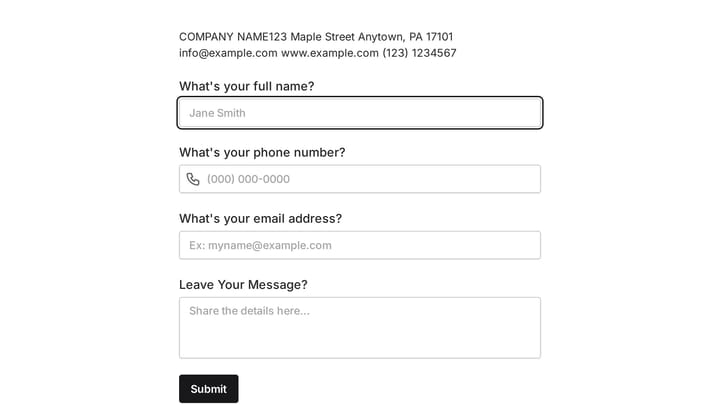
Inquiry Form
Use this event registration form to collect the details you need before starting a conversation, project, or request. It helps teams qualify submissions and respond with better context.
Forms marketing teams build with Fomr
Each one starts from a template or a blank page, and every field below is a suggestion you can rename, reorder, or remove.
Lead capture
Short embedded forms that trade one useful question for one contact detail.
- Work email
- Company
- Role
- What are you looking for?
Newsletter signups
An email field and an interest picker that look native to your site, not bolted on.
- Topics of interest
- Frequency
Demo and consultation requests
Qualify the request before the call, so sales talks to the right people about the right problem.
- Company size
- Use case
- Timeline
- Budget range
Waitlists and launch signups
Collect early interest for a product, feature, or event before it opens.
- How did you hear about us
- Use case
Quizzes and product finders
Interactive quizzes with calculated scores that recommend a product or plan, and capture the email at the end.
- Multiple-choice questions
- Calculated score
- Result page
Customer feedback and NPS
Post-purchase and NPS surveys short enough to finish on a phone, with a follow-up question by score.
- NPS
- Reason for score
- Feature requests
Market research surveys
Validate a concept, price point, or message with your audience before you spend the budget.
- Demographics
- Ranking
- Likert scales
- Open feedback
Contests and giveaways
Entry forms that collect consent to contact alongside the entry, with duplicate entries blocked.
- Name
- Entry
- Marketing consent
Ambassador and partner applications
Applications for affiliates, ambassadors, and partners, with the audience details you need to decide.
- Audience size
- Channels
- Links
- Why you?
Signups and waitlists
Newsletter boxes, waitlists, and notify-me forms that grow your list.
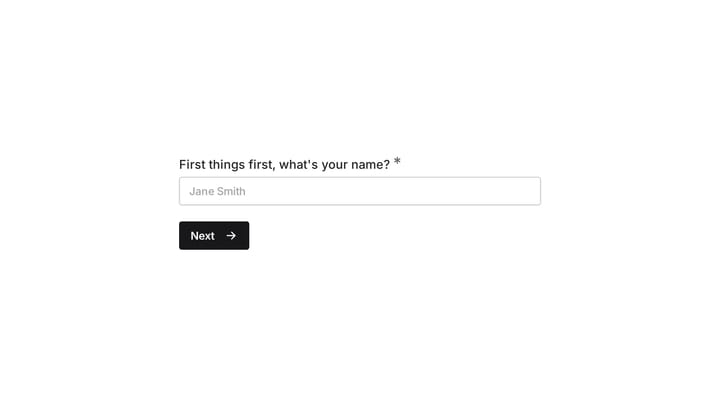
Email Signup Form
Effortlessly capture email addresses with an engaging, conversational signup form. Instantly connect new leads to your sales and marketing tools for seamless follow-up.
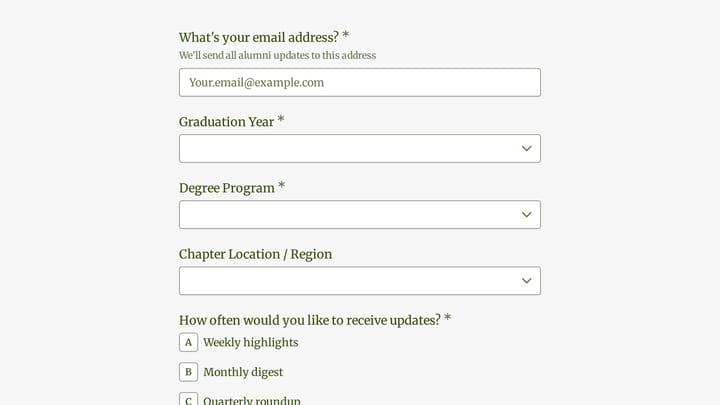
Alumni Association Newsletter
An alumni association newsletter form helps schools and alumni groups collect subscription details, content preferences, and reunion interest in one place. Use it to segment updates by graduation year, degree program, region, and engagemen…
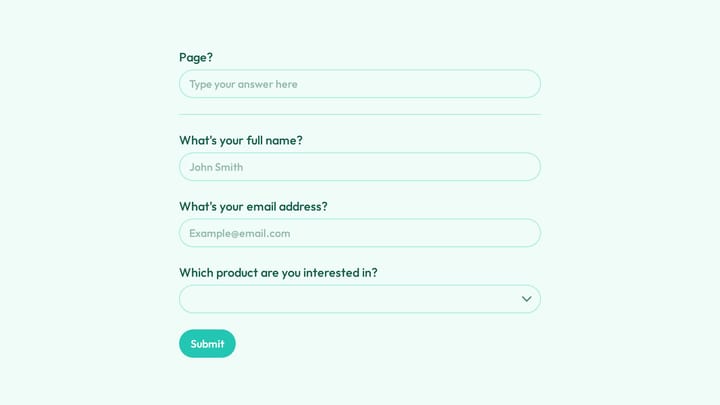
Out of Stock Notification Signup Form
Use this out of stock notification signup form to collect customer names, email addresses, and product interest so you can notify shoppers when an item is available again. It is a simple way to capture demand for specific products and redu…
Why marketing teams choose Fomr
On-brand by default
Your theme and brand colors carry over to embeds and popups, so the form looks like part of your site.
No response caps, ever
A campaign that takes off shouldn't hit a paywall mid-month. Fomr doesn't count responses, so your best month is never your most expensive.
Every channel, one results view
Embed, popup, link, and QR responses all land in the same place, ready to filter, export, or forward to the team.
Customer feedback and research
NPS, satisfaction, and market research surveys that show what customers really think.
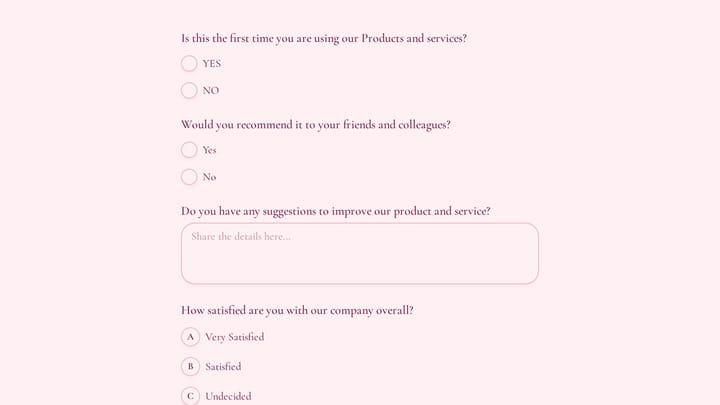
Customer Feedback Survey Form
Use this customer feedback form to collect clear feedback, satisfaction scores, and open-ended comments in one place. It helps teams understand what is working well and where the experience can improve.
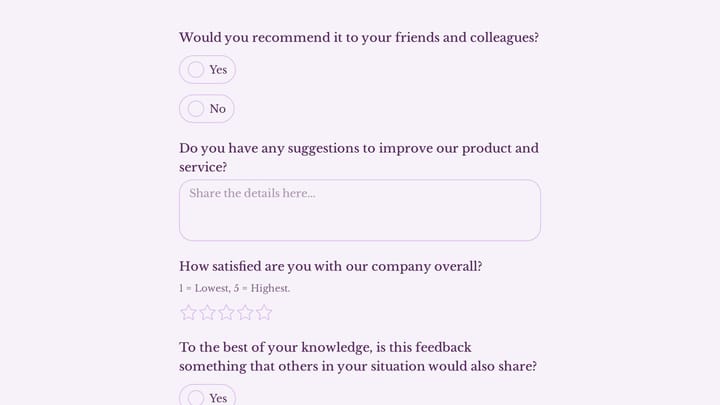
Product Customer Feedback Form
Use this customer feedback form to collect clear feedback, satisfaction scores, and open-ended comments in one place. It helps teams understand what is working well and where the experience can improve.
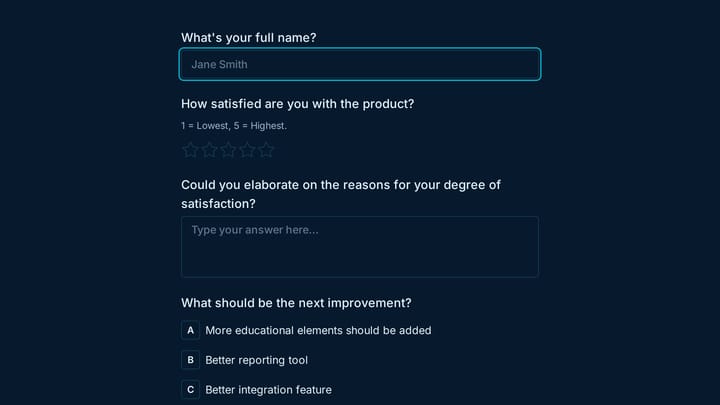
Beta Product Feedback Form
Use this customer feedback form to collect clear feedback, satisfaction scores, and open-ended comments in one place. It helps teams understand what is working well and where the experience can improve.
How to get started
- 1
Pick a template
Start with a lead capture template, or tell the AI builder what the campaign offers.
- 2
Match your brand
Apply your colors, fonts, and logo, and choose a theme that looks right inside your page.
- 3
Place it where intent peaks
Embed it inline, open it as a popup, link it from ads and emails, or print a QR code for offline campaigns.
- 4
Track and follow up
Pass UTM sources as hidden values, get notified on every lead, and send responses to Google Sheets.
For every team that needs a form to convert
The same editor works for a growth team, an agency, and a one-person shop.
Growth and demand gen
Gated content, demo requests, and webinar signups with campaign tracking on every response.
Product marketing
Waitlists, beta signups, and launch surveys that tell you who's interested and why.
Agencies and freelancers
Branded client forms built quickly, with separate organizations for each client.
Sales teams
Qualification forms and quote requests that hand sales the context before the first call.
Customer success
NPS and satisfaction surveys that catch churn risk and surface advocates.
E-commerce brands
Product finder quizzes, restock notifications, and post-purchase surveys.
Quizzes, contests, and partner programs
Interactive formats that capture interest, plus applications for ambassadors and partners.
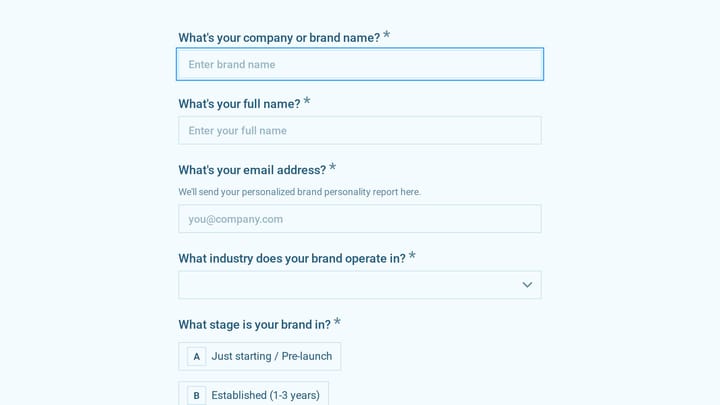
Brand Personality Quiz
Help clients describe their brand's personality, values, voice, visual style, and positioning in one guided questionnaire, with an option to book a strategy call afterward.
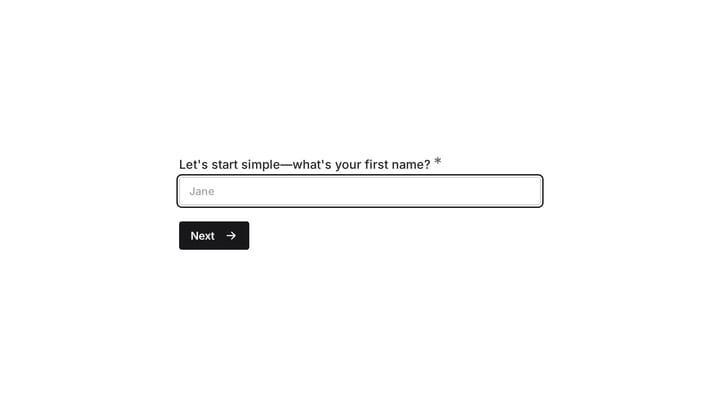
Electric Scooter Recommendation Quiz
This template provides an interactive electric scooter recommendation quiz, helping businesses capture leads and offer a truly personalized shopping experience. It guides users to their ideal scooter based on their preferences and budget.
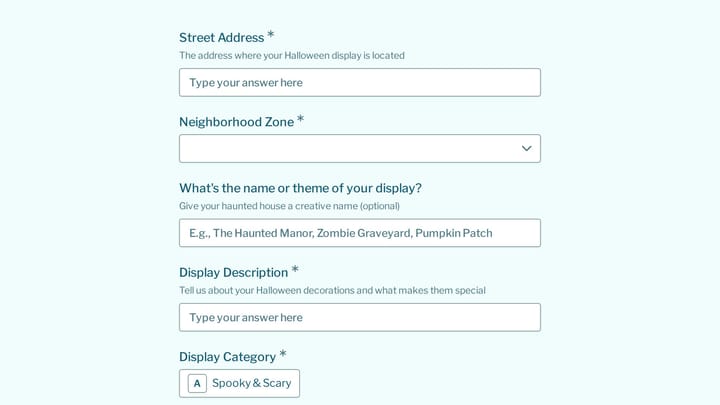
Halloween House Decorating Contest Entry
This halloween house decorating contest entry form helps organizers collect homeowner details, display themes, photos, neighborhood zones, and judging logistics in one place. It works well for HOAs, neighborhood associations, and community…
How to build forms that convert
Small changes to a form often beat big changes to the campaign.
Ask for less up front
Every extra field costs completions. Start with email and one qualifying question, and collect the rest later.
Make the button say what happens
"Get the guide" or "Book my demo" beats "Submit," because it reminds the visitor what they're getting.
Track the source with hidden values
Pass UTM parameters into hidden values so every lead carries its campaign, without asking the visitor where they came from.
Match the form to the page
A form that uses the page's fonts and colors reads as part of the offer, not a third-party widget.
Use multi-step for longer qualification
Split a long demo request across short pages so the first step feels easy and the progress bar carries visitors through.
Follow up while intent is high
Turn on notifications and send leads to Google Sheets or your team's inbox so someone responds the same day.
Related reading
Marketing teams and Fomr: common questions
Yes. Add hidden values to the form and pass UTM parameters in the share link or embed. The values are saved with each response and included in exports and Google Sheets.
Yes. Fomr forms can be embedded inline, opened as a popup, shared as a link, or turned into a QR code. All of these collect responses into the same results view.
Fomr sends responses to Google Sheets on every plan, and you can export to CSV at any time. Direct CRM and Zapier integrations aren't available yet.
Yes. Use Calculated values to score answers and answer piping to show the result on the final page. Sending people to different endings or redirecting them to a product page based on their score are Pro features.
Yes. Turn on duplicate response prevention and choose how Fomr matches repeat entries, for example by the email address someone enters.
Yes. Every form comes with an embed snippet — paste it into any website builder or HTML page and the form renders inline, matching the theme you designed. You can also open forms as a popup over your page instead of embedding them inline.
Publishing gives you a share link you can send anywhere — email, chat, social, or a QR code. The same form can also be embedded on your website or shown as a popup, and responses from every channel land in one place.
Yes, Fomr has a free plan that includes unlimited forms, unlimited responses, unlimited team members, 25+ form components, conditional logic, calculated values, design customization, email notifications, and more. The Pro plan adds features like custom domains, removal of Fomr branding, SEO controls, multiple endings, and redirects on completion.