Here’s the thing nobody tells you until you’ve already built half your site: free Elementor doesn’t include a form. The Elementor form builder is a Pro feature, so the moment you need a contact form you’re facing a decision, not a widget. Buy Elementor Pro, install a form plugin, or embed a form from an outside tool.
Each path costs something different, and the cheapest sticker price isn’t always the cheapest option once you count renewals and what happens to your submissions. So let’s price it out properly.
The actual decision: buy Pro or bring a form in
Elementor Pro starts at $49/year for the Essential plan (one site). That gets you the Form widget, but with a catch that surprises a lot of buyers: Essential doesn’t include submission logging. Your form works, entries arrive by email or flow to an integration, but there’s no dashboard where submissions pile up. For that you need Advanced Solo at $99/year. Advanced covers 3 sites at $199/year, and Expert covers 25 at $399/year.
If you were going to buy Pro anyway for the Theme Builder or Popup Builder, the form comes along for the ride and this decision is easy. If forms are the only reason you’re considering Pro, $99/year for submission logging on one site is worth comparing against the alternatives below. Several of them are free, and a couple are genuinely better at forms than Elementor is.
One more framing note before the list. “Works with Elementor” means two different things depending on the plugin. Some ship a real widget you drag onto the canvas and style inside the Elementor editor. Others only give you a shortcode to paste into a Text or Shortcode widget, which renders fine but styles like a stranger on your page. We’ll flag which is which for every entry.
The 6 best Elementor form builder options
1. Elementor Pro’s Form widget: best if you’re buying Pro anyway
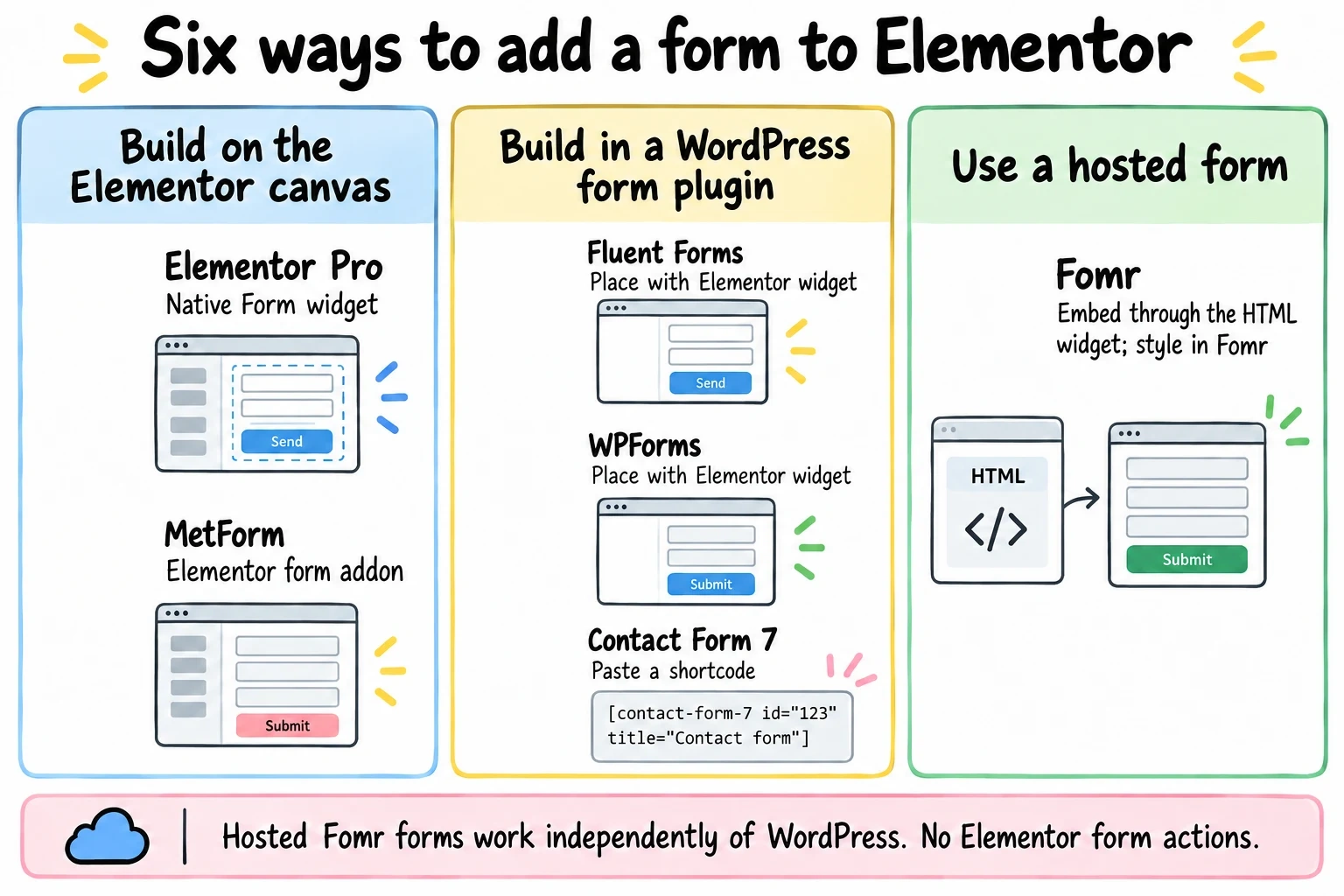
The native option, and inside the Elementor editor it’s the smoothest experience on this list. You drag the Form widget onto the canvas, style every field with the same controls you use for everything else, and wire up actions after submit: email notifications, redirects, opening a popup, or pushing the entry to MailChimp, HubSpot, Zapier, and a long list of others.

Where it loses: the Essential tier’s missing submissions dashboard, which we covered above, and lock-in. Your forms live inside Elementor page data. If you ever move away from Elementor, the forms go with it, and rebuilding them elsewhere means starting from scratch.
Price: From $49/year (Essential, no submission logging) or $99/year (Advanced Solo, with logging).
Honest limitation: It’s a page-builder form, not a form platform. No multi-page logic to speak of, and entries management is basic compared to dedicated form plugins.
2. MetForm: best free option that works inside the editor
MetForm is built specifically as an Elementor addon, and that’s its whole appeal. The free version from WordPress.org gives you unlimited forms, entry management in your WordPress admin, file uploads, and a drag-into-canvas widget that works with free Elementor. No Pro required on either side.
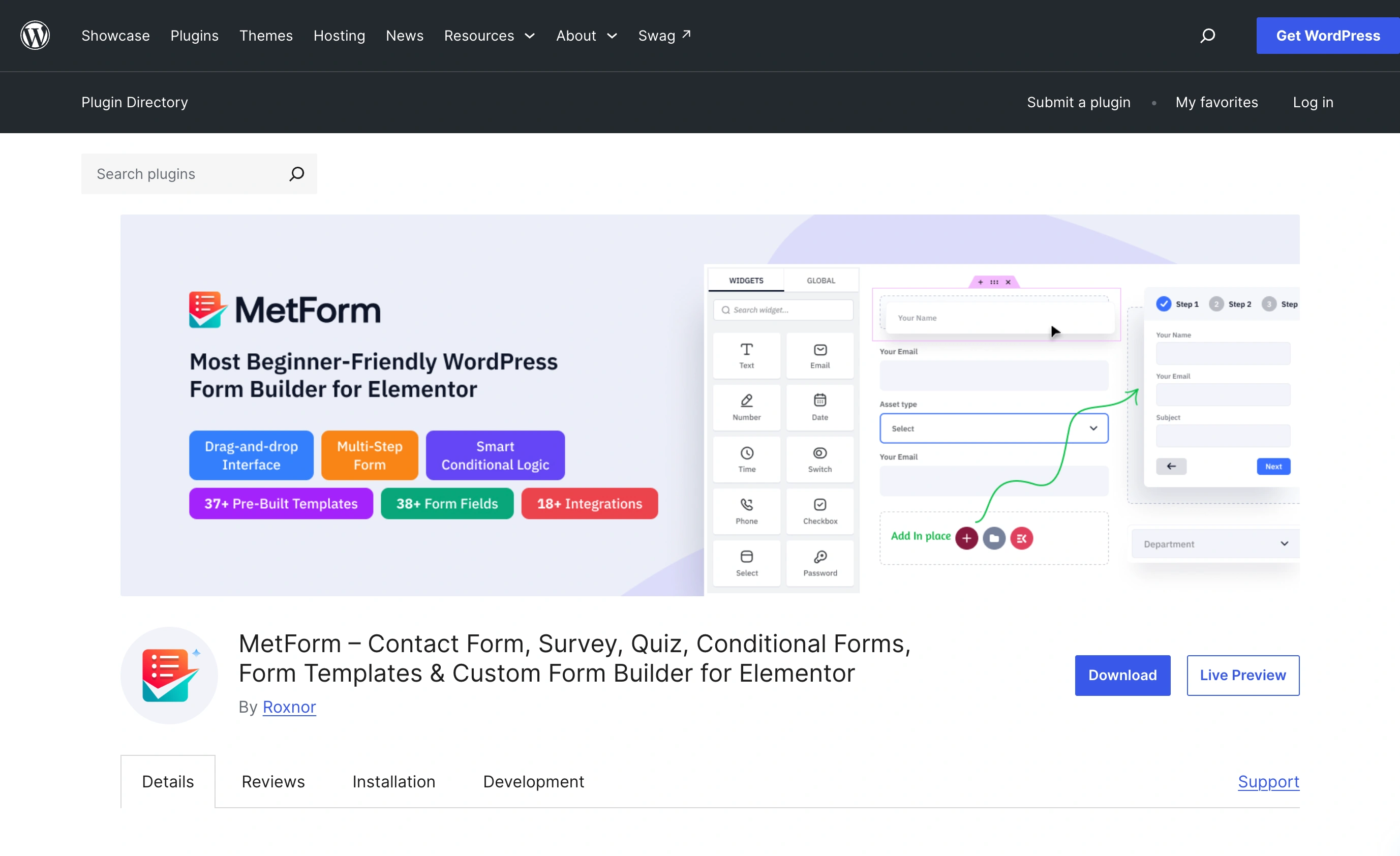
That combination is rare. Most plugins reserve their Elementor widget or their entries dashboard for paid tiers. MetForm’s paid Personal plan runs $44.10/year for one site (or $132.30 lifetime) and adds things like payment integrations and conditional logic.
The trade-off is polish. MetForm’s settings screens feel busier than WPForms or Fluent Forms, and its documentation is thinner. It also only exists inside Elementor, so it inherits the same lock-in problem as the native widget.
Price: Free; Personal $44.10/year.
Honest limitation: Elementor-only by design. If you drop Elementor, you drop MetForm.
3. Fluent Forms: best value for a full form plugin
Fluent Forms is the pick we’d make for most WordPress sites that need real form features on a budget. The free version is unusually generous (unlimited forms, entries stored in WordPress, conditional logic, spam protection), and Pro is $55/year for a single site with multi-step forms and payment fields included.
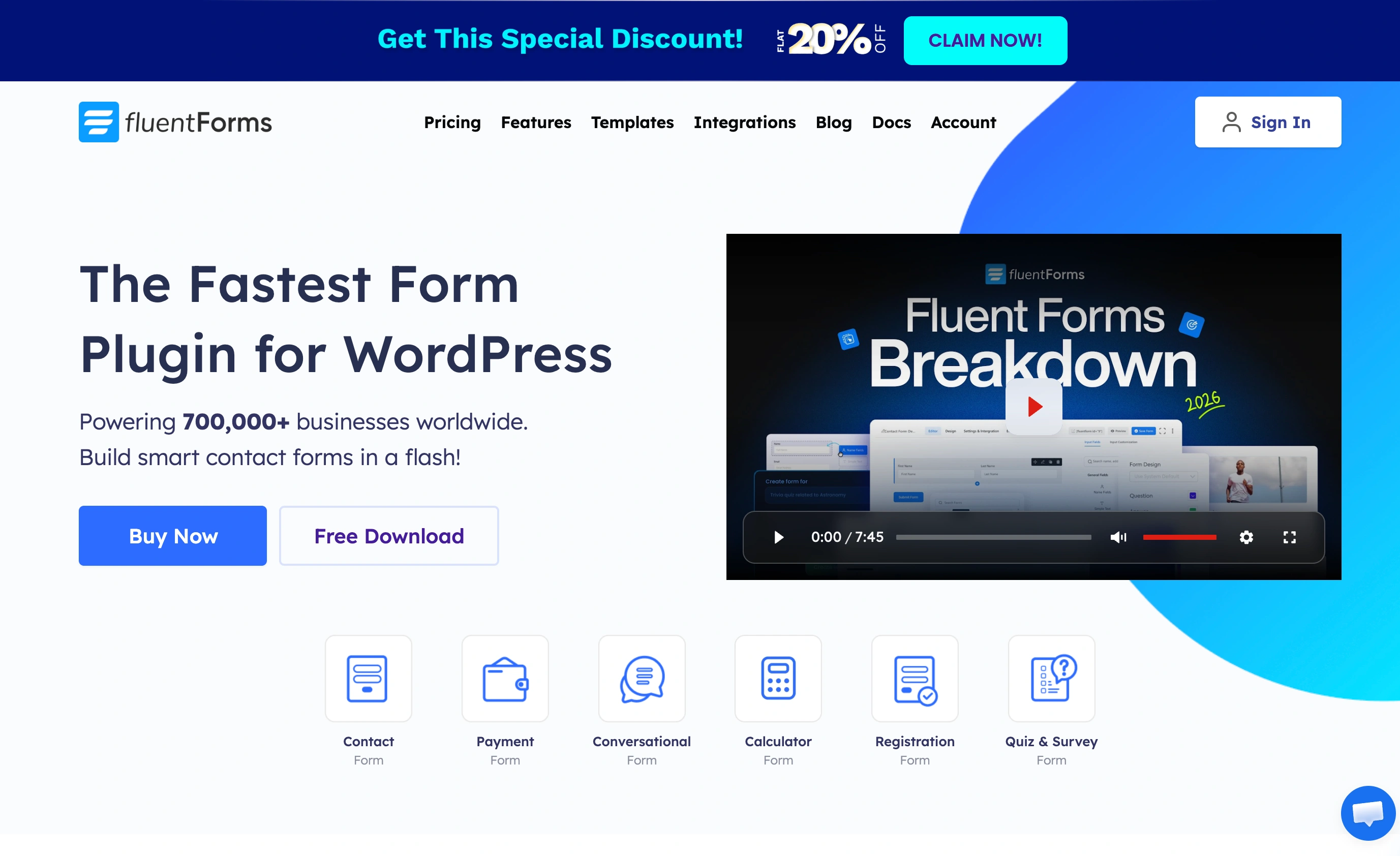
It ships an Elementor widget, so you place and render forms from the editor. You still build the form in Fluent Forms’ own builder, then drop the finished form onto your page. That’s normal for this category, but it means styling happens partly in the plugin and partly in your theme rather than on the Elementor canvas.
Because your forms live in a plugin rather than in Elementor page data, they survive a page-builder change. That portability is worth more than people think.
Price: Free; Pro from $55/year (single site).
Honest limitation: The admin interface packs a lot in, and first-time setup takes longer than the native widget.
4. WPForms: the safest mainstream pick
WPForms is the most-installed form plugin in WordPress, and the experience shows it. The free Lite version handles simple contact forms, ships an Elementor widget, and the builder is genuinely beginner-friendly.
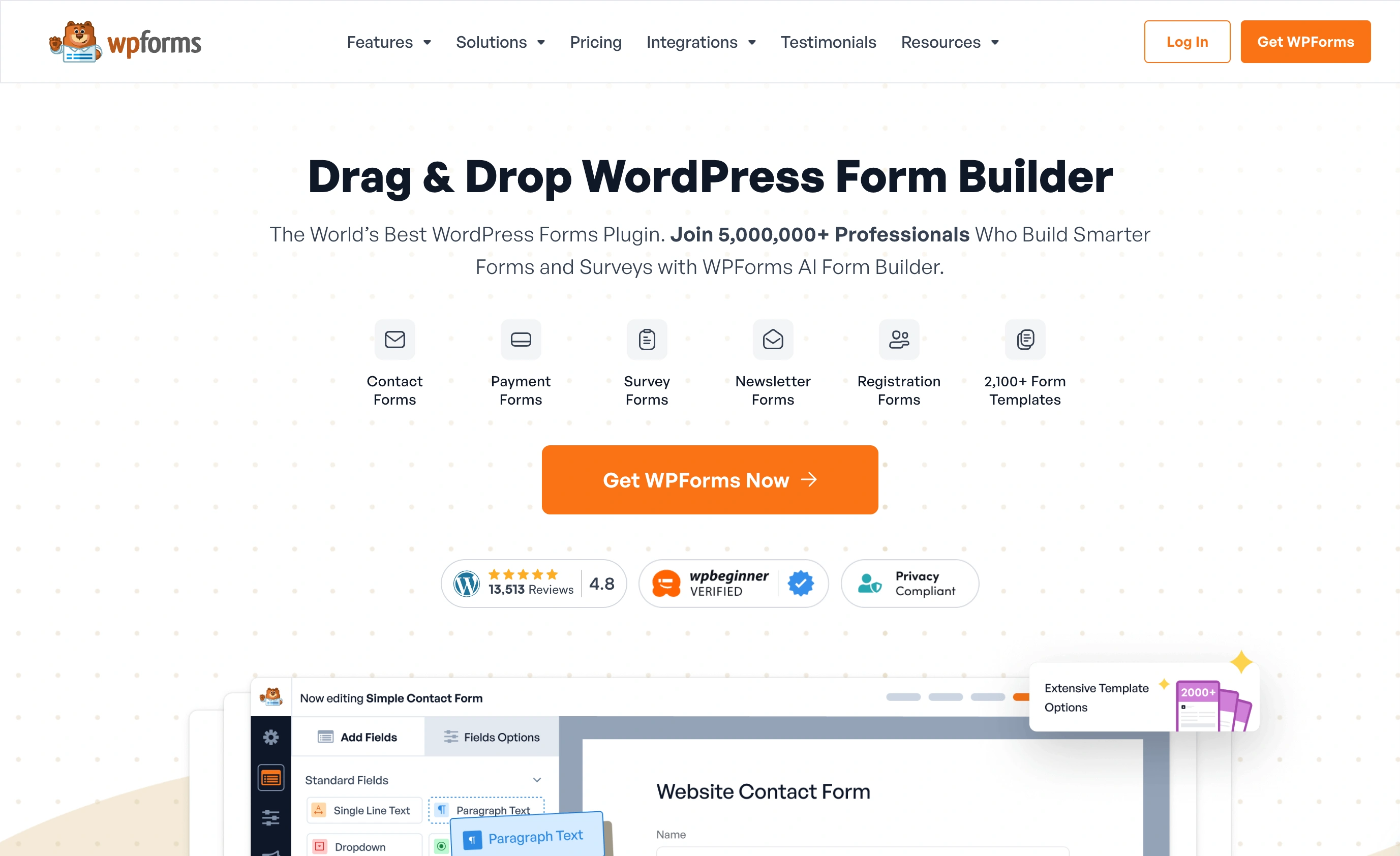
Pricing is where you need to read the fine print. Basic is $49.50 for the first year, then renews at $99/year. Every tier works this way, so budget on the renewal number, not the promo. Entry storage in your WordPress dashboard also requires a paid plan; Lite sends submissions to email only, much like Elementor’s Essential tier.
Price: Free (Lite); Basic $49.50 first year, renews at $99/year.
Honest limitation: The first-year discount halves at renewal, and the features you probably wanted (stored entries, conditional logic) sit behind paid tiers.
5. Fomr: best if you want the form to outlive the page builder
Full disclosure, this one’s ours. Fomr takes a different approach from everything above: the form isn’t a WordPress plugin at all. You build it in our editor, then embed it in Elementor with the HTML widget. Two minutes, no plugin to update, and the same form works on a landing page, in an email link, or as a QR code at an event.
The free plan has no caps: unlimited forms, unlimited responses, unlimited team members. Design control is the focus, with 1,700+ fonts, custom colors, and full theming, so the embedded form can match your Elementor design instead of fighting it. You can try the editor without creating an account.
Embedding takes three steps, tested in the Elementor editor:
- Add an HTML widget to your page (free Elementor includes it).
- Paste the embed snippet from your form’s share settings:
<script async src="https://fomr.io/widget/embed.js"></script><div data-fomr-id="YOUR_FORM_ID"></div>- Preview the page. The form loads inline and resizes to fit its container.
More embed options, including popups, are covered in our embed guide.
Now the honest part. An embedded Fomr form can’t be styled from the Elementor canvas, and it won’t fire Elementor’s form actions, so no triggering an Elementor popup on submit. If you’re a Pro user who lives inside those actions, that’s a genuine downside. Conditional logic and payments are also still on our roadmap, not in the product yet.
Price: Free (unlimited); Pro $34/month or $24/month billed yearly for custom domains and removing our branding.
Honest limitation: Styled in Fomr’s editor, not Elementor’s, and no Elementor form actions. No conditional logic yet.
Give it a try
Try this Fomr contact form
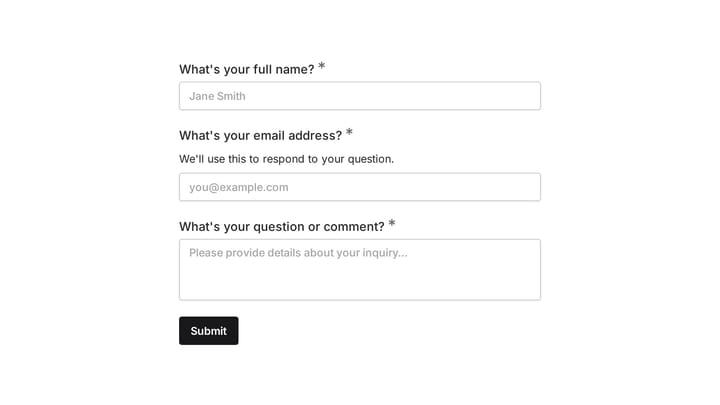
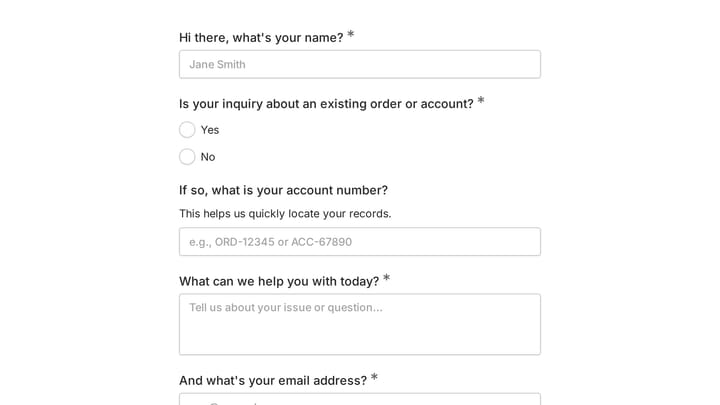
Try the name, email, and message fields in this Fomr contact form. It is a simple example of the visitor experience you can embed on your site.

6. Contact Form 7: free forever, but you’ll earn it
Contact Form 7 has been free since 2007 and runs on millions of sites. It works with Elementor the crude way: build the form in CF7’s markup-based editor, copy the shortcode, paste it into a Shortcode widget.

There’s no native Elementor widget, no entry storage without a companion plugin like Flamingo, and styling means writing CSS by hand. I’d only recommend it if you’re comfortable in code and allergic to subscriptions. For everyone else, MetForm or Fluent Forms’ free tiers do more with less friction.
Price: Free.
Honest limitation: Shortcode-only rendering, no built-in entry storage, and every visual change is a CSS exercise.
Elementor form builder comparison table
| Option | Works inside Elementor editor | Free tier | Paid price | Submissions stored | Watch out for |
|---|---|---|---|---|---|
| Elementor Pro Form | Yes, native widget | No | $49/yr; $99/yr with logging | Advanced Solo and up | No logging on Essential |
| MetForm | Yes, native widget | Yes | $44.10/yr | Yes, free tier | Elementor-only, rougher UI |
| Fluent Forms | Yes, render widget | Yes | $55/yr | Yes, free tier | Built in its own builder |
| WPForms | Yes, render widget | Yes (Lite) | $49.50 first yr, $99 renewal | Paid plans only | Renewal price doubles |
| Fomr | Embed via HTML widget | Yes, unlimited | $34/mo monthly or $24/mo yearly (Pro) | In Fomr dashboard | No Elementor actions |
| Contact Form 7 | Shortcode only | Yes | n/a | Needs Flamingo plugin | Manual CSS styling |
What switching costs you
Whichever way you go, know the exit price before you enter. Forms built with the native widget or MetForm are Elementor page data; leaving Elementor means rebuilding them. Fluent Forms and WPForms entries live in your WordPress database, so they survive a page-builder change but not a move off WordPress. A Fomr form is independent of both, though moving to it means re-creating existing forms and losing your old entries’ home in wp-admin.
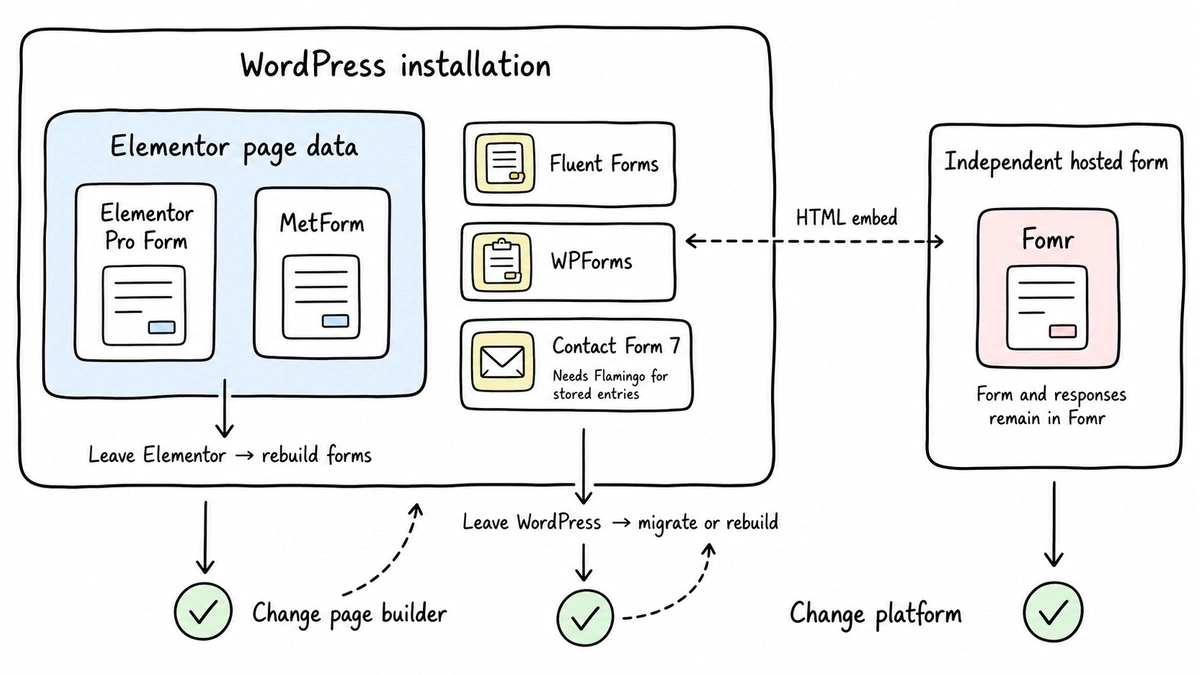
None of these migrations are hard for a contact form. They get painful at ten forms with years of entries, which is exactly why it’s worth choosing deliberately now.
Our verdict
Already paying for Elementor Pro at Advanced Solo or above? Use the native Form widget and move on with your life. Need a free form that behaves like part of the Elementor editor? MetForm. Want proper form features (logic, multi-step, payments) inside WordPress at the lowest real cost? Fluent Forms Pro at $55/year beats WPForms’ $99 renewal.
And if the form matters more than the page builder, because it needs to look designed, collect unlimited responses free, or live in more places than one WordPress site, that’s the case we built Fomr for. Build one in the guest editor right now, no account needed, and paste it into an HTML widget to see it on your page. If it’s not a fit, the other five will still be here.
For the broader (non-Elementor) picture, our WordPress form builder guide covers the full field.