Paperform and Jotform both offer permanent free plans. Paperform Free allows 30 submissions per month; Jotform Starter allows 100. This comparison focuses on their entry paid plans: Paperform Pro and Jotform Bronze.
Jotform offers a traditional form builder with a wide selection of widgets and payment integrations. Paperform makes forms that read like landing pages. Prices and plan allowances below were checked against official sources on September 23, 2026.
Full disclosure: we make Fomr, a design-focused form builder, so we compete with both. We’ll mention it once where it’s relevant and otherwise stay out of the way.
The verdict up front
Choose Jotform for a lower paid entry price, a broad choice of payment gateways, and established approval workflows. Bronze includes 1,000 submissions per month and 25 active forms.
Choose Paperform for document-style order and booking pages, unlimited forms, and unlimited paid-plan submissions subject to fair use.
If what actually bothers you about both is paying to collect more responses on simple forms, our own Fomr does unlimited forms and responses free with full design control, though it has no payments yet. See how it stacks up against Paperform and Jotform.
Give it a try
Try this Fomr online booking form
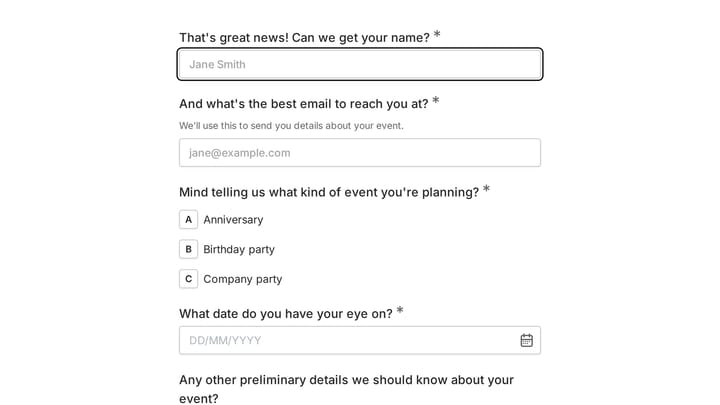
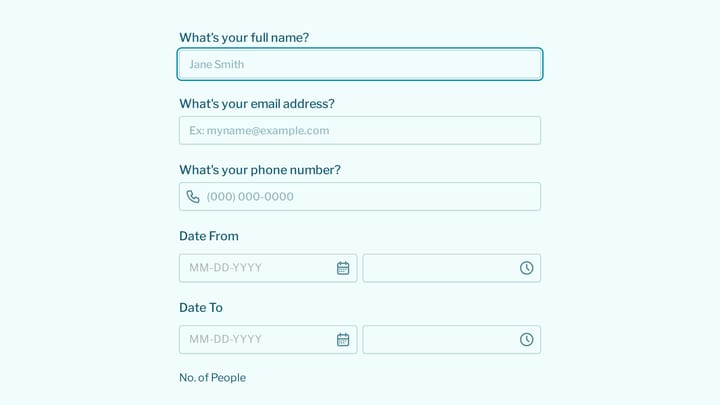
Try the service, preferred date, and contact fields in this Fomr booking example. It collects a request rather than confirming availability or processing payment.
Paperform vs Jotform pricing, side by side
Entry paid plans, checked September 23, 2026. Annual prices are monthly equivalents billed for a full year.
| Criteria | Paperform Pro | Jotform Bronze |
|---|---|---|
| Price (annual billing) | $49/mo ($588/yr) | $34/mo ($408/yr) |
| Price (month-to-month) | $59/mo | $39/mo |
| Submissions included | Unlimited, subject to fair use | 1,000 per month |
| Forms | Unlimited | 25 active forms |
| Branding | Removable | Removable |
| Payments | Multiple payment providers | 30+ payment gateways |
| Added transaction fees | None from Paperform | None from Jotform |
| Webhooks and API | Yes | Yes |
| Calculations and scoring | Yes | Yes |
| Evaluation | Free plan and seven-day Pro trial | Free plan |
Sources: Paperform pricing and Jotform pricing.
Submission math: compare your actual volume
At 500 submissions each month, Jotform Bronze is within its allowance and costs $408 a year on annual billing. Paperform Pro costs $588 a year, or $180 more, but includes unlimited submissions subject to fair use. Beyond 1,000 submissions in a month, Jotform requires a higher allowance, so Bronze is no longer the right comparison.
Form count also matters. Paperform Pro permits unlimited forms; Jotform Bronze allows 25 active forms. Check storage, payment-submission limits, and workflow requirements alongside response volume.
The editors are genuinely different tools
This is where a feature table flattens something that matters, so we’ll spell it out.
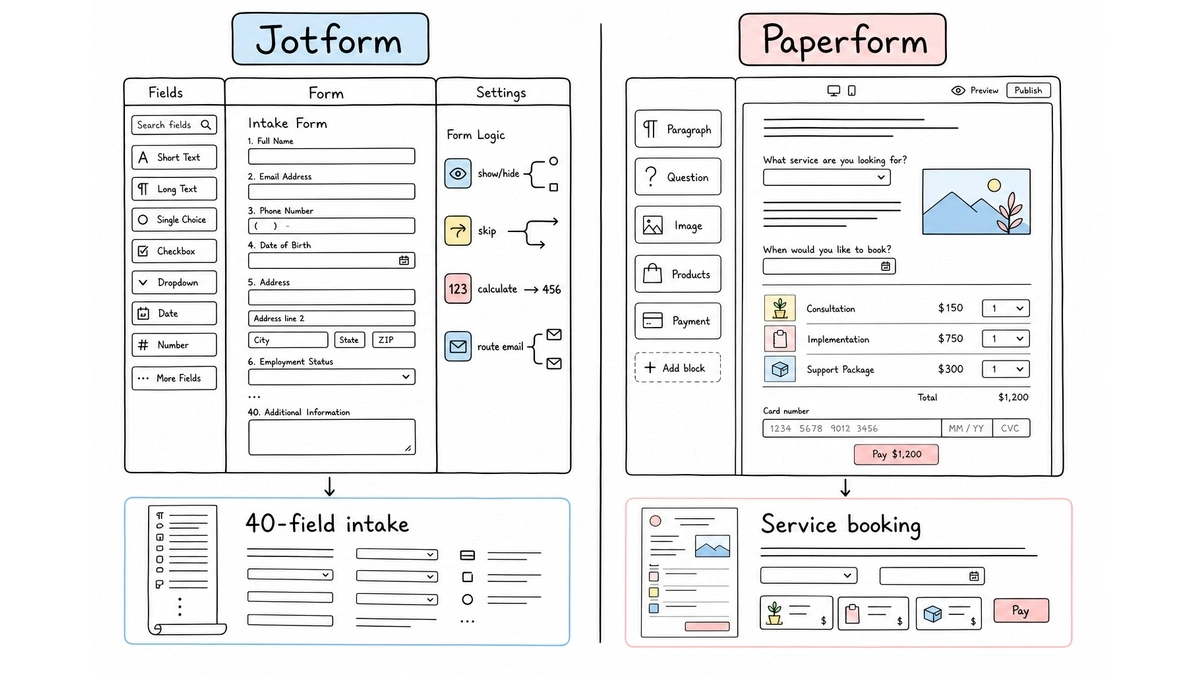
Jotform’s editor is a classic canvas: drag fields from a sidebar, stack them, configure each one in a panel. It’s fast for long, structured forms, and its conditional logic builder handles complex branching (show/hide, skip, calculate, route emails) better than almost anything in the category. The cost is aesthetic: forms look like forms, and making one feel like part of your brand takes real effort.
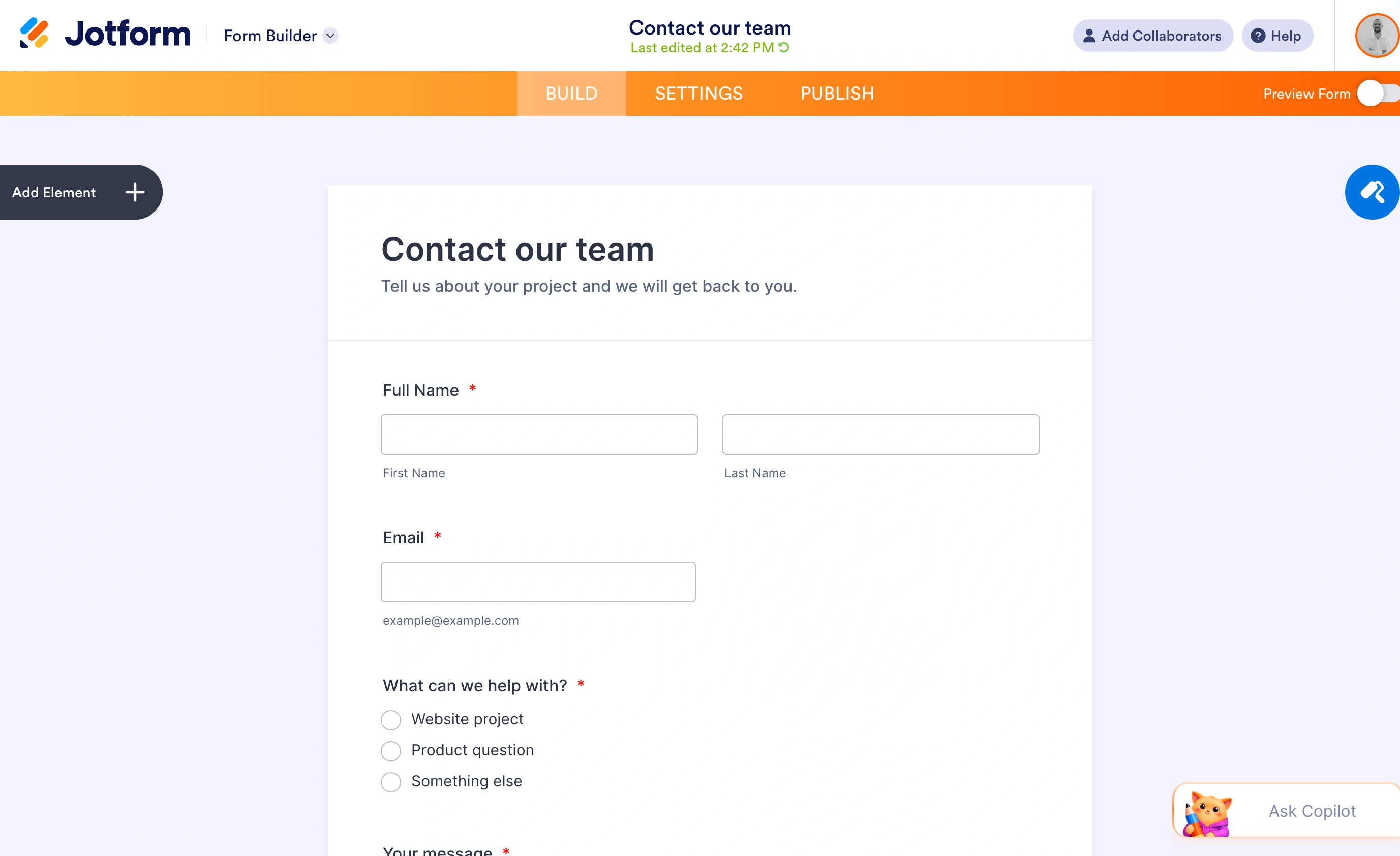
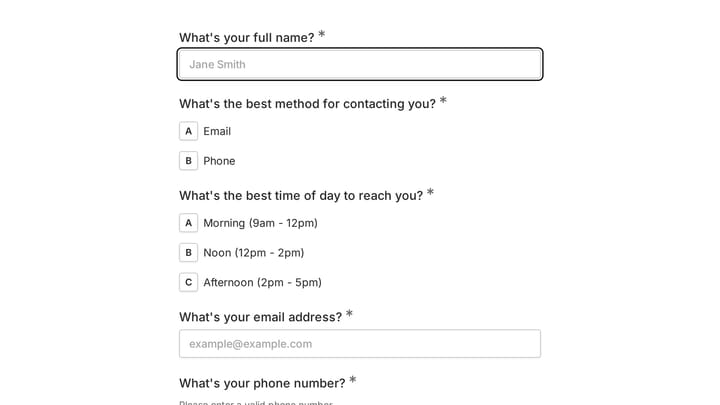
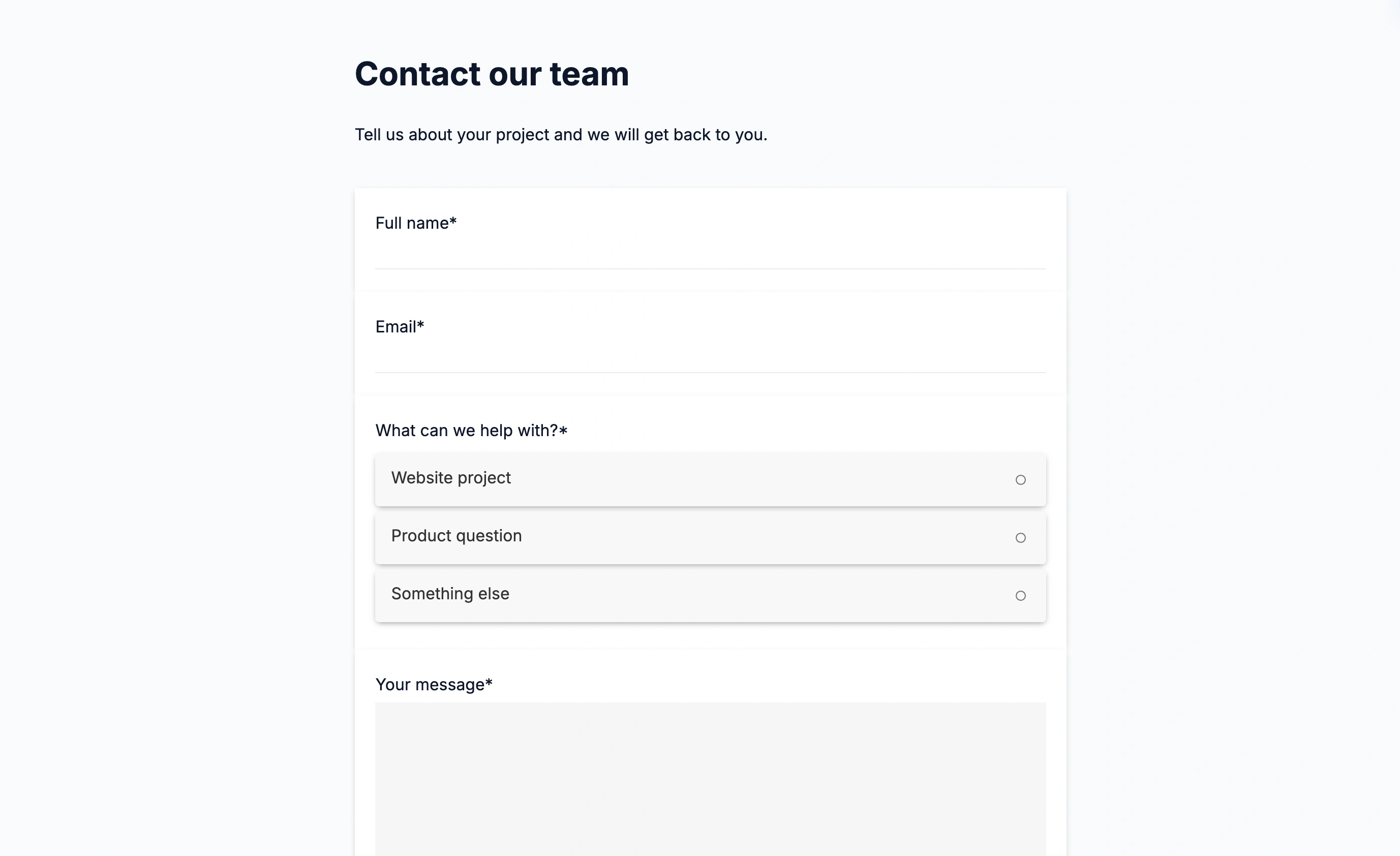
Our finished contact form puts the name, email, topic, and message fields on one page. Respondents can see what information they need to provide before they start typing.
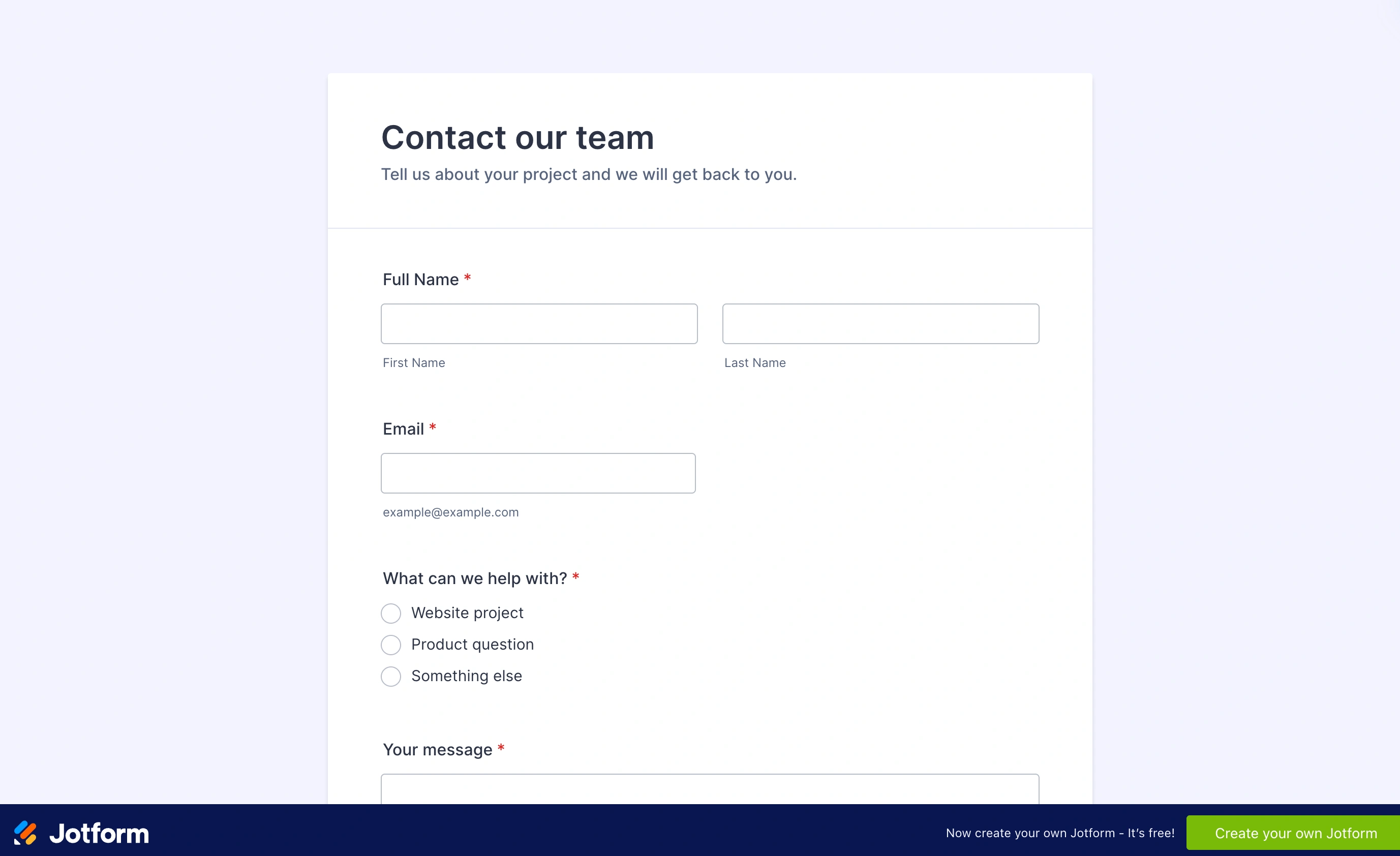
Paperform’s editor works like writing a document. You type a page, then insert questions, images, video, product lists, and payment fields inline wherever they belong in the text. The result reads like a landing page that happens to collect answers, which is exactly right for a service booking, a product order page, or a proposal a client fills in. It’s a genuinely distinctive approach, and for that class of form it’s better than a canvas editor, including ours. The flip side: for a plain 40-field intake form, the document metaphor slows you down, though calculations and scoring require Pro rather than Free.
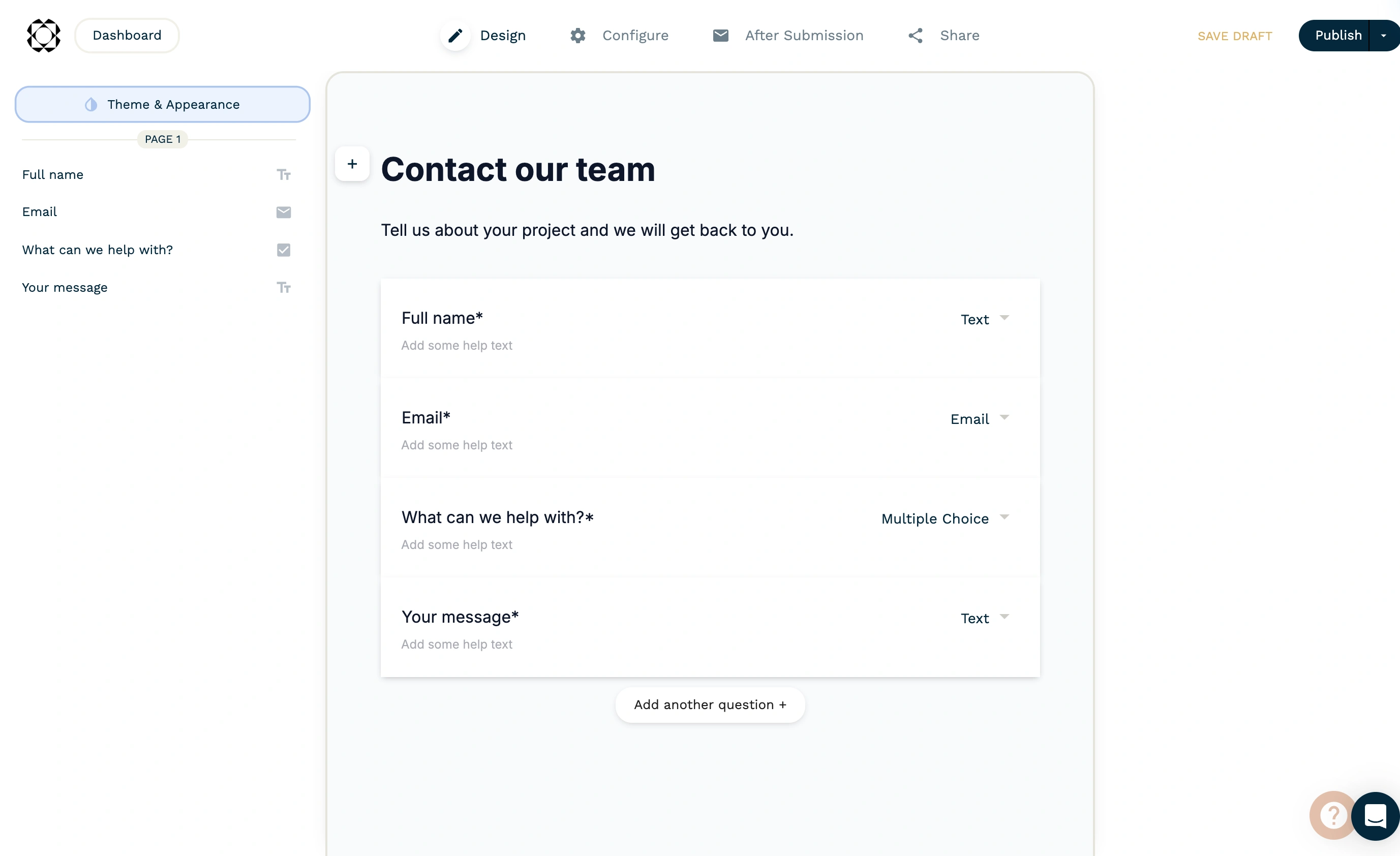
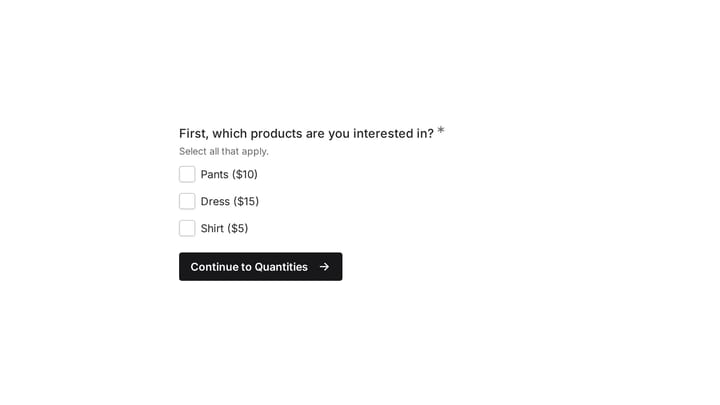
The published sample combines introductory text and contact fields on the same page. That makes the result feel closer to a small web page than a sequence of separate question screens.
Payments: even on fees, different on reach
Neither tool takes a cut of your payments. Both leave you paying only your processor’s own rate, which is not something you can assume in this category.
The difference is reach. Paperform connects to Stripe, Square, Braintree, and PayPal Business, which covers most small businesses fine. Jotform integrates with over 30 gateways, and if you need a regional processor, recurring subscriptions through a specific provider, or donation-specific flows, Jotform is far more likely to already support it.
Paperform Free includes payment collection within its submission allowance. Calculations and dynamic success pages require Pro, so check those features if your checkout computes totals or needs a tailored confirmation.
Logic, integrations, and everything after submit
Both paid entry plans include conditional logic, calculations, and scoring. Compare the rules your form needs: showing sections, calculating a total, routing an email, or producing a document.
Both offer native integrations, webhooks, and API access on their paid entry plans. Paperform also includes native integrations on Free, while webhooks and API access require Pro. Check the integration itself for any additional service costs.
Both provide submission management, exports, notifications, and PDF features. Test the exact output format and workflow before deciding.
What about the free plans?
Worth a paragraph, since one of these free plans is real and the other is a demo. Jotform’s Starter plan gives you 5 forms and 100 submissions a month indefinitely, with Jotform branding. Plenty of small operations live on it for years, and it makes Jotform the safer “start now, pay later” bet.
Paperform’s free plan allows 30 submissions a month with the basics only. It exists so the product has a $0 row, not so you can run on it. The honest way to evaluate Paperform is the 7-day Pro trial, which requires no card and shows you the features you’d actually be paying for.
Where each one will annoy you
Honesty section. Jotform’s interface is crowded, parts of it feel a decade old, and everything is metered: submissions, form views, upload space, even total stored records. You will, at some point, get an email telling you a form was disabled because you hit a cap you didn’t know existed.
Paperform’s paid entry price is higher than Jotform Bronze. Pro removes response caps under fair use, but domains cost extra and automation credits and storage remain limited. Test those allowances against your workflow during the seven-day trial.
Paperform vs Jotform verdict by buyer type
- Service business selling through forms (bookings, orders, quotes): Paperform, and budget for Pro at $49/month billed annually or $59/month monthly.
- Team processing applications, registrations, or support requests at volume: compare Jotform’s required submission tier with Paperform Pro’s unlimited allowance under fair use.
- Agency managing many small client forms: Paperform Pro for unlimited forms; check permissions and domain costs if clients need separate workspaces.
- Anyone needing webhooks or an API on the entry plan: both Paperform Pro and Jotform Bronze include them.
- Simple, brand-critical forms without payments: try Fomr free before paying either. Unlimited responses, full design control, no account needed to start, and we’re upfront that payments are still coming; file uploads and Google Sheets workflows are available.
Still unsure Paperform is even the right shortlist? We’ve rounded up the best Paperform alternatives with the same price-verified treatment.
The bottom line
Paperform vs Jotform isn’t a “which is better” question; they’re built for different shapes of work. Jotform is infrastructure: metered, powerful, and cost-effective at volume. Paperform focuses on document-style pages and includes unlimited paid-plan submissions subject to fair use.
Decide on your real numbers. Count last quarter’s submissions, list the payment providers you actually use, and price the tier that includes the features you need rather than the entry tier. Both companies let you check everything without commitment, Paperform through its 7-day no-card trial and Jotform through its free plan.