Nobody googles Qualtrics alternatives for fun. In our experience there are exactly two people typing that search: a researcher whose university site licence is ending, and someone in an ops or CX role staring at a renewal quote that grew again. Those two buyers need completely different tools, and most lists pretend they’re the same person.
So we split this one. The first three picks are for research teams that actually use randomisation, quotas, and SPSS exports. The next two are for companies running feedback and CX programs who mostly need reliable distribution and dashboards. The last entry is us, and we’ll be upfront: Fomr only belongs here for a narrow slice of Qualtrics refugees, and we’ll tell you exactly which slice.
Every price below was checked against the vendor’s own pricing page this week. Qualtrics itself doesn’t publish prices at all; everything is quote-based and usage-priced, which is a big part of why renewal season sends people to Google.
Why people actually leave Qualtrics
The product is not the problem. Qualtrics remains the deepest survey research platform you can buy. People leave for three reasons:
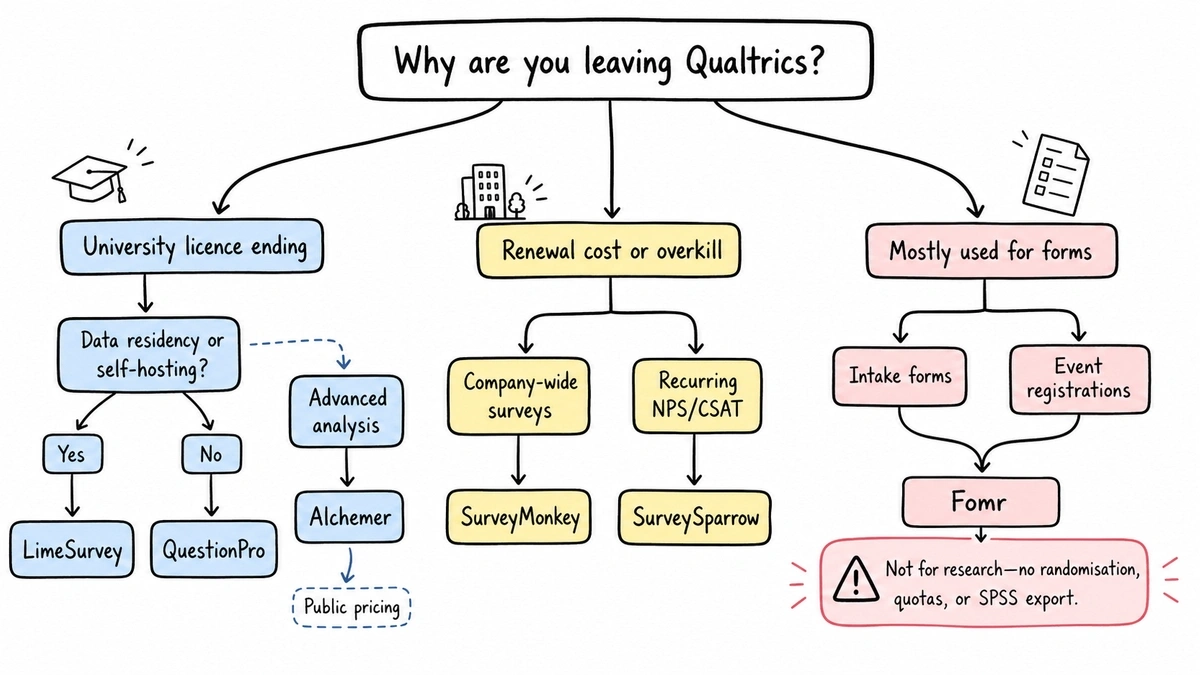
- The quote. Pricing is negotiated, opaque, and tends to ratchet up at renewal. You can’t budget for a number you only learn on a sales call.
- The licence disappears. Universities drop site licences, and suddenly a PhD student’s entire workflow needs a new home by semester start.
- Overkill. Plenty of teams bought Qualtrics for serious research and ended up using 10% of it for intake forms and event RSVPs.
Which reason is yours decides which half of this list to read.
Best Qualtrics alternatives for research teams
If your work involves experimental design, panel samples, or a stats package, these three cover the features research buyers can’t drop.
1. QuestionPro — best overall research replacement
QuestionPro is the closest thing to a like-for-like Qualtrics swap that still has public pricing. It supports question and block randomisation, response-based quota control, and SPSS export, and the export works even on the free plan, which is genuinely unusual. The Research Suite tier adds conjoint, MaxDiff, and access to a claimed 22-million-respondent panel if you need to buy sample.
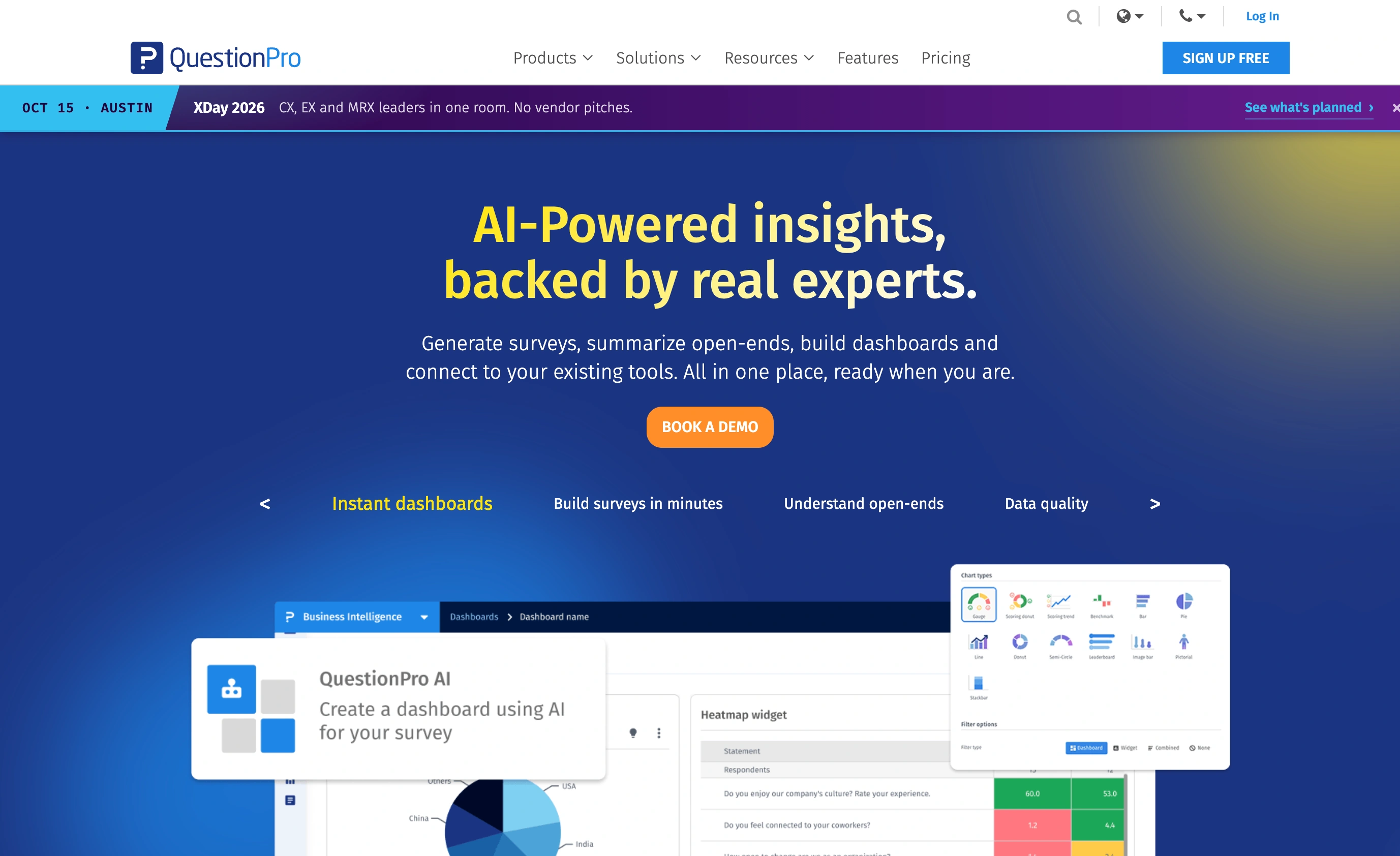
The detail that matters most for academics: QuestionPro has a free academic licence for students, instructors, and researchers at accredited institutions. Verification takes a few business days, and the licence includes features that normally sit on paid tiers. If your university just dropped Qualtrics, this is the first door to knock on.
Where it loses: the interface is dense and dated in places, and the plan structure takes some decoding. Advanced runs $99 per user per month billed annually with 25,000 responses a year, Team Edition is $83 per user per month for five or more seats with 100,000 responses a year, and Research Suite is quote-priced, which is the exact dynamic you may be trying to escape.
Pricing: Essentials free (200 responses per survey), Advanced $99/user/month billed annually, Team $83/user/month, Research Suite by quote. Academic licence free with verification.
2. LimeSurvey — best open source Qualtrics alternative
Searches for Qualtrics alternatives open source end here, and honestly, they should. LimeSurvey’s Community Edition is self-hosted open source software: your data lives on your own server, which solves the ethics-board and data-residency questions that make cloud vendors complicated for academic work. Randomisation, quotas, and SPSS-ready exports are all in the core product, not gated behind a tier.
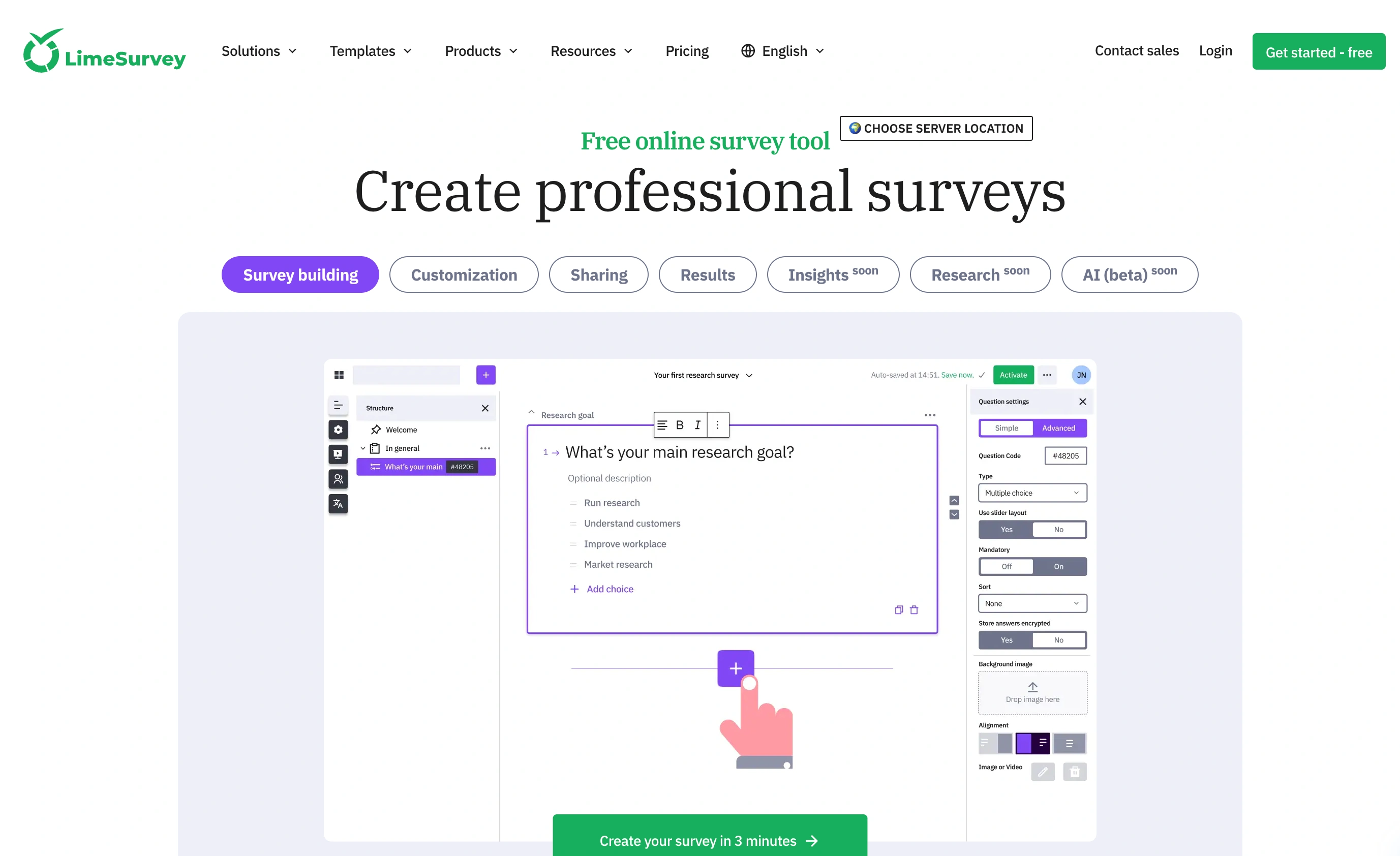
If you don’t want to run a server, the hosted cloud version is cheap by this market’s standards: Basic at €26/month for 1,000 responses a month, Expert at €268/year for 10,000 responses, Business at €693/year for 50,000. Students get 50% off and teachers 30%.
Where it loses: it looks and feels like software from a different decade, there’s no respondent panel, and self-hosting means you’re the sysadmin now. Setup, updates, and backups are your problem. For a grad student with a VPS that’s a fine trade. For a department without IT support, it’s a real cost that doesn’t show up on the invoice.
Pricing: Community Edition free (self-hosted). Cloud from €26/month, with meaningful academic discounts.
3. Alchemer — advanced analysis without a sales call
Alchemer sits between SurveyMonkey’s simplicity and Qualtrics’ depth, and unlike Qualtrics you can see every price on the page. The Full Access plan is the research-relevant one: conjoint analysis, advanced statistical tools, and an SPSS export that configures variable names, types, and value labels automatically instead of handing you a raw CSV to relabel.
Where it loses: the good stuff is expensive and the cheap tier is deliberately thin. SPSS export and the advanced question types live only on Full Access at $275 per user per month, or $1,895 per user billed annually. Collaborator at $55/month covers basic surveys but none of the research features that would justify picking Alchemer over cheaper tools. Small-team plans also cap out at three users on the upper tiers before you’re pushed into custom platform pricing.
Pricing: Collaborator $55/user/month ($315/year annual), Professional $165/user/month ($1,075/year), Full Access $275/user/month ($1,895/year). Annual billing saves 40% or more.
Best Qualtrics alternatives for CX and feedback programs
If nobody on your team has opened SPSS in their life, you were probably overpaying for Qualtrics. These two handle recurring feedback programs for far less.
4. SurveyMonkey — the migration your team already knows how to use
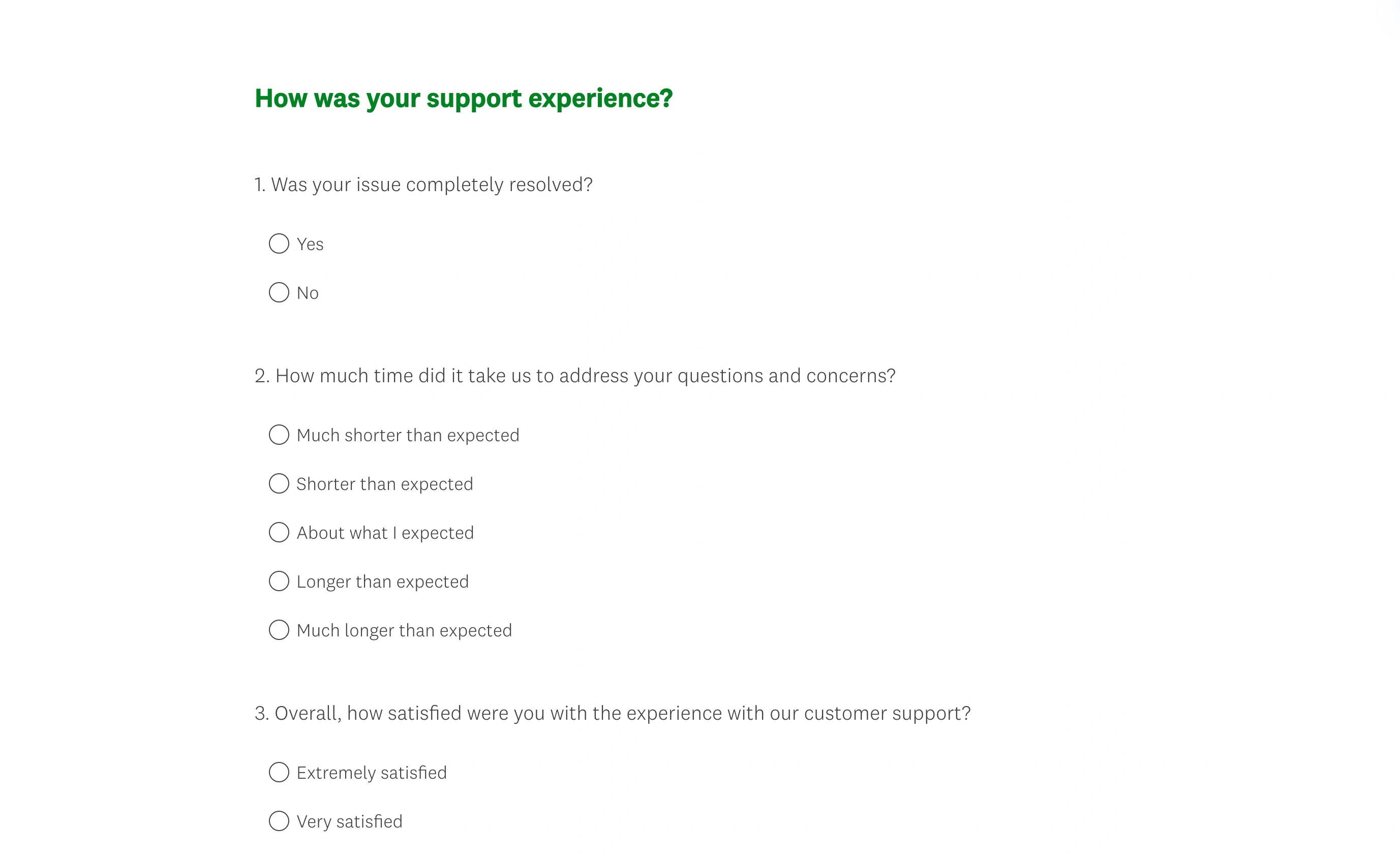
SurveyMonkey is the most boring pick on this list, and that’s its argument. Everyone has answered a SurveyMonkey survey. The question editor needs no training, the template library covers standard CX and HR use cases, and the Audience panel lets you buy respondents when you need external sample. For a company replacing Qualtrics dashboards with something a whole team can operate on day one, familiar beats powerful.
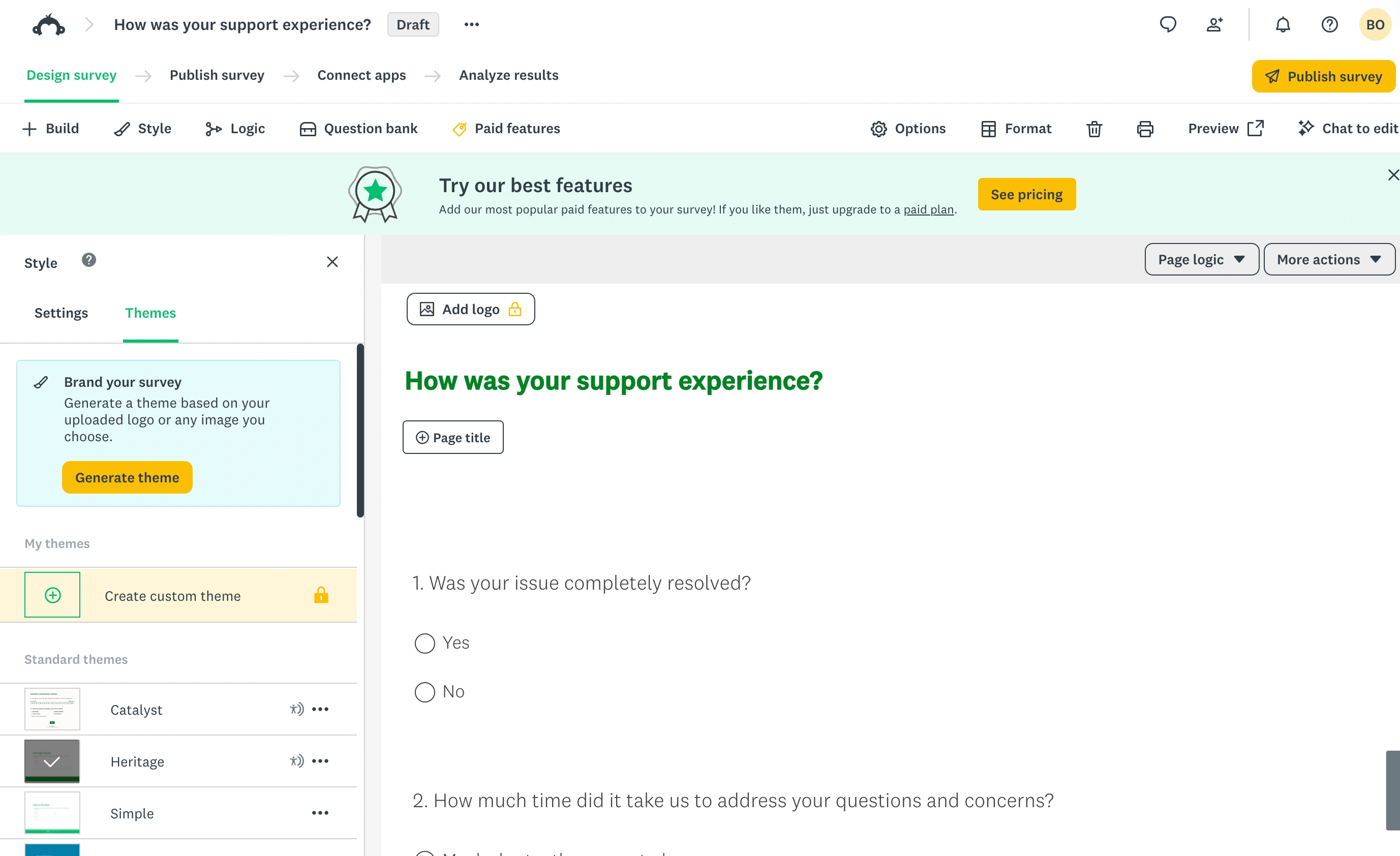
Team Advantage runs $30 per user per month billed annually with a three-user minimum and 50,000 responses a year. That minimum means your real entry cost is about $1,080 a year, which is worth knowing before you promise finance a smaller number.
Where it loses: depth. Randomisation, advanced logic, and stats-package exports are thin or pushed to the top tiers, and the free plan is close to unusable for real work: 10 questions per survey, and SurveyMonkey doesn’t even publish the exact number of responses you can view until you sign up. Treat it as a paid product or not at all.
Pricing: Team Advantage $30/user/month billed annually (3-user minimum, 50,000 responses/year). Individual paid plans are pricier per seat; the free plan is a demo.
5. SurveySparrow — recurring CX surveys on a budget
SurveySparrow is built around recurring, conversational surveys: NPS every quarter, CSAT after every ticket, that kind of cadence. The chat-style survey format gets decent completion rates, and the automation around scheduling repeat sends is better than you’d expect at the price.
Where it loses: transparency and scale. The free plan is tiny (75 responses per quarter, one user, three active surveys), extra seats cost a flat $49 a month each, and while entry tiers are cheap, the vendor doesn’t display a flat public price for every plan; the CX-grade tiers push you toward a sales conversation. Response allowances on paid tiers run from 2,500 up to 36,000 a year, so heavy programs will outgrow it. It’s a fine tool for a small CX team and a poor fit for research of any kind.
Pricing: Free plan (75 responses/quarter). Paid tiers are inexpensive but partially quote-based; additional users $49/month each.
6. Fomr — only if Qualtrics was really your intake form tool
Here’s our honest footnote. Fomr does not replace Qualtrics. We have no randomisation, no quotas, no panel integration, and no SPSS export. If you run actual survey research, use one of the five tools above.
But we keep meeting teams whose “survey platform” was collecting event registrations, client intake forms, and the occasional five-question pulse check. If that’s you, you were paying enterprise research prices for a form builder, and a form builder is what we’re good at. Fomr’s free plan has unlimited forms, responses, and team members, with full design control: 1,700+ fonts, custom colors, your logo, multi-page layouts. You can build a form right now without an account and see whether it covers what you actually used Qualtrics for.
Pricing: Free for unlimited everything. Pro at $34/month or $24/month billed yearly adds custom domains and removes our branding.
Our verdict on ourselves: the specialist pick for form-shaped workloads, and the wrong answer for research.
Give it a try
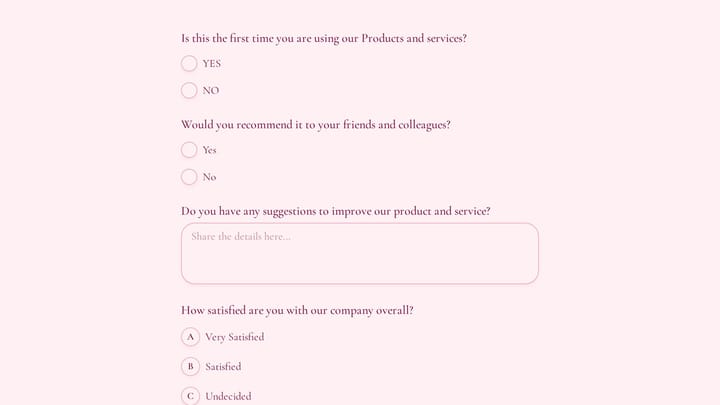
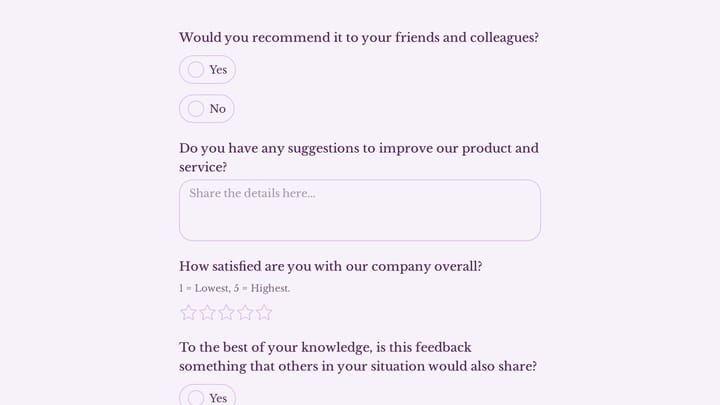
Try this Fomr customer feedback survey form
Try the recommendation, improvement, and satisfaction questions in this Fomr feedback survey. It shows how to collect responses, without automated research analysis or scoring.

Comparison table
Same criteria for every tool, so the entries stay comparable:
| Tool | Entry price (annual billing) | Free tier | Randomisation and quotas | SPSS export | Best for |
|---|---|---|---|---|---|
| QuestionPro | $99/user/mo (Advanced) | Yes, plus free academic licence | Yes | Yes, all plans | Like-for-like research swap |
| LimeSurvey | Free self-hosted; cloud from €26/mo | Community Edition | Yes | Yes | Open source, data on your server |
| Alchemer | $315/user/yr (Collaborator) | No | Upper tiers | Full Access only | Advanced analysis with public pricing |
| SurveyMonkey | $30/user/mo (Team, 3-seat min) | Barely (10 questions/survey) | Limited | Top tiers only | Familiar company-wide rollout |
| SurveySparrow | Low, partly quote-based | 75 responses/quarter | Limited | No | Recurring NPS and CSAT |
| Fomr | Free; Pro $24/mo ($288/year) | Unlimited forms and responses | No | No | Intake forms, not research |
What switching actually costs
Whatever you pick, budget for the migration, because none of it is automatic:
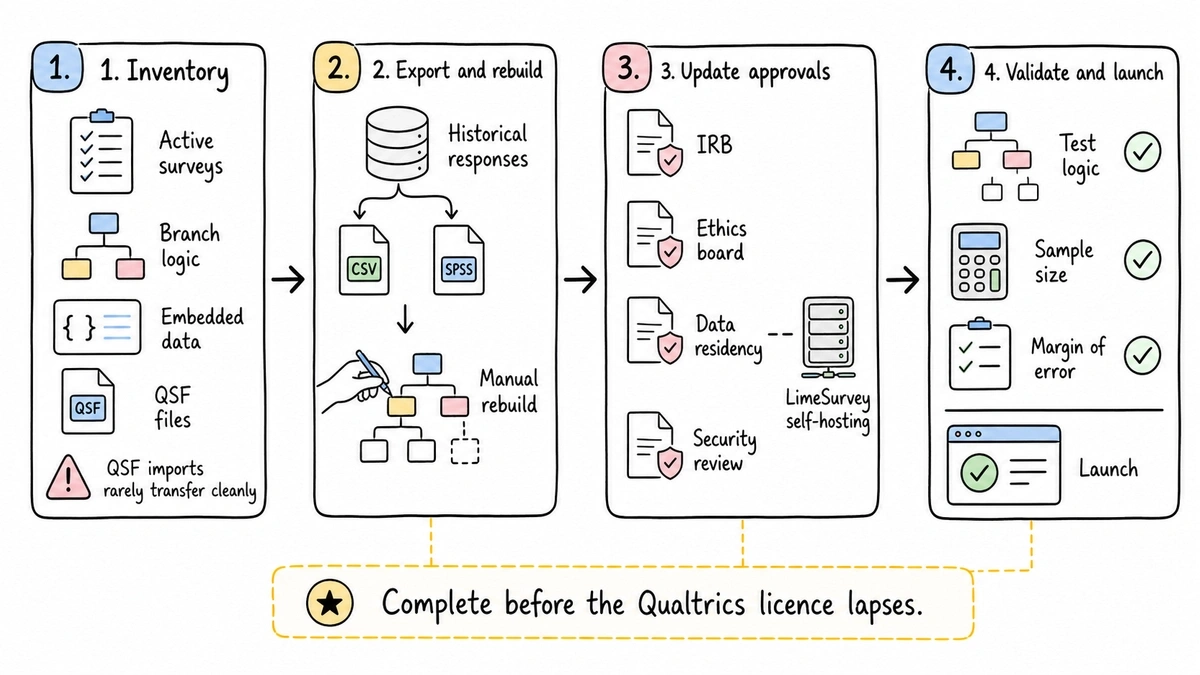
- Surveys don’t transfer. Qualtrics QSF files import cleanly almost nowhere. Complex instruments with embedded data and branching get rebuilt by hand, so count your active surveys before you commit to a date.
- Historical data needs a home. Export everything (CSV plus SPSS where you have it) before the licence lapses. Losing access mid-analysis is the classic university-migration disaster.
- Approvals reset. Ethics boards, IRB protocols, and security reviews that named Qualtrics need amending. LimeSurvey self-hosted often makes this easier; a new cloud vendor makes it paperwork.
- Your sampling math carries over. Instruments change, statistics don’t. Our free sample size calculator and margin of error calculator work the same whichever platform ends up hosting the survey.
The verdict
For a research team losing a licence: start with QuestionPro’s academic licence, and pick LimeSurvey instead if data residency or budget rules everything. For a company at renewal: SurveyMonkey Team Advantage replaces the 80% of Qualtrics most companies use for about $30 per seat, with SurveySparrow as the budget pick for pure NPS and CSAT cadence. Alchemer is the middle path when you need real analysis but refuse to buy software through a quote.
And if an honest audit shows your Qualtrics account was mostly forms, skip the survey platforms entirely. Try Fomr’s guest editor, rebuild one intake form in it, and see if the free plan simply covers you. For smaller-scale survey needs, our roundup of the best online survey tools for small teams compares the lighter end of this market.