Feature requests show up everywhere. A customer emails your support team asking for CSV export. Someone drops a suggestion in your Slack channel. A power user tweets about a missing integration. Your sales rep passes along a note from a prospect who “really needs” a specific workflow.
Six months later, you’ve got requests scattered across email threads, Slack messages, support tickets, CRM notes, and a Google Doc someone started but stopped updating in February. Nobody knows which features have been requested the most. Nobody knows which requests came from your highest-value customers. Your product roadmap is based on whoever talked to the CEO last.
A dedicated feature request form solves this. One URL. Structured data. Every request in the same format, in the same place, ready to be sorted and prioritized. Here’s how to build one that actually works.
Why scattered feedback kills your product decisions
Before getting into the how, it’s worth understanding what goes wrong without a centralized feature request form.
The biggest problem isn’t losing individual requests. It’s losing the ability to see patterns. When requests live in 8 different tools, you can’t easily answer basic questions: How many people have asked for dark mode? Are enterprise customers requesting different things than small teams? Which requests align with the direction you’re already heading?
You also lose accountability. When a user sends a feature request into the void, they assume you don’t care. According to Pendo’s 2023 State of Product Leadership report, 74% of product teams say they struggle to close the feedback loop with customers. That’s a trust problem, and it compounds over time.
A structured product feedback form gives you three things: consistent data you can actually analyze, a single source of truth your whole team can reference, and a way to follow up with the people who took time to share their ideas.
What fields belong on a feature request form
The temptation is to ask for everything. Resist it. Every extra field reduces your completion rate. I’d aim for 6-8 fields total, split between required and optional.
Required fields
Feature title or summary. A single-line text field. Ask people to describe the feature in one sentence. This becomes your reference label when you’re scanning through dozens of requests. “Add Slack notifications when a form gets a response” is useful. “Notifications” is not. Add placeholder text that models a good response.
Description of the problem it solves. This is the most important field on the form, and most feature request templates skip it. You don’t want a feature spec from users. You want to understand their pain. “I currently export data manually every Monday morning and paste it into a spreadsheet, which takes 20 minutes” tells you far more than “please add auto-export.” A multi-line text area with 3-4 sentence guidance works well here.
Category or product area. A dropdown or single-select field that maps to your product’s main sections. Keep the list short (5-8 options) and include an “Other” option. This makes filtering and routing requests trivial later. If you’re building a form builder, your categories might be: Editor, Sharing & Embedding, Integrations, Design & Themes, Analytics, Pricing, Other.
How important is this to you? A simple scale works here. I prefer a 3-point scale (“Nice to have,” “Important,” “Critical — blocking my work”) over a 1-10 rating. People are bad at distinguishing between a 6 and a 7. They’re good at picking between three clear options.
Optional fields
Contact email. Pre-fill this if the user is logged in. If not, make it optional but explain why you’re asking: “So we can follow up when this ships.” People are more willing to share their email when there’s a clear benefit.
Current workaround. A short text field asking how they handle this today. This is gold for prioritization. If someone has a painful workaround, the feature is more urgent than if they’re just wishing for something nice. It also helps your team understand the problem space better.
Attach a screenshot or mockup. Visual context can be incredibly helpful, especially for UI-related requests. A file upload field here saves a lot of back-and-forth. (If your form builder doesn’t support file uploads yet, a URL field where people can paste a link to a screenshot works as a stopgap.)
Company name or role. Useful if you want to segment requests by customer type. A startup founder and an enterprise admin might request the same feature for very different reasons.
Structuring the form for higher completion rates
The fields above are the right ones. But the order and presentation matter just as much as the content.
Put the easy question first. Start with the feature title. It’s low effort and gets people committed. Once someone has typed a title, they’re much more likely to fill in the description.
Group required and optional fields clearly. Don’t mix them. Put all required fields on the first page and optional fields on a second page. This way, even if someone abandons the form halfway through, you still have the core request. Multi-page forms work well here. If you want to dig deeper into why multi-step layouts improve completion, we wrote about that in our guide to building surveys from scratch.
Keep the form visually clean. A feature request form that looks like a tax return will get treated like one. Use clear labels, enough whitespace, and a design that matches your product’s look and feel. In Fomr, you can customize fonts, colors, and backgrounds to match your brand, which makes the form feel like a natural extension of your product rather than a third-party tool bolted on.
Give it a try
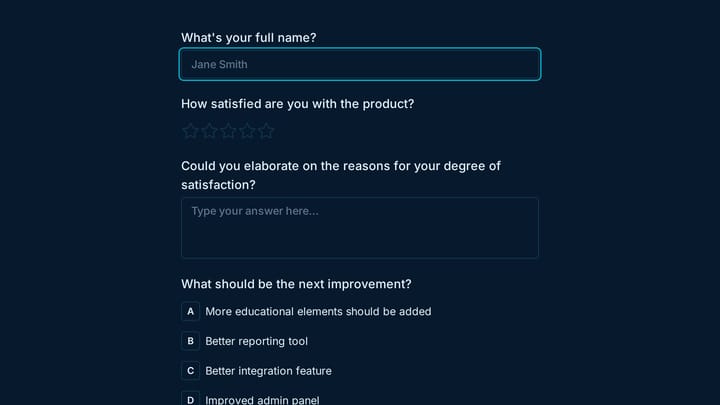
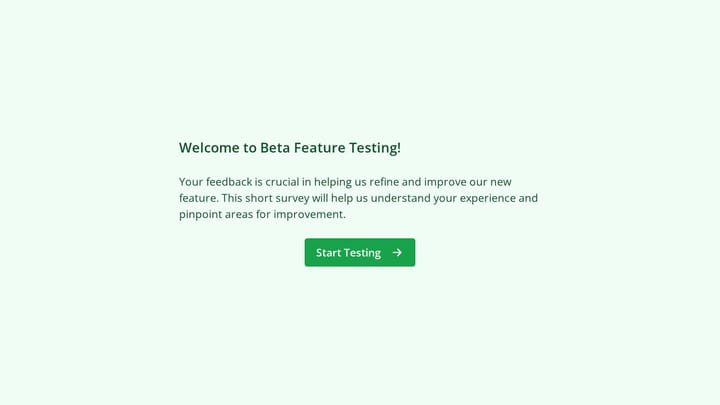
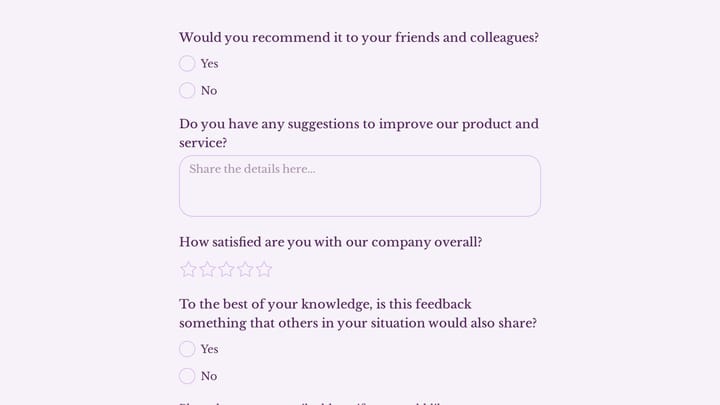
Try this Fomr beta product feedback form
Try this Fomr beta-product feedback example to inspect the question flow. Adapt it to ask for the requested feature, the problem it solves, and the current workaround.

Write a short intro at the top. Two sentences max. Something like: “Got an idea for how we can make [Product] better? Tell us what you need and why, and we’ll factor it into our roadmap.” This sets expectations and tells people their input actually matters.
How to categorize and prioritize incoming requests
Collecting feature requests is the easy part. The hard part is turning a pile of submissions into roadmap decisions.
Tag and group as requests come in
Don’t let requests pile up unprocessed. Set a weekly cadence (or daily, if you’re getting high volume) to review new submissions. As you review, add internal tags beyond the category the user selected:
- Effort estimate (small, medium, large) based on your team’s rough assessment
- Strategic alignment (does this fit your current product direction?)
- Revenue signal (did this come from a paying customer, a trial user, or a prospect?)
Count requests, but don’t just count requests
The most-requested feature isn’t always the most important one. Ten requests for a cosmetic change from free users shouldn’t automatically outrank two requests for a workflow improvement from your largest paying customers.
Build a simple scoring model. Something like:
| Factor | Weight |
|---|---|
| Number of requests | 2x |
| Revenue from requesting accounts | 3x |
| Strategic alignment with roadmap | 2x |
| Effort to build (inverse) | 1x |
| Severity of current workaround | 2x |
You don’t need a fancy tool for this. A spreadsheet works. The point is to have a repeatable framework so prioritization doesn’t devolve into whoever argues loudest in the meeting.
Watch for clusters, not just individual requests
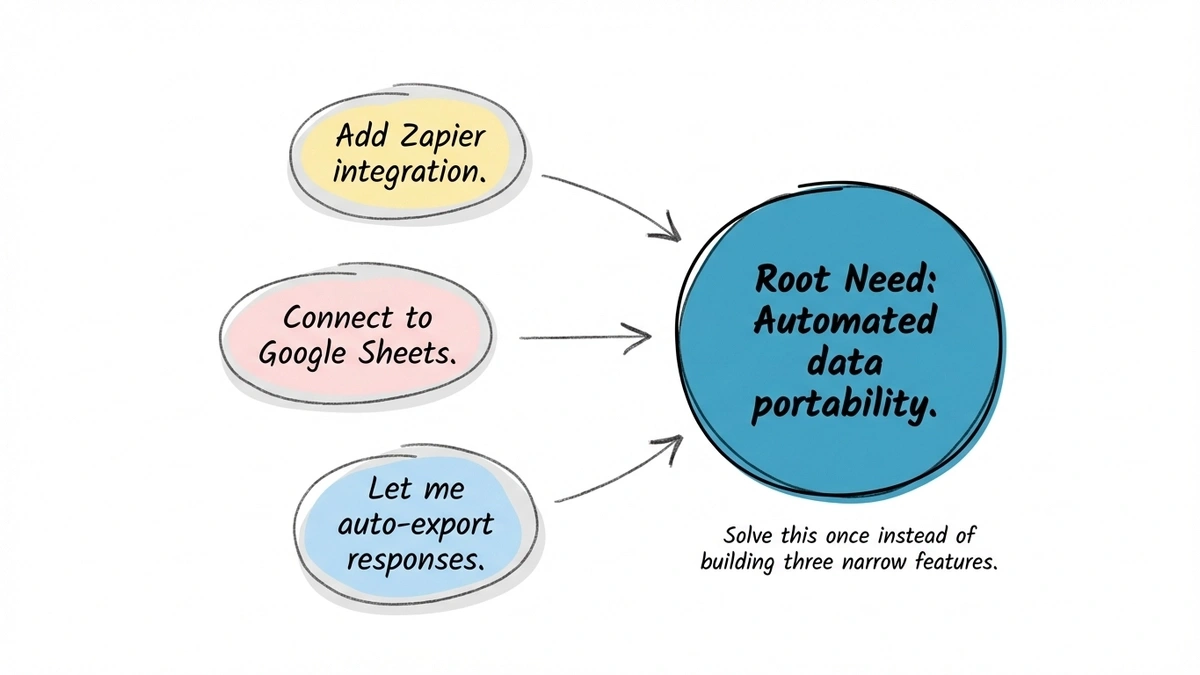
Sometimes five different requests are really the same underlying need expressed differently. “Add Zapier integration,” “Connect to Google Sheets,” and “Let me auto-export responses” might all point to the same gap: people need their form data flowing into other tools automatically. Recognizing these clusters helps you solve the root problem instead of building five narrow features.
Closing the loop with users who submitted requests
This is where most teams fail, and it’s the part that matters most for long-term trust.
When someone takes time to submit a product feature request, they’re investing in your product. Ignoring that investment is a fast way to lose goodwill. You don’t need to respond to every request individually (that doesn’t scale), but you do need a system.
Acknowledge every submission immediately
Set up an auto-response on your form’s thank-you page. Something specific: “Thanks for your suggestion. Our product team reviews new requests every Tuesday. If we need more context, we’ll reach out to the email you provided.” Generic “Thanks for your feedback!” messages feel hollow.
Send updates when status changes
If you collected an email address, use it. When a requested feature moves to “planned,” “in progress,” or “shipped,” send a short note. This doesn’t need to be automated (though it can be). Even a manual email to the 12 people who requested a feature saying “Hey, we just shipped this” creates an outsized positive reaction.
Intercom’s research on customer engagement shows that proactive communication about product changes significantly increases retention. People who feel heard stick around.
Be honest about what you won’t build
Some requests won’t make the cut. That’s fine. If a request clearly conflicts with your product direction, it’s better to say so than to leave it in limbo forever. “We considered this but decided to go a different direction because [reason]” is a perfectly acceptable response. Most users respect honesty more than silence.
Where to put your feature request form
A feature request form that nobody can find is useless. Think about where users are when they have ideas.
Inside your product. Add a “Suggest a feature” link in your app’s navigation, help menu, or settings page. This is the highest-intent placement because users are actively using your product when the idea strikes.
On your website. A dedicated /feature-requests or /feedback page. Link to it from your footer and your docs. This catches prospects and users who aren’t logged in.
In your help docs. At the bottom of documentation pages, add a prompt: “Missing something? [Suggest a feature].” People reading docs are often looking for functionality that might not exist yet.
In support responses. Train your support team to share the form link when users describe a missing feature during a support conversation. This redirects the request from a ticket (where it’ll get closed and forgotten) to your centralized system.
You can embed the form directly on any of these pages or share it as a standalone link. If you’re using Fomr, the embed widget makes this straightforward. You can also generate a QR code for the form if you want to collect feature requests at in-person events or conferences.
Common mistakes to avoid
Asking for solutions instead of problems. When your form says “Describe the feature you want,” users give you a spec. When it says “Describe the problem you’re facing,” users give you context. You’re the product expert. You’ll often find a better solution than what the user imagined, but only if you understand the underlying problem.
Making the form too long. If your feature request form template has more than 10 fields, you’re over-engineering it. People submitting feature requests are doing you a favor. Respect their time.
Not reviewing submissions regularly. A form that collects requests but never gets reviewed is worse than no form at all. It creates the illusion that you’re listening. Set a recurring calendar event and stick to it.
Treating all requests equally. A request from a customer paying you $500/month carries different weight than a request from someone on a free plan. That’s not cynical, it’s practical. Both requests matter, but they matter differently when you’re deciding what to build next.
Forgetting about your bug report form. Feature requests and bug reports are cousins, not twins. Make sure you have a separate form for bugs so that bug reports don’t get mixed into your feature request queue. The workflows for handling them are different.
A quick feature request form template
Here’s a field-by-field template you can replicate in any form builder:
- Feature title (short text, required) — Placeholder: “e.g., Slack notification when a form gets a response”
- What problem does this solve? (long text, required) — Placeholder: “Describe what you’re trying to do and what’s getting in the way”
- Product area (dropdown, required) — Options mapped to your product sections + “Other”
- How important is this to you? (single select, required) — “Nice to have” / “Important” / “Critical”
- How do you handle this today? (long text, optional) — Placeholder: “Describe your current workaround, if any”
- Your email (email field, optional) — Helper text: “So we can let you know when this ships”
- Screenshot or mockup URL (URL field, optional)
You can build this in about 10 minutes. If you want to try it right now, Fomr’s guest editor lets you start building without creating an account. Drag in the fields, customize the design, and share the link.
For more on collecting structured user feedback beyond feature requests, our customer feedback form guide covers the broader strategy.
Start collecting feature requests today
Your users already have opinions about what your product should do next. The question is whether those opinions reach your product team in a format that’s actually useful.
A feature request form takes 15 minutes to build and saves your team hours of digging through scattered feedback every month. More importantly, it shows your users that you’re listening, and it gives you the data to make better product decisions.
Pick a form builder, set up the fields from the template above, and share the link with your users this week. Your roadmap will thank you.