If you’re shopping for customer feedback software right now, there’s a decent chance it’s because your old tool disappeared. Delighted, the NPS tool thousands of teams ran for a decade, is no longer available as a standalone product. Qualtrics absorbed it, and its users got pointed at an enterprise platform with no public pricing.
Others are here because Typeform cut its free plan to 10 responses a month in February 2026, or because a per-response bill finally got embarrassing. Whatever pushed you, you’re building a shortlist, and most shortlists get built wrong.
Here’s the mistake: comparing feature lists first. The question that actually eliminates tools is simpler. Where does your feedback get captured?
Pick your capture channel first
Customer feedback software splits into four capture channels, and most tools only do one or two of them well:
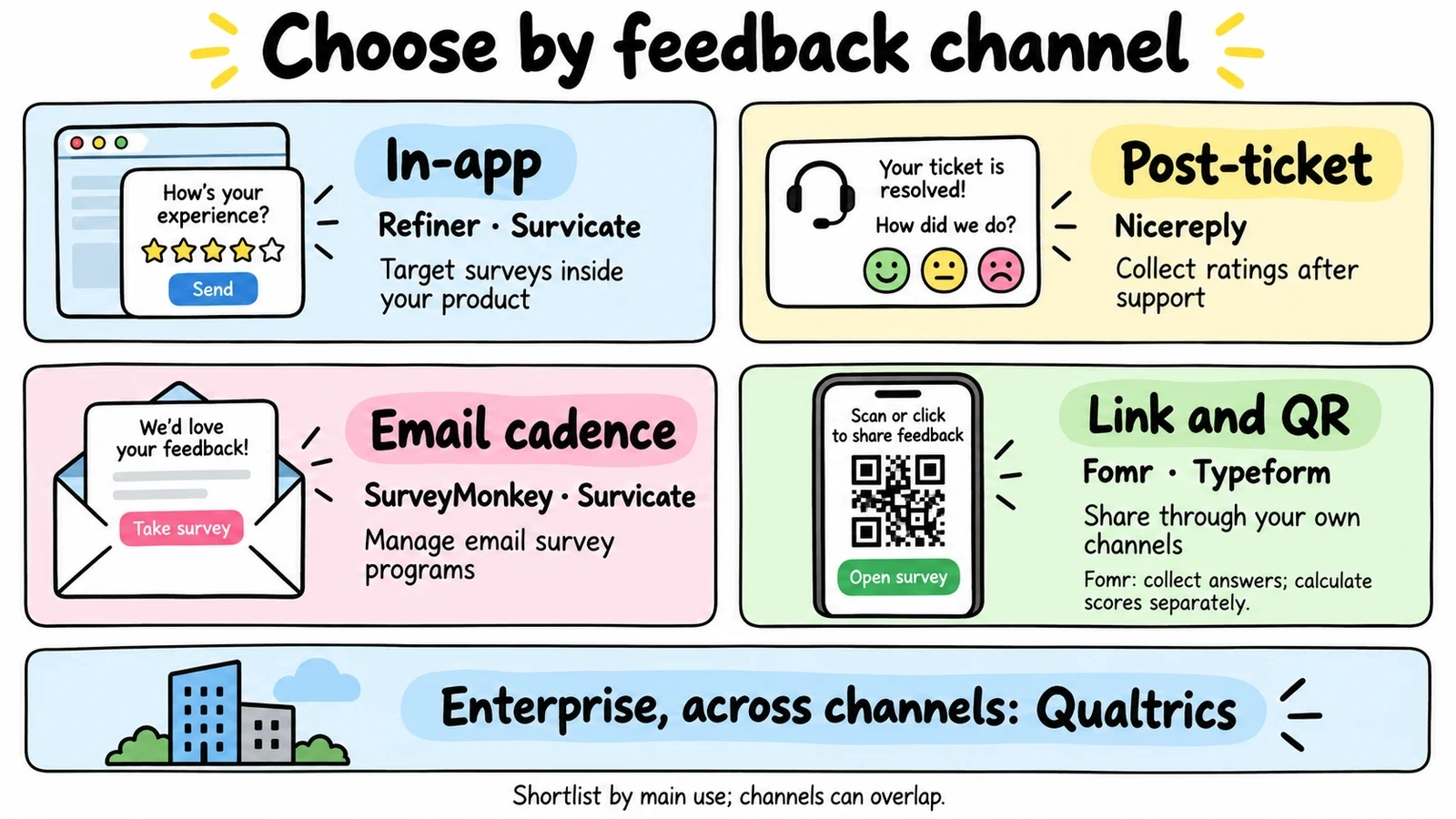
- In-app: a survey widget appears inside your product, targeted at specific users at specific moments
- Post-ticket: a rating request rides along with your helpdesk, usually in the agent’s email signature
- Email cadence: the tool sends surveys on a schedule it manages, like quarterly NPS to your whole customer base
- Link and QR: you get a URL and put it wherever you want, in receipts, on packaging, in a follow-up email you send yourself
A SaaS team that needs in-app NPS can cross off every link-only tool immediately. A support team that lives in Zendesk needs post-ticket CSAT and almost nothing else. Decide your channel, and a list of twenty candidates collapses to three.
One more filter worth applying: does the tool compute NPS and CSAT for you, or does it hand you raw answers and expect you to do the math? Native scoring sounds minor until you’re rebuilding the same spreadsheet every quarter. (If you do end up calculating by hand, our free NPS calculator and CSAT calculator save you the formula.)
Prices below were checked against each vendor’s pricing page in August 2026. They change; verify before you sign.
The 7 best customer feedback software tools in 2026
1. Fomr: best free option for link and QR feedback
We’ll start with ours, and we’ll be upfront about where it does and doesn’t fit.
Fomr is a form builder, not a feedback automation platform. There’s no in-app widget, no automated send cadence, and no built-in NPS scoring yet. If you need surveys triggered inside your product or sent on a schedule, pick one of the tools below.
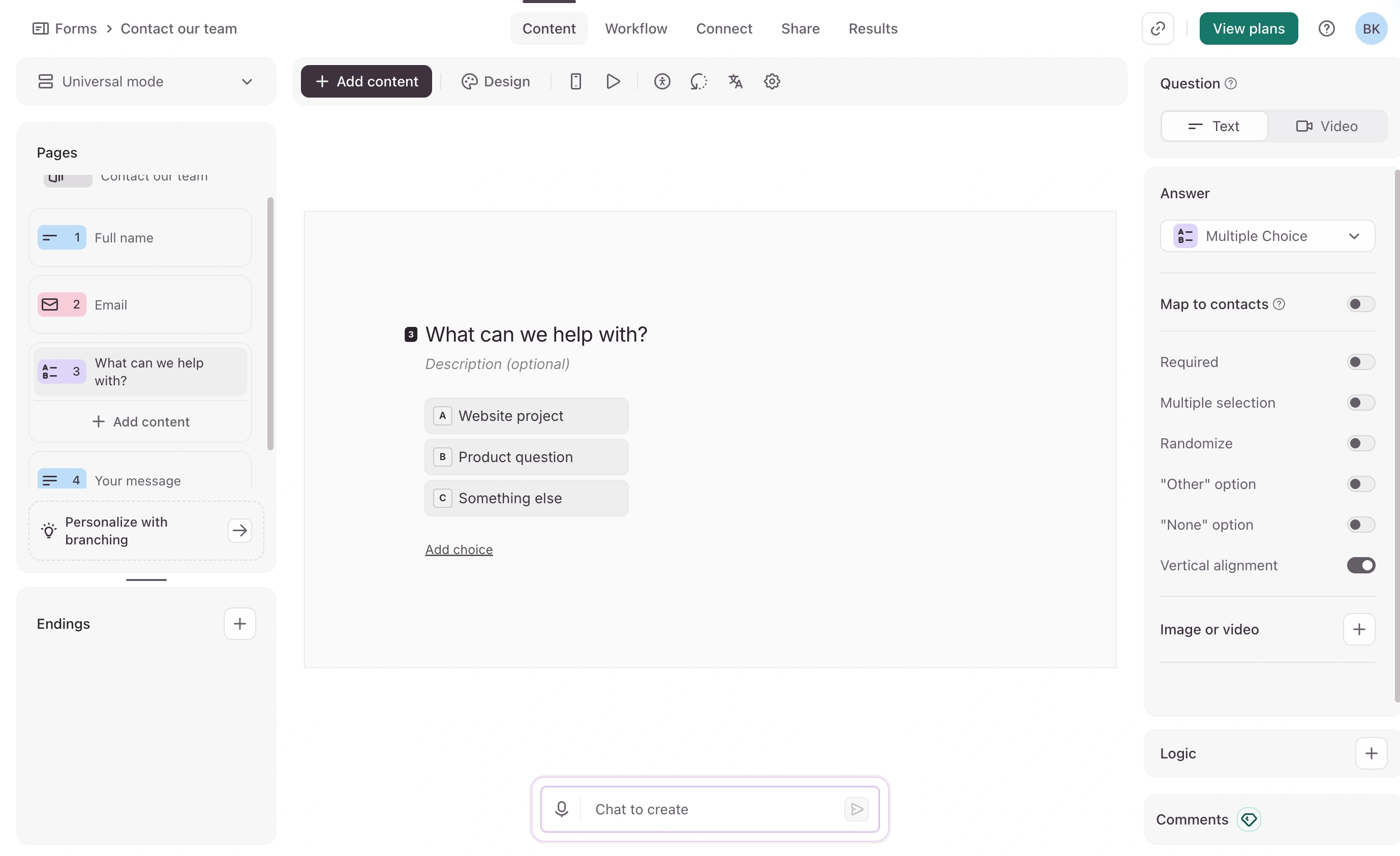
What Fomr does well is the link and QR channel, and it does that channel free without limits. Unlimited forms, unlimited responses, unlimited teammates on the free plan. You get full design control (1,700+ fonts, custom colors, your logo), multi-page surveys, rating and ranking fields, and sharing via link, embed, popup, or QR code. That combination fits feedback printed on packaging, linked from receipts, embedded on your site, or dropped into emails you already send.
Pricing: Free with unlimited responses. Pro is $34/month or $24/month billed yearly for custom domains and removing our branding.
Honest limitation: Link and QR distribution only. Score your NPS results with our free calculator, because the app won’t do it for you yet.
You can try the editor without creating an account, which makes it a low-effort candidate to test first. If you’re new to feedback surveys, our guide to building a customer feedback form covers the question design side.
Give it a try
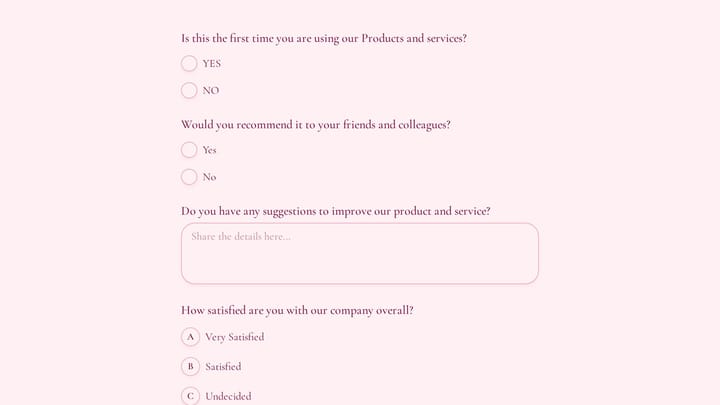
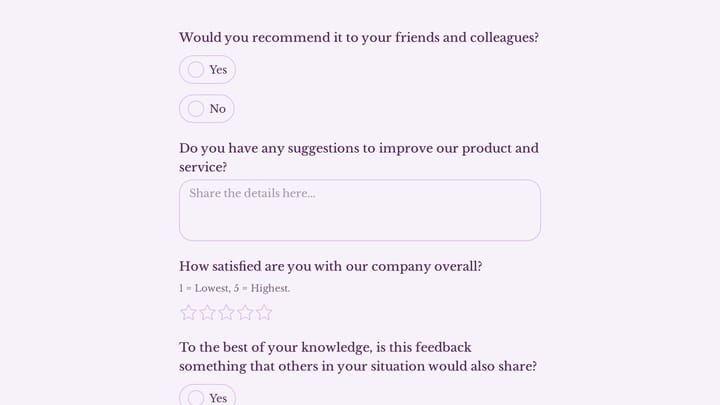
Try this Fomr customer feedback survey form
Try the recommendation, improvement, and satisfaction questions in this Fomr feedback survey. It shows how to collect responses, without automated research analysis or scoring.
2. Survicate: best overall for mid-sized teams
Survicate is the strongest all-channel pick on this list. It runs in-app surveys, website widgets, email surveys, and link surveys from one place, with native NPS, CSAT, and CES scoring and solid targeting rules for who sees what and when.
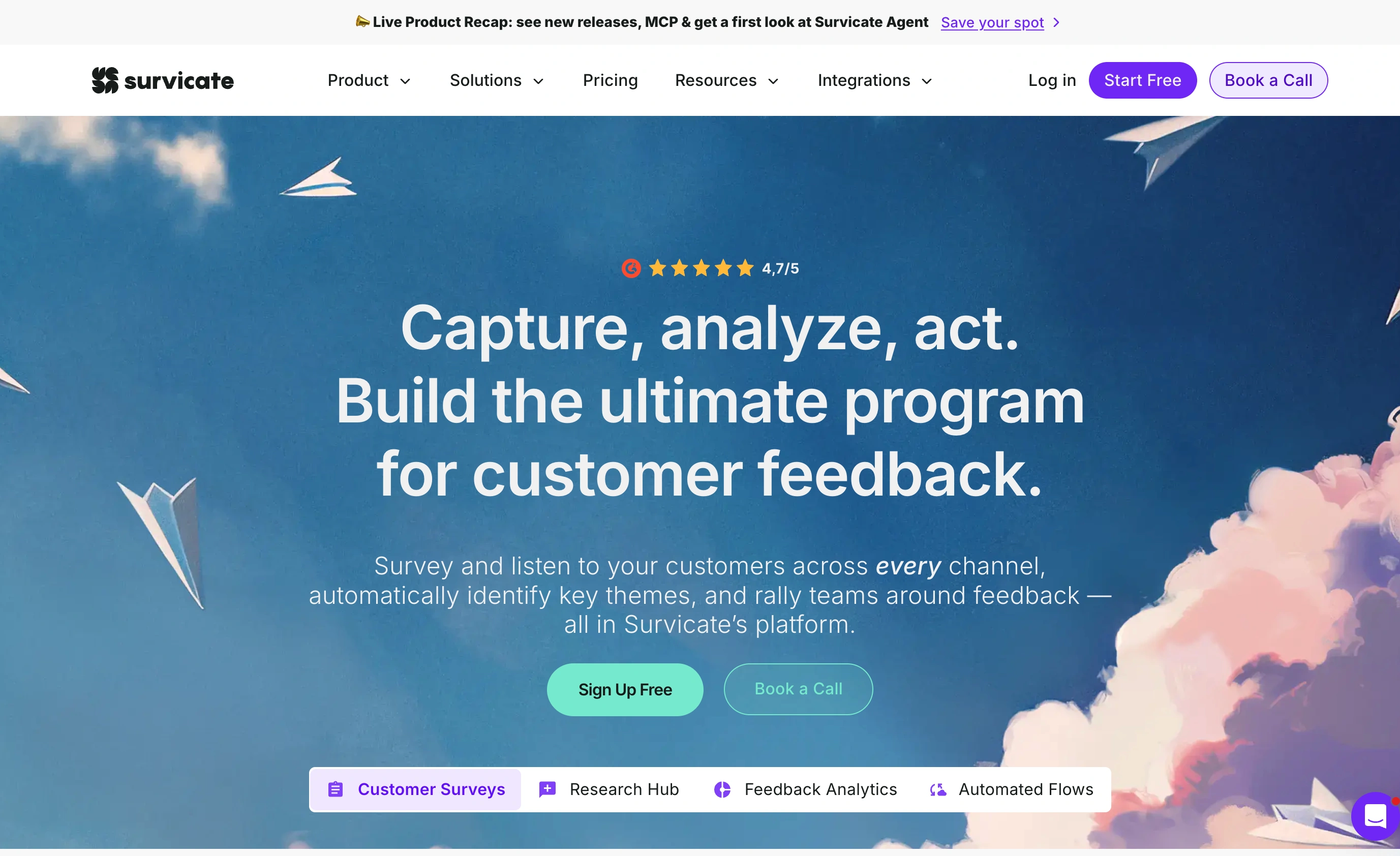
The catch is cost relative to volume. The Growth plan is $114/month billed annually and includes up to 500 responses a month, with overage fees past that. Pro jumps to $349/month for 1,500 responses. There’s no permanent free plan, just a 10-day trial capped at 25 responses, which is tight for actually evaluating a feedback tool.
Pricing: From $114/month (annual) for 500 responses/month.
Honest limitation: 500 responses a month is easy to blow through once surveys run in-app, and the overage charges are where the bill surprises you.
3. Refiner: best in-app NPS for SaaS
Refiner is NPS software with one focus: microsurveys inside SaaS products. Targeting is built around product events and user traits, so you can ask for a score two weeks after activation rather than blasting everyone at once. NPS, CSAT, and CES scoring are native, and pricing is based on monthly active users rather than responses, so survey responses themselves are unlimited on paid plans.
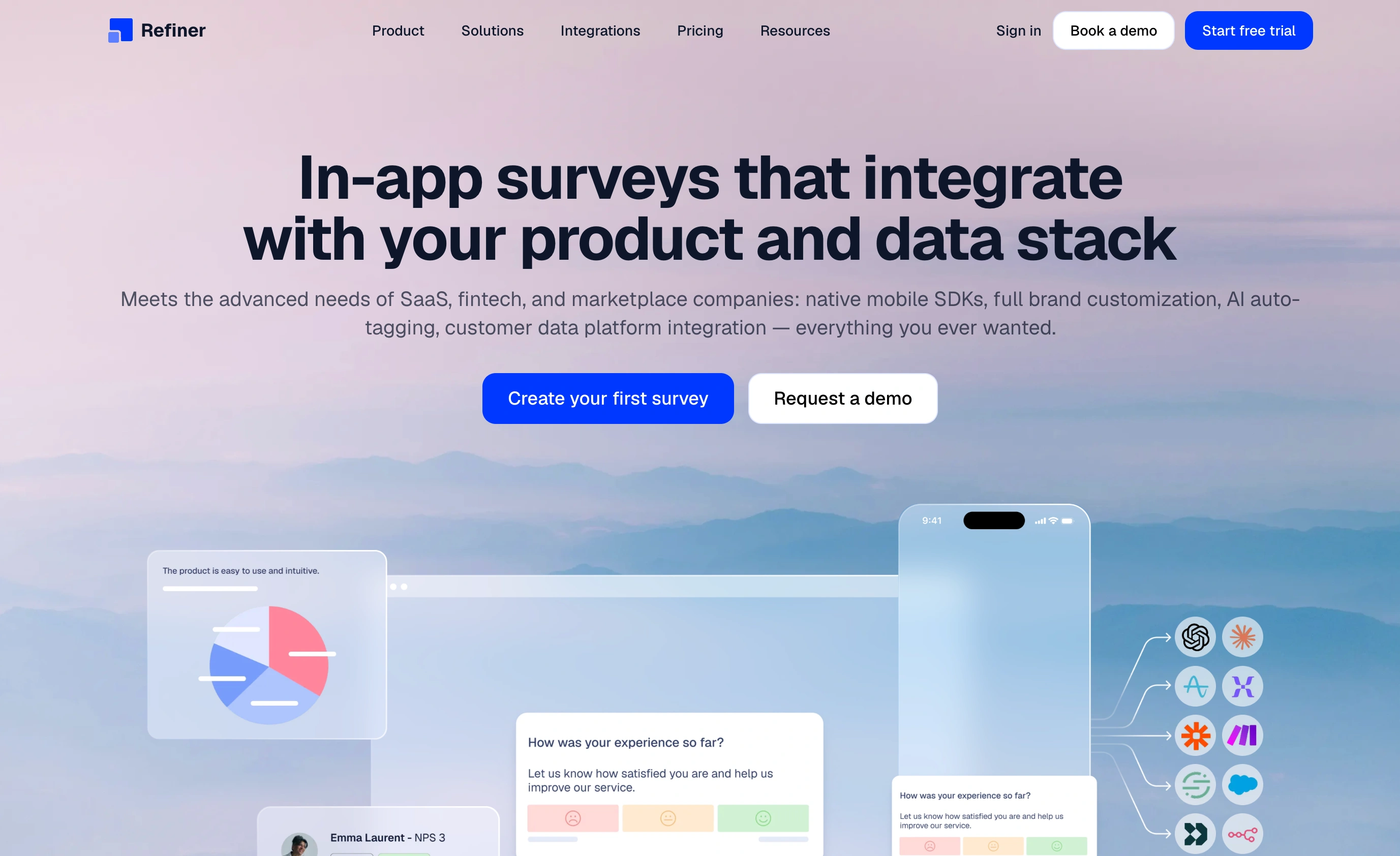
Plans start at $99/month for the Essentials tier and scale with your MAU count. There’s a 30-day trial, and lapsed accounts drop to a free tier capped at 25 responses a month, which works as a permanent toe-hold for tiny products.
Pricing: From $99/month, priced by monthly active users, unlimited responses.
Honest limitation: It’s in-app or nothing. If half your feedback comes from email or a helpdesk, Refiner covers half your problem.
4. Nicereply: best post-ticket CSAT for support teams
Nicereply lives inside your helpdesk. Ratings sit in the agent’s email signature or fire after a ticket resolves, and results map back to agents and teams so support leads can actually coach from the data. CSAT, CES, and NPS are all included on every plan, scored natively.
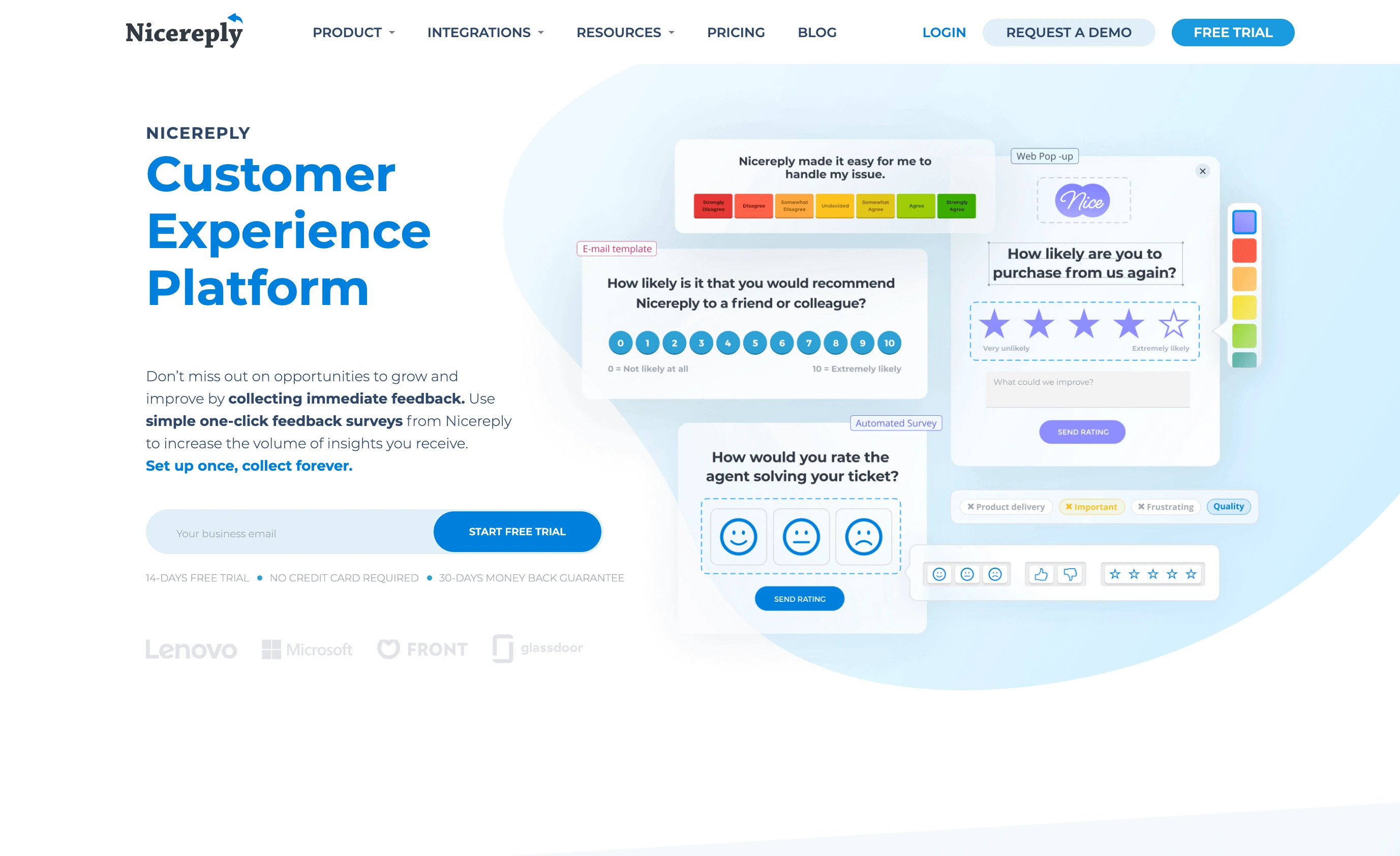
The Starter plan is $59/month billed annually ($79 monthly) and includes 100 responses a month and 3 users. That response cap is the number to watch: a busy support inbox can hit it fast, and the next tier is $119/month for 250 responses.
Pricing: From $59/month (annual) for 100 responses/month and 3 users.
Honest limitation: Response caps are low for the price, and outside the helpdesk context it’s the wrong tool entirely.
5. SurveyMonkey: best for high-volume email surveys
SurveyMonkey remains the default for teams that send a lot of surveys by email and need serious volume. The Team Advantage plan at $30 per user/month (billed annually, 3-user minimum) includes 50,000 responses a year shared across the team, which makes the per-response cost far lower than anything else on this list. Its built-in NPS question type calculates your score automatically.
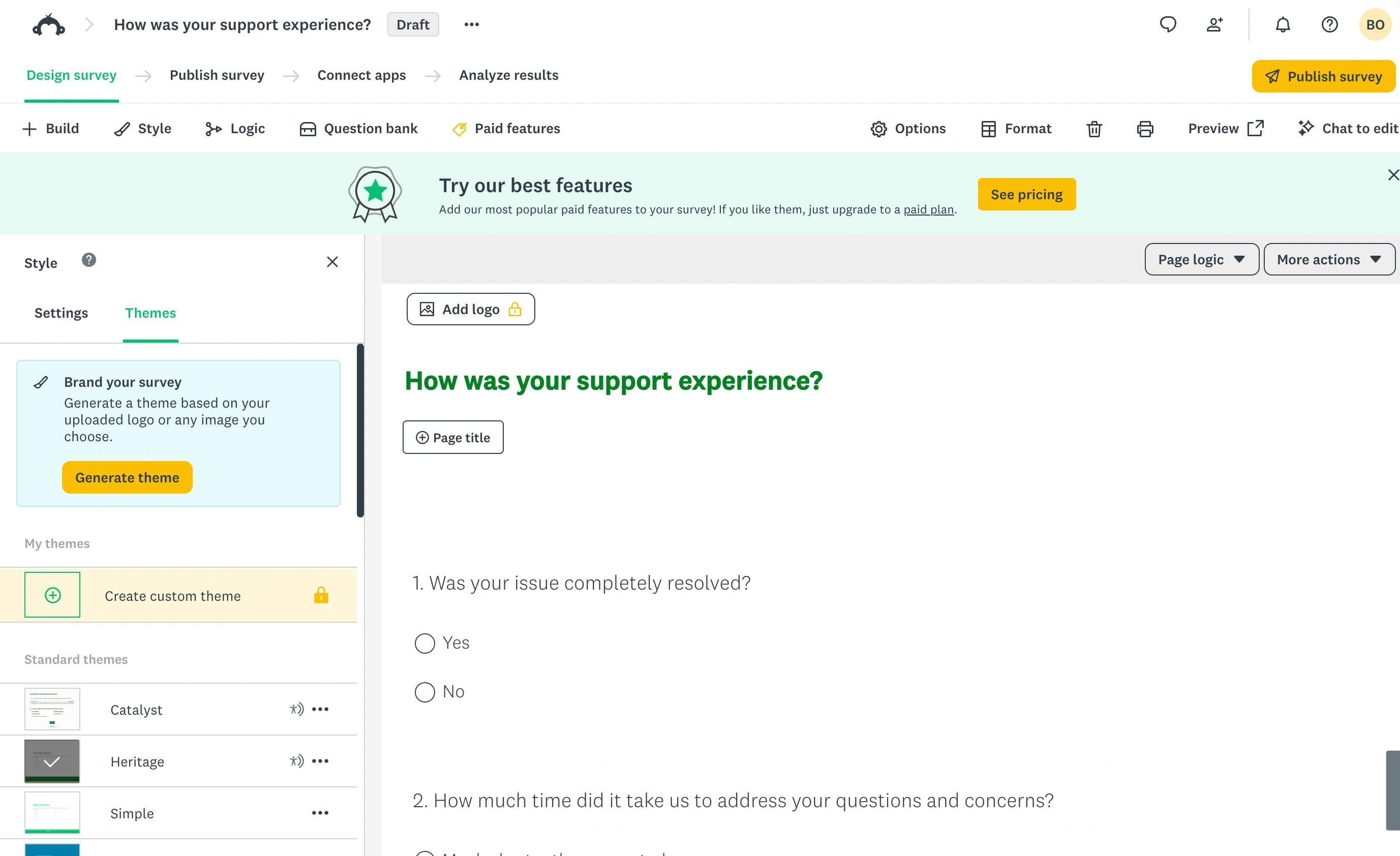
The trade-offs are the ones it’s had for years: the free plan is nearly unusable (10 questions per survey with a hard cap on viewable responses), design flexibility is limited, and the 3-seat minimum means real entry cost is about $90/month even if one person does all the work.
Pricing: Team Advantage at $30/user/month (annual, minimum 3 users), 50,000 responses/year.
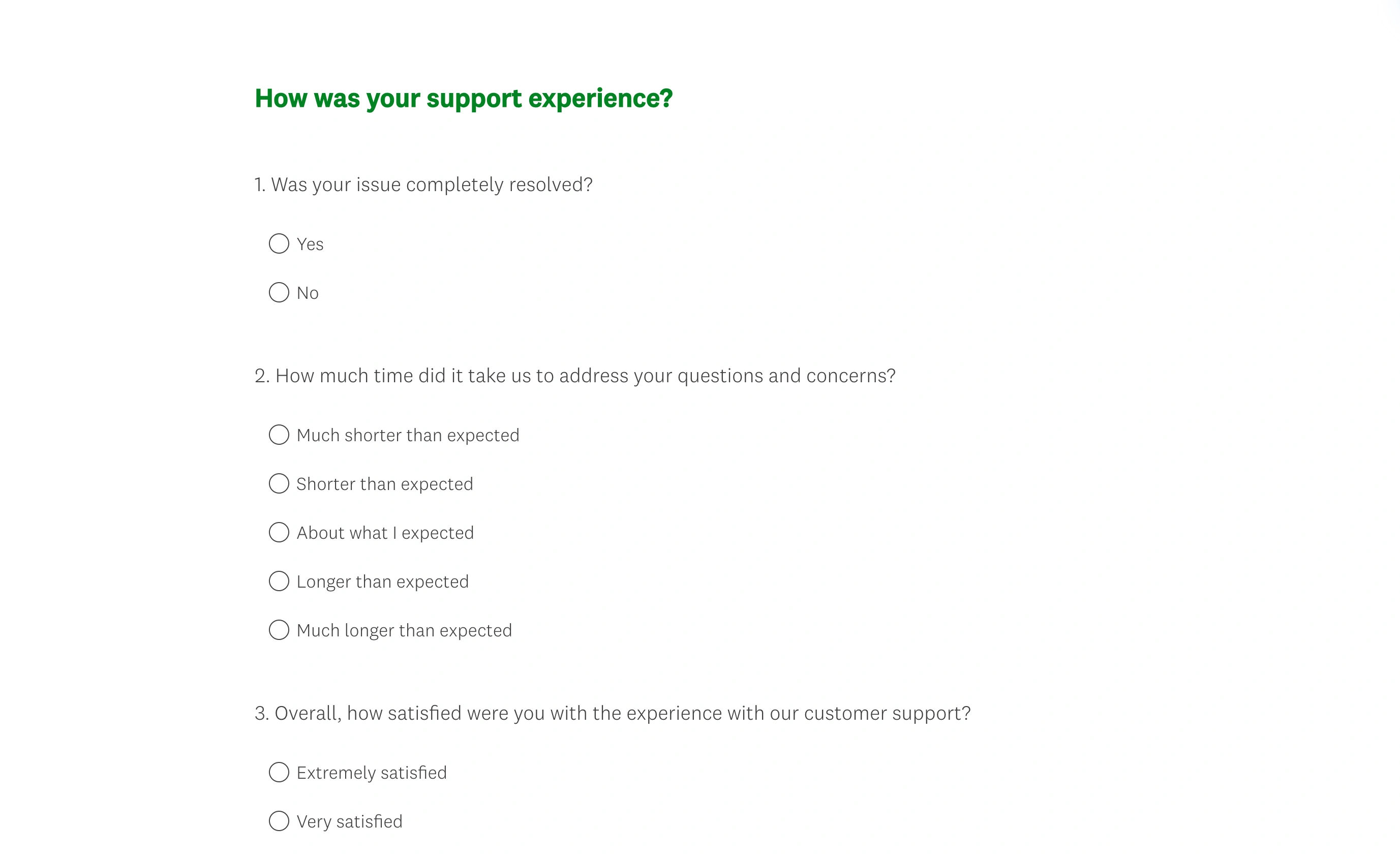
Honest limitation: Nothing here triggers in-app, and per-seat pricing punishes small teams. We’ve written a fuller breakdown in our SurveyMonkey alternatives guide.
6. Typeform: best-looking link surveys
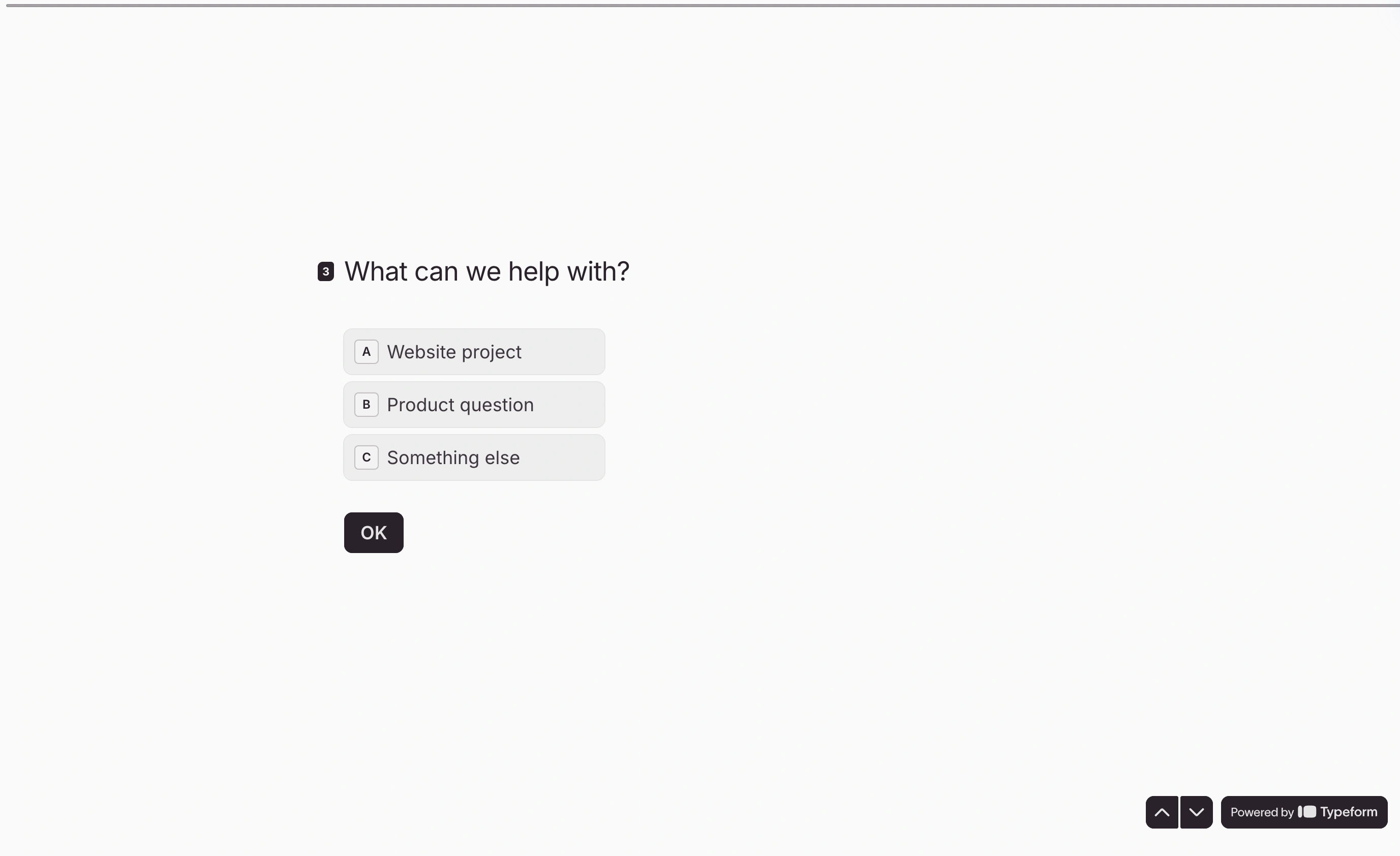
Typeform’s one-question-at-a-time format still gets strong completion rates for link-distributed surveys, and the polish is real. For a feedback survey you’re proud to put in front of customers, it delivers.
As csat software specifically, though, it’s thin. There’s no native NPS or CSAT dashboard; you collect answers and compute scores yourself or wire up integrations. And the pricing turned hostile to small users this year: the free plan now allows 10 responses a month total, and the Basic plan is $28/month (billed annually) for just 100 responses.
Pricing: Free for 10 responses/month; Basic at $28/month (annual) for 100 responses/month.
Honest limitation: You’re paying survey-platform prices for a form builder that doesn’t score your feedback metrics.
7. Qualtrics: best for enterprise feedback programs
Qualtrics is where Delighted’s users were sent, and to be fair, it’s a genuinely powerful destination. Full voice-of-customer programs, in-app and email capture, text analytics, dashboards, and every metric scored natively. Large organizations running feedback across departments will find nothing missing.
But there’s no public pricing at all. Everything is quote-based, and verified contract data puts typical deals in the tens of thousands of dollars per year. Procurement takes weeks, not minutes. If you came from Delighted’s simple monthly plans, this is a different universe.
Pricing: Quote only. Budget five figures annually.
Honest limitation: Massive overkill below the enterprise level, and you can’t even see a price without talking to sales.
Customer feedback software compared side by side
| Tool | Capture channels | Native NPS/CSAT scoring | Free plan | Paid starts at |
|---|---|---|---|---|
| Fomr | Link, QR, embed | No (free calculators) | Unlimited responses | $34/mo monthly or $24/mo yearly |
| Survicate | In-app, email, link | Yes | Trial only (10 days) | $114/mo |
| Refiner | In-app | Yes | 25 responses/mo | $99/mo |
| Nicereply | Post-ticket | Yes | Trial only (14 days) | $59/mo |
| SurveyMonkey | Email, link | Yes (NPS question) | 10 questions/survey | $30/user/mo, 3 seats |
| Typeform | Link, embed | No | 10 responses/mo | $28/mo annual |
| Qualtrics | In-app, email, link | Yes | No | Quote only |
Prices are annual-billing rates checked August 2026.
What switching actually costs
Budget for three things beyond the subscription:
- History doesn’t move. Most of these tools export responses to CSV, but your trend line restarts in the new tool. Export everything before your old subscription lapses, and keep the raw file, since scores can be recomputed but lost responses can’t.
- Triggers get rebuilt by hand. In-app targeting rules and send cadences don’t transfer between platforms. If you had Delighted sending quarterly NPS to segmented lists, expect a half day rebuilding that logic in Survicate or Qualtrics.
- Benchmarks need a footnote. Survey wording and channel affect scores. Bain’s research on NPS is clear that consistency matters more than the absolute number, so mark the switch date in your reporting and compare like with like afterward.
The verdict
The best customer feedback tools sort cleanly by capture channel and volume:
- In-app for SaaS: Refiner if that’s your only channel, Survicate if you also need email and link surveys
- Post-ticket support ratings: Nicereply
- High-volume email surveys: SurveyMonkey
- Enterprise-wide programs: Qualtrics, with budget to match
- Link and QR feedback on a budget of zero: Fomr
If the link channel covers you, and for a lot of small teams it honestly does, you can have a branded feedback survey live in about ten minutes without spending anything. Open the Fomr editor, build your survey without even signing up, and run the results through our NPS calculator when the responses come in. Our guide on running an NPS survey walks through the timing and question wording that keep the data honest.