If you’re comparing SurveyMonkey vs Microsoft Forms, you’re almost certainly already paying for Microsoft 365. Forms is sitting in your app launcher at no extra cost, and someone is asking whether SurveyMonkey deserves a second line on the software budget.
That’s the question we’ll actually answer. Not “which tool is better” in the abstract, but: what does SurveyMonkey do that justifies paying for it on top of a license you already own, and in which cases does it justify nothing at all?
Quick orientation: Microsoft Forms is the survey and quiz tool bundled into Microsoft 365, built for speed and Excel-native results. SurveyMonkey is a dedicated survey platform built for people whose job involves analyzing survey data, with the pricing to match.
The short answer
Stay with Microsoft Forms if your surveys are internal, short, and the analysis step is “read the summary charts and maybe open Excel.” That covers most workplace surveys, and paying for SurveyMonkey to do it is money spent on unused menus.
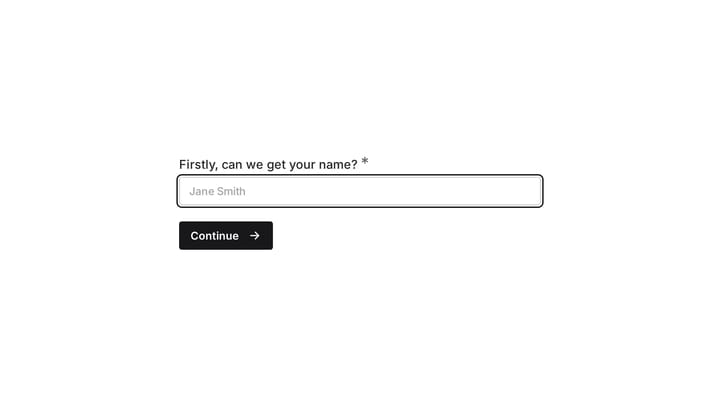
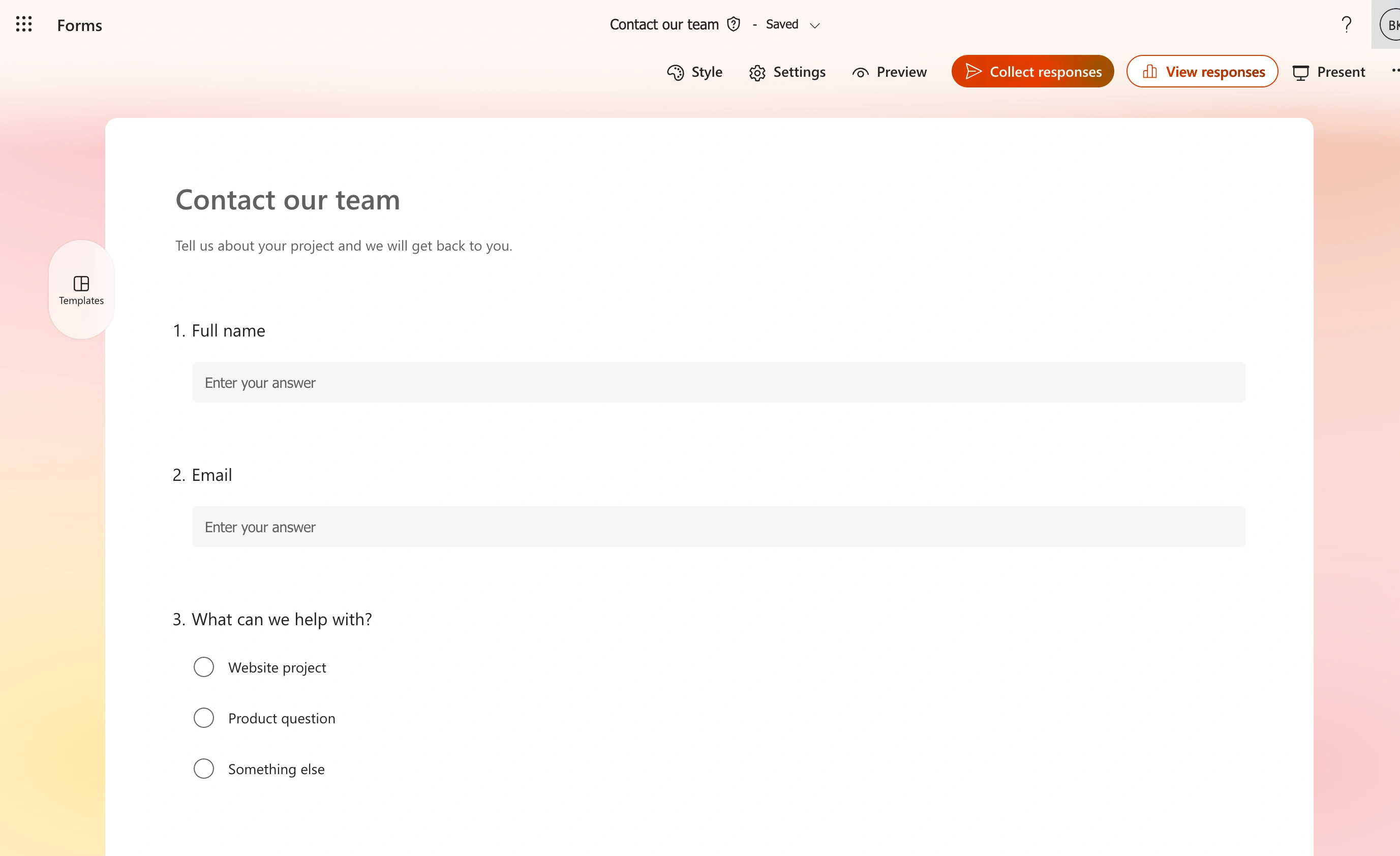
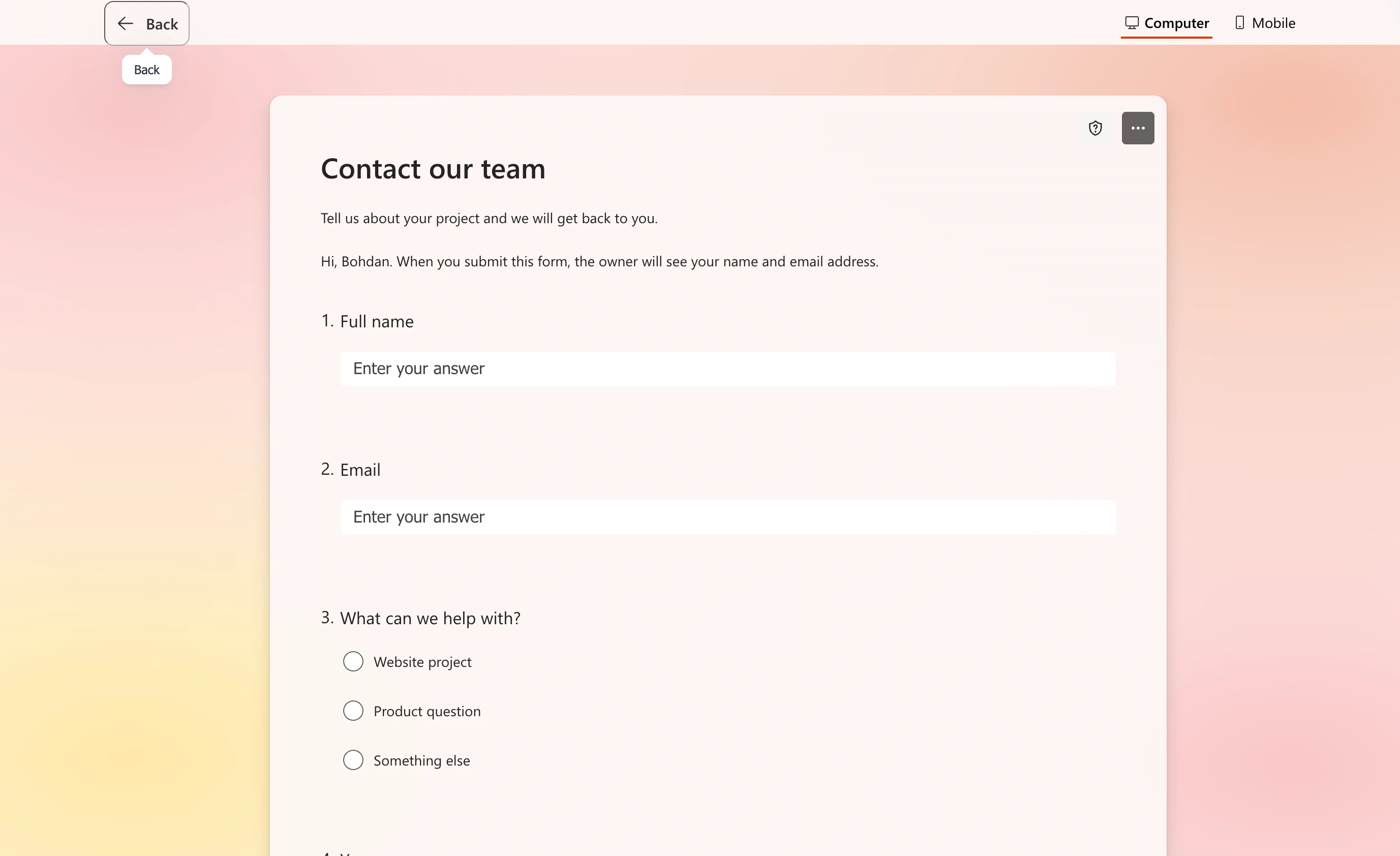
For the sample contact form, we added name, email, topic, and message questions. The editor keeps these in a vertical sequence, making the order easy to review before opening the respondent preview.
Pay for SurveyMonkey if you run surveys where methodology matters: customer research with quotas and randomization, segmented analysis with crosstabs, benchmarked NPS programs, or anything where you’d otherwise export to Excel and spend a day rebuilding pivot tables. Those are the features Forms genuinely doesn’t have.
Now the evidence.
What Microsoft Forms gives you for free (sort of)
“Free” means bundled. On a work or school Microsoft 365 account, Forms includes up to 400 forms per account and up to 5,000,000 responses per form, per Microsoft’s own limits documentation. Each form takes up to 200 questions. Past 50,000 responses some viewing features like summary charts degrade, but the collection itself keeps going.
For a bundled tool, that response ceiling is absurdly generous. SurveyMonkey meters responses on every plan; Forms effectively doesn’t.
The rest of the package: choice, text, rating, date, ranking, Likert, and NPS question types, basic branching (jump to a question or section based on an answer), live sync to Excel, quiz mode with auto-grading, and native polls inside Teams meetings. Results show up as decent summary charts in real time.
One caveat if you’re not on a work account: a free personal Microsoft account caps you at 200 responses per form, and a Microsoft 365 Personal subscription at 1,000. The generous limits are a work-tenant perk.
What SurveyMonkey charges
SurveyMonkey’s pricing is localized by region, so treat these US figures as the shape of the ladder rather than gospel, and check the page before you commit.
- Basic (free): 10 questions per survey and a small per-survey cap on responses you can view. It exists to show you the paywall.
- Standard Monthly: $99/month, 1,000 responses per month. The only plan without an annual commitment, and brutally priced for what it is.
- Advantage Annual: $39/month billed annually, 15,000 responses per year.
- Premier Annual: $139/month billed annually, 40,000 responses per year.
- Team plans: from around $30 per user per month billed annually with a three-seat minimum, sharing 50,000 responses per year (100,000 on Team Premier).
Two pricing behaviors worth knowing before you sign. Responses beyond your plan’s limit trigger per-response overage fees, billed automatically, so a survey that goes unexpectedly well shows up on your invoice. And auto-renewal is on by default. Neither is hidden, but both surprise people.
So the real comparison for one serious user is roughly $468 a year for Advantage against $0 marginal cost for Forms. That number needs to buy something concrete.
What the SurveyMonkey money actually buys
This is the honest core of the SurveyMonkey vs Microsoft Forms decision. Here’s what exists on one side and not the other.
Analysis you can’t do in Forms
Forms gives you summary charts and an Excel export, full stop. There’s no way to compare segments inside the tool: if you want to know how managers answered question 8 versus individual contributors, you’re building pivot tables yourself.
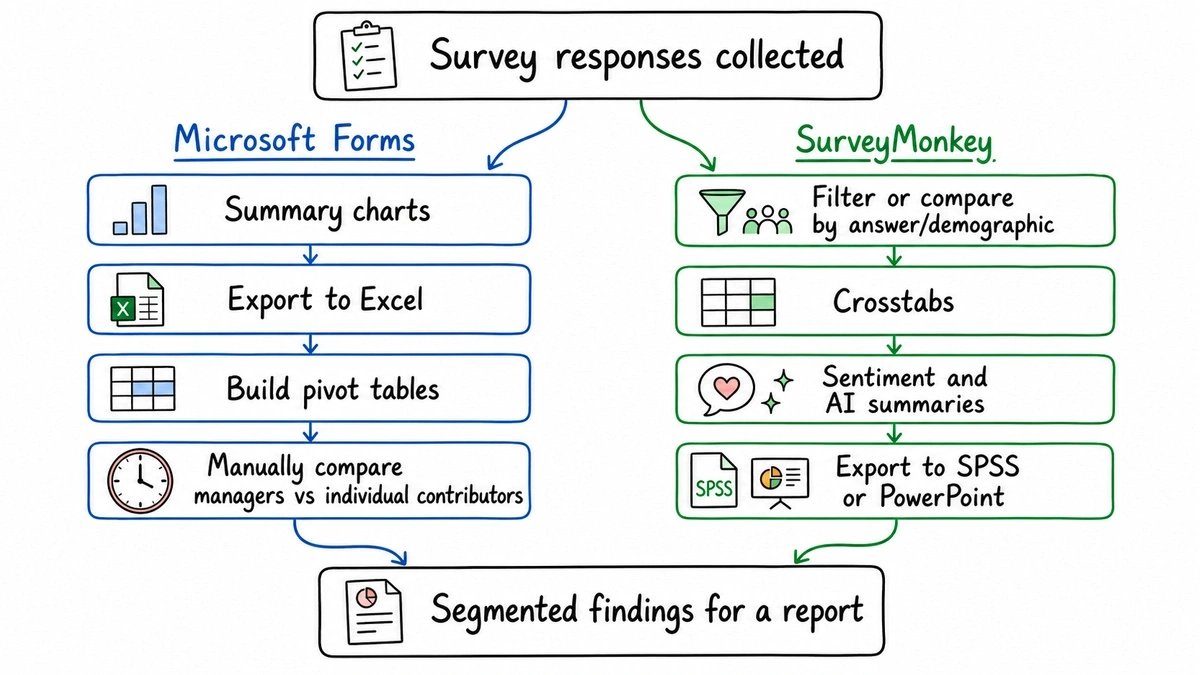
SurveyMonkey does that natively. Filtering and comparing by answer or demographic on paid plans, proper crosstab reports on Premier and Team Premier tiers, sentiment analysis on open-text answers, and an AI summary layer across results. It also exports to SPSS and PowerPoint, which matters if your results feed a research workflow or a board deck.
If your quarterly employee survey ends with someone spending two days slicing Excel, Advantage pays for itself in one cycle. That’s the cleanest justification for the second bill we know of.
Methodology controls
Forms’ branching is fine for “if No, skip to the end.” It won’t do question randomization to control order bias, response quotas that close a segment when it’s full, answer piping, or A/B testing question wording. SurveyMonkey does all of this on its upper tiers, and its question bank ships with methodologist-written questions and industry benchmarks, so you can see your NPS against your sector rather than in a vacuum.
For a pulse check, none of this matters. For research you’ll defend to a client or an executive team, it does.
Respondent reach
SurveyMonkey Audience lets you buy responses from a recruited panel, targeted by demographics. When you need 400 answers from US homeowners rather than whoever’s in your address book, Forms has no equivalent at any price.
Where Microsoft Forms wins outright
Not “holds its own.” Wins.
- Response volume economics. Millions of responses per form at no marginal cost against metered plans with paid overages. Any high-volume, low-analysis use case (event check-ins, standing feedback links, big internal polls) is a Forms use case.
- Speed inside Microsoft 365. Results live-sync to Excel, polls launch inside Teams, sign-in and permissions are your existing tenant. There’s no procurement, no vendor review, no new logins.
- Quizzes. Auto-graded quizzes with point values are built in. SurveyMonkey can score things, but Forms’ quiz mode is purpose-built and teachers’ muscle memory proves it.
- Data governance. Responses stay inside your Microsoft tenant under policies your IT team already audited. For some compliance teams that alone ends the conversation.
Anonymous and external respondents
Both handle outsiders, with different levers. In Forms, a work account can flip a form to “anyone with the link can respond,” which drops the sign-in requirement and collects anonymously; the trade-off is that file upload questions stop being available, since those require an org sign-in. Keeping it org-only records who responded (optionally) and unlocks uploads.
The respondent preview strips away the editing controls and presents our name, email, topic, and message questions in order. It is worth checking this view with the audience you intend to invite, especially when using an organization account.
SurveyMonkey treats external collection as the default: web links, email collectors, QR codes, embedded surveys, with per-collector controls over anonymity, multiple responses, and cutoff dates. Multilingual surveys on higher tiers are a real advantage if you’re surveying across countries, since Forms’ multi-language story is essentially “make two forms.”
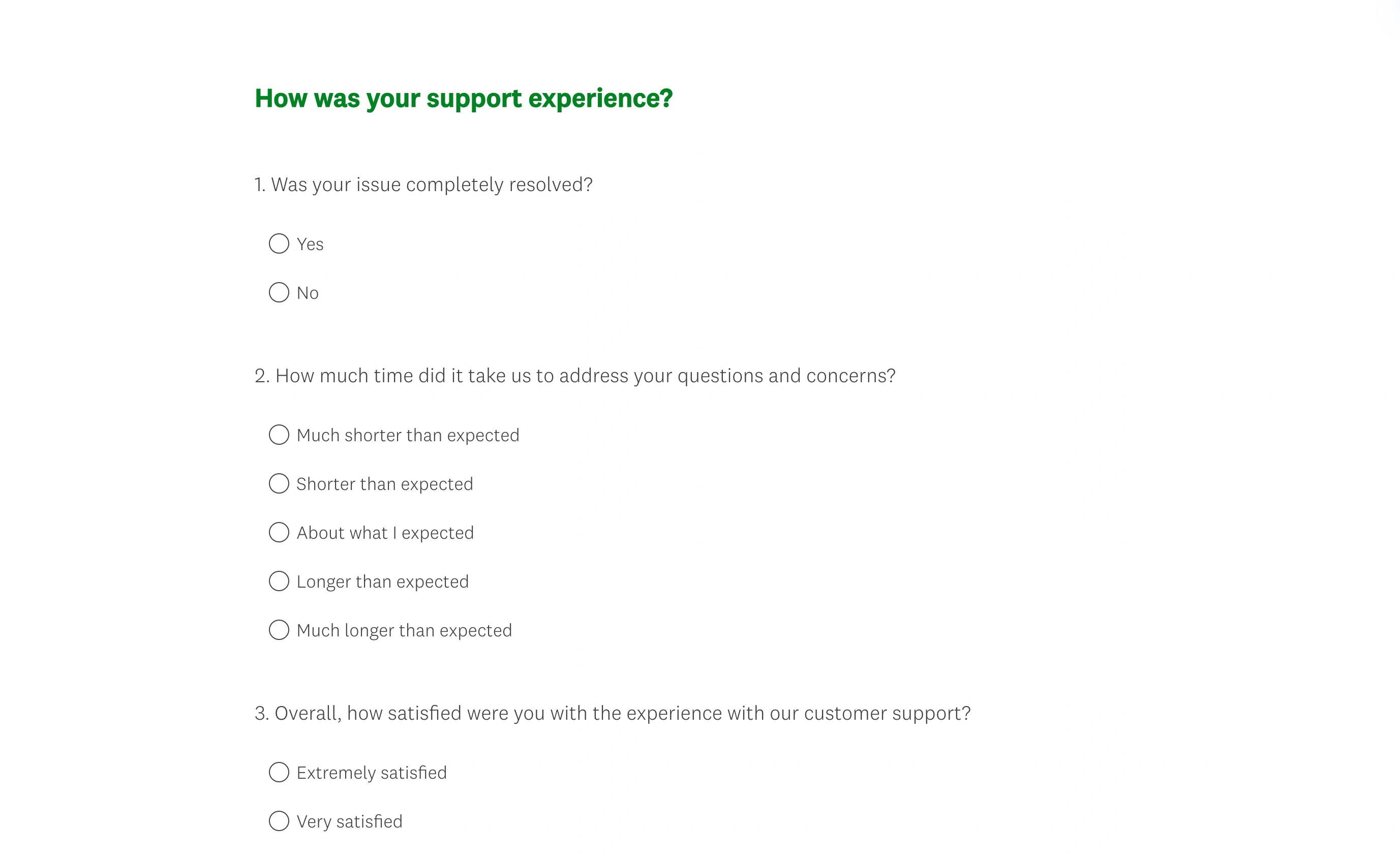
Neither tool will embarrass you here. SurveyMonkey gives you more instrumentation; Forms gives you fewer decisions.
SurveyMonkey vs Microsoft Forms at a glance
| Microsoft Forms | SurveyMonkey | |
|---|---|---|
| Price | Bundled with Microsoft 365 | Free tier (10 questions); paid from $39/mo billed annually, $99/mo monthly |
| Response limits | Up to 5M per form (work accounts) | Metered per plan: 15,000/yr on Advantage, 1,000/mo on Standard Monthly, paid overages |
| Question types | 7 core types incl. NPS, Likert, ranking | 25+ types on paid plans |
| Logic | Basic branching | Advanced skip logic, piping, quotas, randomization (upper tiers) |
| Analysis | Summary charts, Excel export | Filters, compare rules, crosstabs, sentiment, benchmarks, SPSS/PPT export |
| Quizzes | Auto-graded, built in | Not its focus |
| Buying respondents | No | Audience panel |
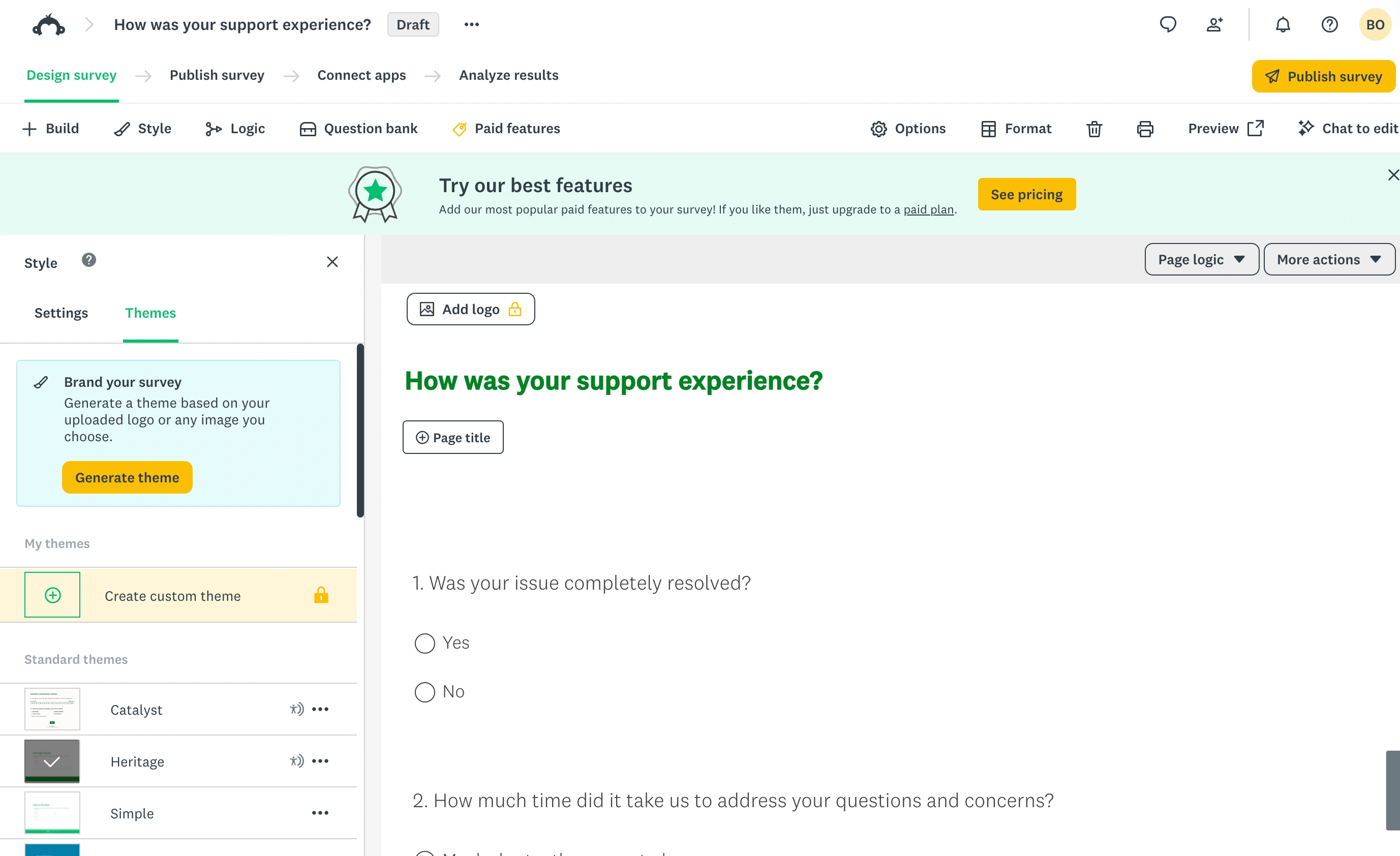
| Design control | Minimal themes | Moderate, better on paid tiers |
| Runs inside Teams/Excel | Natively | Via integrations |
Verdicts by situation
You run internal pulse checks, event registrations, or quizzes. Microsoft Forms, no contest. The 5-million-response ceiling and zero marginal cost make SurveyMonkey’s meter look silly here. Save the budget.
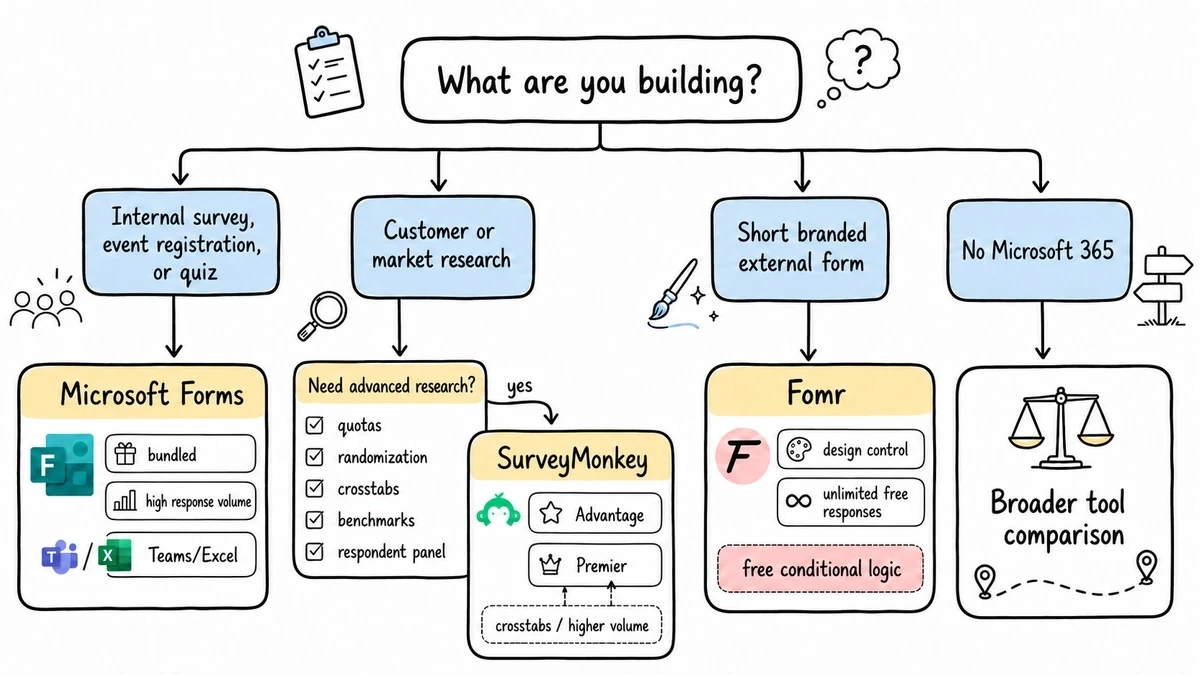
You run customer or market research with real methodology needs. SurveyMonkey Advantage or Premier. Crosstabs, quotas, benchmarks, and panel access are the point, and Forms has no path to them. The $468/year Advantage plan is the sensible entry; jump to Premier only when you concretely need crosstabs or its higher response pool.
You mostly need short, branded, external-facing forms. Signups, feedback, registrations, lead capture — this middle ground is where both tools are awkward. Forms looks unmistakably like a Microsoft product on your domain, and SurveyMonkey is research-grade billing for non-research work. It’s also where we’d put Fomr forward: unlimited forms and responses free, real design control (1,700+ fonts, your colors, your logo), conditional logic on every plan, and sharing via link, embed, popup, or QR code. We’ll be equally honest about the fit: for research surveys we’re the wrong tool. For short branded forms, we’re the cheap and better-looking one. Our SurveyMonkey and Microsoft Forms alternative pages break down both matchups.
Give it a try
Try this Fomr customer feedback survey form
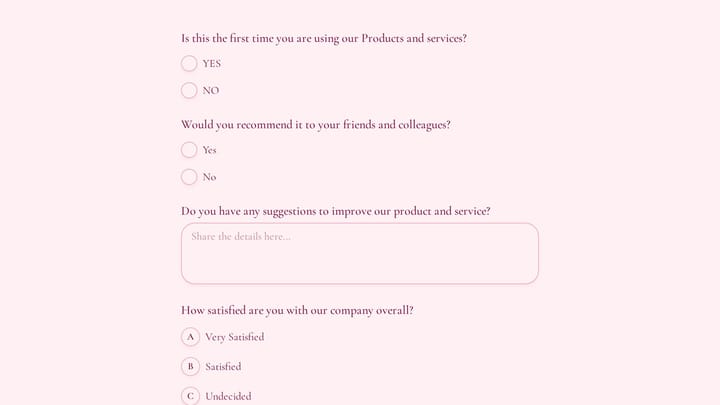
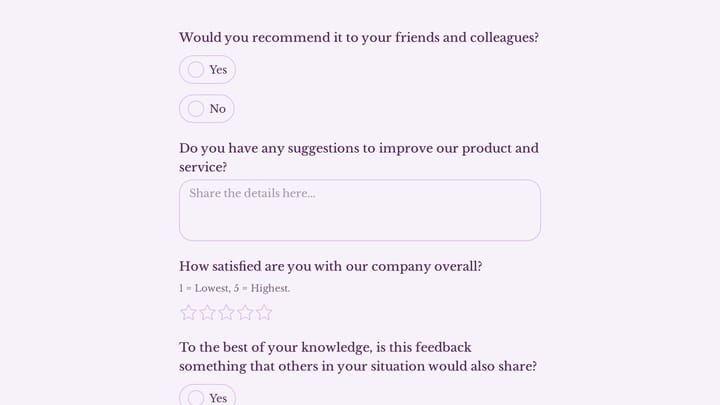
Try the recommendation, improvement, and satisfaction questions in this Fomr feedback survey. It shows how to collect responses, without automated research analysis or scoring.

You’re a small team without Microsoft 365 at all. Then this comparison isn’t really yours; start with our roundup of survey tools for small teams instead.
The bottom line
The second bill is justified by analysis and methodology, nothing else. If nobody on your team has ever wished for crosstabs, quotas, or a respondent panel, Microsoft Forms already covers you and SurveyMonkey would be shelfware with an auto-renewing invoice.
And if what you actually need is a form that looks like your brand rather than a research instrument, try building it in our guest editor. No account needed, and you’ll have a working, designed form before a SurveyMonkey trial finishes asking about your use case.