The SurveyMonkey vs Qualtrics decision looks like a product comparison, but it’s really a procurement comparison. One tool you can buy this afternoon with a credit card. The other requires a sales call, a quote, and typically a five-figure annual contract.
That difference isn’t a detail. It tells you what each product actually is. SurveyMonkey is a self-serve survey tool built for teams that need good surveys at scale. Qualtrics is a research and experience-management platform built for organizations that employ people with “insights” or “CX” in their job titles.
So the deciding question is not “which has more features” (Qualtrics does, easily). It’s whether you need a research platform with panels, quotas, and advanced analysis, or whether you need to send solid surveys to a lot of people without a procurement cycle.
We build a form tool ourselves, so we’re a bystander with a bias in this fight, and we’ll flag the one narrow spot where Fomr is relevant. Everything else here is the two finalists on equal criteria.
What each one is
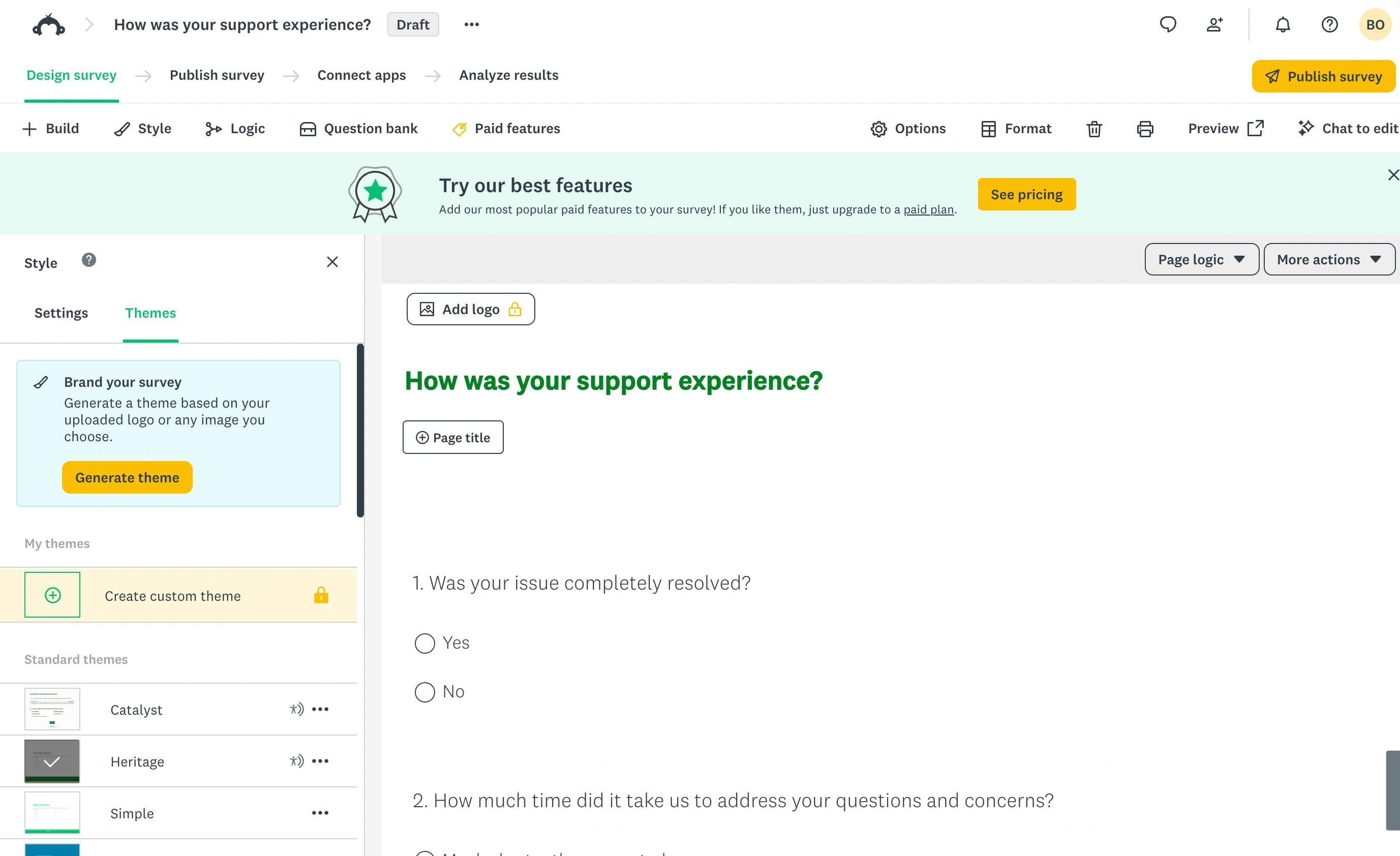
SurveyMonkey has been the default mid-market survey tool for two decades. You sign up, pick a plan, and send surveys the same day. It handles NPS with a built-in question type that scores itself, offers benchmarks, and sells access to its own respondent panel (SurveyMonkey Audience) when you need answers from people outside your lists.
Qualtrics started as an academic research platform and grew into an enterprise suite covering customer experience, employee experience, and market research. It absorbed Delighted, its simple NPS product, in 2025, and now points everyone at the main platform. Surveys are one component; the product’s real substance is research design, statistical analysis, and organization-wide dashboards.
SurveyMonkey vs Qualtrics pricing
This is where the two stop being comparable products.
SurveyMonkey publishes its prices. As of August 2026, individual plans run from $32/month (Advantage, billed annually) to $99/month (Premier, billed annually), with a month-to-month Standard option at $39/month. Team plans are per-seat with a 3-user minimum: Team Advantage at $30 per user/month includes 50,000 responses a year shared across the team, and Team Premier at $92 per user/month includes 100,000. Go over the cap and extra responses bill at $0.15 each. An Enterprise tier with SSO and custom limits is quote-based.
The free plan barely counts: 10 questions per survey and a hard cap on the responses you can view. Treat it as a demo.
Qualtrics publishes no prices at all. Every contract is negotiated on seats, response volume, and which modules you license. Verified contract data collected by procurement platforms puts the median Qualtrics deal around $30,000 a year, with deals ranging from roughly $7,000 to well past $100,000 for full CX programs. There’s a free academic-flavored tier for tiny personal projects, but no self-serve paid plan.
The frustrating part of quote-based pricing isn’t the number, it’s that you can’t predict your bill. Renewal is a negotiation too, and documented cases show sizable increases when customers get moved onto new contract structures. Budget owners should walk in knowing that.
| SurveyMonkey | Qualtrics | |
|---|---|---|
| Pricing model | Public, self-serve | Quote only |
| Entry price (team use) | $90/month (3 seats at $30, annual) | Typically five figures/year |
| Response limits | 50,000/year (Team Advantage), 100,000/year (Team Premier) | Negotiated per contract |
| Overage cost | $0.15 per response | Contract-dependent |
| Time to first survey | Same day | Weeks (sales, quote, onboarding) |
| Advanced research (conjoint, MaxDiff) | No | Yes |
| Statistical analysis | Basic significance testing | Stats iQ, Text iQ, regression, crosstabs |
| Quotas and randomization | Basic, top tiers only | Full quota management, block randomization |
| Respondent panels | SurveyMonkey Audience (pay per response) | Integrated panel management and directories |
| Ease of use | Easy for anyone | Steep learning curve, often needs an admin |
Numbers checked against vendor pages and verified-contract data in August 2026.
Where SurveyMonkey wins
Speed and self-service. You can go from signup to a fielded survey in an hour. No sales call, no implementation project, no admin training. For most survey work (customer feedback, event follow-ups, internal polls, market pulse checks) this is the whole game.
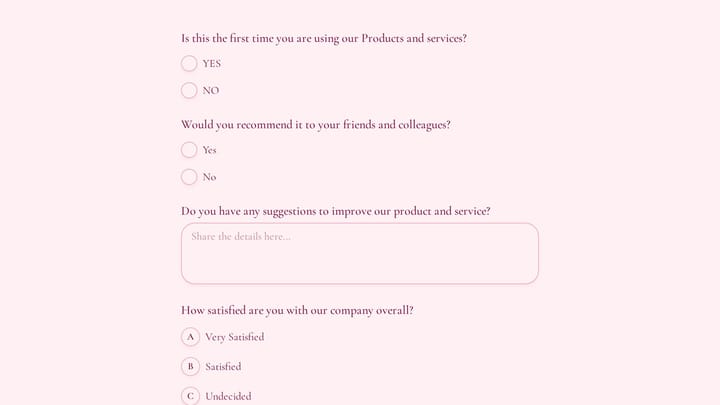
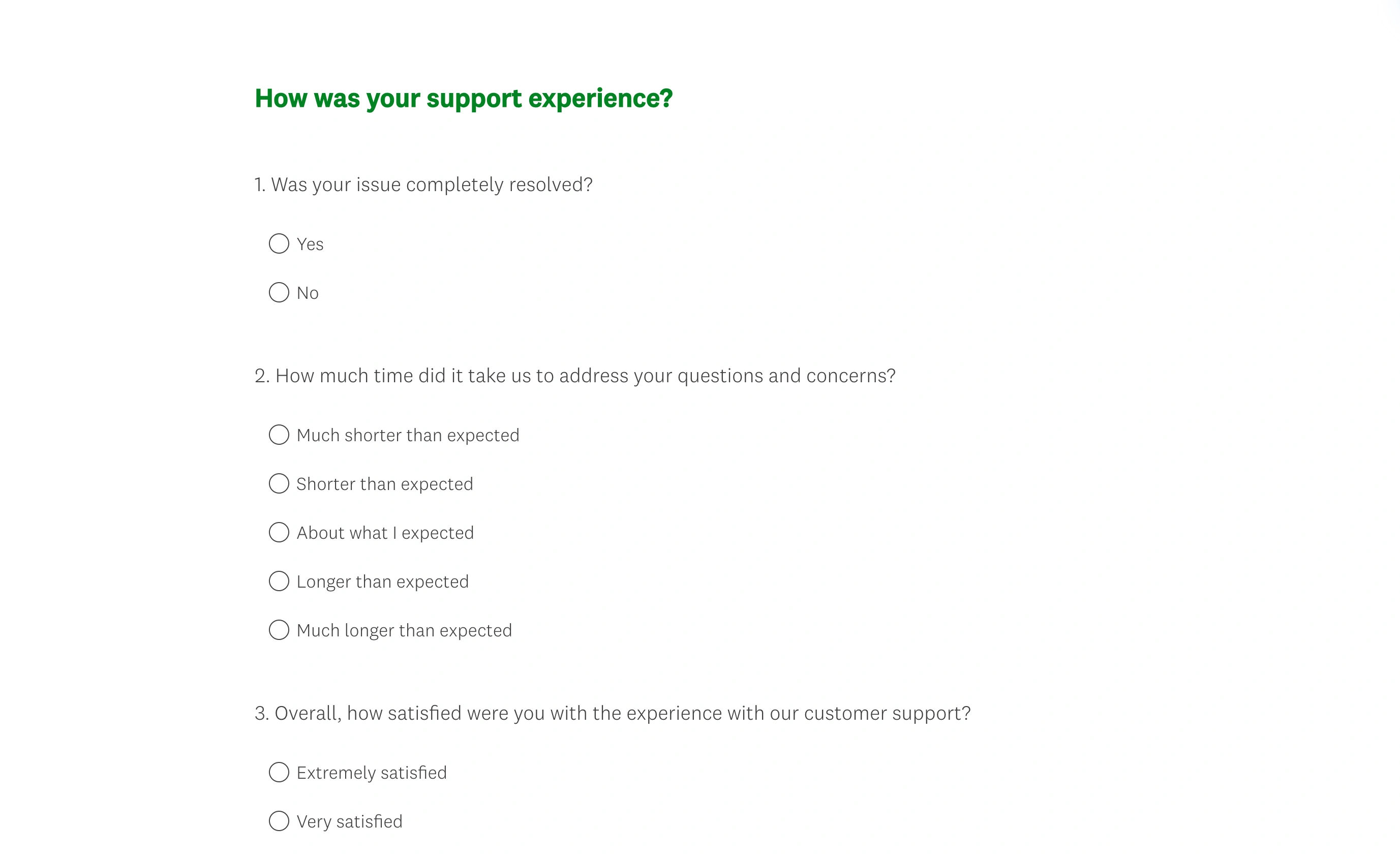
In the respondent preview, the support-feedback questions sit in a conventional survey layout. The editor’s menus disappear, leaving the questions and answer controls that respondents interact with.
Predictable cost. $30 per user/month with a known response cap is a number you can put in a budget. The overage rate is published. Nothing about your bill is a surprise.
Volume for the money. 50,000 responses a year on the cheapest team plan is generous. Teams that mostly need distribution muscle rather than analytical depth get a lot of headroom cheaply.
Anyone can use it. The editor is simple enough that survey creation doesn’t bottleneck on one trained person. Qualtrics deployments commonly do.
Where Qualtrics wins
Research methodology. Conjoint analysis, MaxDiff, full quota management, and block randomization simply don’t exist in SurveyMonkey. If your work involves pricing research, feature trade-off studies, or academic-grade experimental design, SurveyMonkey isn’t a cheaper alternative; it’s not a candidate.
Analysis without exporting. Stats iQ runs regressions and picks appropriate statistical tests inside the platform, and Text iQ codes open-ended responses at scale. SurveyMonkey gives you significance testing and charts, and beyond that you’re exporting to a stats package.
Scale and governance. Role-based permissions, brand libraries, compliance workflows, and dashboards that survive across departments. When 40 teams run surveys under one roof, this structure is the product.
Program depth. Closed-loop follow-up on detractor responses, longitudinal panels, journey-based CX programs. SurveyMonkey can collect the same NPS score, but it has nothing comparable for acting on it organization-wide. Before fielding a study on either platform, by the way, sanity-check your n with a sample size calculator; no amount of platform sophistication rescues an underpowered survey.
Switching from one to the other
Teams do move between these platforms, usually in one direction per company stage: up to Qualtrics when a research function forms, and the reverse Qualtrics vs SurveyMonkey evaluation when a finance review asks what the contract is actually for. Either way, three costs come with the move.
Your data exports, your logic doesn’t. Both platforms export responses to CSV or SPSS formats, so historical answers survive. Survey logic, quotas, embedded data fields, and dashboard configurations all get rebuilt by hand. A complex Qualtrics survey with branching and display logic can take days to reconstruct, and some of it (Stats iQ analyses, Text iQ categories) has no SurveyMonkey equivalent to reconstruct into.
Trend lines break. Even an identically worded NPS question can score differently across platforms because of layout, scale rendering, and email deliverability differences. Annotate the switch date in your reporting and resist comparing pre-move and post-move scores as if nothing changed.
Contract timing matters more with Qualtrics. SurveyMonkey is month-to-month or annual, so leaving is an unsubscribe. Qualtrics contracts are typically annual or multi-year with a notice window for non-renewal. Missing that window means paying for a platform you’ve already left. Check the renewal clause before you plan the migration, not after.
Questions to ask in the Qualtrics sales call
If you do go the Qualtrics route, the quote you get depends heavily on what you ask for, so walk in prepared:
- Which modules are actually in this quote, and what does each cost separately? Bundles hide line items.
- What are the response and seat limits, and what happens when we exceed them mid-contract?
- What does year-two renewal look like in writing? Ask for a cap on increases.
- What implementation and training are included, and what’s billed separately?
- Can we start with CoreXM only and add CX modules later without renegotiating everything?
None of these questions are hostile. They’re the difference between a $25,000 contract that fits and a $60,000 contract with modules nobody opens.
SurveyMonkey vs Qualtrics: the verdict by buyer
You need surveys at scale, not research infrastructure. SurveyMonkey, and it isn’t close. Team Advantage at $90/month for three seats and 50,000 responses does what most feedback and survey programs actually require. Signing a $30,000 Qualtrics contract for this is paying for a research department you don’t have.
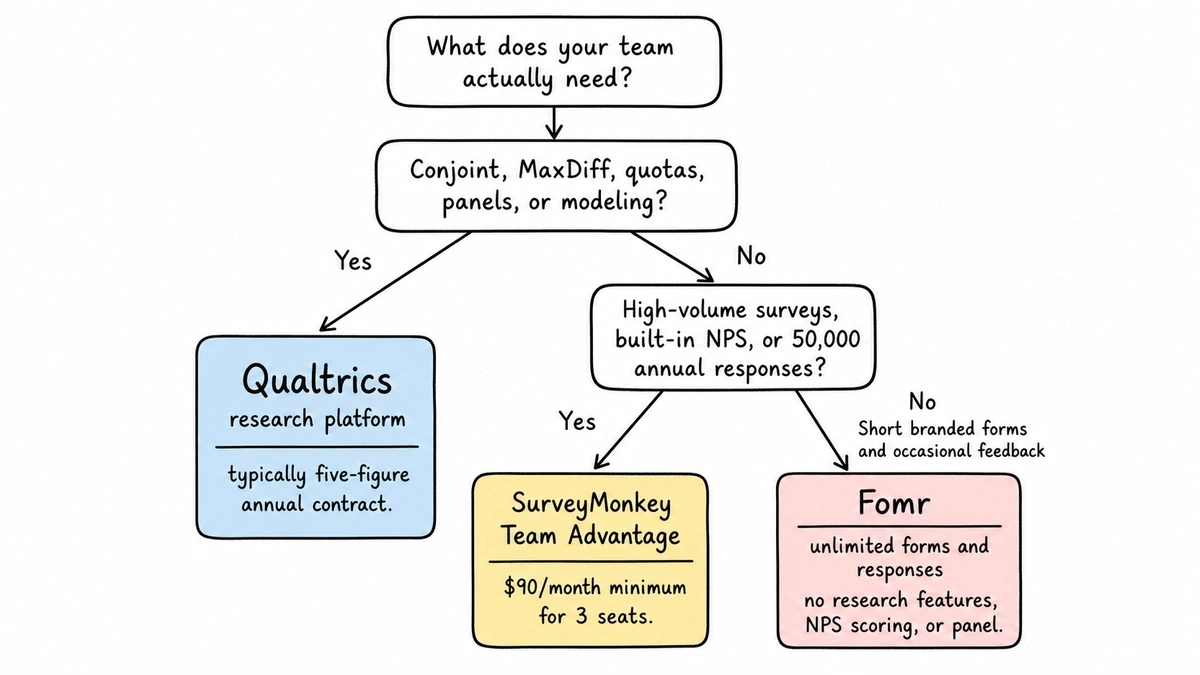
You run real research: conjoint, quotas, panels, statistical modeling. Qualtrics. SurveyMonkey cannot do this work at any price, so the quote-based procurement pain is simply the cost of entry. Get multiple-year pricing in writing before you sign, and ask directly about renewal terms.
You’re a small team that mostly sends short branded forms and occasional feedback surveys. Honestly, you may not need either. This is the one place we’ll mention Fomr: unlimited forms and responses free, with full design control, though it has no research features, no NPS scoring, and no panel, and it isn’t trying to compete in this comparison. Our breakdown of Qualtrics alternatives covers both the research-grade and lighter ends of this market, and if you’re weighing SurveyMonkey against form-first tools, see Typeform vs SurveyMonkey.
Give it a try
Try this Fomr customer retention survey
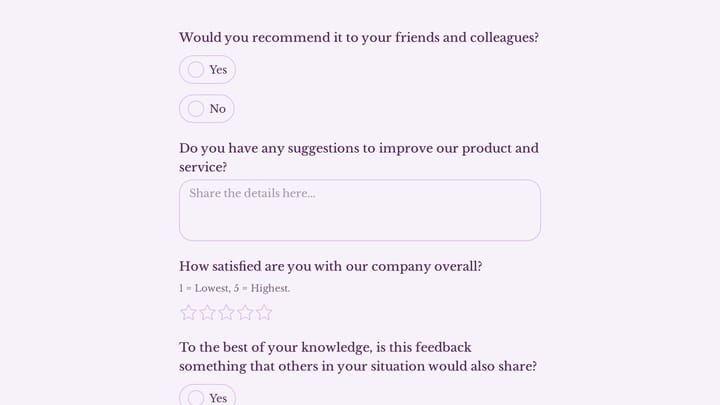
Try the purchase-experience and return-intention questions in this Fomr customer survey. It demonstrates a short feedback flow rather than research analysis or automatic scoring.

You’re mid-market and torn. Start with SurveyMonkey. The failure mode of underbuying here is cheap: you outgrow it and migrate with a CSV export. The failure mode of overbuying Qualtrics is an expensive multi-year contract wrapped around features nobody on your team is trained to use. Upgrade when a specific study demands methods SurveyMonkey lacks, because on that day the Qualtrics quote will finally be buying something real.