Most Typeform vs Microsoft Forms comparisons read like a mismatch on purpose. One tool costs up to $129 a month, the other is bundled into a subscription you already pay for. Feature tables make Typeform look like the obvious winner, and price tables make Microsoft Forms look like the only sane choice.
Both framings miss the question that actually decides it: who is filling in the form? If the respondent is a colleague inside your Microsoft 365 tenant, these tools aren’t even competing, and paying for Typeform is hard to justify. If the respondent is a customer, a lead, or anyone whose first impression of your company is the form itself, the comparison gets interesting fast.
We checked every price and limit below against Typeform’s and Microsoft’s own pages this week, because both changed recently and older comparisons will steer you wrong.
What each tool is
Typeform is a paid, design-led form builder. Forms show one question at a time, animations are smooth, and the whole respondent experience is built to feel like a conversation rather than paperwork. It exists to make forms people finish, and it charges accordingly.
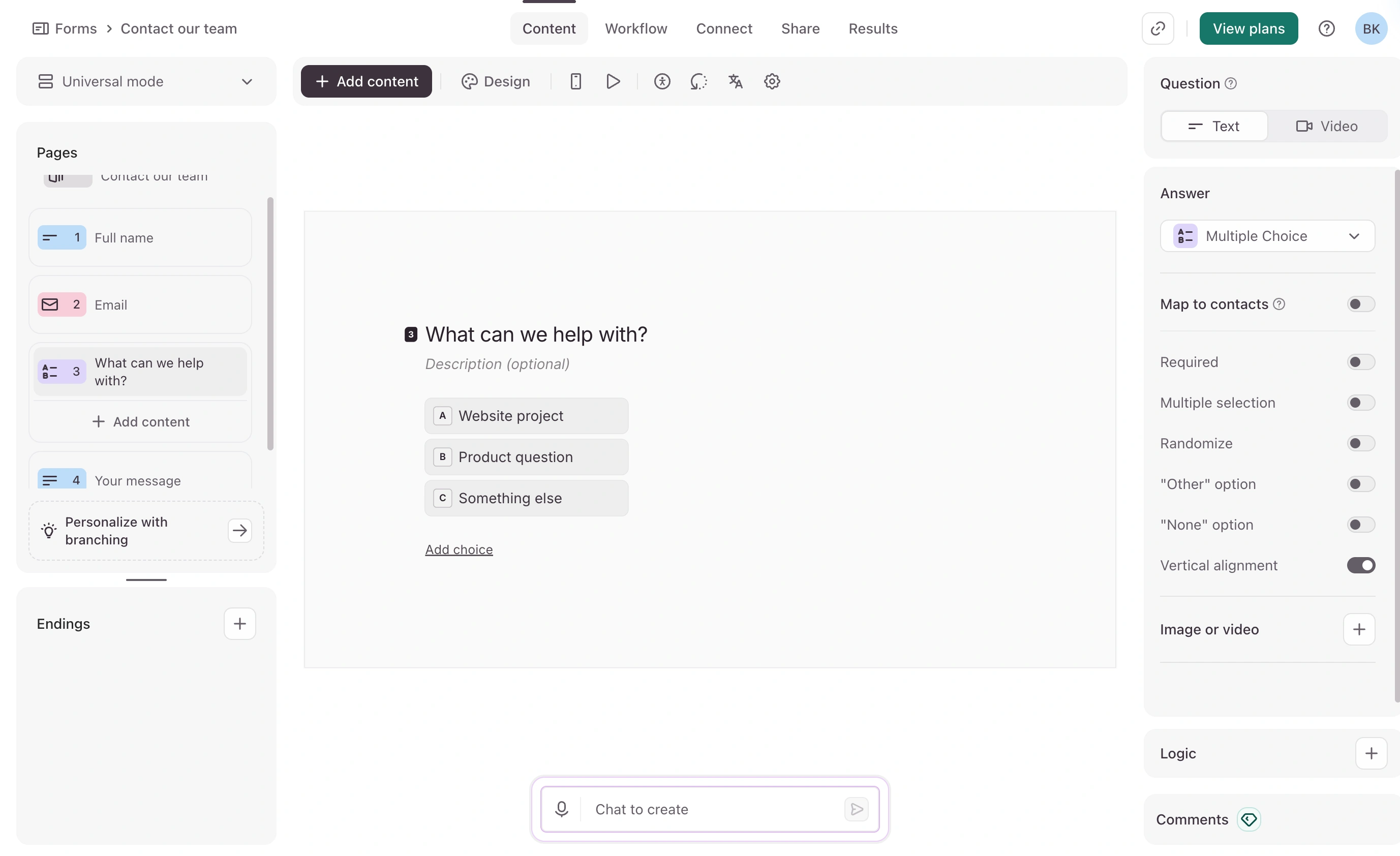
Microsoft Forms is the survey tool inside Microsoft 365. It handles polls, quizzes, and basic surveys, pushes results into Excel, and lives inside the same login your company already uses. It’s built for speed and convenience inside an organization, not for impressing outsiders.
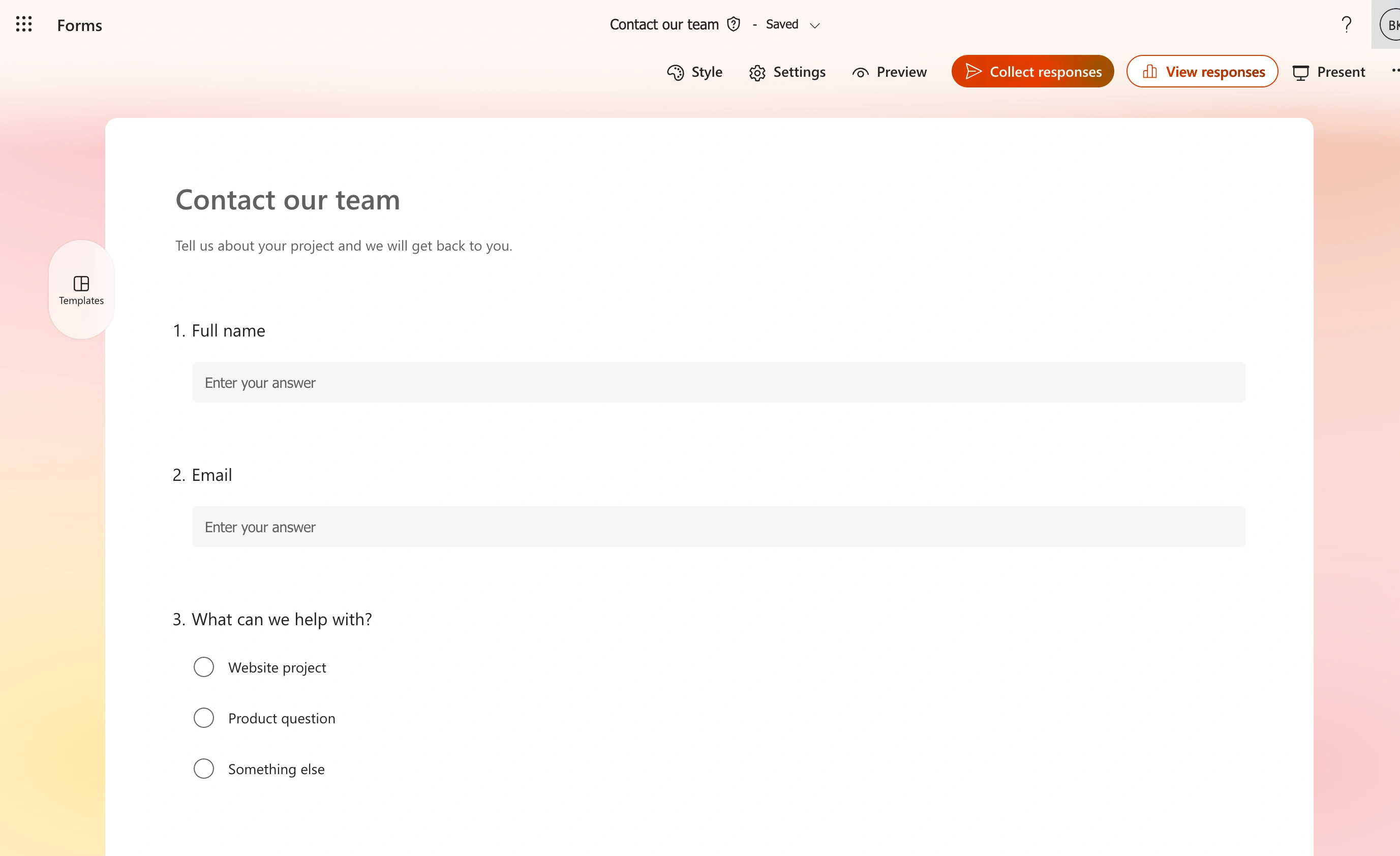
Different jobs, overlapping search results.
Typeform vs Microsoft Forms at a glance
| Typeform | Microsoft Forms | |
|---|---|---|
| Price | Free plan, then $28-$91/month billed annually | Included with Microsoft 365; limited personal version free |
| Free plan cap | 10 responses/month across all forms | 200 responses per form (personal account) |
| Responses on paid | 100/month (Basic) to 10,000/month (Business) | Up to 5 million per form on work and school accounts |
| Design control | Strong: themes, layouts, video, brand kits | Minimal: a few themes and a header image |
| Conditional logic | Yes, on every plan including free | Basic branching only |
| Excel and Teams | Via integrations | Native, zero setup |
| External respondents | Default: any link works | Must enable “Anyone can respond” per form |
| Custom domain | Enterprise-level plans only | No |
| Respondent sign-in | Never required | Required unless external sharing is switched on |
Two honest wins each way, right in the table: Microsoft Forms is effectively free at massive response volumes, and Typeform’s respondent experience and logic are in a different class.
Where Microsoft Forms wins
Price, obviously, but the scale of the gap matters. Microsoft Forms on a work or school account accepts up to 5 million responses per form. Reaching 10,000 responses a month on Typeform costs $91 a month billed annually on the Business plan. For internal surveys at any real company size, that’s not a comparison, it’s a rounding error against a bill.
Excel without the plumbing. Every Microsoft Forms response lands in a live Excel workbook, and forms embed directly in Teams tabs and channels. Typeform can reach Excel through integrations, but that’s a thing you set up and maintain rather than a thing that’s just true.
Respondent identity for free. Internal forms can automatically record who responded, restrict to your organization, and enforce one response per person, all riding on the Microsoft 365 login people are already inside. Getting trustworthy identity on a Typeform means building it yourself with hidden fields or an Enterprise plan.
If your form is an IT request, a training quiz, or a team pulse check, stop reading and use Microsoft Forms. Design does not justify paying for a second tool to survey your own colleagues, and we’d tell you that even though we sell a design-focused form builder.
Where Typeform wins
The respondent experience. Typeform’s one-question-at-a-time format, typography control, and video embeds produce forms that feel like part of your product. Microsoft Forms offers a handful of themes and a header image; every form looks like what it is, an internal Microsoft tool. For lead capture and customer research, that difference shows up in completion rates and in how your brand reads.
Logic that’s actually logic. Typeform includes conditional branching on every plan, including the free one. Answer piping, calculated scores, and jump rules let one form behave like several. Microsoft Forms has basic branching and little else.
Reaching people outside your company without friction. A Typeform link just works for anyone. Microsoft Forms defaults to organization-only, and someone has to notice that and flip the form to “Anyone can respond” before external people can open it. There’s a sharper catch buried in that setting: add a file upload question and external sharing switches off entirely, because uploads store to your organization’s OneDrive or SharePoint. If collecting files from outsiders is the job, Microsoft Forms simply refuses.
Integrations. Typeform connects to CRMs, marketing tools, Slack, and hundreds of other apps. Microsoft Forms connects to Microsoft, plus whatever you wire up through Power Automate.
The free plan trap
Typeform’s free plan currently allows 10 responses a month across the account. Ten responses, across all your forms combined, is a demo rather than a plan. The cheapest way out is Basic at $28 a month billed annually ($39 month to month) for 100 responses a month, with one user.
Microsoft Forms moved in the opposite direction of most freemium tools by having no meaningful free-tier squeeze at all, as long as you’re inside Microsoft 365. The standalone personal version is the weak spot: it caps at 200 responses per form, and business features don’t apply.
So the “free” question resolves like this: free for M365 subscribers means Microsoft Forms, genuinely free for everyone else means neither of these two. Our Typeform vs Google Forms comparison covers the ecosystem next door, and our Typeform alternatives page lists options with real free tiers.
What external respondents actually see
This section decides more purchases than any feature list, so let’s be concrete.
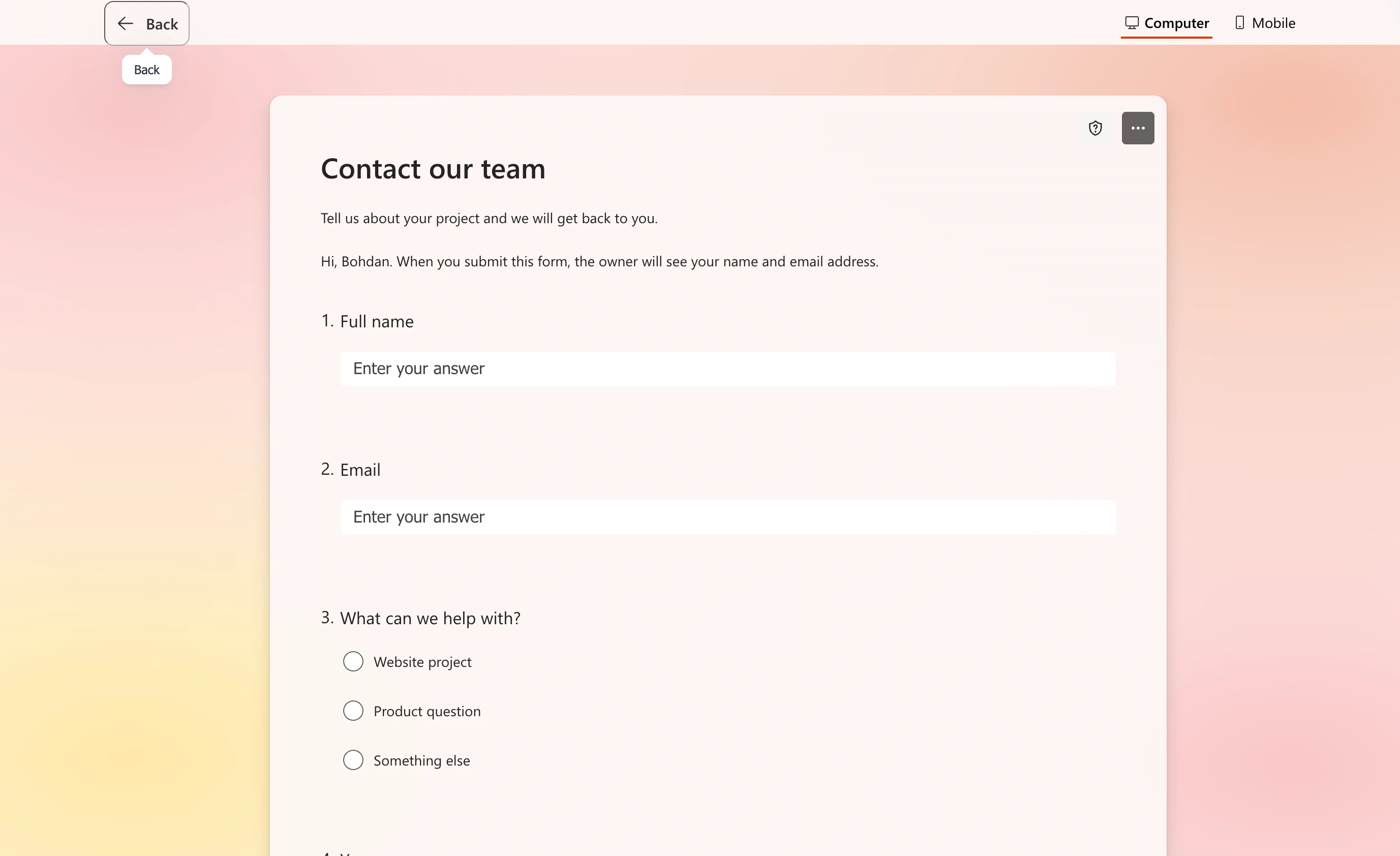
An external respondent opening a Microsoft Forms link sees a form on a Microsoft domain, styled with one of Microsoft’s themes, with Microsoft Forms branding on the page. There is no custom domain option. It reads as “this company sent me a Microsoft survey,” which is perfectly fine for a supplier questionnaire and noticeably off for a product waitlist.
A Typeform respondent sees a polished, branded, full-screen experience on a typeform.com link. Removing that last bit, serving the form from your own domain, is reserved for Typeform’s Enterprise-level plans; the standard tiers from $28 to $91 a month don’t include it. That surprises people who assumed a three-figure monthly bill would cover white-labeling.
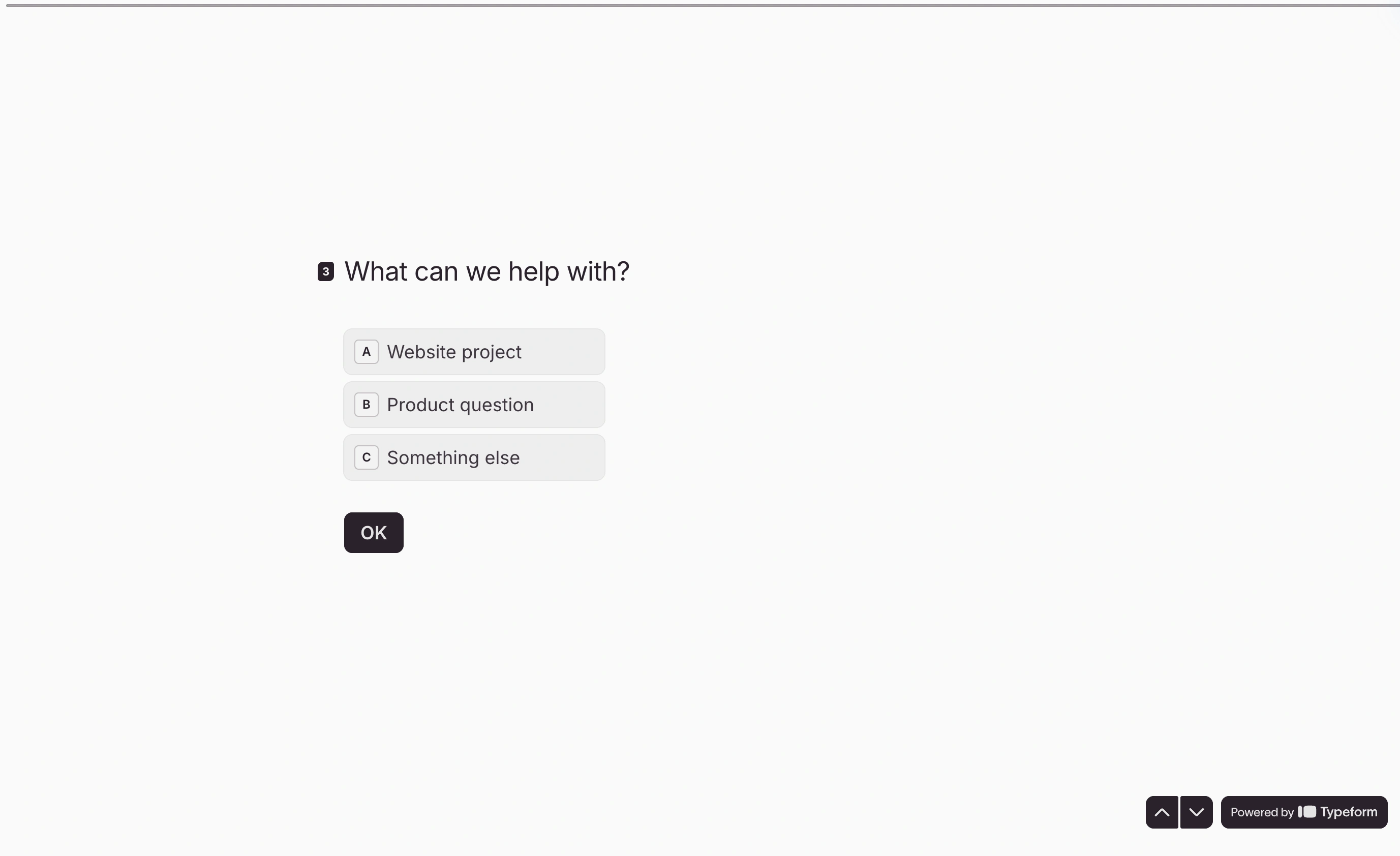
Neither tool gives a small team a fully branded form on its own domain at a small-team price. Hold that thought.
What switching actually costs
Neither direction is a clean import, so budget an afternoon per form rather than a click.
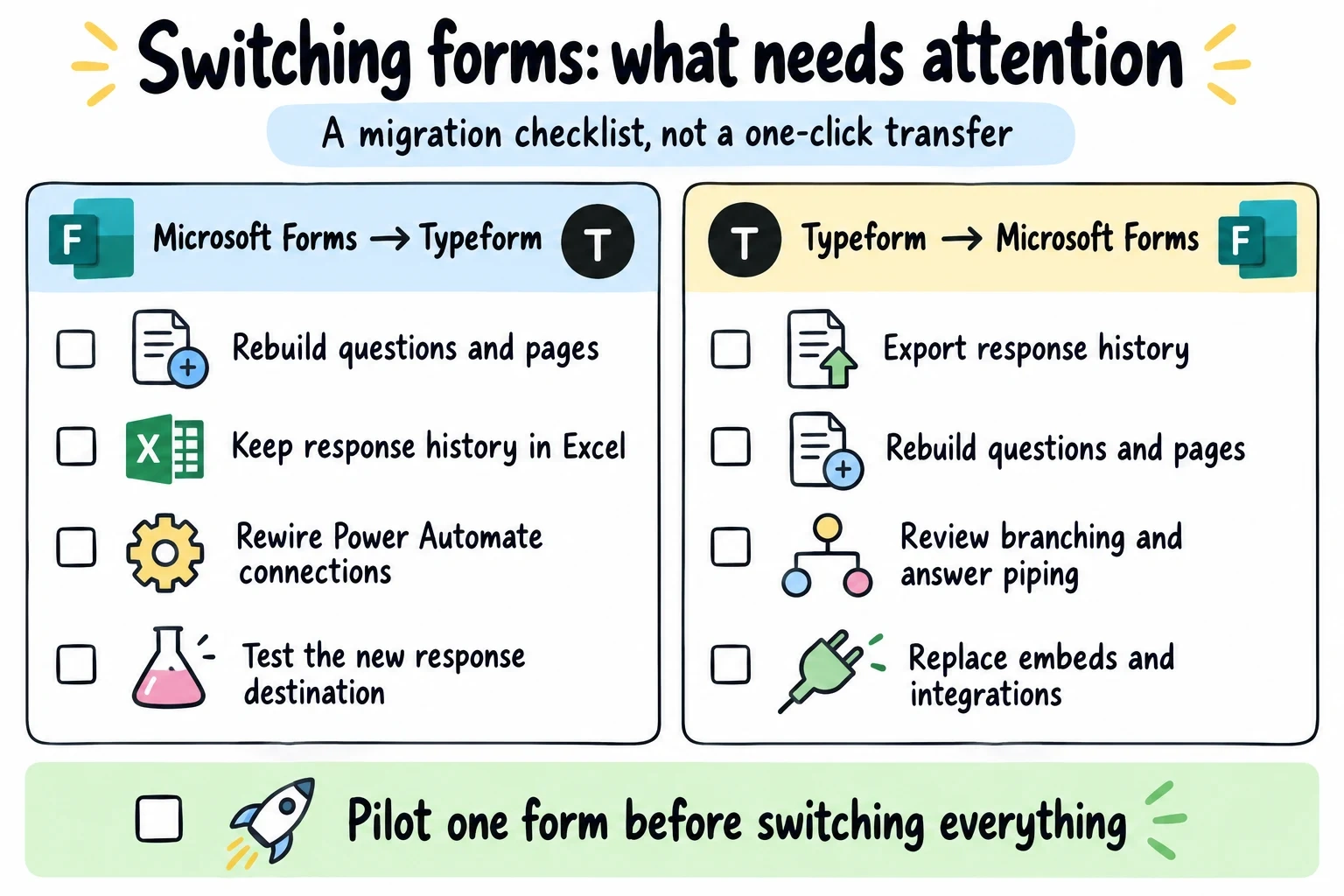
Moving from Microsoft Forms to Typeform means rebuilding every form by hand; there’s no importer that carries questions across. Your historical responses stay safe in Excel, which softens the blow, but any Power Automate flows hanging off those forms need rebuilding as Typeform integrations. Going the other way, Typeform to Microsoft Forms, you lose whatever branching logic your forms relied on, because Forms’ basic branching can’t reproduce multi-condition jumps or answer piping. Export your Typeform results first: once you downgrade or cancel, response caps and plan access get awkward.
The cheap insurance either way is to move one form, run it for a week, and check the responses land where your team actually looks.
Typeform vs Microsoft Forms: the verdict, by respondent
Your respondents are colleagues: Microsoft Forms, and it isn’t close. You’ve already paid for it, identity and Excel come free, and nobody churns off an internal compliance quiz because the typography was dull. This is our honest limitation to flag on Typeform’s behalf: design alone does not justify a second subscription for internal forms.
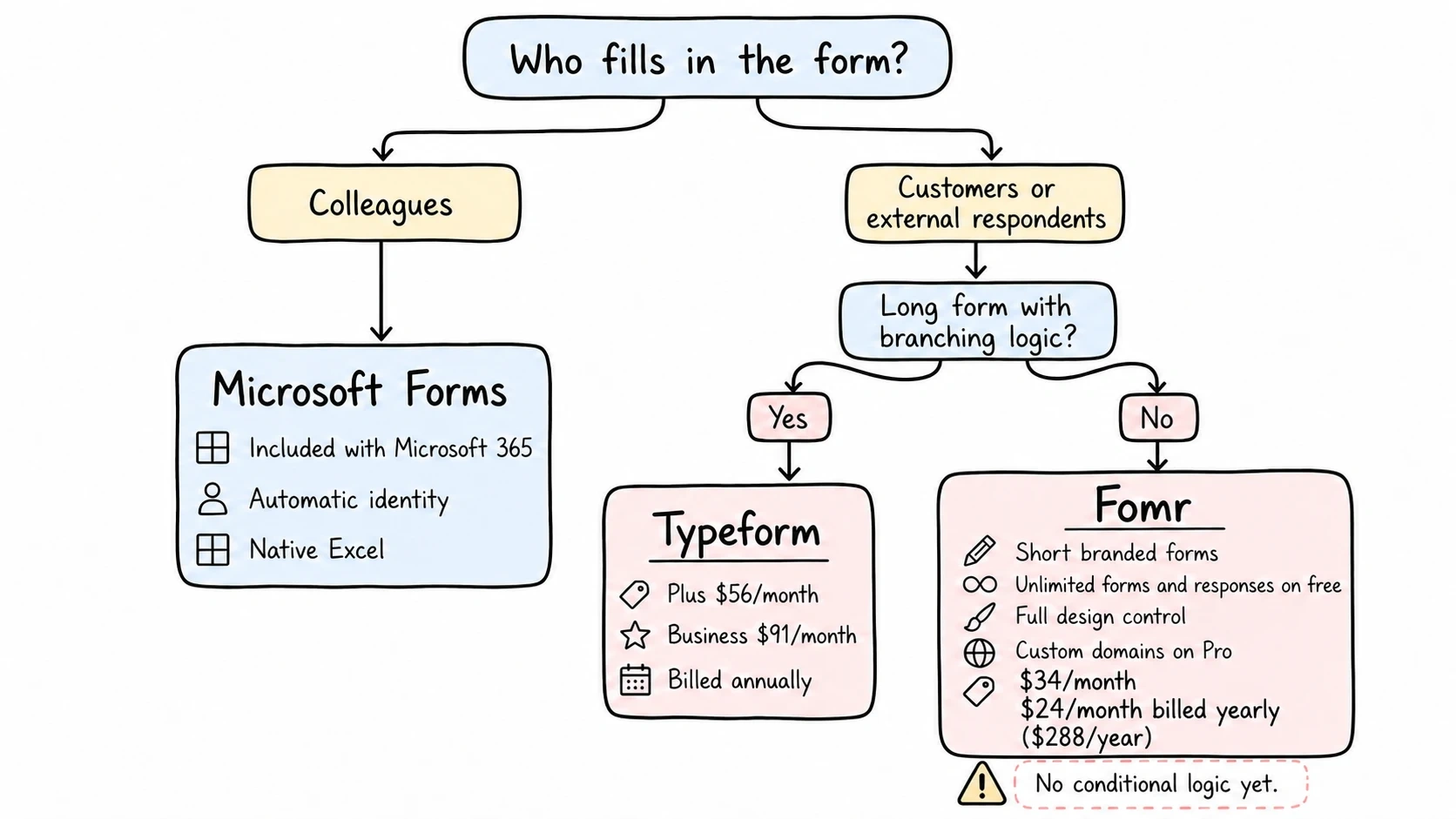
Your respondents are customers and you live on branching logic: Typeform, on Plus at $56 a month billed annually or Business at $91, depending on volume. It’s expensive, and for research-heavy lead flows with lots of branching it earns the money. Budget realistically around the response caps, because overages force plan upgrades.
Your respondents are customers but your forms are short: contact forms, signups, event registrations, feedback. This is where we’d put Fomr on your shortlist. Our free plan has unlimited forms and unlimited responses, with full design control (1,700+ fonts, custom colors, layouts, your logo), and custom domains cost $34/month or $24/month billed yearly on Pro rather than an enterprise contract. The honest trade: we don’t have conditional logic yet (it’s coming, along with payments; file uploads already ship), so long branching surveys still belong to Typeform. Short branded forms don’t. You can build one in our guest editor without an account and compare the result against both tools in about five minutes.
Give it a try
Try this Fomr responsive contact form
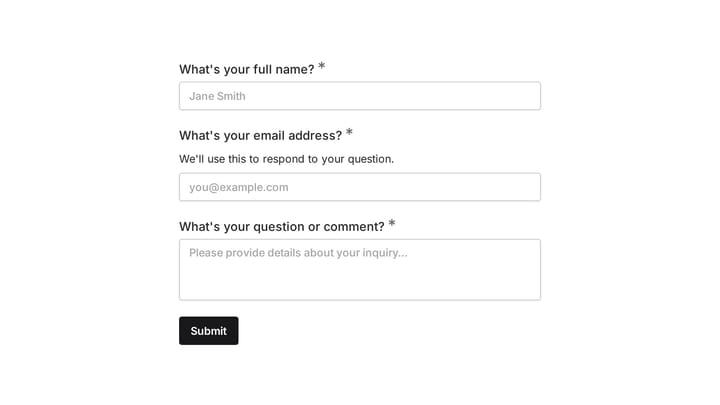
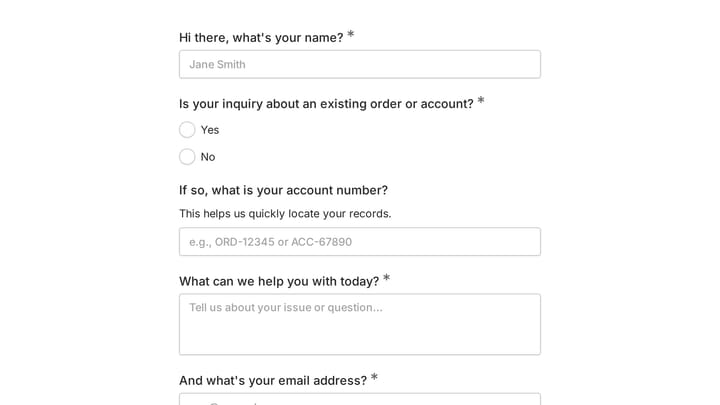
Try entering a name, email, and message in this Fomr contact form. Auto-jump is enabled so you can compare a focused question flow with a conventional contact page.

You’re stuck between them: run the two-question test. Internal respondent, Microsoft Forms. External respondent with a long branching flow, Typeform. External respondent with a short form and a brand to protect, see how Fomr compares to Microsoft Forms and to Typeform, and let the free plan make the argument.