Typeform and SurveyMonkey both collect responses, but they approach the job from opposite directions. Typeform treats every form like a design project — one question per screen, smooth animations, lots of white space. SurveyMonkey treats every form like a research instrument — dense question grids, statistical analysis, benchmarking data.
If you’re choosing between them, the decision isn’t really about which tool is “better.” It’s about what you’re building and who’s going to fill it out. A lead generation form on a landing page has different requirements than a 40-question employee satisfaction survey. Picking the wrong tool for the job means either overpaying for features you don’t use or fighting the platform to do something it wasn’t designed for.
We’ve spent time with both platforms to break down where each one wins, where each one falls short, and who should pick what.
The core philosophy difference
This matters more than any feature comparison table.
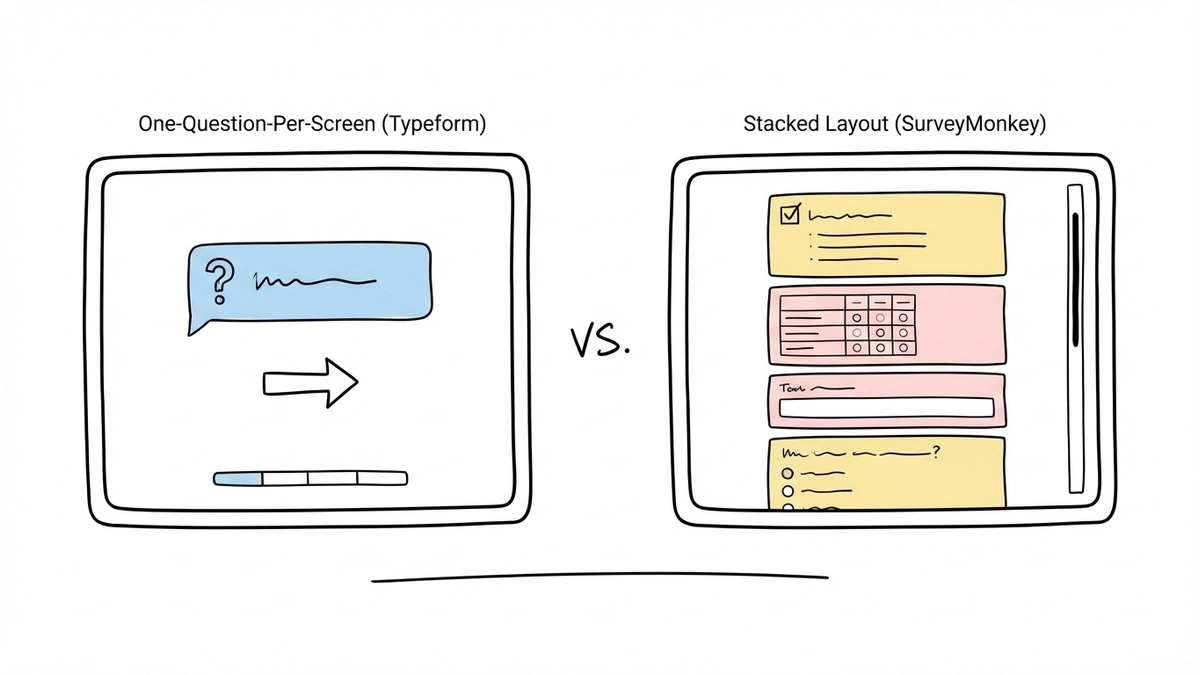
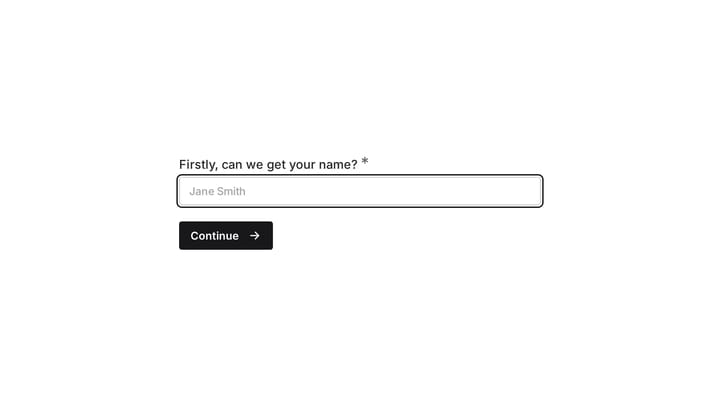
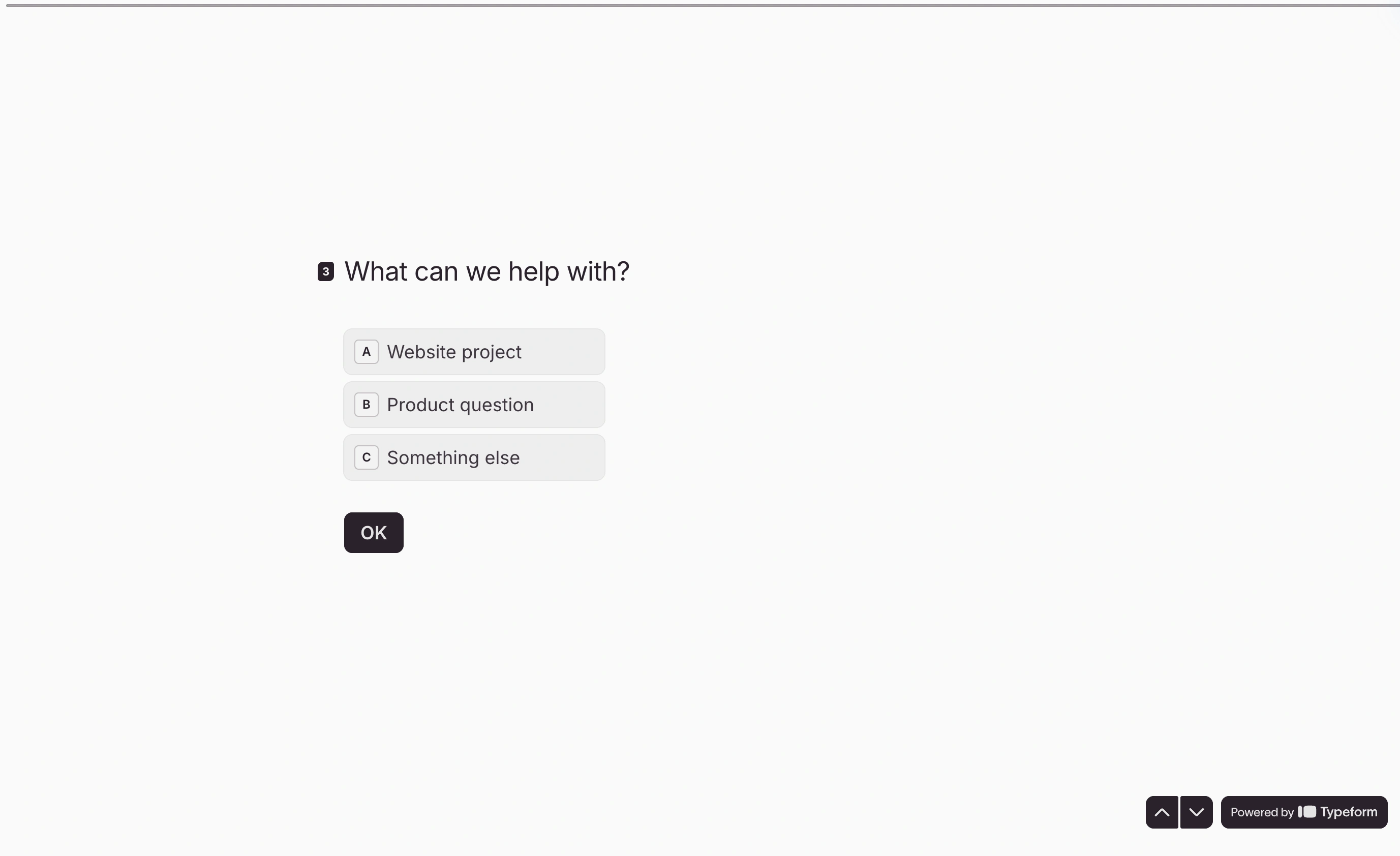
Typeform was built around the idea that forms should feel like conversations. Every question gets its own screen. Respondents scroll through one thing at a time, which reduces cognitive load and (Typeform claims) improves completion rates. The whole experience is designed to feel pleasant, almost app-like.
SurveyMonkey was built for researchers and organizations that need structured data. It’s a traditional survey tool with decades of refinement. Questions stack vertically on a page, matrix grids let you ask multiple related questions at once, and the analytics engine can slice response data in ways Typeform can’t touch.
Neither philosophy is wrong. But they attract different users and produce different kinds of forms.
Design and visual customization
Typeform wins this category, and it’s not particularly close.
Typeform’s forms look polished out of the box. You get control over fonts, colors, background images, and button styles. The one-question-per-screen layout creates visual breathing room that makes even simple surveys feel premium. For customer-facing forms — lead capture, event registration, product feedback — this visual quality can genuinely affect how people perceive your brand.
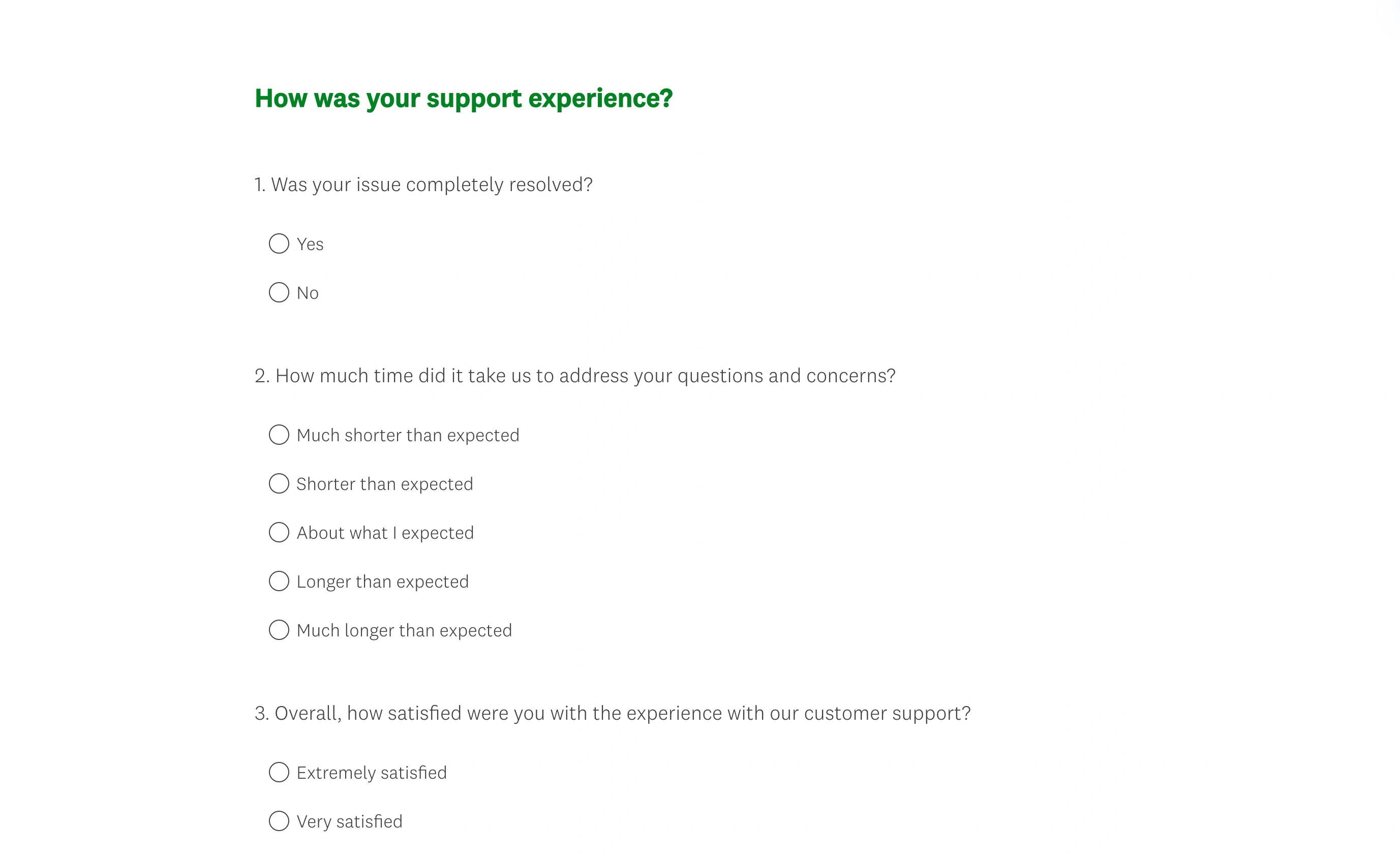
SurveyMonkey’s forms look functional. You can apply a theme, change colors, and add a logo, but the output still reads as “online survey.” The design tools are basic compared to what Typeform offers, and the traditional stacked layout doesn’t leave much room for visual creativity. SurveyMonkey has improved its design options over the years, but aesthetics clearly aren’t the priority.
If your form lives on a marketing landing page or represents the first touchpoint with a potential customer, Typeform’s design advantage is real. If you’re running an internal employee survey or academic research, SurveyMonkey’s plainer look is fine — respondents care about the questions, not the font.
Question types and survey building
SurveyMonkey has the edge here, especially for complex surveys.
SurveyMonkey offers matrix questions, ranking questions, slider scales, image choice, A/B test questions, and specialized types like Net Promoter Score (NPS) and Customer Effort Score (CES). The matrix grid alone is a big deal for researchers — it lets you ask the same question across multiple items without repeating yourself ten times. SurveyMonkey also provides a question bank with hundreds of pre-written, methodologically sound questions. If you’re not a survey design expert, that bank saves real time and produces better data.
Typeform covers the basics well — multiple choice, opinion scales, picture choice, short/long text, rating, date — but it doesn’t go as deep. There’s no matrix grid, no question bank, and fewer specialized research question types. Typeform’s strength is making each question type look and feel great, not offering the widest selection.
For straightforward forms (feedback, signups, quizzes), Typeform’s question types are plenty. For serious research with complex question structures, SurveyMonkey gives you more to work with.
Conditional logic and branching
Both platforms support conditional logic, but the implementations differ.
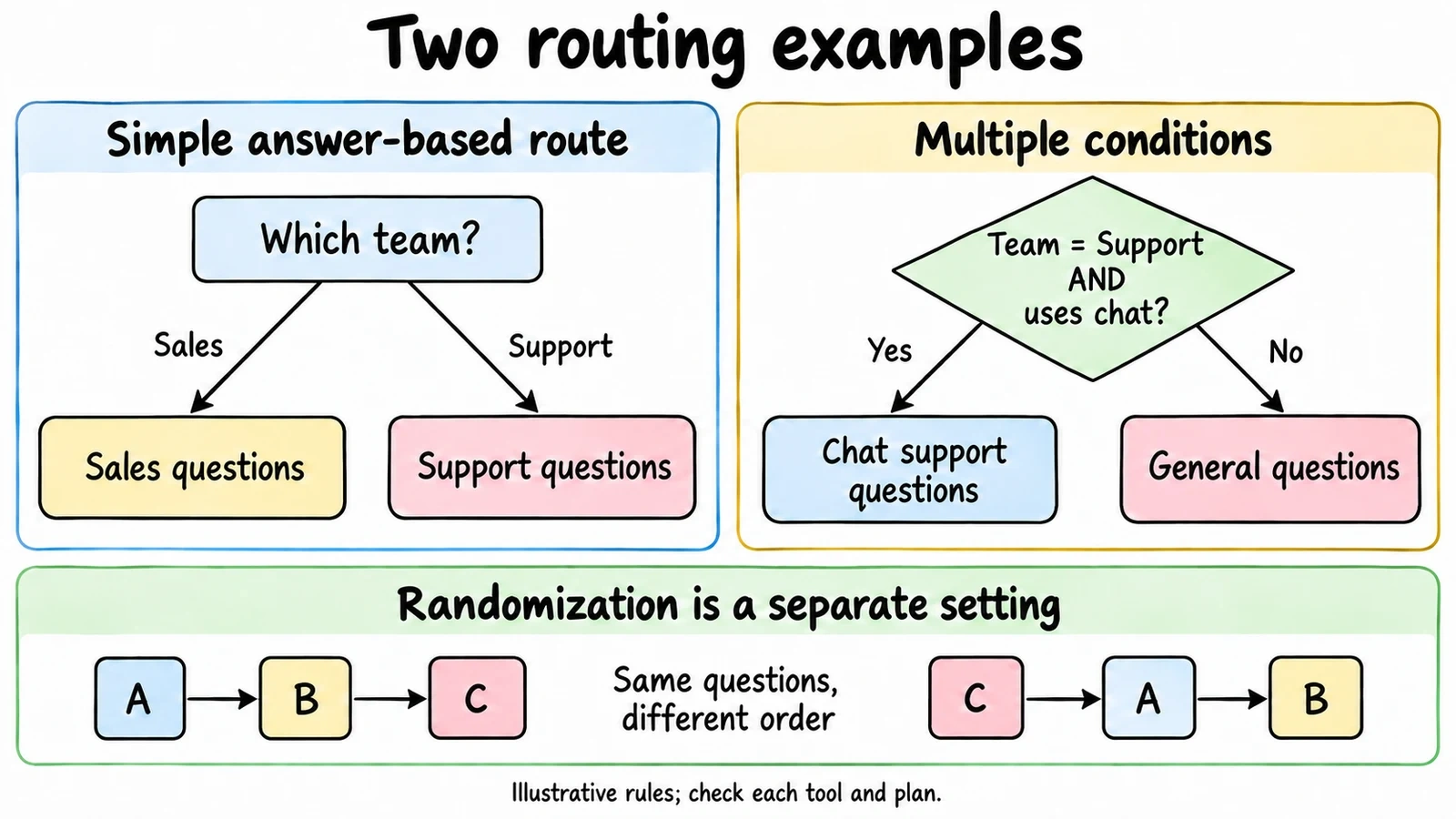
Typeform calls it “Logic Jumps.” You set rules that skip respondents to different questions based on their answers. The setup is visual and relatively intuitive — you draw connections between questions in a logic map. It works well for simple branching (if answer is A, go to question 5; if B, go to question 8). For more complex logic with multiple conditions, the interface gets harder to manage.
SurveyMonkey calls it “Skip Logic” and “Advanced Branching.” The basic skip logic works similarly to Typeform’s — route respondents based on answers. Advanced branching (available on higher-tier plans) lets you combine multiple conditions and create more sophisticated survey flows. Question and page randomization are separate settings for varying order, which matters for research where order can bias results. Check each feature against the plan you are considering.
For basic “if this, then that” logic, both tools handle it fine. For multi-layered branching with randomization, SurveyMonkey’s research DNA shows.
Analytics and reporting
SurveyMonkey wins this one decisively.
SurveyMonkey was built as a data analysis platform that happens to collect responses. You get cross-tabulation (compare how different groups answered), statistical significance testing, sentiment analysis, word clouds for open-ended responses, and trend tracking over time. The platform can benchmark your results against industry averages — a feature that’s genuinely useful for customer satisfaction and employee engagement surveys. You can filter results by any question, create custom reports, and export presentation-ready charts.
Typeform’s analytics are basic by comparison. You see completion rates, drop-off points, and response summaries. The drop-off analysis is actually useful for optimizing form design — you can see exactly where people abandon your form. But there’s no cross-tabulation, no statistical testing, and no benchmarking. For deeper analysis, you’ll need to export data to a spreadsheet or connect Typeform to a dedicated analytics tool.
If you need to present survey findings to stakeholders or make data-driven decisions based on response patterns, SurveyMonkey’s reporting tools save hours of manual analysis. If you just need to see who submitted what, Typeform’s simpler dashboard is fine.
Pricing breakdown
Neither platform is cheap, and both have free plans that feel more like demos than real products.
| Feature | Typeform Free | Typeform Basic ($39/mo monthly) | SurveyMonkey Free | SurveyMonkey Advantage ($39/mo annual) |
|---|---|---|---|---|
| Responses | 10/month total | 100/month total | Limited viewable responses; check account | 15,000/year |
| Forms/surveys | Unlimited | Unlimited | Unlimited | Unlimited |
| Questions per form | Unlimited | Unlimited | 10 | Unlimited |
| Logic branching | Yes | Yes | No | Yes |
| Remove branding | No | No (Plus required) | No | Premier required |
| Custom themes | Limited | Yes | Limited | Yes |
| Analytics | Basic | Basic | Basic | Advanced |
| Integrations | Limited | Yes | Limited | Yes |
Typeform’s free plan includes unlimited forms and questions but only 10 responses per month across the account. Basic costs $39/month on monthly billing for 100 responses. Removing Typeform branding requires Plus at $79/month on monthly billing. If you run a campaign that gets more responses than expected, you hit a wall.
SurveyMonkey Basic includes unlimited surveys with 10 questions each and a limited number of viewable responses; check the allowance shown in your account. Advantage Annual is $39/month billed annually with 15,000 responses per year. Team Advantage starts at $30/user/month billed annually with a three-user minimum. Paid plans still have response allowances and potential overage charges.
Both tools charge more than you’d expect for what are, at their core, form builders. The pricing frustration is similar: the free plans are too restrictive to evaluate properly, and the paid plans lock important features behind higher tiers. If you’re curious how other tools compare on price, we covered several options in our comparison of the top form builders.
Integrations and ecosystem
Both platforms connect to popular third-party tools, but the focus areas differ.
Typeform integrates with marketing and sales tools — HubSpot, Mailchimp, Salesforce, Slack, Google Sheets, and hundreds more through Zapier. The integrations lean toward lead generation and CRM workflows. If you’re using Typeform for marketing forms, the ecosystem supports that use case well.
SurveyMonkey integrates with enterprise and productivity tools — Microsoft Teams, Salesforce, Marketo, Tableau, Power BI, and Slack. The integrations lean toward data analysis and enterprise workflows. SurveyMonkey also has a robust API for custom integrations, which matters for larger organizations with specific data pipeline requirements.
The overlap is significant (both connect to Zapier, Slack, Salesforce, Google Sheets), but the native integrations reflect each platform’s target audience. Typeform skews marketing. SurveyMonkey skews enterprise.
Ease of use
Typeform is easier to learn. The editor is clean, the flow is linear, and building a basic form takes minutes. The one-question-at-a-time editing mirrors the one-question-at-a-time respondent experience, so what you see is what you get. New users can produce a good-looking form on their first try.
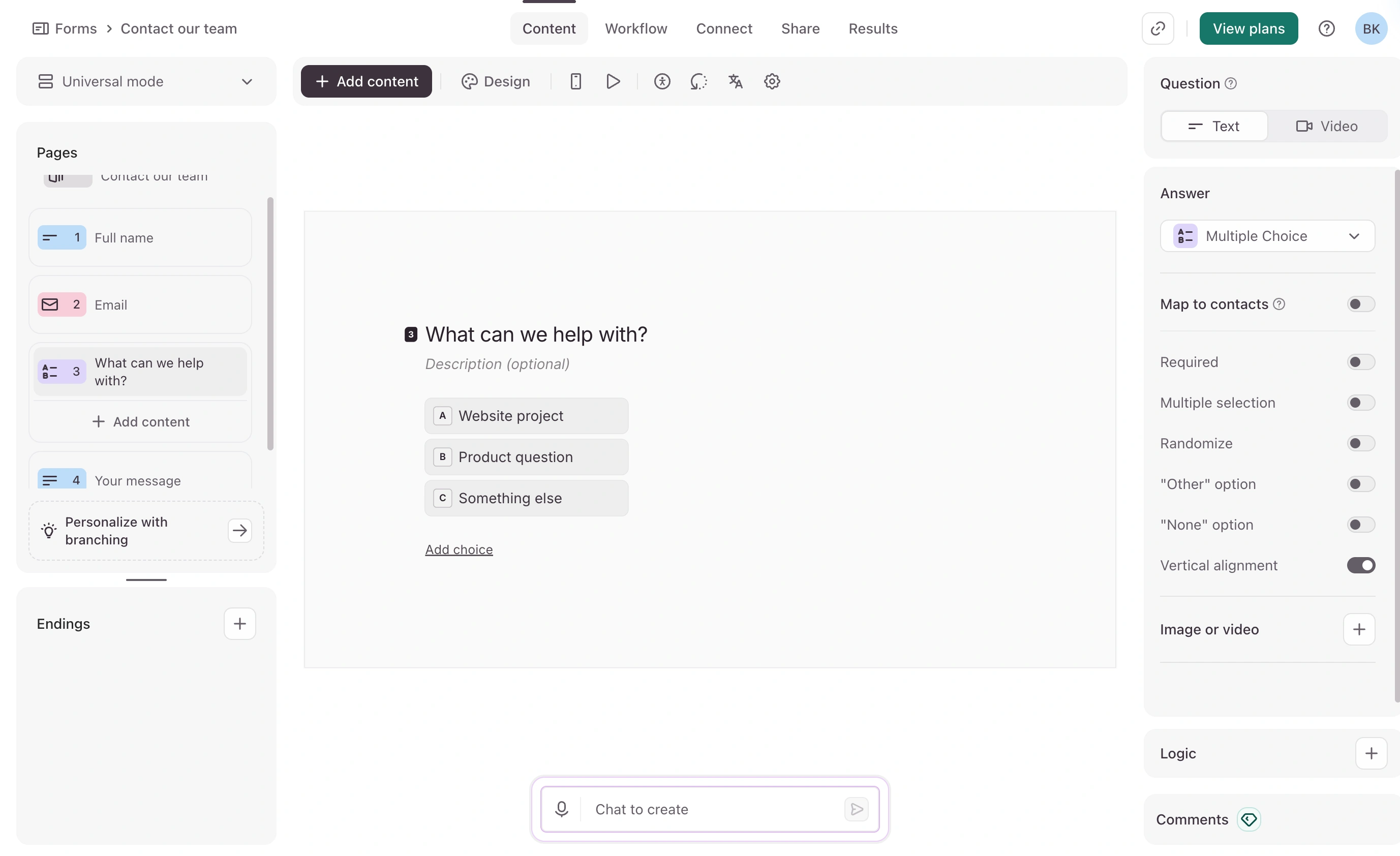
SurveyMonkey’s editor is more complex. The interface has more menus, more options, and more configuration panels. Building a simple survey is straightforward, but taking advantage of advanced features — logic branching, custom variables, quotas, A/B testing — requires time with the documentation. The learning curve is steeper, but the ceiling is higher.
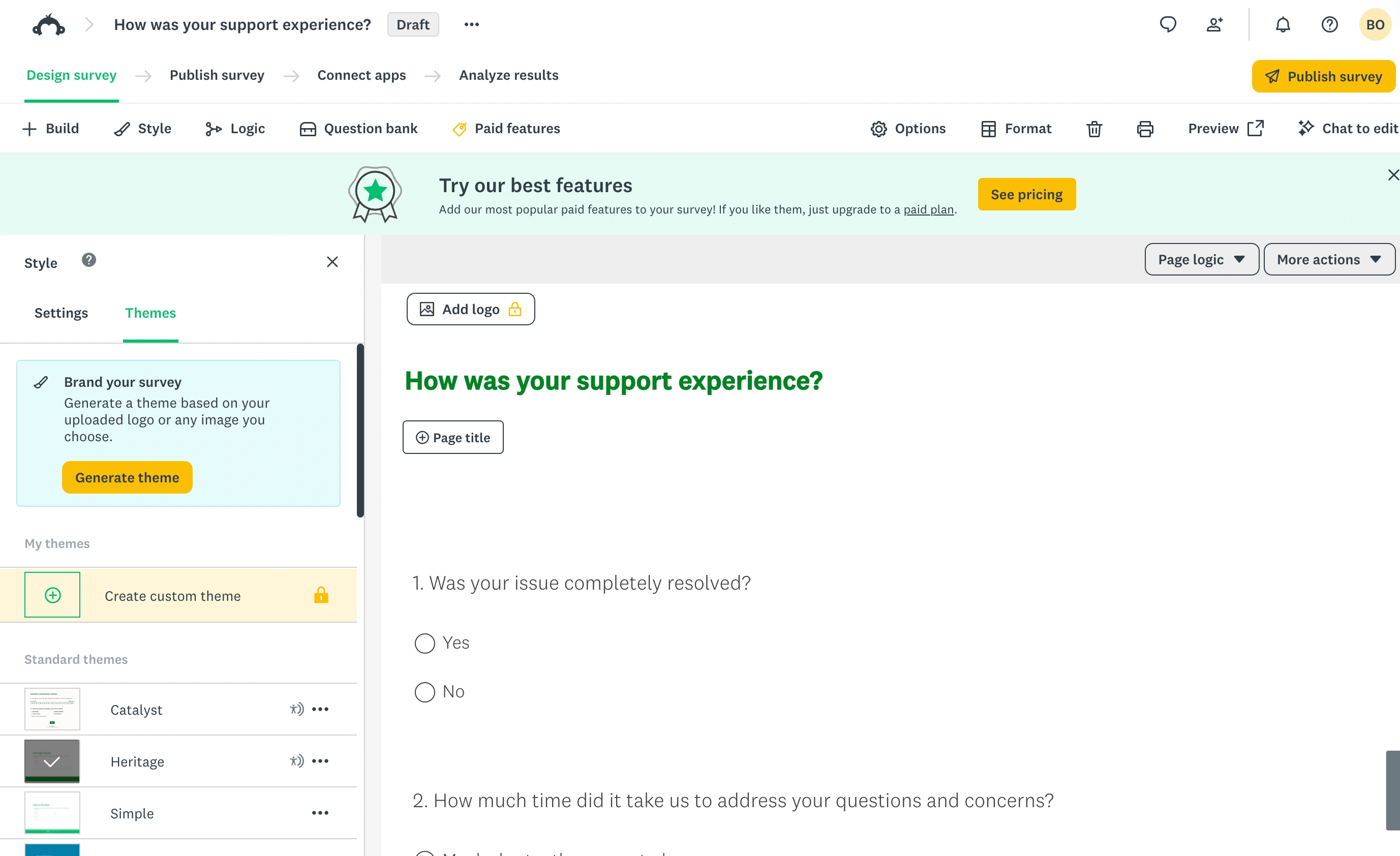
For teams where non-technical people need to create forms regularly, Typeform’s simplicity is a real advantage. For research teams that need SurveyMonkey’s advanced capabilities, the learning investment pays off.
When to choose Typeform
Pick Typeform if you:
- Build customer-facing forms where design quality matters
- Want high completion rates on short forms (under 15 questions)
- Run marketing campaigns with lead capture forms
- Need forms that match your brand’s visual identity
- Prefer a simple editor over a feature-heavy one
Typeform works best for marketing teams, agencies, and anyone building forms that double as brand experiences. If you’ve been comparing Typeform to other tools, our Typeform vs Google Forms breakdown covers another common matchup.
When to choose SurveyMonkey
Pick SurveyMonkey if you:
- Run serious research surveys with 20+ questions
- Need advanced analytics, cross-tabulation, or benchmarking
- Collect employee feedback or customer satisfaction data at scale
- Work in a team that needs shared survey libraries and collaboration
- Require compliance features (HIPAA, GDPR) for sensitive data
SurveyMonkey works best for HR teams, market researchers, academic institutions, and organizations where data analysis matters as much as data collection. If you’re exploring alternatives to SurveyMonkey specifically, we put together a list of the best SurveyMonkey alternatives worth checking out.
Where both tools leave gaps
The Typeform vs SurveyMonkey comparison reveals a shared weakness: both charge premium prices while restricting their free plans to near-uselessness.
Typeform gives you beautiful forms but limited analytics and expensive scaling. SurveyMonkey gives you powerful analytics but dated design and per-user pricing that punishes growing teams. Neither offers unlimited responses on a free plan, and both charge for branding removal. Typeform includes logic and basic exports on Free; SurveyMonkey gates more analysis and export features behind paid plans.
If you want design control without response caps, Fomr takes a different approach: unlimited forms, responses, fields, and team members on the free plan, with 1,700+ fonts and full visual customization. The Pro plan is $34/month or $24/month billed yearly for custom domains and branding removal. We don’t have SurveyMonkey’s analytics depth or Typeform’s one-question-per-screen format, and integrations beyond Google Sheets are still coming. But if your main frustration with both tools is paying for higher response allowances, it’s worth a look.
Give it a try
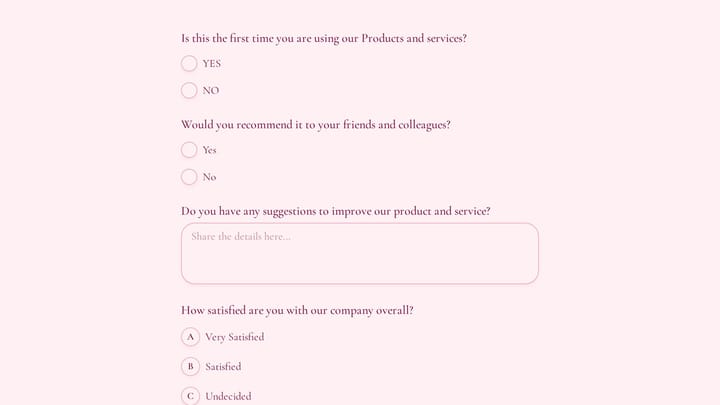
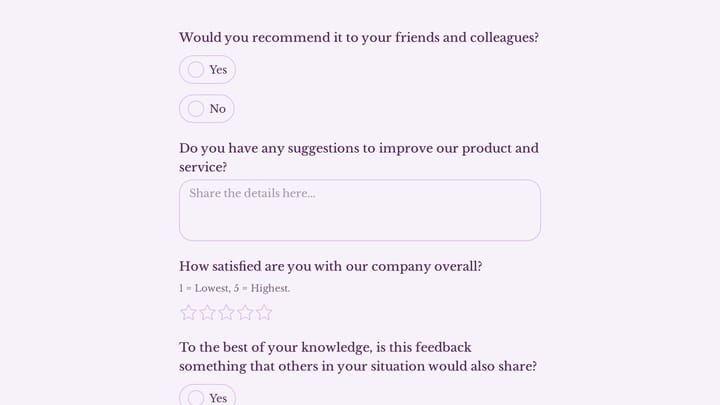
Try this Fomr customer feedback survey form
Try the recommendation, improvement, and satisfaction questions in this Fomr feedback survey. It shows how to collect responses, without automated research analysis or scoring.

The verdict
| Your priority | Best pick |
|---|---|
| Beautiful, engaging forms | Typeform |
| Advanced analytics and research | SurveyMonkey |
| Simple editor, fast setup | Typeform |
| Enterprise compliance and collaboration | SurveyMonkey |
| Marketing and lead generation | Typeform |
| Employee surveys and benchmarking | SurveyMonkey |
| Free plan with no response limits | Neither (consider Fomr) |
Typeform and SurveyMonkey are both solid tools that excel in different areas. Pick Typeform for short, beautiful, conversion-focused forms. Pick SurveyMonkey for in-depth research surveys where the data matters more than the design.
If neither feels right, try building a form in Fomr’s guest editor — no account needed, no response limits, and you’ll know in a few minutes whether it fits your workflow.