Guest Age Verification

A guest age verification form helps short-term rental hosts confirm the primary guest's age, identity details, and stay information before check-in. This template collects booking, contact, and ID information in one clear review process.

Use Template
Used 0 times
Created by Fomr Team
Last updated

About

This guest age verification form is designed for short-term rentals that need to confirm the primary guest meets a minimum age requirement before check-in. It gathers the essentials in one place, including the booking reference number, stay dates, guest count, legal name, date of birth, and contact details, so each submission is easy to review.

The template also includes ID-related fields such as document type and document number, along with an age confirmation statement for guests who must be 21 or older. That makes it a practical fit for vacation rentals, managed properties, and hospitality teams that want a consistent intake process before approving a stay.

Because the form keeps booking details and identity information together, hosts can check eligibility faster and reduce back-and-forth messages before arrival. You can also tailor it to your property rules by adjusting the age threshold, adding document upload fields, or including approval steps for your internal review process.
Related Templates

View all →
Body Measurement Form preview

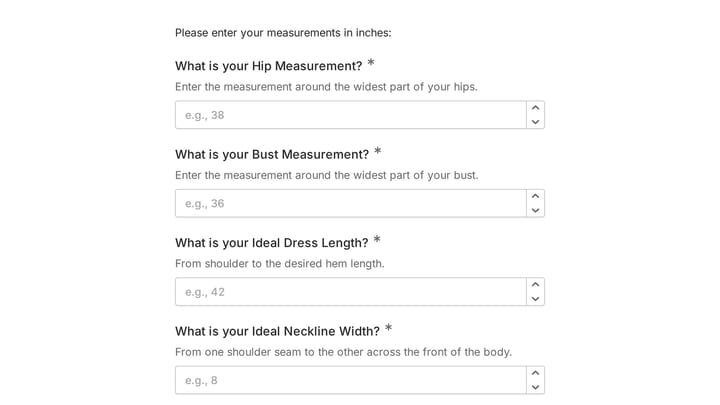
Body Measurement Form

This body measurement form provides a straightforward way to record essential physical dimensions. It's an ideal tool for custom clothing design, fitness tracking, or monitoring personal progress with precision.

Address form preview

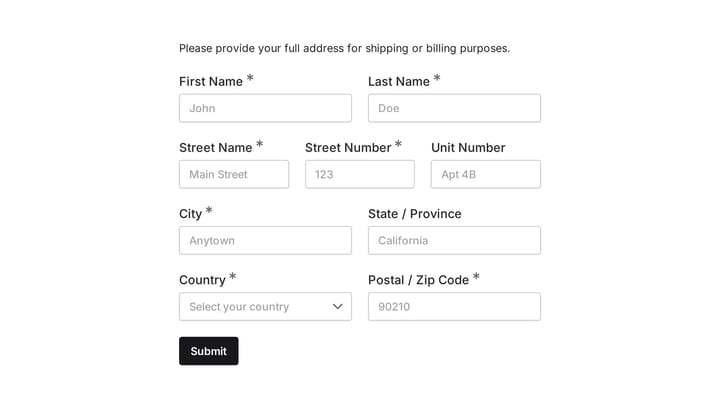
Address form

Quickly and accurately collect full shipping and billing addresses with this versatile template. It's designed for businesses that need reliable customer location details for deliveries, invoicing, or organized record-keeping.

Daily report form preview

Daily report form

Give your staff a simple, consistent way to submit daily updates using this customizable report form template. Tailor it precisely to your needs, ensuring all crucial information is captured effortlessly.

Employee Equipment Agreement Form preview

Employee Equipment Agreement Form

This online Employee Equipment Agreement Form template helps you efficiently track company assets assigned to your staff. Easily collect important details like employee names, departments, and serial numbers for items ranging from laptops and monitors to specialized tools.

Frequently asked questions

What is this guest age verification used for?

This template is used to collect structured responses for a guest age verification workflow. It gives teams a consistent format for gathering the information they need and reviewing submissions more efficiently.

What information should I collect first?

Start with the most important details people can answer quickly, then move into the more specific questions. In this template, that can include items such as Booking Reference Number, Check-in Date, Check-out Date depending on how you customize it.

Can I customize this template for my own workflow?

Yes. You can adapt the questions, required fields, and structure to fit your process while keeping the overall flow clear and easy to complete. That makes it useful as both a starting point and a publish-ready template.

How many questions should a form like this include?

Keep only the questions that directly support the purpose of the form. Shorter forms usually get better completion rates, so it is often better to collect the essentials first and ask for extra details later if needed.

Why use a structured template instead of building from scratch?

A structured template helps you move faster and keeps your submissions more consistent. It also reduces the chance of missing important details because the form already follows a logical order.

Can this template be used for events or attendance tracking?

Yes. This kind of template works well for registrations, RSVPs, attendance tracking, and other response collection workflows tied to a scheduled event or session. It helps organizers keep participant details in one place.

Ready to create your first Fomr?

Your next form deserves better than a white page with dropdowns. Build something people actually want to fill out.