Booking Forms Templates

Free booking form templates for reservations and appointments. Create forms that fill your calendar with qualified bookings.

0

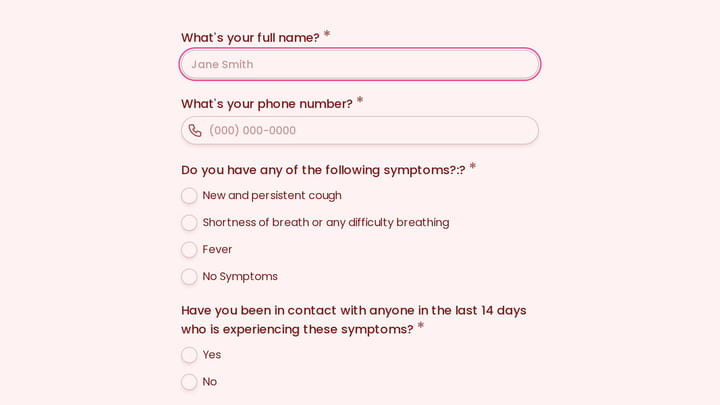
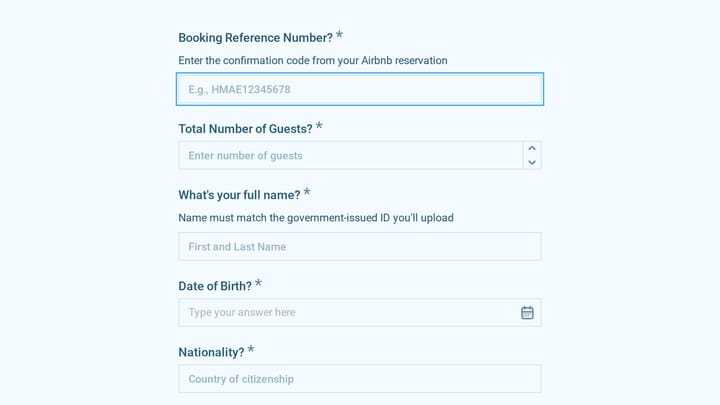
Airport Pickup Reservation Form

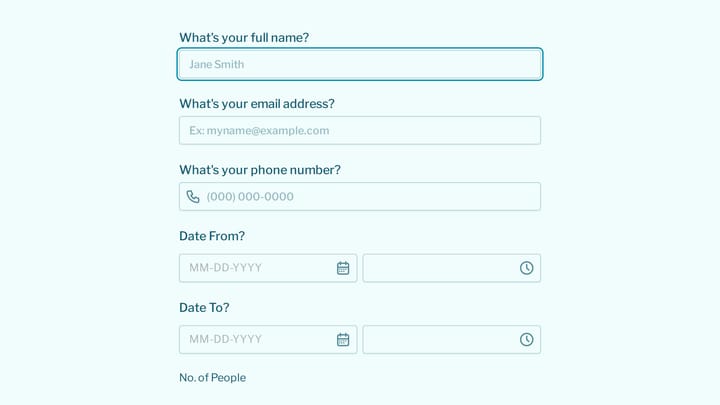
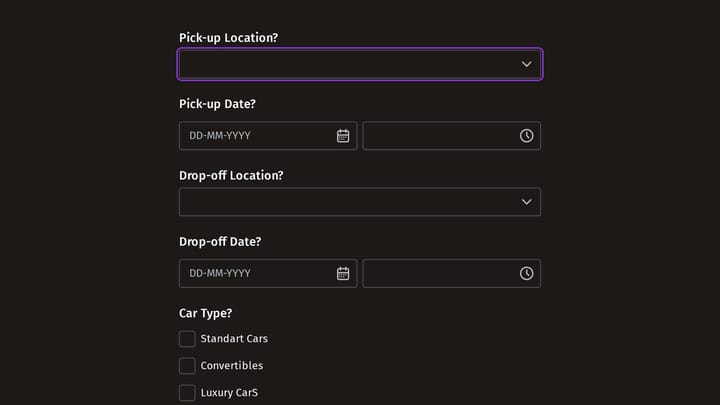
This Airport Pickup Reservation Form allows customers to conveniently book airport transfer services online. It efficiently collects all necessary details, from contact and flight information to travel dates and any specific requests.

Bookings Event Registration Healthcare Travel Small Business Owner
0

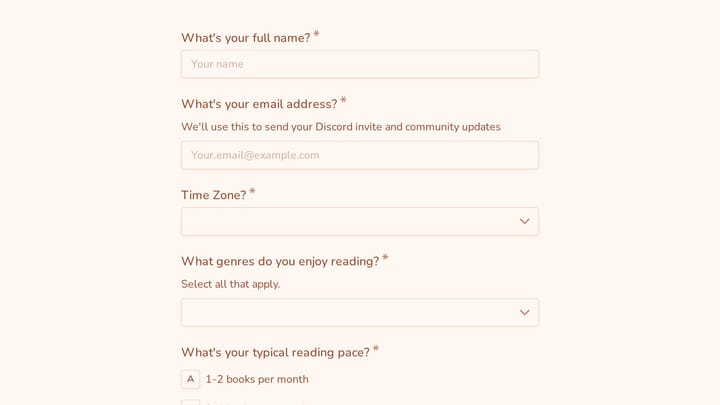
Appointment Form

This versatile form template helps streamline the process of scheduling appointments or collecting registrations for various events. It simplifies gathering client and participant details efficiently.

Event Registration Healthcare Appointments Beauty & Wellness Small Business Owner
0

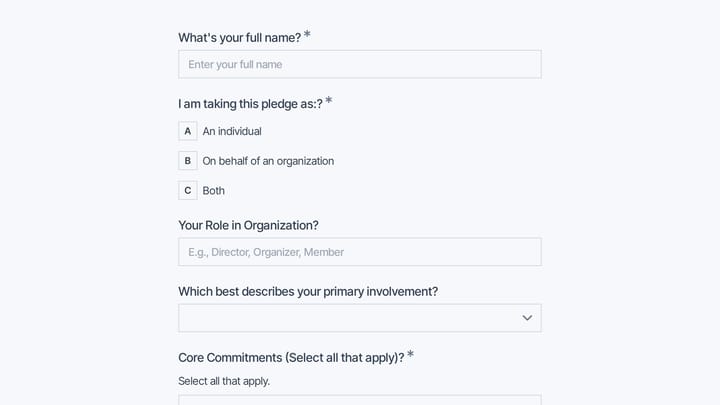
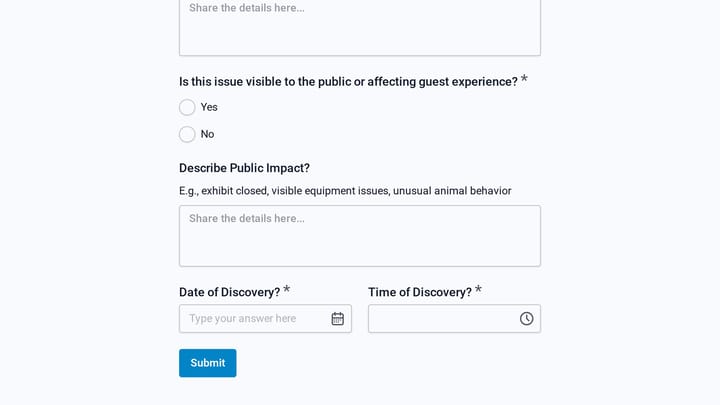
Aquarium Reservation Change Request Form

Guests can easily request changes to their aquarium reservations with this convenient online form. It helps aquariums efficiently manage rescheduling requests and maintain clear communication with their visitors and staff.

Bookings Event Registration Payments Hospitality Small Business Owner
0

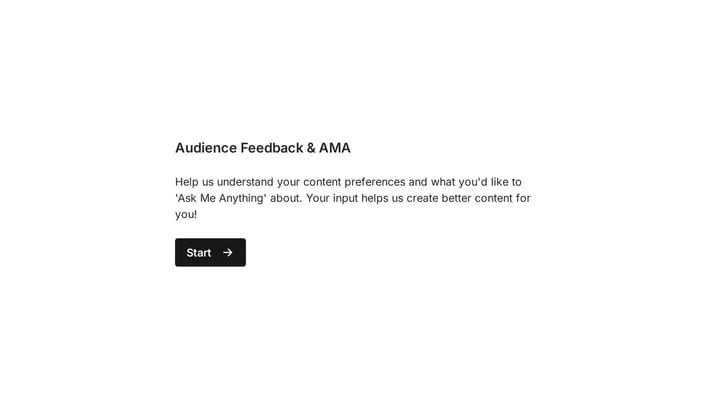
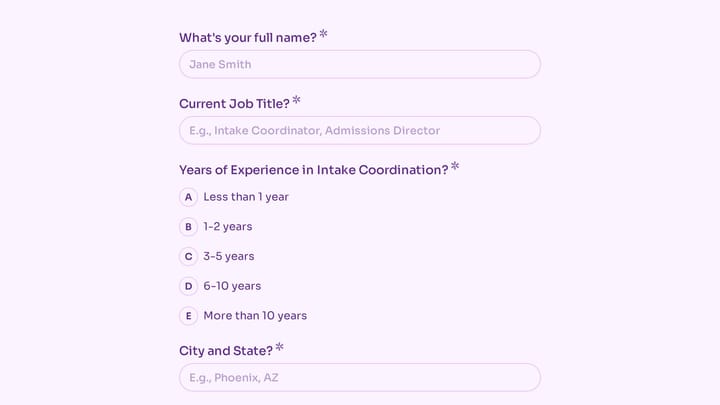
Audience Feedback for Creators

This template empowers creators to effortlessly collect valuable audience feedback and host dynamic 'Ask Me Anything' sessions. It's crafted to reveal content preferences and cultivate stronger community engagement.

Feedback Appointments Bookings Online Courses Small Business Owner
0

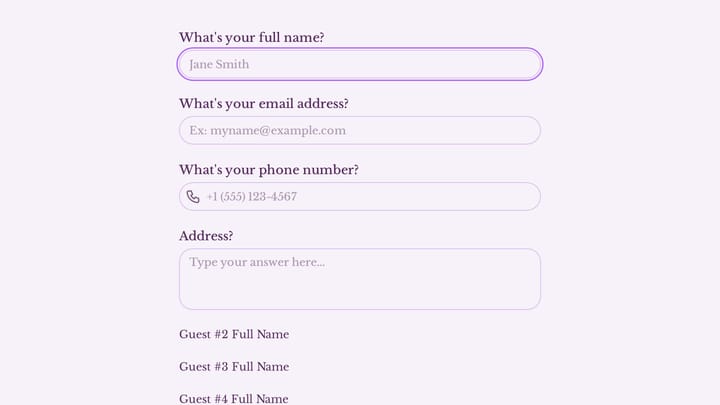
Birthday Party Form

Effortlessly collect guest information and manage reservations for birthday celebrations with this template. It simplifies event planning for both venues and hosts.

Event Registration RSVPs Support Events Event Planner
0

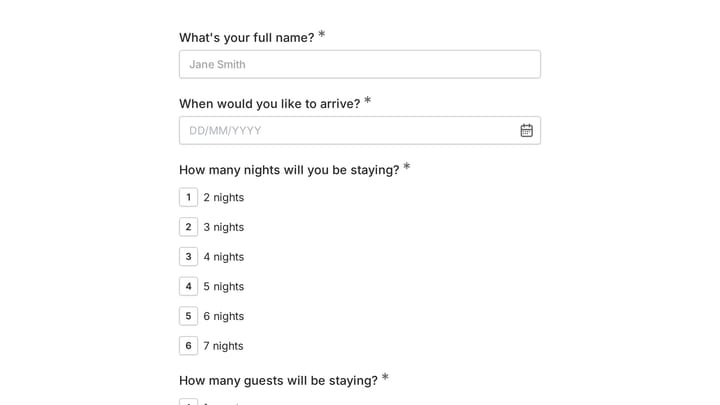
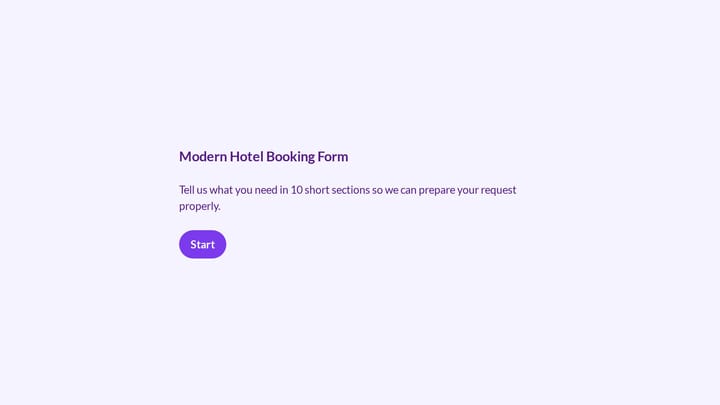
Book a Room Form

This straightforward form helps guests easily book a room, collecting key details like their name, contact, arrival, and length of stay. It's ideal for hostels, small hotels, and bed and breakfasts looking to streamline their reservation process.

Bookings Event Registration Orders Travel Small Business Owner
0

Doctor appointment form

Effortlessly manage patient bookings with this doctor appointment form. It helps you gather crucial details and keeps your schedule perfectly organized.

Appointments Feedback Bookings Healthcare Healthcare Administrator
0

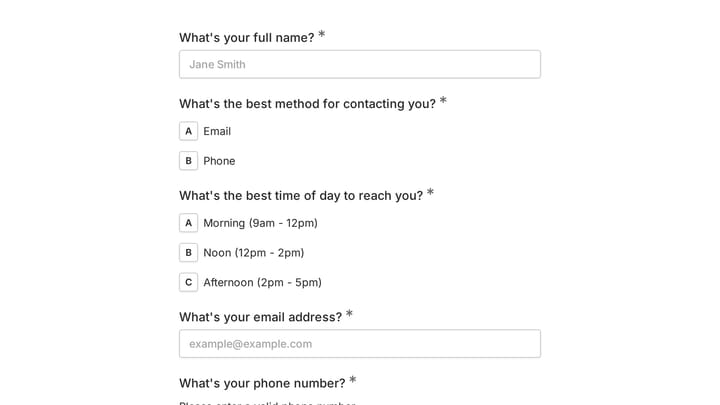
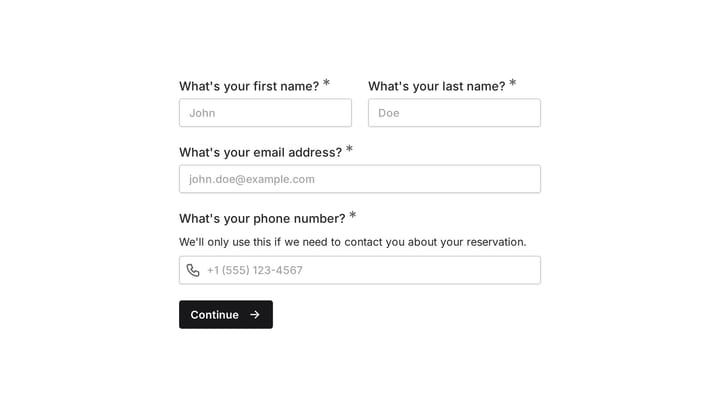
Online Booking Form

This online form template is designed for managing reservations, appointments, and event registrations efficiently. It provides fields for contact details, desired booking times, and specific service or event selections.

Event Registration Bookings Payments Events Small Business Owner

About Booking Forms

Booking forms let customers reserve services, spaces, and time slots directly from your website. They eliminate the back-and-forth of scheduling by phone or email, giving customers the convenience of self-service booking while you maintain control over availability. Whether you're renting equipment, scheduling consultations, or taking restaurant reservations, booking forms streamline the entire process.

Hospitality businesses manage room reservations. Consultants schedule client meetings. Beauty salons book appointments. Fitness studios reserve class spots.

Common Use Cases

  • Service appointments for consultations, treatments, and sessions
  • Room and space reservations for venues and meeting rooms
  • Equipment and rental bookings
  • Restaurant and dining reservations
  • Class and session scheduling for fitness and education
  • Tour and activity reservations
  • Professional consultation scheduling

Who Uses Booking Forms?

Service-based businesses rely heavily on booking systems. Photography studios schedule sessions. Real estate agents book property viewings. Healthcare practices manage patient appointments. Pet service providers schedule grooming and boarding. Travel agencies book tours and experiences.

Building Effective Booking Forms

Show real-time availability to prevent double-bookings. Collect enough information to prepare for the appointment—but not so much that customers abandon the form. Send immediate confirmation with date, time, and location details. Include cancellation and rescheduling policies upfront. Automate reminders to reduce no-shows.

Frequently asked questions

What is a form template?

A form template is a pre-designed form structure that you can use as a starting point for creating your own forms. Templates include pre-configured fields, layouts, and styling that are tailored for specific use cases, saving you time and ensuring best practices are followed. Simply select a template, customize it to match your needs, and publish it to start collecting responses.

How do I customize this template?

Customizing a template is easy with our drag-and-drop editor. Click "Use Template" to open the form in the editor where you can add, remove, or rearrange fields, change colors and fonts to match your brand, update question text and descriptions, configure validation rules, and set up email notifications. All changes are saved automatically, and you can preview your form at any time before publishing.

Is this template free to use?

Yes, all our form templates are completely free to use. You can create unlimited forms from any template on our free plan. Some advanced features like file uploads, custom domains, and removing branding require a paid plan, but the core form functionality and templates are available to everyone at no cost.

Can I use this template for my business?

Absolutely! Our templates are designed for both personal and business use. Whether you're a freelancer, small business, or enterprise, you can use any template to collect leads, gather feedback, process applications, or handle any other form-based workflow. For business use, we recommend our Pro plan which includes features like custom branding, advanced analytics, and priority support.

How do I share my form after creating it?

Once you've customized and published your form, you have several sharing options. You can copy the direct link to share via email, social media, or messaging apps. You can also embed the form on your website using our embed code, or use a QR code for offline materials. All sharing options are available from your form's settings page after publishing.

Ready to create your first Fomr?

Your next form deserves better than a white page with dropdowns. Build something people actually want to fill out.