Beekeeping Facility Evacuation & Headcount Form Template

Use this beekeeping facility evacuation and headcount form to document emergency evacuations, confirm who has reached the assembly point, and record urgent safety issues. It gives small operations a clear, structured way to track personnel…

Use Template
Used 3 times
4.9
Created by Fomr Team
Last updated

About

This beekeeping facility evacuation and headcount form is designed for apiaries, honey processing sites, storage buildings, and other bee-related operations that need a fast, organized record during an emergency. It helps staff capture the evacuation date and time, identify the affected building or yard, and document the type of incident without relying on scattered notes or verbal updates.

The template also supports one of the most important tasks during an evacuation: confirming who is safe and who still needs to be located. Fields for personnel present at the assembly point, total personnel expected, missing names, and injuries make it easier for managers, safety coordinators, and supervisors to conduct a reliable headcount and escalate concerns quickly.

For teams looking for a practical form builder for small business operations, this template provides a strong starting point for emergency preparedness. You can adapt it to your facility layout, staff roles, visitor procedures, hive protection steps, or reporting requirements while keeping the form clear enough to use under pressure.
Related Templates

View all →
Community Book Club RSVP Form preview

Community Book Club RSVP Form

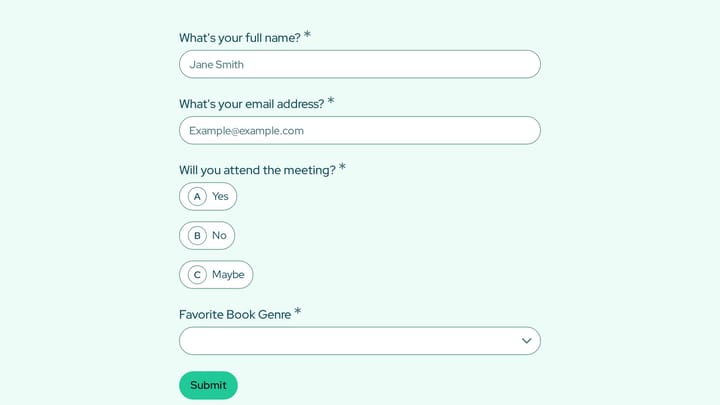
Use this event registration form to track responses, attendee details, and follow-up information in a single workflow. It gives organizers a simple way to manage registrations without extra admin work.

Body Measurement Form preview

Body Measurement Form

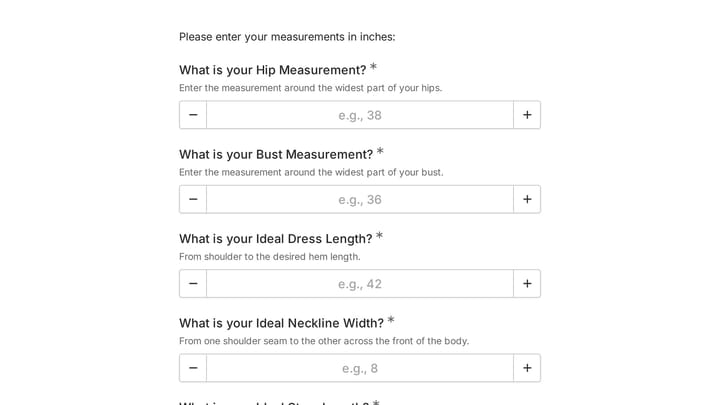
This body measurement form provides a straightforward way to record essential physical dimensions. It's an ideal tool for custom clothing design, fitness tracking, or monitoring personal progress with precision.

Ask a Question preview

Ask a Question

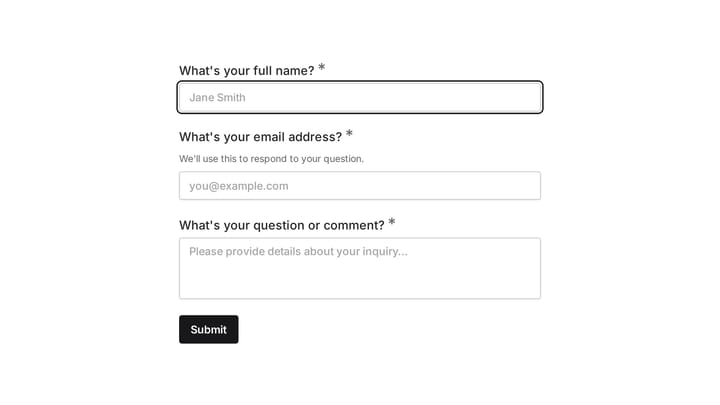
Easily add a customizable 'Ask a Question' form to your website with this template. It empowers visitors to submit inquiries and comments effortlessly, streamlining communication and improving engagement.

Support Community Fridges in Our Neighborhood preview

Support Community Fridges in Our Neighborhood

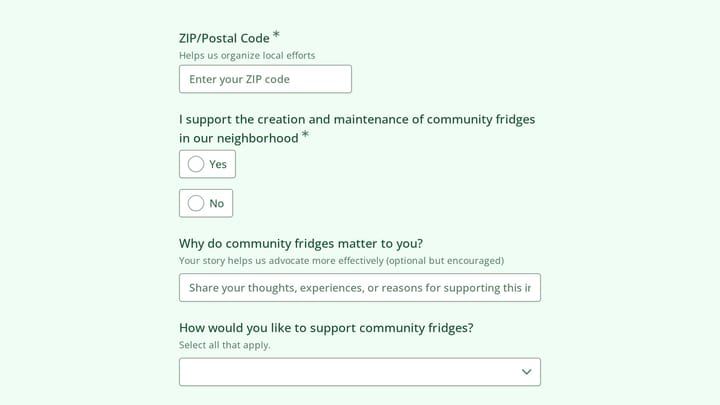
Use this support community fridges in our neighborhood form to gather petition signatures, recruit volunteers, and collect stories that strengthen local food access efforts. It gives organizers one clear place to track support, availabilit…

Community Forum Engagement Feedback Questionnaire Form preview

Community Forum Engagement Feedback Questionnaire Form

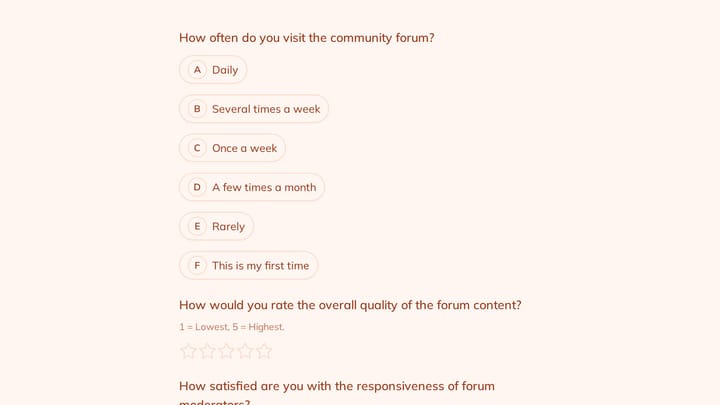
Use this customer feedback form to collect clear feedback, satisfaction scores, and open-ended comments in one place. It helps teams understand what is working well and where the experience can improve.

Join the Challenge: Form Your Team preview

Join the Challenge: Form Your Team

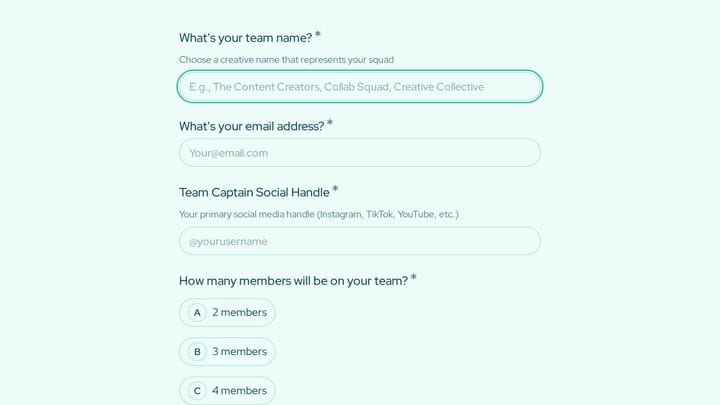
Use this team challenge signup form to collect team names, captain details, member info, and core creative skills for collaborative content projects. It gives organizers a clear way to review entries, confirm team structure, and coordinate…

Address form preview

Address form

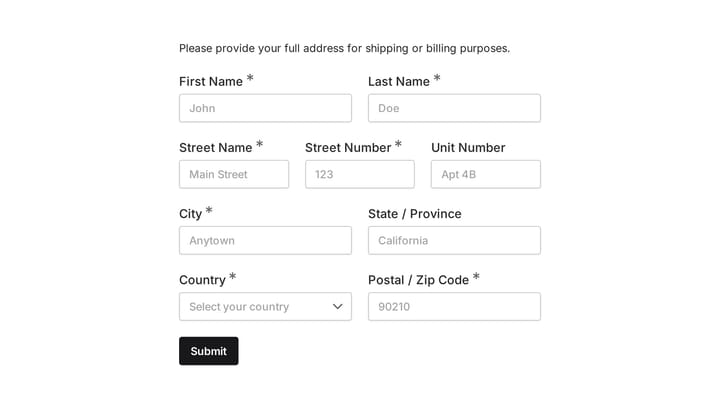
Quickly and accurately collect full shipping and billing addresses with this versatile template. It's designed for businesses that need reliable customer location details for deliveries, invoicing, or organized record-keeping.

Commons Transition Advocacy Registration preview

Commons Transition Advocacy Registration

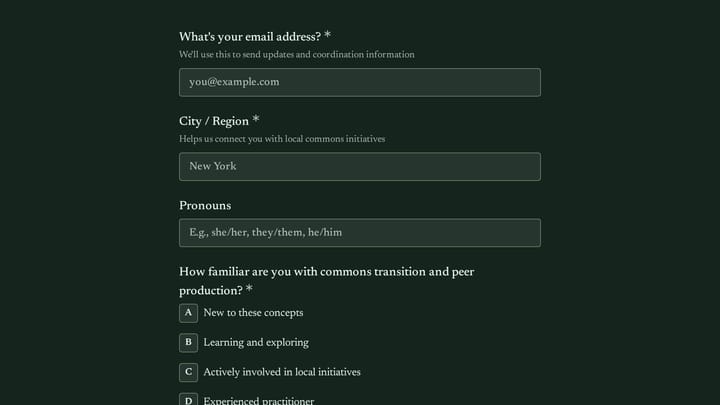
A commons transition advocacy registration form helps organizers sign up supporters, understand their experience level, and coordinate people across local initiatives, working groups, and shared-resource projects. This template is designed…

Frequently asked questions

What is this beekeeping facility evacuation & headcount form used for?

This template is used to collect structured responses for a beekeeping facility evacuation & headcount form workflow. It gives teams a consistent format for gathering the information they need and reviewing submissions more efficiently.

What information should I collect first?

Start with the most important details people can answer quickly, then move into the more specific questions. In this template, that can include items such as Date of Evacuation, Time of Evacuation, Facility Location / Building depending on how you customize it.

Can I customize this template for my own workflow?

Yes. You can adapt the questions, required fields, and structure to fit your process while keeping the overall flow clear and easy to complete. That makes it useful as both a starting point and a publish-ready template.

How many questions should a form like this include?

Keep only the questions that directly support the purpose of the form. Shorter forms usually get better completion rates, so it is often better to collect the essentials first and ask for extra details later if needed.

Why use a structured template instead of building from scratch?

A structured template helps you move faster and keeps your submissions more consistent. It also reduces the chance of missing important details because the form already follows a logical order.

Your next form could be the best-looking thing on your site.

Free forever. Unlimited responses. No signup to start.