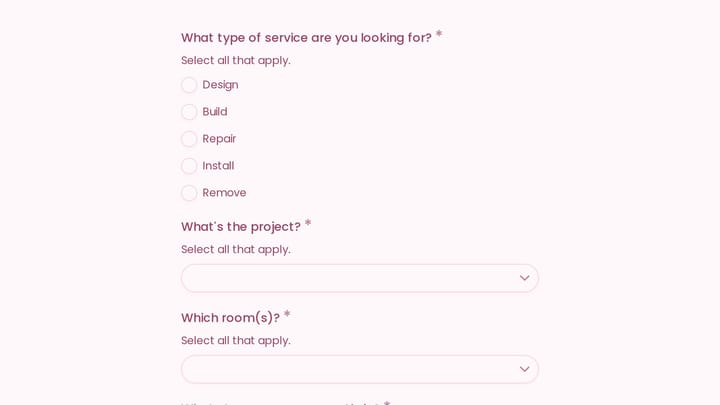
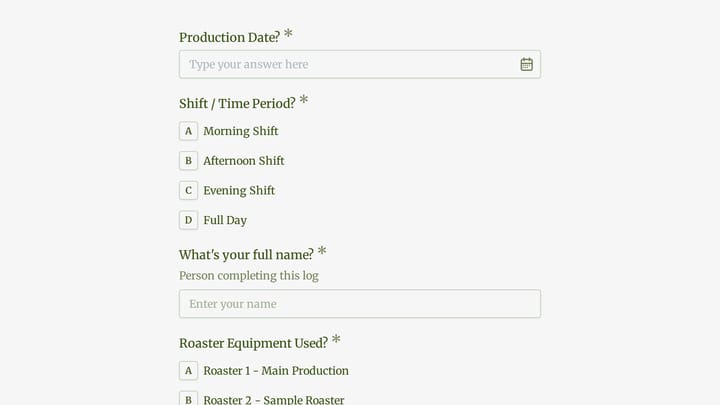
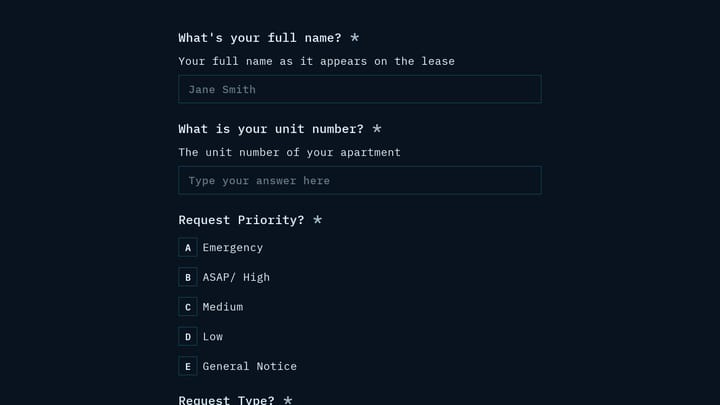
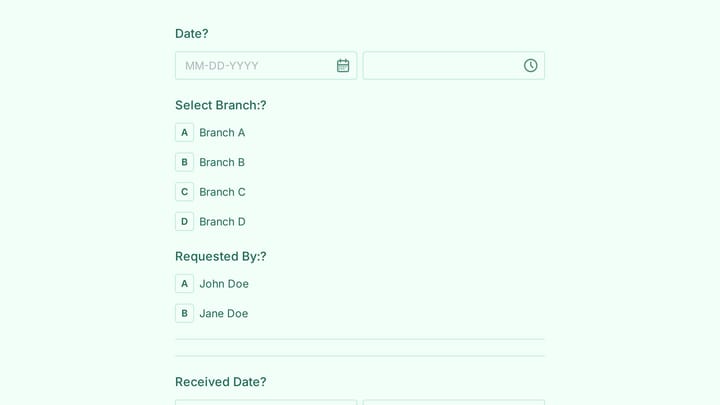
Request Forms Templates

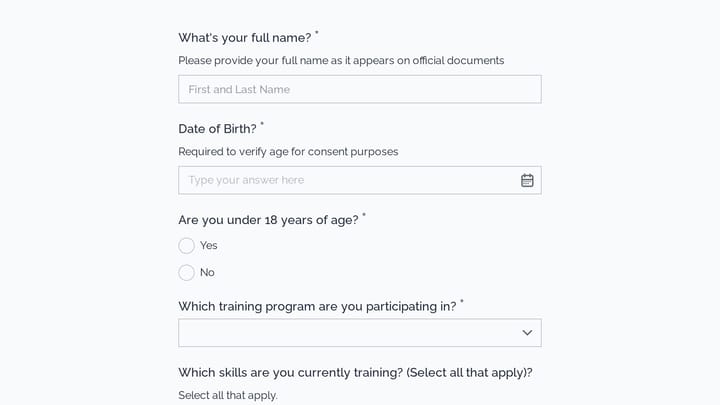
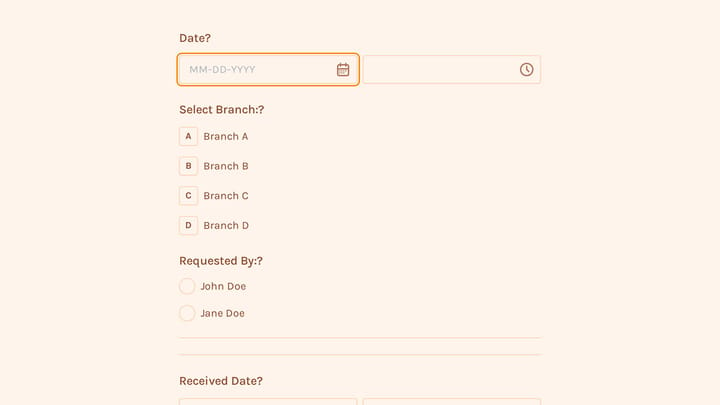
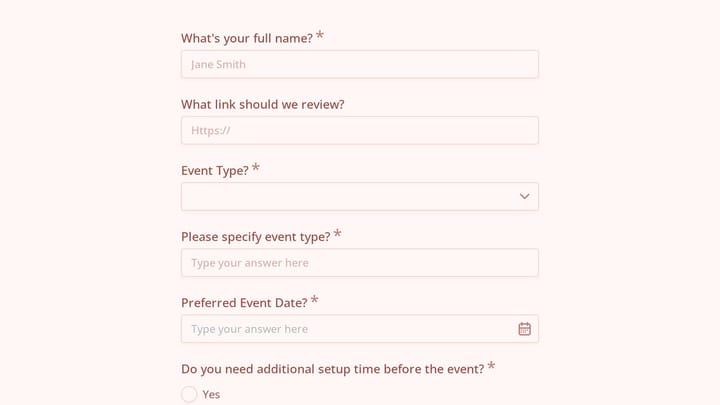
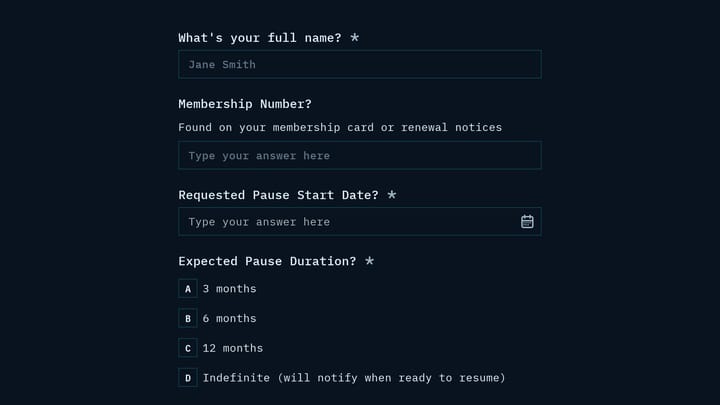
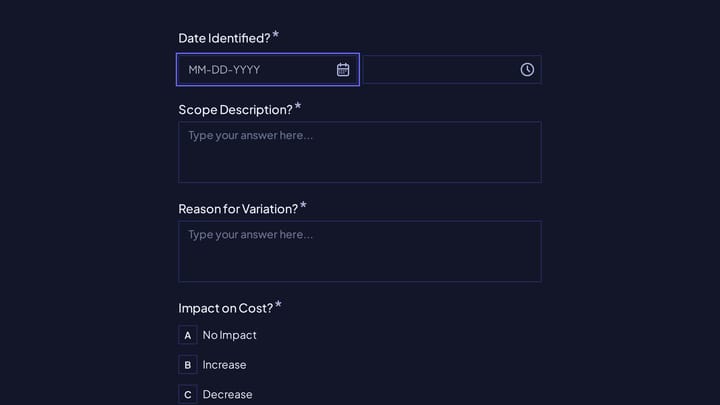
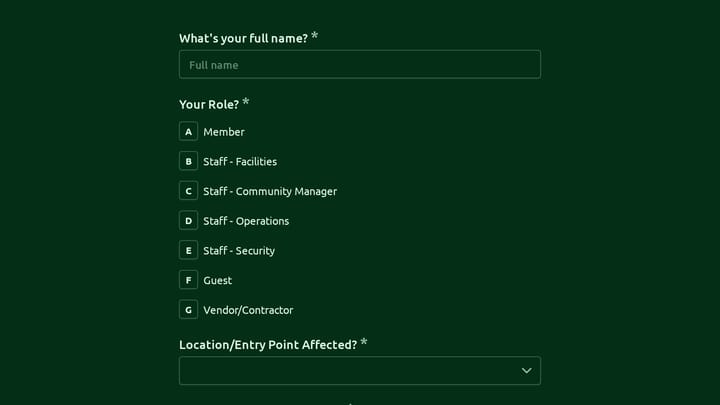
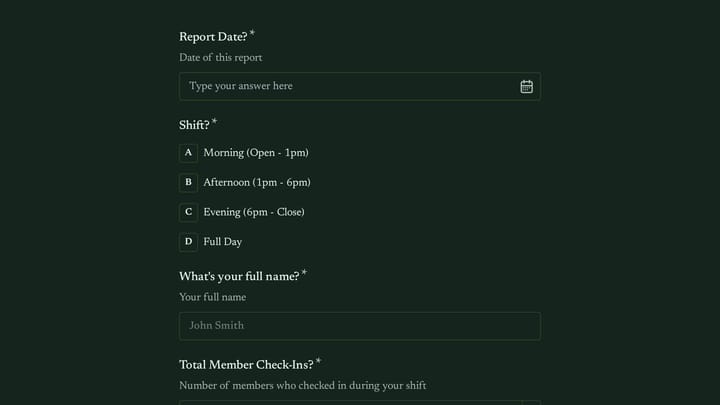
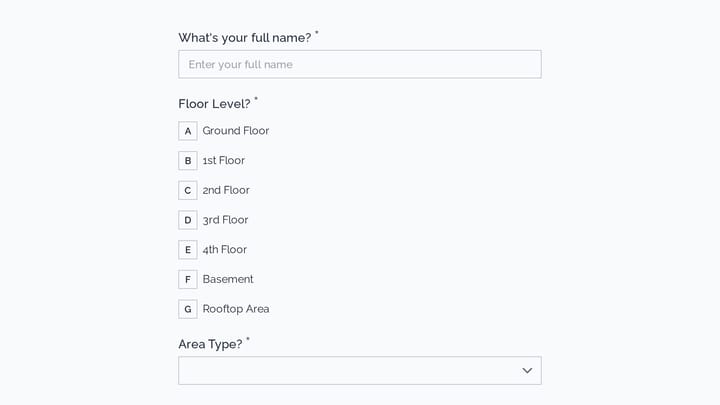
Free request form templates for businesses. Create forms that streamline approvals and keep operations running smoothly.

0

300+ Access Control Forms

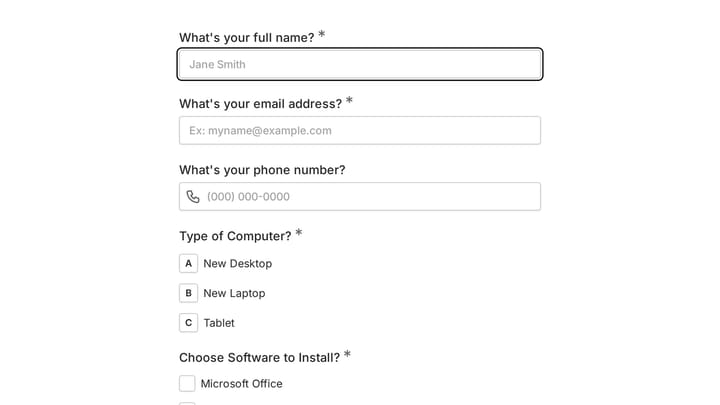
Take control of your organization's security with this adaptable form template. It simplifies the process of managing entry requests and permissions, ensuring robust accountability for both physical spaces and digital assets.

Requests Employees Event Registration Technology Office Administrator
0

Aquarium Reservation Change Request Form

Guests can easily request changes to their aquarium reservations with this convenient online form. It helps aquariums efficiently manage rescheduling requests and maintain clear communication with their visitors and staff.

Bookings Event Registration Payments Hospitality Small Business Owner

About Request Forms

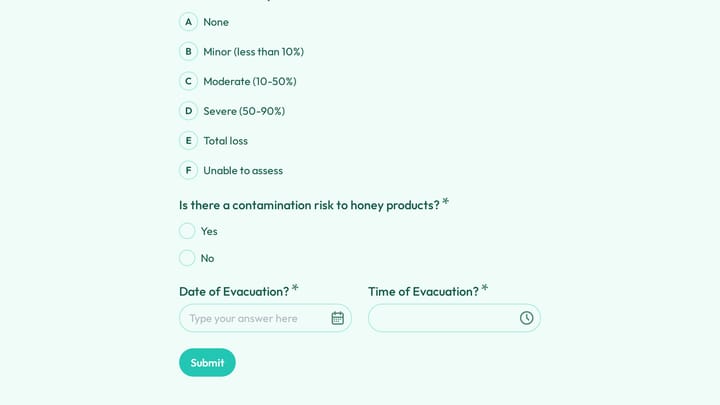
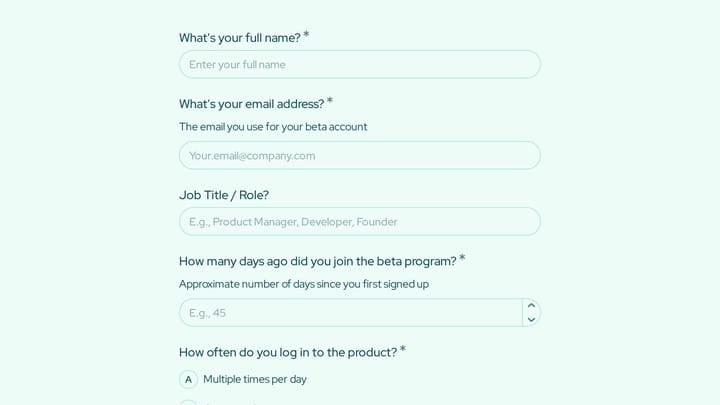
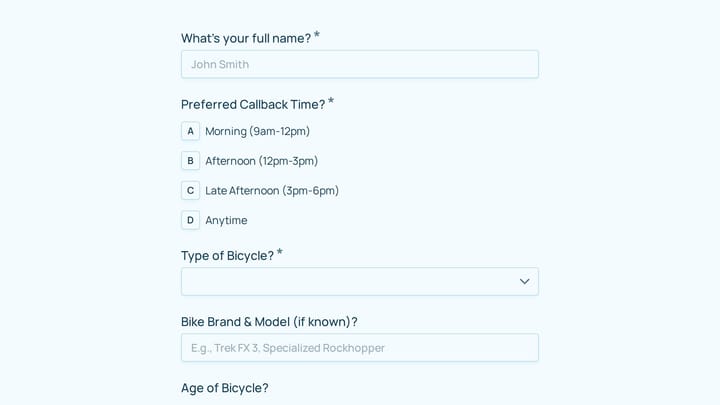
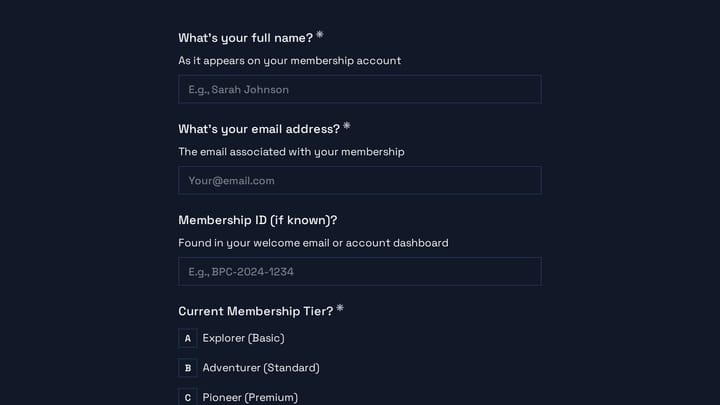
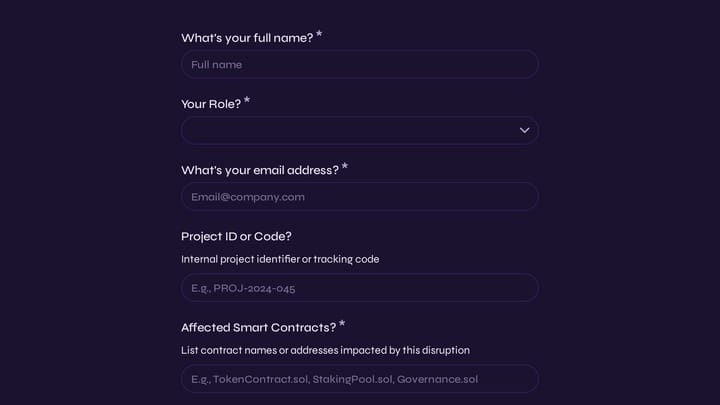
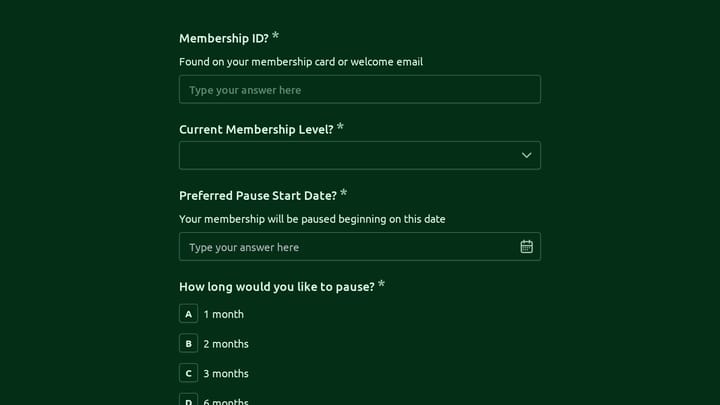
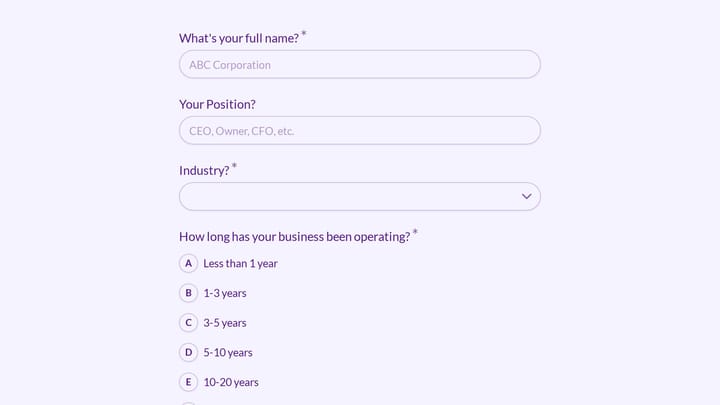
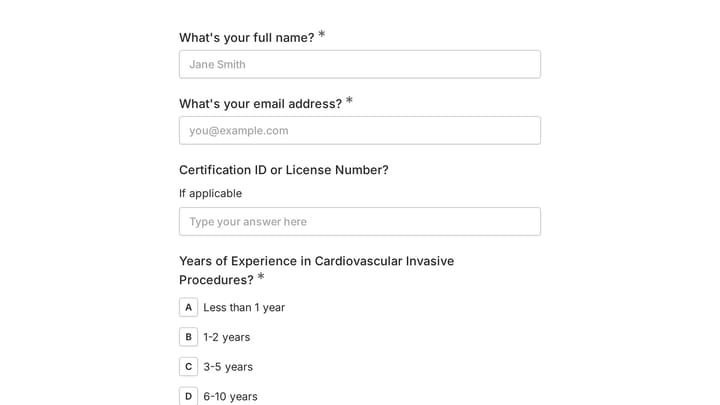
Request forms formalize how people ask for resources, services, or approvals. They bring order to ad-hoc asks—whether employees need equipment, customers want services, or departments require support from other teams. Well-designed request forms capture necessary details, route to the right approvers, and create accountability for fulfillment.

IT departments process equipment and access requests. HR teams handle employee requests. Facilities managers coordinate maintenance. Procurement teams manage purchase requests.

Common Use Cases

  • IT requests for equipment, software, and access
  • Maintenance requests for facilities and repairs
  • Purchase requests for supplies and equipment
  • Time-off requests for employees
  • Service requests from customers or clients
  • Resource allocation requests for projects
  • Budget approval requests for spending

Who Uses Request Forms?

Organizations streamlining operations rely on request systems. Healthcare facilities manage supply requests. Schools process teacher resource requests. Government agencies handle citizen service requests. Retail operations coordinate inventory requests. Construction sites manage material requests.

Building Effective Request Forms

Clearly identify what's being requested and why it's needed. Include priority levels and desired timeframes. Build in approval workflows for requests requiring sign-off. Assign ownership so requesters know who's handling their submission. Track status from submission to fulfillment. Follow up on completed requests to ensure satisfaction.

Frequently asked questions

What is a form template?

A form template is a pre-designed form structure that you can use as a starting point for creating your own forms. Templates include pre-configured fields, layouts, and styling that are tailored for specific use cases, saving you time and ensuring best practices are followed. Simply select a template, customize it to match your needs, and publish it to start collecting responses.

How do I customize this template?

Customizing a template is easy with our drag-and-drop editor. Click "Use Template" to open the form in the editor where you can add, remove, or rearrange fields, change colors and fonts to match your brand, update question text and descriptions, configure validation rules, and set up email notifications. All changes are saved automatically, and you can preview your form at any time before publishing.

Is this template free to use?

Yes, all our form templates are completely free to use. You can create unlimited forms from any template on our free plan. Some advanced features like file uploads, custom domains, and removing branding require a paid plan, but the core form functionality and templates are available to everyone at no cost.

Can I use this template for my business?

Absolutely! Our templates are designed for both personal and business use. Whether you're a freelancer, small business, or enterprise, you can use any template to collect leads, gather feedback, process applications, or handle any other form-based workflow. For business use, we recommend our Pro plan which includes features like custom branding, advanced analytics, and priority support.

How do I share my form after creating it?

Once you've customized and published your form, you have several sharing options. You can copy the direct link to share via email, social media, or messaging apps. You can also embed the form on your website using our embed code, or use a QR code for offline materials. All sharing options are available from your form's settings page after publishing.

Ready to create your first Fomr?

Your next form deserves better than a white page with dropdowns. Build something people actually want to fill out.