Agriculture Form Templates

Free agriculture form templates for farms and producers. Create CSA signup, order, and customer management forms.

No templates found matching your criteria.

No templates found in this category yet. Check back later!

About Agriculture Forms

Agriculture forms support farm operations and direct-to-consumer sales. From CSA membership signups and farmers market orders to wholesale inquiries and farm tour registrations, they help agricultural businesses connect with customers and manage the unique rhythms of seasonal production.

Agriculture involves both operational complexity and community connection. Forms should handle practical needs while communicating the story and values behind the food.

Common Form Types for Agriculture

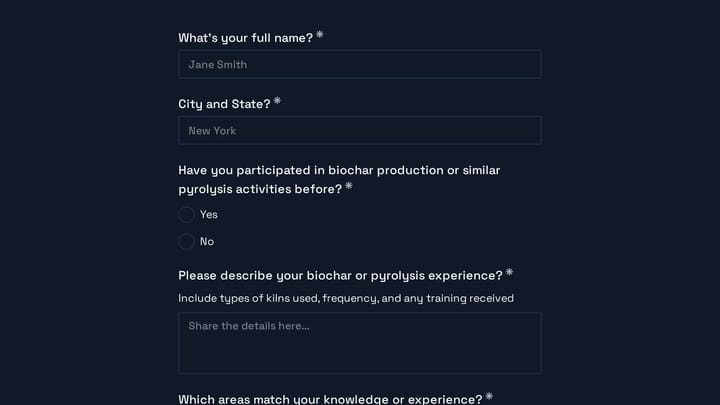
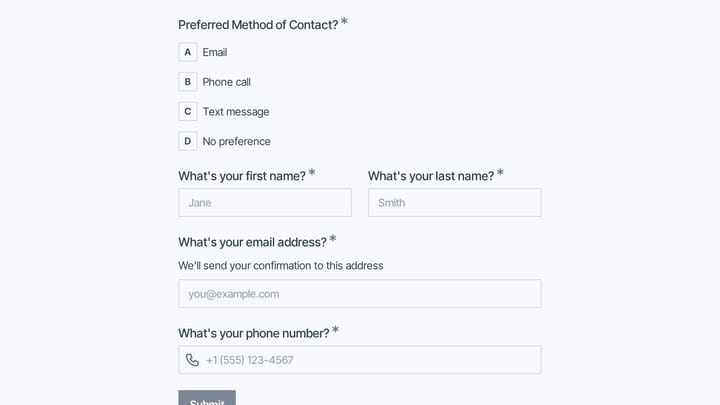
  • CSA membership signup and subscription forms
  • Farmers market pre-order forms
  • Wholesale and bulk order inquiry forms
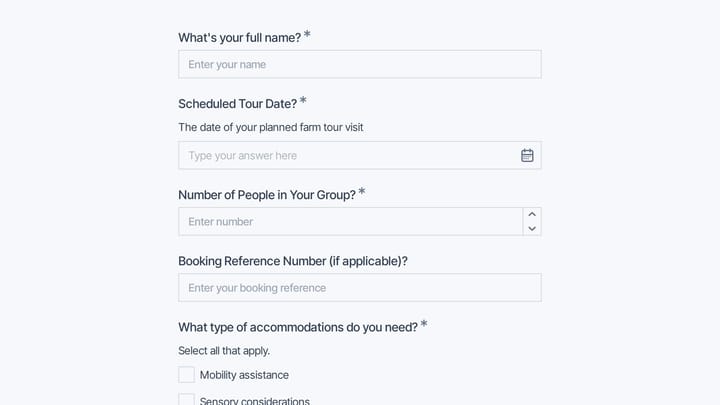
  • Farm tour and agritourism registration
  • Harvest box customization forms
  • Farm subscription preference forms
  • Produce availability notification signups
  • Agricultural supplier application forms

Who Uses Agriculture Forms?

Agricultural businesses of all scales use these forms. Family farms manage CSA subscriptions. Market gardens take pre-orders. Agricultural cooperatives coordinate member growers. Agritourism operations book farm experiences. Food hubs handle wholesale inquiries.

Building Forms for Agriculture

Communicate the seasonal nature of farm products—set expectations about availability and timing. Allow subscription customization for dietary preferences. Collect delivery preferences and pickup locations clearly. For CSA programs, explain share contents and commitment terms. Build community connection through forms that share your farm's story. Make forms mobile-friendly for customers ordering at markets.

Frequently asked questions

What is a form template?

A form template is a pre-designed form structure that you can use as a starting point for creating your own forms. Templates include pre-configured fields, layouts, and styling that are tailored for specific use cases, saving you time and ensuring best practices are followed. Simply select a template, customize it to match your needs, and publish it to start collecting responses.

How do I customize this template?

Customizing a template is easy with our drag-and-drop editor. Click "Use Template" to open the form in the editor where you can add, remove, or rearrange fields, change colors and fonts to match your brand, update question text and descriptions, configure validation rules, and set up email notifications. All changes are saved automatically, and you can preview your form at any time before publishing.

Is this template free to use?

Yes, all our form templates are completely free to use. You can create unlimited forms from any template on our free plan. Some advanced features like file uploads, custom domains, and removing branding require a paid plan, but the core form functionality and templates are available to everyone at no cost.

Can I use this template for my business?

Absolutely! Our templates are designed for both personal and business use. Whether you're a freelancer, small business, or enterprise, you can use any template to collect leads, gather feedback, process applications, or handle any other form-based workflow. For business use, we recommend our Pro plan which includes features like custom branding, advanced analytics, and priority support.

How do I share my form after creating it?

Once you've customized and published your form, you have several sharing options. You can copy the direct link to share via email, social media, or messaging apps. You can also embed the form on your website using our embed code, or use a QR code for offline materials. All sharing options are available from your form's settings page after publishing.

Ready to create your first Fomr?

Your next form deserves better than a white page with dropdowns. Build something people actually want to fill out.