Car Trouble Diagnostic Intake Form for Auto Repair Shops Template

A vehicle intake form for auto repair shops that collects vehicle details, symptoms, maintenance history, urgency, and contact preferences before the customer arrives.

Use Template
Used 2 times
4.9
Created by Fomr Team
Last updated

About

Customers rarely know what is wrong with their car, but they can usually describe what it is doing. This form turns that description into structured information a service advisor can act on: the vehicle, the main concern, the symptoms, and when the problem shows up.

It begins with the year, make, model, and mileage, with an optional VIN for shops that look up service history. Next come the primary concern, a list of symptoms, a written description, and the driving conditions that trigger the issue. Maintenance questions cover the last service, the last oil change, and any recent repairs. If the customer thinks the problem is linked to earlier work, a follow-up asks them to explain the connection.

The last part focuses on scheduling. Customers say whether the car is driveable, whether they consider it a safety concern, how urgently they need the repair, when they would like to come in, and whether they need a loaner or shuttle. With this information in hand, the shop can triage urgent jobs, order parts in advance, and plan bay time more accurately.
Related Templates

View all →
Wedding Attendance Form preview

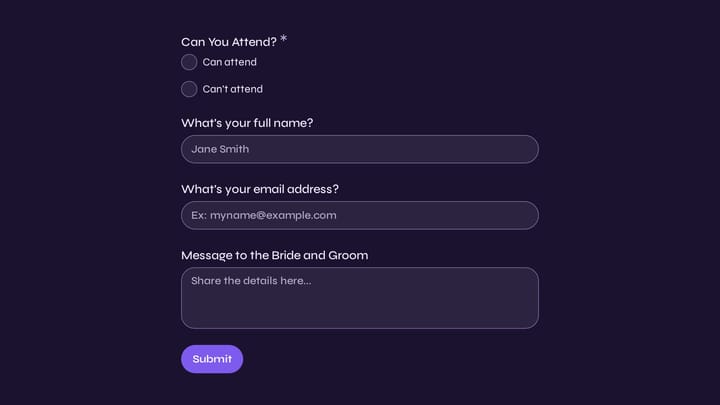
Wedding Attendance Form

Use this event registration form to track responses, attendee details, and follow-up information in a single workflow. It gives organizers a simple way to manage registrations without extra admin work.

Academic Coaching Intake Form preview

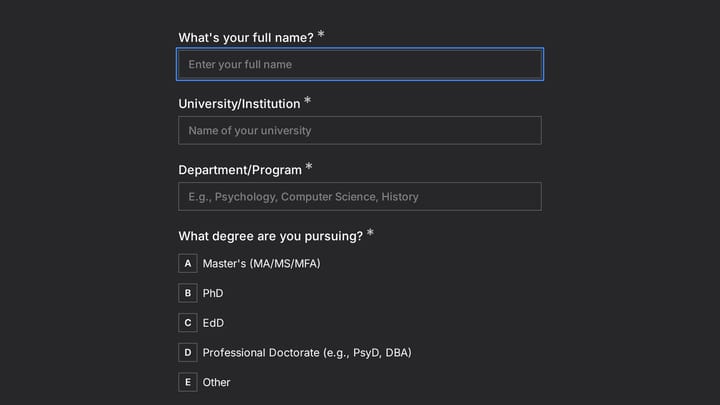
Academic Coaching Intake Form

This client intake form helps academic coaches gather the right background from graduate students before the first session. Use it to understand program details, research stage, progress concerns, and coaching priorities in one clear intak…

Branding Project Intake Form preview

Branding Project Intake Form

Empower your branding projects from the start with this essential intake form template. It guides creative professionals in capturing crucial client details like project goals, target audience, style preferences, and necessary assets for a perfectly aligned kickoff.

Wig Consultation & Fitting Form preview

Wig Consultation & Fitting Form

Use this client intake form to collect structured responses in a format that is easy for both respondents and your team. It helps turn incoming information into a more organized workflow.

Hotel Damage and Incident Report Form preview

Hotel Damage and Incident Report Form

A hotel damage and incident report form helps staff document room damage, guest complaints, and safety issues in a consistent way. This template captures the details managers need to assess urgency, track costs, and follow up properly.

Brand Ambassador Application preview

Brand Ambassador Application

This brand ambassador application form helps wellness and lifestyle brands evaluate yoga instructors for ambassador programs in a consistent, professional way. It captures teaching background, certifications, studio affiliations, class vol…

Employee Coaching Form preview

Employee Coaching Form

Use this employee coaching form to document key takeaways from 1:1 coaching sessions, including goals, action steps, obstacles, confidence level, and the next meeting date. It gives managers, HR teams, and coaches a clear, repeatable way t…

Volunteer Signup Form preview

Volunteer Signup Form

This volunteer signup form helps nonprofits, community groups, and event organizers collect volunteer details, interests, availability, and relevant experience in one place. Use it to screen responses more clearly and match people with the…

Frequently asked questions

Does this form diagnose the problem?

No. It collects symptoms and history so a technician can reach a diagnosis faster. Customers describe what they notice, and the shop uses those details to prepare for the inspection.

Why ask for the VIN?

The VIN lets the shop confirm the exact engine and trim and look up recalls or service records. It is optional, so customers who do not have it handy can still submit the form.

When does the question about previous repairs appear?

It appears only when the customer says the current issue is related to earlier repairs. They are then asked to explain the connection, which helps the shop check warranty coverage or revisit earlier work.

How does the form help with scheduling?

Questions about drivability, safety, urgency, preferred appointment time, and loaner needs let the service team sort requests by priority. A car that cannot be driven or has brake trouble can be booked first, while routine maintenance waits for an open slot.

Can I adapt it for a specific type of shop?

Yes. A tire shop or brake specialist can trim the concern and symptom lists to its services, and a mobile mechanic can replace the loaner question with a service location field. Keep the vehicle details and contact information as they are.

Where should I share the form?

Link it from your website's booking page, include it in appointment confirmation messages, or send it when customers call about a problem. Having the details before the visit shortens check-in and cuts down on back-and-forth.

Your next form could be the best-looking thing on your site.

Free forever. Unlimited responses. No signup to start.