Custom Dog Tag Design Intake Form Template

An order intake form for pet that captures the pet's name, , size, material, engraving text, font, icon, attachment, quantity, and rush order needs.

Use Template
Used 0 times
4.9
Created by Fomr Team
Last updated

About

Custom pet tags are small products with a lot of details. A typo in the phone number or the wrong size ring makes the tag useless, and fixing it means another round of engraving. This intake form helps engravers, pet boutiques, and handmade shops gather every specification up front, so the proof you send back matches what the customer pictured.

Customers share their contact details first, then the pet's name. The design section covers tag shape, size, material, an optional color for acrylic or coated finishes, front and back engraving text, and font style. Production details follow: attachment type, quantity, and whether they need a rush order. A notes field and a referral question close the form.

The icon question is conditional. Only customers who say they want an icon or graphic see the list of paw prints, hearts, bones, stars, and phone or house symbols. Everyone else skips straight to attachment and quantity, which keeps the order quick for anyone who wants a plain tag.
Related Templates

View all →
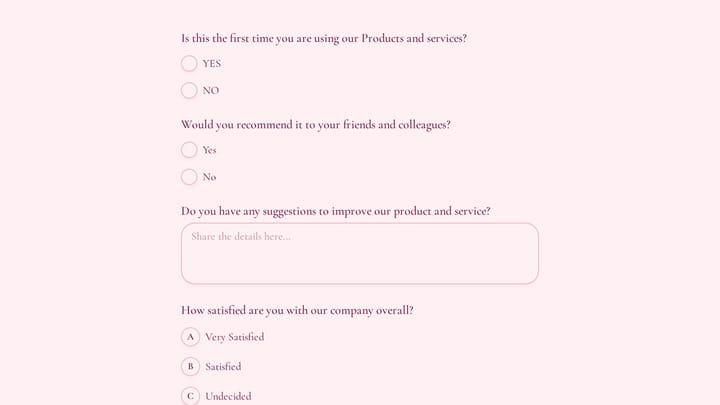
Customer Feedback Survey Form preview

Customer Feedback Survey Form

Use this customer feedback form to collect clear feedback, satisfaction scores, and open-ended comments in one place. It helps teams understand what is working well and where the experience can improve.

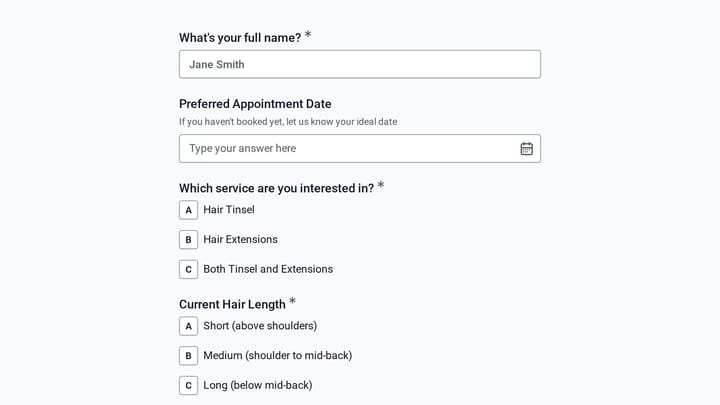
Hair Tinsel & Extension Add-On Service preview

Hair Tinsel & Extension Add-On Service

A hair tinsel and extension add-on service template for salons that need to collect style preferences, placement details, color choices, and appointment information before the visit. It works well as a form builder for small business owner…

Body Measurement Form preview

Body Measurement Form

This body measurement form provides a straightforward way to record essential physical dimensions. It's an ideal tool for custom clothing design, fitness tracking, or monitoring personal progress with precision.

Hair Extension Consultation preview

Hair Extension Consultation

A hair extension consultation template for salons that need to assess fine or thinning hair before recommending a service. It helps collect contact details, hair texture, density, scalp concerns, and extension history so consultations star…

Gym Member Support Request Form preview

Gym Member Support Request Form

Let gym members report check-in, billing, class booking, app login, and facility issues in one form that asks the right follow-up questions for each problem.

Healthcare Claims Denial Management Inquiry preview

Healthcare Claims Denial Management Inquiry

This healthcare claims denial management inquiry form helps providers and revenue cycle teams share key denial metrics, payer challenges, and recovery goals in one structured intake. Use it to qualify inquiries faster and start conversatio…

Hackathon Participant Experience Survey preview

Hackathon Participant Experience Survey

Use this hackathon participant experience survey form to gather detailed feedback on challenge clarity, difficulty, team formation, and overall event satisfaction. It helps organizers understand what participants experienced and what to im…

Branding Project Intake Form preview

Branding Project Intake Form

Empower your branding projects from the start with this essential intake form template. It guides creative professionals in capturing crucial client details like project goals, target audience, style preferences, and necessary assets for a perfectly aligned kickoff.

Frequently asked questions

Who should use this dog intake form?

It suits engraving shops, pet boutiques, groomers that sell accessories, and makers who sell custom tags online or at markets. It works for one-off orders and for repeat customers ordering tags for several pets.

How does the icon option work?

Customers first answer whether they want an icon or graphic on the tag. If they say yes, a required question shows the available icons. If they say no, the icon question stays hidden.

Can I add my own shapes, materials, or fonts?

Yes. Each design question uses an option list you can edit. Add or remove shapes, sizes, materials, fonts, and attachments to match what your engraving equipment and suppliers support.

How do customers enter multi-line engraving text?

The front and back engraving fields recommend up to four lines and show an example. Ask customers to separate lines with a slash, or switch the field to a long answer if your tags often carry more text.

Where do I explain rush order pricing?

The rush order question already explains standard and rush production times. Add your rush fee to its description so customers see the cost before they choose it.

Does the form take payment?

No. It collects the design and order details so you can prepare a proof and a quote. Send a payment link or invoice once the customer approves the design.

Can this form handle cat tags too?

Yes. The size options already include a small cats and tiny dogs. Rename the form or adjust the pet name question if you want it to read as a general pet .

Your next form could be the best-looking thing on your site.

Free forever. Unlimited responses. No signup to start.