Gym Member Support Request Form Template

Let gym members report check-in, billing, class booking, app login, and facility issues in one form that asks the right follow-up questions for each problem.

Use Template
Used 0 times
4.9
Created by Fomr Team
Last updated

About

Most member issues at a gym fall into a handful of buckets: the card reader will not scan, a charge looks wrong, a class booking vanished, or the app will not let someone log in. This member support request form gives front desk and member services teams one place to collect those reports with enough detail to resolve them on the first reply.

Members begin with their name, member ID, email, phone number, and preferred contact method, then choose the type of issue. Every request includes a detailed description, the date the issue happened, an urgency level, and an optional comments box.

The questions in between depend on the issue. A check-in problem asks what happened at the door and which location it was, a billing issue asks for the type of error and the transaction details, a class scheduling error asks for the class name, date and time, and what went wrong, and app login trouble asks for the specific error and the device being used. Members reporting equipment, training, or maintenance concerns go straight to the general description.
Related Templates

View all →
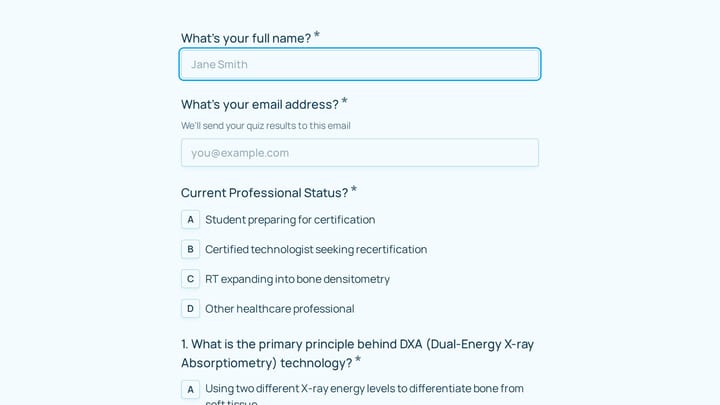
Bone Densitometry Technologist Certification Practice Quiz preview

Bone Densitometry Technologist Certification Practice Quiz

A bone densitometry technologist certification practice quiz form helps assess knowledge of DXA principles, scan positioning, quality control, radiation dose, and interpretation basics. It is well suited for certification prep, recertifica…

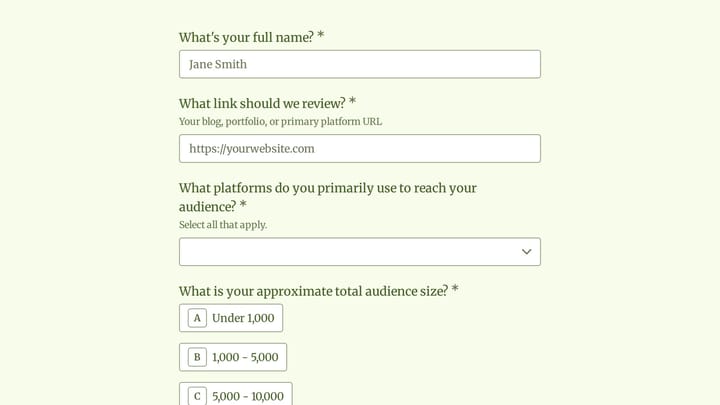
Affiliate Program Application preview

Affiliate Program Application

This affiliate program application form helps ADHD-focused coaches, creators, and mental health professionals apply to promote body doubling and virtual co-working services. It captures audience reach, platform mix, and relevant neurodiver…

BFRB Affiliate Program Application preview

BFRB Affiliate Program Application

A bfrb affiliate program application form helps you screen therapists, coaches, peer support professionals, and related specialists for a partnership program focused on body-focused repetitive behaviors. Use it to collect credentials, area…

Body Image Coaching Intake Form preview

Body Image Coaching Intake Form

A body image coaching intake form helps you understand a new client's relationship with their body, past diet experiences, emotional triggers, and goals before your first session. Use it to gather thoughtful background details that support…

Account Opening Form preview

Account Opening Form

Easily open new financial accounts and gather all necessary customer information with this intuitive form template. It's perfect for banks, credit unions, and any financial institution looking to simplify their onboarding process.

Membership Cancellation Request preview

Membership Cancellation Request

A membership cancellation request form helps clubs manage pauses, permanent cancellations, and related member account changes in one clear process. This template also captures workshop credit decisions, return timing, and the details staff…

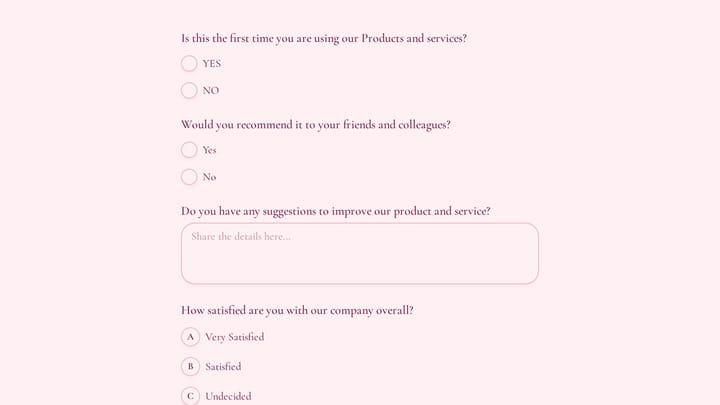
Customer Feedback Survey Form preview

Customer Feedback Survey Form

Use this customer feedback form to collect clear feedback, satisfaction scores, and open-ended comments in one place. It helps teams understand what is working well and where the experience can improve.

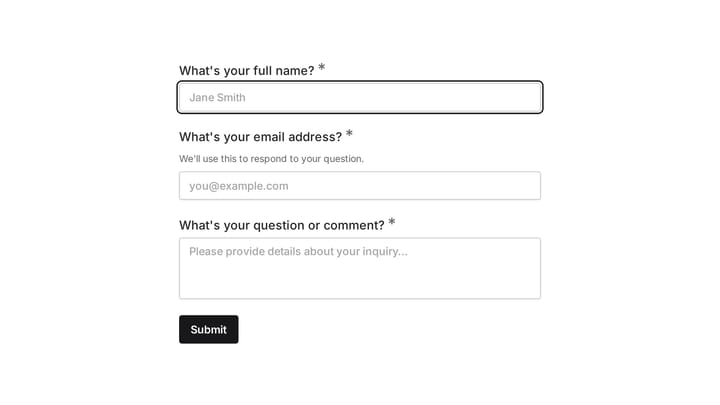
Ask a Question preview

Ask a Question

Easily add a customizable 'Ask a Question' form to your website with this template. It empowers visitors to submit inquiries and comments effortlessly, streamlining communication and improving engagement.

Frequently asked questions

What kinds of member issues does this form cover?

It handles check-in system problems, billing issues, class scheduling errors, and member app login trouble in detail, plus equipment concerns, personal training questions, facility maintenance, and anything else through the general description. You can add or remove issue types to match how your support team works.

How do the issue-specific questions work?

The issue type question controls which follow-ups appear. Picking billing shows the billing questions, picking class scheduling shows the class questions, and so on, so members only answer what relates to their problem.

Why does the form ask for a member ID?

A member ID lets staff find the right account quickly, which matters most for billing and check-in problems. The helper text tells members where to find it. If your system looks members up by email, you can make the field optional or remove it.

Should members enter card numbers in the billing details?

No. The billing question asks for transaction dates and amounts, which is enough to find the charge. If you want to be explicit, add a line to the description asking members not to include full card numbers.

Can I turn the location question into a list of branches?

Yes. The location question is a short text field by default, which works for single-site gyms. Multi-location clubs can replace it with a dropdown of branches so reports are easier to sort.

How should I use the urgency level?

Use it to triage the queue. High urgency issues, such as a member locked out at the door or a duplicate charge, can go to whoever is on shift right away, while low urgency requests can wait for the next support round.

Where should members find this form?

Link it from the help section of your member app, your website, and your email footer. A QR code at the front desk also helps members report a check-in or equipment problem while it is fresh.

Your next form could be the best-looking thing on your site.

Free forever. Unlimited responses. No signup to start.