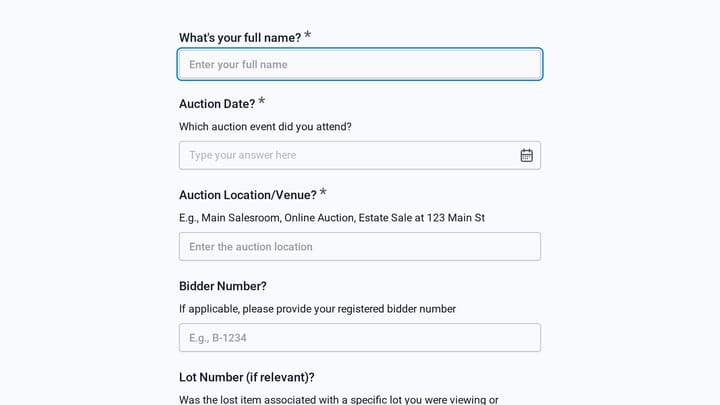
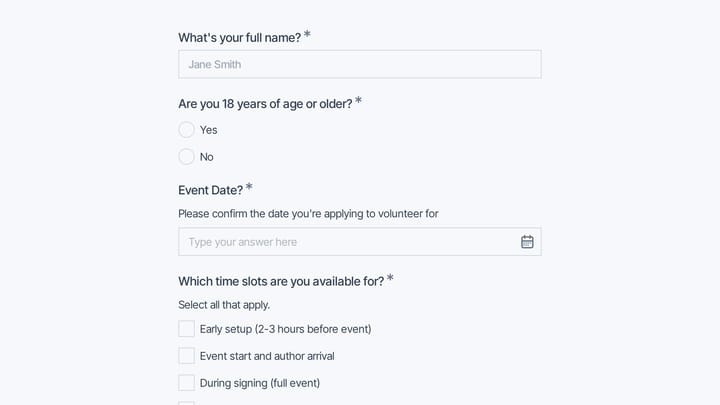
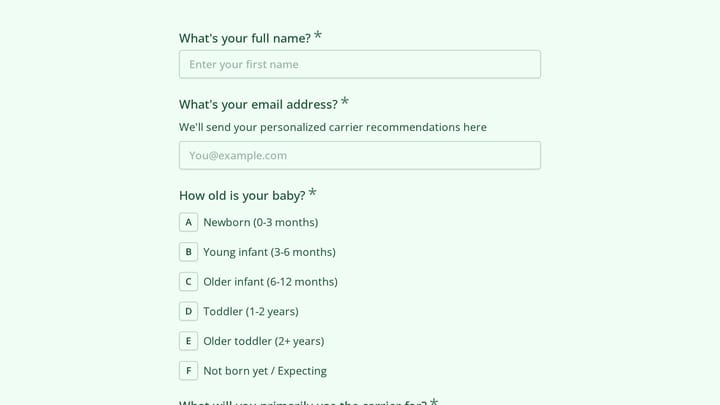
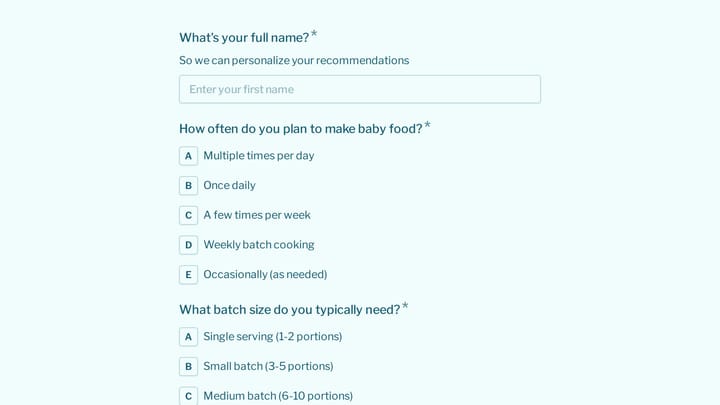
Retail Form Templates

Free retail form templates for stores and shops. Create customer feedback, loyalty program, and special order forms.

0

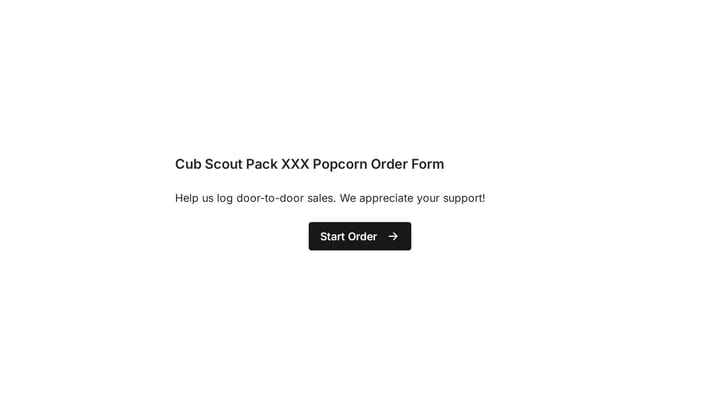
Scout's Popcorn Sales Form

This template simplifies order taking for scout popcorn sales and other fundraising campaigns. It helps young sellers accurately log door-to-door sales, integrating seamlessly with Google Forms for efficient data management.

Orders Event Registration Payments Non-profit Nonprofit Coordinator
0

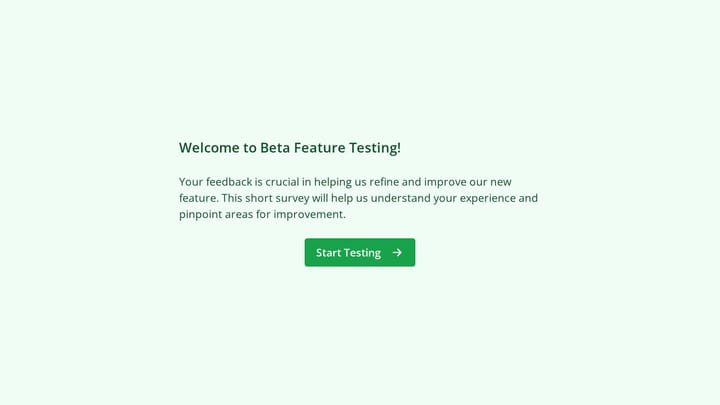
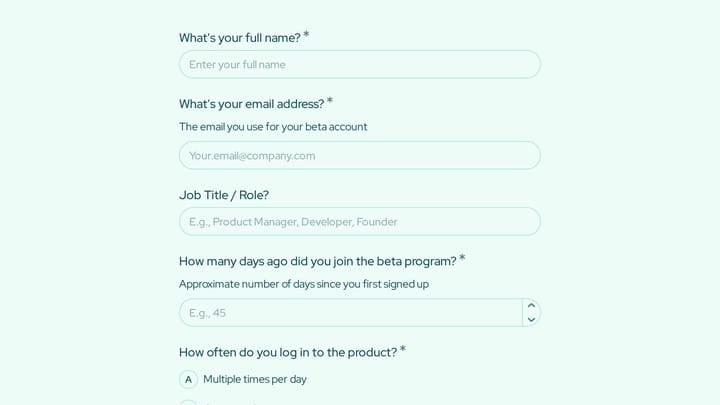
Beta Feature Testing

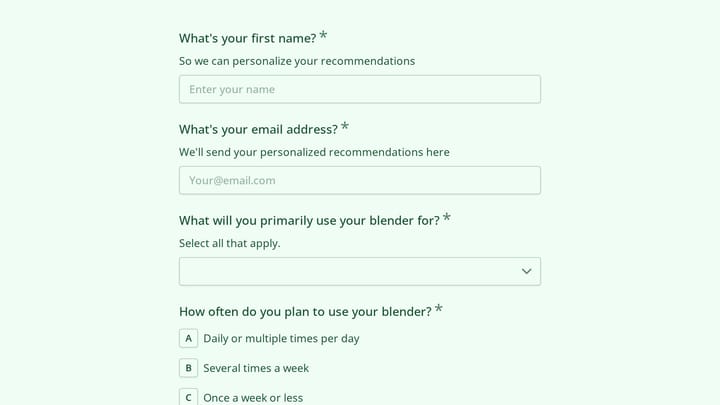
This template empowers product designers and managers to gather crucial feedback on new features, particularly those in beta. It helps teams deeply understand user experience and pinpoint areas for improvement well before a full product launch.

Feedback Onboarding Quote Requests Startups Customer Success Manager
0

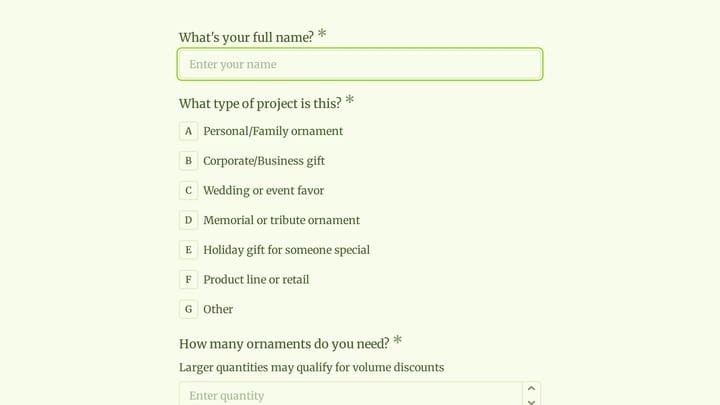
Bloom Custom Order Form

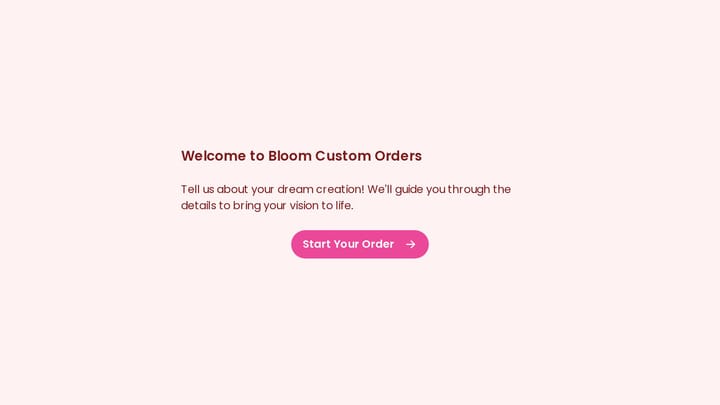
Designed for businesses that create custom products like cakes or floral arrangements, this form template simplifies collecting customer details, specific order requests, and special instructions.

Orders Feedback Event Registration E-commerce Small Business Owner
0

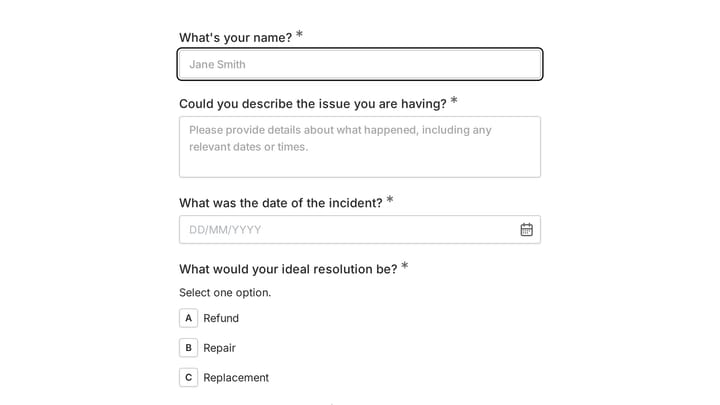
Customer Complaint Form

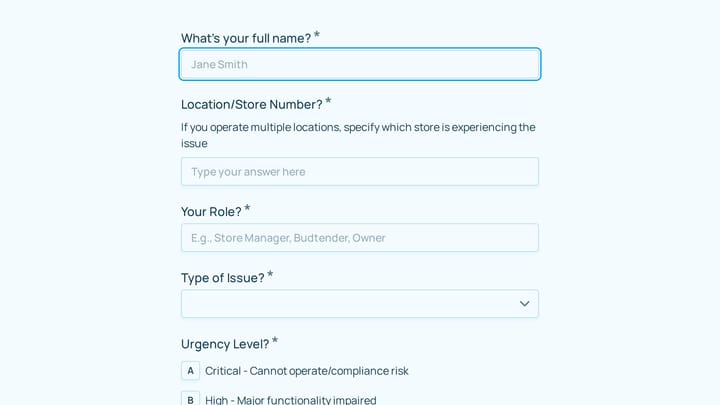
Effectively track and manage customer interactions by using this template to create a customizable complaint form. Quickly gather details and provide efficient solutions to maintain customer satisfaction.

Feedback Polls RSVPs Retail Small Business Owner
0

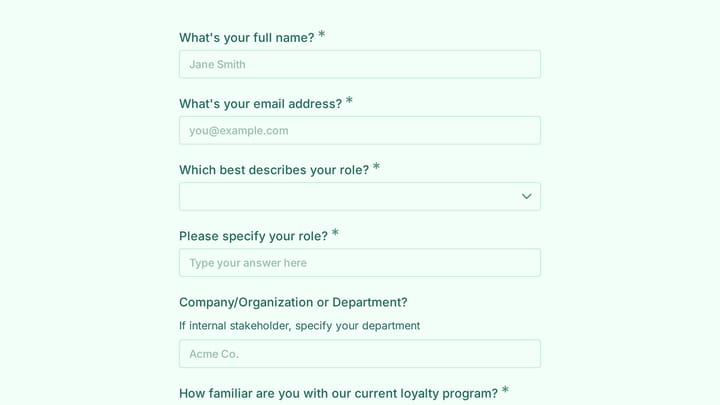
Customer Information Form

Quickly collect vital customer information, from contact details to preferences, to build stronger relationships. This template helps you personalize interactions and streamline data for marketing and support efforts.

Contacts Feedback Surveys Retail Small Business Owner
0

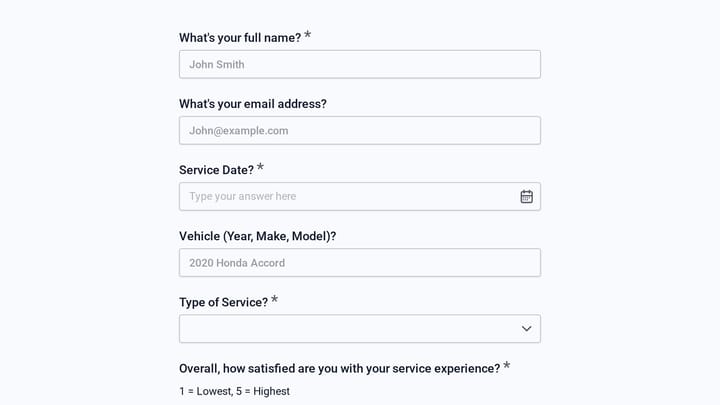
Customer Service Job Application Form

Efficiently screen customer service job applicants with this customizable template designed to gather essential details. It helps you collect resumes, cover letters, and insightful responses, making candidate qualification straightforward.

Job Applications Feedback Application Retail Recruiter
0

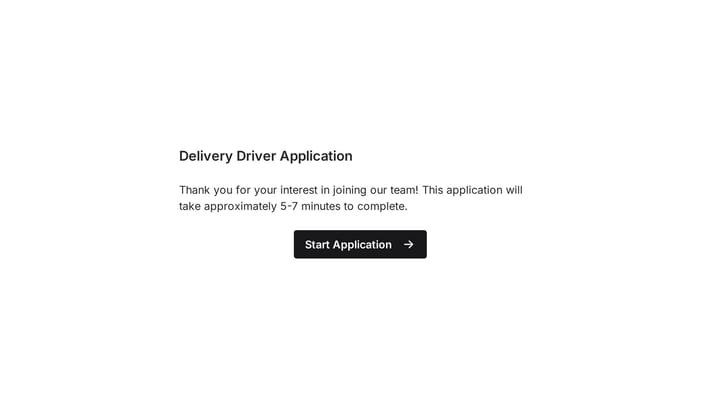
Delivery Driver Job Application Form

Create a professional delivery driver job application form that reflects your brand and impresses candidates. Easily collect resumes, cover letters, and all necessary information in a single, streamlined step.

Job Applications Feedback Application Retail Small Business Owner
0

employee availability form

Crafting work schedules can often feel like solving a complex puzzle. This employee availability form simplifies the task by providing a clear, organized overview of your team's availability.

Employees Feedback Onboarding Retail HR Manager
0

Esthetician Job Application Form

Make a stunning first impression on esthetician candidates with a job application form designed to match your brand. Easily gather resumes, cover letters, and all essential details in one streamlined process.

Job Applications Feedback Application Retail Small Business Owner

About Retail Forms

Retail forms bridge the gap between in-store and digital experiences. From loyalty program enrollments and special order requests to customer feedback and job applications, they help retailers understand customers, streamline operations, and create connected shopping experiences.

Modern retail requires omnichannel thinking—forms should work seamlessly whether customers access them on their phones in-store or from home.

Common Form Types for Retail

  • Loyalty program enrollment forms
  • Special order and product request forms
  • Gift registry creation forms
  • Customer feedback and satisfaction surveys
  • Layaway and payment plan applications
  • Job application forms for retail positions
  • Product availability notification signups
  • Return and exchange processing forms

Who Uses Retail Forms?

Retail businesses of all types use these forms. Specialty boutiques manage special orders. Department stores run loyalty programs. Furniture stores handle layaway requests. Gift shops create registries. Grocery stores gather customer feedback.

Building Forms for Retail

Design forms that work on mobile devices in-store. Keep enrollment forms short to encourage participation. For special orders, collect detailed product specifications and customer contact preferences. Include in-store pickup options where applicable. Send automatic notifications for product availability and order status. Use feedback forms to identify both problems and opportunities.

Frequently asked questions

What is a form template?

A form template is a pre-designed form structure that you can use as a starting point for creating your own forms. Templates include pre-configured fields, layouts, and styling that are tailored for specific use cases, saving you time and ensuring best practices are followed. Simply select a template, customize it to match your needs, and publish it to start collecting responses.

How do I customize this template?

Customizing a template is easy with our drag-and-drop editor. Click "Use Template" to open the form in the editor where you can add, remove, or rearrange fields, change colors and fonts to match your brand, update question text and descriptions, configure validation rules, and set up email notifications. All changes are saved automatically, and you can preview your form at any time before publishing.

Is this template free to use?

Yes, all our form templates are completely free to use. You can create unlimited forms from any template on our free plan. Some advanced features like file uploads, custom domains, and removing branding require a paid plan, but the core form functionality and templates are available to everyone at no cost.

Can I use this template for my business?

Absolutely! Our templates are designed for both personal and business use. Whether you're a freelancer, small business, or enterprise, you can use any template to collect leads, gather feedback, process applications, or handle any other form-based workflow. For business use, we recommend our Pro plan which includes features like custom branding, advanced analytics, and priority support.

How do I share my form after creating it?

Once you've customized and published your form, you have several sharing options. You can copy the direct link to share via email, social media, or messaging apps. You can also embed the form on your website using our embed code, or use a QR code for offline materials. All sharing options are available from your form's settings page after publishing.

Ready to create your first Fomr?

Your next form deserves better than a white page with dropdowns. Build something people actually want to fill out.