Engineering Team Onboarding Template

Use this engineering team onboarding form to gather the details a remote engineering hire needs to get started, from contact and role information to team placement, time zone, and cloud access requirements. It helps teams coordinate setup…

Use Template
Used 0 times
5.0
Created by Fomr Team
Last updated

About

This engineering team onboarding form is designed for remote and distributed software teams that need a clear, repeatable intake process for new hires. It brings together the operational details teams usually need before day one, including contact information, start date, work location, time zone, job title, department, reporting manager, and employment type.

Beyond basic employee details, the form is well suited to technical onboarding tasks that often create delays when handled ad hoc. It can be used to capture cloud platform access needs such as AWS, Azure, or GCP, along with repository permissions, team-specific setup requests, sprint preferences, and on-call rotation readiness so engineering, IT, and people operations can coordinate from the same submission.

Because the structure is specific to engineering onboarding, it works well for backend, frontend, full stack, platform, data, and mobile teams. You can keep the template as-is for a standard onboarding workflow or tailor it for contractors, interns, or specialized roles that need different access, equipment, or scheduling requirements.
Related Templates

View all →
Address form preview

Address form

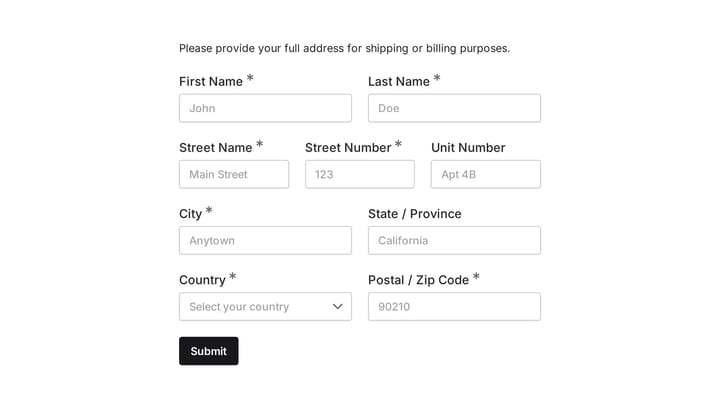
Quickly and accurately collect full shipping and billing addresses with this versatile template. It's designed for businesses that need reliable customer location details for deliveries, invoicing, or organized record-keeping.

Healthcare Revenue Integrity Assessment preview

Healthcare Revenue Integrity Assessment

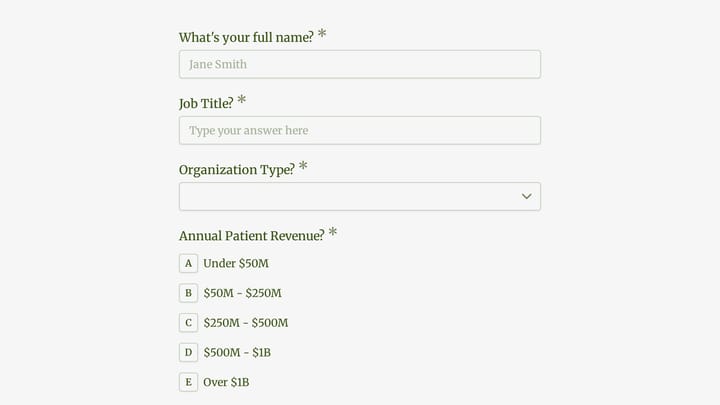
This healthcare revenue integrity assessment form helps consulting and revenue cycle teams qualify healthcare organizations by identifying gaps in charge capture, coding compliance, reimbursement performance, and audit readiness. It is des…

Hearing Loss Screening & Audiology Assessment preview

Hearing Loss Screening & Audiology Assessment

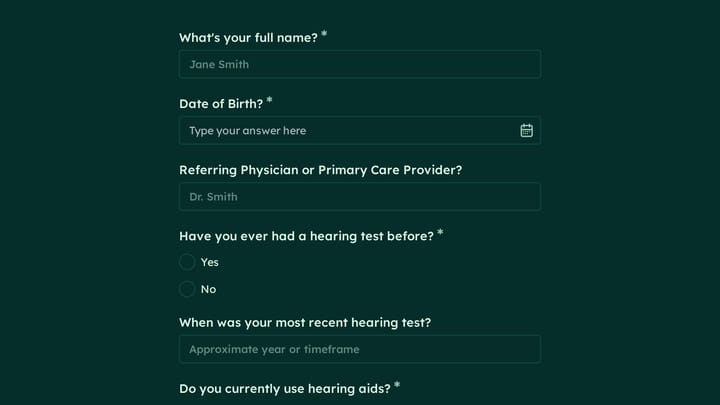
This hearing loss screening & audiology assessment form helps clinics and care teams collect patient history, hearing concerns, prior testing, hearing aid use, and key intake details before an evaluation. It is well suited for routine scre…

Event Registration Form preview

Event Registration Form

Effortlessly gather attendee information for any event with this registration form template. It streamlines sign-ups, manages workshop selections, and collects vital details like dietary needs, ensuring smooth planning.

Body Measurement Form preview

Body Measurement Form

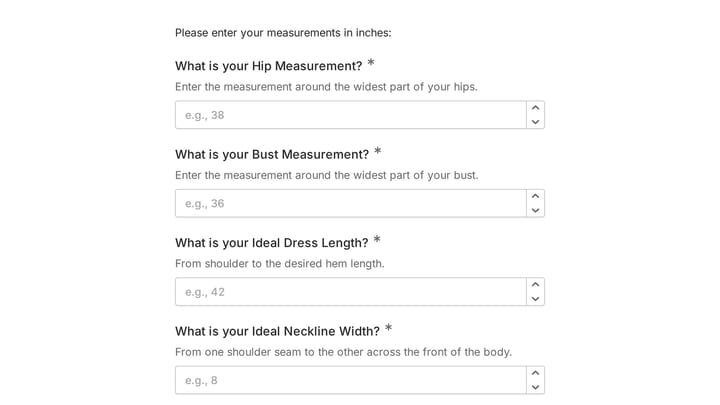
This body measurement form provides a straightforward way to record essential physical dimensions. It's an ideal tool for custom clothing design, fitness tracking, or monitoring personal progress with precision.

Hidradenitis Suppurativa Assessment Form preview

Hidradenitis Suppurativa Assessment Form

Clinical assessment form for documenting hidradenitis suppurativa history, lesion activity, pain, infections, and referral needs. Use it to capture consistent patient information during intake, follow-up visits, or specialist evaluation.

Find Your Perfect Hiking Boots preview

Find Your Perfect Hiking Boots

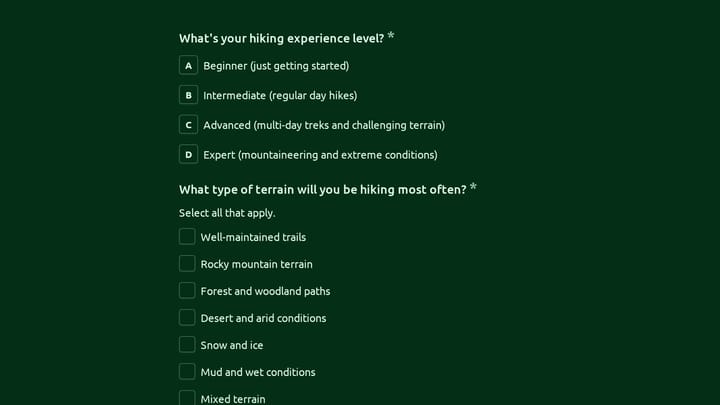
Use this find your perfect hiking boots form to match shoppers with boot recommendations based on experience level, terrain, distance, pack weight, foot shape, climate, and budget. It is a practical fit for outdoor retailers and gear brand…

Help Desk Software Selector Quiz preview

Help Desk Software Selector Quiz

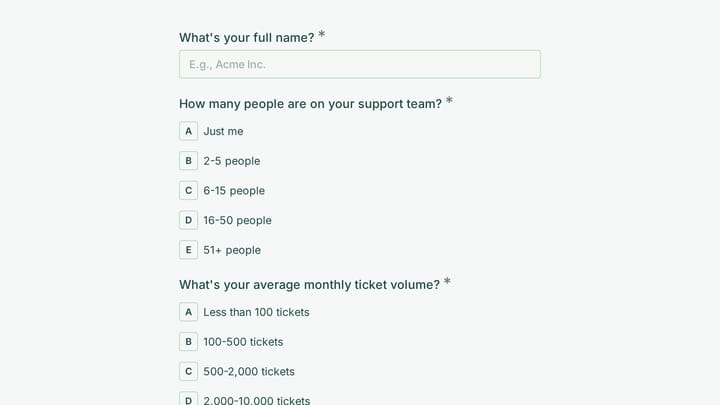
This lead generation form helps support teams qualify needs before recommending a help desk solution. It captures team size, ticket volume, channel requirements, automation priorities, integrations, budget, and rollout timing in a clear qu…

Frequently asked questions

What is this engineering team onboarding used for?

This template is used to collect structured responses for a engineering team onboarding workflow. It gives teams a consistent format for gathering the information they need and reviewing submissions more efficiently.

What information should I collect first?

Start with the most important details people can answer quickly, then move into the more specific questions. In this template, that can include items such as Full Name, Work Email Address, Phone Number depending on how you customize it.

Can I customize this template for my own workflow?

Yes. You can adapt the questions, required fields, and structure to fit your process while keeping the overall flow clear and easy to complete. That makes it useful as both a starting point and a publish-ready template.

How many questions should a form like this include?

Keep only the questions that directly support the purpose of the form. Shorter forms usually get better completion rates, so it is often better to collect the essentials first and ask for extra details later if needed.

Why use a structured template instead of building from scratch?

A structured template helps you move faster and keeps your submissions more consistent. It also reduces the chance of missing important details because the form already follows a logical order.

What makes an application form easier to review?

Clear questions and a predictable structure make application forms easier to review because every respondent submits information in the same format. That helps teams compare answers fairly and move through evaluations more quickly.

Your next form could be the best-looking thing on your site.

Free forever. Unlimited responses. No signup to start.