Technology Form Templates

Free tech company form templates. Create demo requests, support tickets, and user feedback forms for software businesses.

0

300+ Access Control Forms

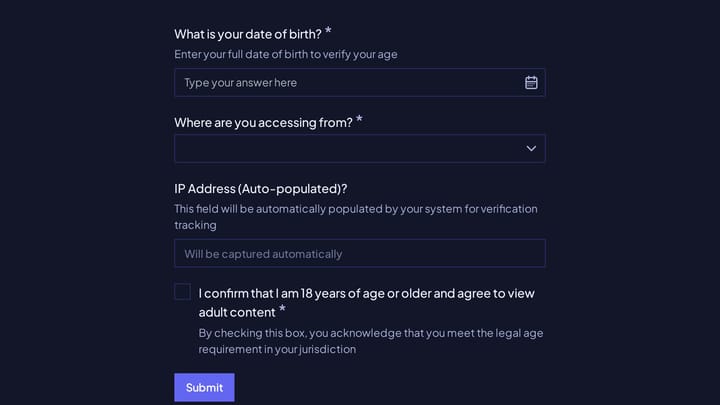
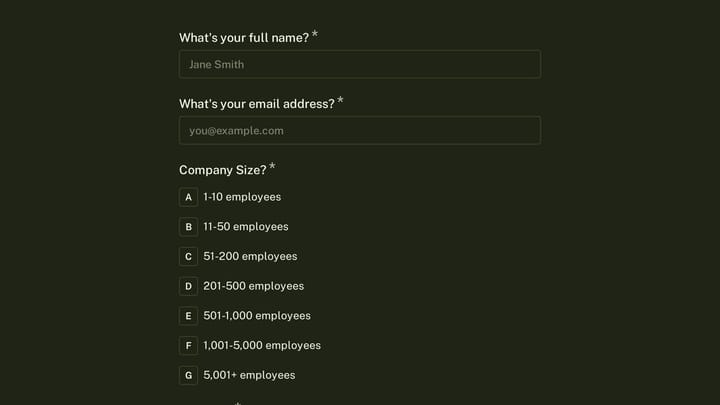
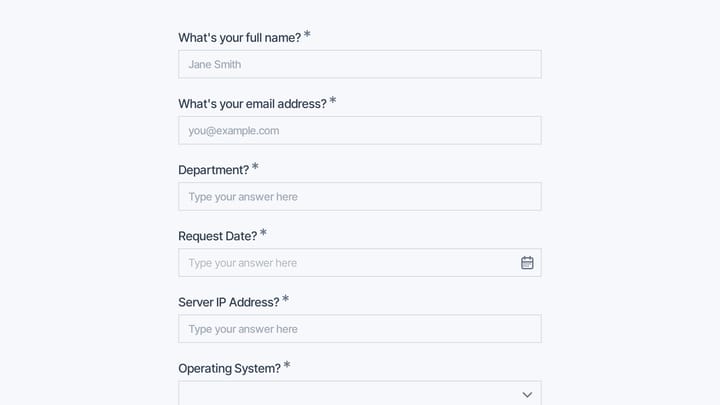
Take control of your organization's security with this adaptable form template. It simplifies the process of managing entry requests and permissions, ensuring robust accountability for both physical spaces and digital assets.

Requests Employees Event Registration Technology Office Administrator
0

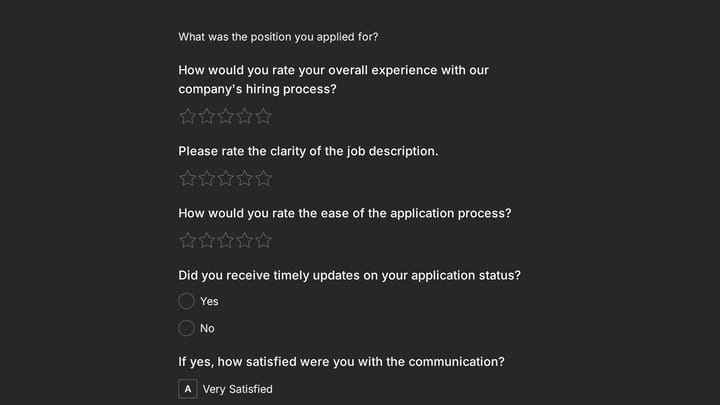
Customer Support Job Application Form

This template is a comprehensive job application form specifically for customer support roles, designed to help you quickly identify top talent. It allows you to gather essential contact details, explore candidate experience with detailed questions, and securely collect resumes and cover letters.

Job Applications Feedback Application Technology Recruiter
0

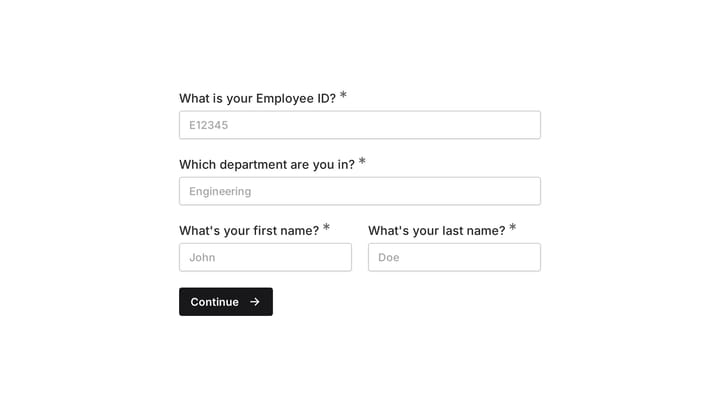
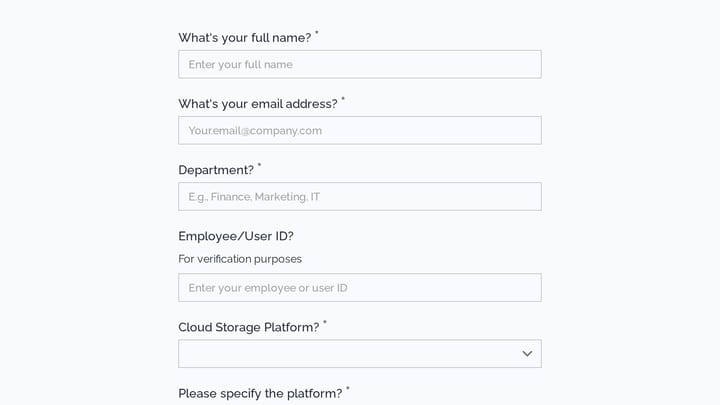
Employee details form

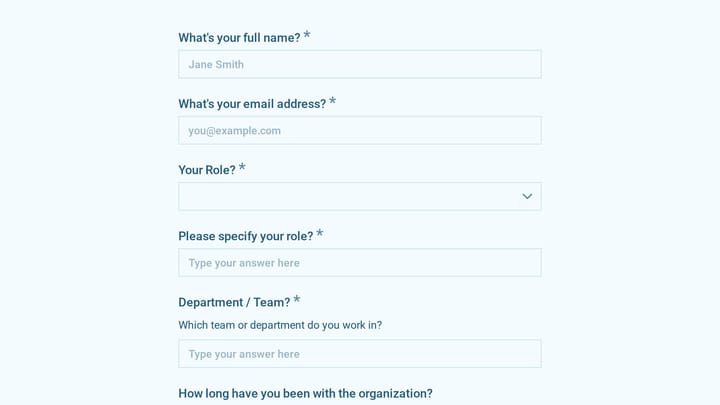
Effortlessly onboard new team members with this customizable employee details form. It helps you quickly gather essential personal, contact, and employment information in a professional, branded experience.

Onboarding Polls Employees Technology HR Manager
0

Employee Equipment Issue Form

Help employees easily report broken or malfunctioning equipment using this online form. It simplifies tracking equipment issues and ensures all requests are handled efficiently.

Employees Onboarding Feedback Technology HR Manager
0

Employee performance appraisal form

Effortlessly conduct meaningful annual reviews with this employee performance appraisal form template. It simplifies collecting detailed feedback on employee strengths, growth opportunities, and key achievements.

Evaluations Orders Feedback Technology HR Manager
0

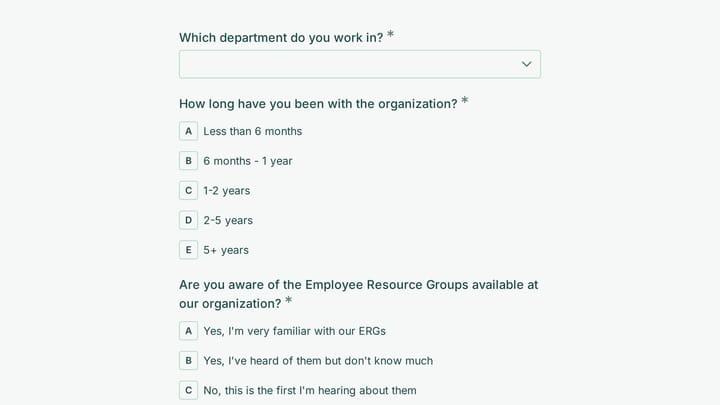
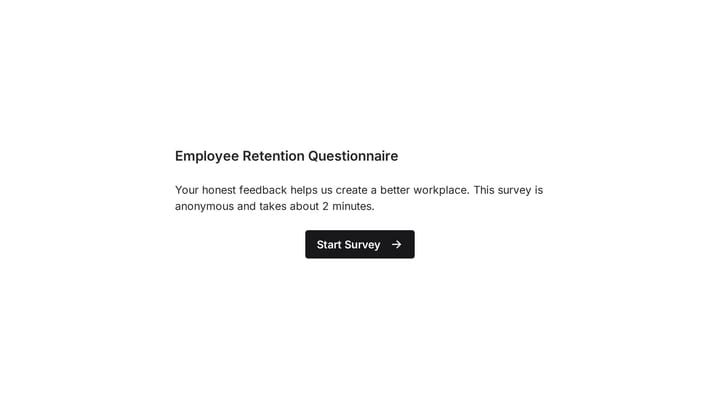
Employee Retention Questionnaire

This employee retention questionnaire helps organizations uncover the key factors that influence staff loyalty and satisfaction. Easily customize it to gather critical feedback and proactively improve your workplace environment.

Feedback Support Polls Technology HR Manager
0

Employee Turnover Survey

Gain deep insights into employee departures with this survey template. Easily collect feedback on job satisfaction, management support, and company culture to identify key improvement areas and reduce turnover.

Surveys Polls Education Technology HR Manager

About Technology Forms

Technology companies use forms to capture leads, onboard users, collect feedback, and provide support. From demo requests and free trial signups to bug reports and feature requests, forms are central to how software businesses interact with prospects and customers throughout the lifecycle.

Tech-savvy users have high expectations for digital experiences. Forms should be fast, intuitive, and seamlessly integrated into your product and marketing touchpoints.

Common Form Types for Technology

  • Demo request and sales inquiry forms
  • Free trial signup forms
  • Feature request and product feedback forms
  • Bug report and support ticket forms
  • User research recruitment forms
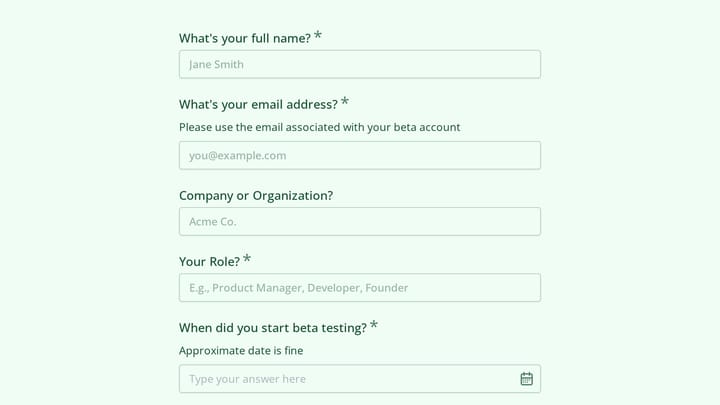
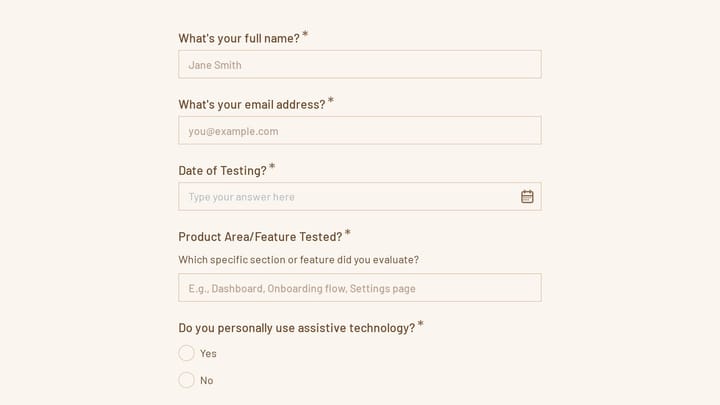
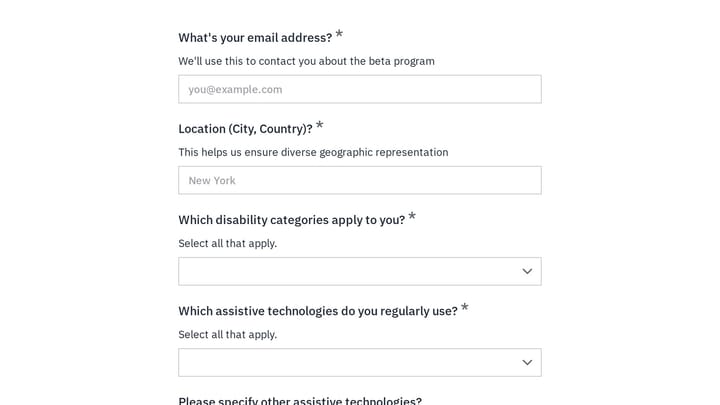
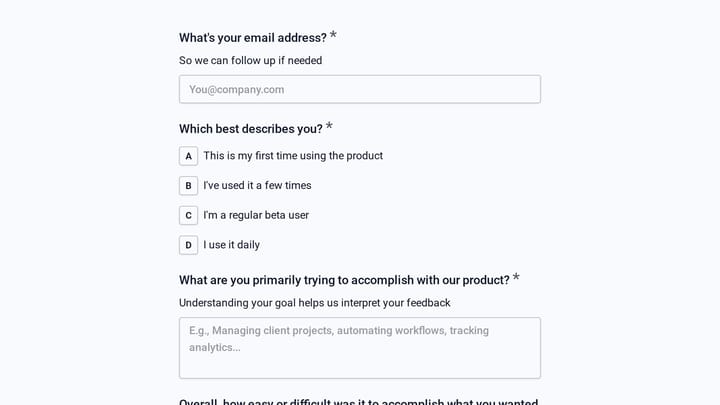
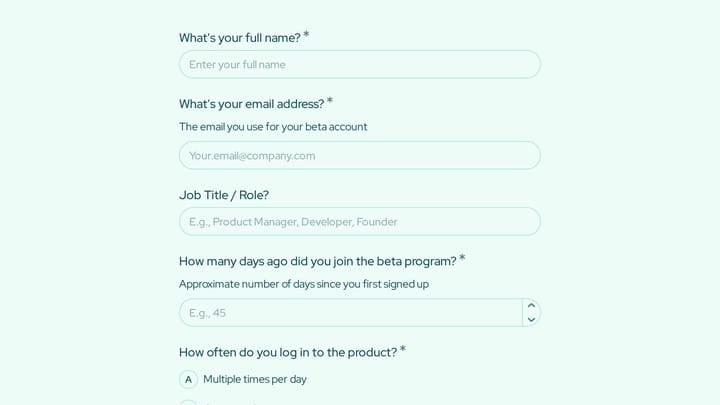
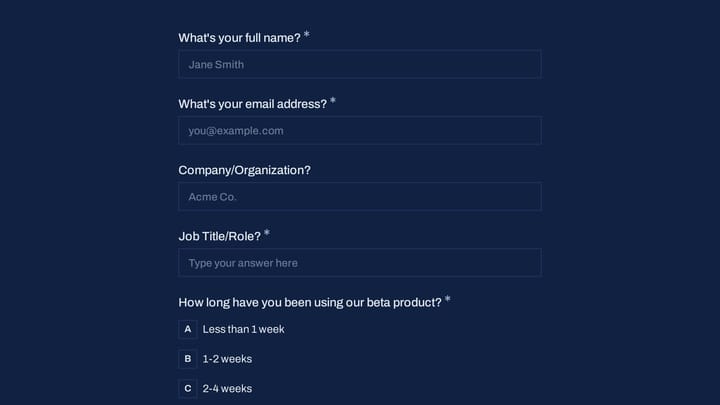
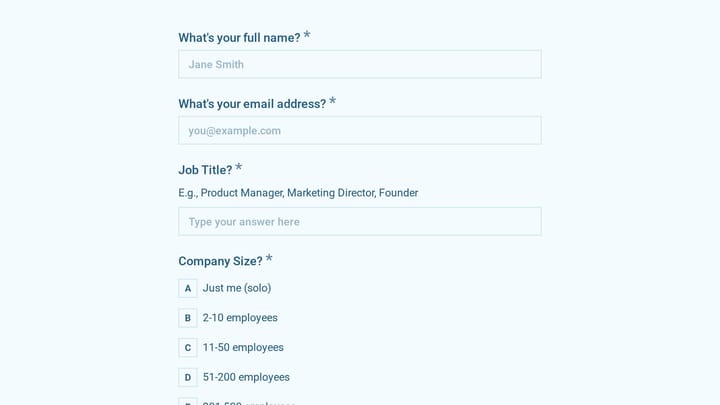
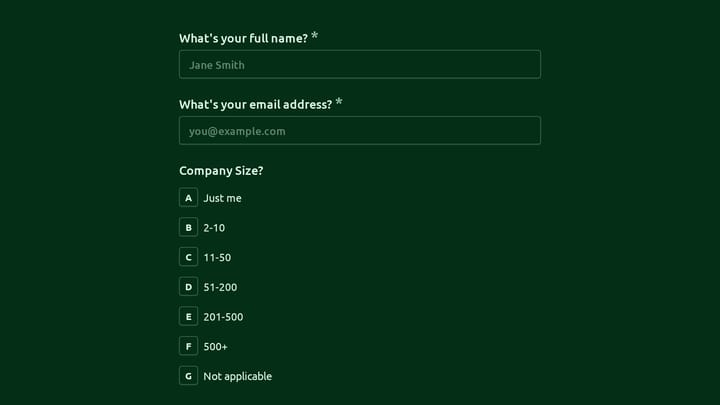
  • Beta tester application forms
  • Integration partnership inquiries
  • Technical support request forms

Who Uses Technology Forms?

Tech companies across stages use these forms. SaaS startups capture product demo leads. Enterprise software vendors process evaluation requests. Mobile app developers collect user feedback. IT service providers manage support tickets. Developer tool companies onboard new users.

Building Forms for Technology

Tech audiences expect polished experiences—your forms should match your product's quality. Keep forms short and eliminate unnecessary fields. Use progressive disclosure to collect more information over time. Integrate with your CRM and support systems automatically. Pre-fill known information for logged-in users. Test forms thoroughly across devices and browsers since technical users will notice issues.

Frequently asked questions

What is a form template?

A form template is a pre-designed form structure that you can use as a starting point for creating your own forms. Templates include pre-configured fields, layouts, and styling that are tailored for specific use cases, saving you time and ensuring best practices are followed. Simply select a template, customize it to match your needs, and publish it to start collecting responses.

How do I customize this template?

Customizing a template is easy with our drag-and-drop editor. Click "Use Template" to open the form in the editor where you can add, remove, or rearrange fields, change colors and fonts to match your brand, update question text and descriptions, configure validation rules, and set up email notifications. All changes are saved automatically, and you can preview your form at any time before publishing.

Is this template free to use?

Yes, all our form templates are completely free to use. You can create unlimited forms from any template on our free plan. Some advanced features like file uploads, custom domains, and removing branding require a paid plan, but the core form functionality and templates are available to everyone at no cost.

Can I use this template for my business?

Absolutely! Our templates are designed for both personal and business use. Whether you're a freelancer, small business, or enterprise, you can use any template to collect leads, gather feedback, process applications, or handle any other form-based workflow. For business use, we recommend our Pro plan which includes features like custom branding, advanced analytics, and priority support.

How do I share my form after creating it?

Once you've customized and published your form, you have several sharing options. You can copy the direct link to share via email, social media, or messaging apps. You can also embed the form on your website using our embed code, or use a QR code for offline materials. All sharing options are available from your form's settings page after publishing.

Ready to create your first Fomr?

Your next form deserves better than a white page with dropdowns. Build something people actually want to fill out.