Emergency Evacuation Check-In

This emergency evacuation check-in form helps building teams confirm who has reached a safe assembly point, record headcounts, and identify urgent medical or accountability issues during an evacuation. It is designed for fast mobile check-…

Use Template
Used 0 times
Created by Fomr Team
Last updated

About

An emergency evacuation check-in form gives safety teams a fast, structured way to confirm who has exited the building and where they are gathered. This template is built for corporate offices and shared facilities where evacuation accountability needs to happen quickly, clearly, and with as little friction as possible.

The form captures the details responders and managers need in the moment, including employee name, department, floor or office location, current assembly point, arrival time, and a reachable mobile number. It also includes questions about medical attention and whether anyone may still be inside, helping teams surface urgent issues without relying on scattered verbal updates.

Because the questions are straightforward and mobile-friendly, employees can check in from the assembly area while coordinators review responses for missing personnel, location patterns, and immediate follow-up needs. You can also adapt the template to match your building layout, department structure, and evacuation procedures.
Related Templates

View all →
Body Measurement Form preview

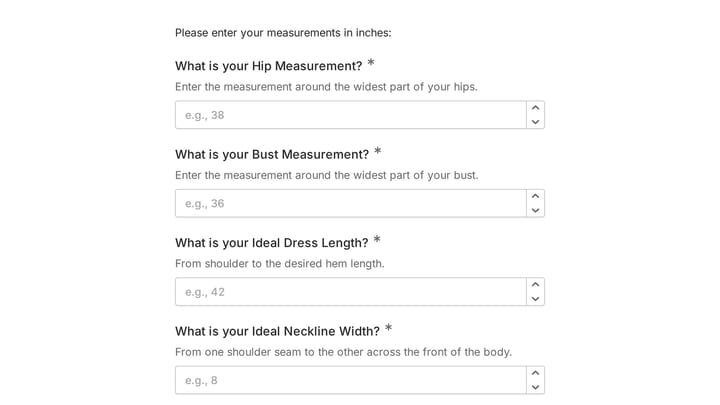
Body Measurement Form

This body measurement form provides a straightforward way to record essential physical dimensions. It's an ideal tool for custom clothing design, fitness tracking, or monitoring personal progress with precision.

Address form preview

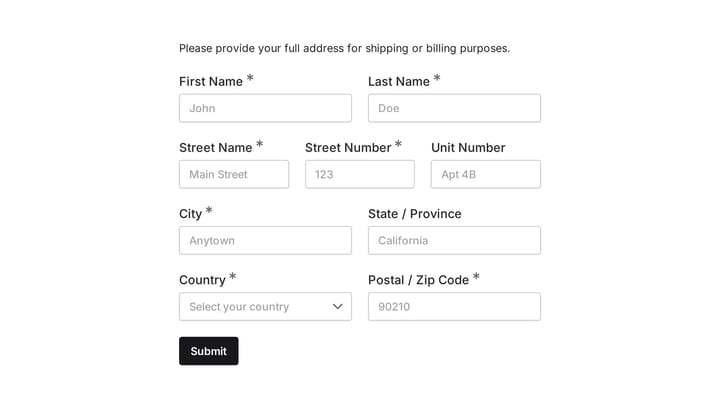
Address form

Quickly and accurately collect full shipping and billing addresses with this versatile template. It's designed for businesses that need reliable customer location details for deliveries, invoicing, or organized record-keeping.

employee coaching form preview

employee coaching form

Cultivating a culture of continuous learning and development is vital for any organization. This employee coaching form template simplifies the process, making it easy for team members to proactively request guidance and define their career aspirations.

Employee details form preview

Employee details form

Effortlessly onboard new team members with this customizable employee details form. It helps you quickly gather essential personal, contact, and employment information in a professional, branded experience.

Frequently asked questions

What is this emergency evacuation check-in used for?

This template is used to collect structured responses for a emergency evacuation check-in workflow. It gives teams a consistent format for gathering the information they need and reviewing submissions more efficiently.

What information should I collect first?

Start with the most important details people can answer quickly, then move into the more specific questions. In this template, that can include items such as Full Name, Employee ID (Optional), Department depending on how you customize it.

Can I customize this template for my own workflow?

Yes. You can adapt the questions, required fields, and structure to fit your process while keeping the overall flow clear and easy to complete. That makes it useful as both a starting point and a publish-ready template.

How many questions should a form like this include?

Keep only the questions that directly support the purpose of the form. Shorter forms usually get better completion rates, so it is often better to collect the essentials first and ask for extra details later if needed.

Why use a structured template instead of building from scratch?

A structured template helps you move faster and keeps your submissions more consistent. It also reduces the chance of missing important details because the form already follows a logical order.

Ready to create your first Fomr?

Your next form deserves better than a white page with dropdowns. Build something people actually want to fill out.