Patient Elopement Report

A patient elopement report form helps healthcare teams document when a patient goes missing, capture immediate risk details, and coordinate the response. Use it to record key patient information, legal hold status, timing, and follow-up ac…

Use Template
Used 0 times
Created by Fomr Team
Last updated

About

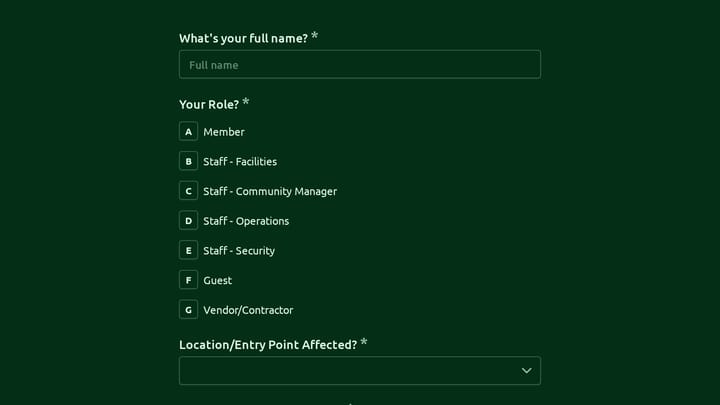
This patient elopement report form is designed for crisis centers, behavioral health settings, hospitals, and other care teams that need to document a missing patient quickly and thoroughly. It gives staff a clear way to record who reported the incident, when the patient was discovered missing, the approximate time of elopement, and the patient's identifying details without relying on scattered notes or verbal handoff alone.

The template supports the kind of information that matters most in an elopement event, including admission status, legal hold details, patient demographics, direct contact information for the reporting staff member, and other core incident facts. It can also be adapted to include risk assessment items, medication considerations, search efforts, mobile crisis team dispatch details, and notifications to internal leadership or outside agencies.

Using a consistent patient elopement report form helps reduce missed details during a high-pressure situation and creates a more complete record for follow-up review. Teams can customize the form to match local policy, reporting requirements, and escalation workflows while keeping the reporting process fast, organized, and easy to audit.
Related Templates

View all →
Body Measurement Form preview

Body Measurement Form

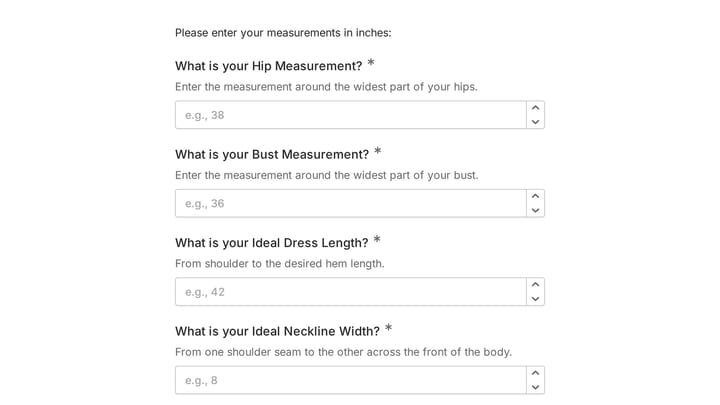
This body measurement form provides a straightforward way to record essential physical dimensions. It's an ideal tool for custom clothing design, fitness tracking, or monitoring personal progress with precision.

Address form preview

Address form

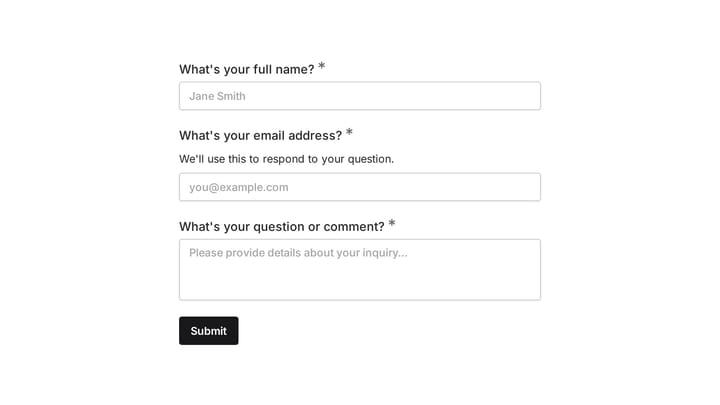
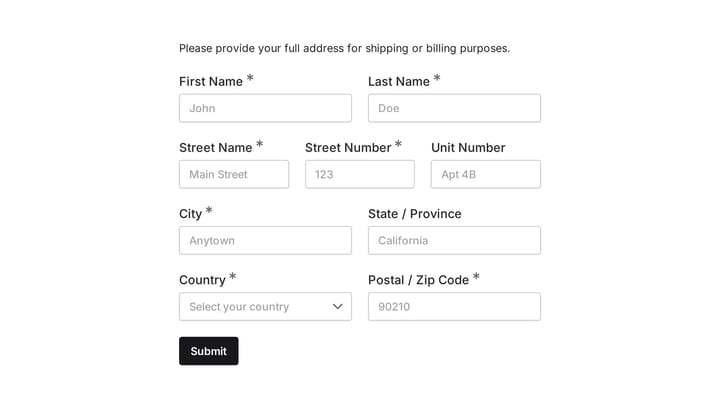
Quickly and accurately collect full shipping and billing addresses with this versatile template. It's designed for businesses that need reliable customer location details for deliveries, invoicing, or organized record-keeping.

Daily report form preview

Daily report form

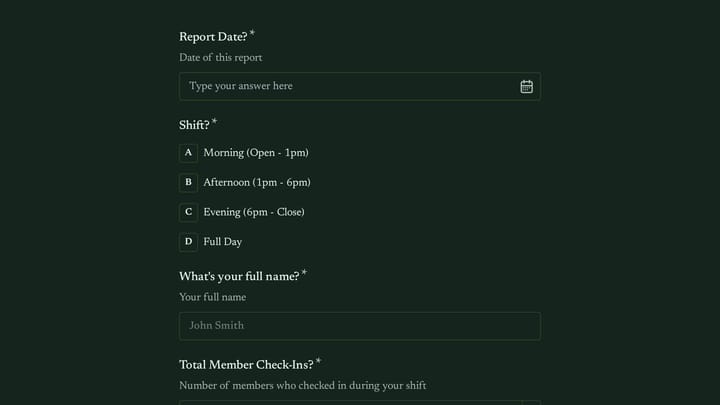
Give your staff a simple, consistent way to submit daily updates using this customizable report form template. Tailor it precisely to your needs, ensuring all crucial information is captured effortlessly.

Employee Coaching Form preview

Employee Coaching Form

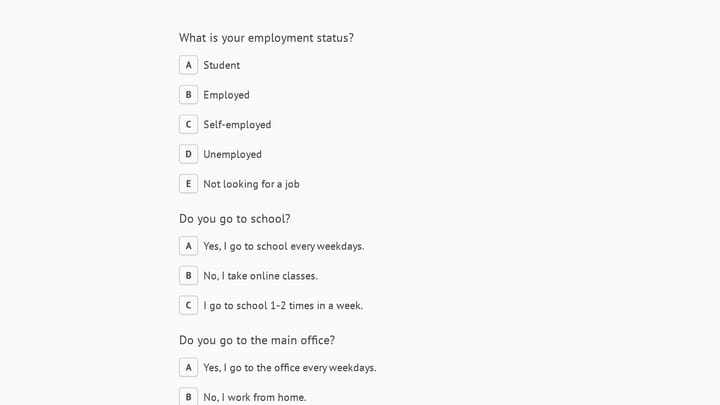
Use this employee coaching form to document key takeaways from 1:1 coaching sessions, including goals, action steps, obstacles, confidence level, and the next meeting date. It gives managers, HR teams, and coaches a clear, repeatable way t…

Frequently asked questions

What is this patient elopement report used for?

This template is used to collect structured responses for a patient elopement report workflow. It gives teams a consistent format for gathering the information they need and reviewing submissions more efficiently.

What information should I collect first?

Start with the most important details people can answer quickly, then move into the more specific questions. In this template, that can include items such as Your Full Name, Job Title/Role, Direct Contact Number depending on how you customize it.

Can I customize this template for my own workflow?

Yes. You can adapt the questions, required fields, and structure to fit your process while keeping the overall flow clear and easy to complete. That makes it useful as both a starting point and a publish-ready template.

How many questions should a form like this include?

Keep only the questions that directly support the purpose of the form. Shorter forms usually get better completion rates, so it is often better to collect the essentials first and ask for extra details later if needed.

Why use a structured template instead of building from scratch?

A structured template helps you move faster and keeps your submissions more consistent. It also reduces the chance of missing important details because the form already follows a logical order.

What makes an application form easier to review?

Clear questions and a predictable structure make application forms easier to review because every respondent submits information in the same format. That helps teams compare answers fairly and move through evaluations more quickly.

Ready to create your first Fomr?

Your next form deserves better than a white page with dropdowns. Build something people actually want to fill out.