Event Production Vendor Evaluation

Use this event production vendor evaluation template to review setup performance, equipment quality, punctuality, and overall service after an event. It gives planners and operations teams a consistent way to document vendor performance an…

Use Template
Used 0 times
Created by Fomr Team
Last updated

About

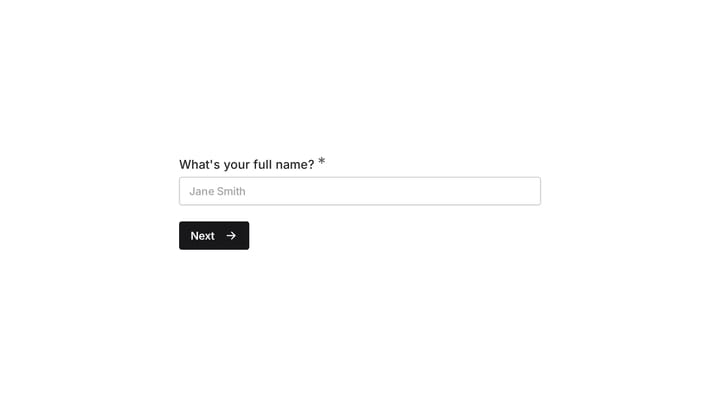
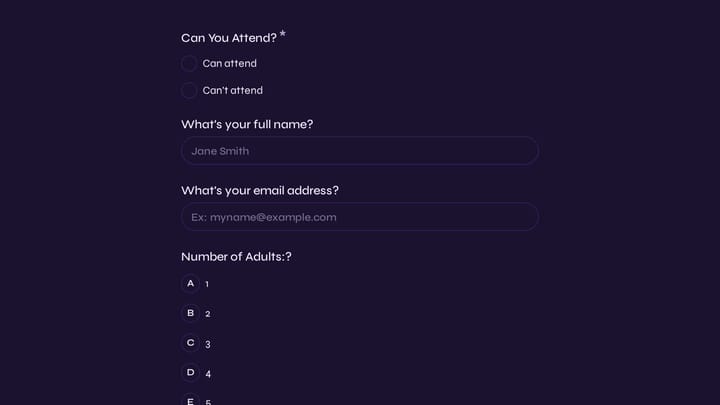
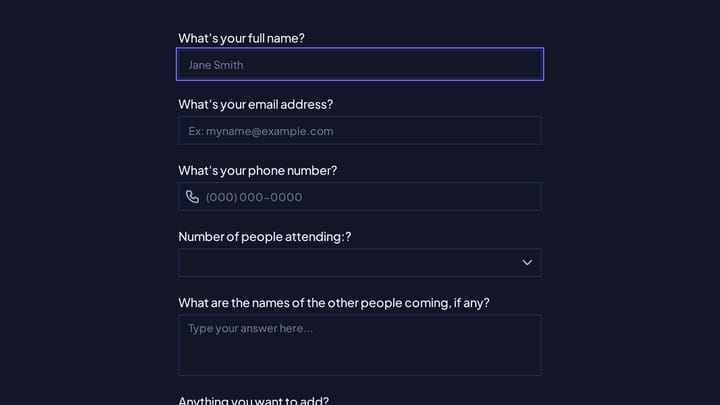
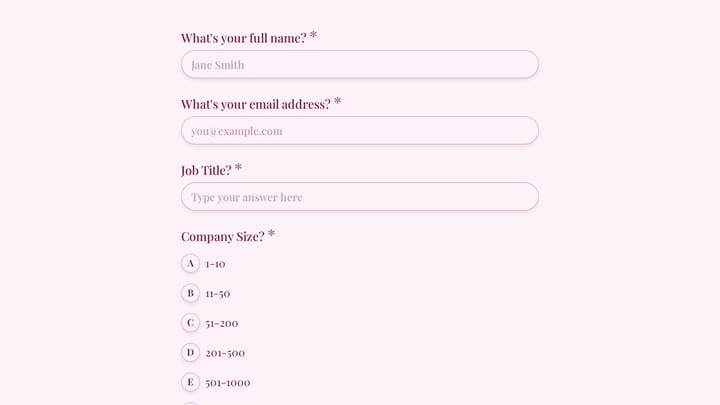
This event production vendor evaluation template is built for teams that need a clear record of how vendors performed before and during an event. It captures the basics like event name, date, vendor name, and service type, then moves into practical scoring areas such as arrival and punctuality, setup efficiency, and equipment condition.

The layout works well for post-event reviews of AV crews, lighting teams, stage and rigging providers, video vendors, and display suppliers. Instead of relying on scattered notes, you get a consistent scorecard that makes it easier to review whether setup was completed on time, whether equipment worked properly, and whether any issues affected the event experience.

If you are looking for a course evaluation form style approach, this template uses a similar structure: quick ratings, clear context fields, and space for issue notes. That makes it easy to complete, easy to compare across events, and useful for identifying which vendors are dependable under real event conditions.
Related Templates

View all →
Event Volunteer Form preview

Event Volunteer Form

Streamline your event planning by effortlessly collecting all the crucial details from your potential volunteers. This customizable form simplifies sign-ups, helping you build a supportive and well-organized team.

employee coaching form preview

employee coaching form

Cultivating a culture of continuous learning and development is vital for any organization. This employee coaching form template simplifies the process, making it easy for team members to proactively request guidance and define their career aspirations.

Account Opening Form preview

Account Opening Form

Easily open new financial accounts and gather all necessary customer information with this intuitive form template. It's perfect for banks, credit unions, and any financial institution looking to simplify their onboarding process.

Employee details form preview

Employee details form

Effortlessly onboard new team members with this customizable employee details form. It helps you quickly gather essential personal, contact, and employment information in a professional, branded experience.

Frequently asked questions

What is this event production vendor evaluation used for?

This template is used to collect structured responses for a event production vendor evaluation workflow. It gives teams a consistent format for gathering the information they need and reviewing submissions more efficiently.

What information should I collect first?

Start with the most important details people can answer quickly, then move into the more specific questions. In this template, that can include items such as Event Name, Event Date, Vendor/Supplier Name depending on how you customize it.

Can I customize this template for my own workflow?

Yes. You can adapt the questions, required fields, and structure to fit your process while keeping the overall flow clear and easy to complete. That makes it useful as both a starting point and a publish-ready template.

How many questions should a form like this include?

Keep only the questions that directly support the purpose of the form. Shorter forms usually get better completion rates, so it is often better to collect the essentials first and ask for extra details later if needed.

Why use a structured template instead of building from scratch?

A structured template helps you move faster and keeps your submissions more consistent. It also reduces the chance of missing important details because the form already follows a logical order.

How does this help with feedback analysis?

A structured feedback form makes it easier to compare ratings, comments, and recurring themes across responses. That helps teams identify what is working well, where friction exists, and what improvements to prioritize next.

Ready to create your first Fomr?

Your next form deserves better than a white page with dropdowns. Build something people actually want to fill out.