
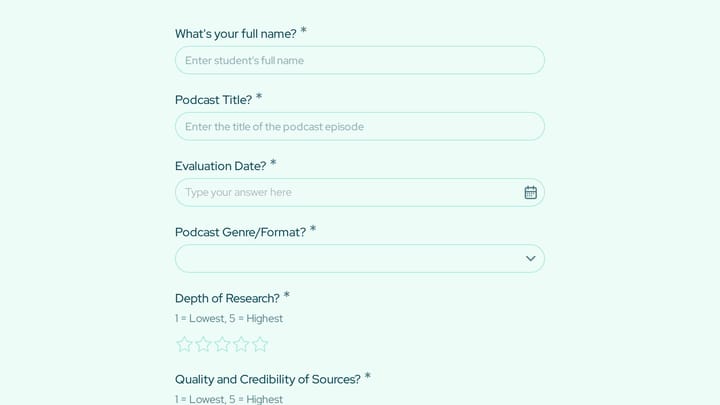
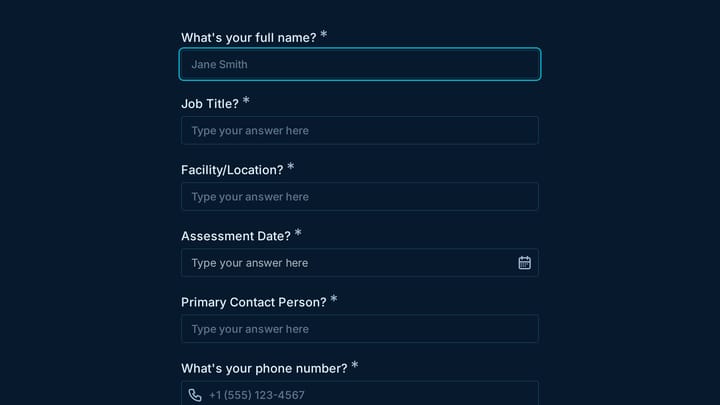
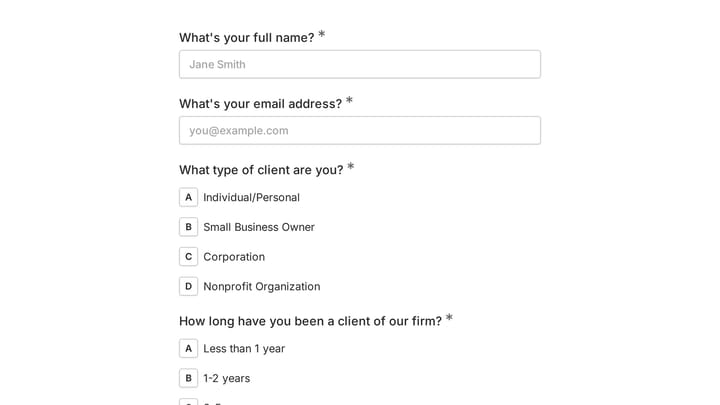
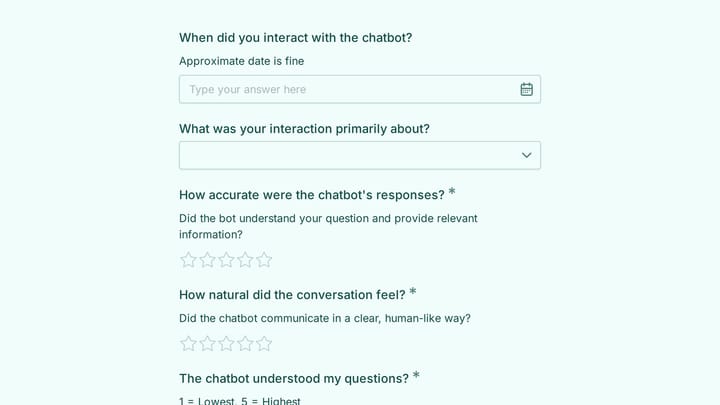

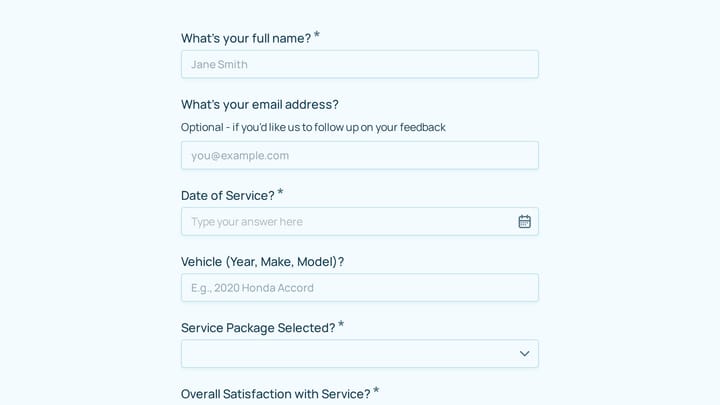
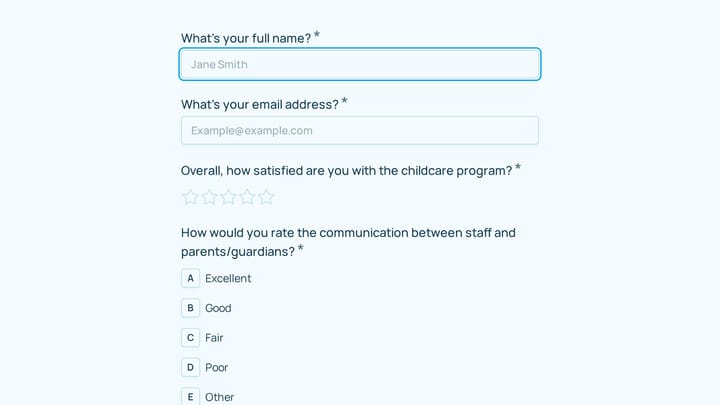
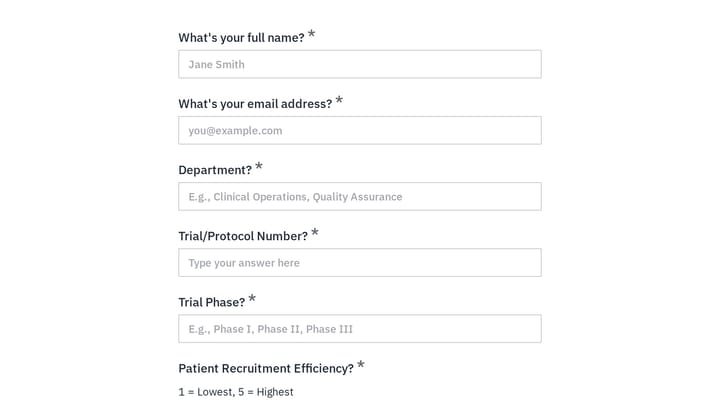
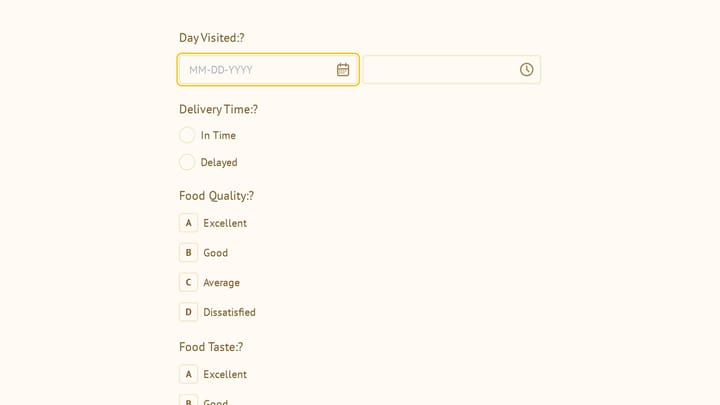
Evaluation Forms Templates

Free evaluation form templates for performance reviews and assessments. Create forms that measure what matters.

0

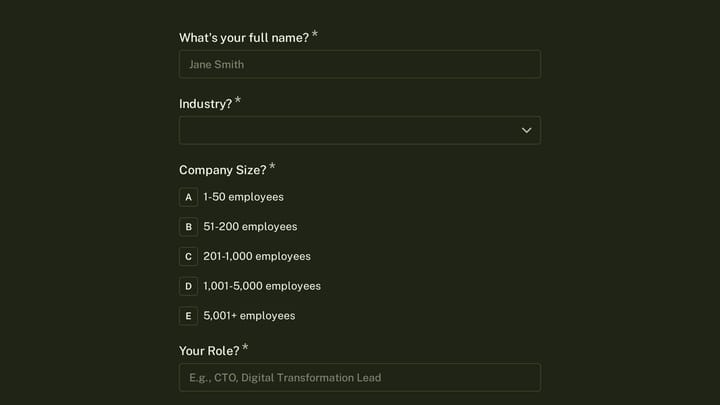
Employee performance appraisal form

Effortlessly conduct meaningful annual reviews with this employee performance appraisal form template. It simplifies collecting detailed feedback on employee strengths, growth opportunities, and key achievements.

Evaluations Orders Feedback Technology HR Manager
0

Employee Performance Survey

This template empowers organizations to gather vital feedback on employee performance. Use the insights to identify team strengths and areas for growth, fostering development and addressing issues proactively.

Surveys Feedback Evaluations Education HR Manager

About Evaluation Forms

Evaluation forms provide a structured framework for assessing performance, quality, and outcomes. Whether you're conducting employee reviews, measuring program effectiveness, or grading student work, evaluations create consistency and objectivity in the assessment process. They turn subjective opinions into measurable data that drives improvement.

HR teams use evaluations for performance management. Educational institutions assess student progress. Healthcare organizations measure care quality. Training programs evaluate learning outcomes.

Common Use Cases

  • Employee performance reviews and 360-degree feedback
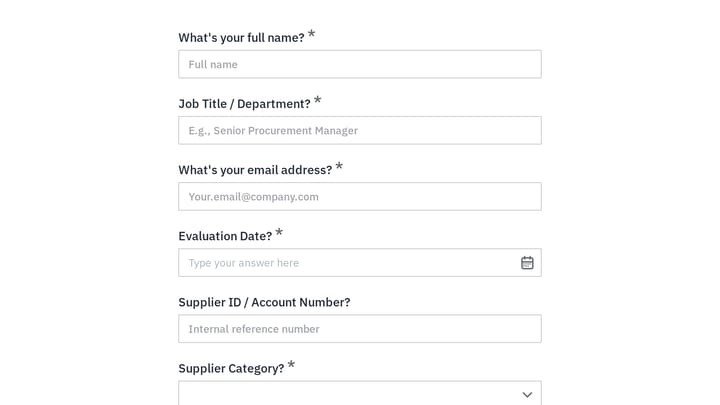
  • Vendor and supplier assessments
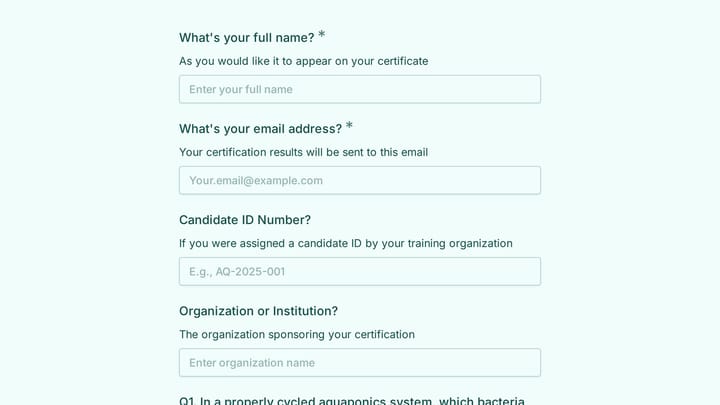
  • Training program effectiveness evaluations
  • Student and academic performance assessments
  • Project post-mortem and retrospective reviews
  • Service quality audits
  • Self-assessment and personal development reviews

Who Uses Evaluation Forms?

Organizations focused on continuous improvement rely on evaluations. Consulting firms assess project outcomes. Fitness trainers evaluate client progress. Event planners measure event success. Manufacturing companies conduct quality inspections. Non-profits assess program impact.

Building Effective Evaluation Forms

Strong evaluations use consistent rating scales and clear criteria. Define what "excellent" versus "needs improvement" actually looks like for each dimension being assessed. Balance quantitative ratings with qualitative comments to capture nuance. Consider using weighted criteria when some factors matter more than others. Schedule evaluations regularly to track progress over time.

Frequently asked questions

What is a form template?

A form template is a pre-designed form structure that you can use as a starting point for creating your own forms. Templates include pre-configured fields, layouts, and styling that are tailored for specific use cases, saving you time and ensuring best practices are followed. Simply select a template, customize it to match your needs, and publish it to start collecting responses.

How do I customize this template?

Customizing a template is easy with our drag-and-drop editor. Click "Use Template" to open the form in the editor where you can add, remove, or rearrange fields, change colors and fonts to match your brand, update question text and descriptions, configure validation rules, and set up email notifications. All changes are saved automatically, and you can preview your form at any time before publishing.

Is this template free to use?

Yes, all our form templates are completely free to use. You can create unlimited forms from any template on our free plan. Some advanced features like file uploads, custom domains, and removing branding require a paid plan, but the core form functionality and templates are available to everyone at no cost.

Can I use this template for my business?

Absolutely! Our templates are designed for both personal and business use. Whether you're a freelancer, small business, or enterprise, you can use any template to collect leads, gather feedback, process applications, or handle any other form-based workflow. For business use, we recommend our Pro plan which includes features like custom branding, advanced analytics, and priority support.

How do I share my form after creating it?

Once you've customized and published your form, you have several sharing options. You can copy the direct link to share via email, social media, or messaging apps. You can also embed the form on your website using our embed code, or use a QR code for offline materials. All sharing options are available from your form's settings page after publishing.

Ready to create your first Fomr?

Your next form deserves better than a white page with dropdowns. Build something people actually want to fill out.